
Community listing page, reviews here may not be monitored by the author.
Stream camera

No reviews yet
This mod lets one player act as a dedicated server camera, broadcasting your world’s action to Twitch, YouTube, or any platform — without affecting anyone else’s gameplay. Perfect for cinematics, events, or non-stop server coverage.
Community voices
Reviews
No reviews yet. Be the first to review this project!
Get it on
Available Platforms
Compatibility
Supported Environments
Must be installed on both the client and the server.
About
Project Details
For authors
Embed Badge
If you're the author of this project, you can embed a live badge anywhere that supports HTML or Markdown. It updates automatically whenever ratings change.
Use HTML for any page that supports it, or Markdown for README files and Markdown-based descriptions.
Identifiers
Platform IDs
About
Description
[ENG]
Stream Camera — a mod for streaming in OBS
What it does
- Disables auto-pause — the game does not pause if the Minecraft window loses focus (for example, if you switch to OBS or a browser).
- Blocks the pause screen — the pause menu does not appear when the window is minimized.
- Removes blur when the pause screen opens (a clean frame without effects).
- Cyclic teleportation between waypoints — automatically moves the player between pre-saved positions at a set interval. Perfect for beautiful fly-by camera shots in spectator mode.
- Manual control — you can switch to the next or previous waypoint at any time.
Requirements
- The player must be an operator (admin) on the server or in single-player mode (via
/opor enabled cheats). - Spectator mode is recommended (
/gamemode spectator) — this ensures smooth teleportation and prevents interference with controls. - The mod is designed for streaming via OBS.
- Required on both the server and client (but not necessarily for all players on the server)
Controls (default keys)
| Key | Action |
|---|---|
| F6 | Start / stop automatic teleportation cycle |
| F7 | Save current position and rotation as a waypoint |
| F8 | Reload settings from config (e.g., interval) |
| ↑ (up arrow) | Force teleport to the next point |
| ↓ (down arrow) | Force teleport to the previous point |
Configuration
All files are stored in the config/stream_camera/ folder:
settings.toml— mod settings (currently only the interval between automatic teleports in seconds).points— a folder containing saved points (coordinates + rotation) for each server separately. Can be edited manually.server.toml— a list of allowed players for camera mode
How to use
- Enter the world in spectator mode (or at least with operator privileges).
- Stand at the desired point, look in the desired direction → press F7 (save point). Repeat for multiple points.
- Press F6 — the automatic cycle through the points will begin at 2-second intervals (can be changed in the config).
- If you need to switch manually — use the up/down arrows.
- When the stream is over — press F6 to stop.
Notes
- When the teleport cycle is active, the interval counter resets upon manual switching.
- If there are no saved checkpoints, F6 will display a warning.
- The mod works both on the client (single-player) and on the server (requires the server to allow teleportation). For better compatibility, use it on the server with admin privileges.
⚠️ Important Note: This mod is technical and was originally created for a private server. It may contain undocumented bugs, incompatibilities, or incorrect behavior in certain environments. Use at your own risk.
Translated with DeepL.com (free version)
================================================
[RUS]
Stream Camera — мод для стриминга в OBS
Что делает
- Отключает автоматическую паузу — игра не ставится на паузу, если окно Minecraft потеряло фокус (например, вы переключились на OBS или браузер).
- Блокирует экран паузы — меню паузы не появляется при сворачивании окна.
- Убирает размытие (blur) при открытии экрана паузы (чистый кадр без эффектов).
- Циклическая телепортация по точкам — автоматически перемещает игрока по заранее сохранённым позициям с заданным интервалом. Идеально для красивых облётных камер в спектаторе.
- Ручное управление — можно в любой момент переключиться на следующую или предыдущую точку.
Требования
- Игрок должен быть оператором (админом) на сервере или в одиночной игре (через
/opили включённые читы). - Рекомендуется режим spectator (
/gamemode spectator) — так телепортация будет плавной и не будет мешать управлению. - Мод создан для стриминга через OBS.
- Нужен на сервере и клиенте(но не обязательно у всех игроков на сервере)
Управление (клавиши по умолчанию)
| Клавиша | Действие |
|---|---|
| F6 | Запустить / остановить автоматический цикл телепортации |
| F7 | Сохранить текущую позицию и поворот как точку |
| F8 | Перезагрузить настройки из конфига (например, интервал) |
| ↑ (стрелка вверх) | Принудительно телепортироваться на следующую точку |
| ↓ (стрелка вниз) | Принудительно телепортироваться на предыдущую точку |
Настройка
Все файлы хранятся в папке config/stream_camera/:
settings.toml— параметры мода (пока только интервал между автоматическими телепортами в секундах).points— папка сохранённых точек (координаты + поворот) для каждого сервера отдельно. Можно редактировать вручную.server.toml— список разрешеных игроков для режима камеры
Как использовать
- Зайдите в мир в режиме spectator (или хотя бы с правами оператора).
- Встаньте в нужную точку, посмотрите в нужную сторону → нажмите F7 (сохранить точку). Повторите для нескольких точек.
- Нажмите F6 — начнётся автоматический проход по точкам с интервалом 2 секунды (можно изменить в конфиге).
- Если нужно переключиться вручную — используйте стрелки вверх/вниз.
- Когда стрим закончится — нажмите F6 для остановки.
Примечания
- При активном цикле телепортации счётчик интервала сбрасывается при ручном переключении.
- Если нет ни одной сохранённой точки, F6 покажет предупреждение.
- Мод работает как на клиенте (одиночная игра), так и на сервере (требуется, чтобы сервер разрешал телепортацию). Для лучшей совместимости используйте на сервере с правами администратора.
⚠️ Важное примечание: данный мод является техническим и изначально создавался для личного сервера. Он может содержать недокументированные баги, несовместимости или некорректное поведение в некоторых окружениях. Используйте на свой страх и риск.
Screenshots
Gallery
-
 preventing unauthorized access if a user has downloaded a mod but it is not listed in the server configuration
 -
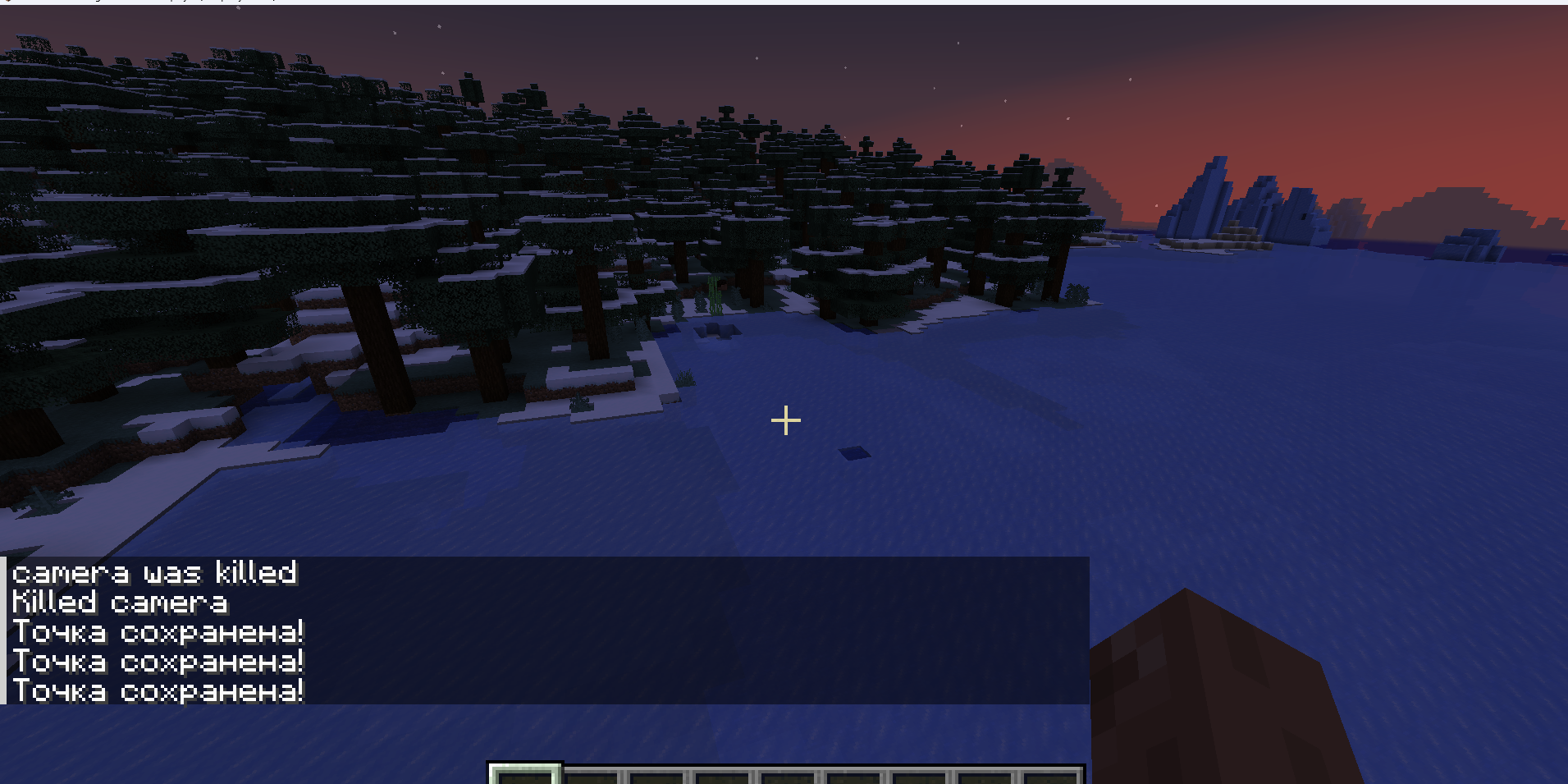 save point Pressing F7 saves the camera's coordinates and angle for future teleportation
 -
 Teleport without a timer Clicking the up and down arrows allows the player to teleport without waiting for the timer
 -
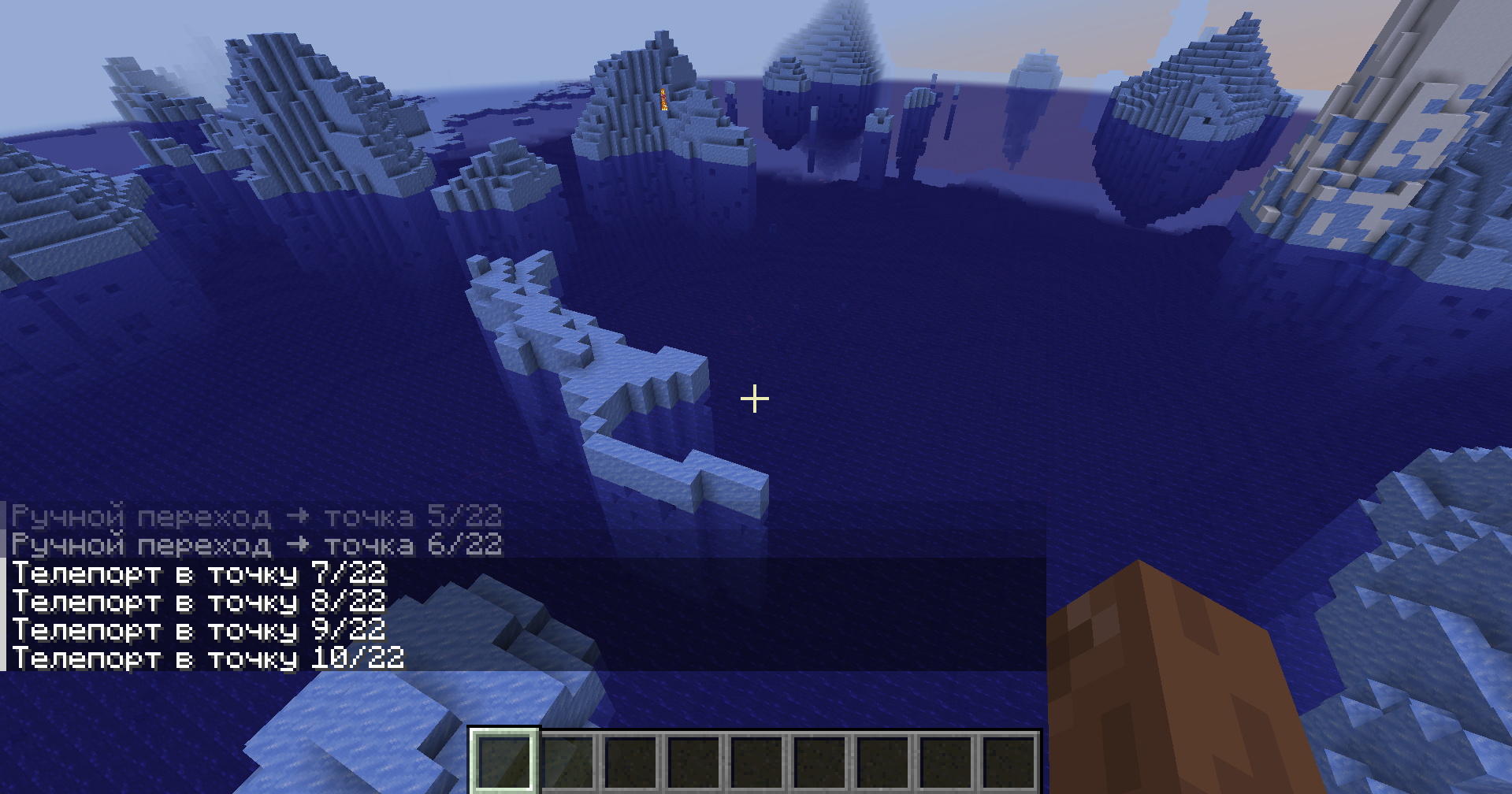 How Teleportation Works After a set amount of time (specified in seconds in the configuration), the camera is teleported to the specified location.
 -
 Separation of saved points Point coordinates are stored on the client separately for each server
 -
 All function Save point(xyz,pitch,yaw) teleport to point start\stop teleport
Versions
Files
Relations
Project Relations
More like this
Similar Mods
Suggestions use data such as tags, dependencies, dependents, descriptions, titles, and more to rank how much they overlap with this mod.
On ModDex
Community snapshot
By the numbers
Statistics

Want to reach Minecraft players?
We're looking for a server hosting partner to feature here and other parts of the site. Interested? Send us a message!
Get in touchGet it on
Available Platforms
On ModDex
Community snapshot
By the numbers