
Community listing page, reviews here may not be monitored by the author.
Stream Control


No reviews yet
Stream Control lets your Twitch chat control Minecraft in real time with movement, actions, custom key inputs, and Bits-based mob spawns.
Community voices
Reviews
No reviews yet. Be the first to review this project!
Get it on
Available Platforms
Compatibility
Supported Environments
Runs entirely on the client. Works on vanilla servers.
About
Project Details
For authors
Embed Badge
If you're the author of this project, you can embed a live badge anywhere that supports HTML or Markdown. It updates automatically whenever ratings change.
Use HTML for any page that supports it, or Markdown for README files and Markdown-based descriptions.
Identifiers
Platform IDs
Resources
External Links
About
Description
Stream Control turns your Minecraft world into a live Twitch experience. It lets viewers jump in and influence the game right from chat and Bits. Instead of just watching, your audience can actually participate—trigger movements, actions, and custom key inputs in real time. It pulls off chaotic, funny, and highly engaging moments for streams, videos, and community events.
The mod is built for streamers who want a straightforward but powerful way to link Twitch chat to gameplay. You can set up your own command system, map chat inputs to specific in-game actions, and tweak how viewers interact with your character. Whether you’re aiming for organized participation or total chat-driven chaos, Stream Control gives you flexible tools to shape the vibe.
Besides chat controls, there’s a configurable Bits/cheer system that can spawn chosen mobs in your world when viewers cheer. You can create different Bits tiers, pick which mobs show up, adjust how many spawn, and set limits like radius and total spawns. It’s perfect for reward moments, challenge events, or high-energy streams that respond to viewer support.
Everything happens in an in-game config menu, so you don’t have to touch files. The mod includes Twitch channel and OAuth setup, a connection test, editable control bindings, mob and spawn settings, an in-game guide, and a self-test to make sure everything runs smoothly before you go live.
Stream Control is all about making streams more interactive, a bit more unpredictable, and a lot more entertaining, while still keeping you in control of how far viewer involvement goes. If you want Twitch chat to be a real part of your Minecraft game, this mod gives you a clean, practical way to do it.
Stream Control turns your Minecraft world into a live Twitch experience. It lets viewers jump in and influence the game right from chat and Bits. Instead of just watching, your audience can actually participate—trigger movements, actions, and custom key inputs in real time. It pulls off chaotic, funny, and highly engaging moments for streams, videos, and community events.
The mod is built for streamers who want a straightforward but powerful way to link Twitch chat to gameplay. You can set up your own command system, map chat inputs to specific in-game actions, and tweak how viewers interact with your character. Whether you’re aiming for organized participation or total chat-driven chaos, Stream Control gives you flexible tools to shape the vibe.
Besides chat controls, there’s a configurable Bits/cheer system that can spawn chosen mobs in your world when viewers cheer. You can create different Bits tiers, pick which mobs show up, adjust how many spawn, and set limits like radius and total spawns. It’s perfect for reward moments, challenge events, or high-energy streams that respond to viewer support.
Everything happens in an in-game config menu, so you don’t have to touch files. The mod includes Twitch channel and OAuth setup, a connection test, editable control bindings, mob and spawn settings, an in-game guide, and a self-test to make sure everything runs smoothly before you go live.
Stream Control is all about making streams more interactive, a bit more unpredictable, and a lot more entertaining, while still keeping you in control of how far viewer involvement goes. If you want Twitch chat to be a real part of your Minecraft game, this mod gives you a clean, practical way to do it.
Screenshots
Gallery
-
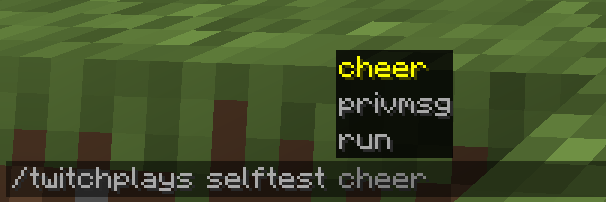 All Selftest Commands These are all the available self-test commands
 -
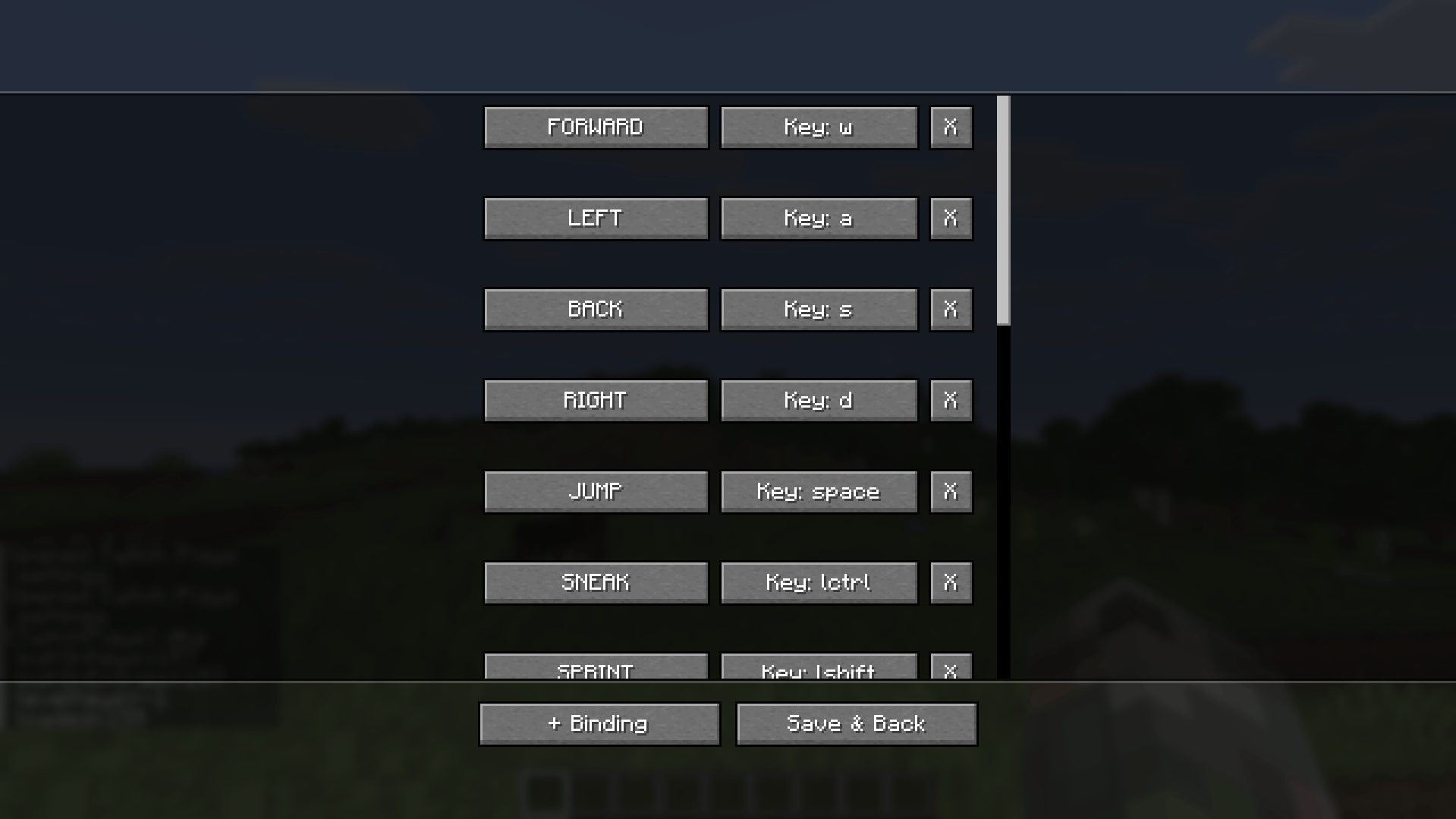
 Key mapping for Twitch chat Here you can customize which keys are used for hotkeys.
 -
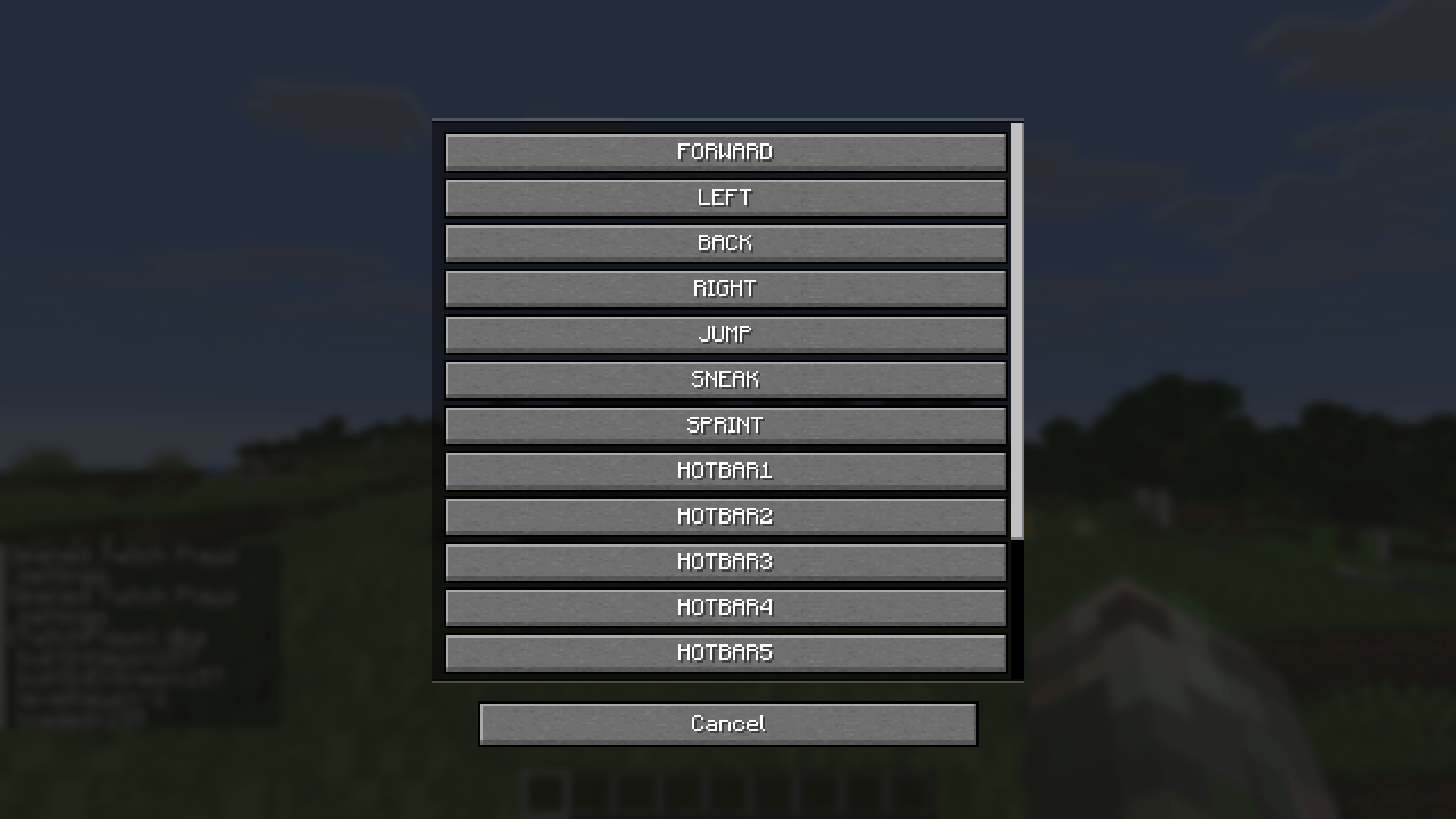 Hotkey customization for Twitch chat Here you can customize the hotkeys, what happens when the Twitch chat sends in keystrokes
 -
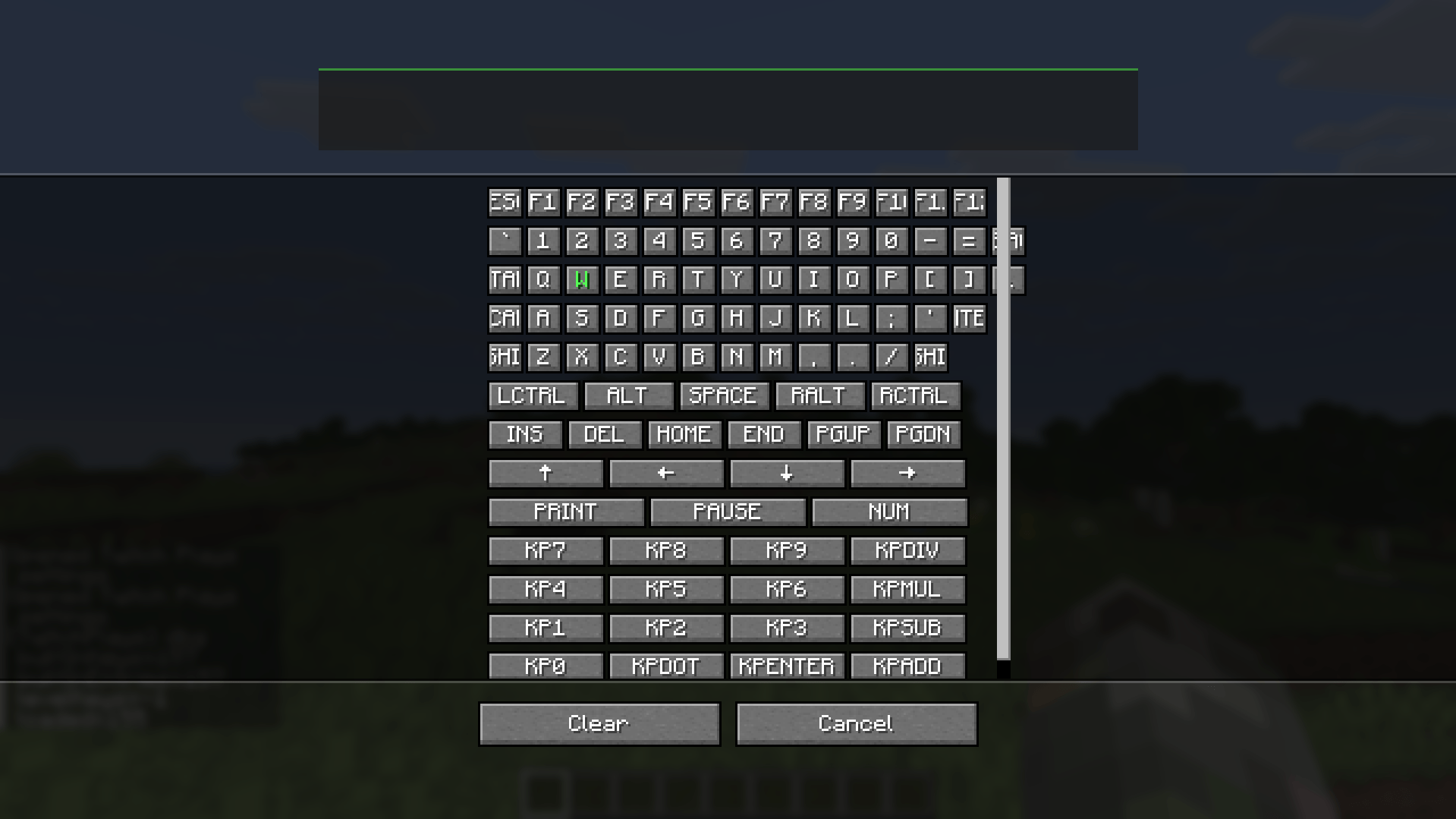
 Key selection/customization Here you can customize the keys for the Twitch chat
 -
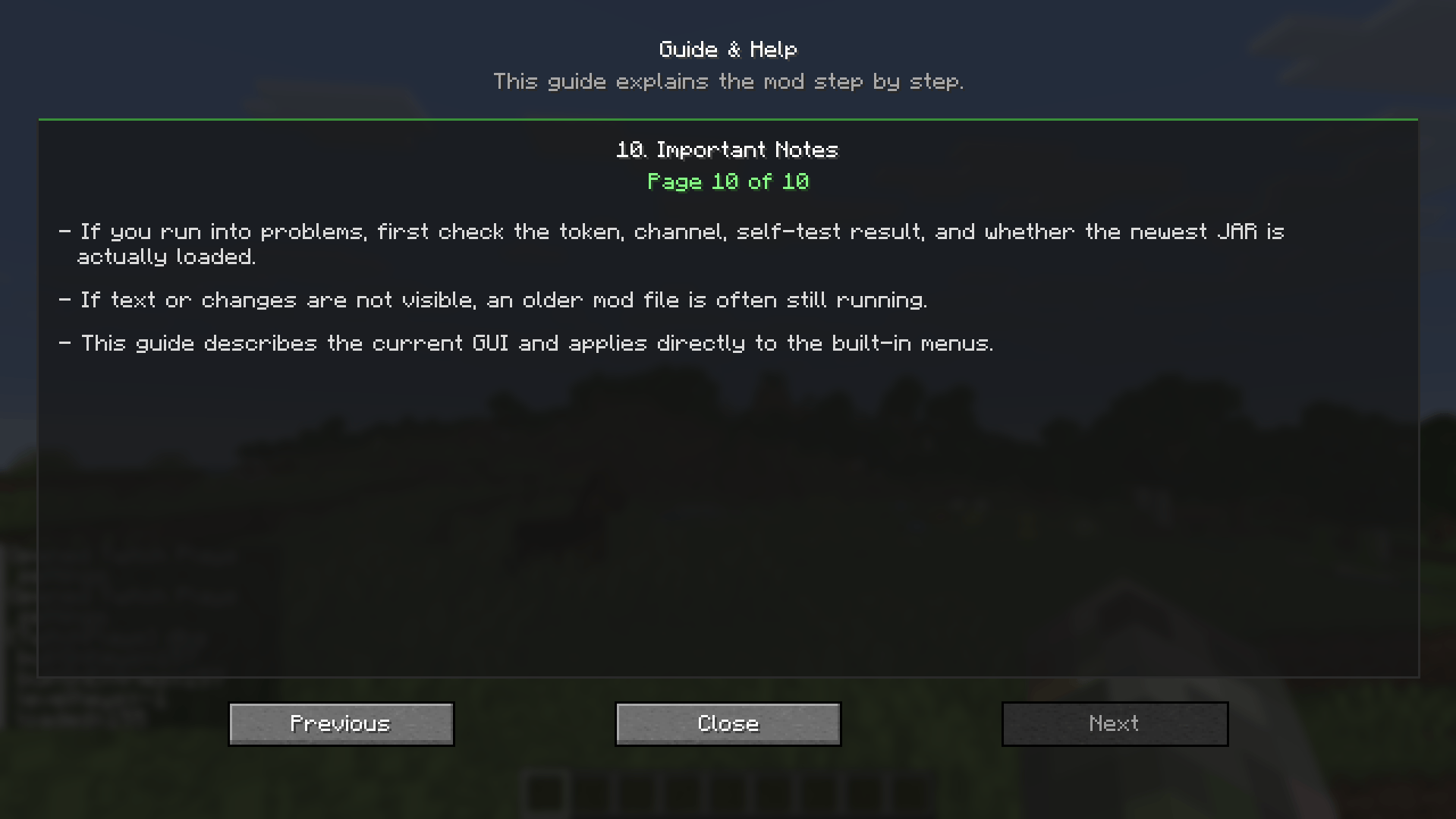 Guide, Page 10 Important Notes
 -
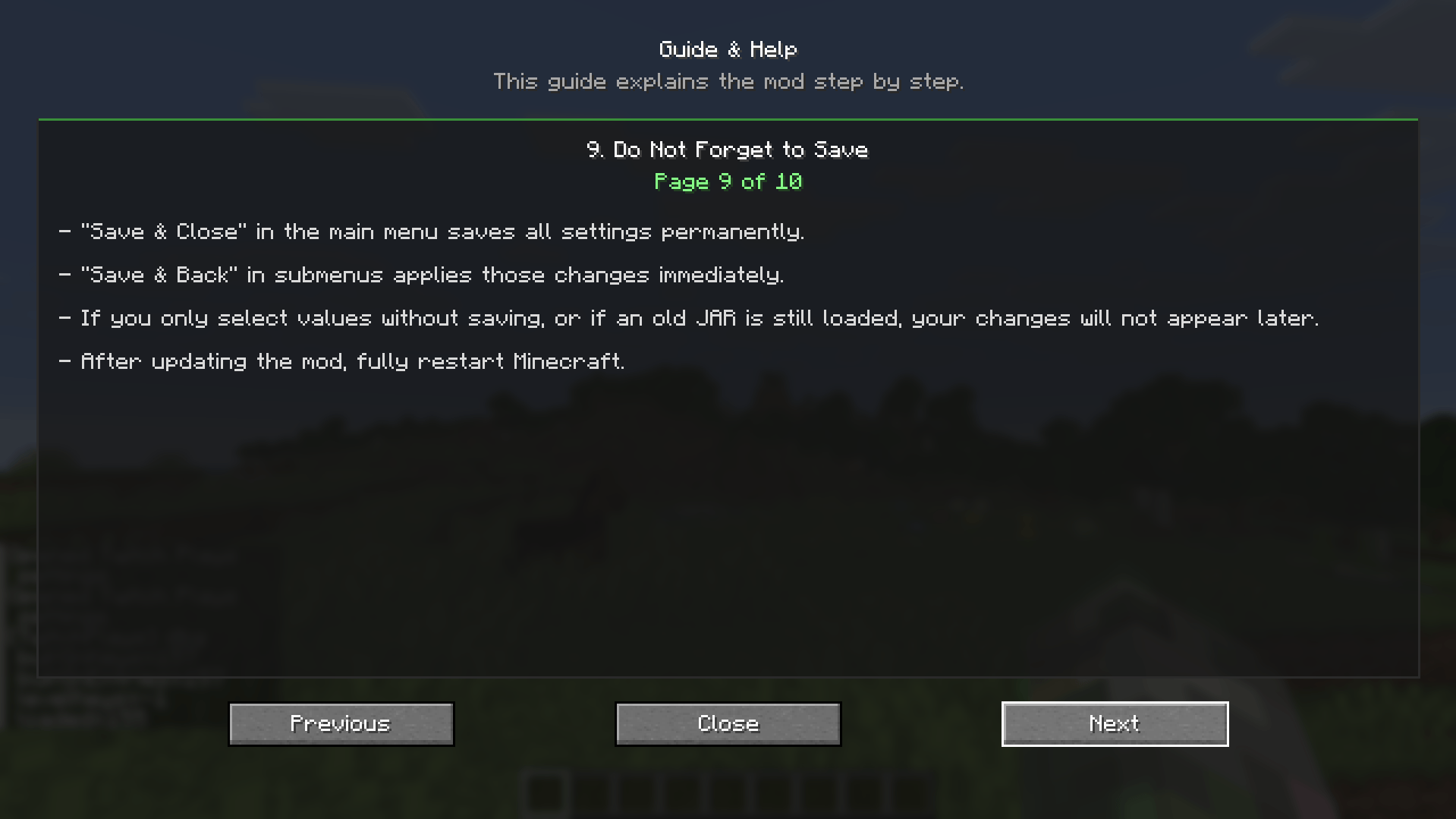 Guide, Page 9 Do Not Forget to Save
 -
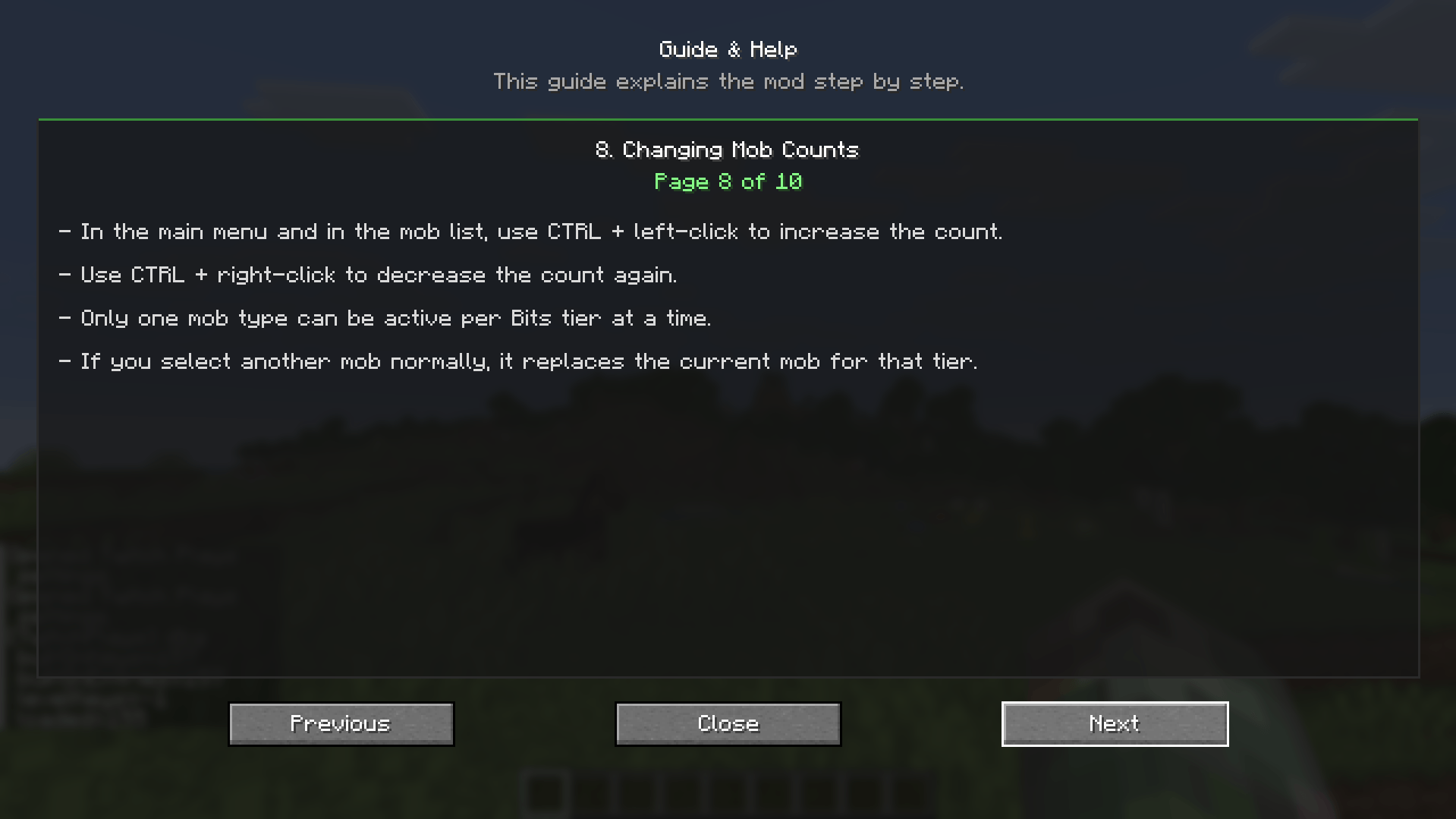 Guide, Page 8 Changing Mob Counts
 -
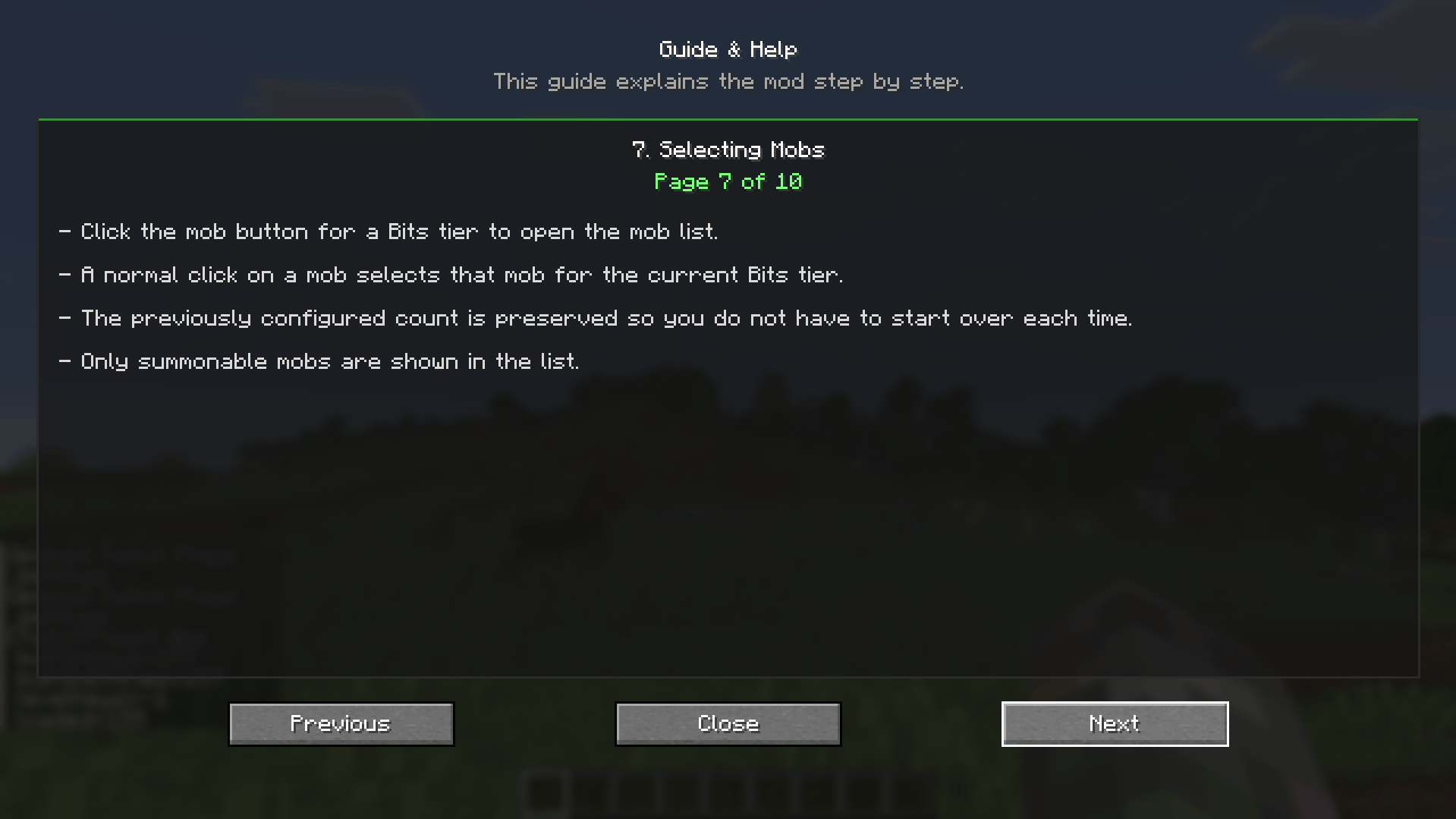 Guide, Page 7 Selecting Mobs
 -
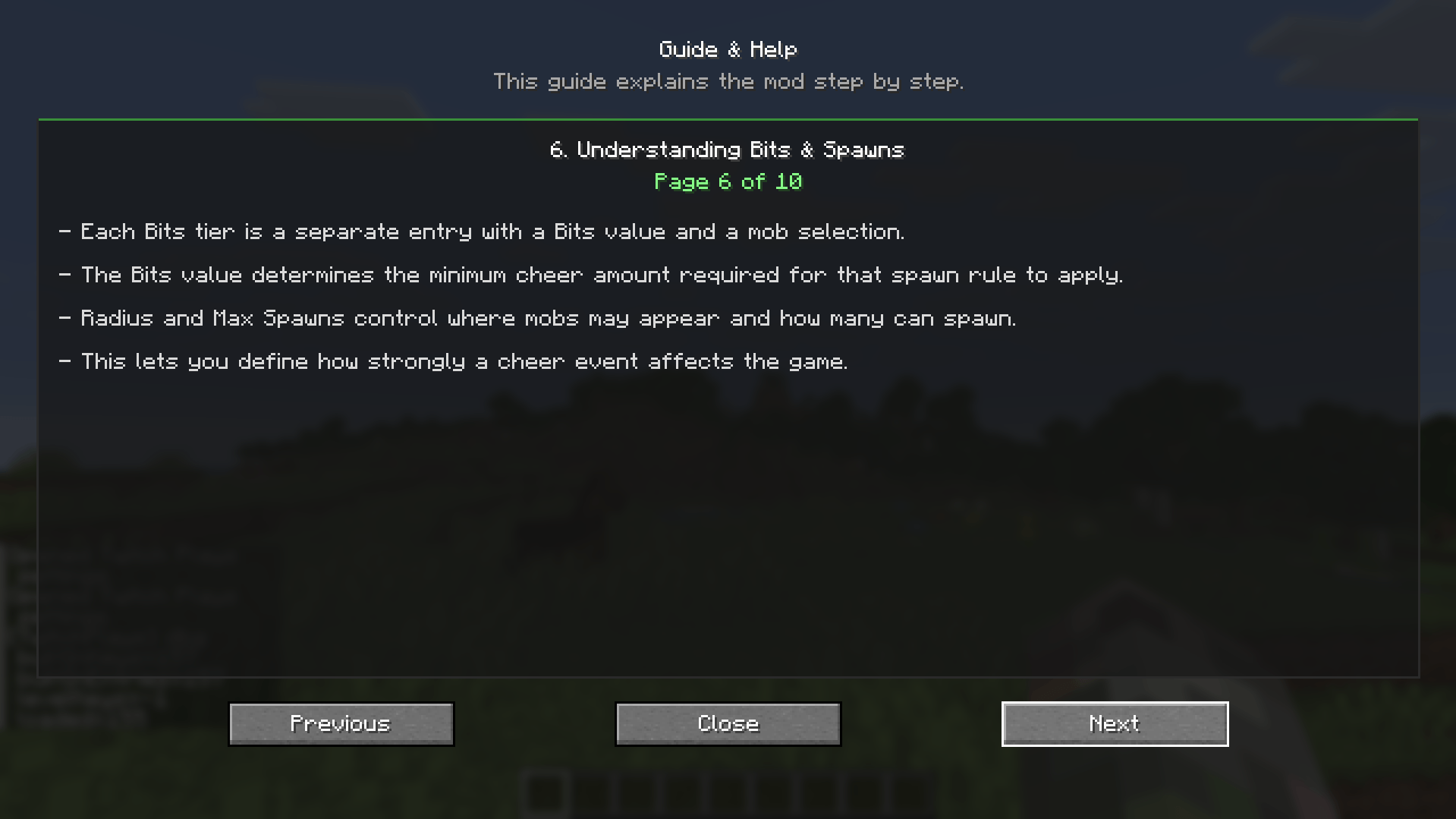 Guide, Page 6 Understamding Bits & Spawns
 -
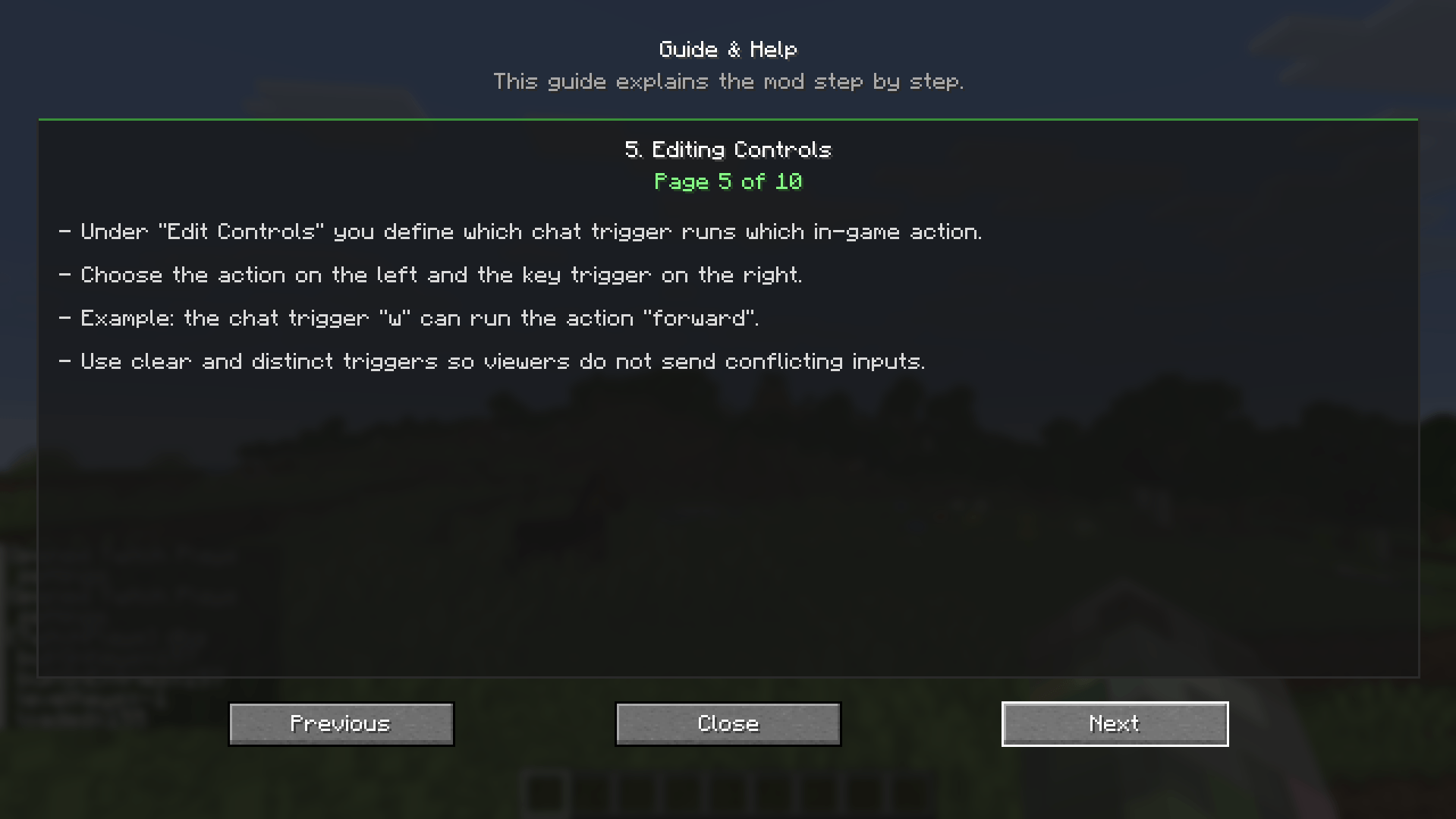 Guide, Page 5 Editing Controls
 -
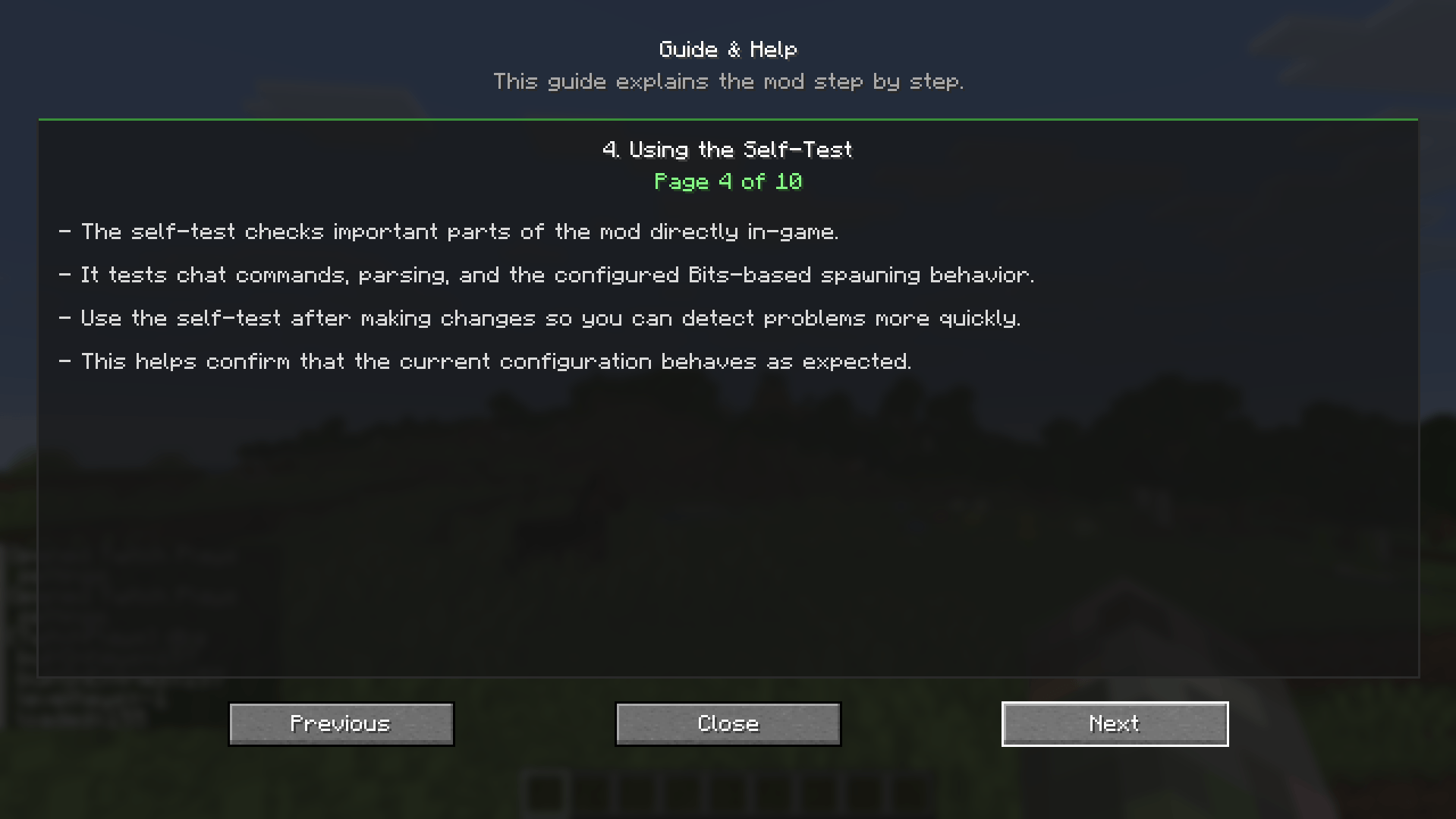 Guide, Page 4 Using the Self-Test
 -
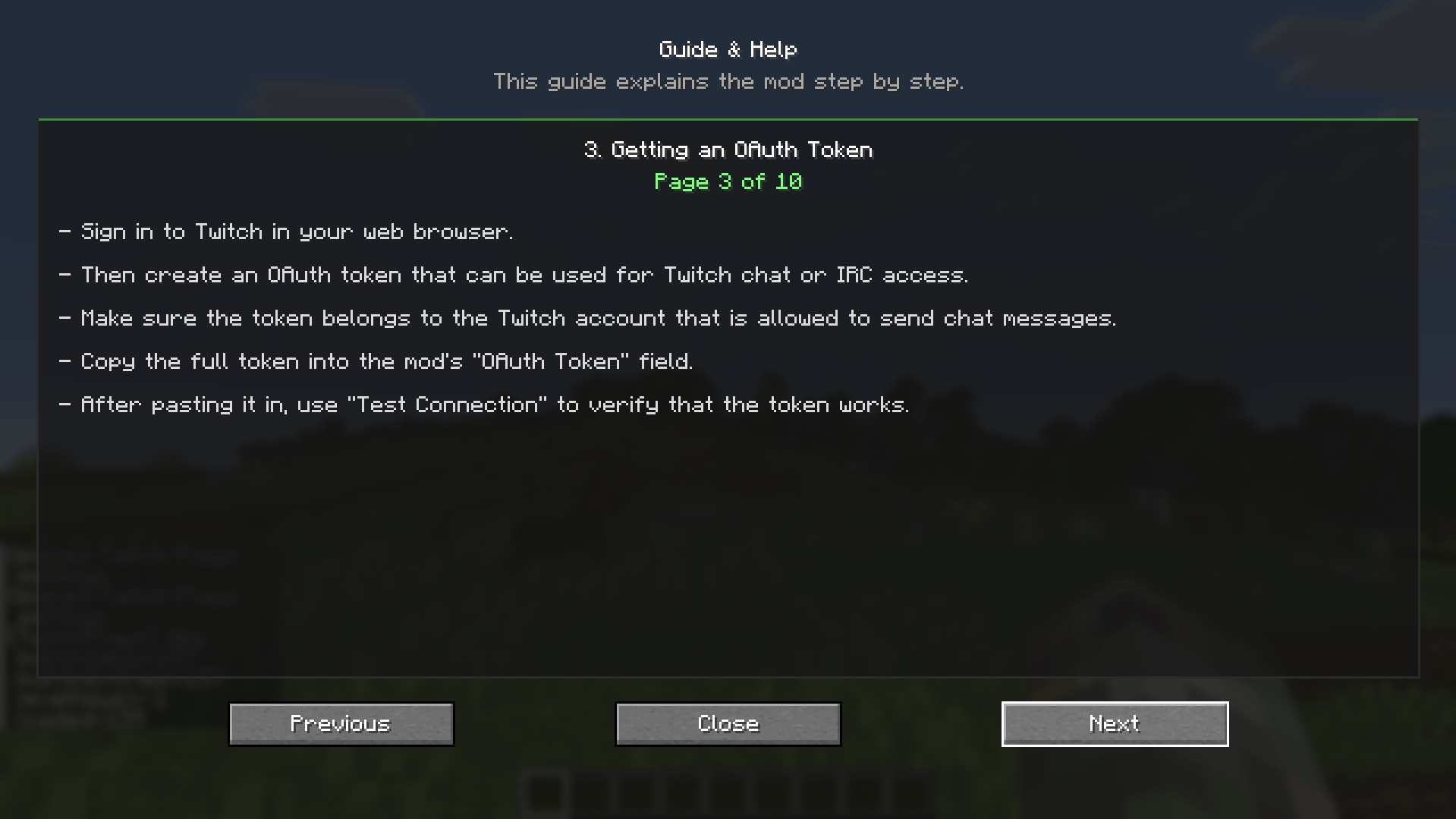 Guide, Page 3 Getting an OAuth Token
 -
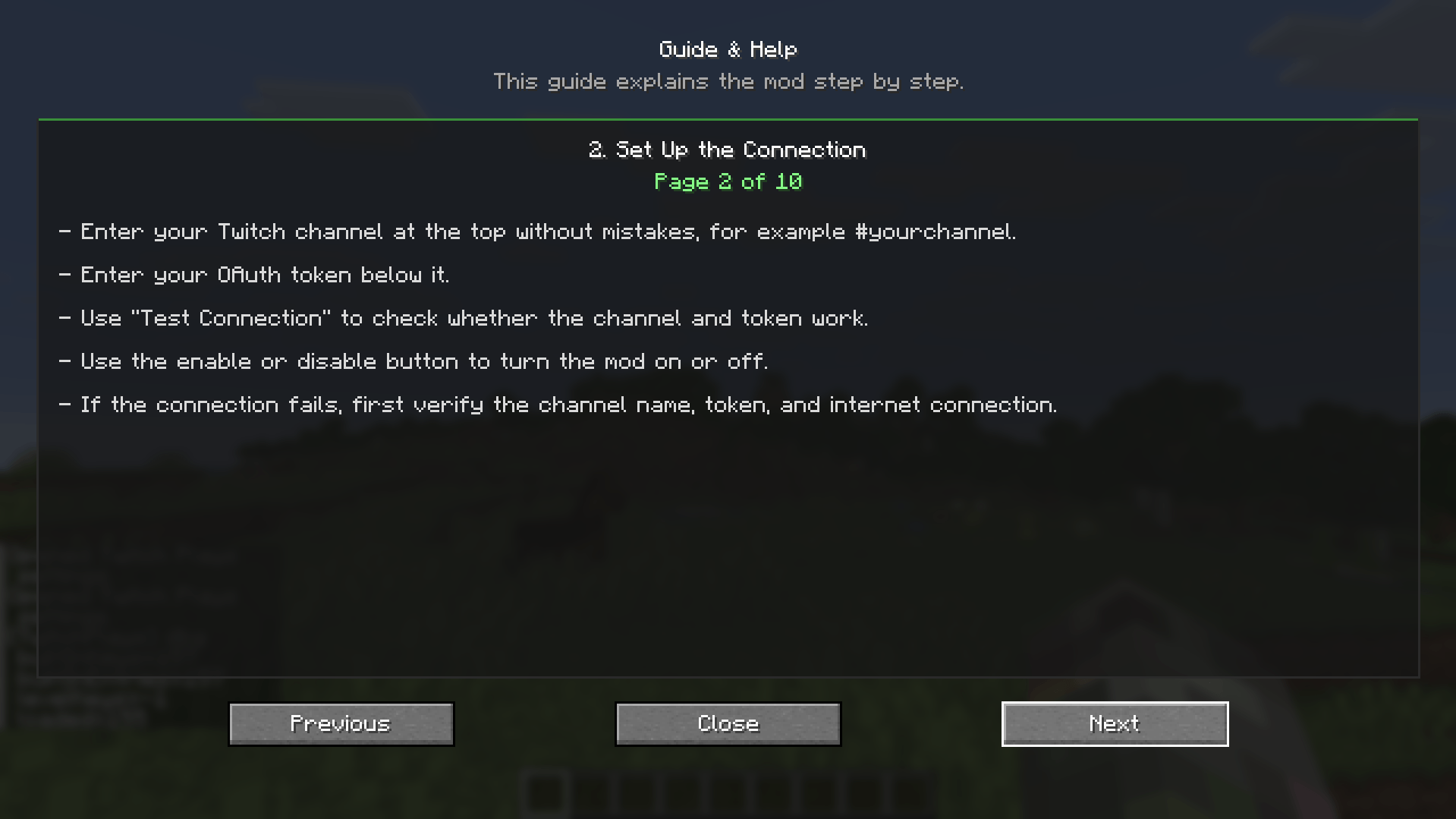 Guide, Page 2 Set Up the Connection
 -
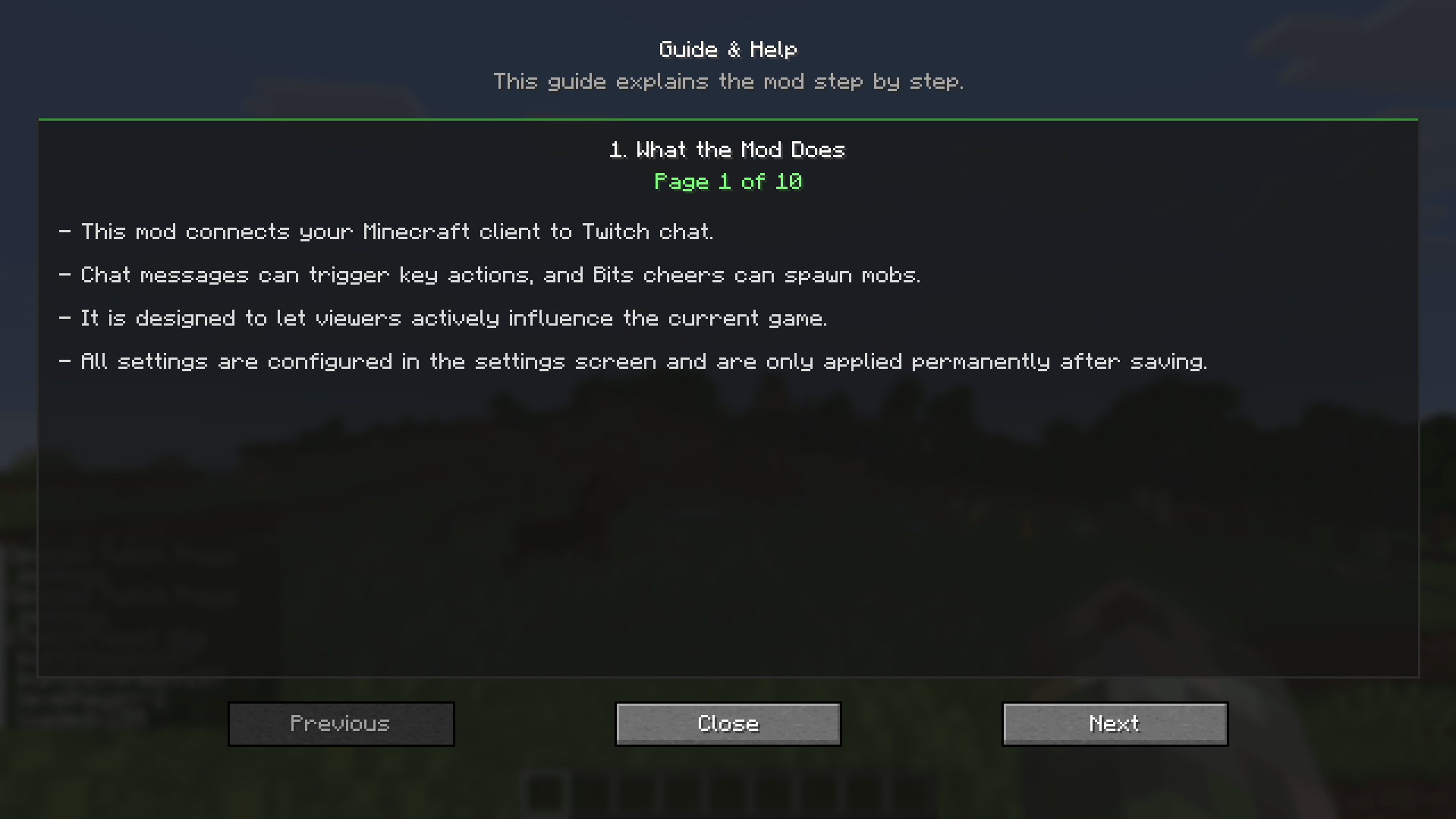 Guide, Page 1 What the Mod Does
 -
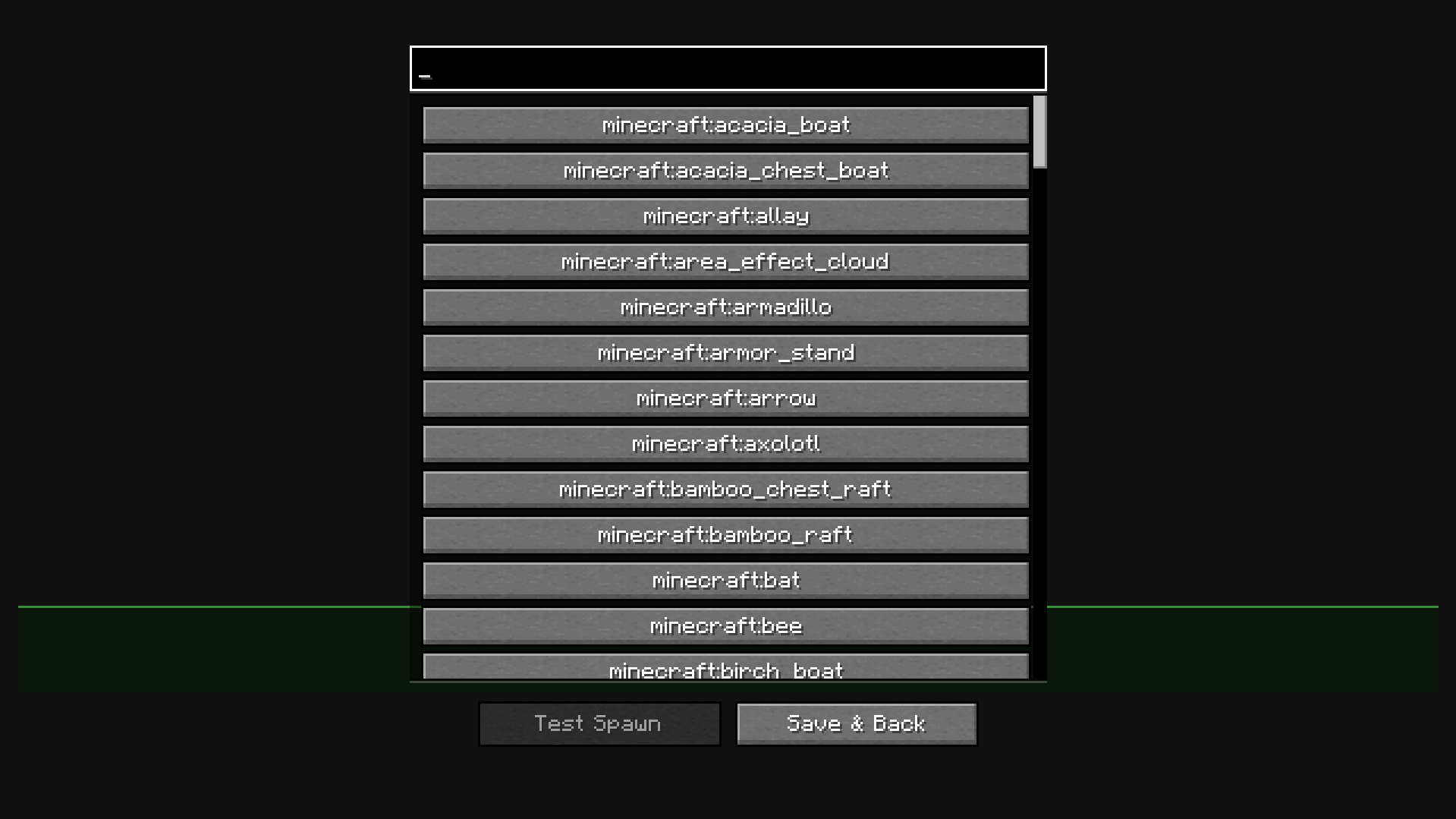 Mob Selection Here you can customize the mobs you can spawn for Bits
 -
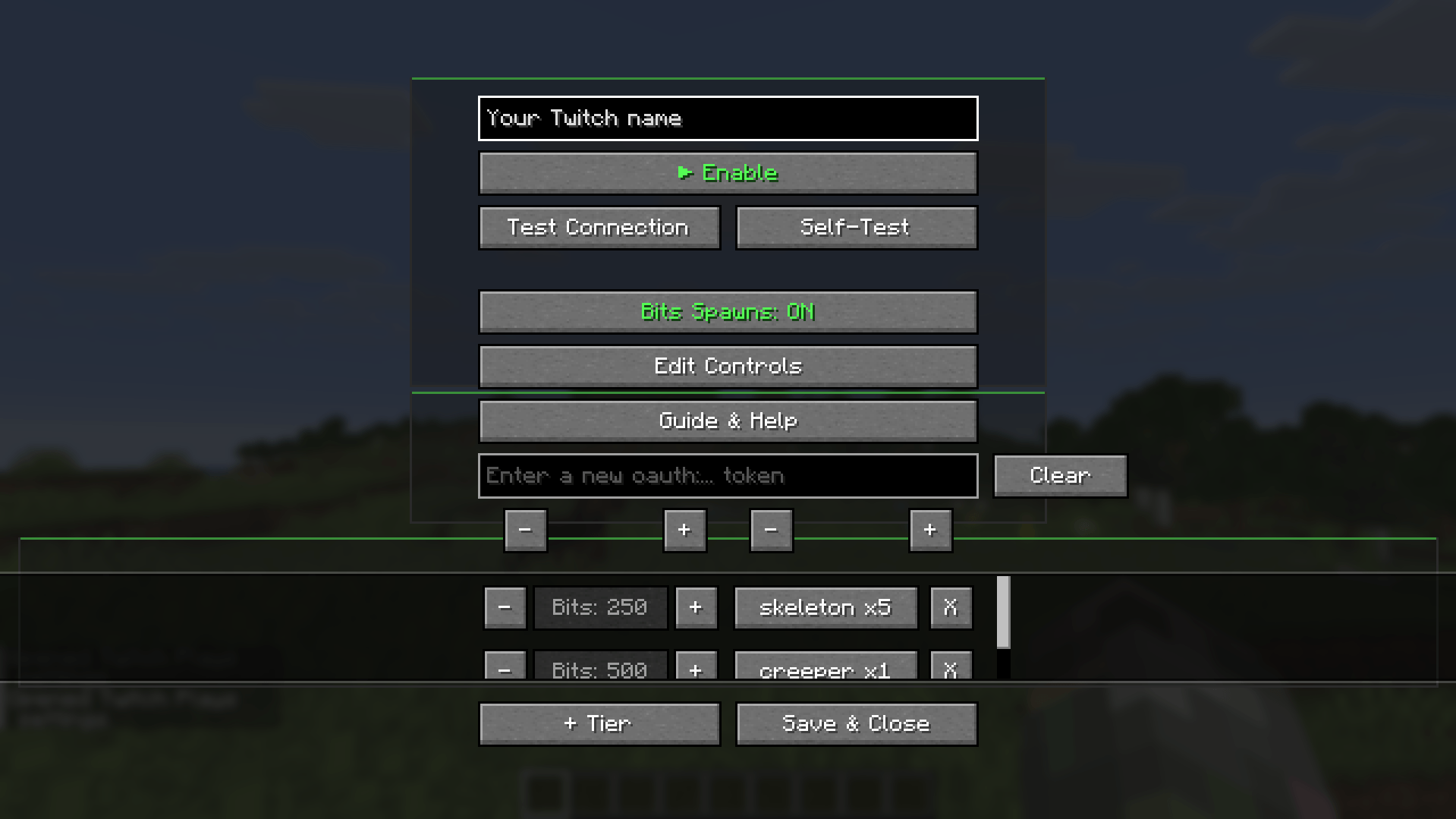 Main menu This is the main menu where you can customize everything
 -
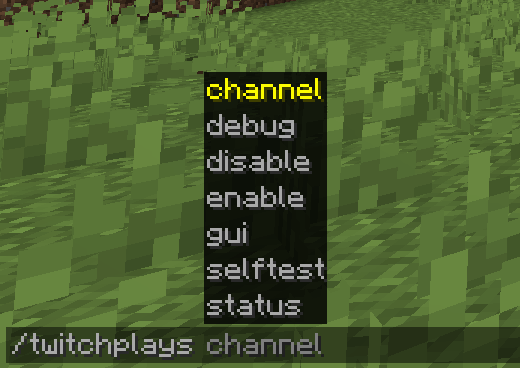 All Commands These are all the available commands
-
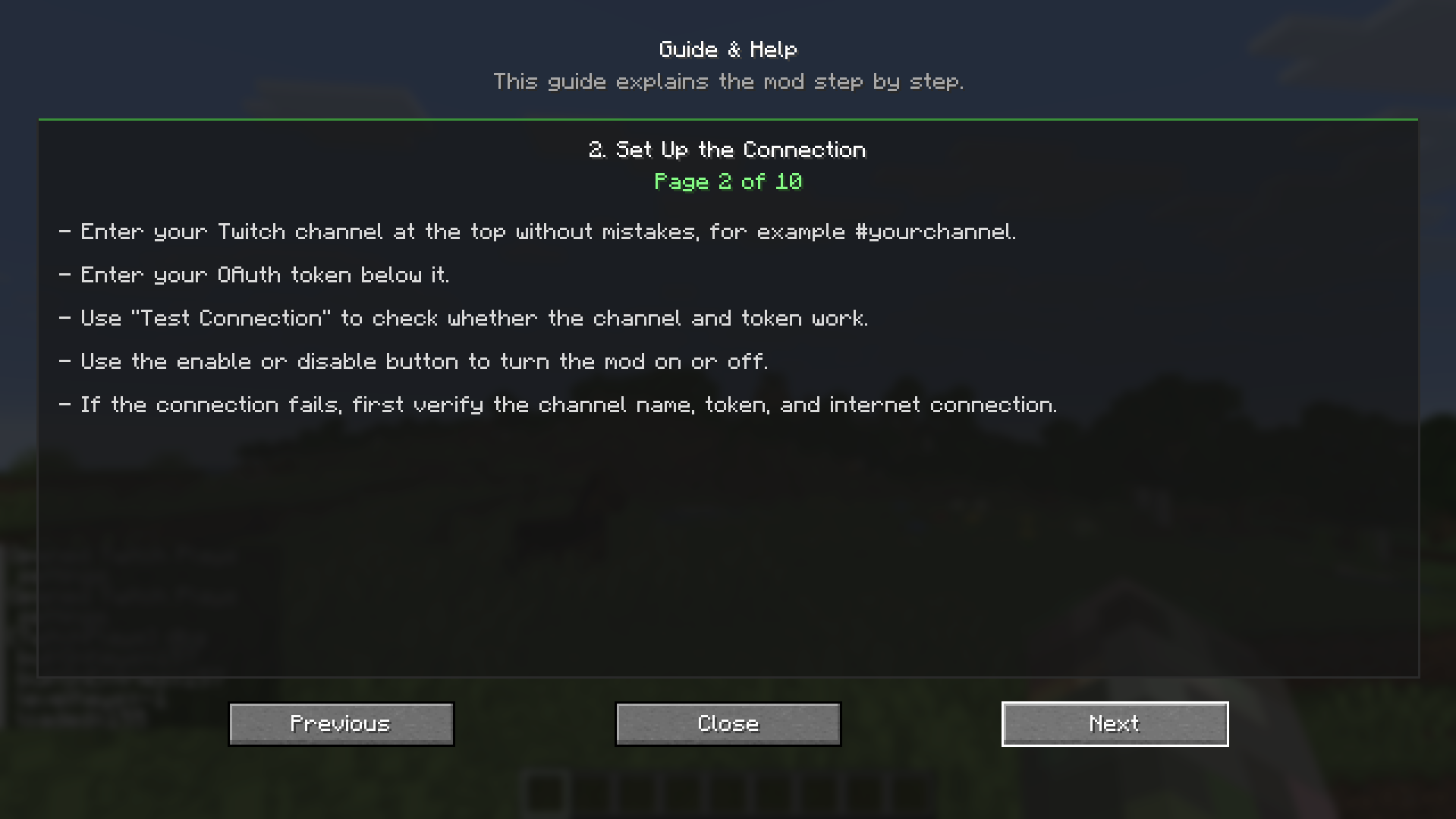 Guide, Page 2 Set Up the Connection
 -
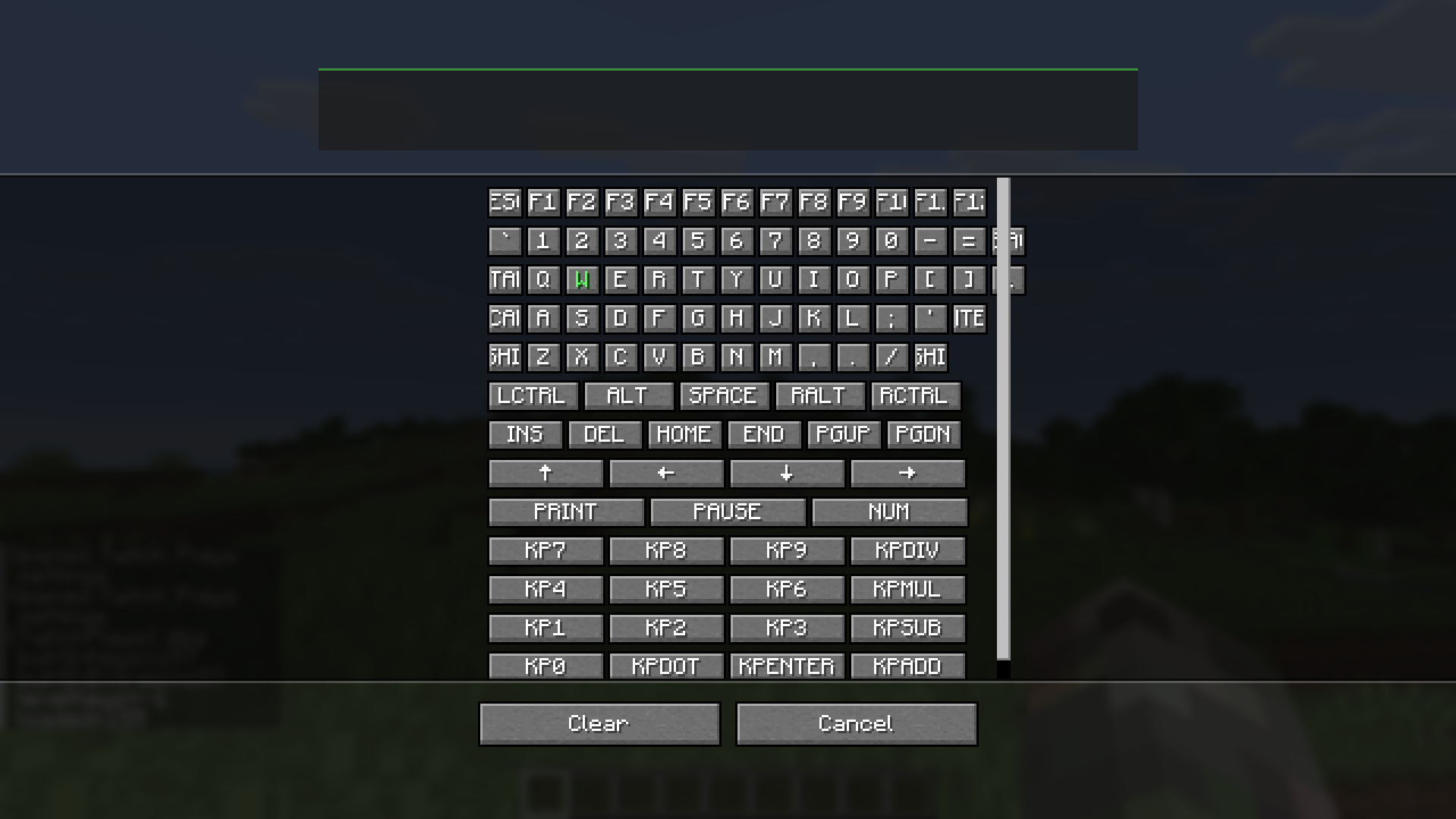 Key mapping for Twitch chat Here you can customize which keys are used for hotkeys.
 -
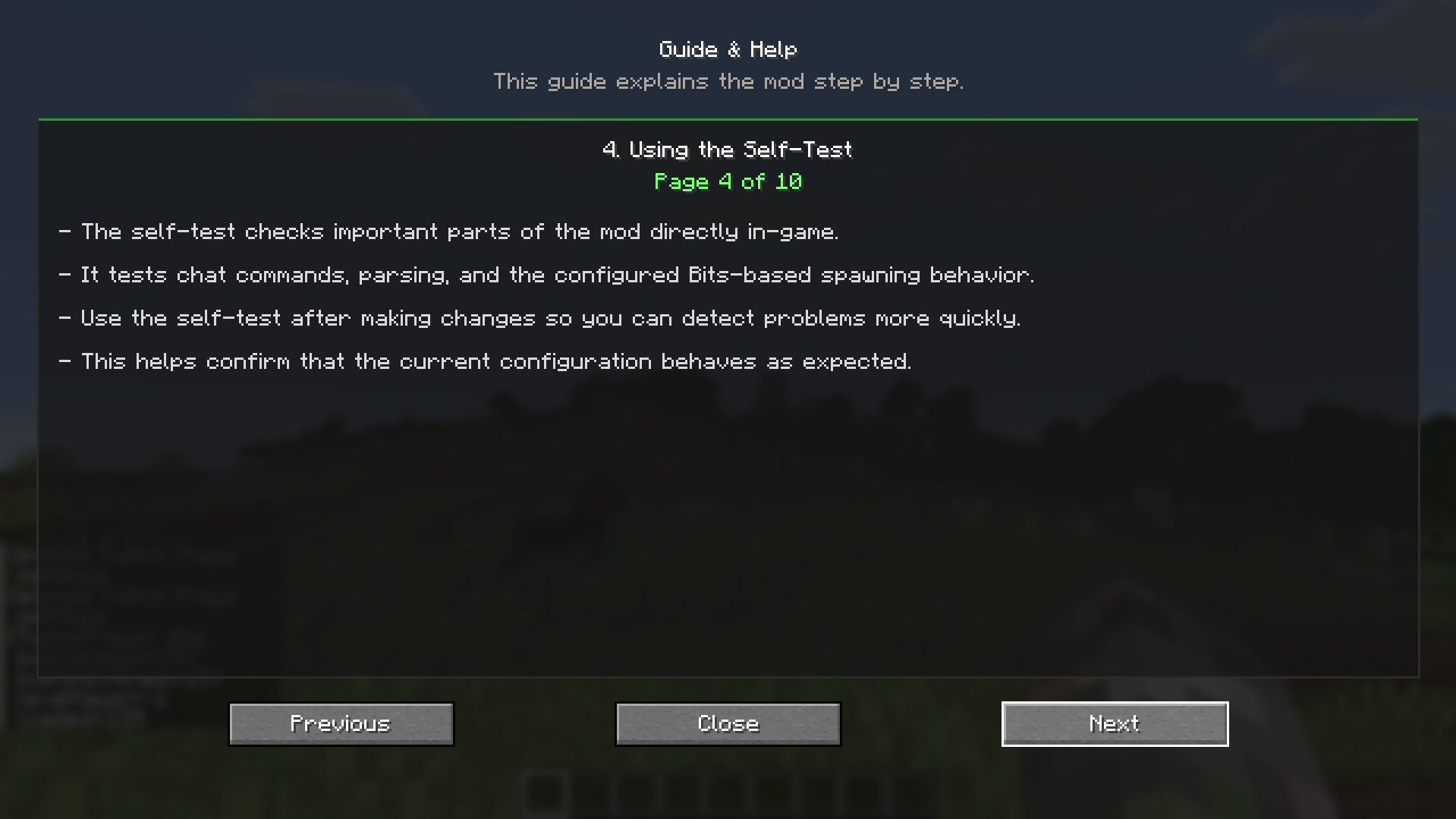 Guide, Page 4 Using the Self-Test
 -
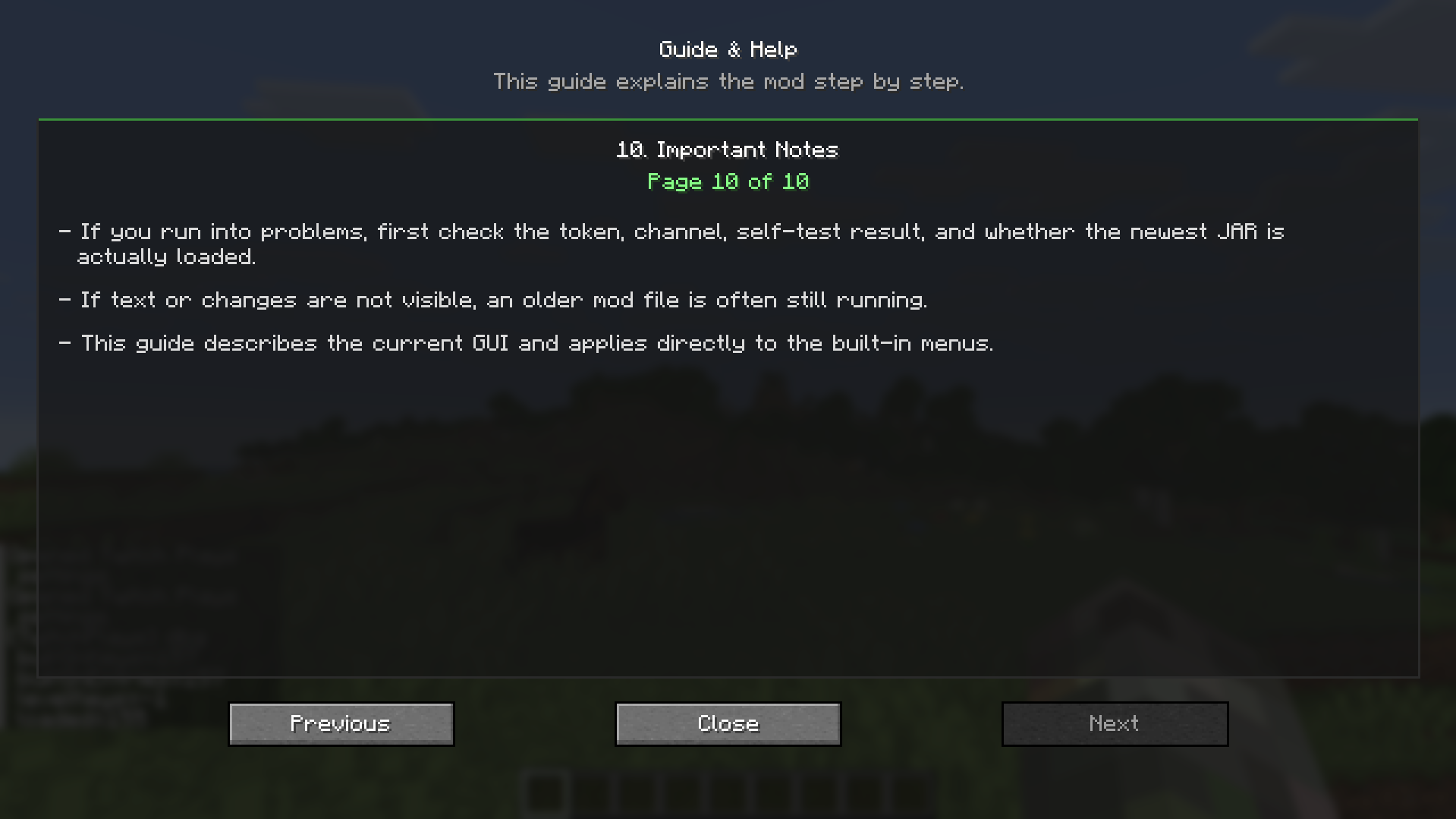 Guide, Page 10 Important Notes
 -
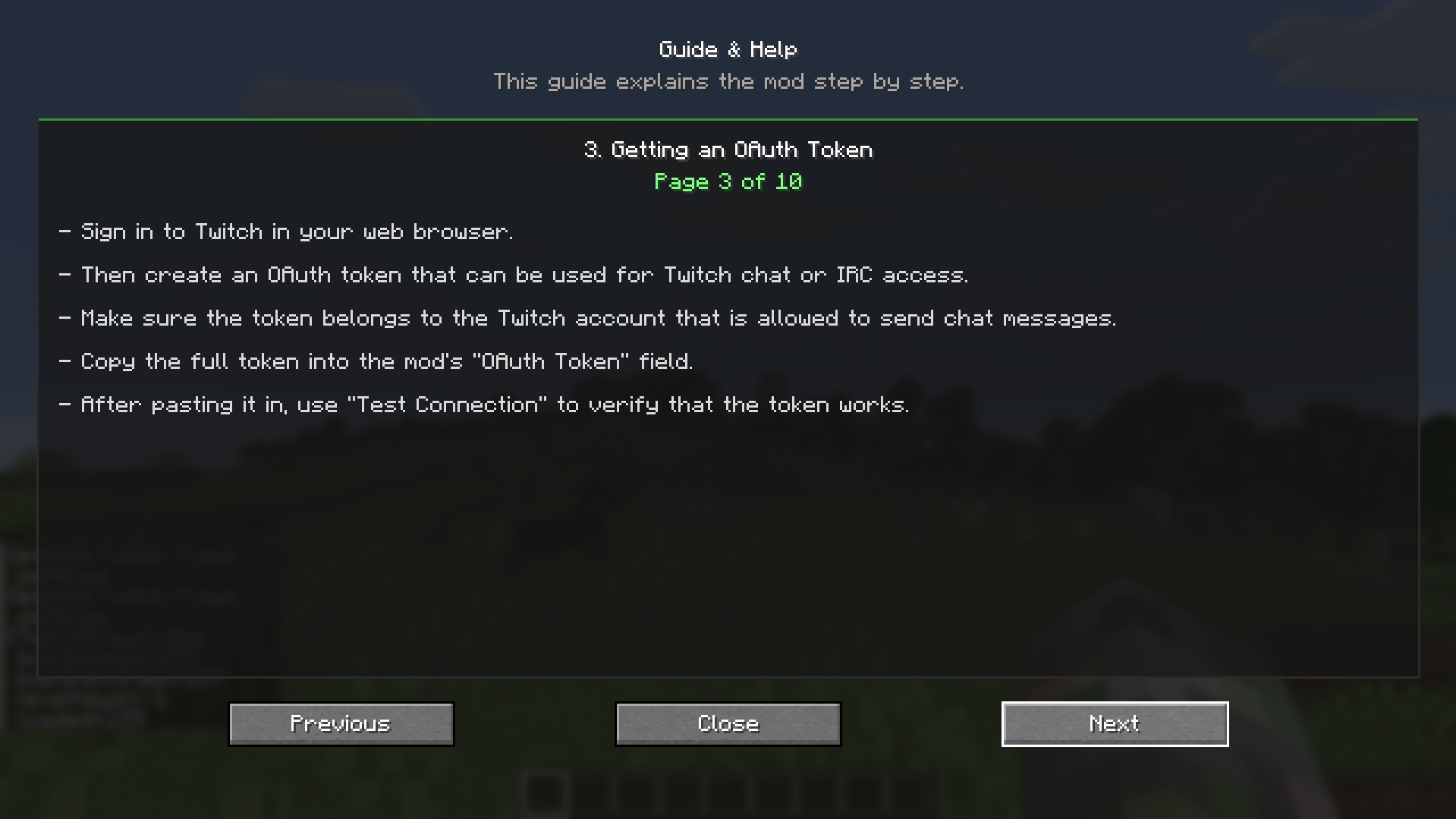 Guide, Page 3 Getting an OAuth Token
 -
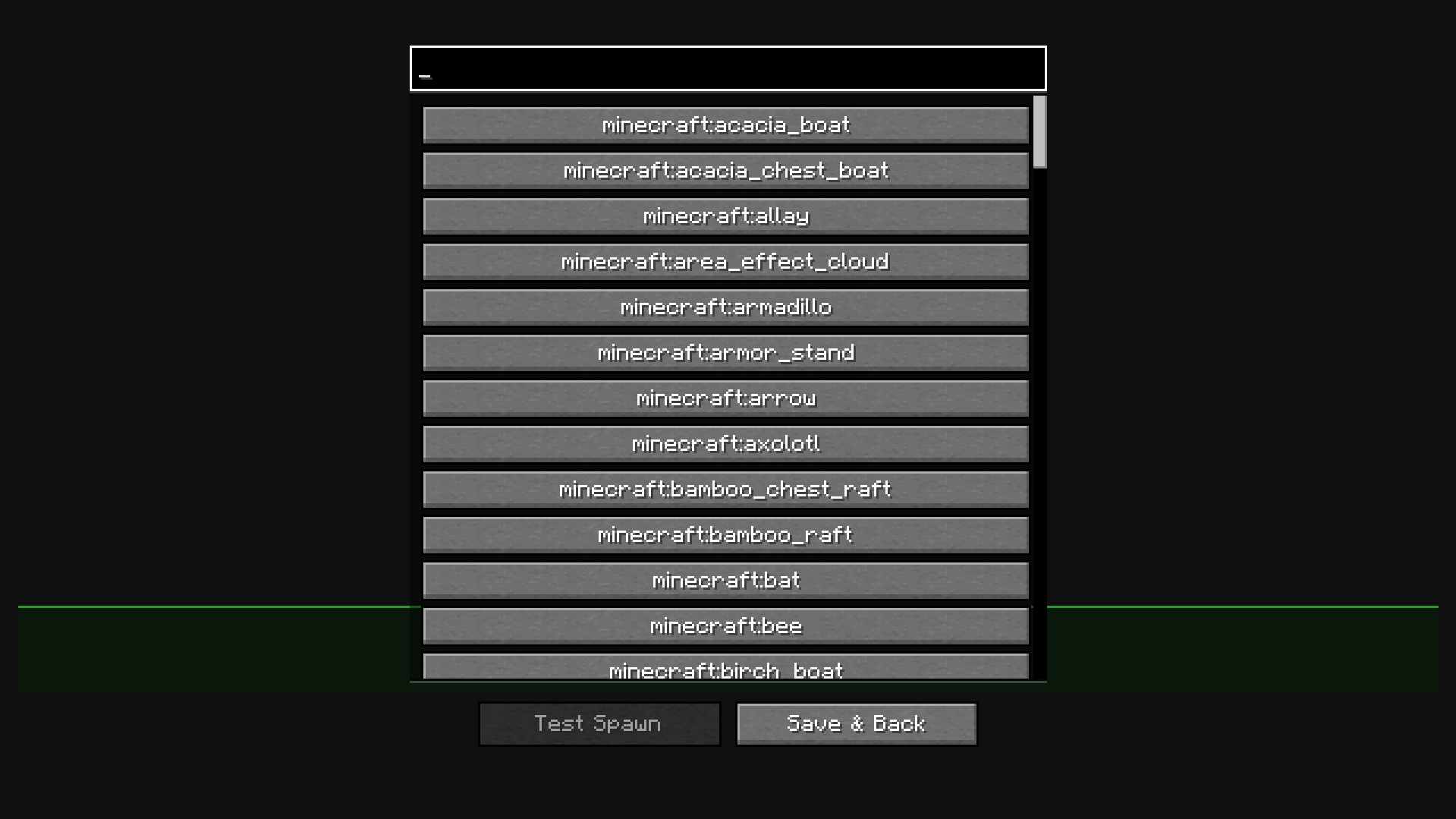 Mob Selection Here you can customize the mobs you can spawn for Bits
 -
 Banner
 -
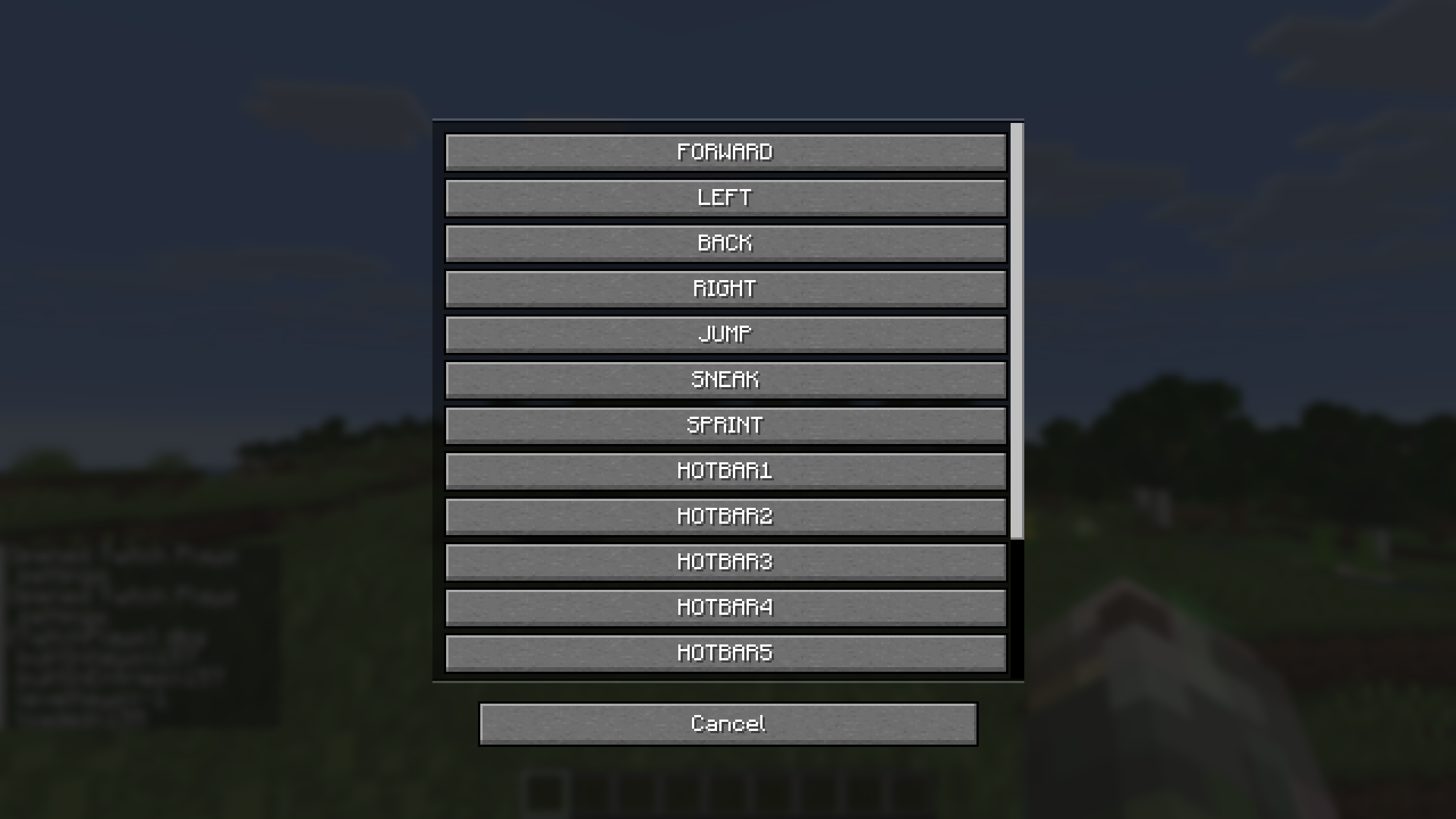 Hotkey customization for Twitch chat Here you can customize the hotkeys, what happens when the Twitch chat sends in keystrokes
 -
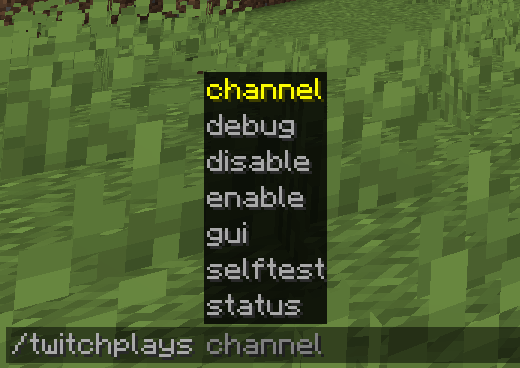 All Commands These are all the available commands
 -
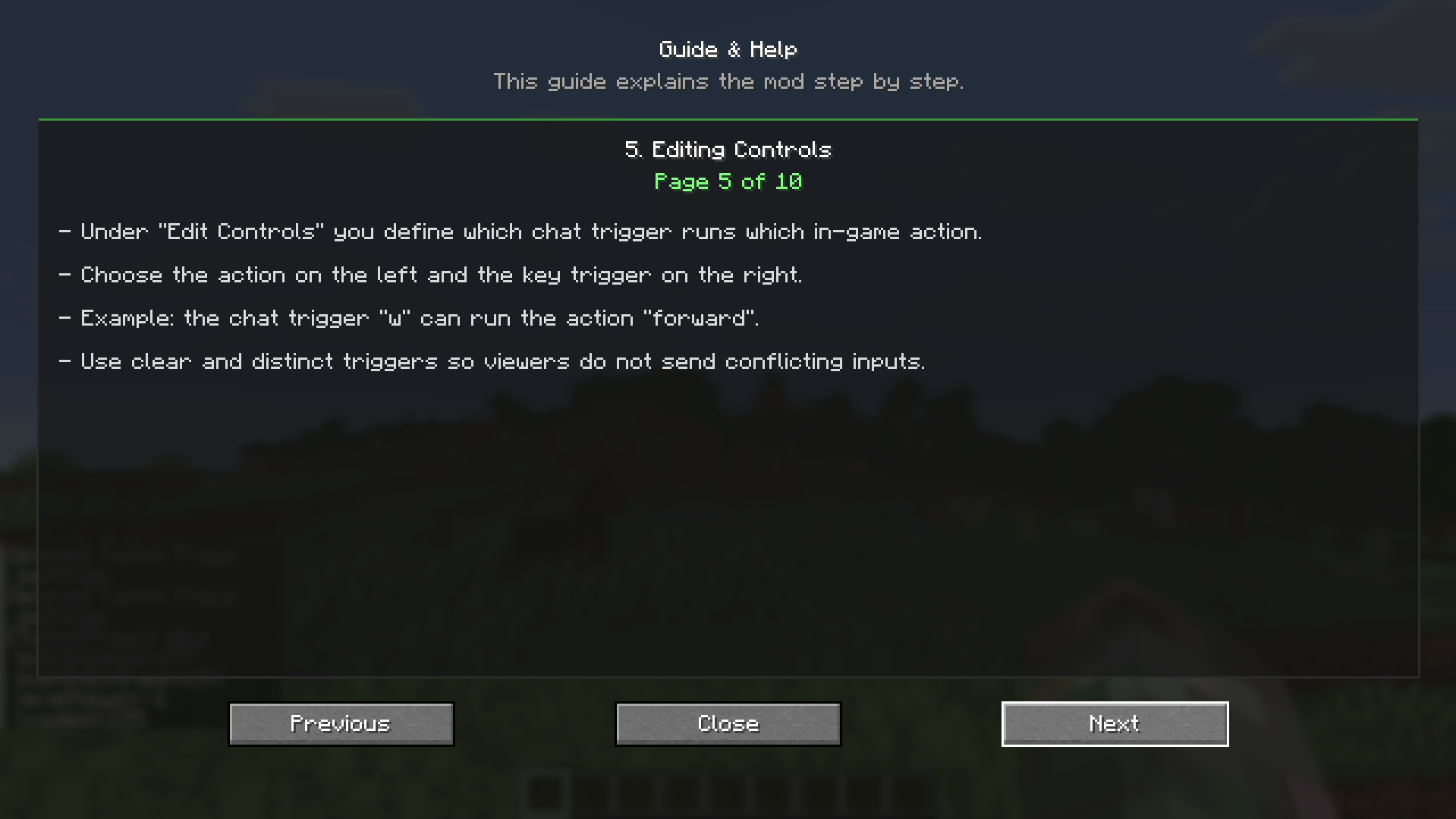 Guide, Page 5 Editing Controls
 -
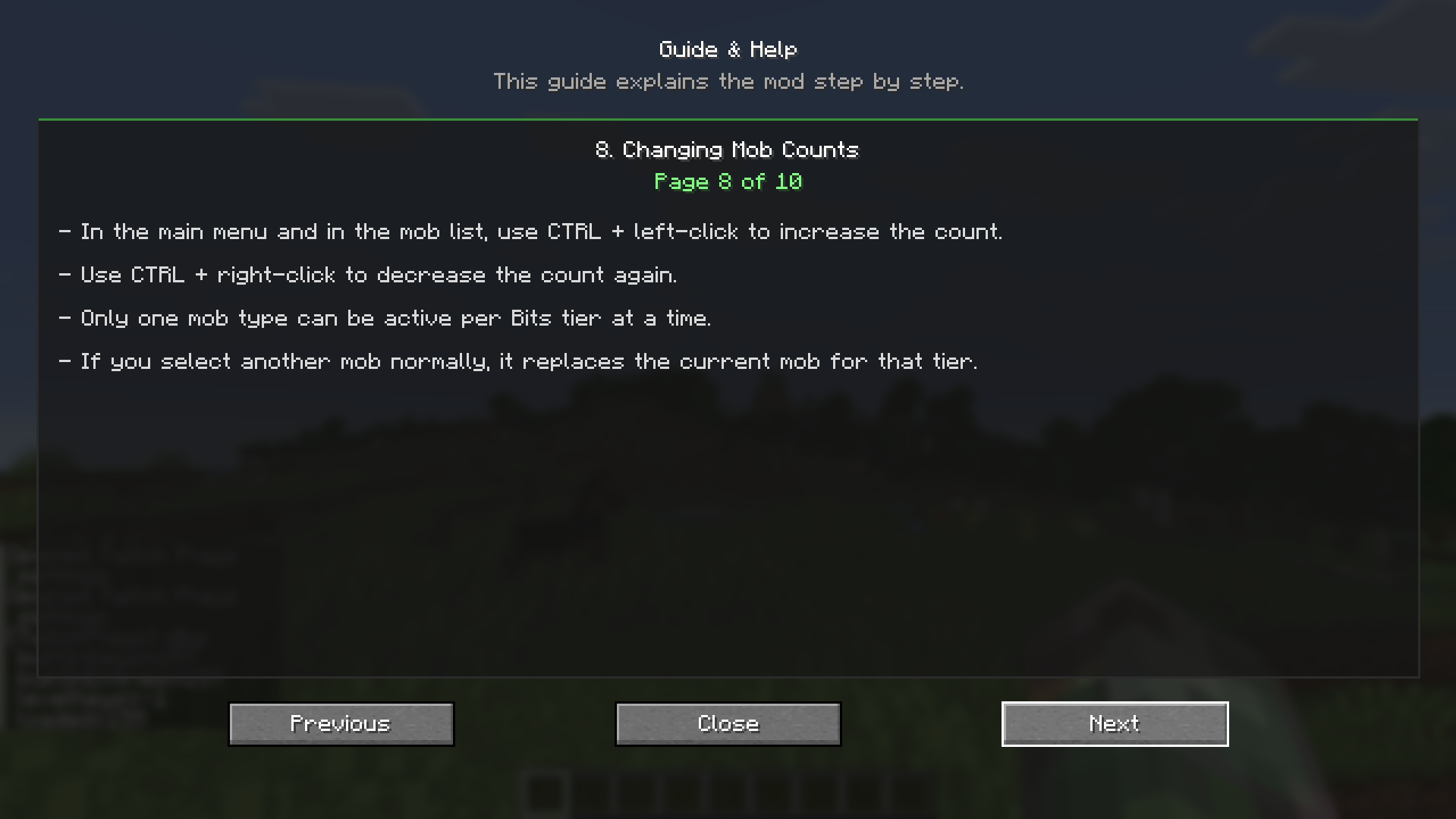 Guide, Page 8 Changing Mob Counts
 -
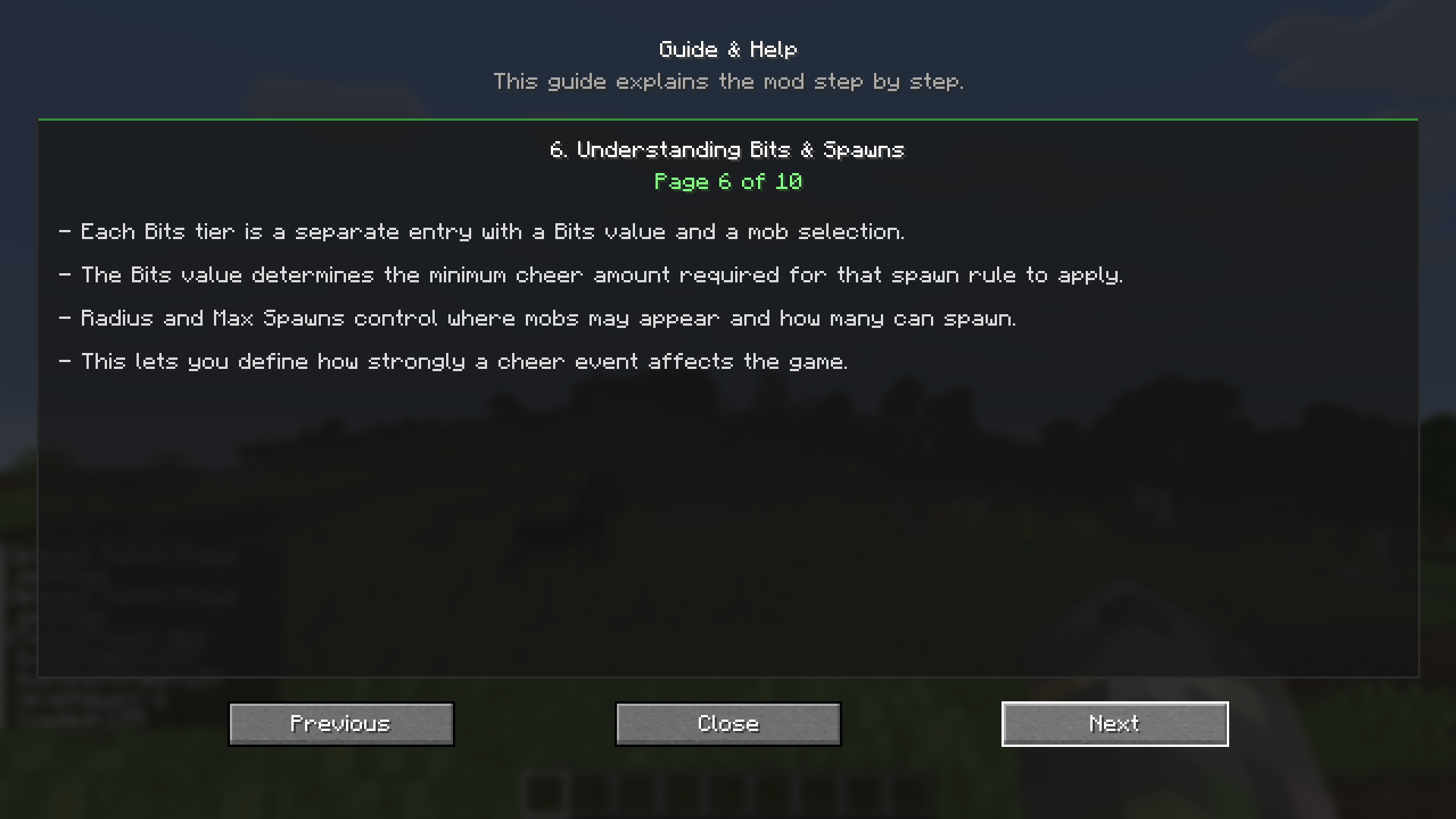 Guide, Page 6 Understamding Bits & Spawns
 -
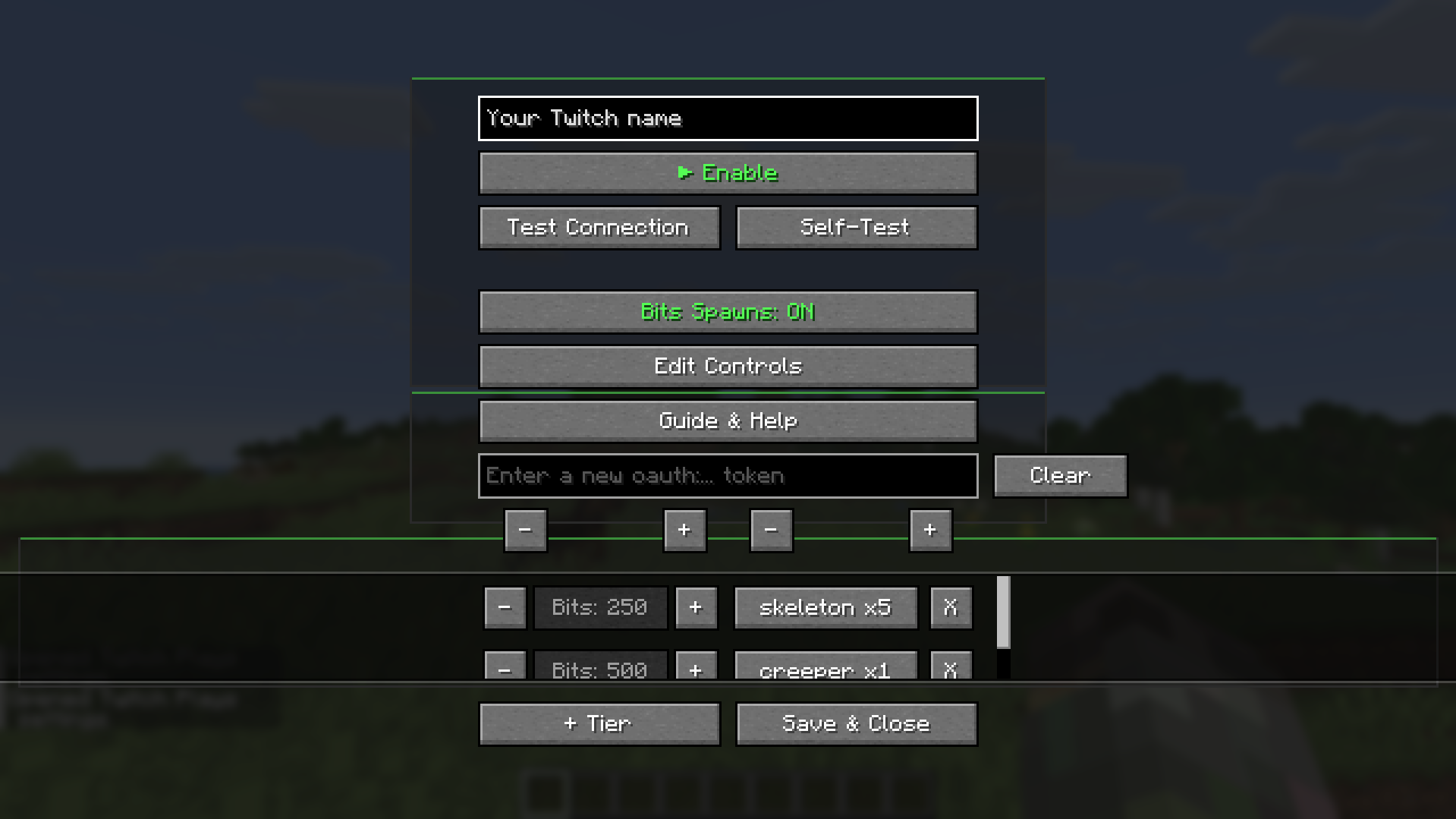 Main menu This is the main menu where you can customize everything
 -
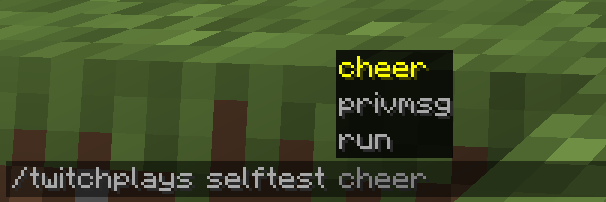 All Selftest Commands These are all the available self-test commands
 -
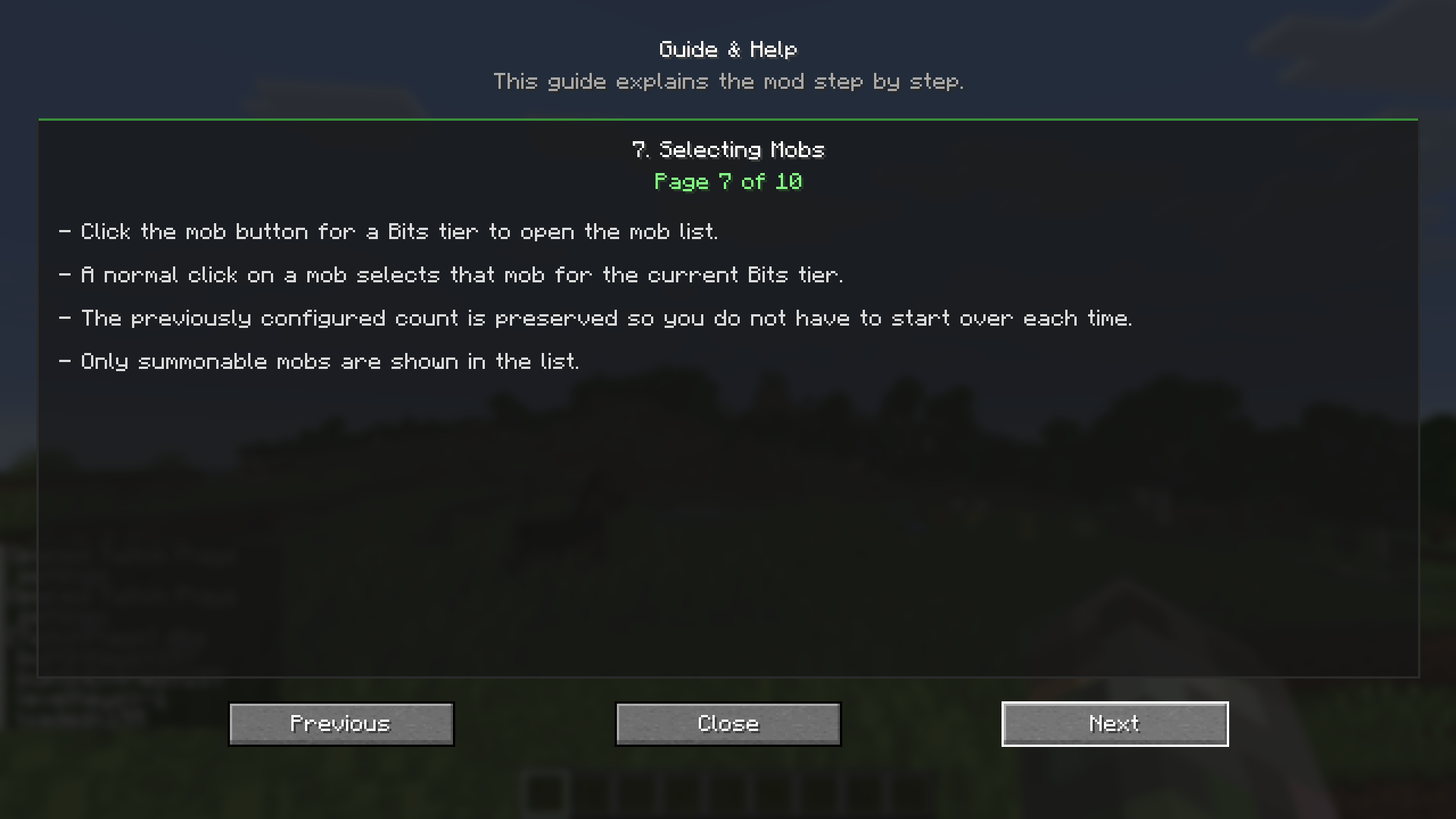 Guide, Page 7 Selecting Mobs
 -
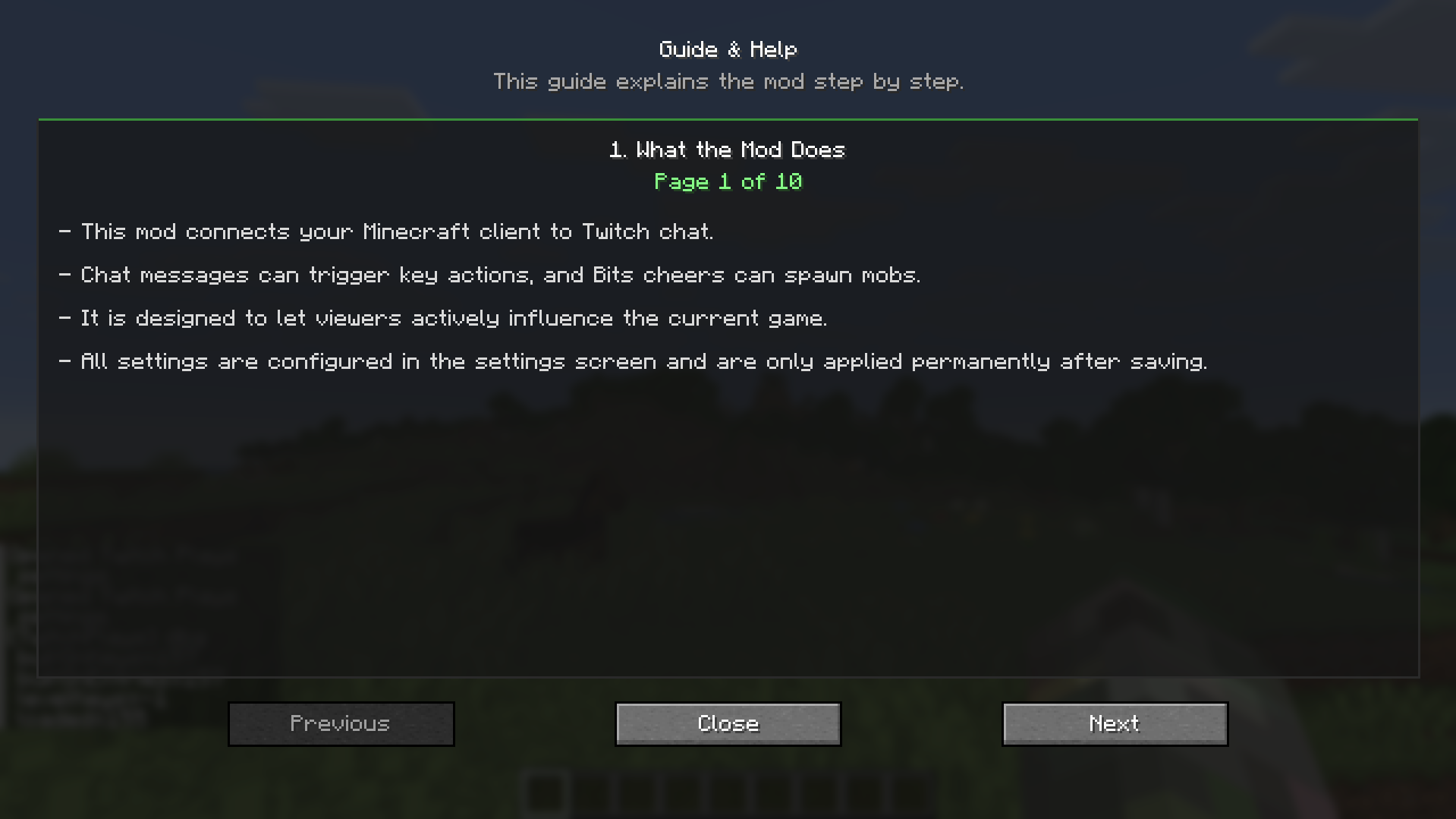 Guide, Page 1 What the Mod Does
 -
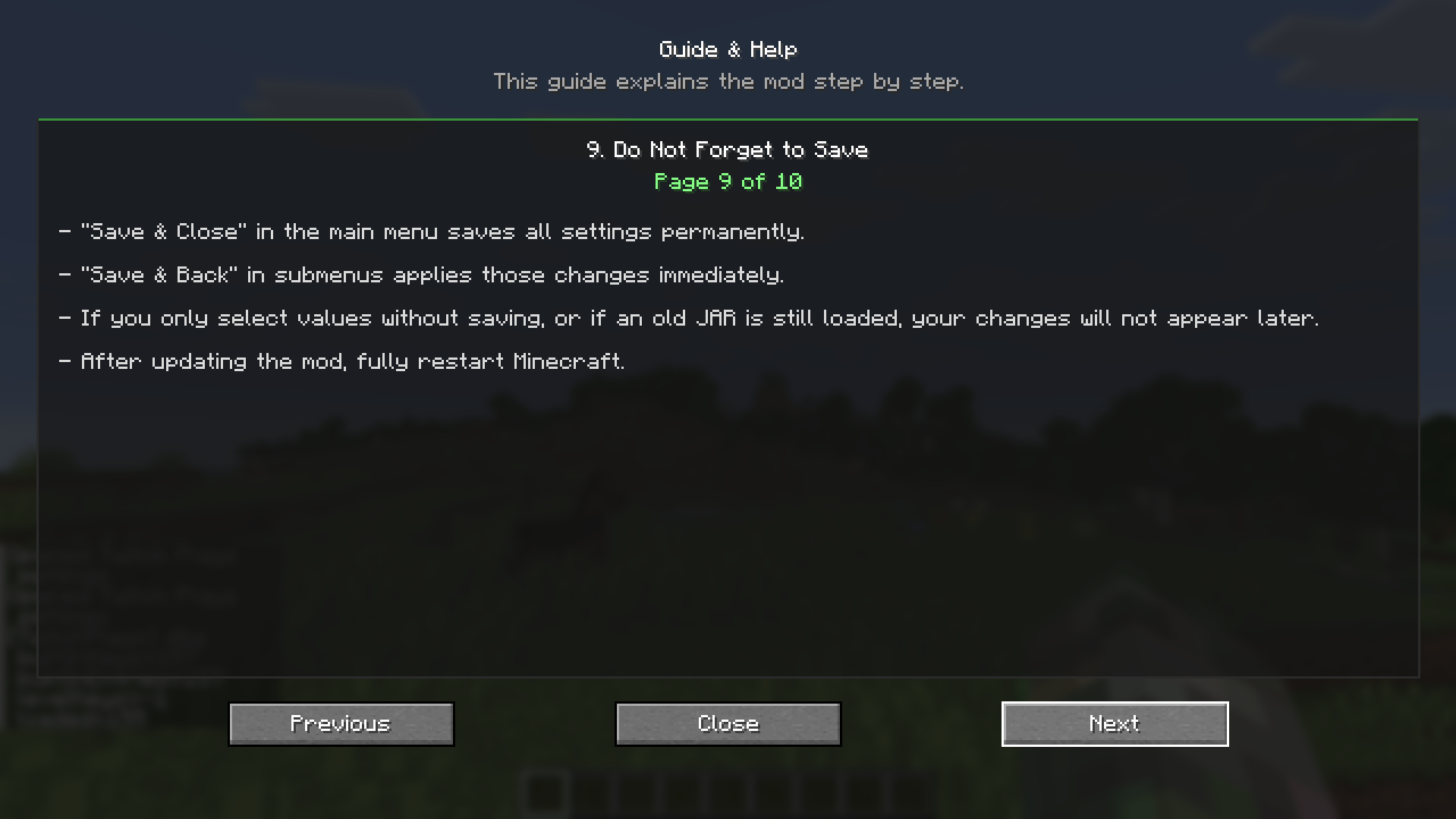 Guide, Page 9 Do Not Forget to Save
 -
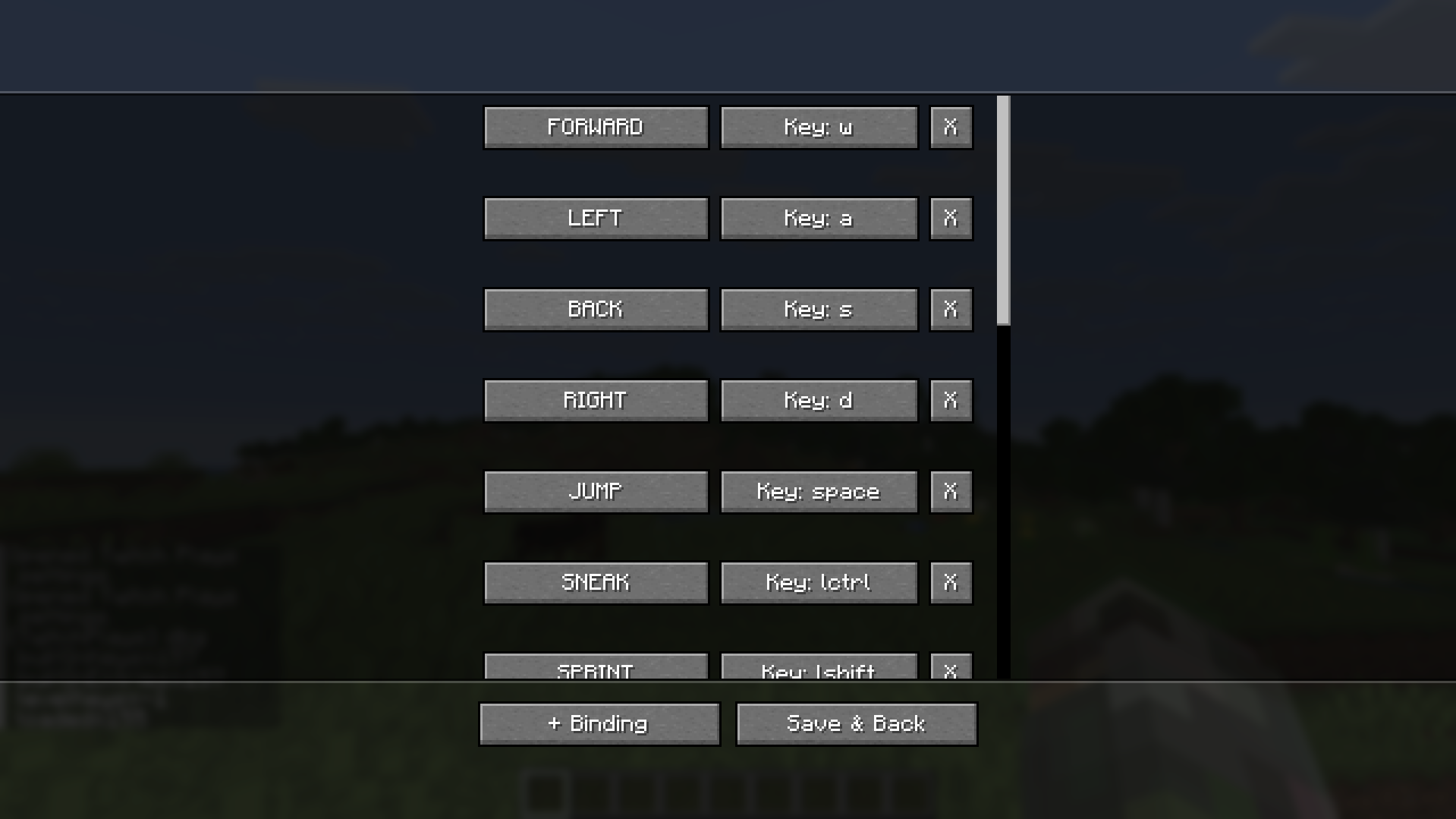 Key selection/customization Here you can customize the keys for the Twitch chat
Versions
Files
Relations
Project Relations
More like this
Similar Mods
Suggestions use data such as tags, dependencies, dependents, descriptions, titles, and more to rank how much they overlap with this mod.
On ModDex
Community snapshot
By the numbers
Statistics
Want to reach Minecraft players?
We're looking for a server hosting partner to feature here and other parts of the site. Interested? Send us a message!
Get in touchGet it on
Available Platforms
On ModDex
Community snapshot
By the numbers
Statistics
Resources