
Community listing page, reviews here may not be monitored by the author.
StreamChat

No reviews yet
Seamlessly integrate Twitch & YouTube chat into Minecraft! Custom UI, history saving, and no passwords required.
Community voices
Reviews
No reviews yet. Be the first to review this project!
Get it on
Available Platforms
Compatibility
Supported Environments
Runs entirely on the client. Works on vanilla servers.
About
Project Details
For authors
Embed Badge
If you're the author of this project, you can embed a live badge anywhere that supports HTML or Markdown. It updates automatically whenever ratings change.
Use HTML for any page that supports it, or Markdown for README files and Markdown-based descriptions.
Identifiers
Platform IDs
Resources
External Links
About
Description
**Goal: 1000 Downloads! **
StreamChat [EN]
StreamChat is the ultimate client-side mod designed specifically for streamers. Read your Twitch and YouTube chat directly in Minecraft without needing a second monitor, complicated setups, or sharing your passwords.
Key Features:
-
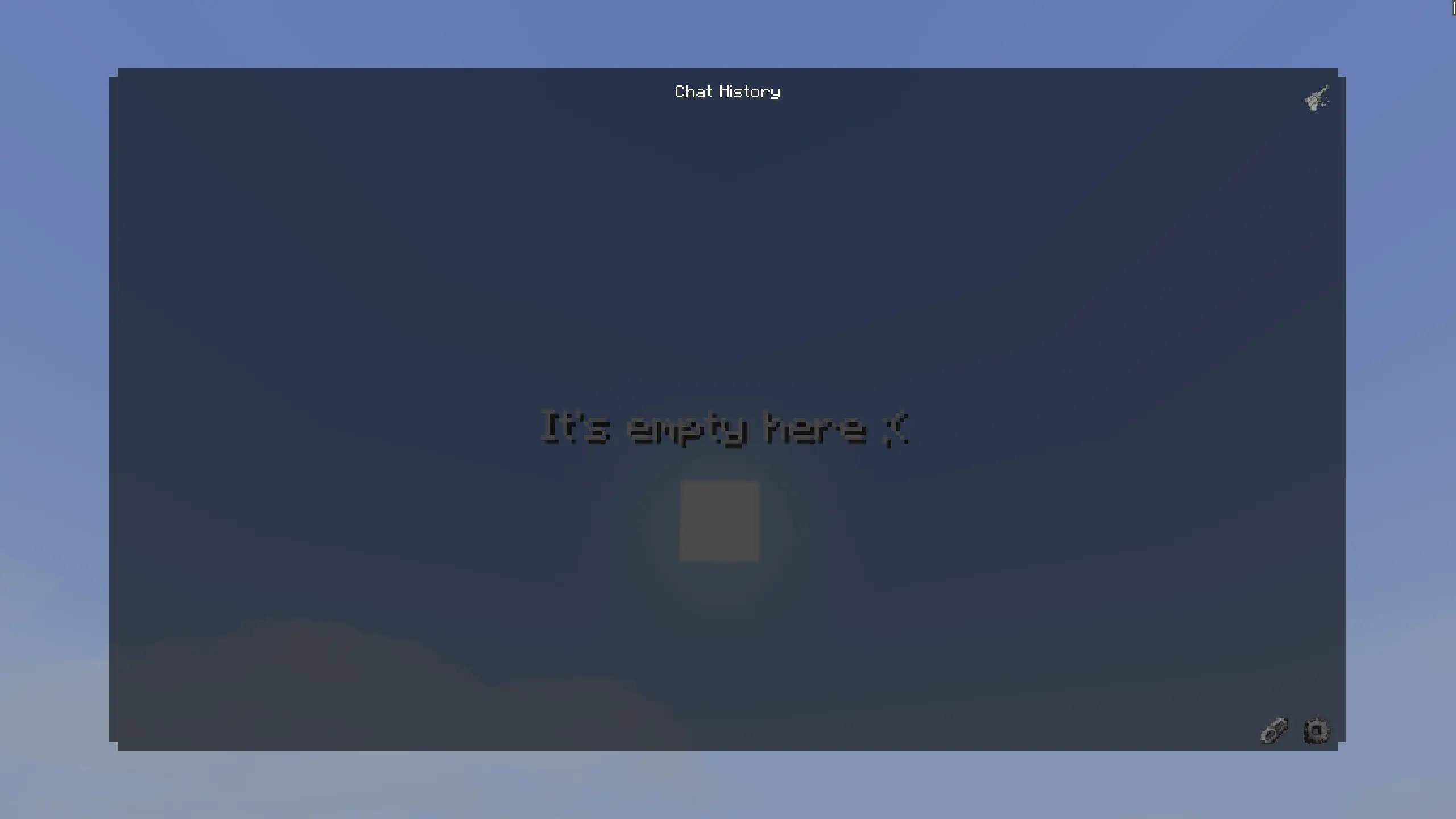
Interactive Chat GUI: Press Z (configurable) to open a chat history right in the game.
-
Dual Platform Support: Supports both Twitch and YouTube simultaneously.

-
No Passwords Required: Uses anonymous connections. Just paste your Twitch channel name or YouTube stream link, and you are good to go.
-
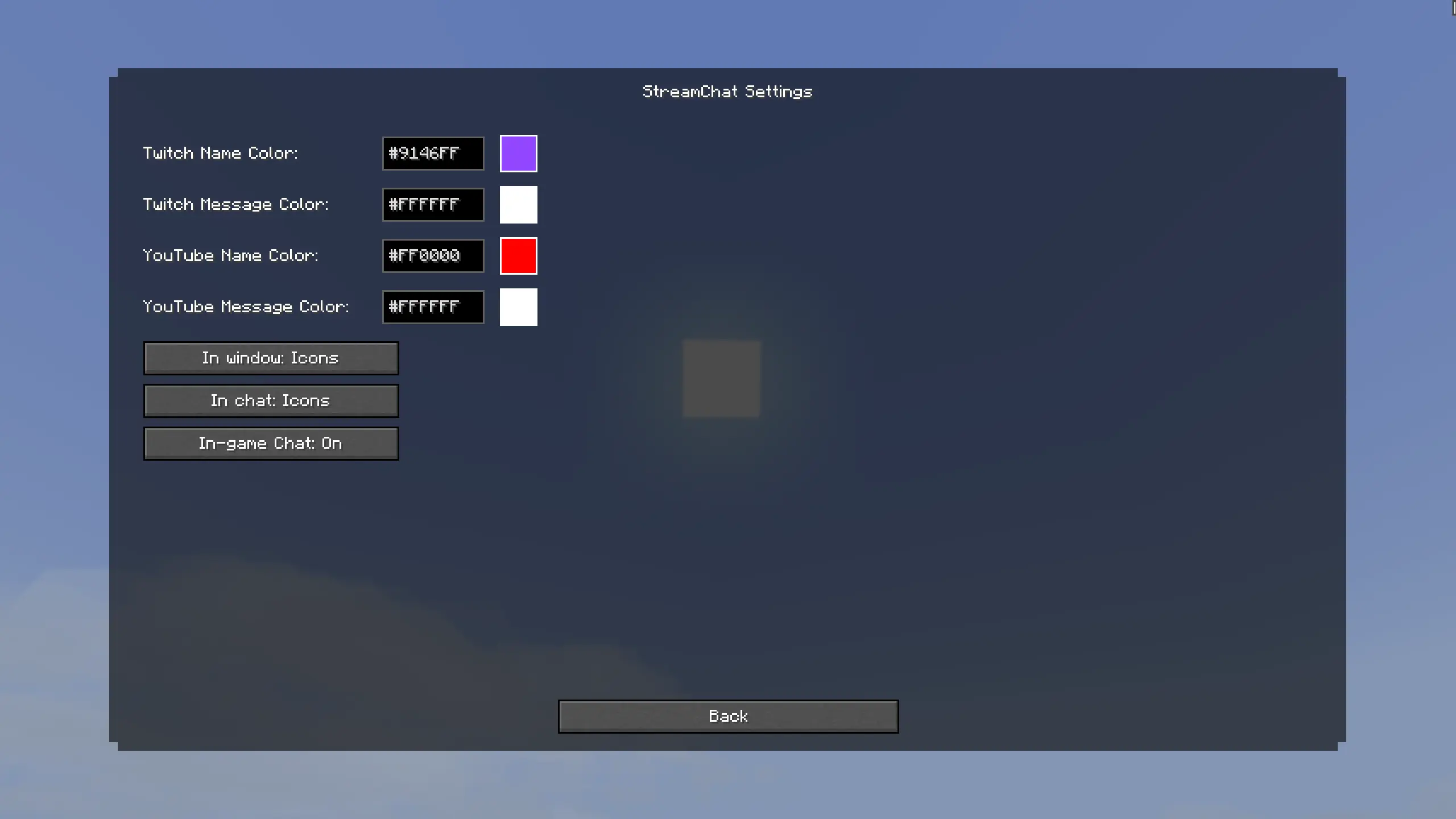
Customization: Change name and message colors (HEX support) for each platform. Choose between custom icons or text prefixes ([Twitch]).
-
Smart Auto-Scroll & History: The chat history is saved across your sessions. The window features smooth scrolling and automatically jumps to new messages if you are at the bottom.
-
Vanilla Chat Integration: Messages can appear in your standard Minecraft chat with custom icons. If getting spammed you can easily toggle this off in the settings!

-
Connection Status: Handy colored indicators (Green/Gray/Red) in the connections menu so you always know if your chat is connected.
-
Highly Optimized: Multithreaded background processing ensures your game runs at max FPS without lag spikes.
How to use:
- Press Z to open the StreamChat UI.
- Click the Connections button.
- Enter your Twitch channel name or paste your active YouTube stream link.
- Enjoy your chat in-game! Use the Settings (gear icon) to customize colors and toggles.
Supported Languages:
- 🇺🇸 English (US)
- 🇷🇺 Russian (Русский)
- 🇪🇸 Spanish (Español)
- 🇩🇪 German (Deutsch)
- 🇨🇳 Chinese Simplified (简体中文)
**Цель: 1000 скачиваний! **
StreamChat [RU]
StreamChat — это идеальный клиентский мод, созданный специально для стримеров. Читайте чат с Twitch и YouTube прямо в майнкрафте. Вам больше не нужен второй монитор, сложные программы или ввод паролей от аккаунтов.
Главные функции:
-
Стильный интерфейс: Нажмите Z (можно изменить в управлении), чтобы открыть красивое окно истории чата.
-
Поддержка двух платформ: Читайте чат Twitch и YouTube одновременно
-
Никаких паролей: Мод использует анонимное подключение. Просто впишите ник Twitch-канала или вставьте ссылку на стрим YouTube, и чат заработает.
-
Полная кастомизация: Настраивайте цвета ников и сообщений через HEX-коды. Выбирайте между красивыми иконками платформ или текстовыми префиксами ([Twitch]).
-
Умный скроллинг и Блокнот: История чата сохраняется даже после перезапуска игры. Окно имеет плавную прокрутку и умный автоскролл для новых сообщений.
-
Интеграция в ванильный чат: Сообщения могут выводиться в стандартный чат майнкрафта с иконками. Если слишком много спама — можете отключить эту функцию в настройках.
-
Индикаторы состояния: Удобные цветные индикаторы в меню подключений всегда покажут, успешно ли мод подключился к вашему стриму.
-
Максимальная оптимизация: Мод работает в отдельных потоках (Multithreading). Это гарантирует, что ваш майнкрафт не потеряет FPS.
Как использовать:
- Нажмите Z, чтобы открыть окно StreamChat.
- Нажмите на кнопку Подключения.
- Введите название канала Twitch или вставьте ссылку на прямой эфир YouTube.
- Готово! Используйте Настройки (иконка шестеренки) для настройки цветов и режимов.
Поддерживаемые языки:
- 🇷🇺 Русский (Russian)
- 🇺🇸 Английский (English)
- 🇪🇸 Испанский (Español)
- 🇩🇪 Немецкий (Deutsch)
- 🇨🇳 Китайский упр. (简体中文)
Screenshots
Gallery
Versions
Files
Relations
Project Relations
More like this
Similar Mods
Suggestions use data such as tags, dependencies, dependents, descriptions, titles, and more to rank how much they overlap with this mod.
On ModDex
Community snapshot
By the numbers
Statistics

Want to reach Minecraft players?
We're looking for a server hosting partner to feature here and other parts of the site. Interested? Send us a message!
Get in touchGet it on
Available Platforms
On ModDex
Community snapshot
By the numbers
Statistics
Resources