Community listing page, reviews may not be monitored by the author.
Structure Void Toggle


No reviews yet
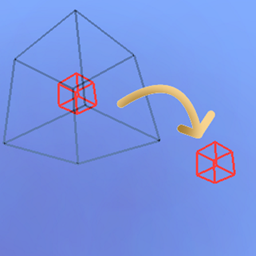
Gets rid of that annoying Structure Void hitbox when building with a toggle!

Community voices
Reviews
No reviews yet. Be the first to review this project!
Get it on
Available Platforms
Compatibility
Supported Environments
Runs entirely on the client. Works on vanilla servers.
About
Project Details
For authors
Embed Badge
If you're the author of this project, you can embed a live badge anywhere that supports HTML or Markdown. It updates automatically whenever ratings change.
Use HTML for any page that supports it, or Markdown for README files and Markdown-based descriptions.
Identifiers
Platform IDs
About
Description
Are you annoyed with Structure Void getting in the way of you breaking/placing blocks in your structure? SO WAS I!

______________________________________________________________________________
SOLUTION: STRUCTURE VOID TOGGLE MOD!
A little backstory, I was making structures and using Structure Blocks to save them with Structure Void for world generation later. However, I got fed up with Structure Void making it difficult to add/remove blocks in my structures. So I decided to make this really simple mod where you can toggle between the size of the hitbox for the block!
AS OF 1.19.2 (Some features are not available in older MC versions):
- BACKTICK KEY ` will switch between 'Default', 'No Hitbox', 'Small Hitbox', and 'Large Hitbox'. This will apply to Structure Void, Light, and Barrier block. Default goes back to normal shape and behavior for each block. The rest forces the block's hitbox to be whatever the mode is.
- INSERT KEY will disable any invisible block rendering from Structure Blocks. May be useful as the Structure Block's rendering is very laggy when showing a ton of invisible blocks.
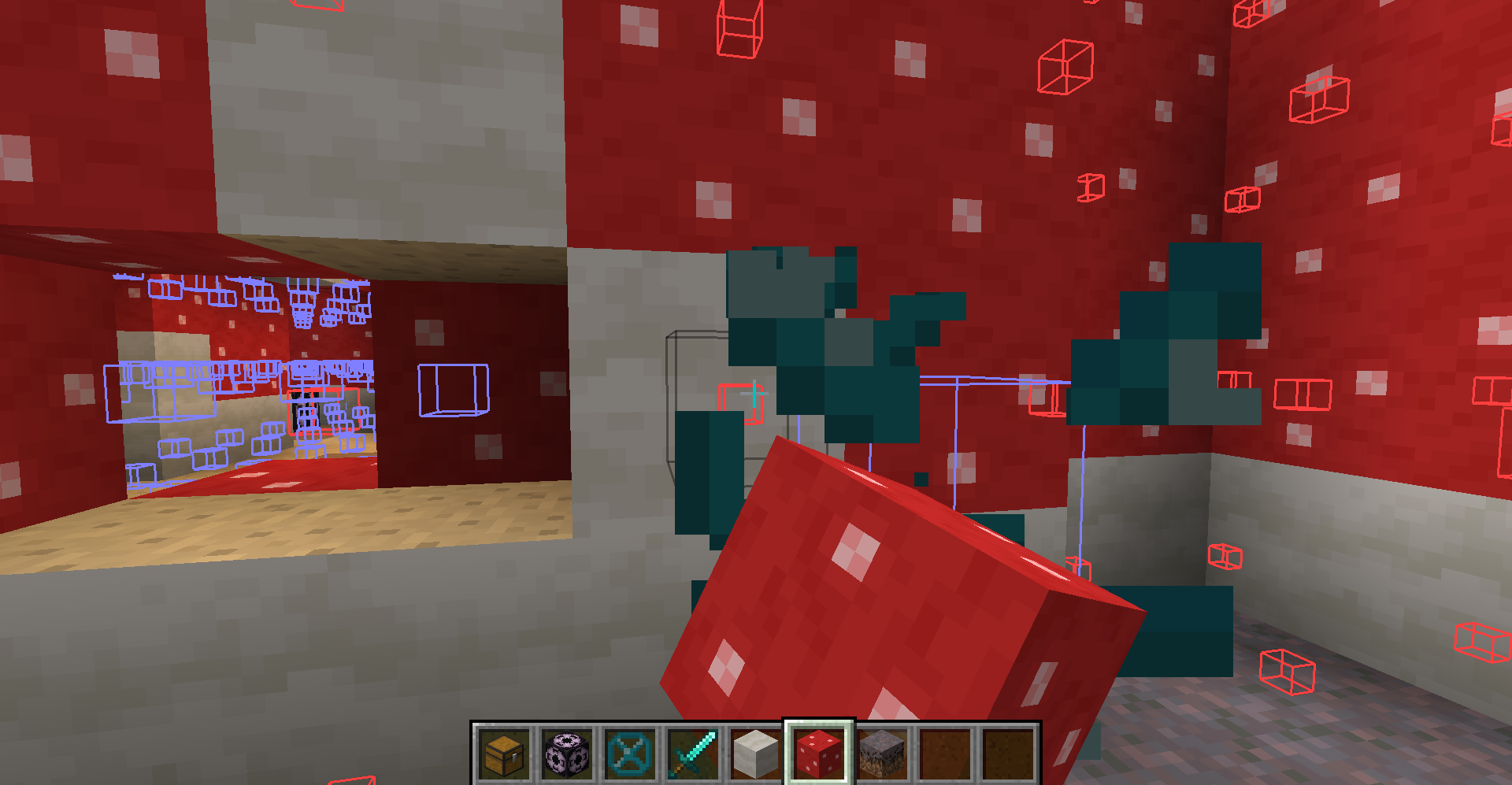
- DELETE KEY will switch on the 'Forced Rendering' option which will render all Structure Void, Light, and Barrier blocks so that they all are visible when close enough to you even if not in bounds of a Structure Block! If 'Large Hitbox' mode is on alongside 'Forced Rendering', the blocks will get a full-cube solid rendering to make it mush easier to see where all the blocks are and easier to break them.
- PAGE UP KEY will make it so that placing any block on Structure Void or Light will place the blocks on the side instead of replacing the Structure Void or Light block.
- (26.2+) MINUS KEY will reduce the forced render distance. The render distance is not persistent and will be reset on relaunch of Minecraft.
- (26.2+) EQUALS KEY will increase the forced render distance. The render distance is not persistent and will be reset on relaunch of Minecraft.
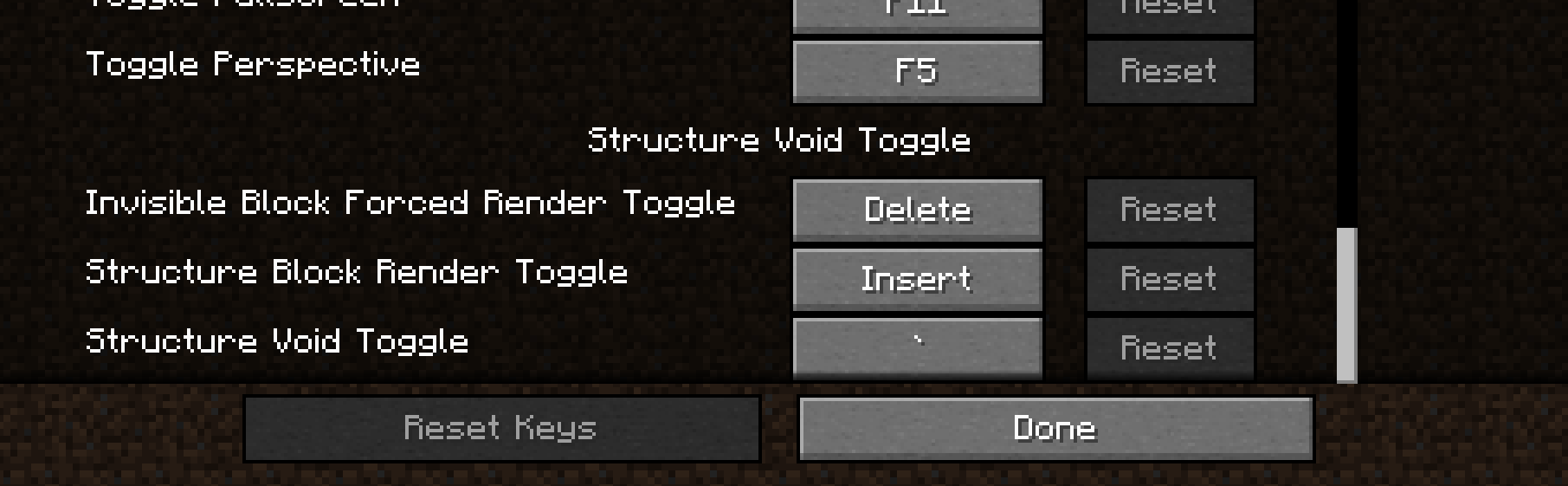
NOTE: You can change any of the keybinds in the Controls section of settings.
I hope you enjoy this mod to make structure building a little easier and don't forget to report any bugs or issues you find with this mod in the Issue tab above or in my discord below! Or you can comment on this mod page too
Discord Link to #telepathicgrunt-mods channel for my mods! :

Are you annoyed with Structure Void getting in the way of you breaking/placing blocks in your structure? SO WAS I!
SOLUTION: STRUCTURE VOID TOGGLE MOD!
A little backstory, I was making structures and using Structure Blocks to save them with Structure Void for world generation later. However, I got fed up with Structure Void making it difficult to add/remove blocks in my structures. So I decided to make this really simple mod where you can toggle between the size of the hitbox for the block!
AS OF 1.19.2 (Some features are not available in older MC versions):
-
BACKTICK KEY ` will switch between 'Default', 'No Hitbox', 'Small Hitbox', and 'Large Hitbox'. This will apply to Structure Void, Light, and Barrier block. Default goes back to normal shape and behavior for each block. The rest forces the block's hitbox to be whatever the mode is.
-
INSERT KEY will disable any invisible block rendering from Structure Blocks. May be useful as the Structure Block's rendering is very laggy when showing a ton of invisible blocks.
-
DELETE KEY will switch on the 'Forced Rendering' option which will render all Structure Void, Light, and Barrier blocks so that they all are visible when close enough to you even if not in bounds of a Structure Block! If 'Large Hitbox' mode is on alongside 'Forced Rendering', the blocks will get a full-cube solid rendering to make it mush easier to see where all the blocks are and easier to break them.
-
PAGE UP KEY will make it so that placing any block on Structure Void or Light will place the blocks on the side instead of replacing the Structure Void or Light block.
-
(26.2+) MINUS KEY will reduce the forced render distance. The render distance is not persistent and will be reset on relaunch of Minecraft.
-
(26.2+) EQUALS KEY will increase the forced render distance. The render distance is not persistent and will be reset on relaunch of Minecraft.
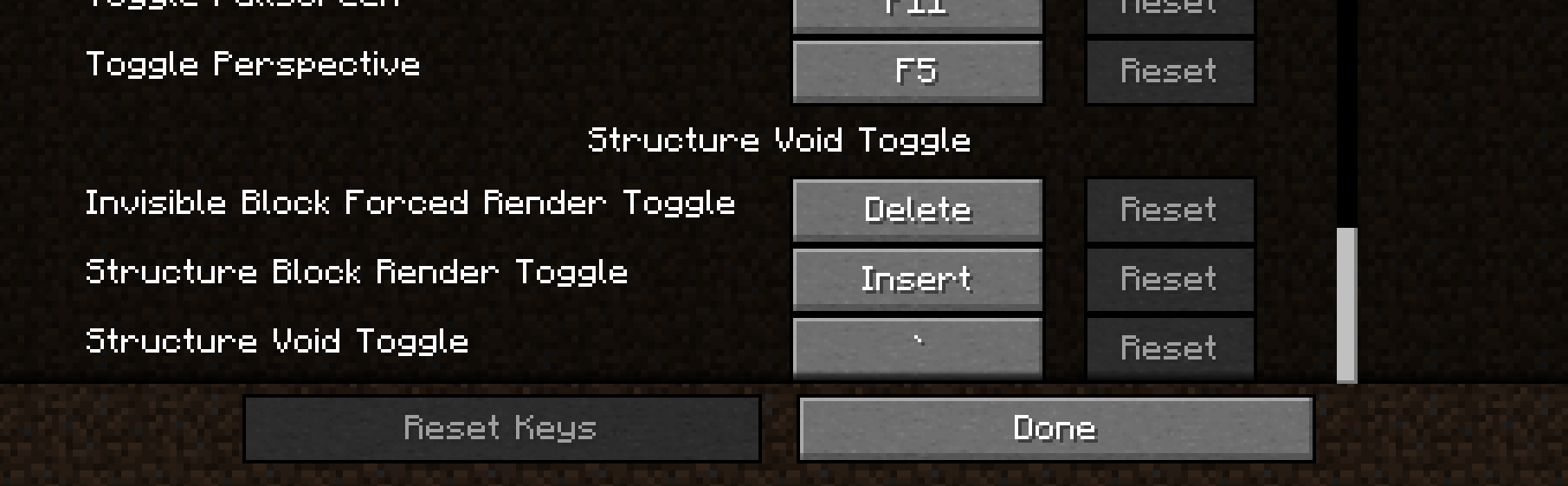
NOTE: You can change any of the keybinds in the Controls section of settings.
I hope you enjoy this mod to make structure building a little easier and don't forget to report any bugs or issues you find with this mod in the Issue tab above or in my discord below! Or you can comment on this mod page too
Discord Link to #telepathicgrunt-mods channel for my mods! :
https://discord.gg/K8qRev3yKZ
Screenshots
Gallery
-
3 options as of 1.19.2+! You can find the keybinds for this mod in the keybind menu! Previously to 1.19.2, the keybinds were in the Misc categeory. Now they are in this mod's specific category.
-
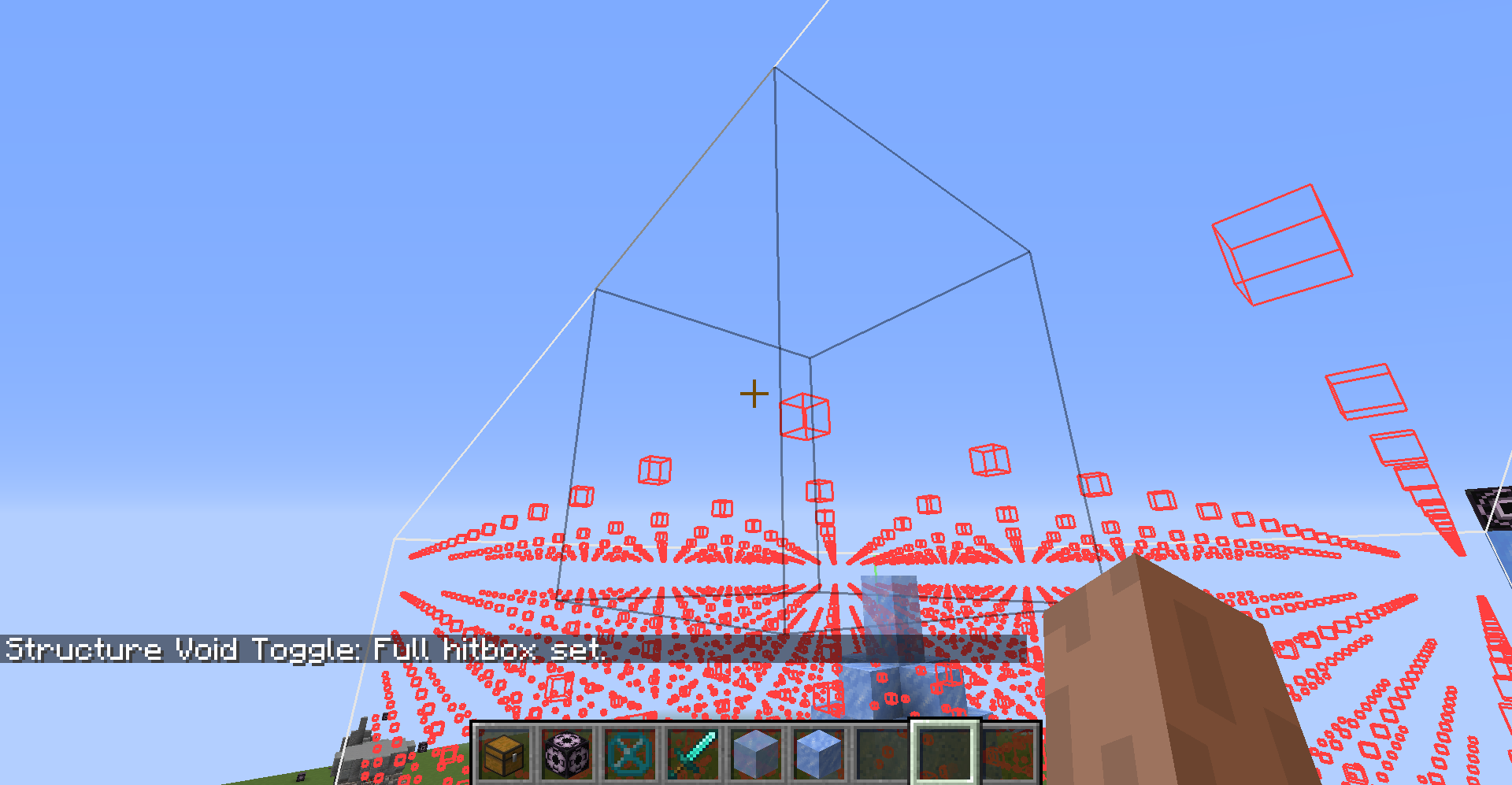 Large Hitbox Set The Large Hitbox mode makes the Structure Void's hitbox the size of a full block. So if you want to place blocks on Structure Void, this mode may make it easier for you.
 -
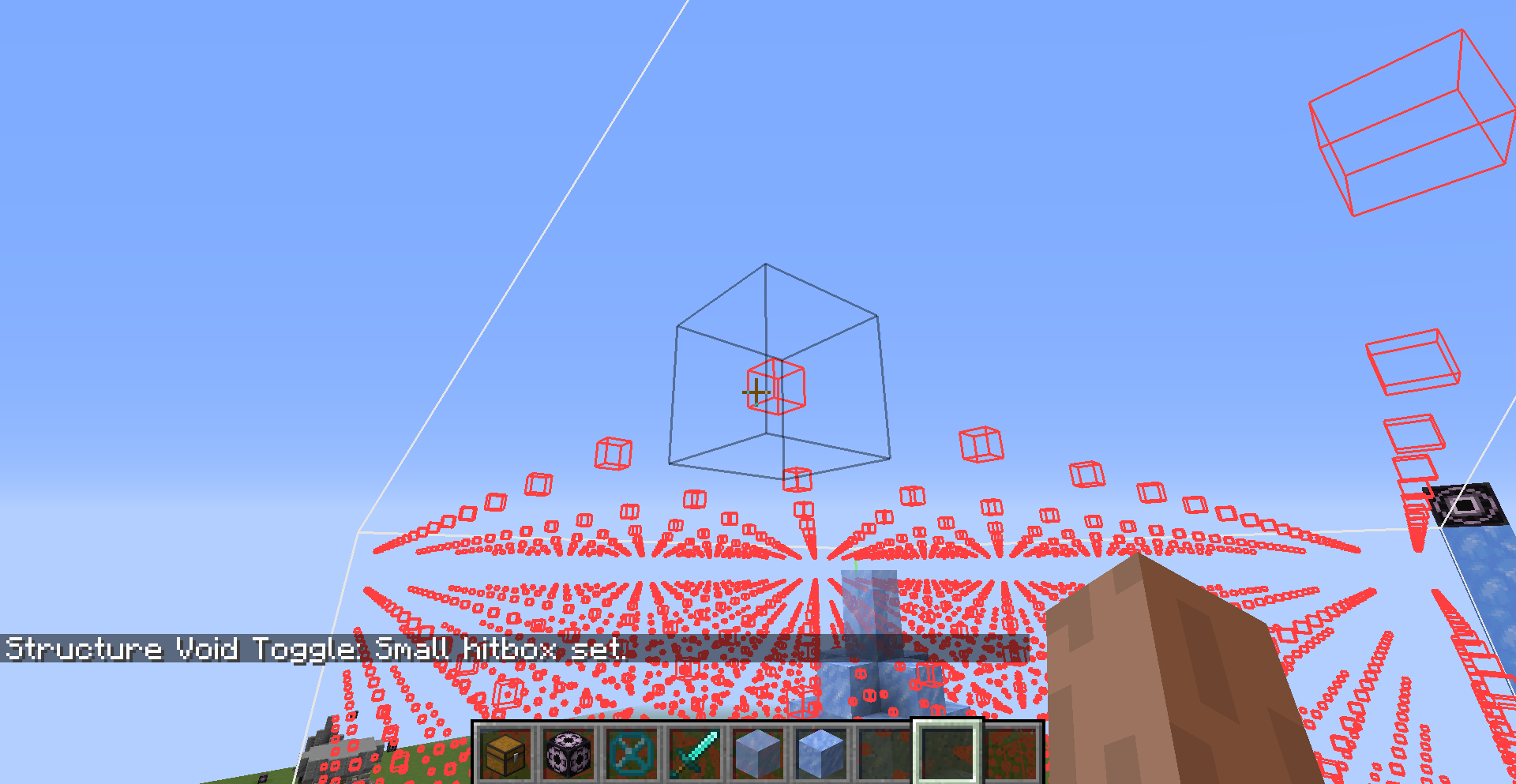 Small Hitbox Set The Small Hitbox mode is the default size hitbox for Structure Void blocks. No difference.
 -
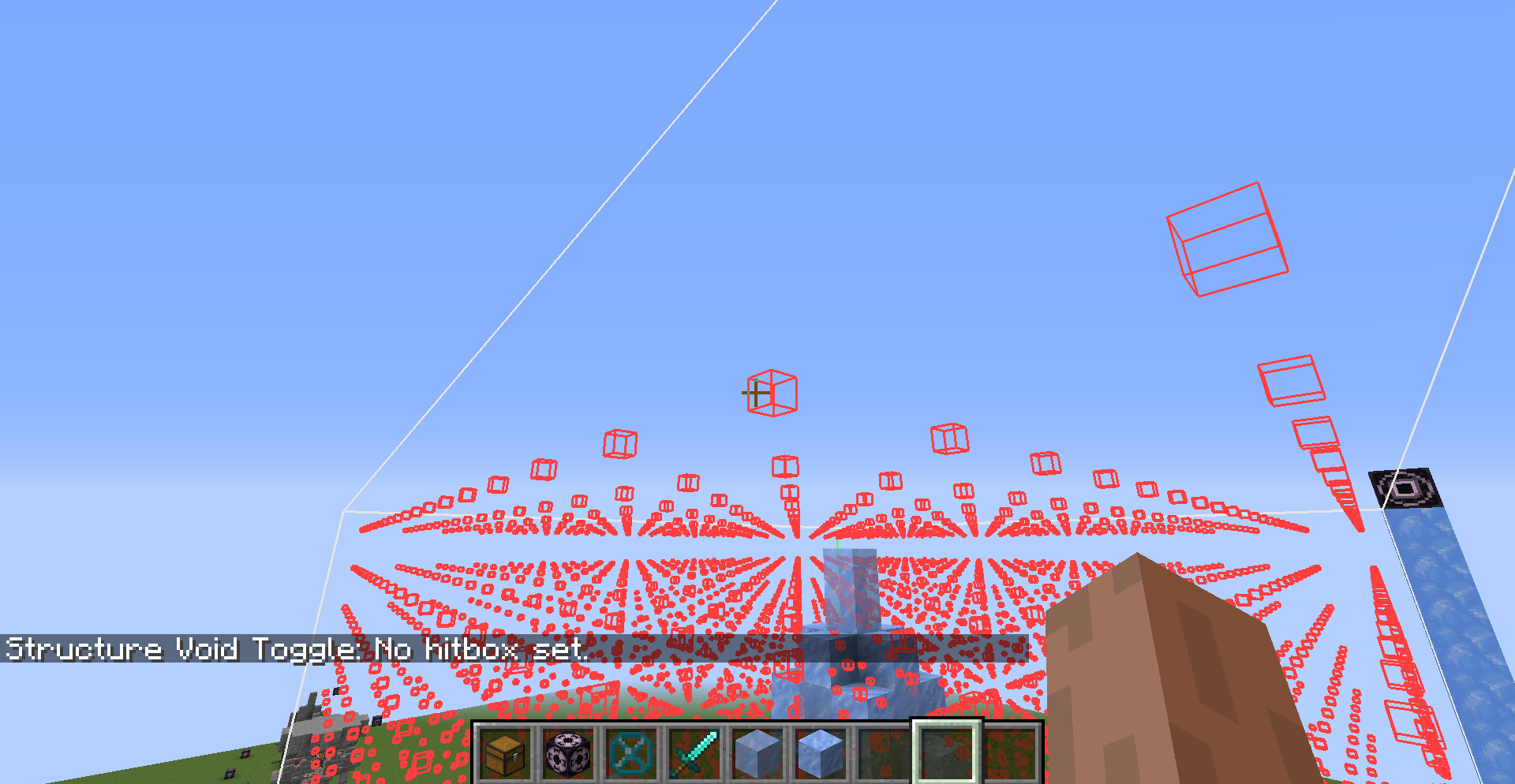 No Hitbox Set The No Hitbox mode will let you treat Structure Void blocks as air blocks so you can mine and place blocks through them without them being in the way!
-
Mod page main image
-
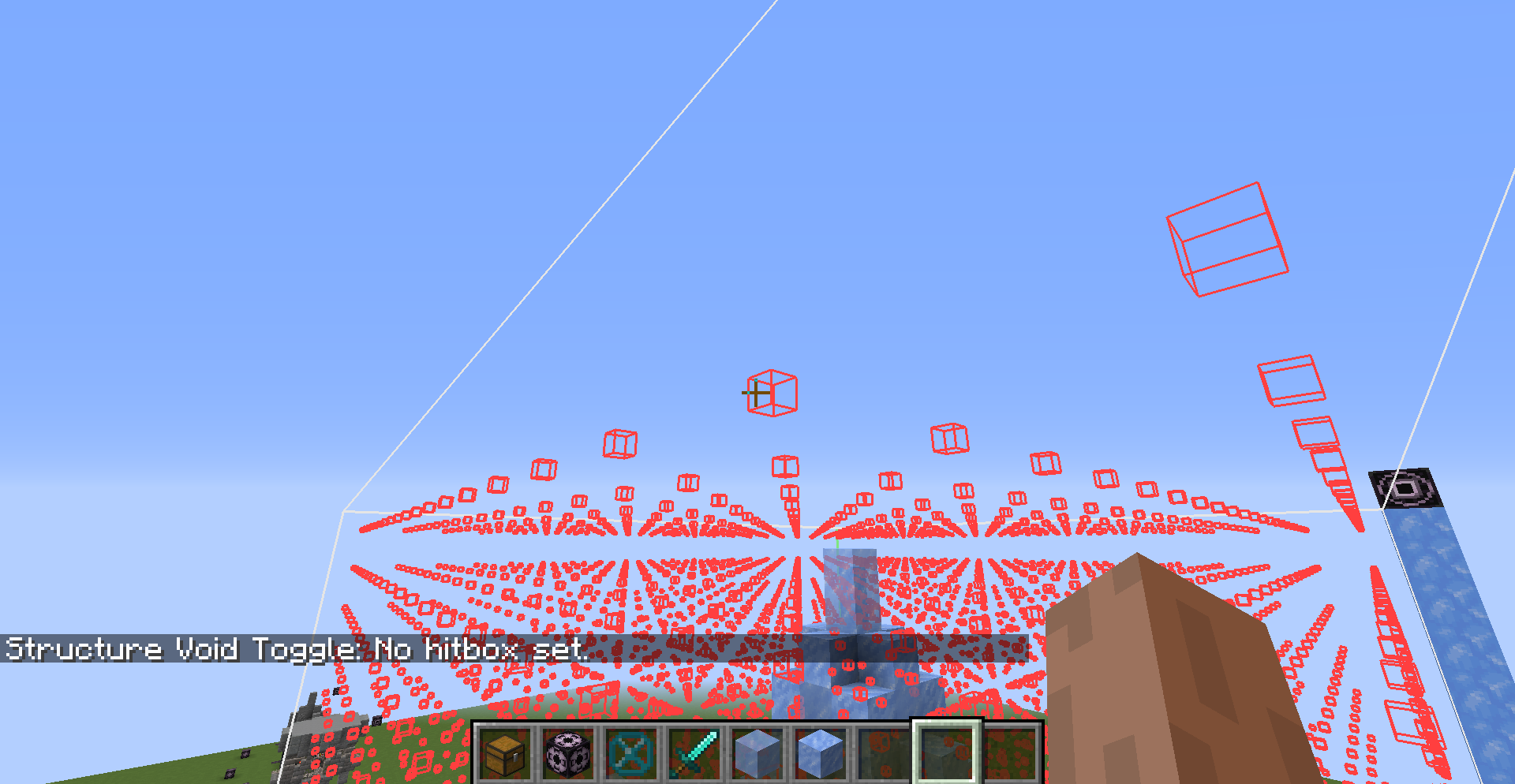 No Hitbox Set The No Hitbox mode will let you treat Structure Void blocks as air blocks so you can mine and place blocks through them without them being in the way!
 -
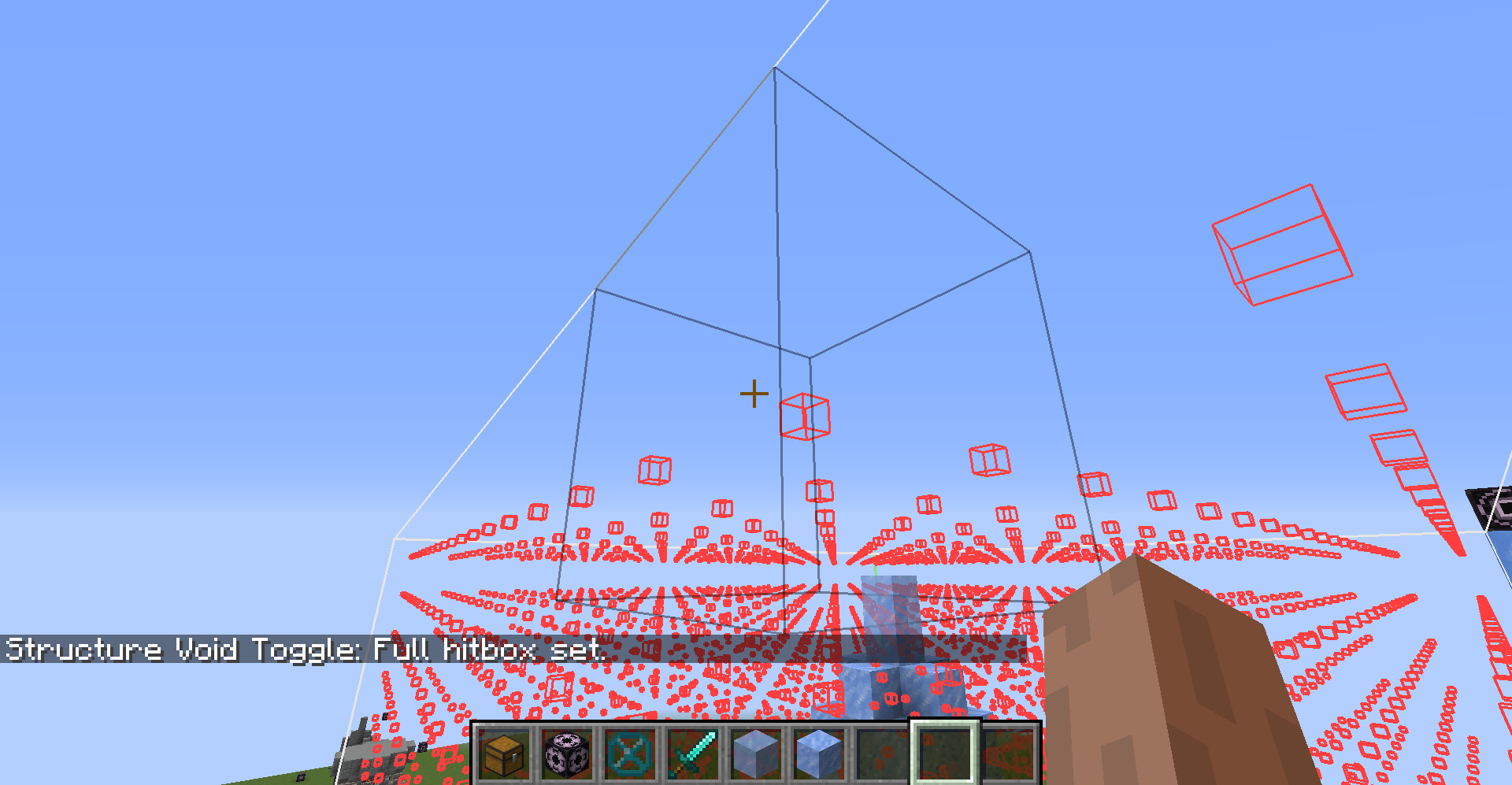 Large Hitbox Set The Large Hitbox mode makes the Structure Void's hitbox the size of a full block. So if you want to place blocks on Structure Void, this mode may make it easier for you.
 -
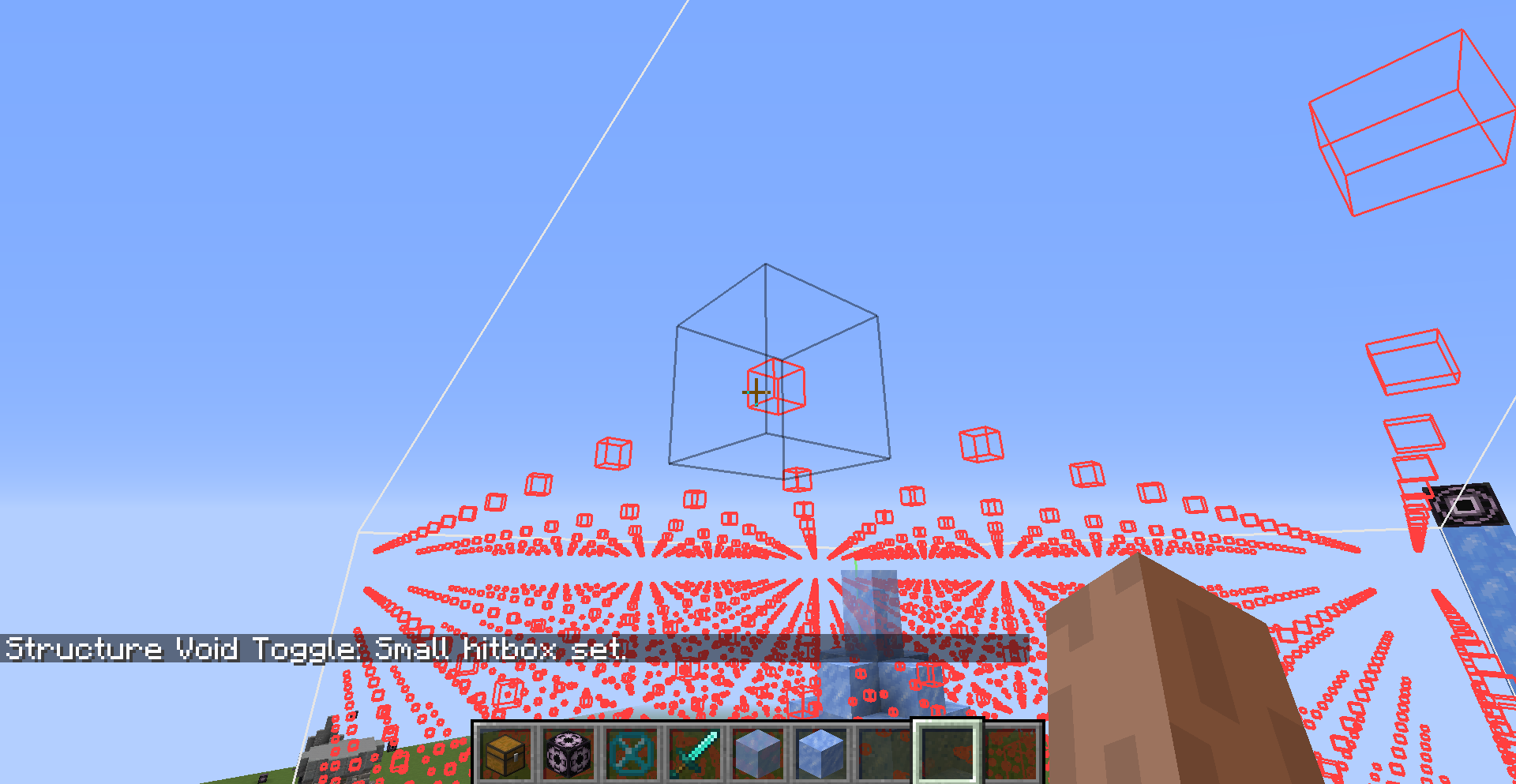 Small Hitbox Set The Small Hitbox mode is the default size hitbox for Structure Void blocks. No difference.
 -
Control screen keybinds can be changed
Versions
Files
Relations
Project Relations
More like this
Similar Mods
Suggestions use data such as tags, dependencies, dependents, descriptions, titles, and more to rank how much they overlap with this mod.
On ModDex
Community snapshot
By the numbers
Statistics

Get it on
Available Platforms
On ModDex
Community snapshot
By the numbers