
Community listing page, reviews may not be monitored by the author.
Structures Everywhere

No reviews yet
All vanilla structures now spawn/appear EVERYWHERE!

Community voices
Reviews
No reviews yet. Be the first to review this project!
Get it on
Available Platforms
About
Project Details
For authors
Embed Badge
If you're the author of this project, you can embed a live badge anywhere that supports HTML or Markdown. It updates automatically whenever ratings change.
Use HTML for any page that supports it, or Markdown for README files and Markdown-based descriptions.
Identifiers
Platform IDs
Resources
External Links
About
Description
IMPORTANT:
- MAKE SURE YOU DOWNLOAD THE RIGHT VERSION, CHAOS RELEASES ARE DIFFERENT
- if youre returning here to update the datapack and dont know how then read this
- open your world folder (usually found at %appdata%/.minecraft/saves/
- then navigate to the "datapacks" folder
- replace the old version with the new one
- make sure you download the right datapack for your version!
- note: you have to visit new chunks to see changes!
All structures now appear EVERYWHERE
- Every single vanilla structure is now able to generate anywhere across all minecraft dimensions
- Significantly increases the spawn rates of all structures
- Intended for fun challenges and minecraft videos
- Extended possible spawn y level for some structures
Things to note
- If you are planning to use this datapack in your video, please make sure to add a link directly to this page in your videos description
- This datapack uses experimental settings (every time you join your world with this datapack you will be notified about this)
- Worlds using this datapack might have slightly longer loading times due to the handling of all the stuctures
- Altough it is not recommended you can add this datapack to worlds you care about, however expect some chaos!
- Although this datapack claims that all structures spawn everywhere, ocean monuments are an exception (due to hardcoded limits), version 1.3.0 provides experimental ocean monuments as a custom structure if you really want them everywhere!
Installation Instructions:
-
Download the .zip file of the datapack
-
When creating a new world select the "datapacks" option and add the downloaded file here
-
If you are playing on an existing world open your world folder
-
From there navigate to the "datapacks" folder and drop the downloaded file here
-
note that you will have to explore new chunks to see the new structures!
Screenshots
Gallery
-
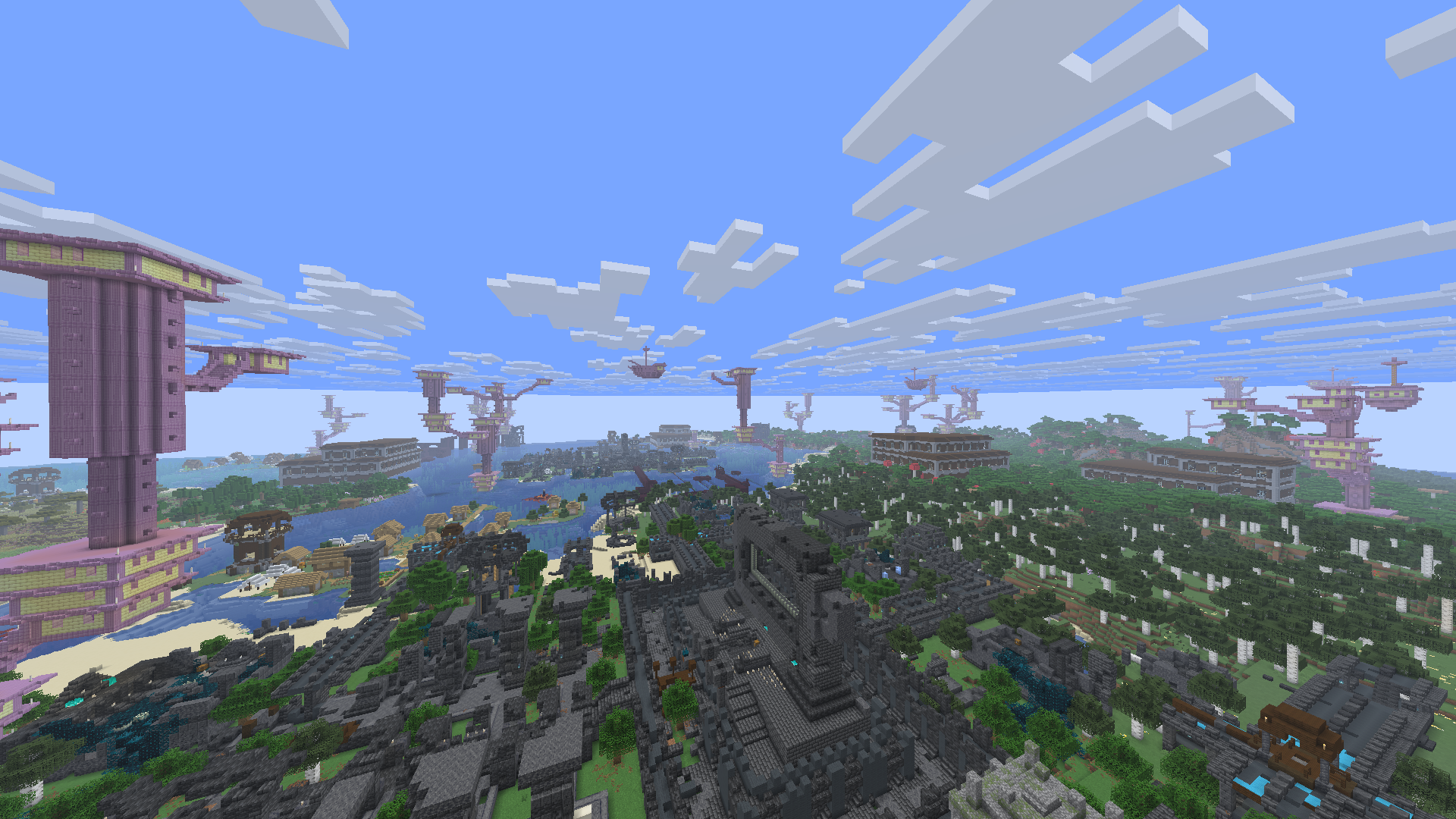 Overworld Wilds Theres just too many things to look at...
-
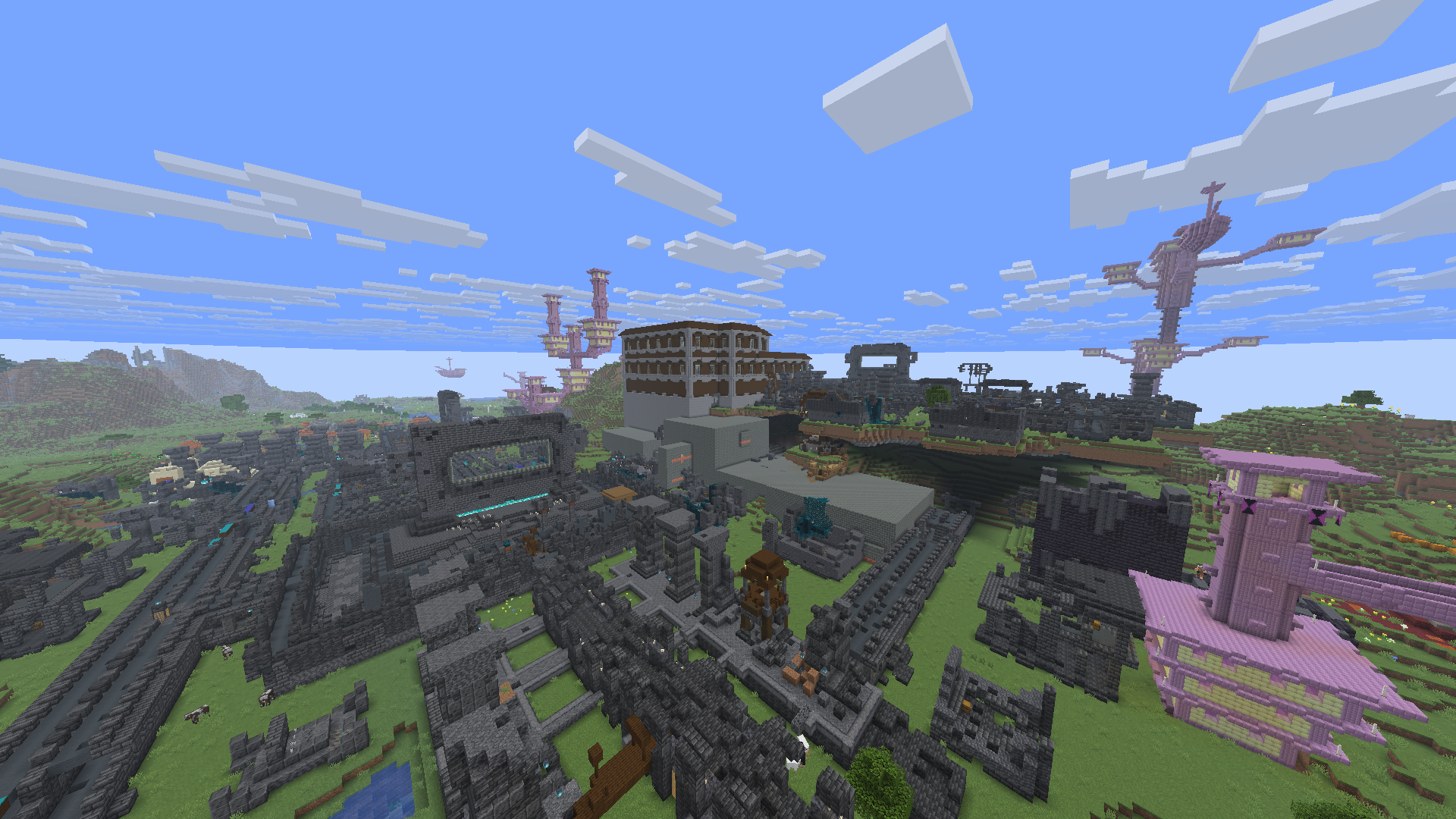 Overworld plains generation Complete Chaos
-
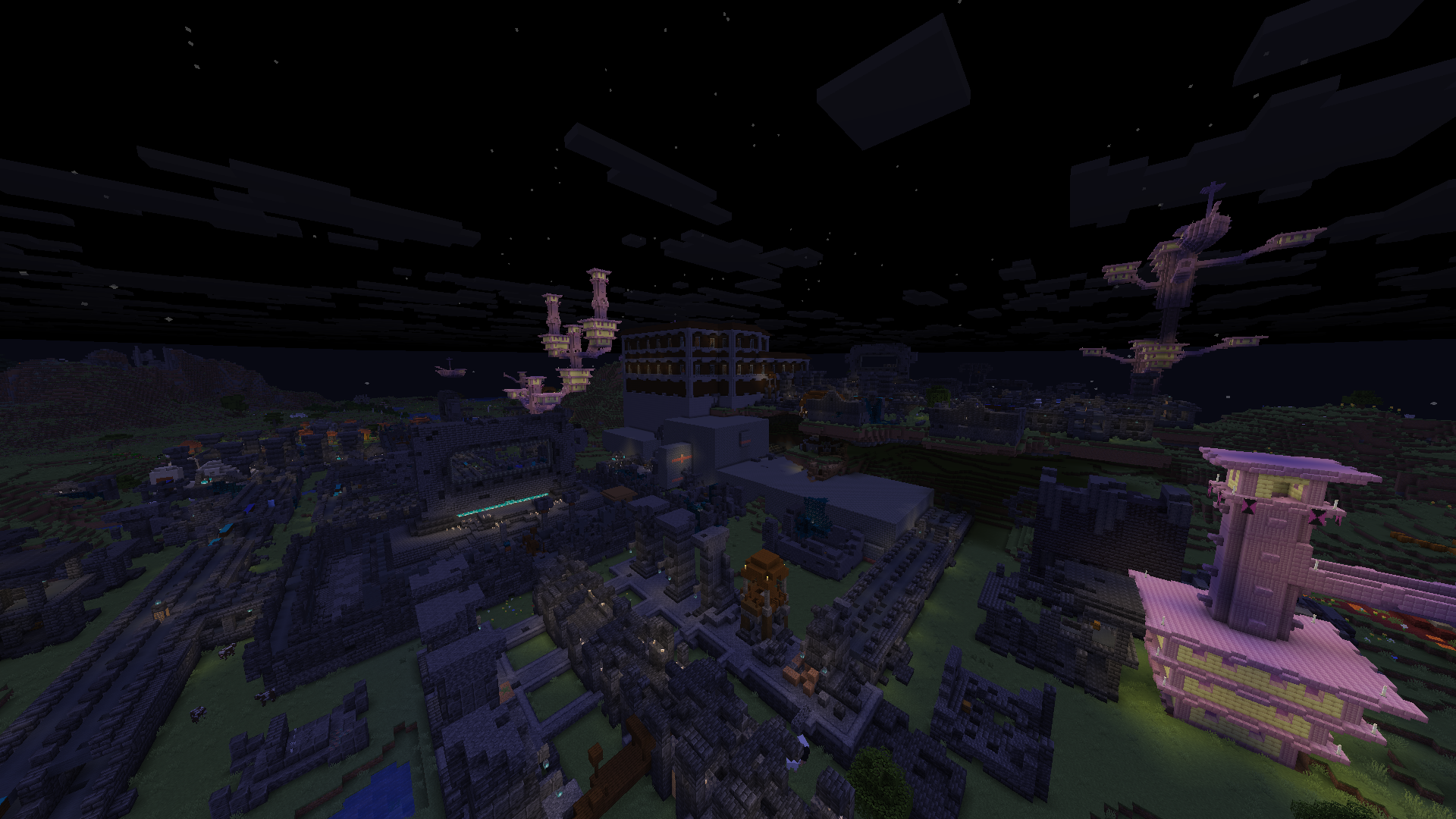 Night Plains First image but at night
-
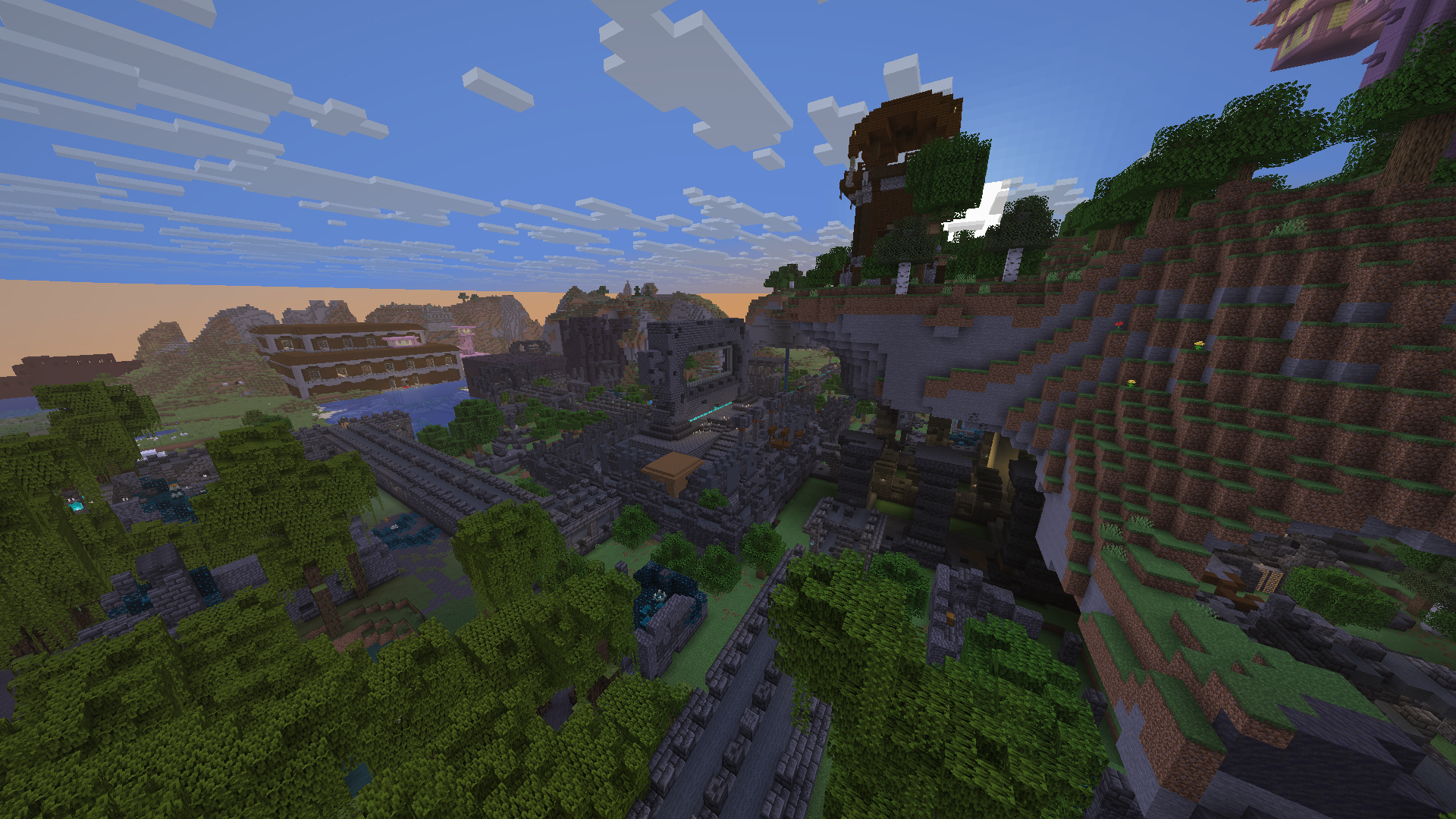 Cool Generation Pillager Outpost overlooking an ancient city
-
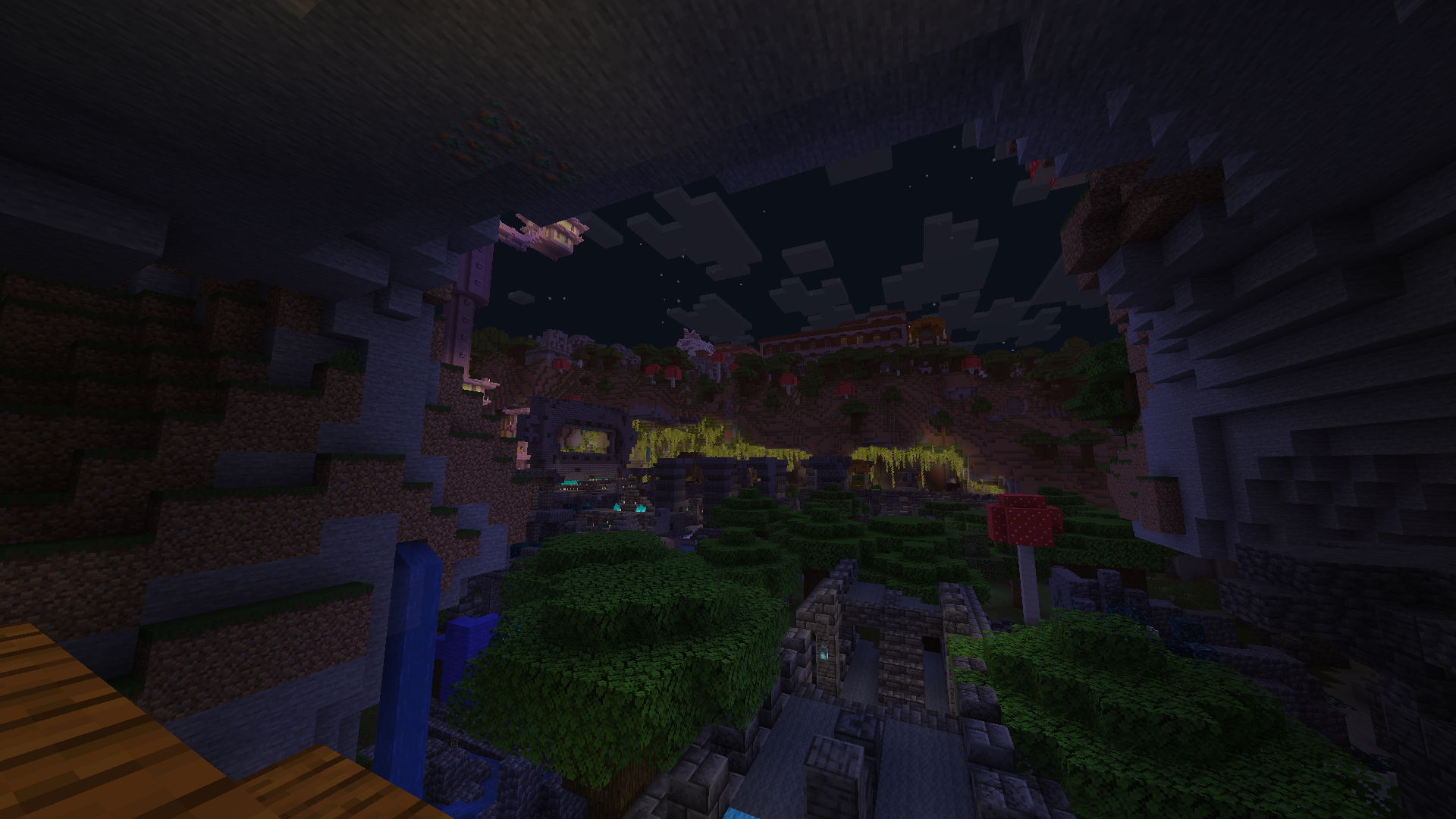 Cool Generation 2 Low Ancient city in the middle of a valley
-
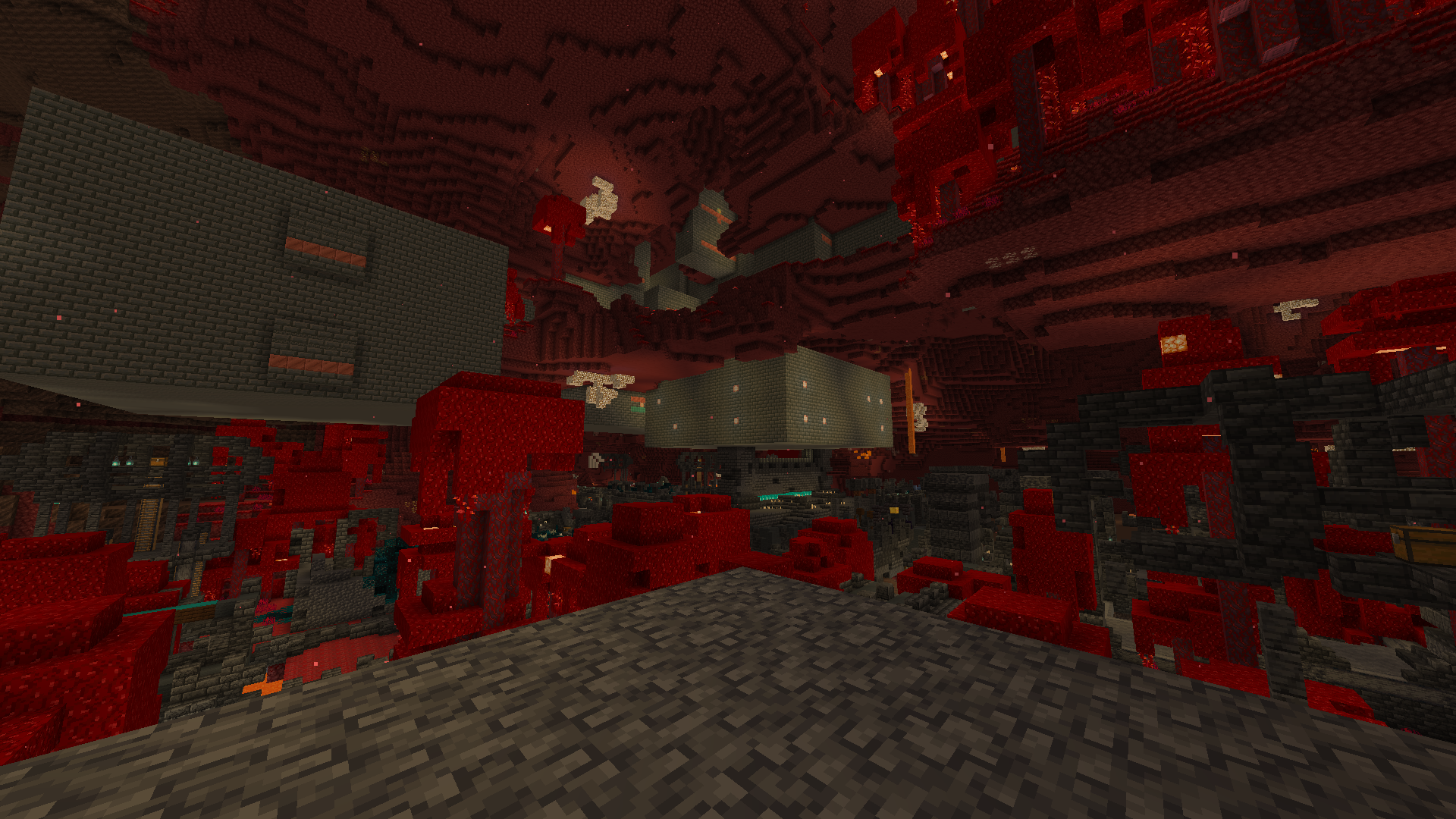 Nether Generation this is what most of the nether looks under the bedrock ceiling
-
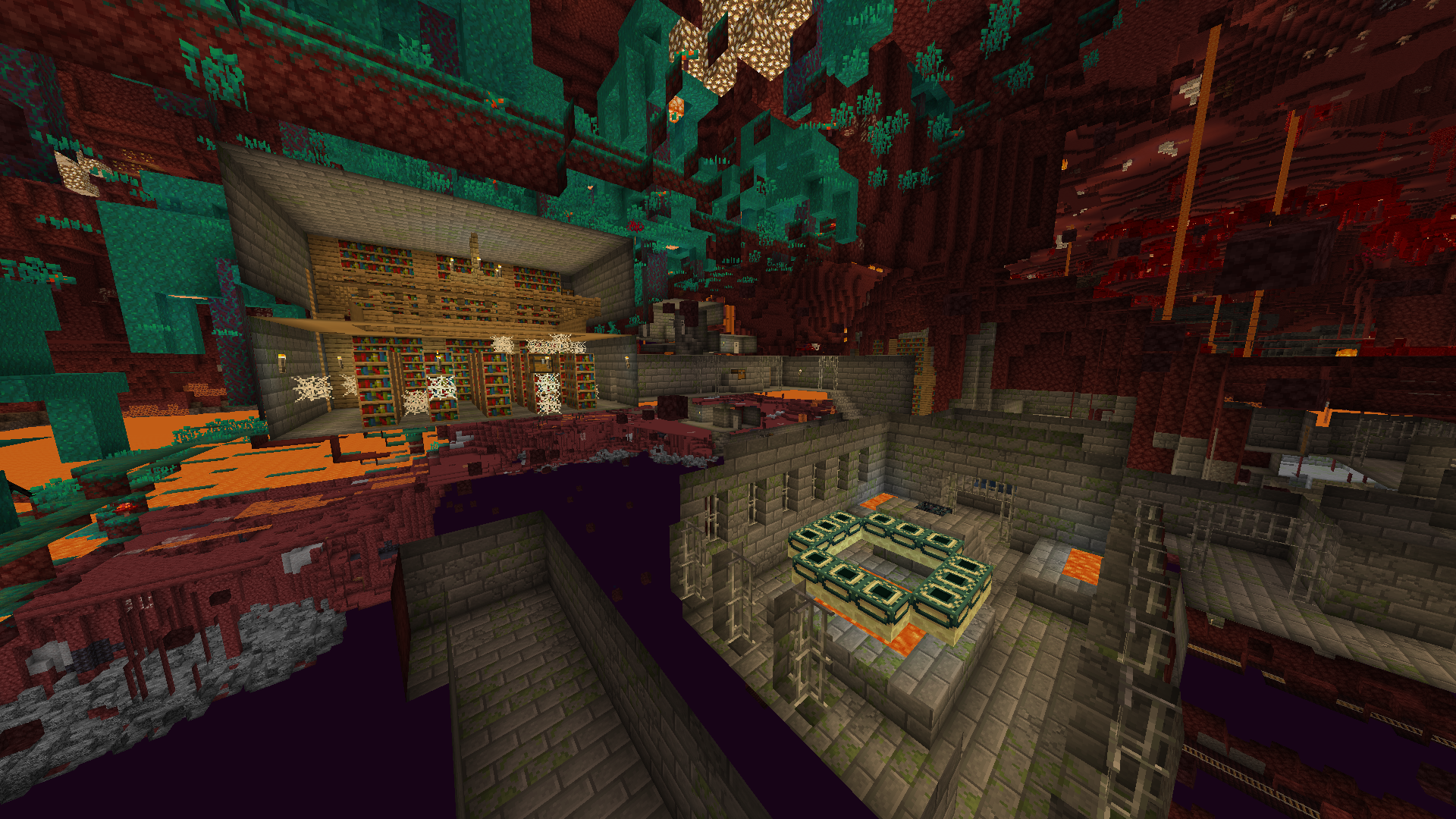 Nether Stronghold also found in the end
-
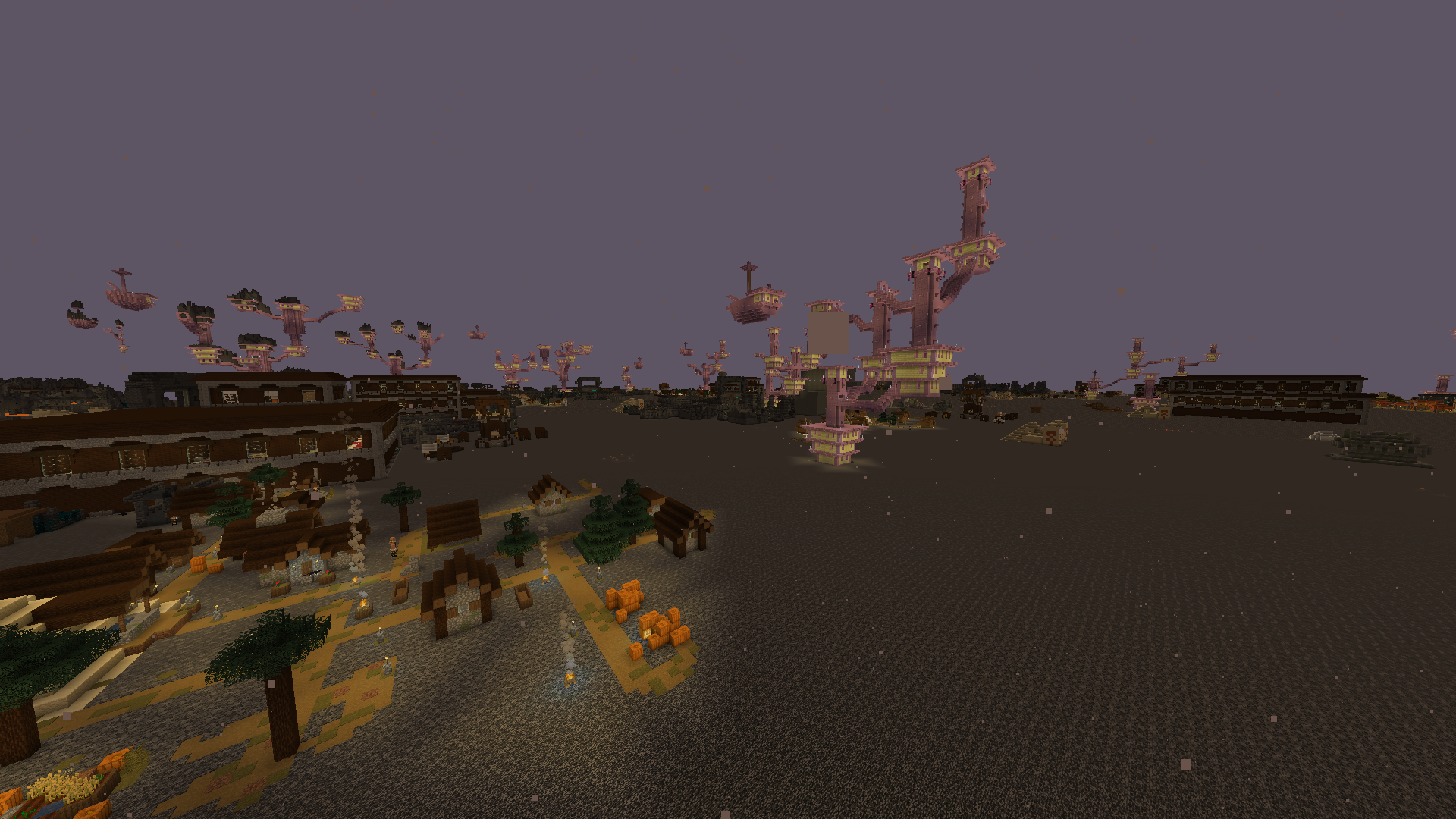 Nether roof Generation most of the structures spawn above the nether roof
-
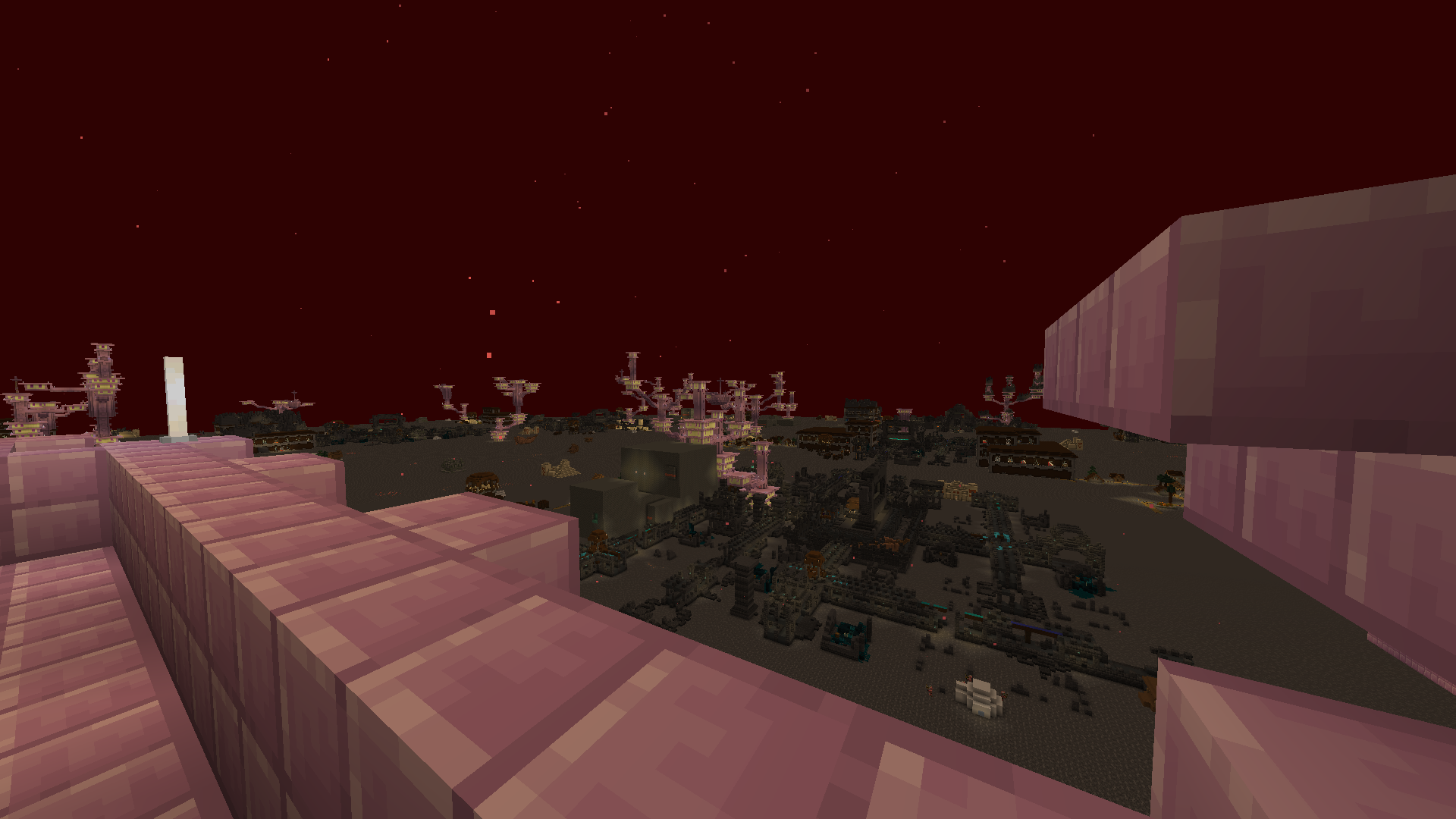 Nether Roof Generation 2 watching from an end city ship
-
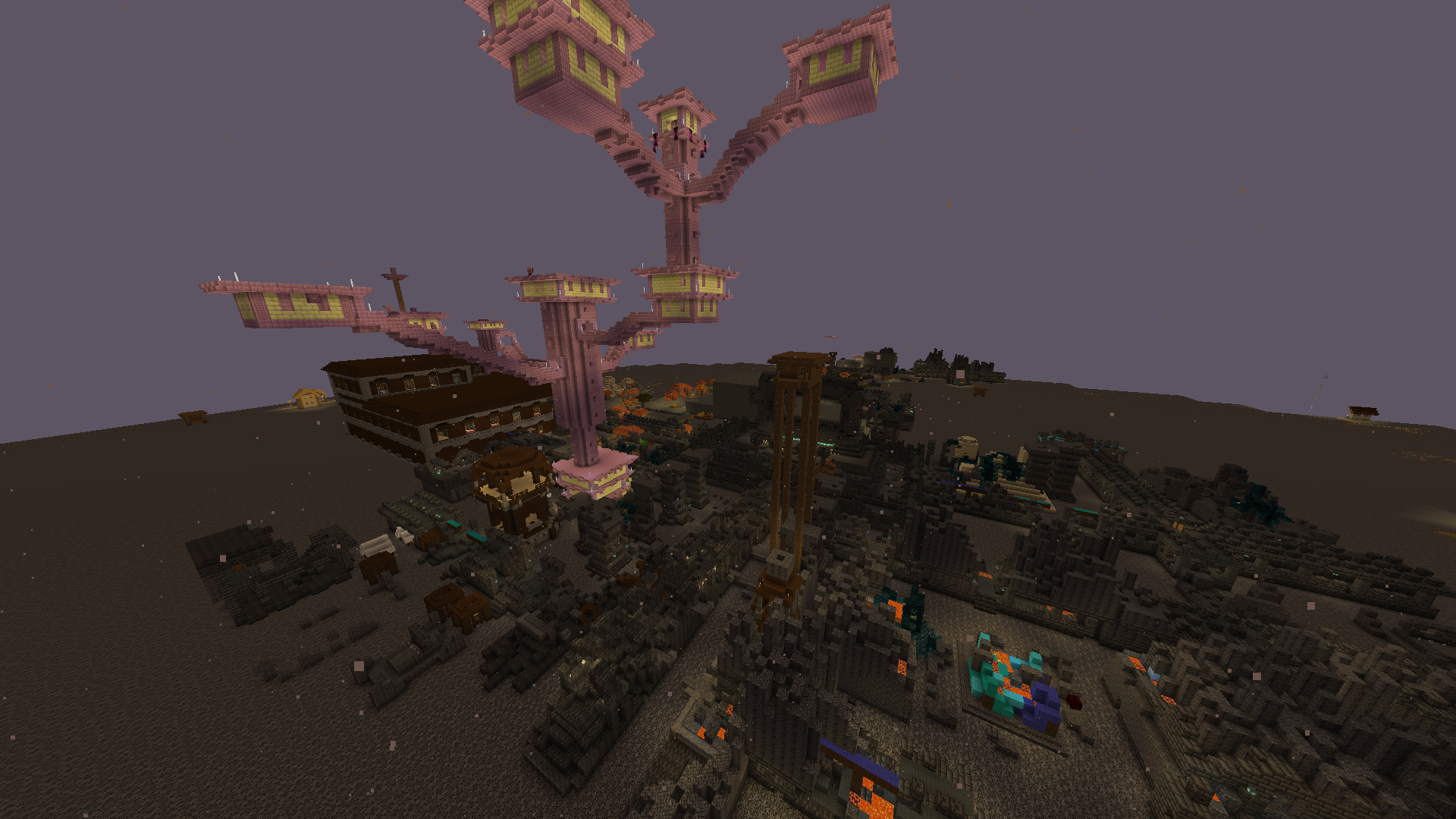 All in one Almost every structure in one piece
-
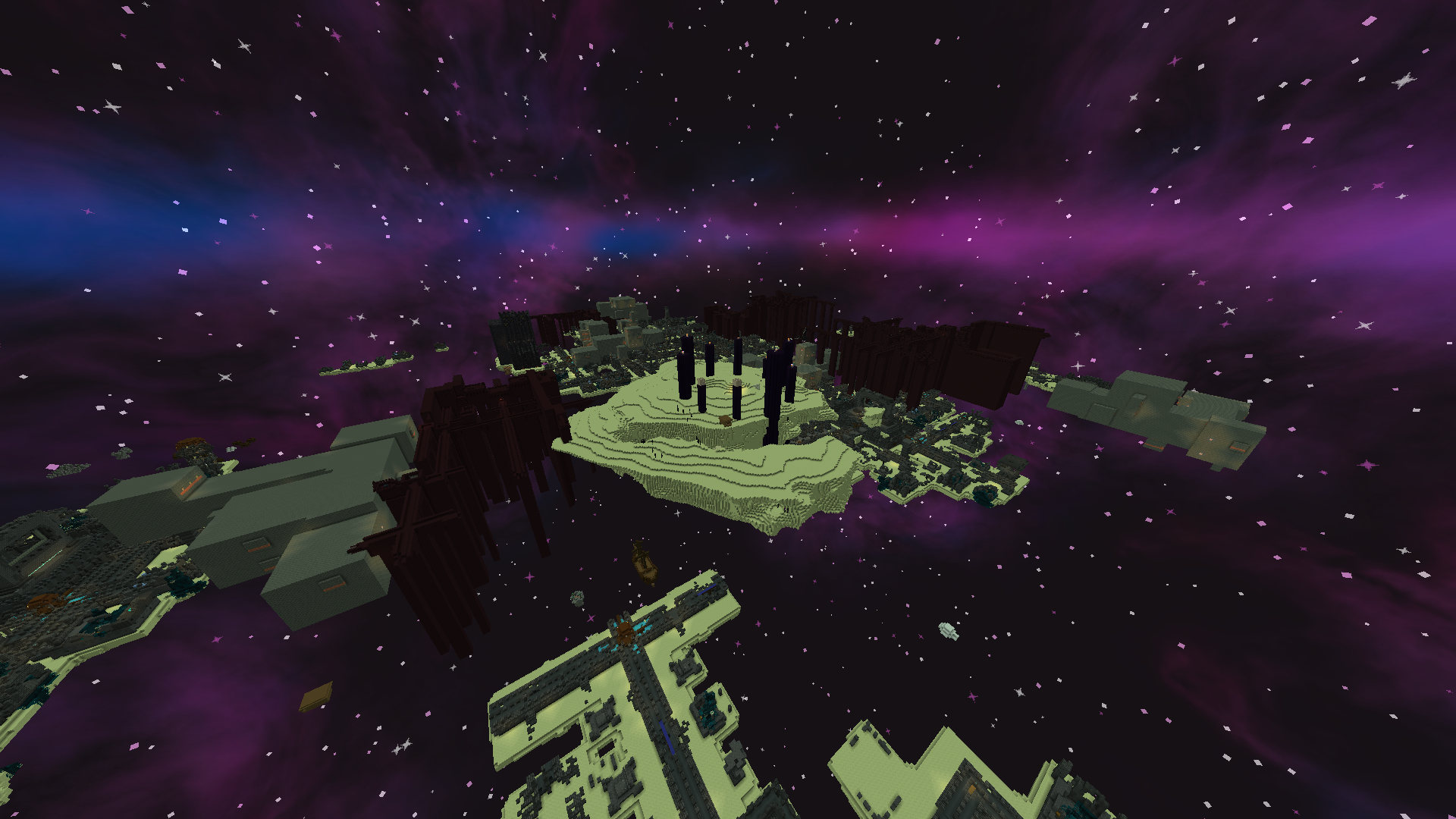 Main End island The dragon fight will be interesting...
-
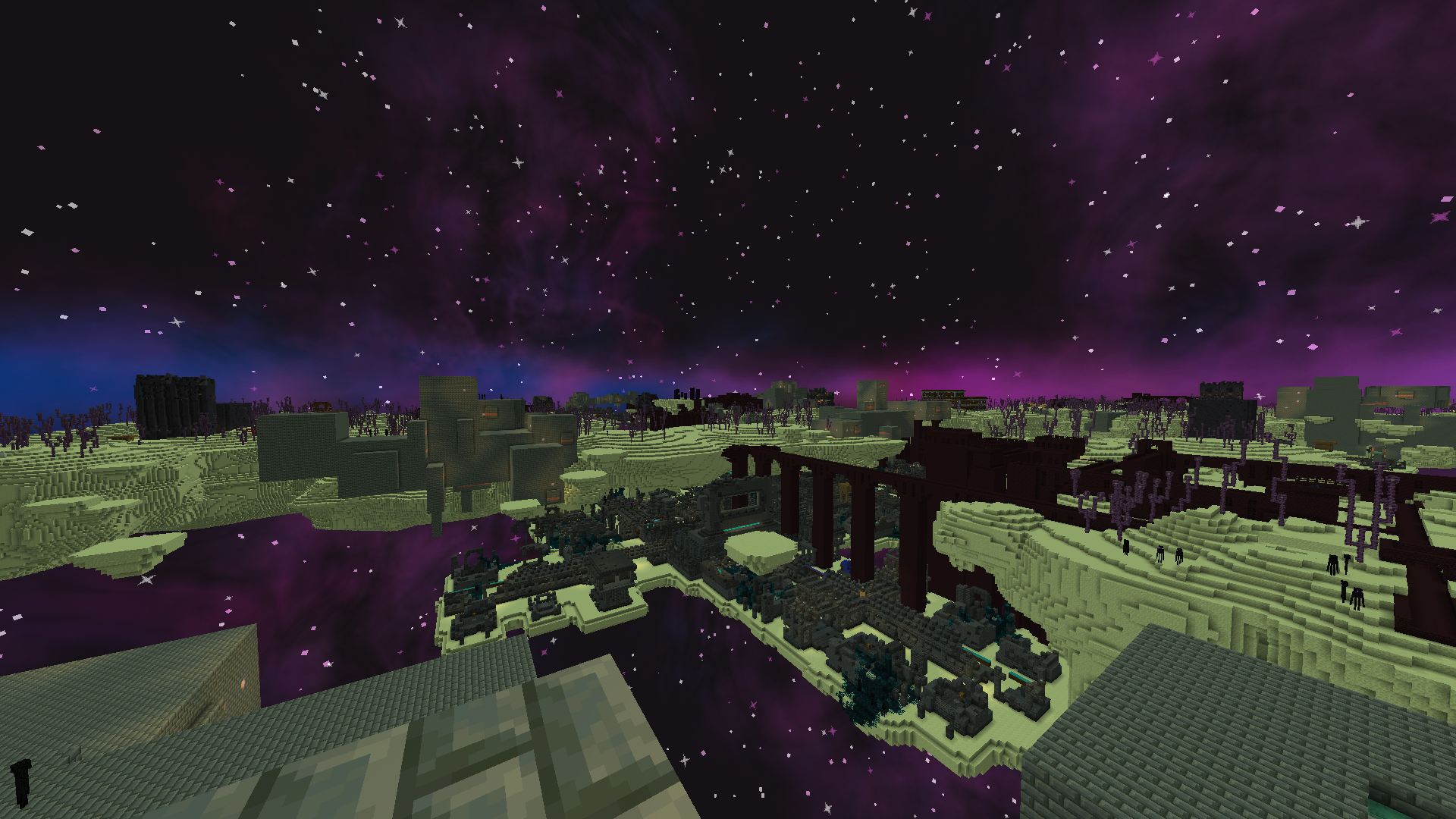 Outer End Wilds You could call this an end update
-
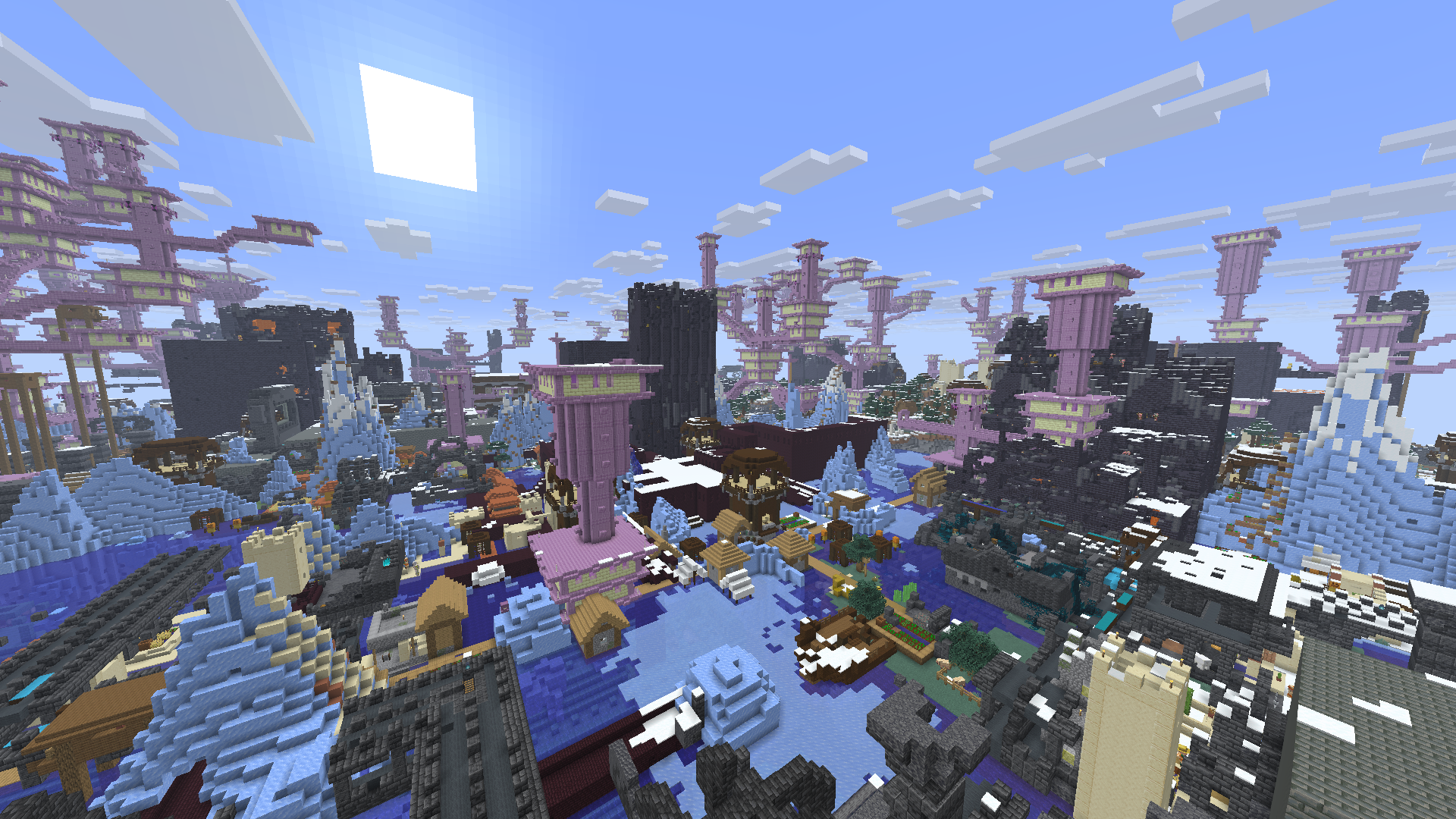 Overworld CHAOS generation i cant see normal terrain
-
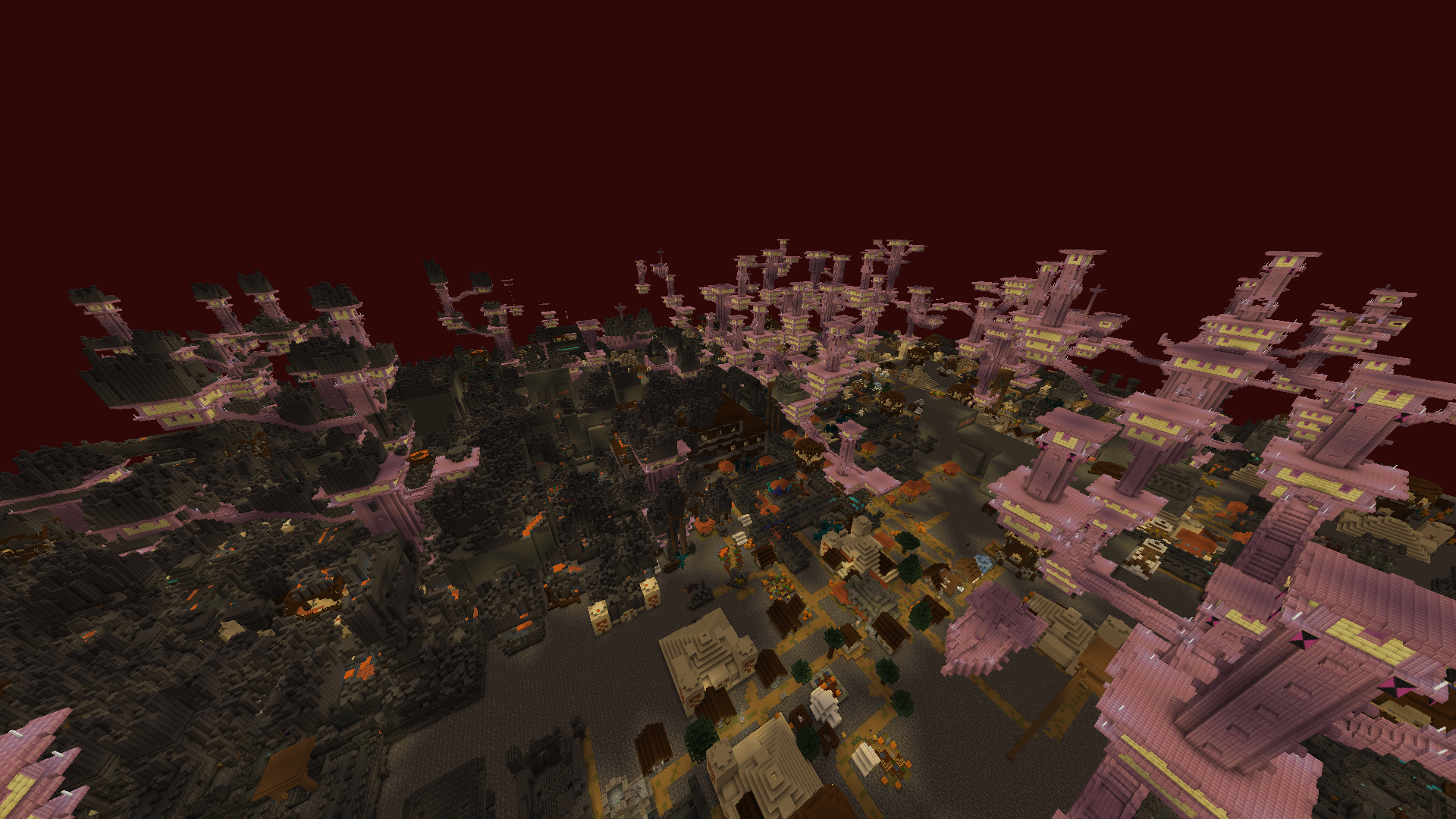 Nether CHAOS generation what
-
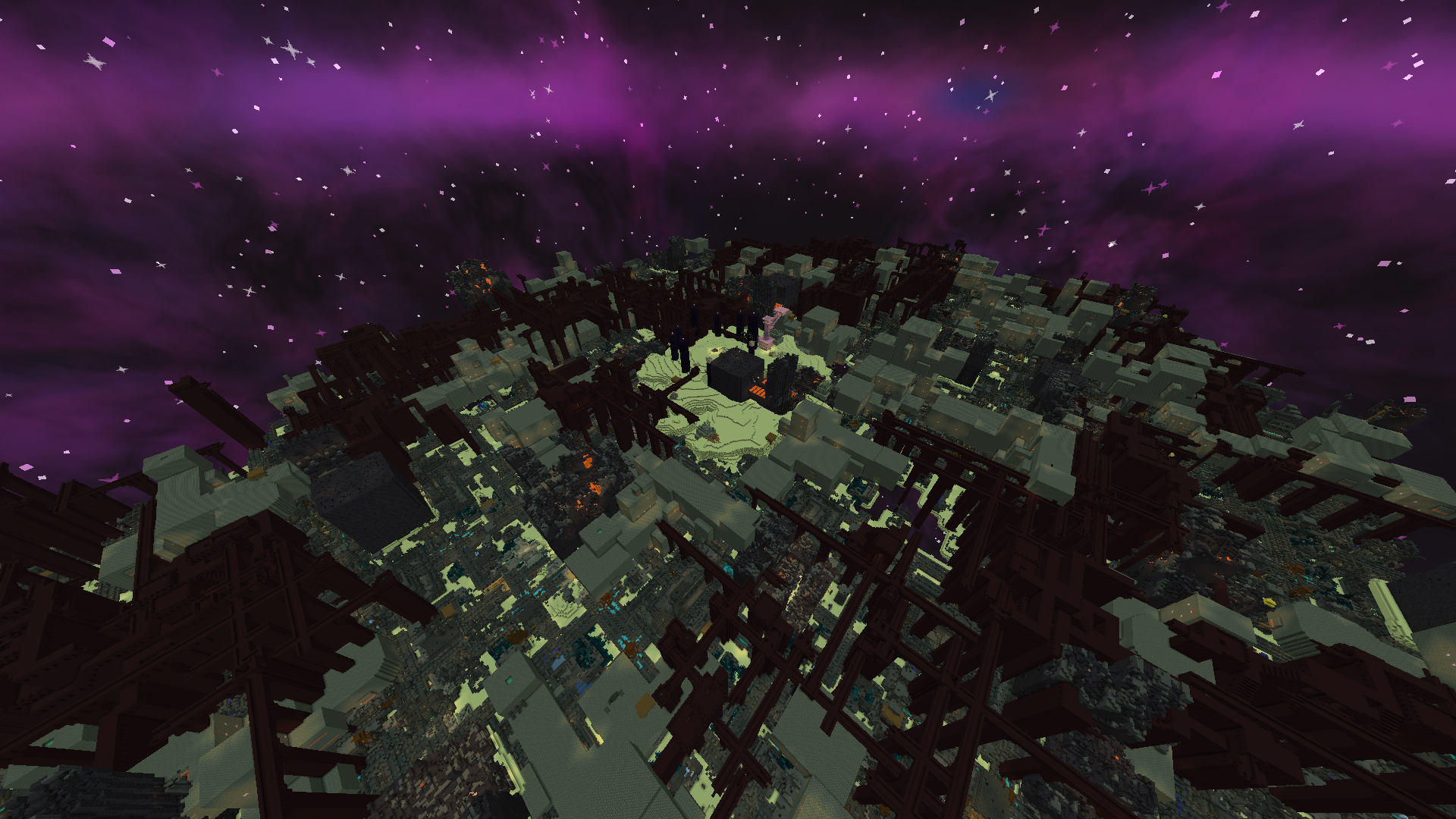 Main End Island CHAOS theres less access to the void somehow
-
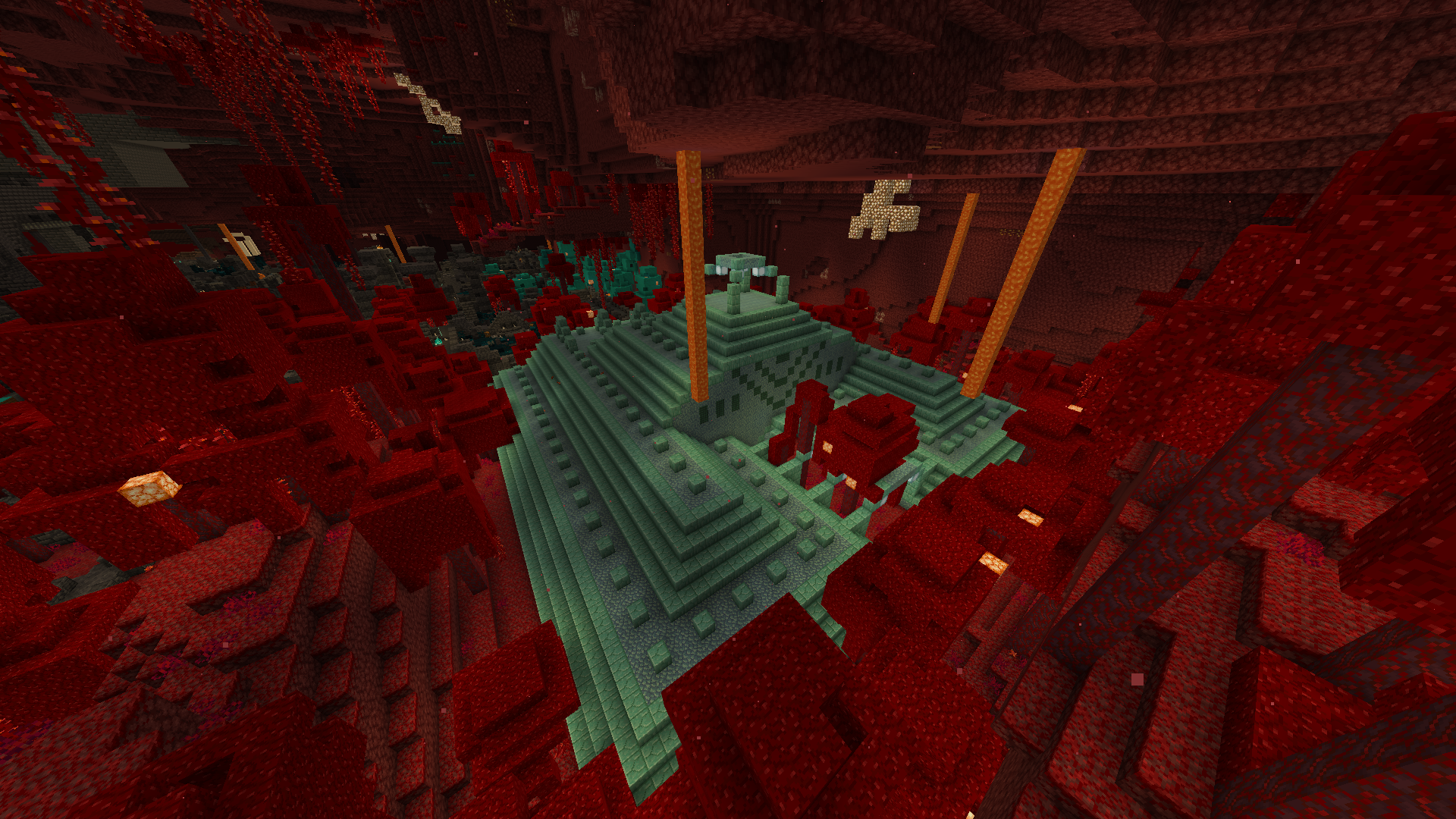 Experimental Ocean Monuments Available in the 1.3.0 release
-
 Project Logo base version
-
 CHAOS Logo The Chaos Version
Versions
Files
Relations
Project Relations
More like this
Similar Mods
Suggestions use data such as tags, dependencies, dependents, descriptions, titles, and more to rank how much they overlap with this mod.
On ModDex
Community snapshot
By the numbers
Statistics


Get it on
Available Platforms
On ModDex
Community snapshot
By the numbers
Statistics
Resources