
Community listing page, reviews here may not be monitored by the author.
Stylized Teleportation

No reviews yet
This project adds an easy-to-use teleportation function that can be triggered by command blocks.
Community voices
Reviews
No reviews yet. Be the first to review this project!
Get it on
Available Platforms
Compatibility
Supported Environments
Runs entirely on the server. Also works in singleplayer.
About
Project Details
For authors
Embed Badge
If you're the author of this project, you can embed a live badge anywhere that supports HTML or Markdown. It updates automatically whenever ratings change.
Use HTML for any page that supports it, or Markdown for README files and Markdown-based descriptions.
Identifiers
Platform IDs
Resources
External Links
About
Description
This datapack gives you an easy way to make teleport pads for your multiplayer server without building massive redstone machines or huge piles of command blocks.
You just put one command block under a pressure plate, type in where you want the player to go, and the pack handles the rest.
Features
- Works for Everyone: Multiple players can use different teleport pads at the exact same time without breaking the system.
- Built-in Animation: When you step on the pad, you are locked in place for a few seconds. The screen goes dark, a countdown chime plays, and you teleport with an explosion effect.
- No Lag: It runs perfectly in the background without using repeating redstone clocks.
How to use it
- Build a pad and put a pressure plate on it.
- Put one Impulse Command Block directly under the block that has the plate. Set it to Unconditional and Needs Redstone.
- Paste this command into it. Just change the x, y, and z numbers at the end to wherever you want the player to end up:
execute as @p[distance=..3] at @s unless score @s tp_seq matches 1.. run function tp:start {x: 100, y: 64, z: -50}
Compatibility
This pack requires Minecraft 1.21 or newer. It uses 1.20.2+ function macros and 1.21+ datapack folder structure.
Screenshots
Gallery
-
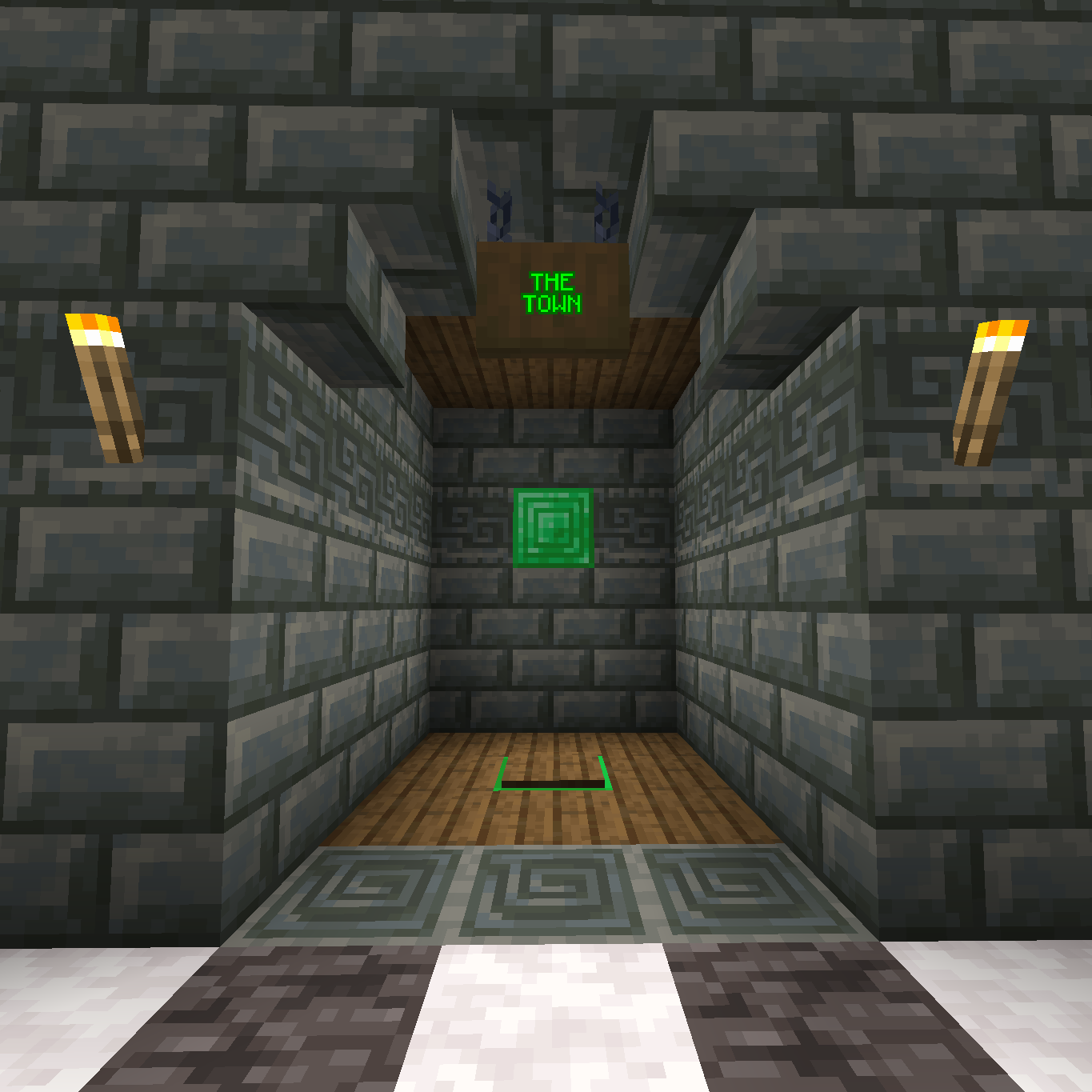 The Town Teleporter
 -
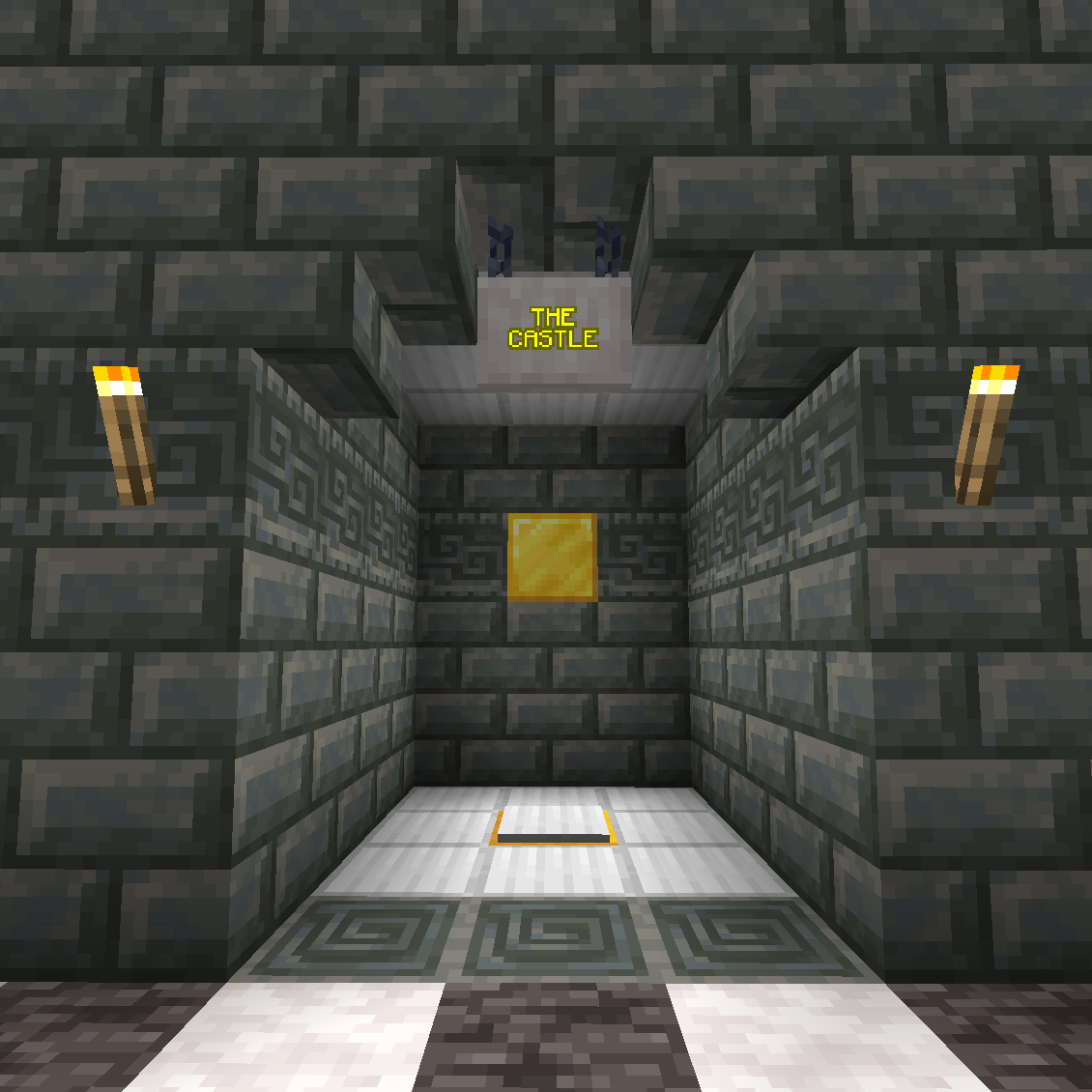 The Castle Teleporter
Versions
Files
Relations
Project Relations
More like this
Similar Mods
Suggestions use data such as tags, dependencies, dependents, descriptions, titles, and more to rank how much they overlap with this mod.
On ModDex
Community snapshot
By the numbers
Statistics

Want to reach Minecraft players?
We're looking for a server hosting partner to feature here and other parts of the site. Interested? Send us a message!
Get in touchGet it on
Available Platforms
On ModDex
Community snapshot
By the numbers
Statistics
Resources