Community listing page, reviews here may not be monitored by the author.
Supplemental Patches


No reviews yet
Supplemental Patches enables users to create custom shaders for modded blocks, entities, items, particles, etc, through a resource-pack, with the shaders being patched onto Euphoria Patches.
Community voices
Reviews
No reviews yet. Be the first to review this project!
Get it on
Available Platforms
Compatibility
Supported Environments
Runs entirely on the client. Works on vanilla servers.
About
Project Details
For authors
Embed Badge
If you're the author of this project, you can embed a live badge anywhere that supports HTML or Markdown. It updates automatically whenever ratings change.
Use HTML for any page that supports it, or Markdown for README files and Markdown-based descriptions.
Identifiers
Platform IDs
About
Description
Supplemental Patches



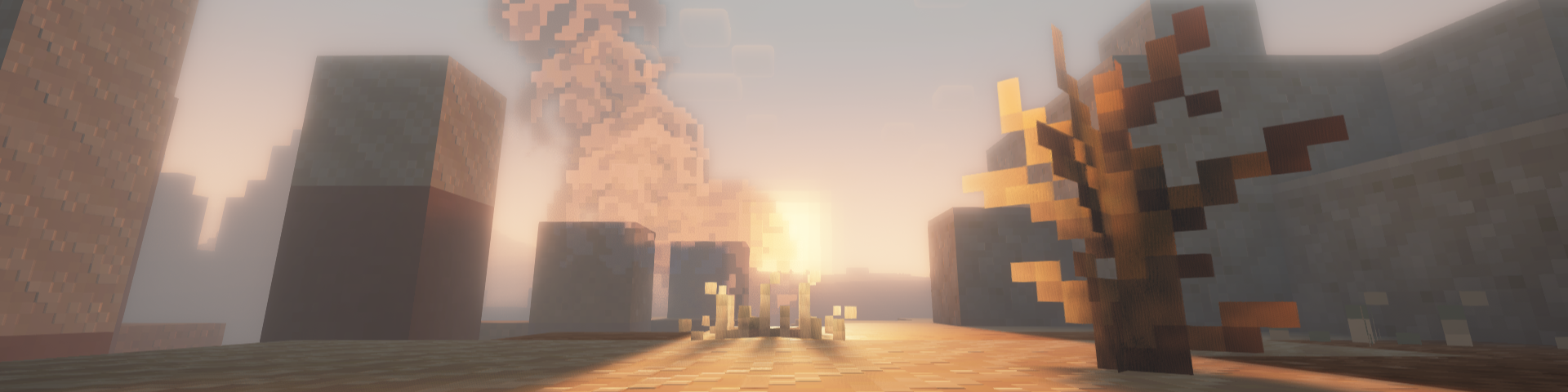
Supplemental Patches enables users to create custom shaders for modded blocks, entities, items, particles, etc,
through a resource-pack. The mod by default, comes with a built-in resource pack with supports many popular mods.
These additional shaders are patched into Euphoria Patches, if it is installed.
Features
Some of the most exciting features of the mod include (for players):
- Over 500 high-quality shaders for custom materials from a variety of popular mods (e.g. Supplementaries, Quark, Jaden's Nether Expansion). See full list here.
- A custom End nebula skybox based on Enderscape's End atmosphere
- A cool fog effect based on the effect from Doom and Gloom
- Fixes to shader issues for many mods (e.g. Endergetic Expansion, Upgrade Aquatic, Doom and Gloom)
- Fixed rendering of item shaders when displayed on block entities (e.g. Supplementaries Pedestals, Item Shelves)
For details on the supported areas that can be patched onto Euphoria Patches, check out this tutorial.
FAQ
Q: Will there be ports to loaders other than (Neo)Forge and Fabric?
A: Probably not.
Q: Will there be backports?
A: Probably not.
Q: Can you support XXX mod?
A: All in due time. Alternatively, you could do it yourself. Have a look at this tutorial for more details.
Q: I found a bug.
A: Please report it to me first, do not bother the developers of Complementary Shaders / Euphoria Patches.
Q: The shaders I added aren't showing.
A: Try reloading the shaderpack, after ensuring that the resource-pack is loaded. Alternatively, check which layer the block is being rendered in using the Euphoria Companion mod. Certain blocks (e.g. certain glass blocks) may be rendered as cutouts rather than translucent blocks. You will need to change the layer they are rendered under using block.properties.json.
Q: The built-in shaders aren't working.
A: Similarly, try reloading the shaderpack and ensuring that the built-in resource-pack is loaded.
Q: Does this work with Optifine?
A: No. This only works with Oculus / Iris.
Q: Can I include this my modpack?
A: Yes, go ahead.
Supplemental Patches

Supplemental Patches enables users to create custom shaders for modded blocks, entities, items, particles, etc, through a resource-pack. The mod by default, comes with a built-in resource pack which supports many popular mods.
These additional shaders are patched into Euphoria Patches, if it is installed.
Features
Some of the most exciting features of the mod include (for players):
- Over 500 high-quality shaders for custom materials from a variety of popular mods (e.g. Supplementaries, Quark, Jaden's Nether Expansion). See full list here.
- A custom End nebula skybox based on Enderscape's End atmosphere
- A cool fog effect based on the effect from Doom and Gloom
- Fixes to shader issues for many mods (e.g. Endergetic Expansion, Upgrade Aquatic, Doom and Gloom)
- Fixed rendering of item shaders when displayed on block entities (e.g. Supplementaries Pedestals, Item Shelves)
For details on the supported areas that can be patched onto Euphoria Patches, check out this tutorial.
FAQ
Q: Will there be ports to loaders other than (Neo)Forge and Fabric?
A: Probably not.
Q: Will there be backports?
A: Probably not.
Q: Can you support XXX mod?
A: All in due time. Alternatively, you could do it yourself. Have a look at this tutorial for more details.
Q: I found a bug.
A: Please report it to me first, do not bother the developers of Complementary Shaders / Euphoria Patches.
Q: The shaders I added aren't showing.
A: Try reloading the shaderpack, after ensuring that the resource-pack is loaded. Alternatively, check which layer the block is being rendered in using the Euphoria Companion mod. Certain blocks (e.g. certain glass blocks) may be rendered as cutouts rather than translucent blocks. You will need to change the layer they are rendered under using block.properties.json.
Q: The built-in shaders aren't working.
A: Similarly, try reloading the shaderpack and ensuring that the built-in resource-pack is loaded.
Q: Does this work with Optifine?
A: No. This only works with Oculus / Iris.
Q: Can I include this my modpack?
A: Yes, go ahead.
Screenshots
Gallery
-
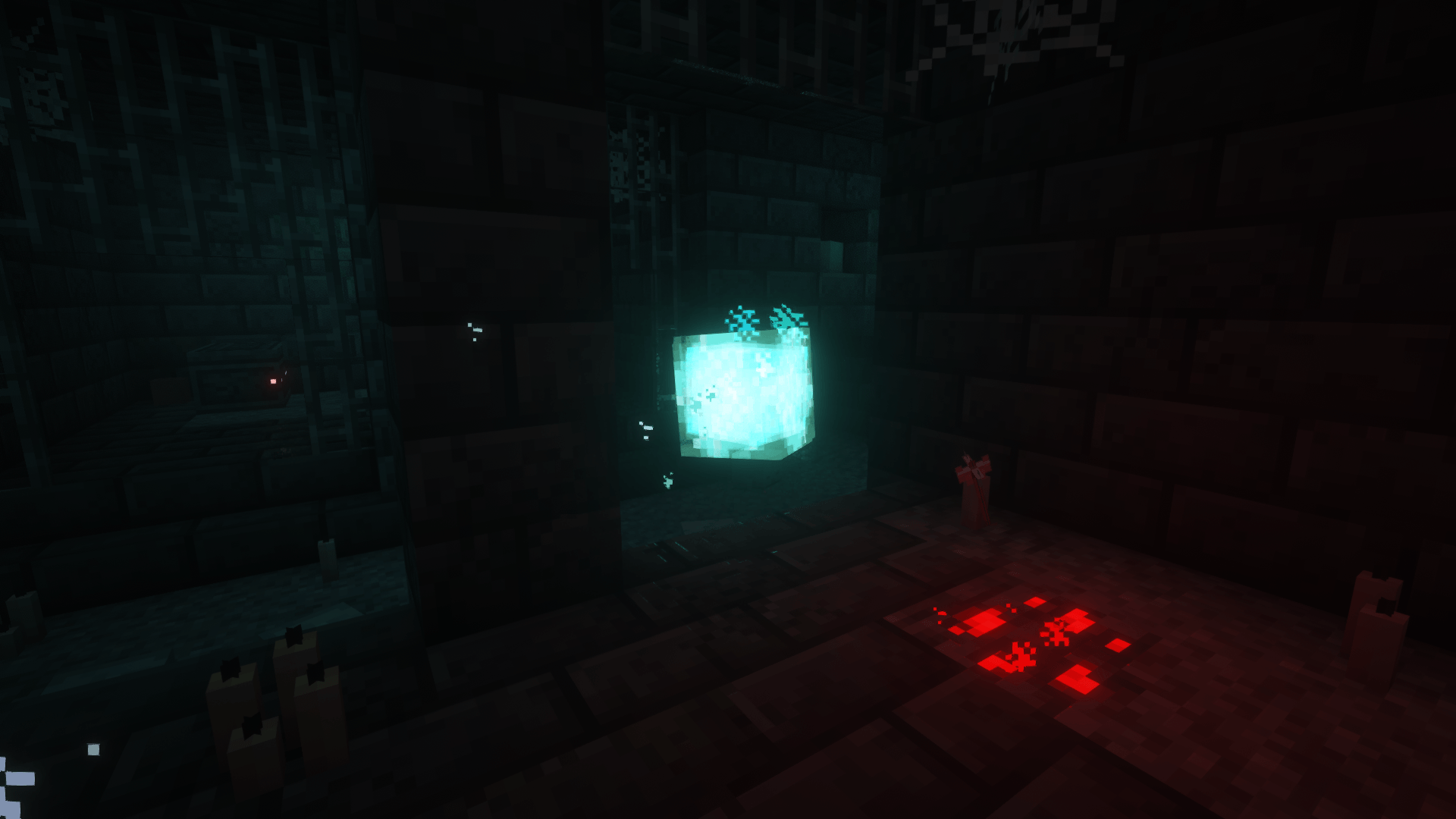 apparition.png apparition.png
 -
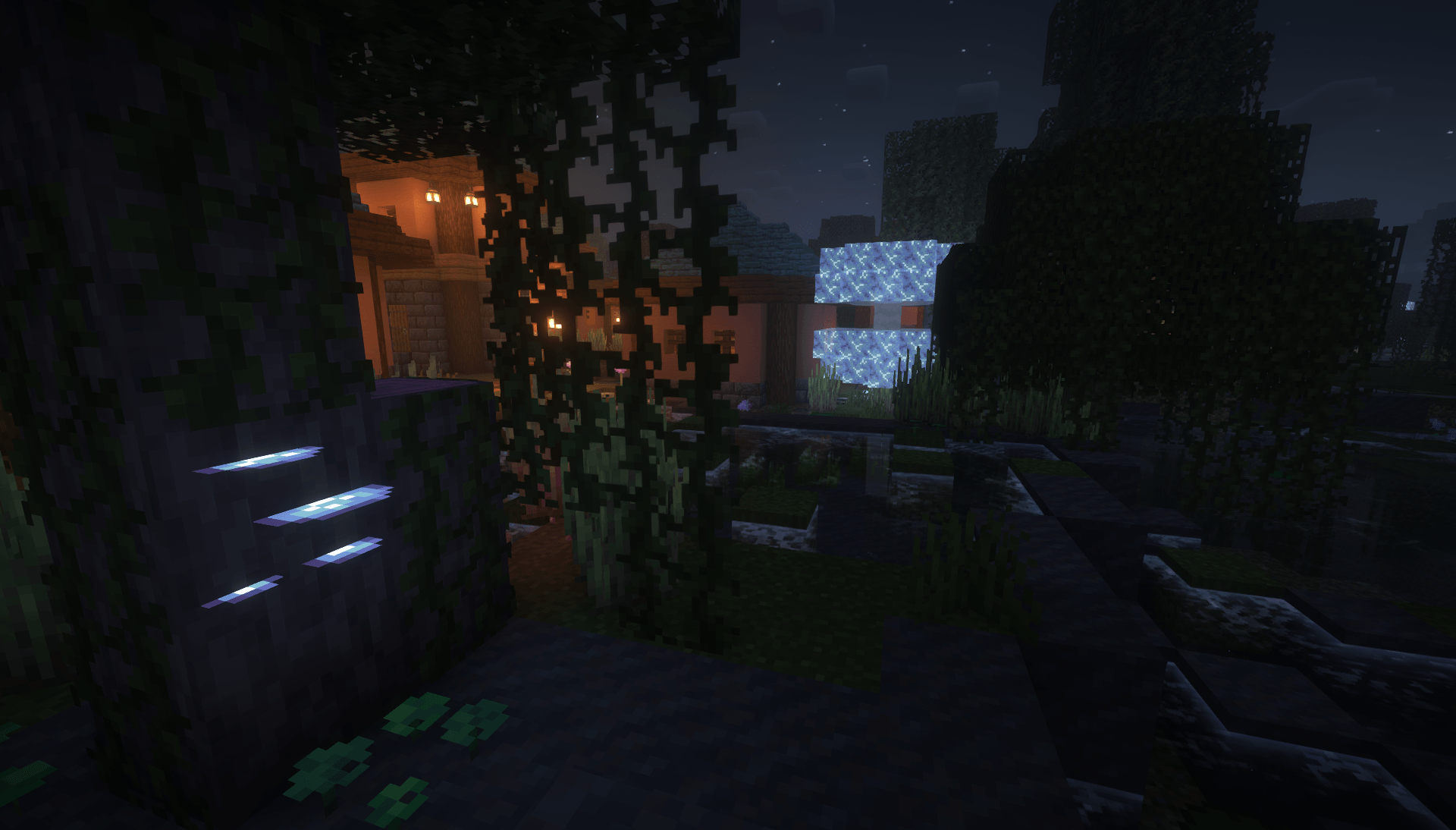 aria_mushrooms.png aria_mushrooms.png
 -
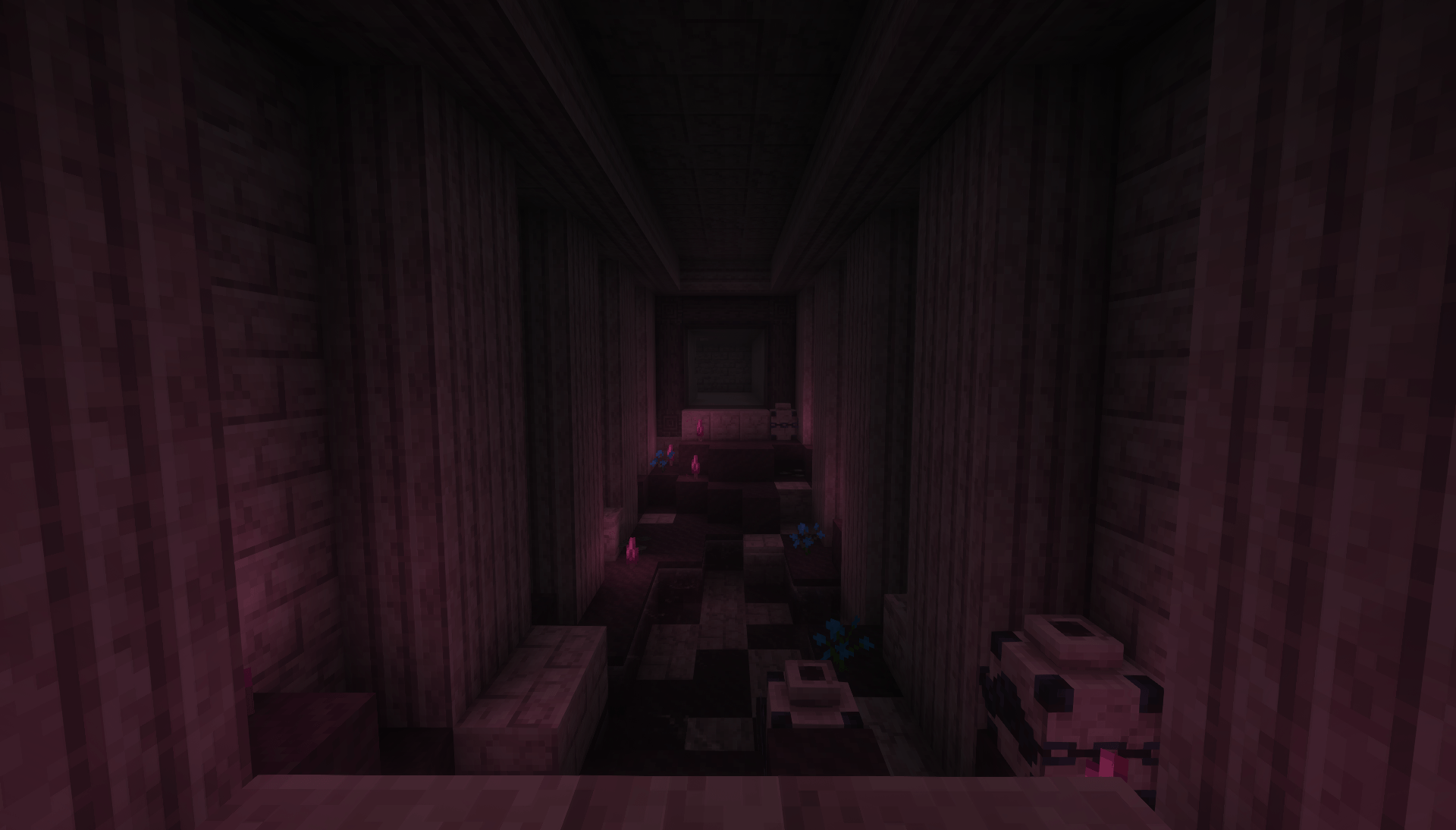 bloodcap_mushrooms.png bloodcap_mushrooms.png
 -
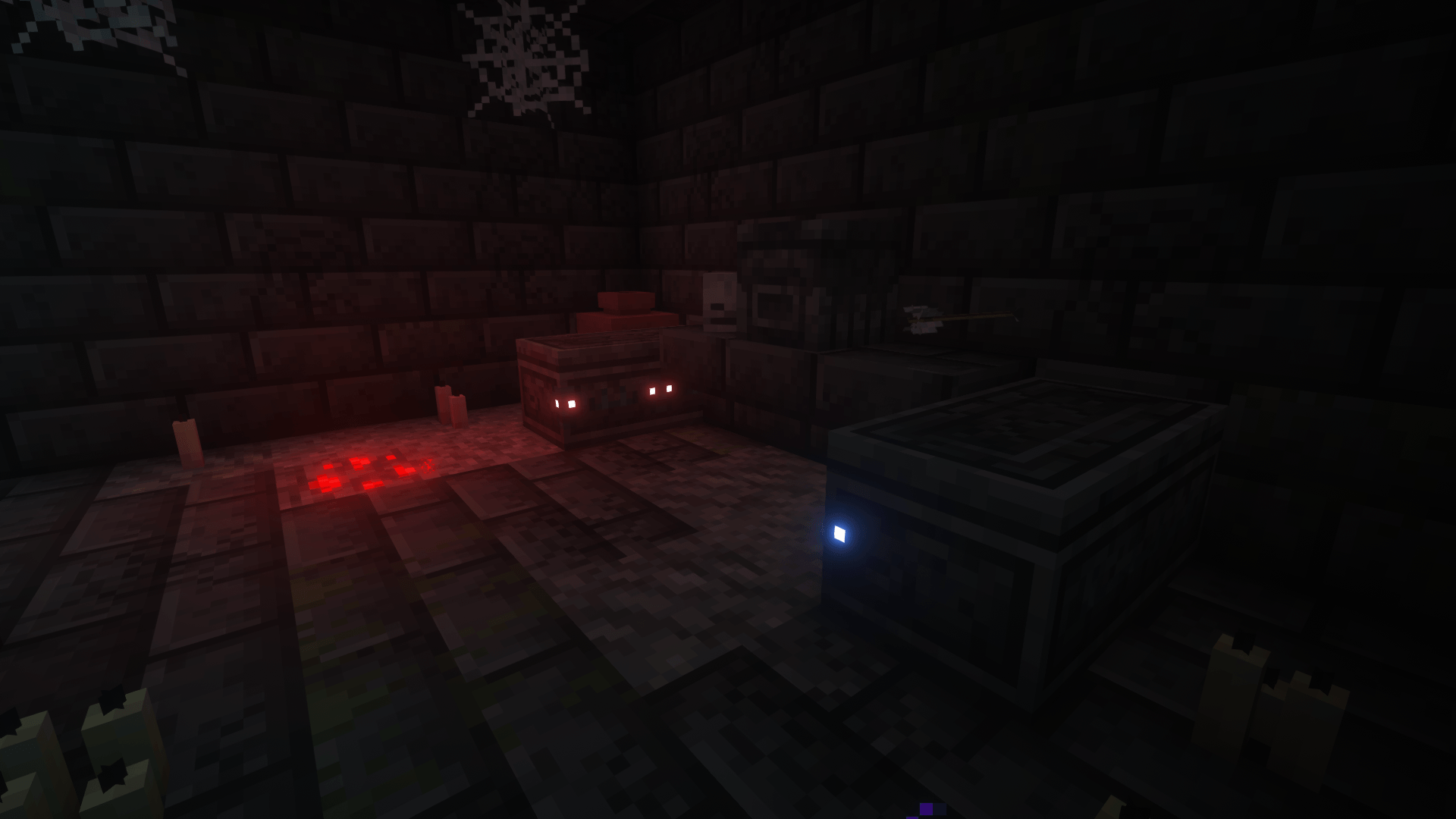 coffins.png coffins.png
 -
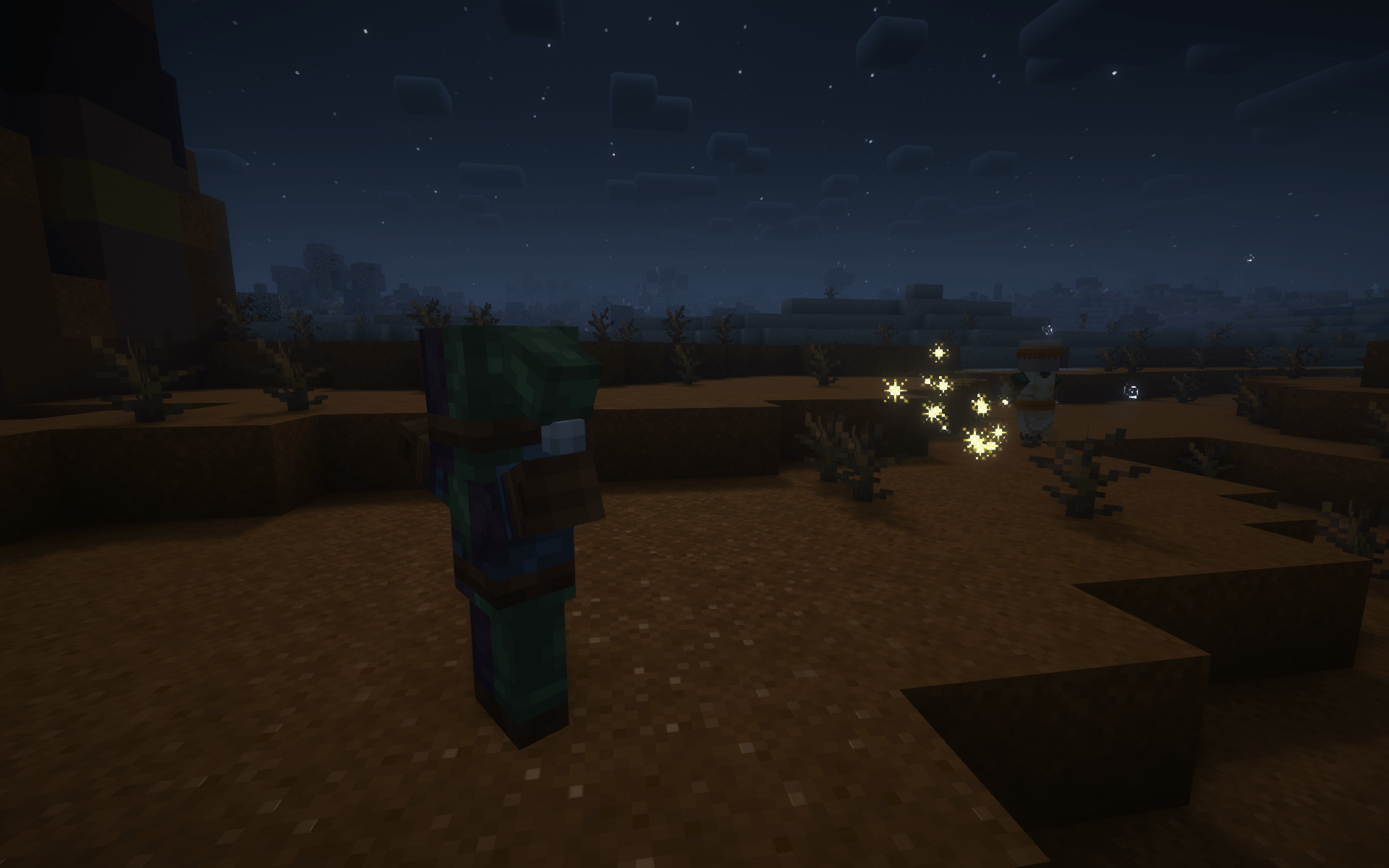 confusion_bolt.png confusion_bolt.png
 -
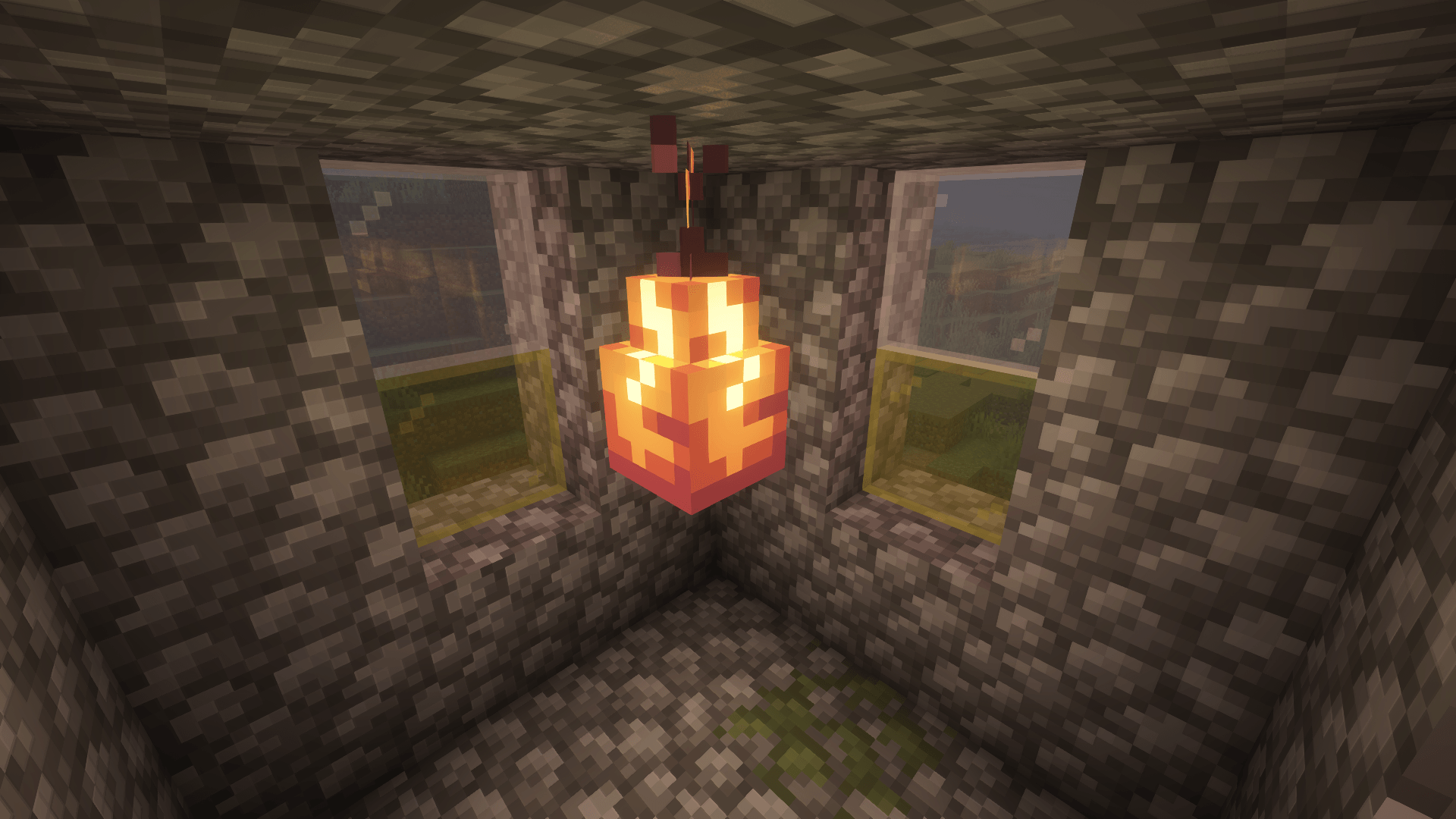 copper_lampear.png copper_lampear.png
 -
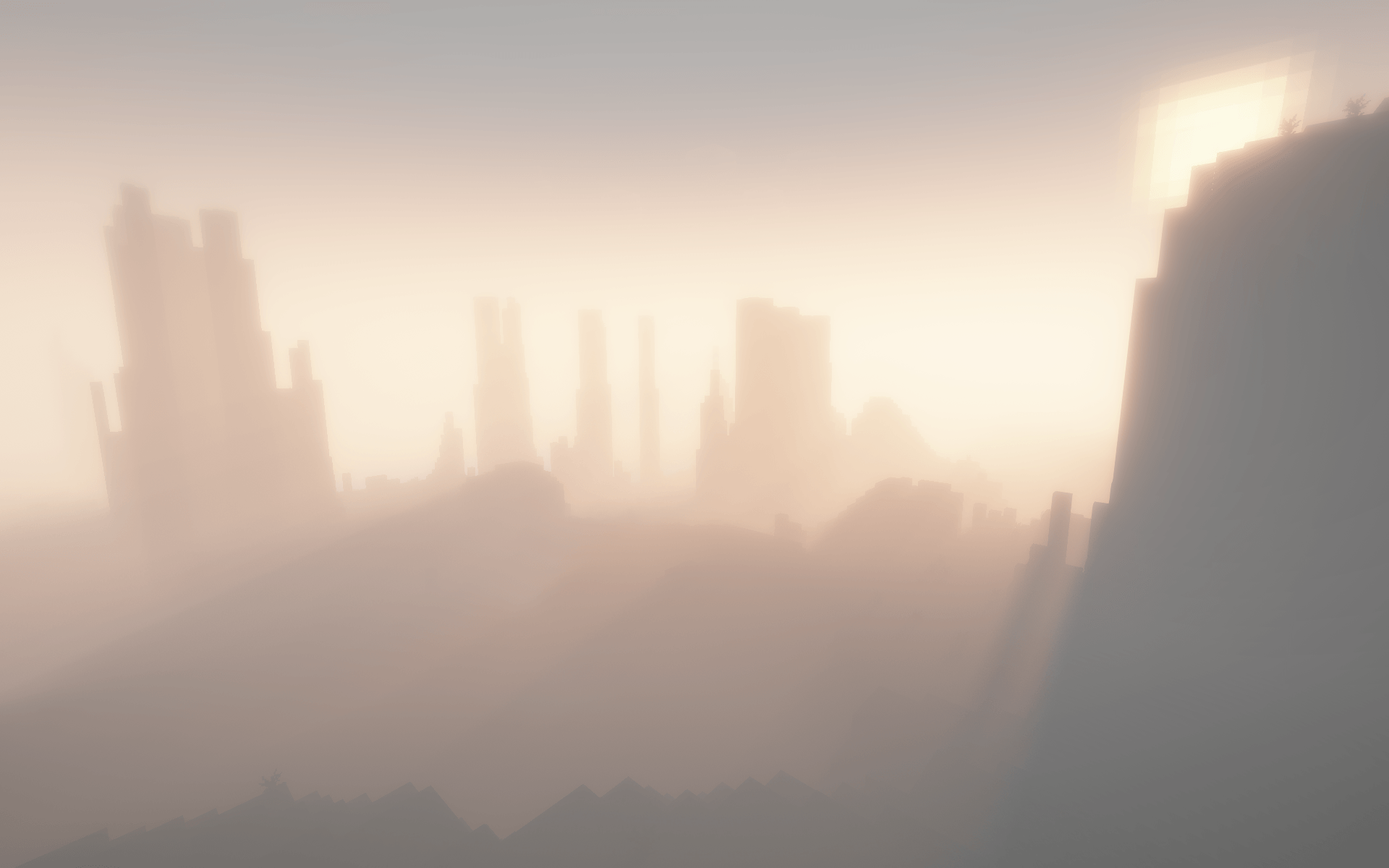 doom_and_gloom_fog_1.png doom_and_gloom_fog_1.png
 -
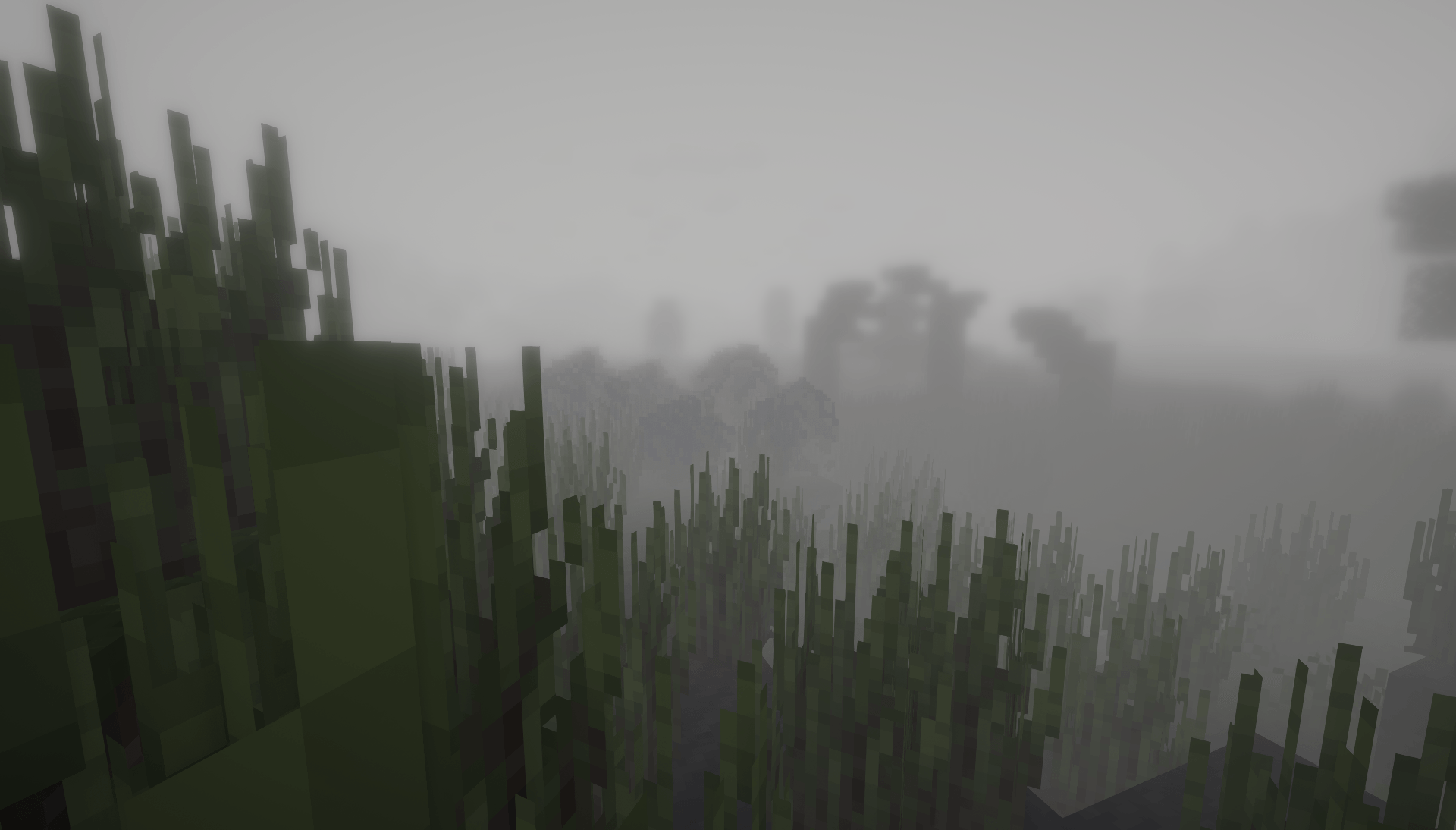 doom_and_gloom_fog_2.png doom_and_gloom_fog_2.png
 -
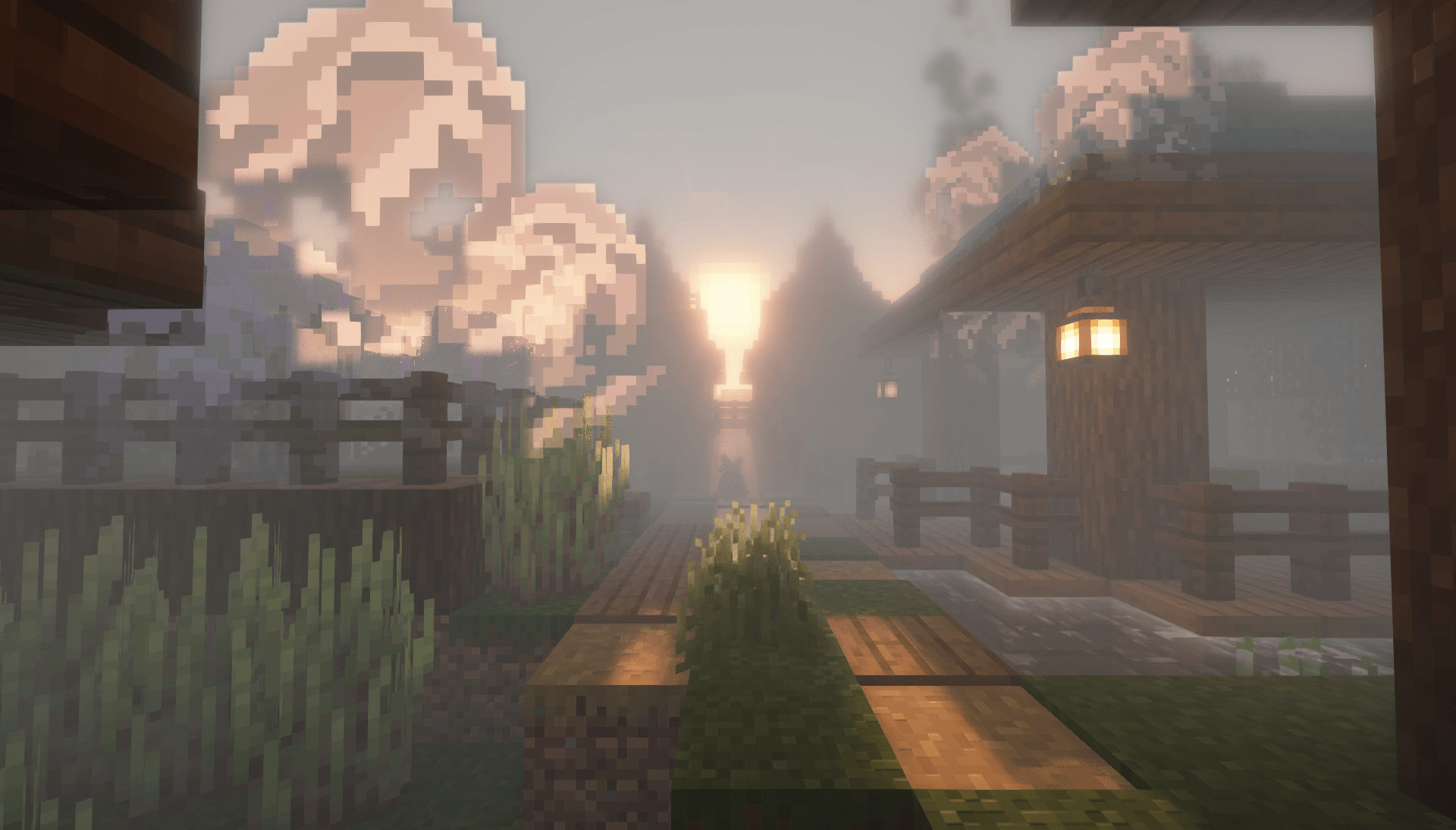 doom_and_gloom_fog_3.png doom_and_gloom_fog_3.png
 -
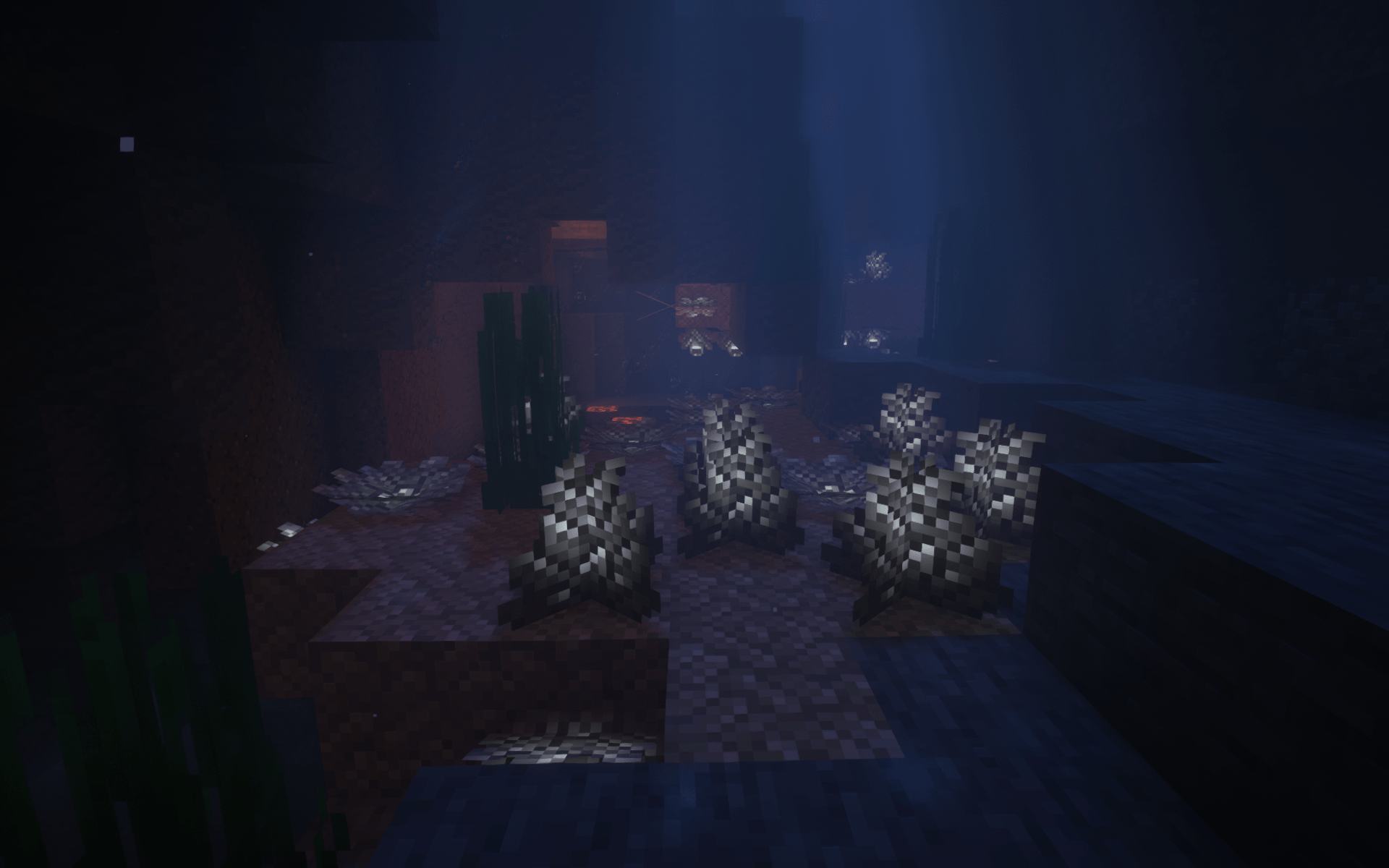 elder_prismarine_coral.png elder_prismarine_coral.png
 -
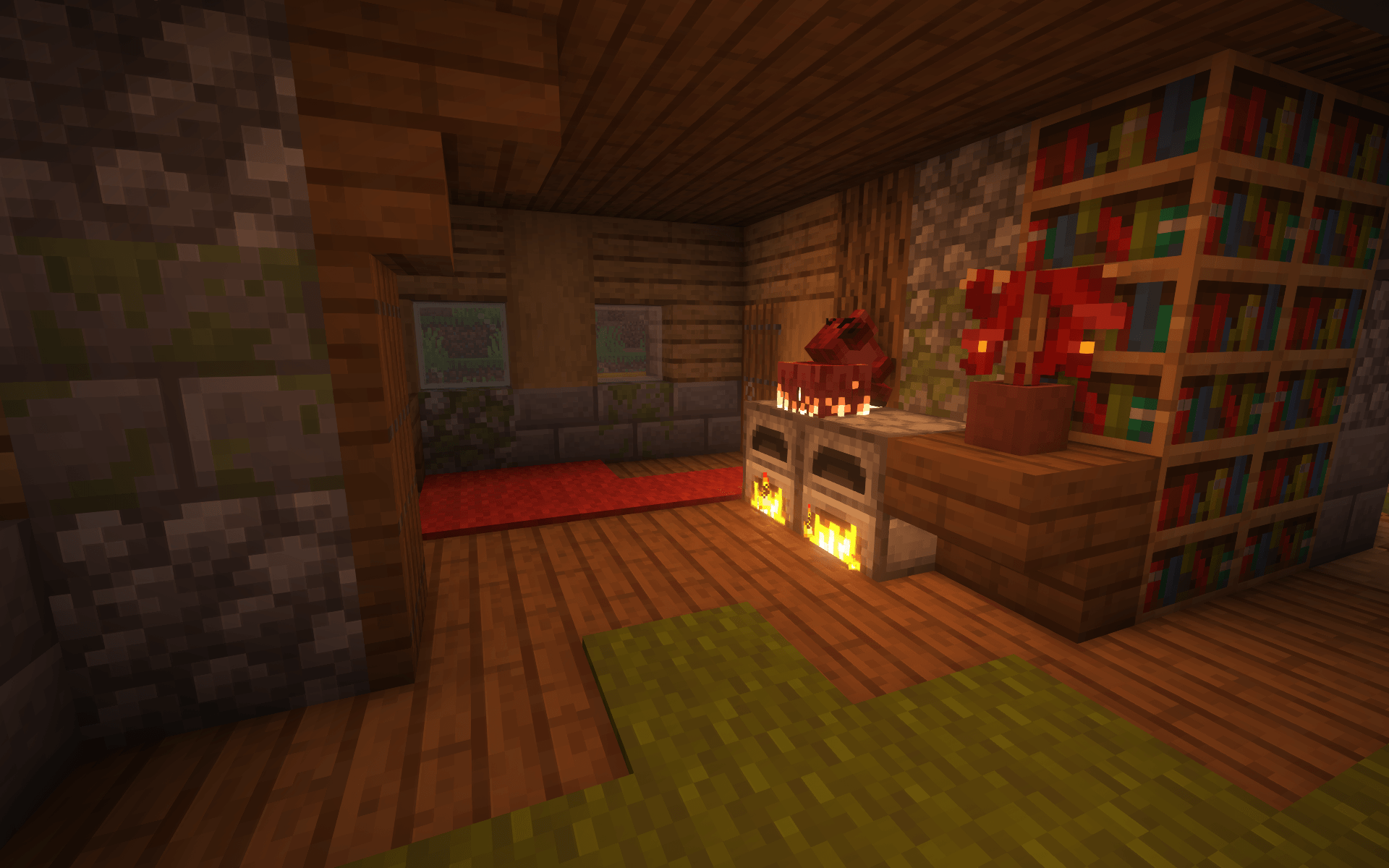 foxhound.png foxhound.png
 -
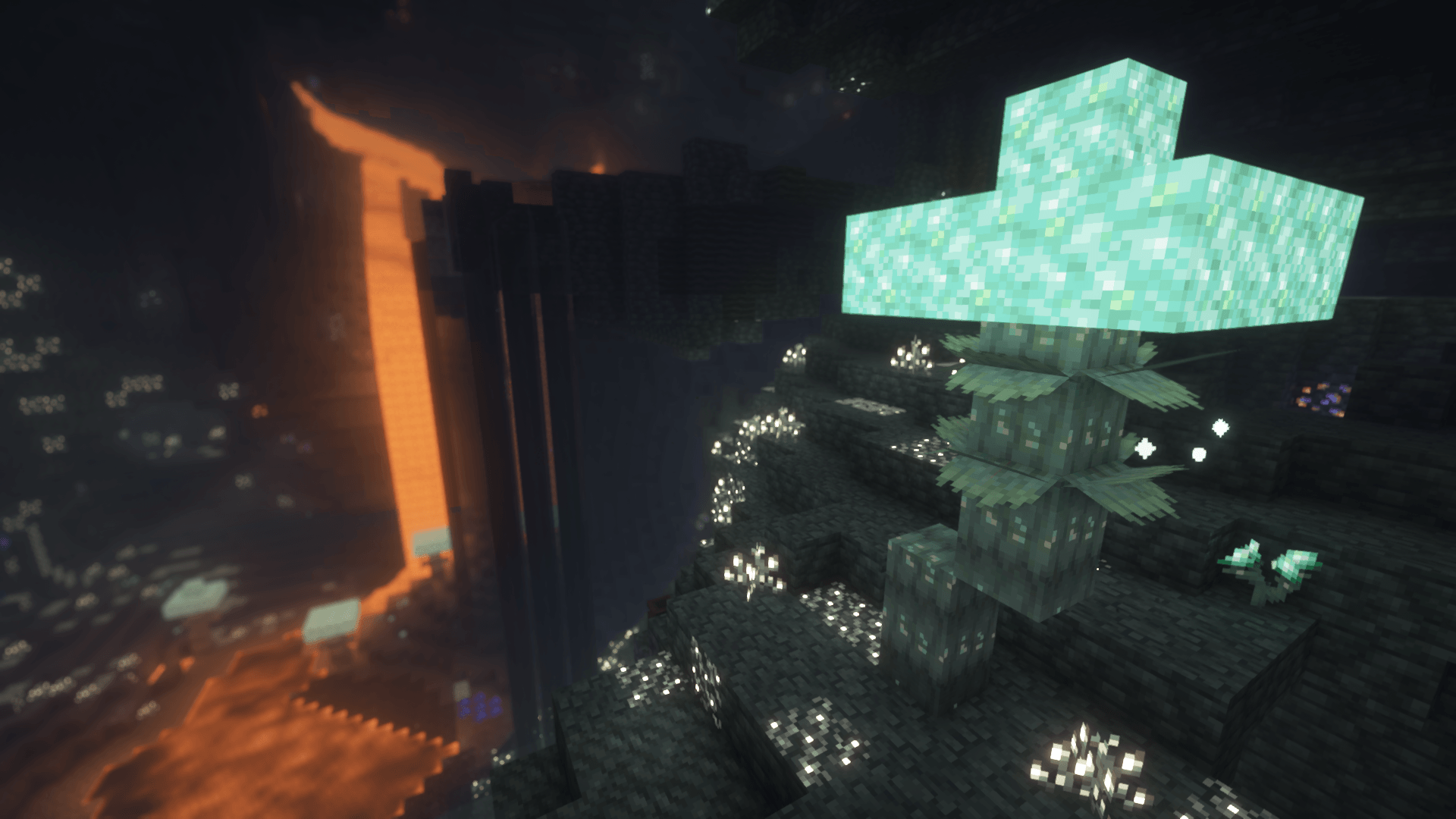 glimmering_weald.png glimmering_weald.png
 -
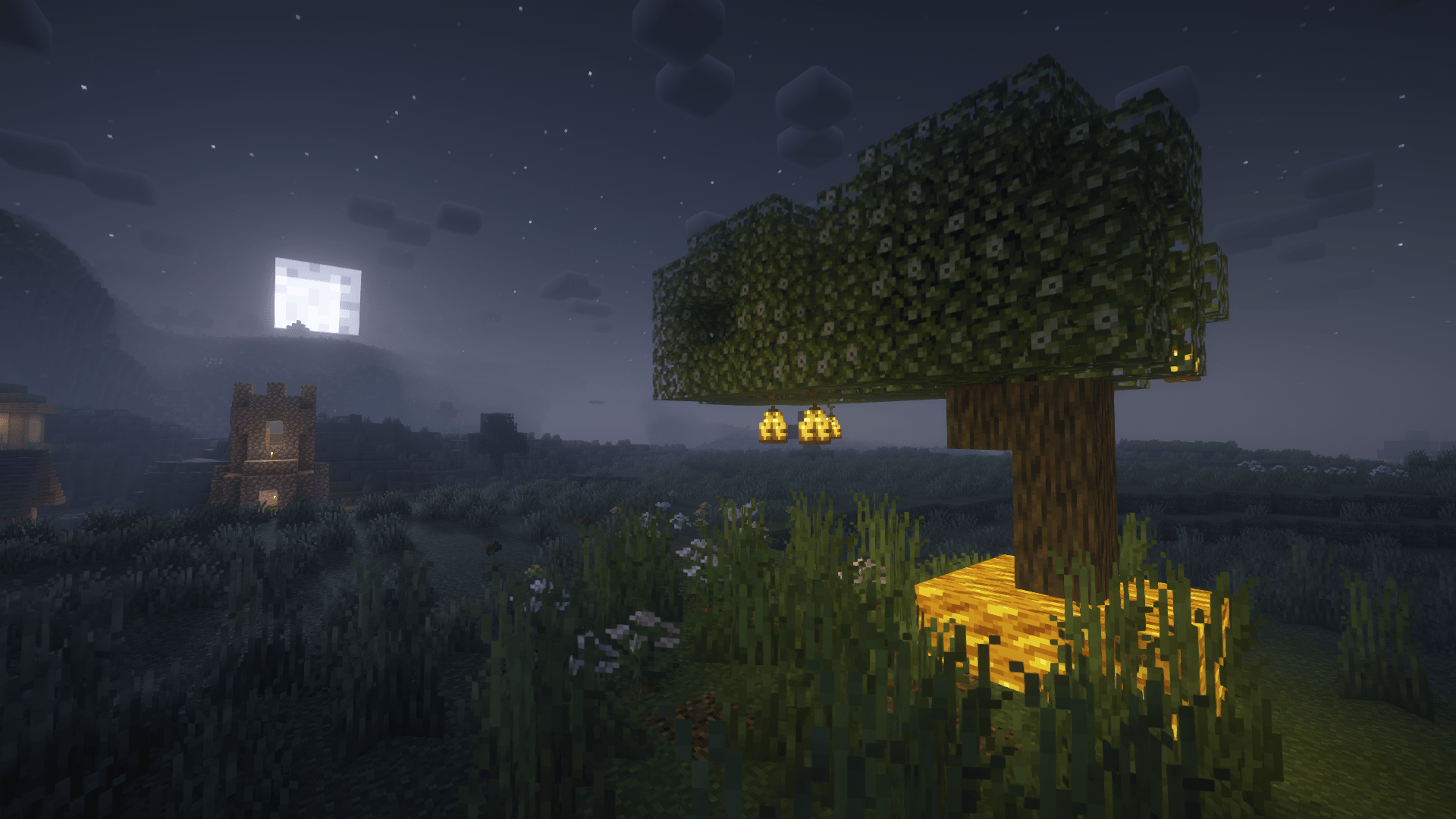 lampear_tree.png lampear_tree.png
 -
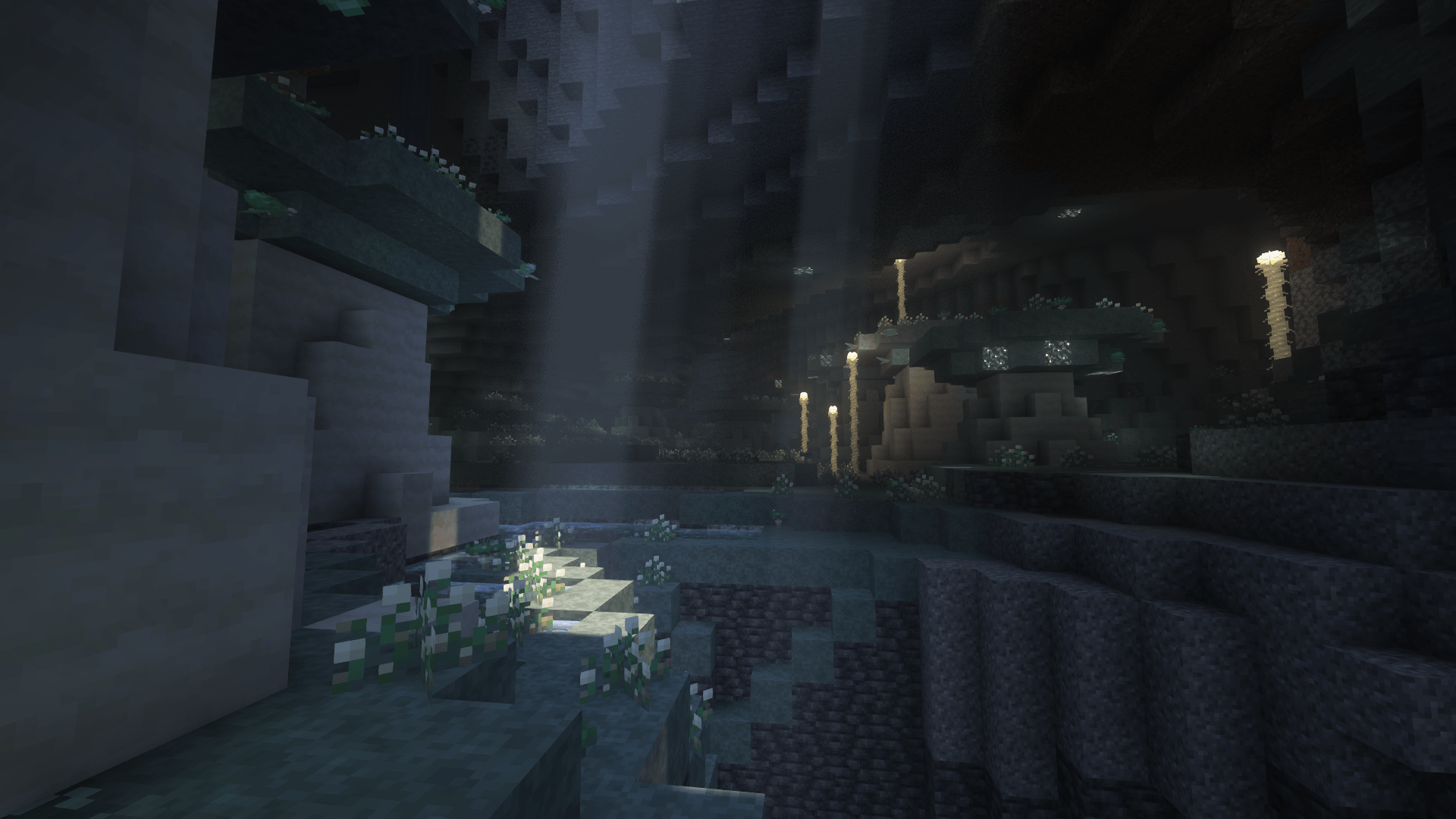 lichen_caves.png lichen_caves.png
 -
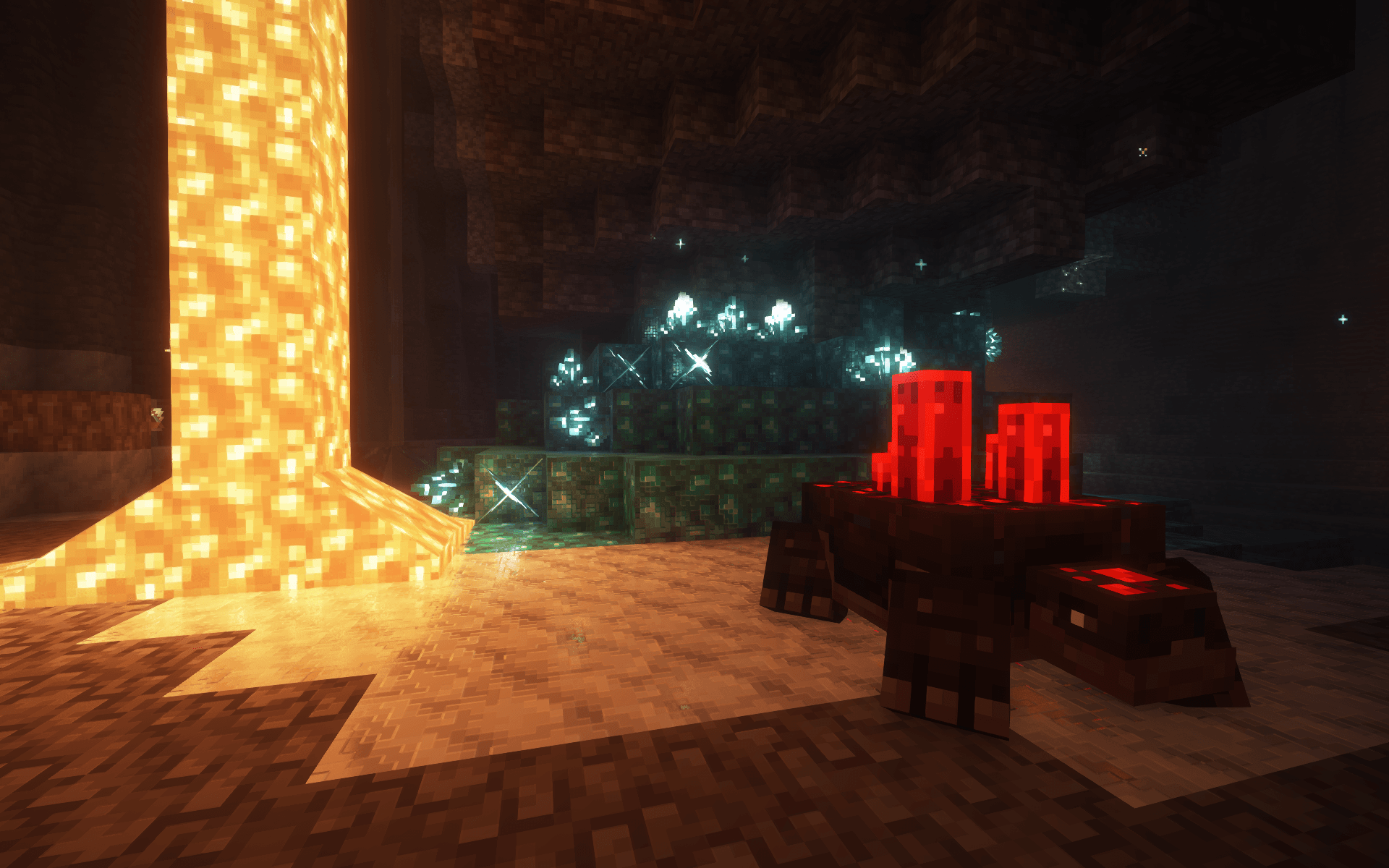 oretortoise.png oretortoise.png
 -
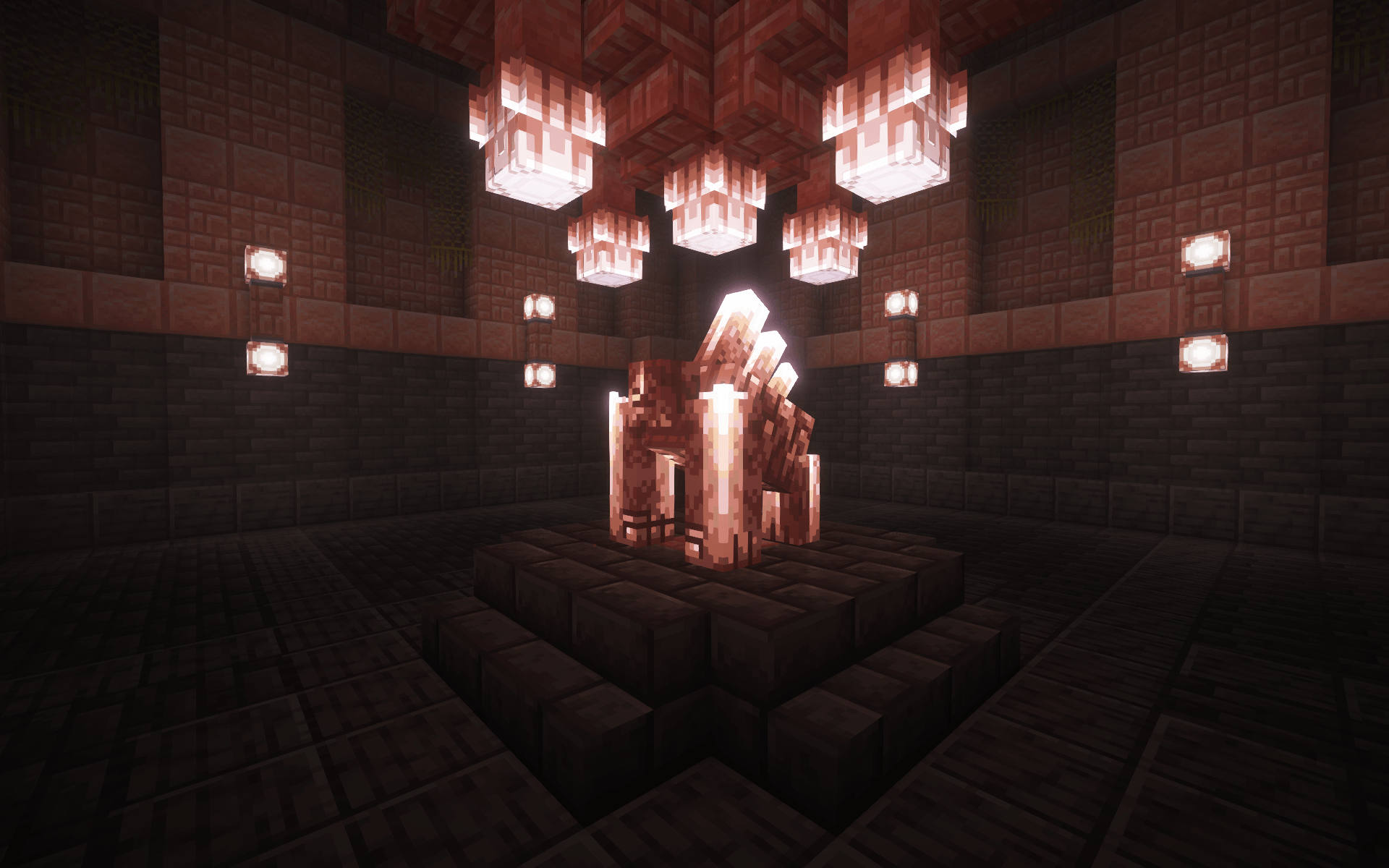 pink_salt_shrine.png pink_salt_shrine.png
 -
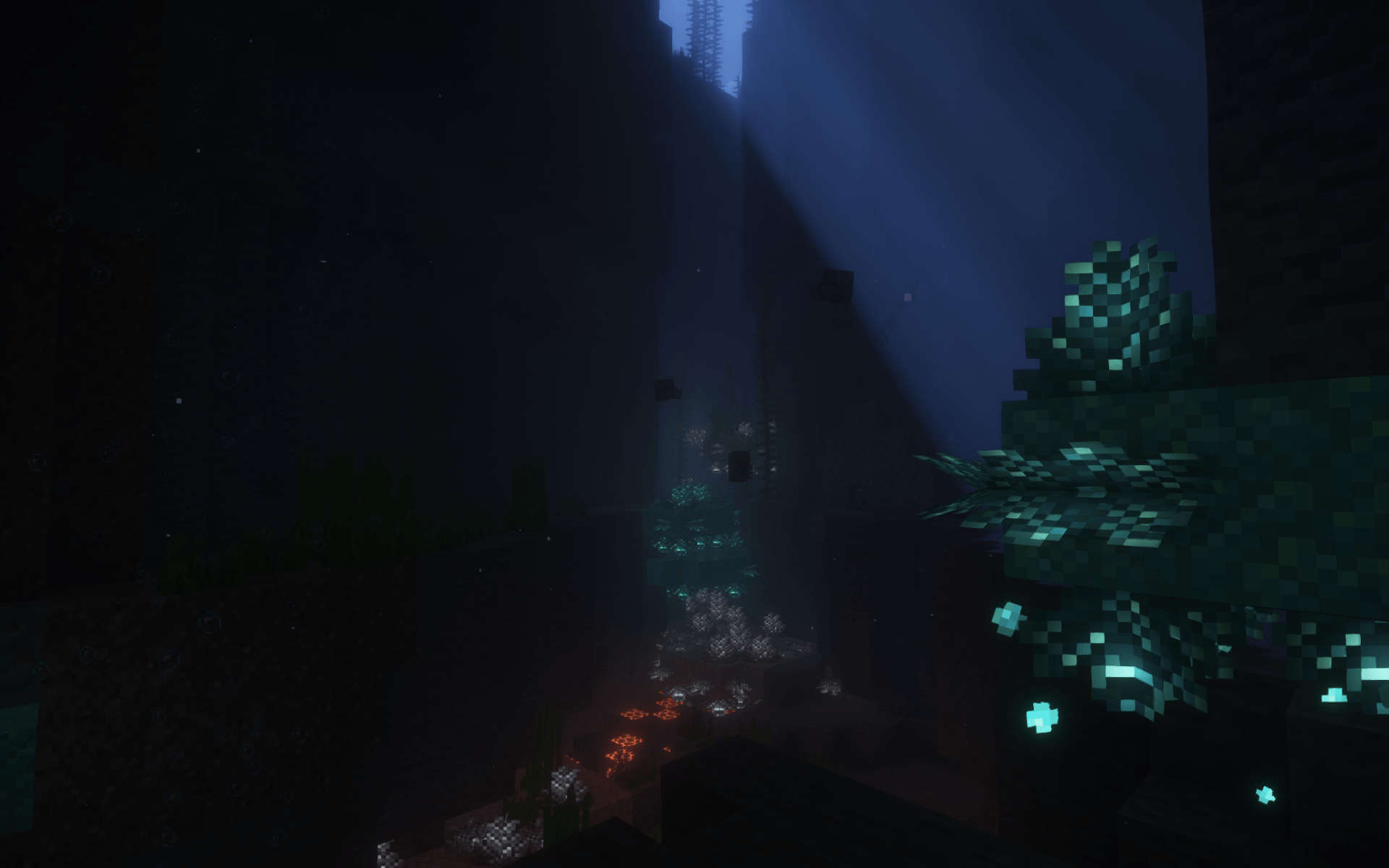 prismarine_coral.png prismarine_coral.png
 -
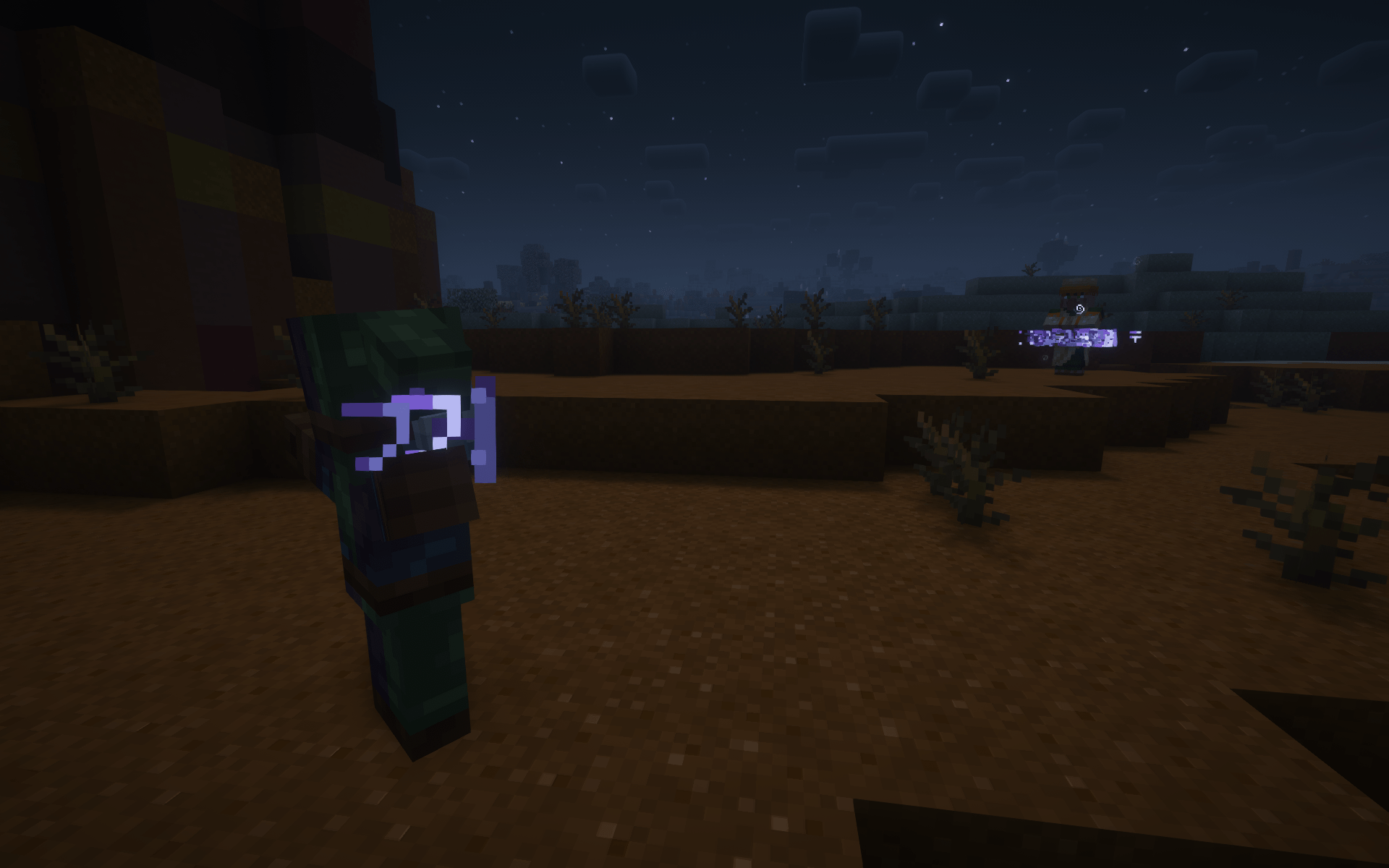 rune_prison.png rune_prison.png
 -
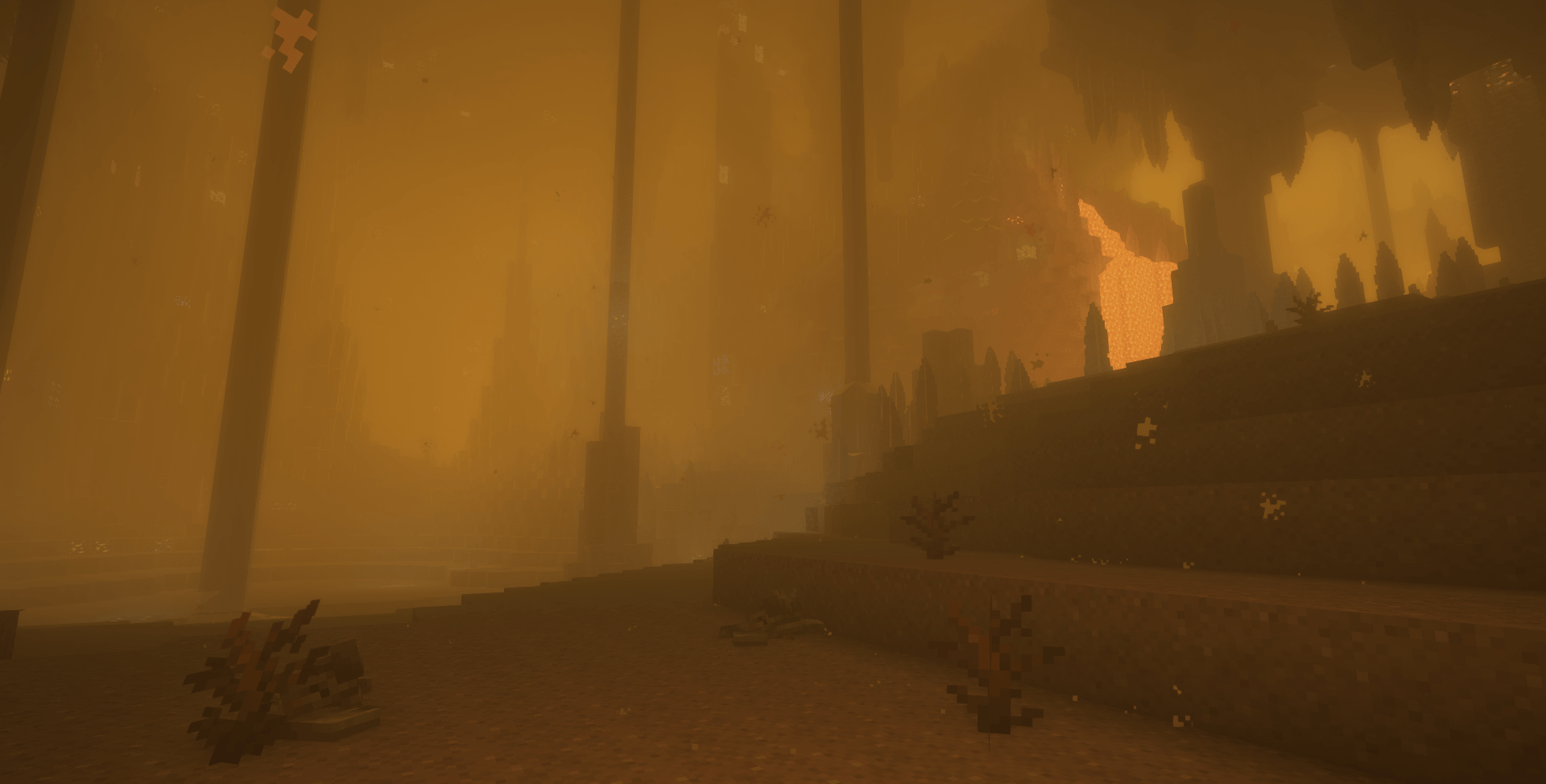 sandstorm.png sandstorm.png
 -
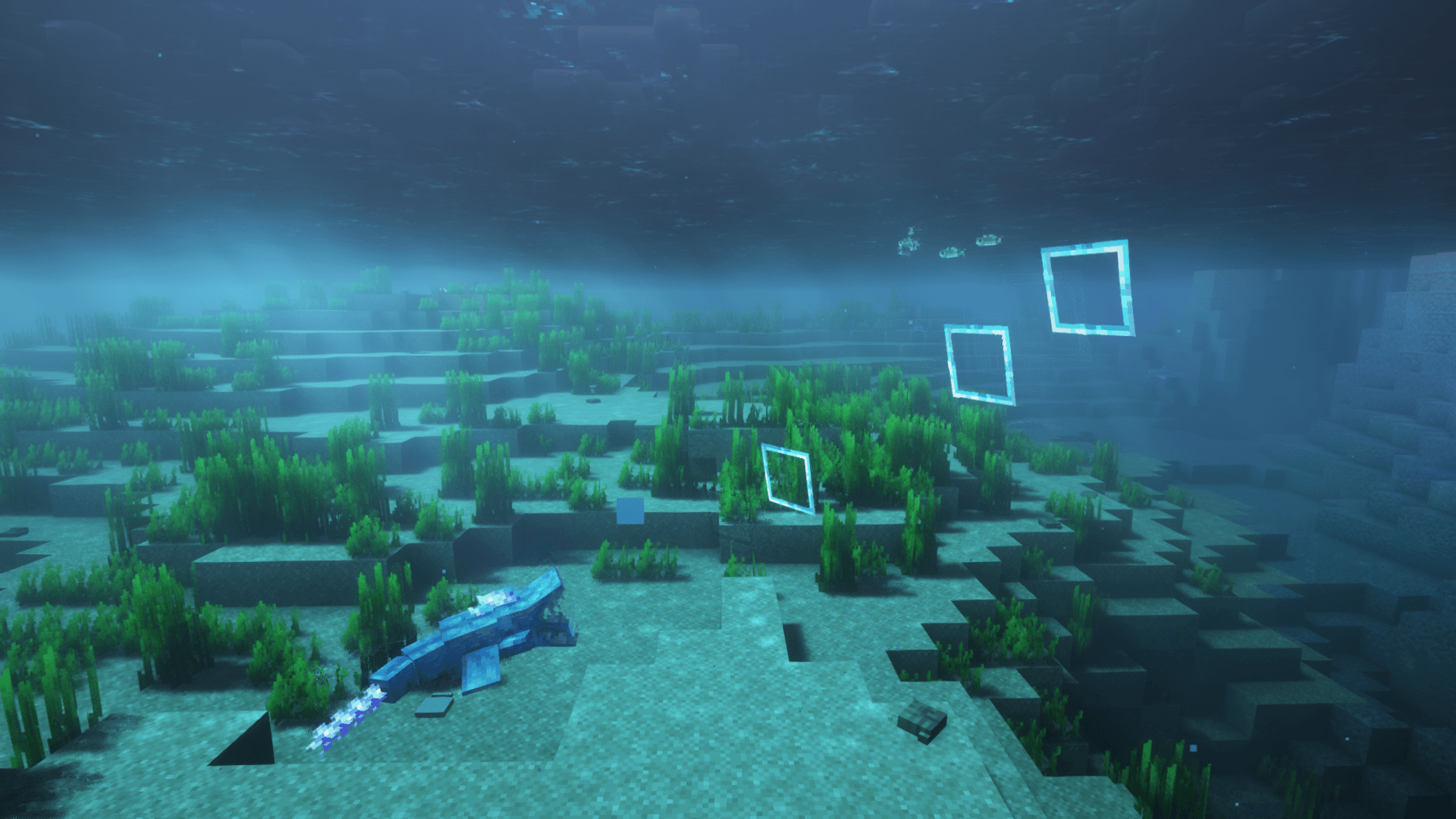 thrasher.png thrasher.png
-
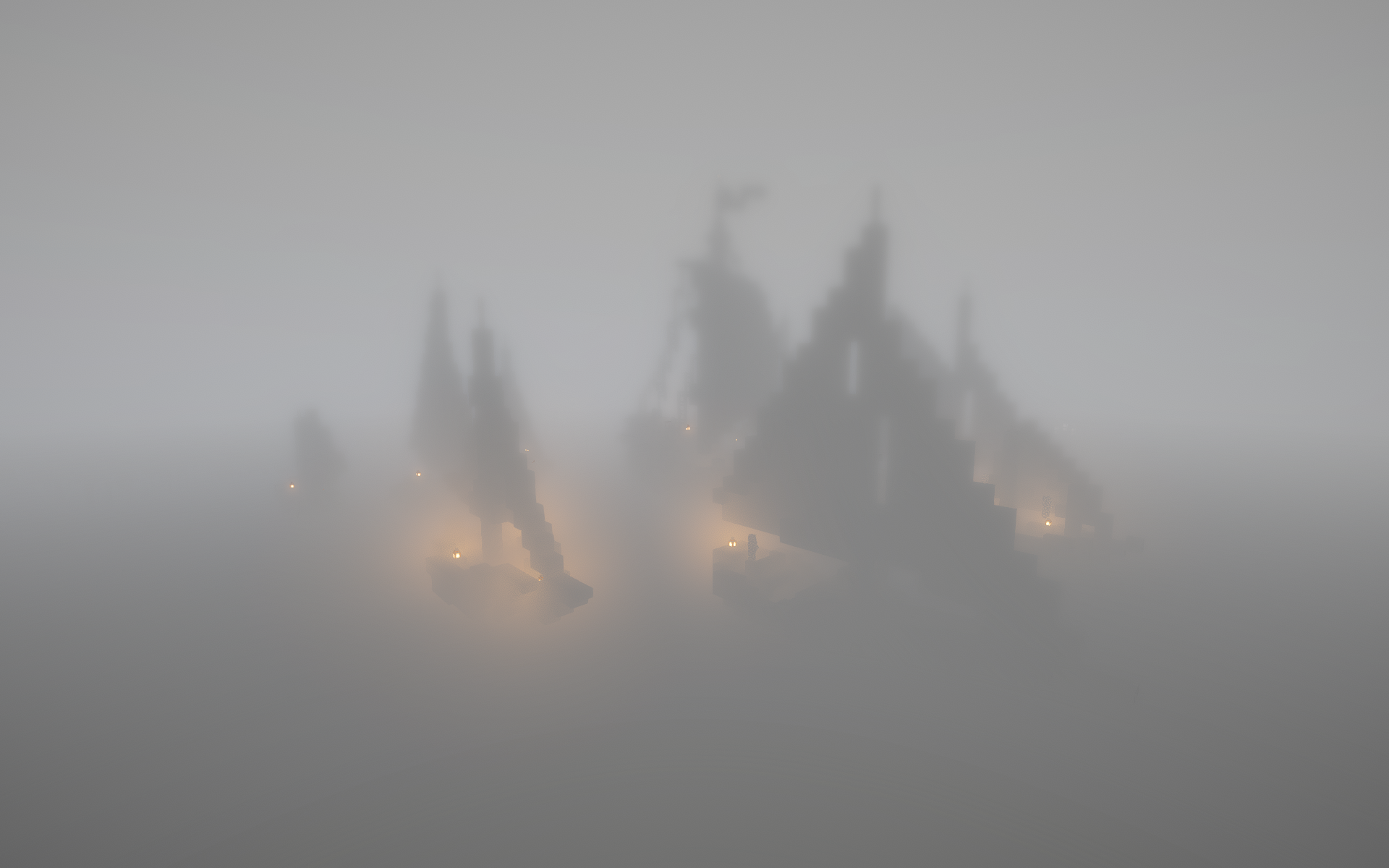 Ships in the Fog Doom and Gloom
 -
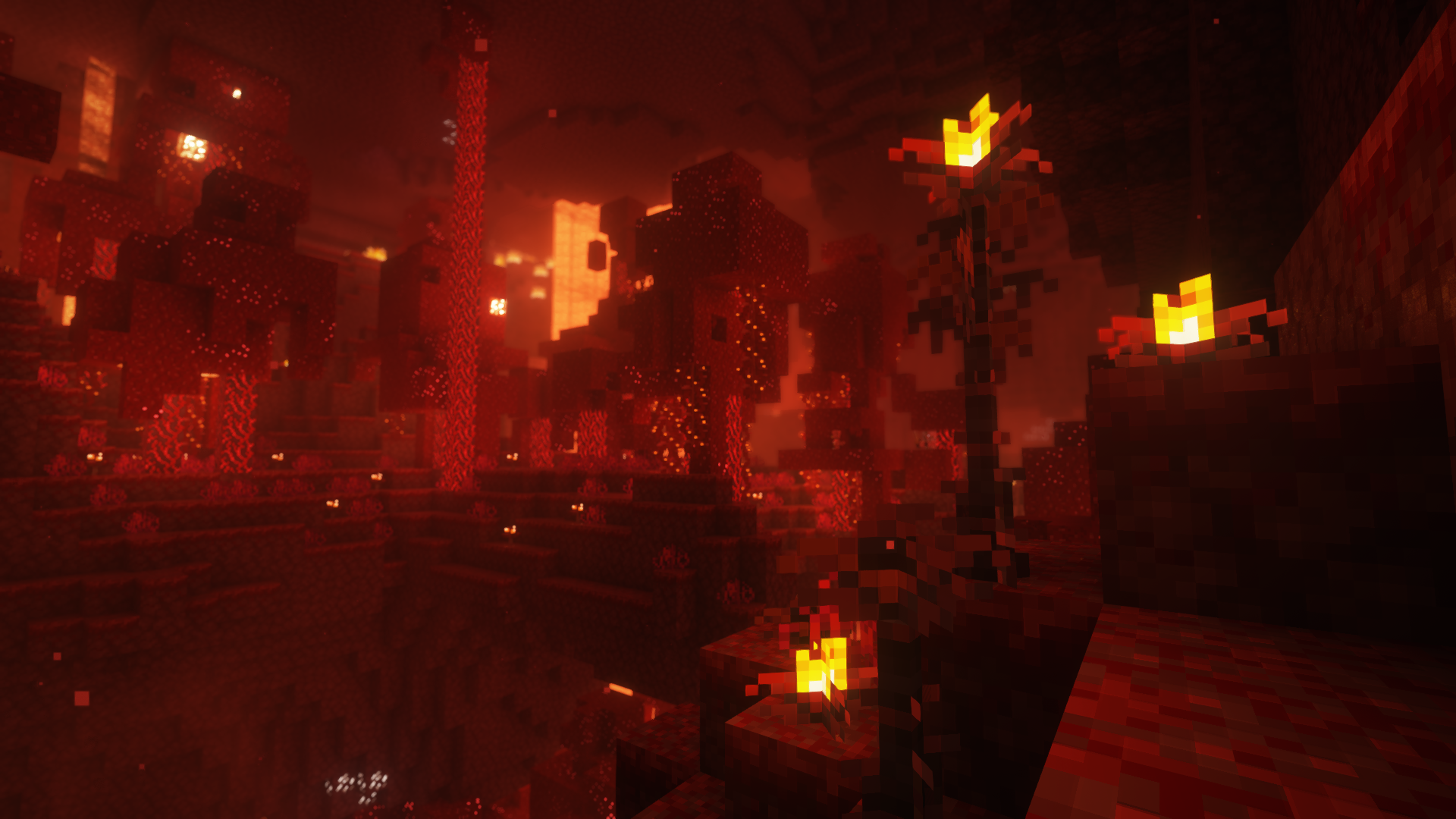 Powdery Cane My Nether's Delight
 -
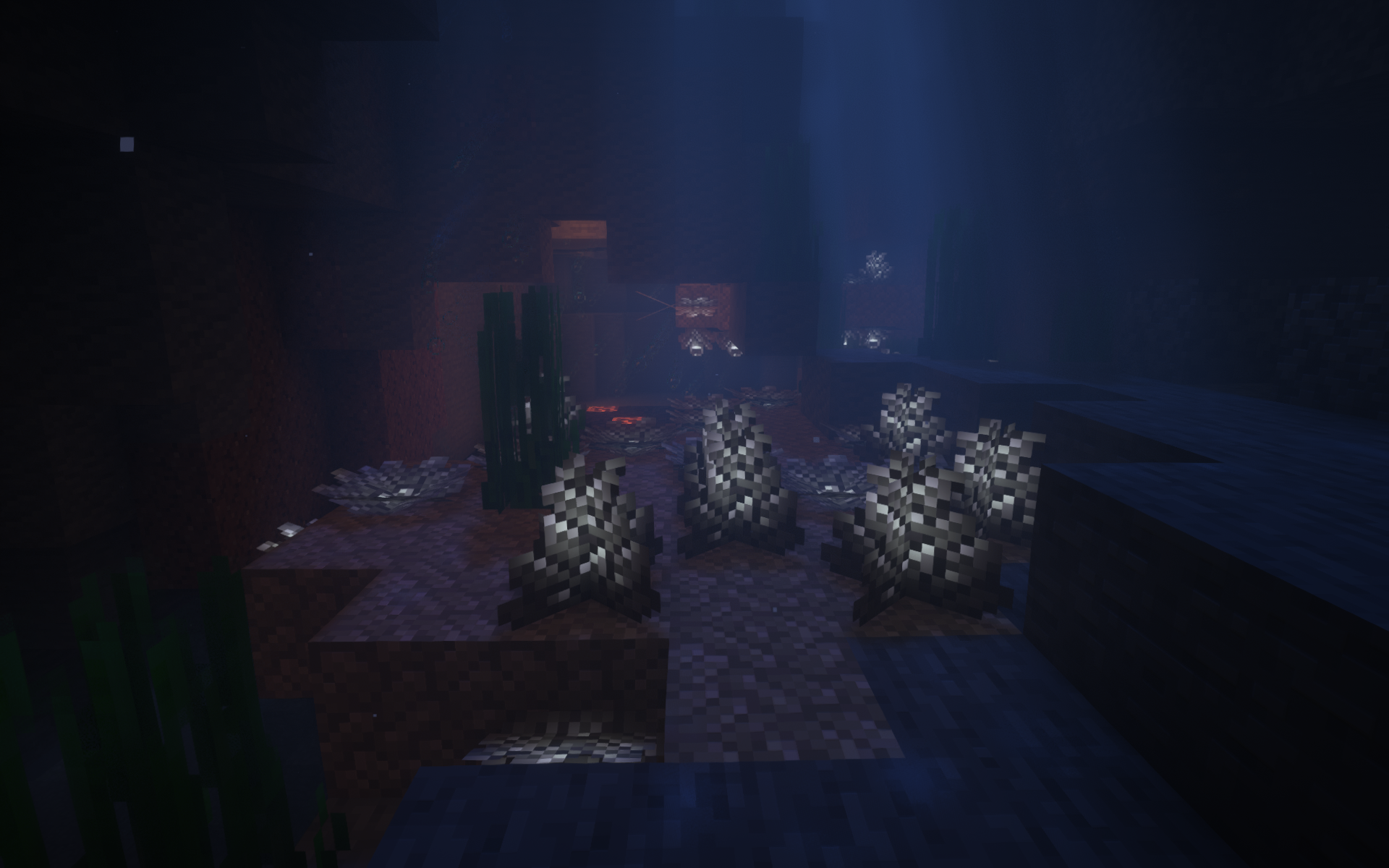 Elder Prismarine Corals Upgrade Aquatic
 -
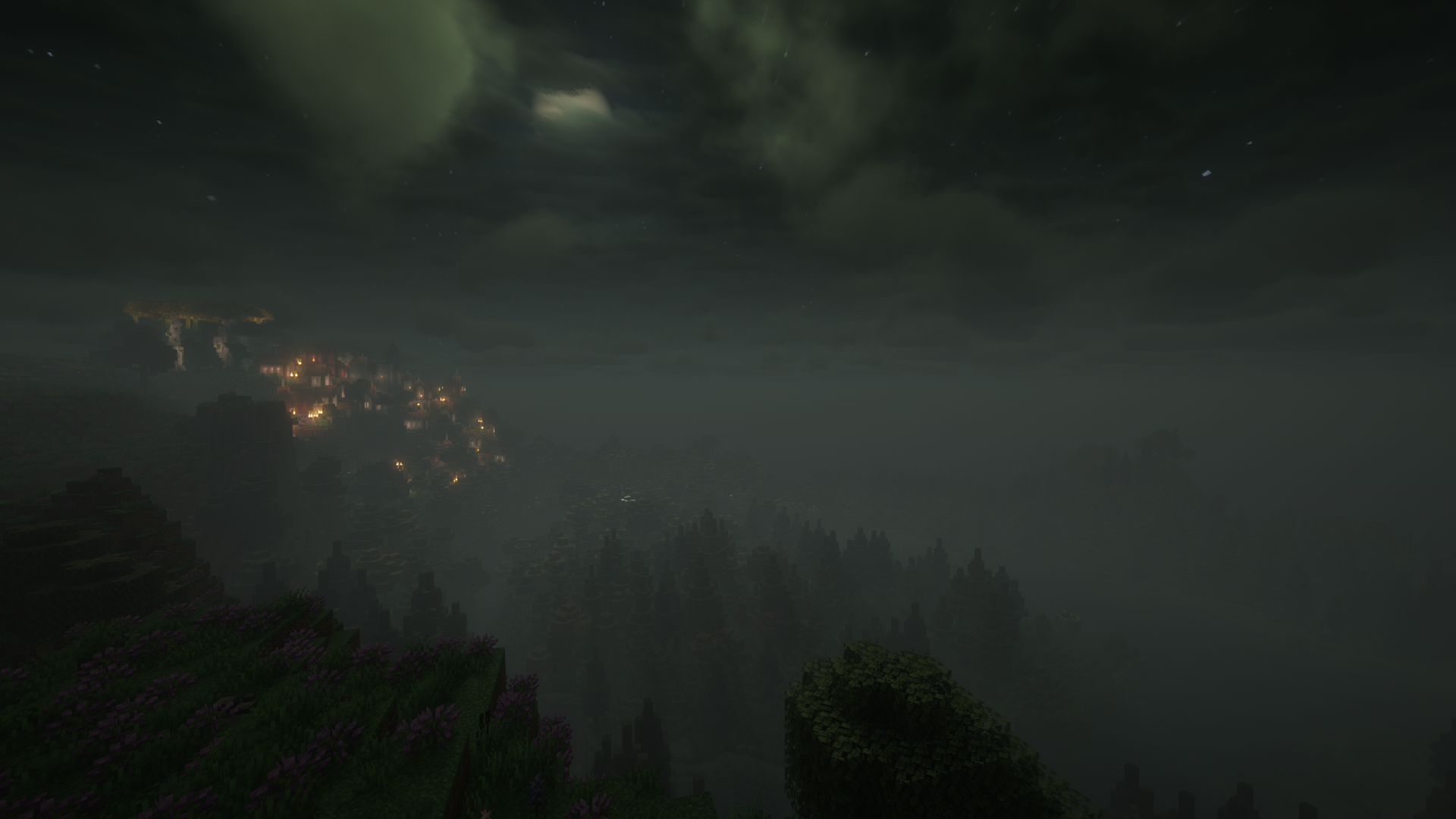 Harvest Moon Enhanced Celestials
 -
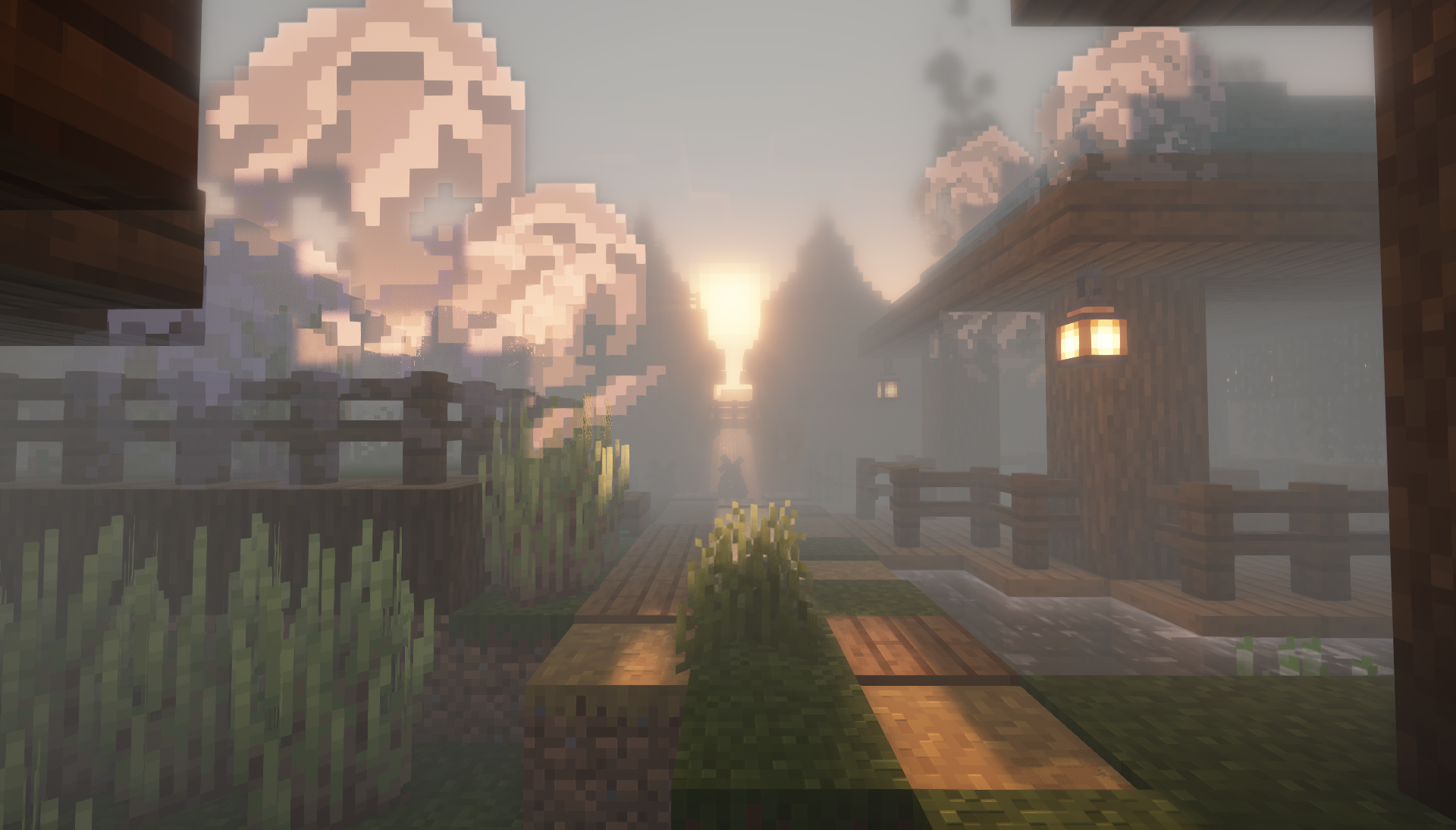 Fog (Morning) Doom & Gloom
 -
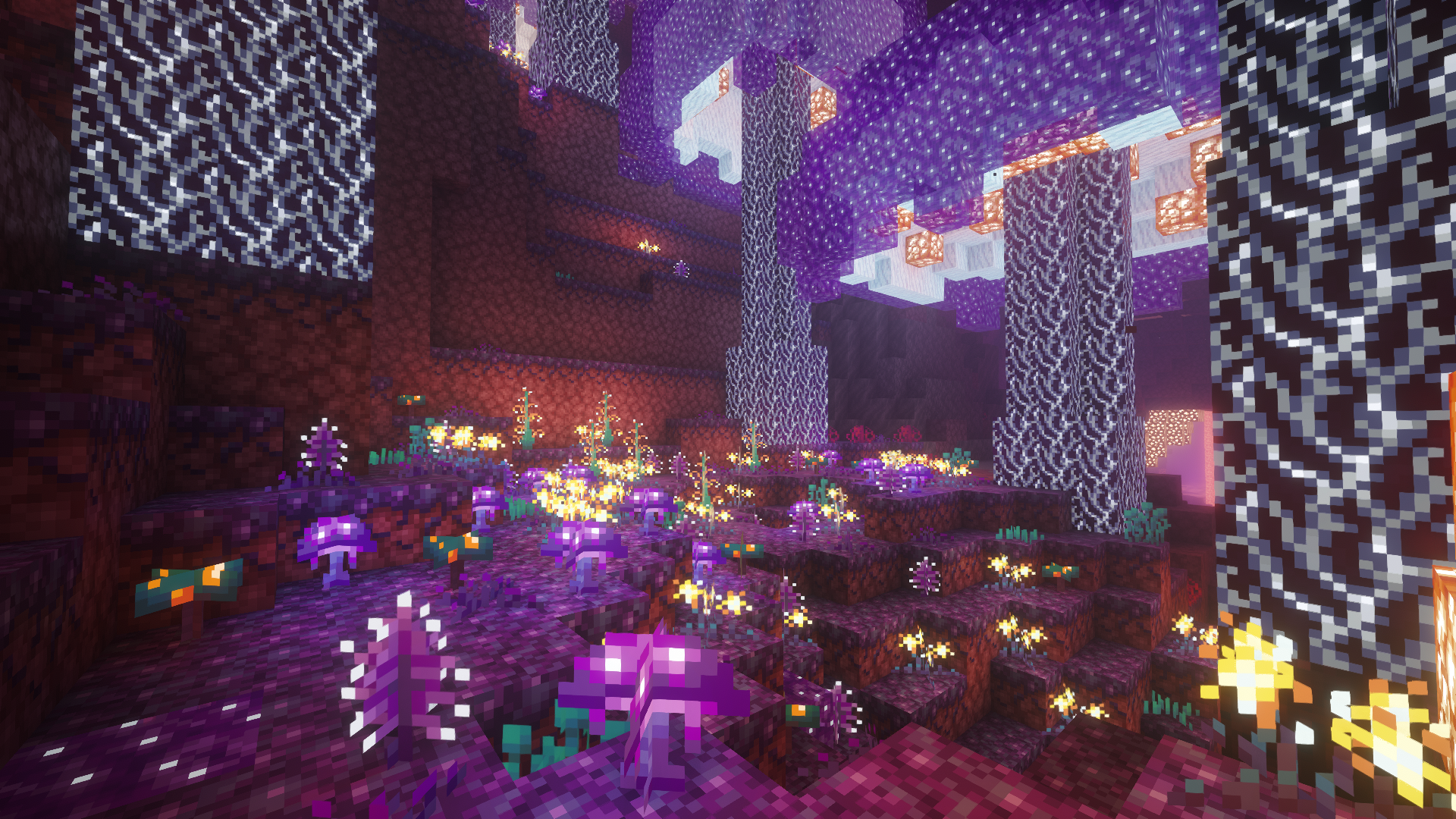 Luminous Grove Cinderscapes
 -
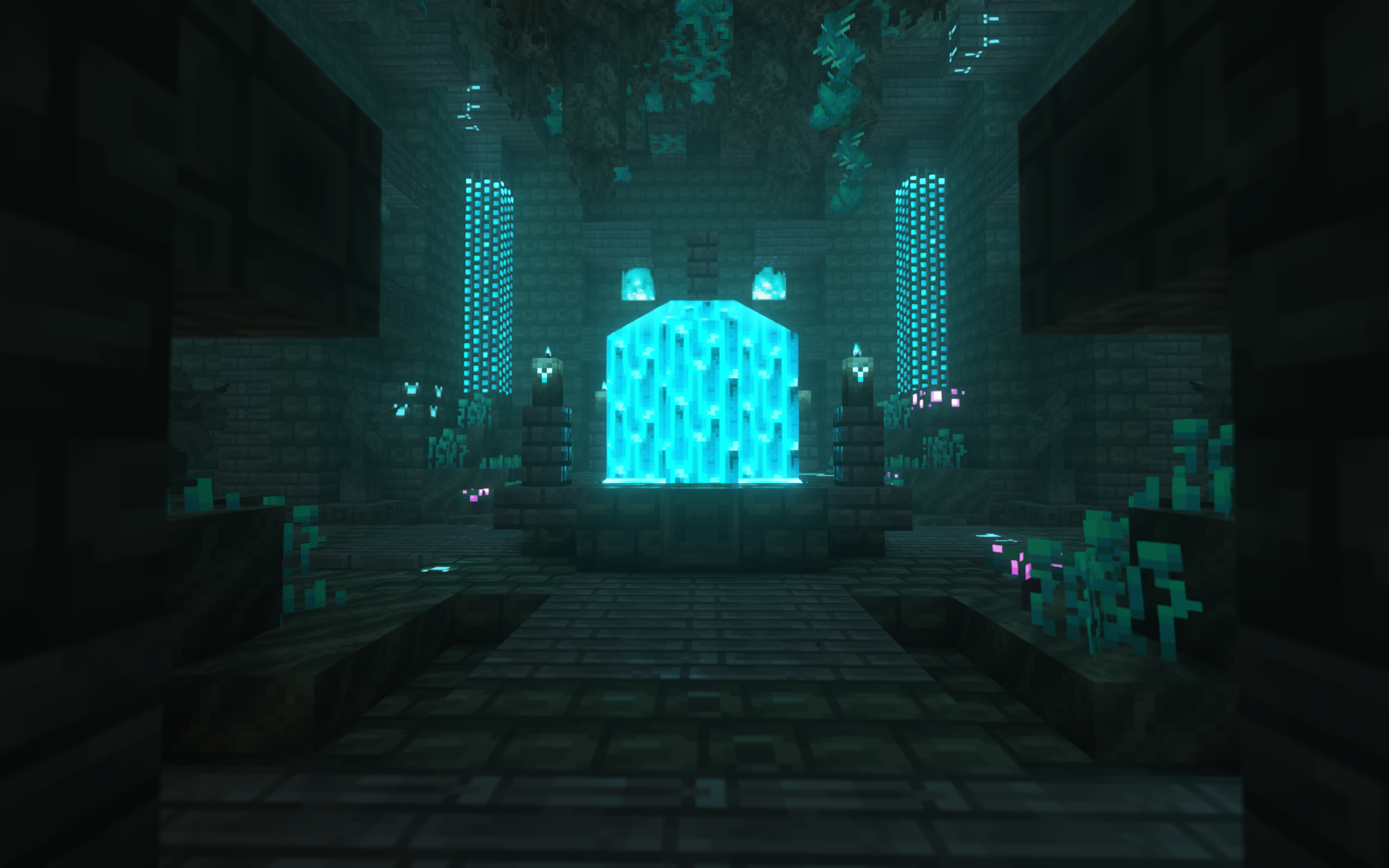 Sanctum Jaden's Nether Expansion
 -
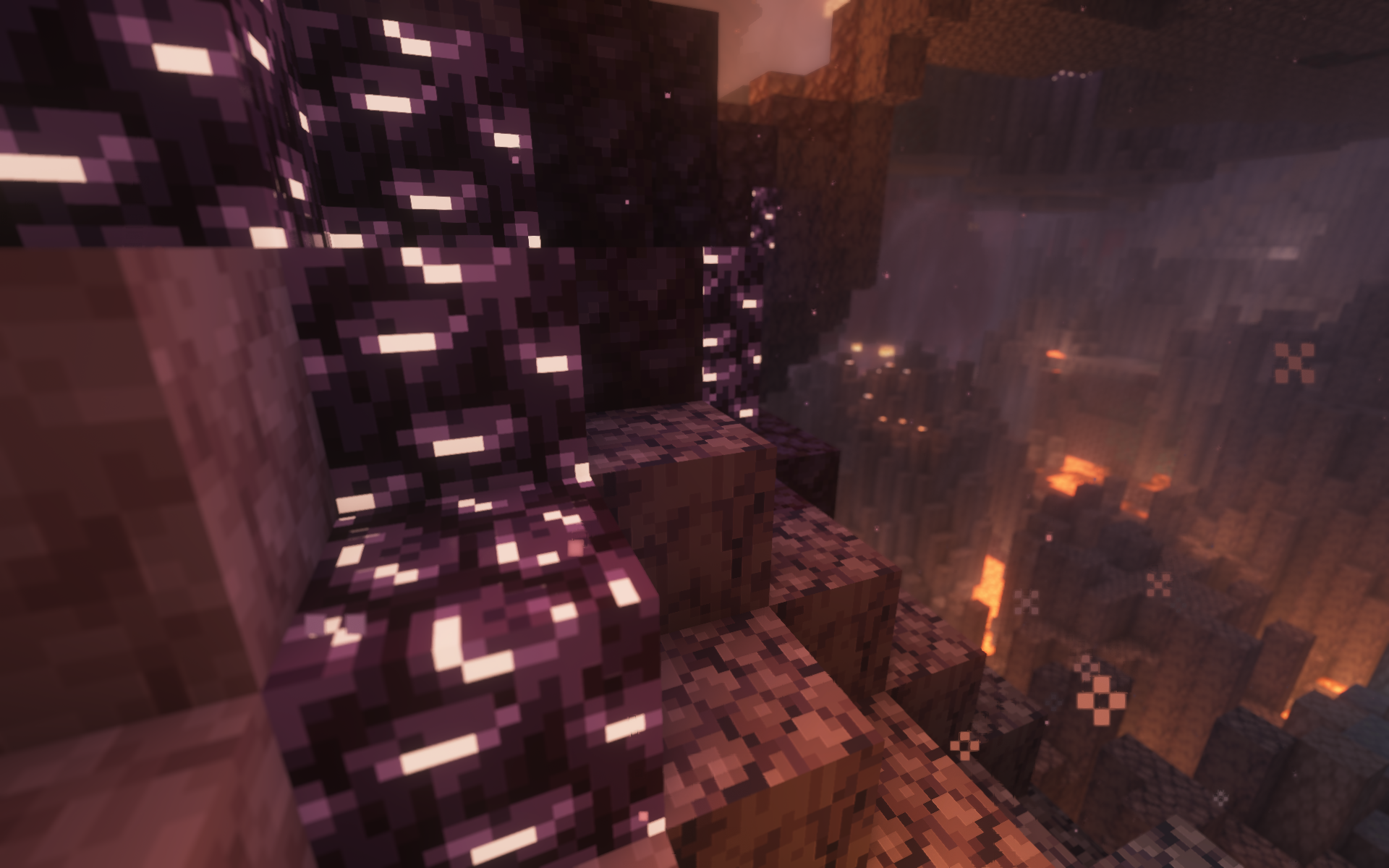 Porkslag Pigsteel
 -
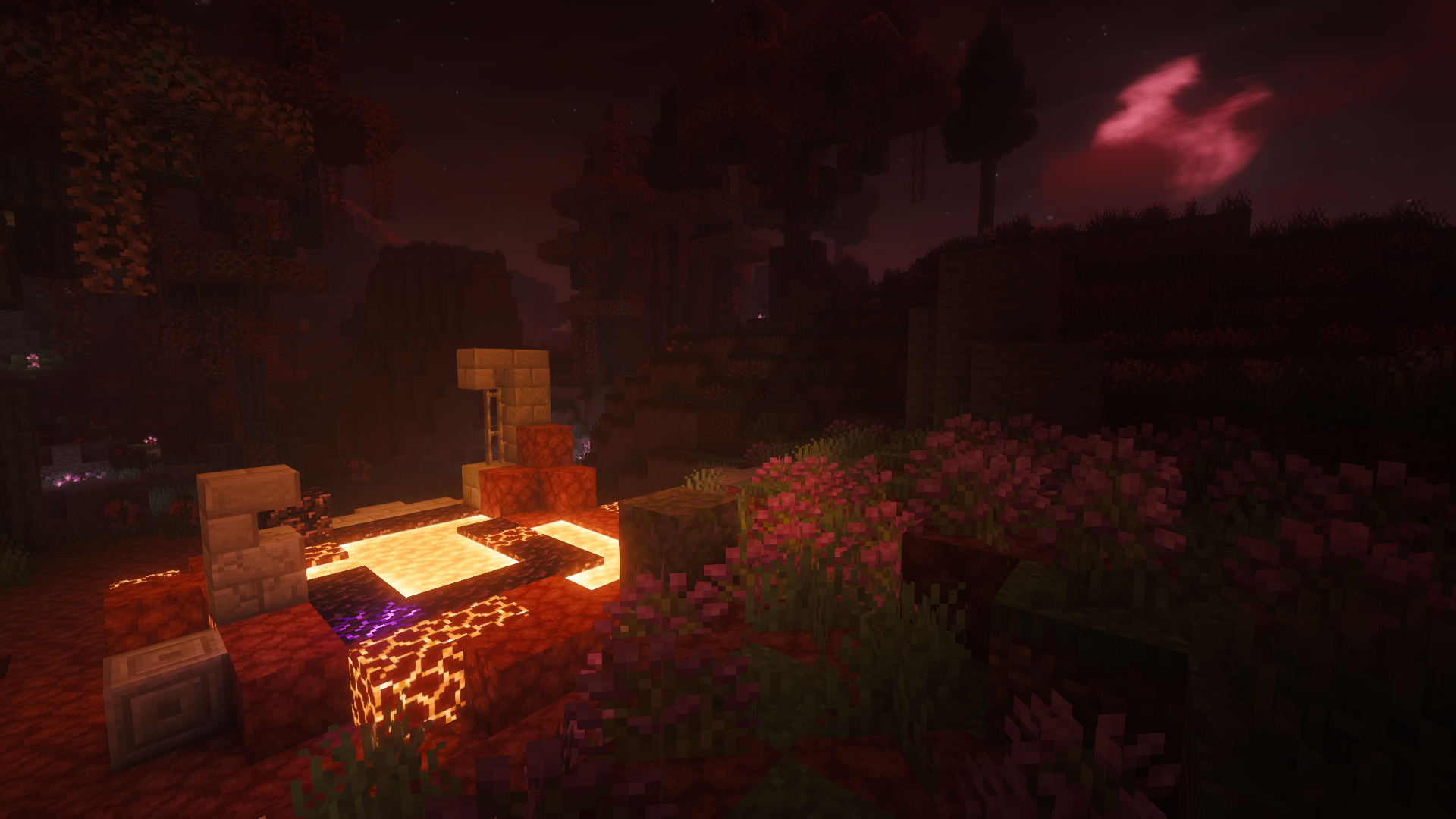 Blood Moon Enhanced Celestials
 -
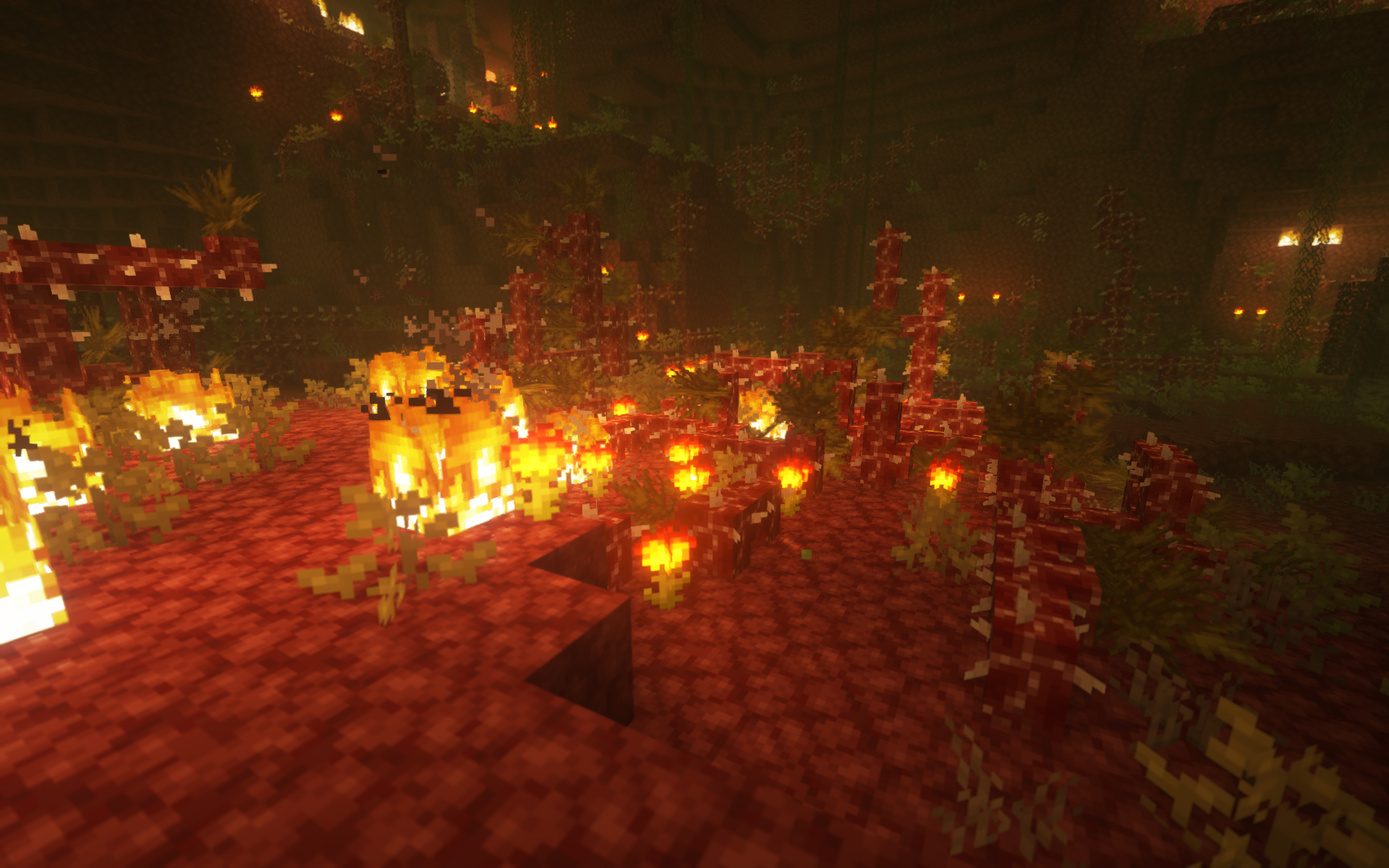 Undergrowth Biomes O Plenty
 -
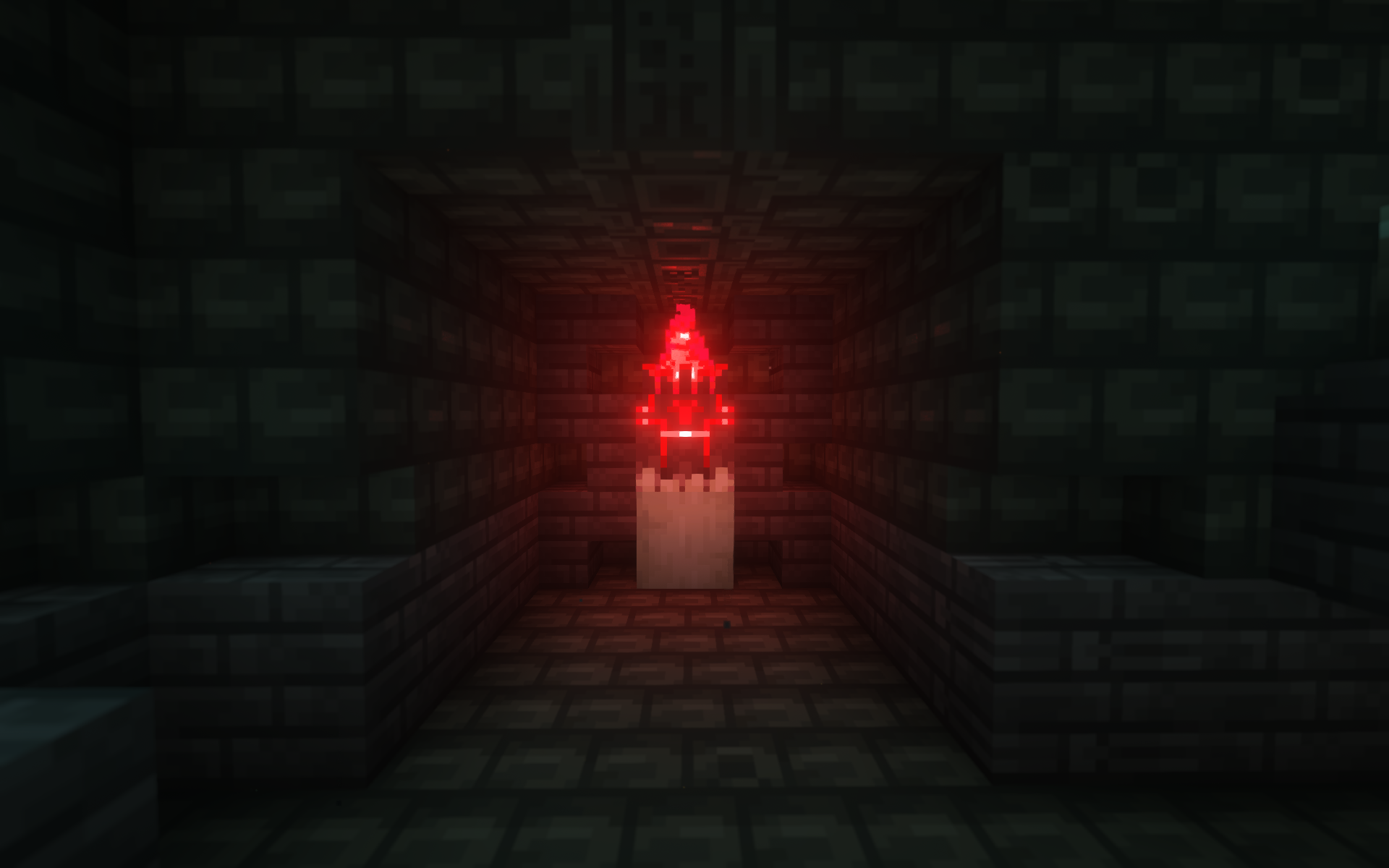 Brazier Chest Jaden's Nether Expansion
 -
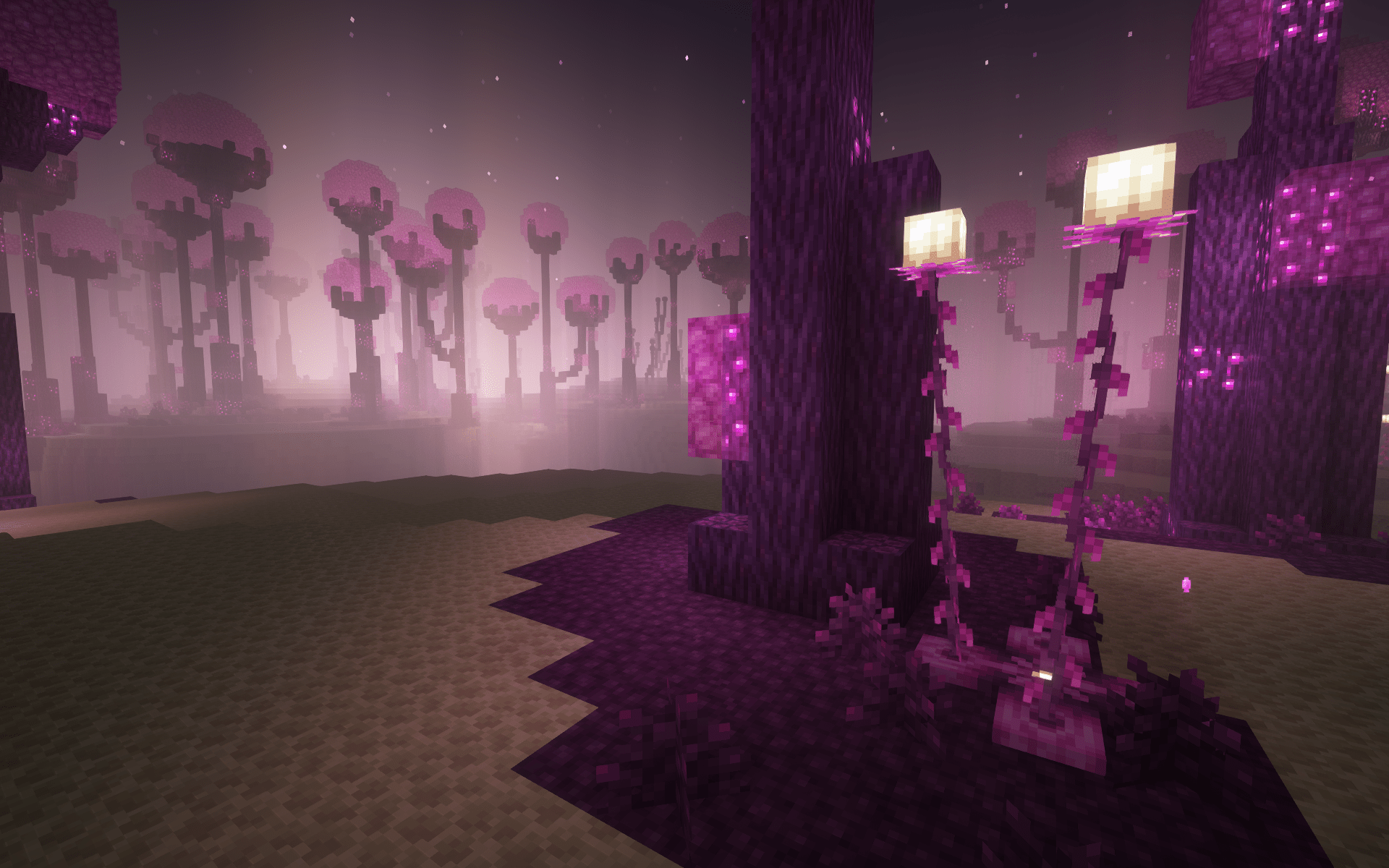 Poise Forest Endergetic Expansion
 -
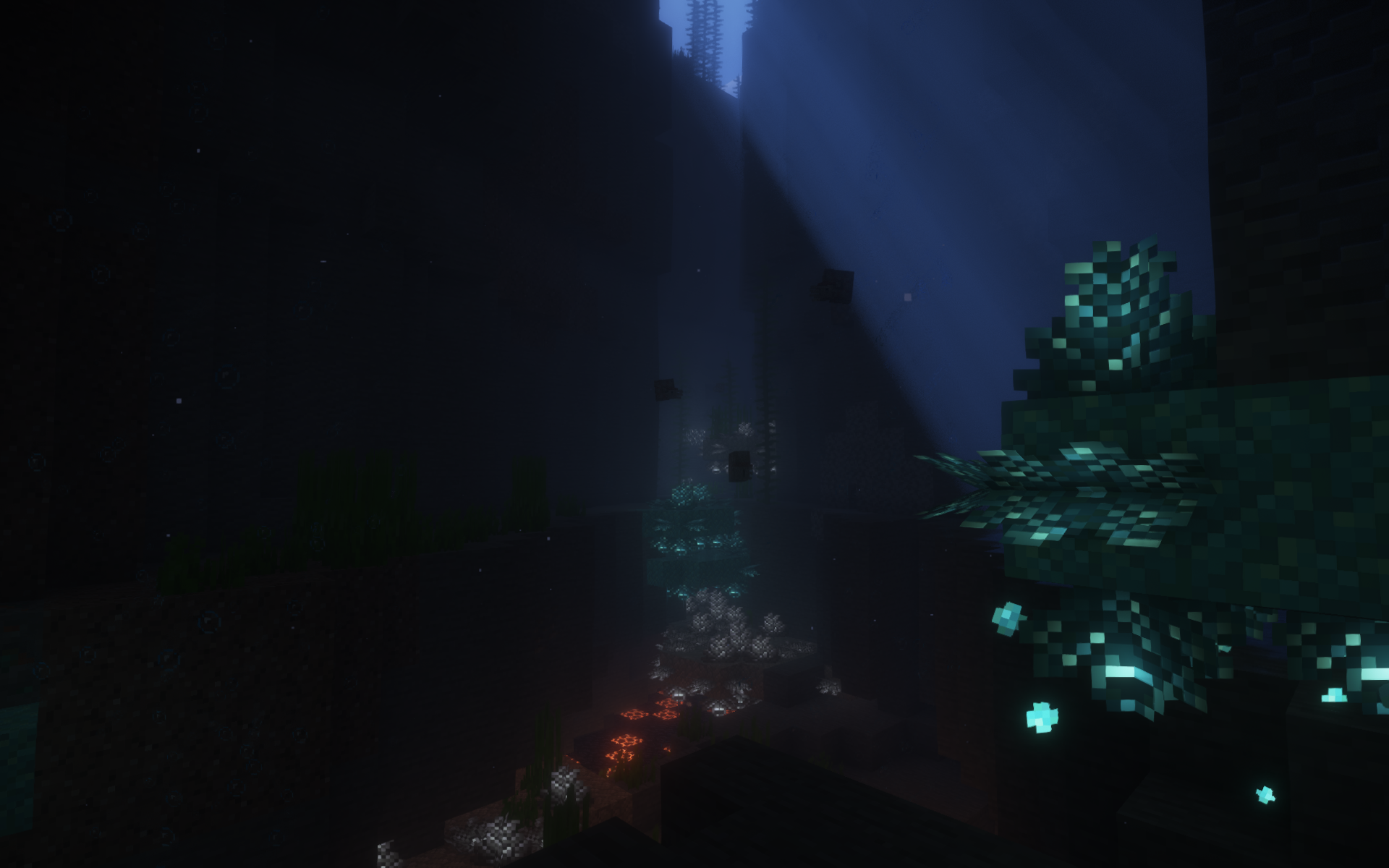 Prismarine Coral Upgrade Aquatic
 -
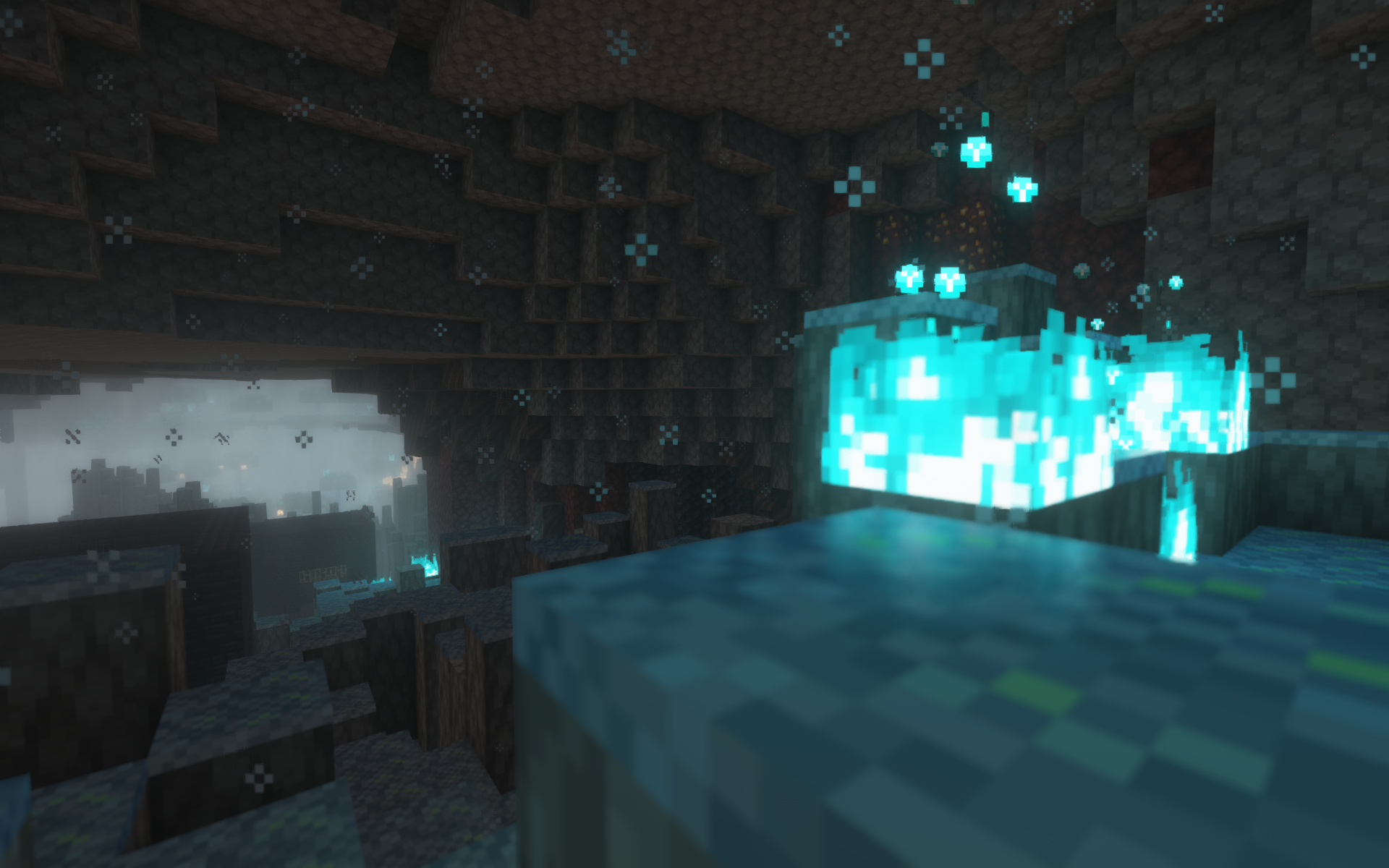 Ashen Deltas Soulful Nether
 -
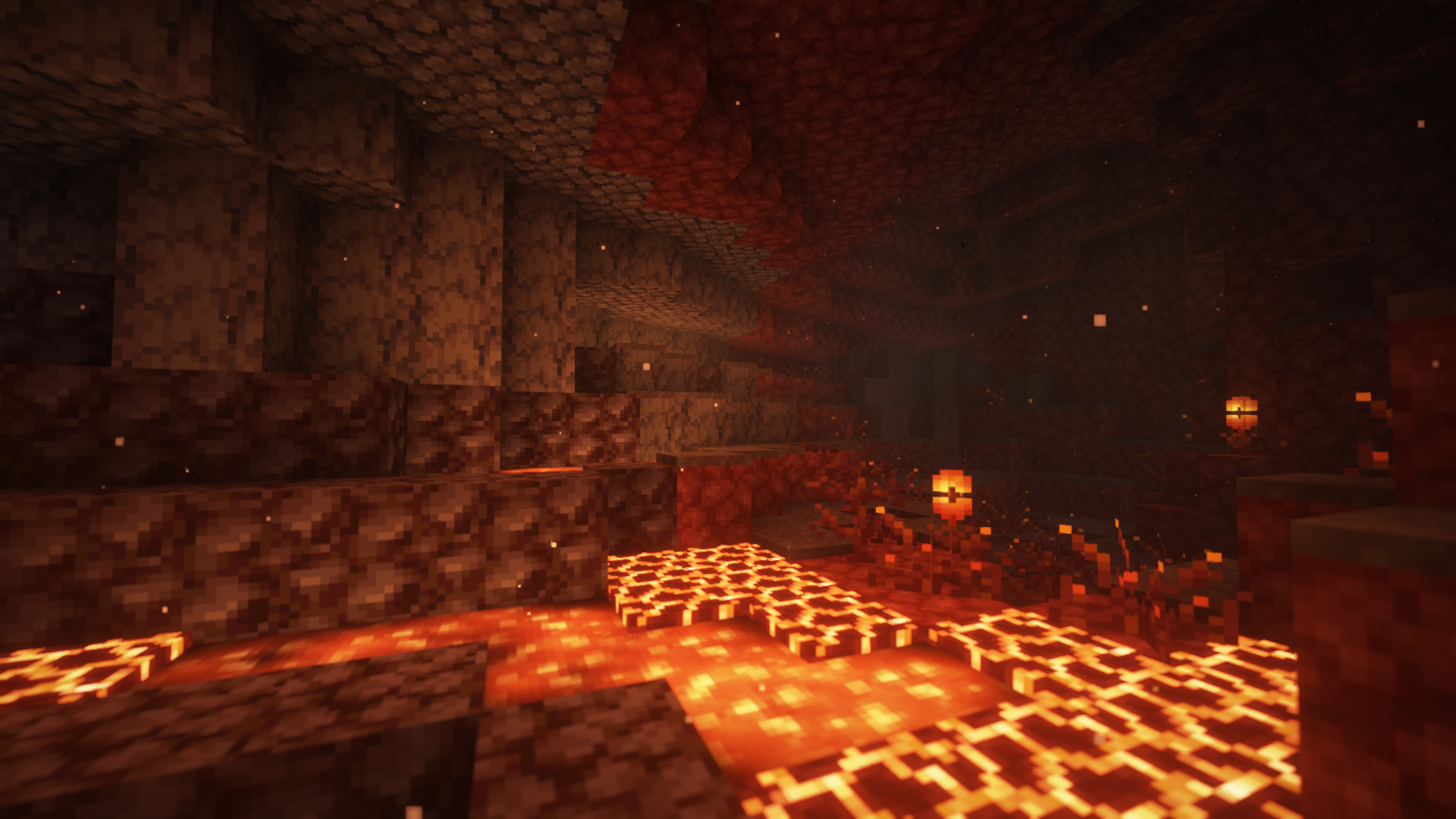 Ashy Shoals Cinderscapes
 -
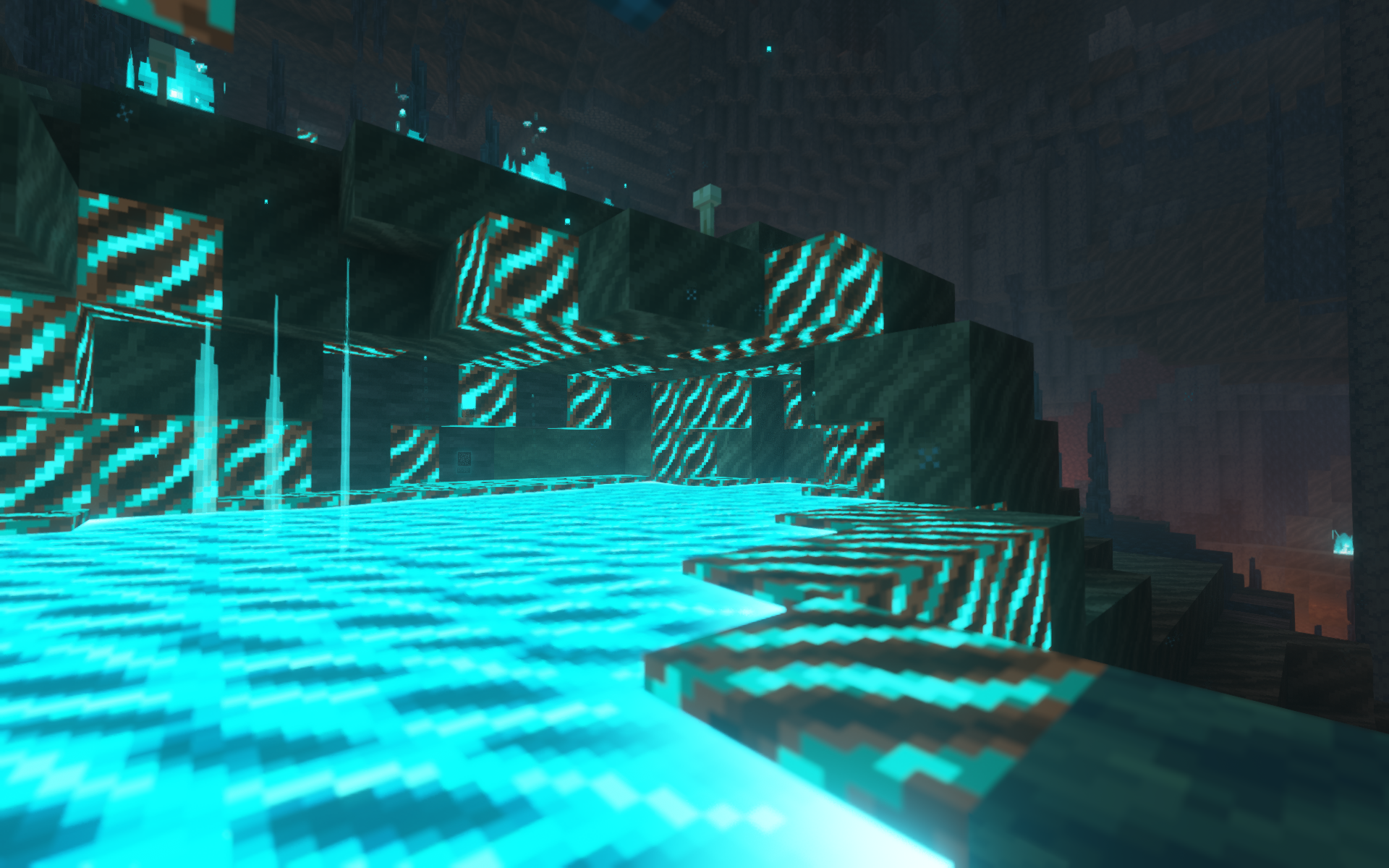 Ectoplasm Pool Jaden's Nether Expansion
 -
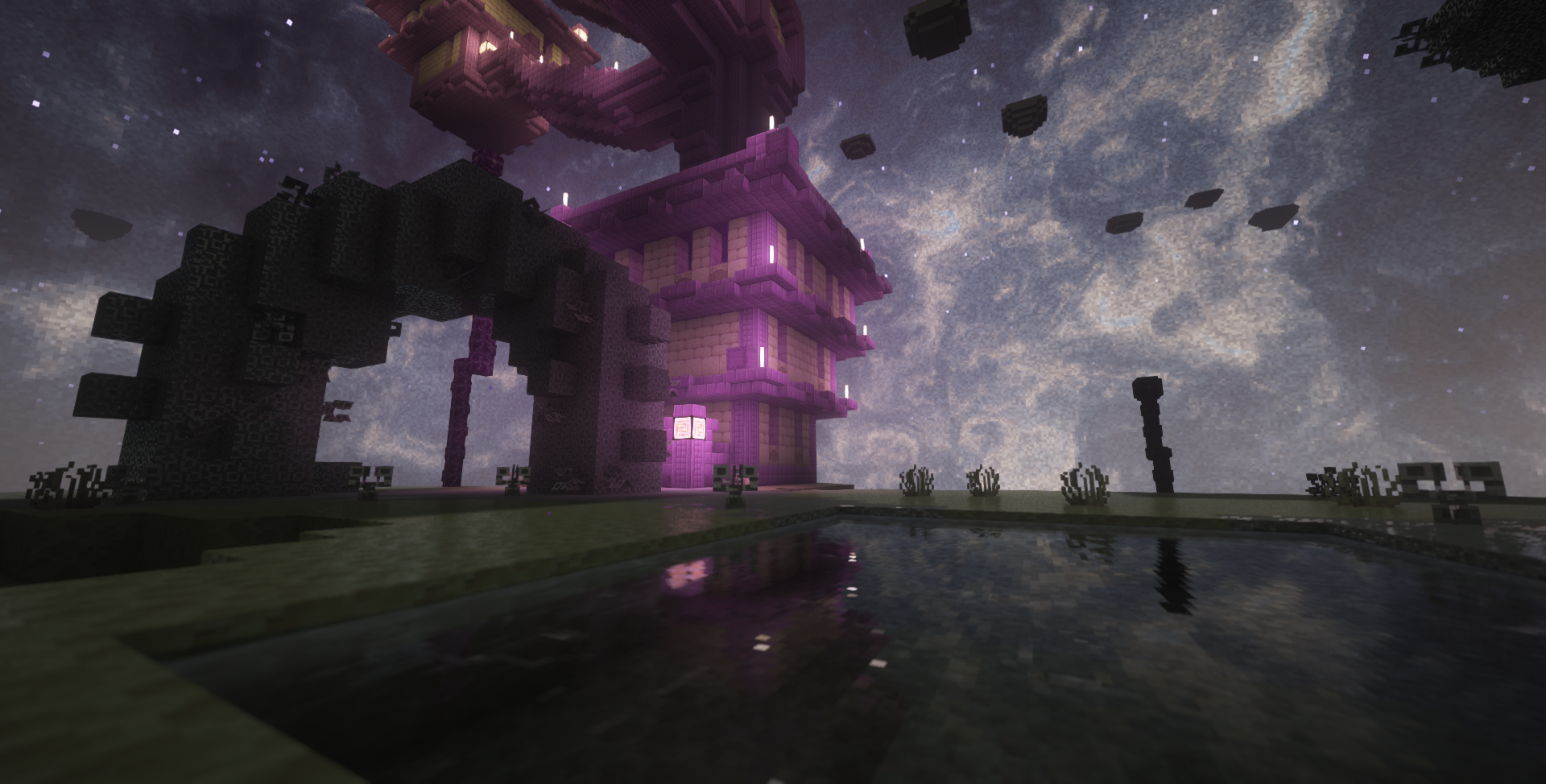 Enderscape Nebula 1 Custom skybox for Enderscape, with many options for customization
 -
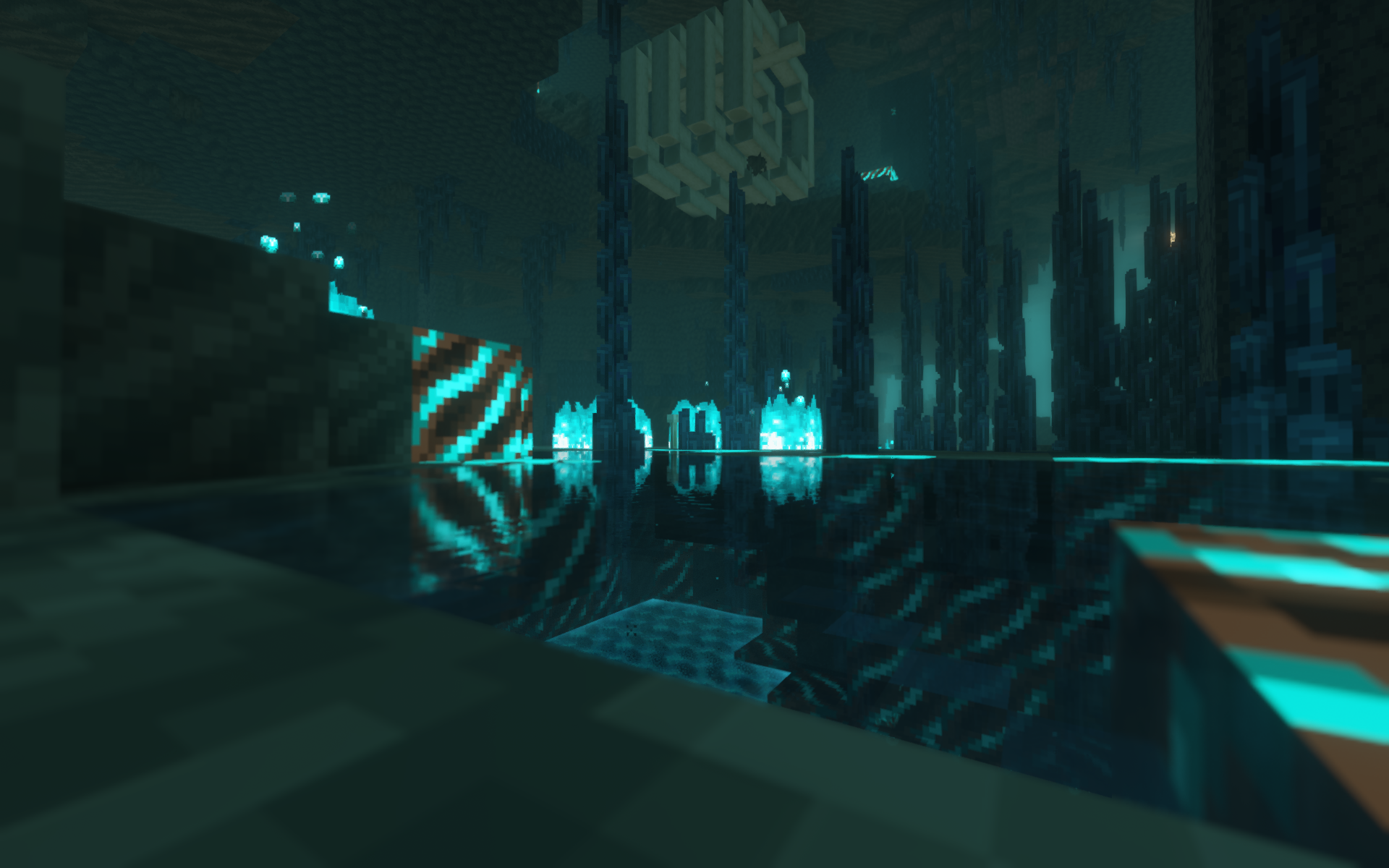 Black Ice Glaciers 2 Jaden's Nether Expansion
 -
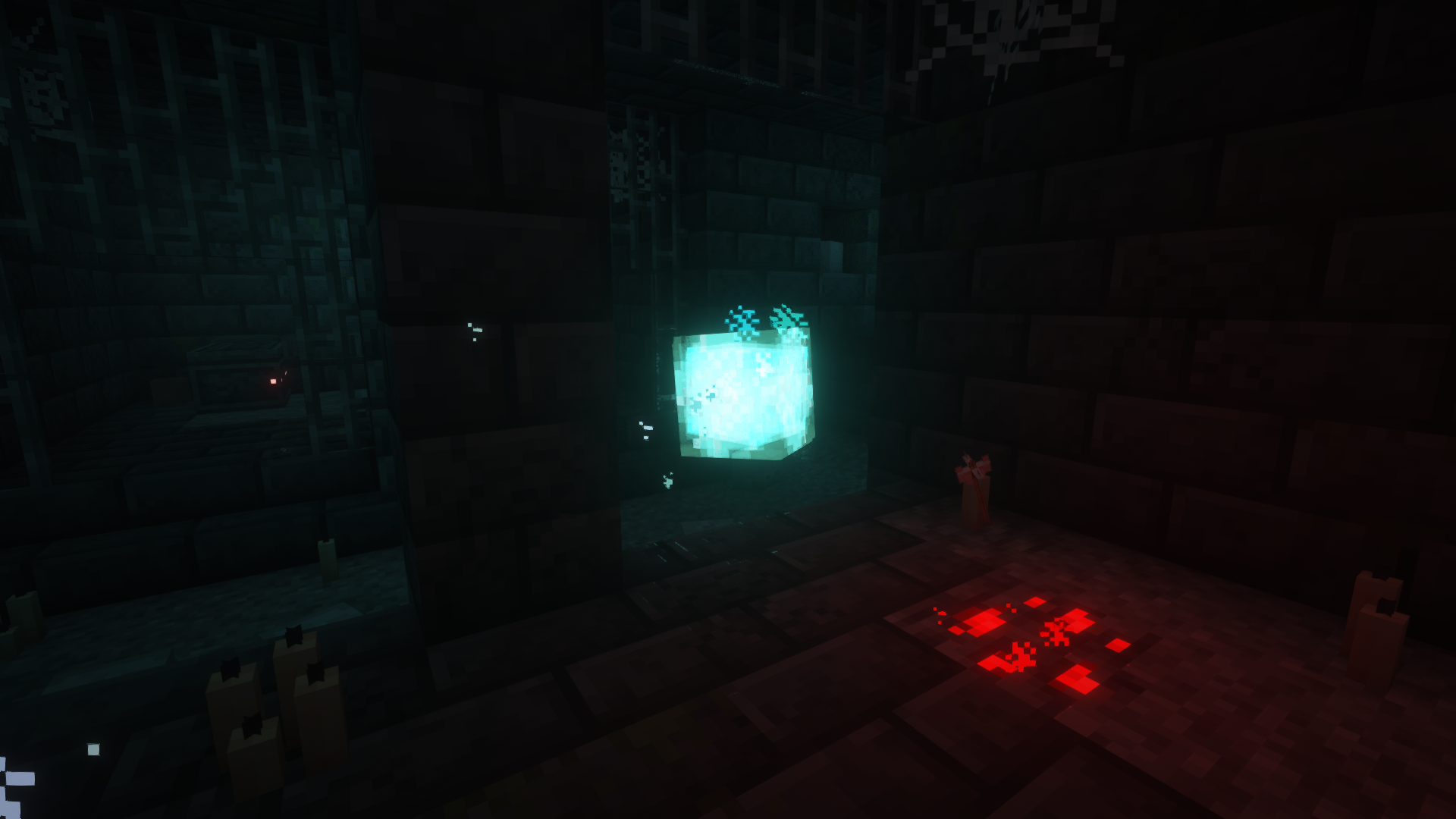 Apparition Trailier Tales
 -
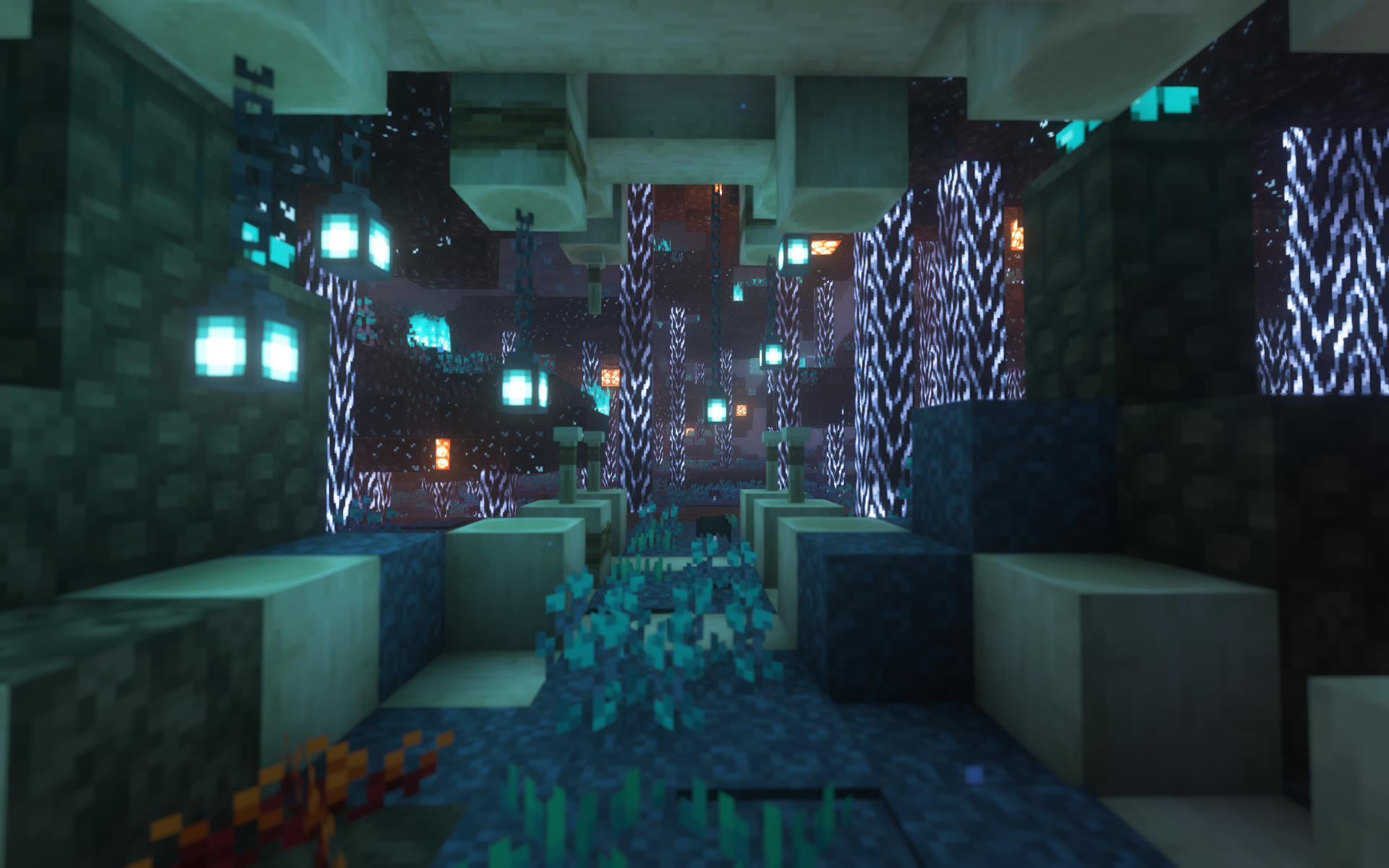 Fright Forest 2 Soulful Nether
 -
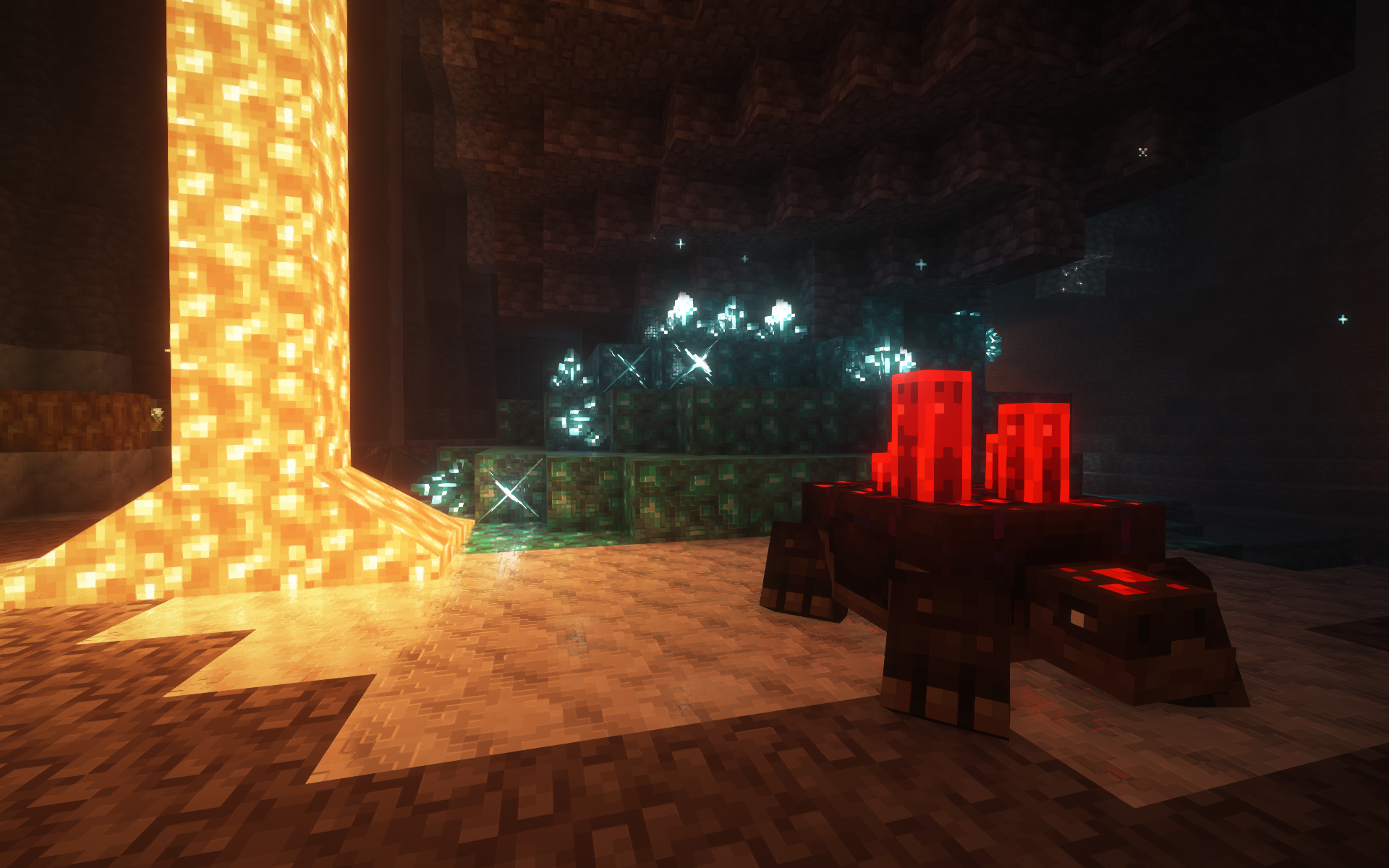 Oretortoise Quark
 -
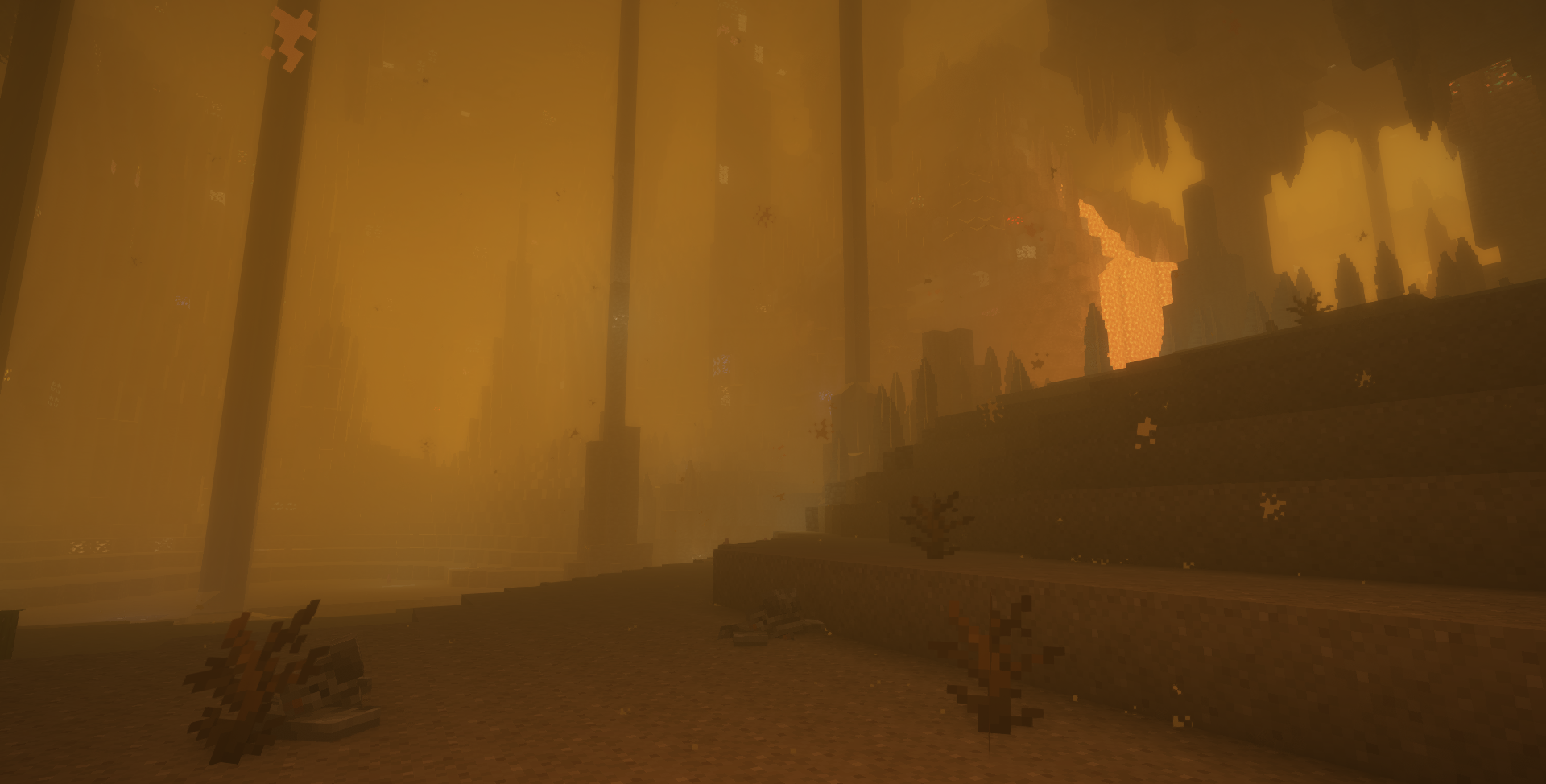 Sandstorm YUNG's Cave Biomes
 -
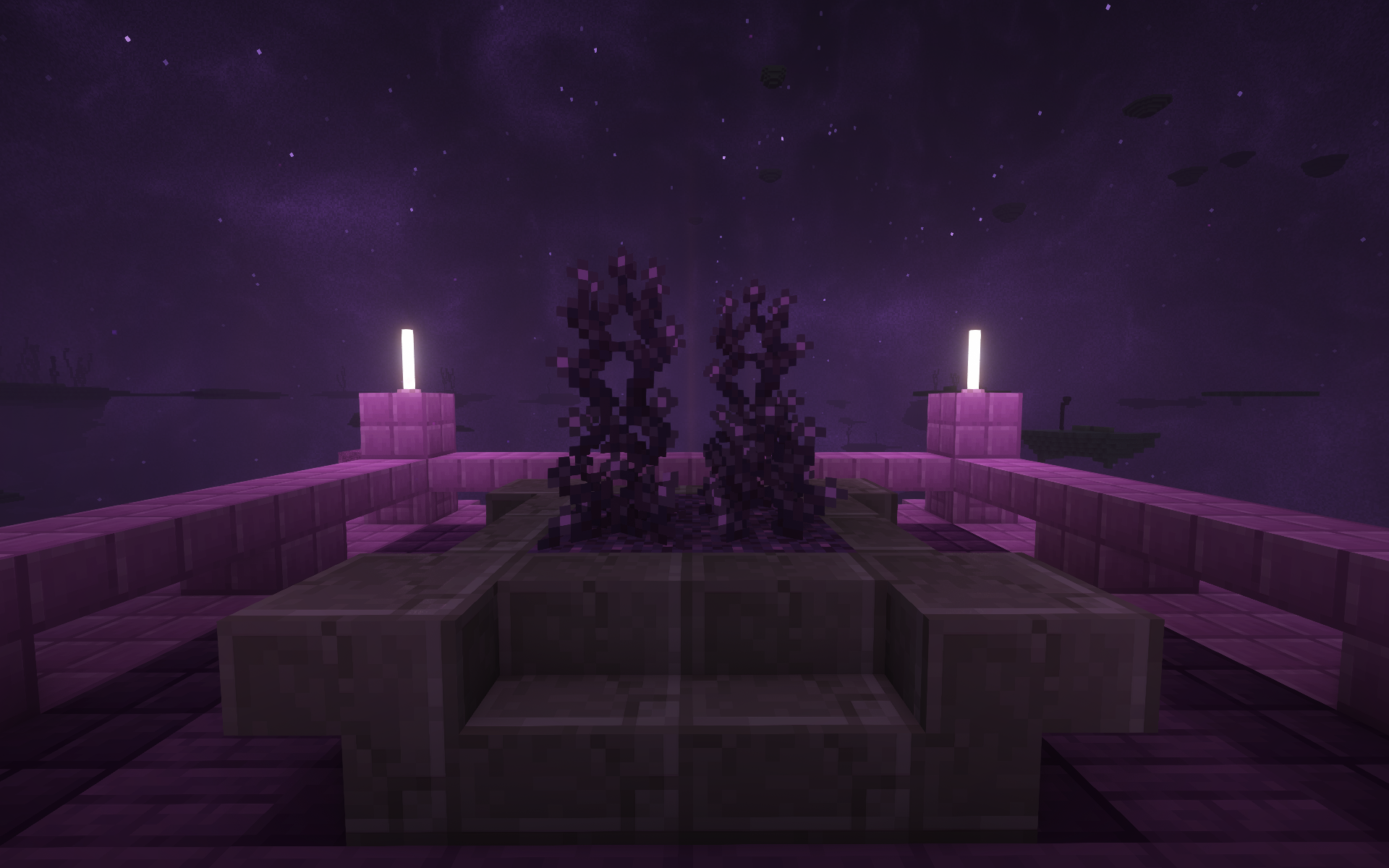 Corrupt Growth Enderscape
 -
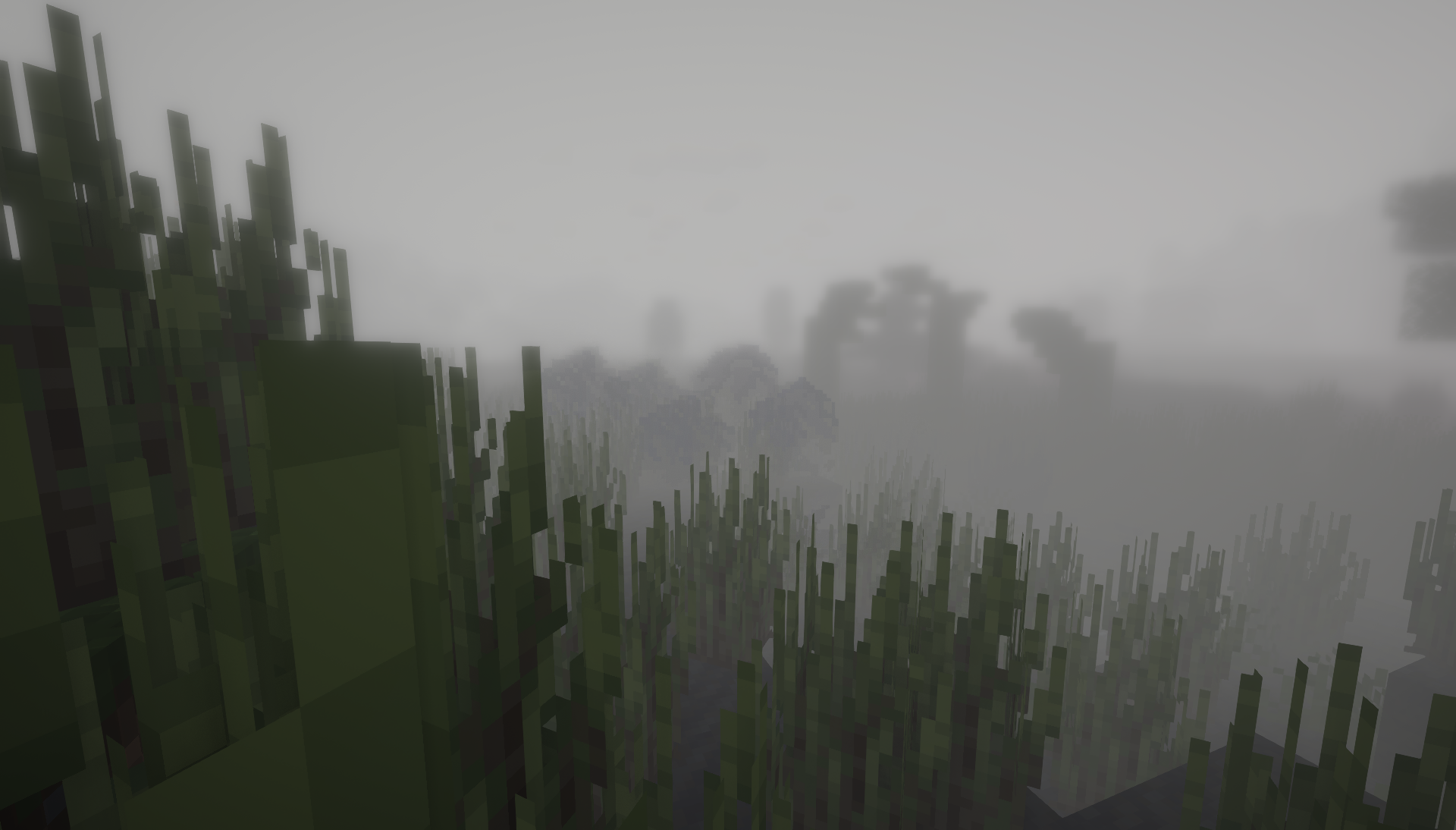 Fog (Night) Doom & Gloom
 -
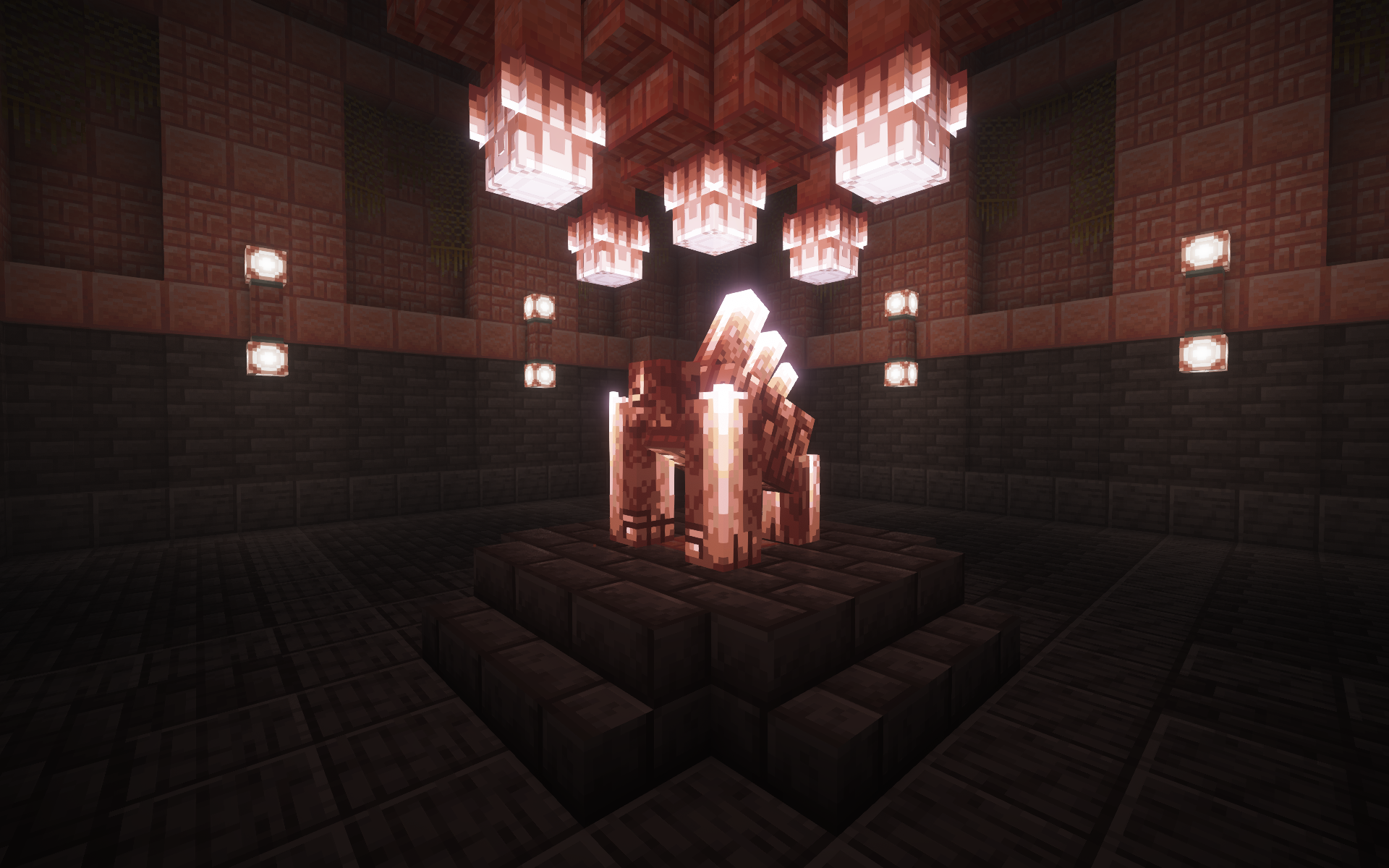 Pink Salt Shrine Galosphere
 -
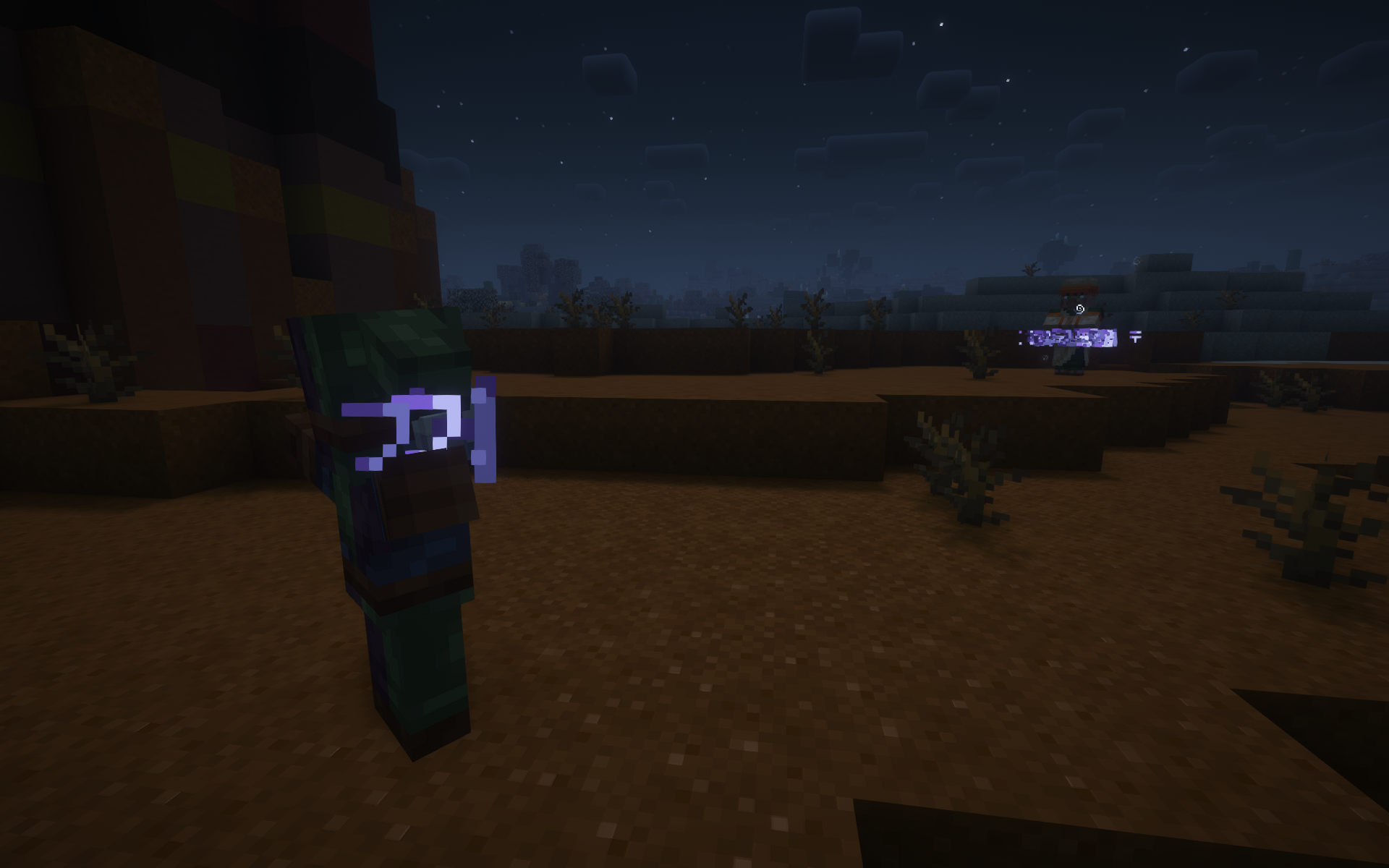 Rune Prison Savage & Ravage
 -
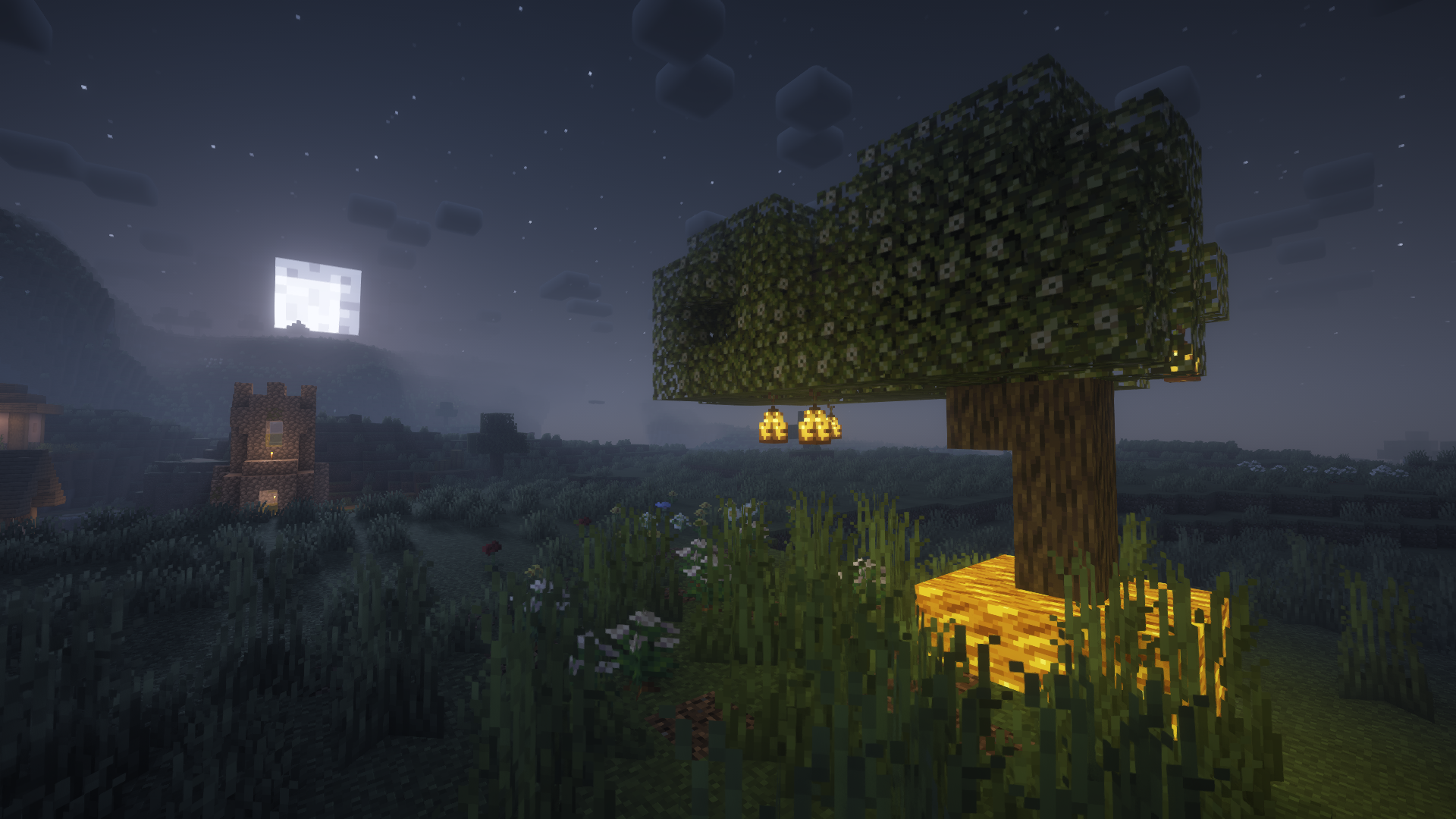 Lampear Tree Pearfection
 -
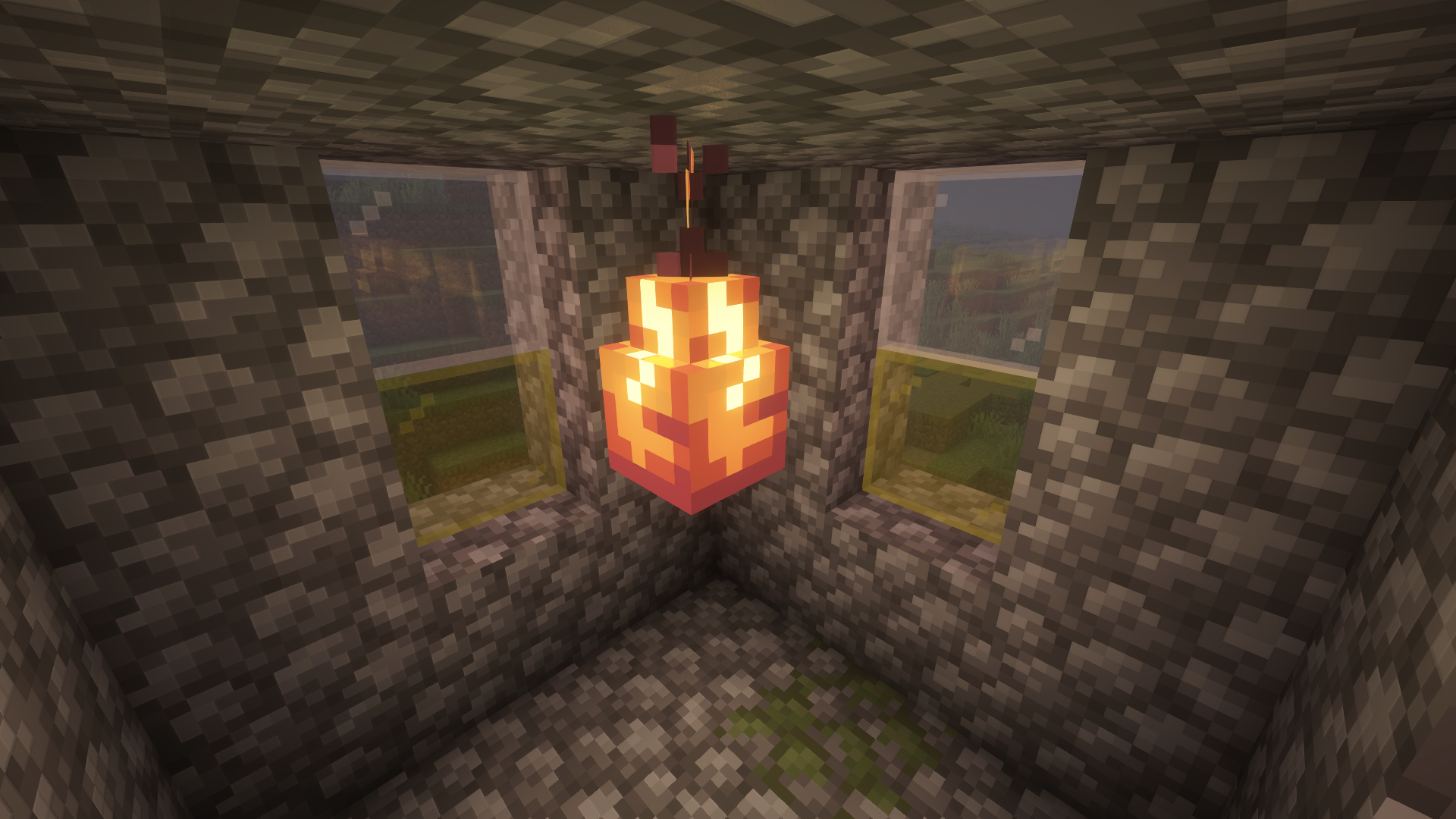 Copper Lampear Pearfection
 -
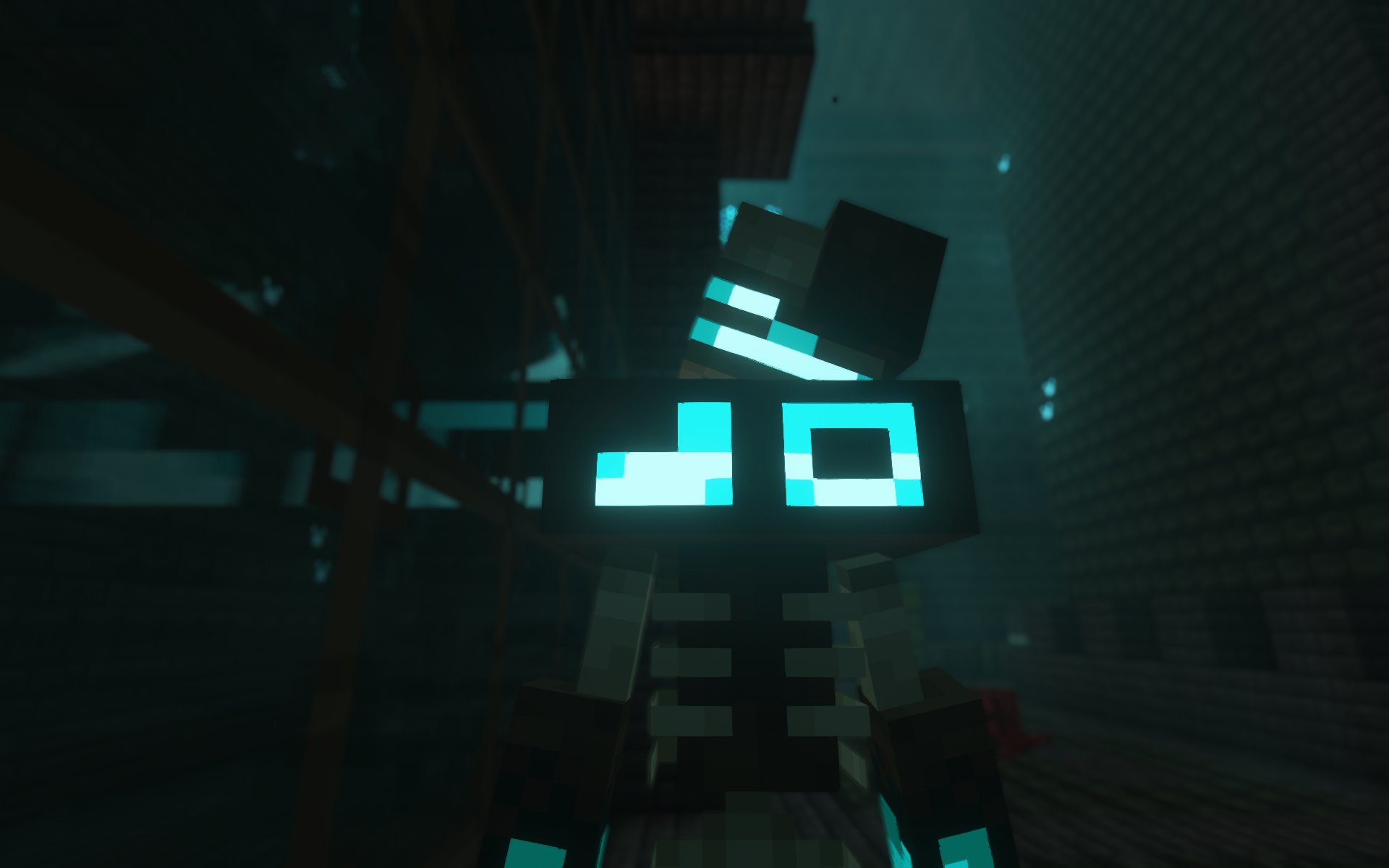 Vessel Jaden's Nether Expansion
 -
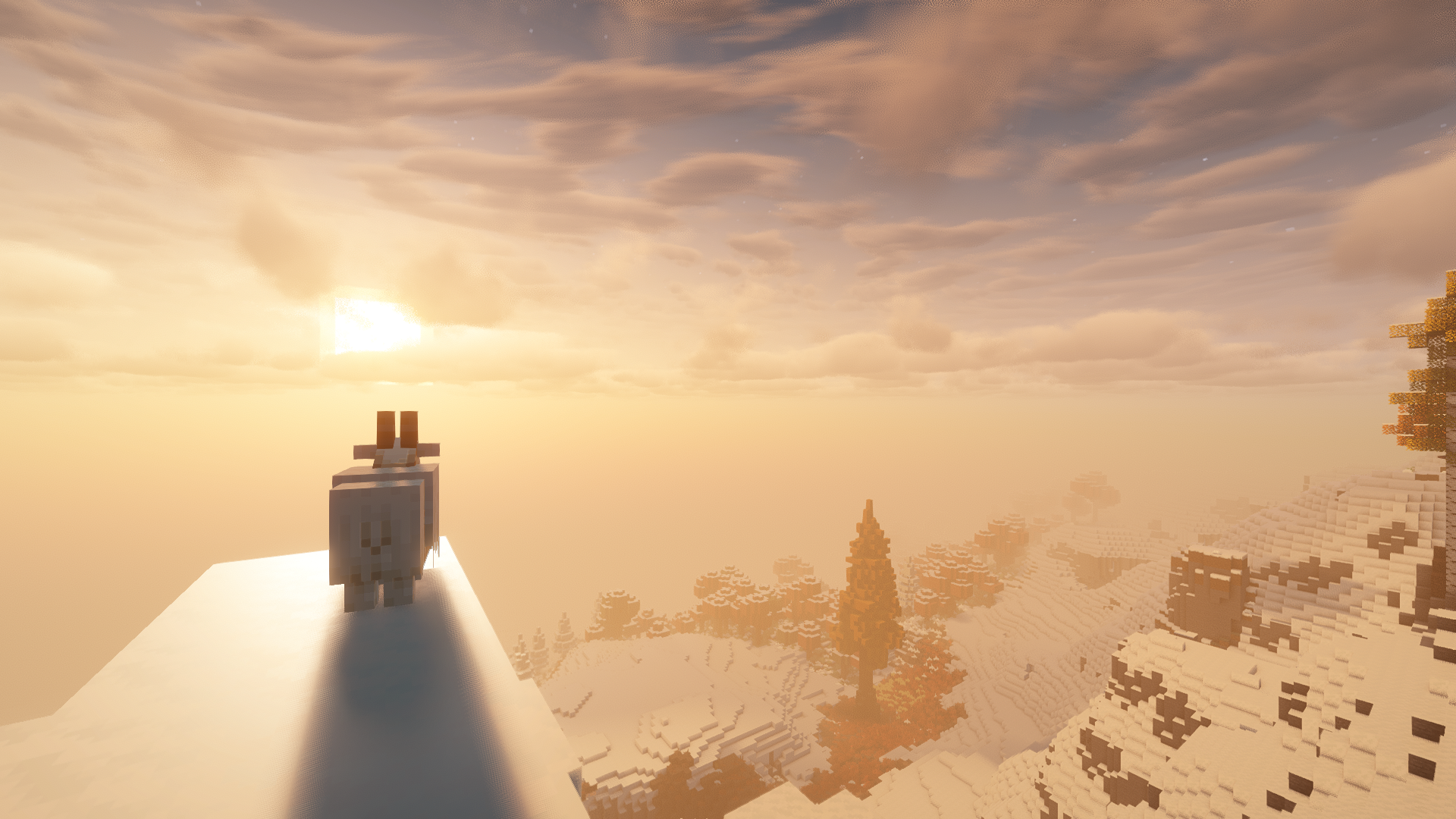 Cirrus Clouds
 -
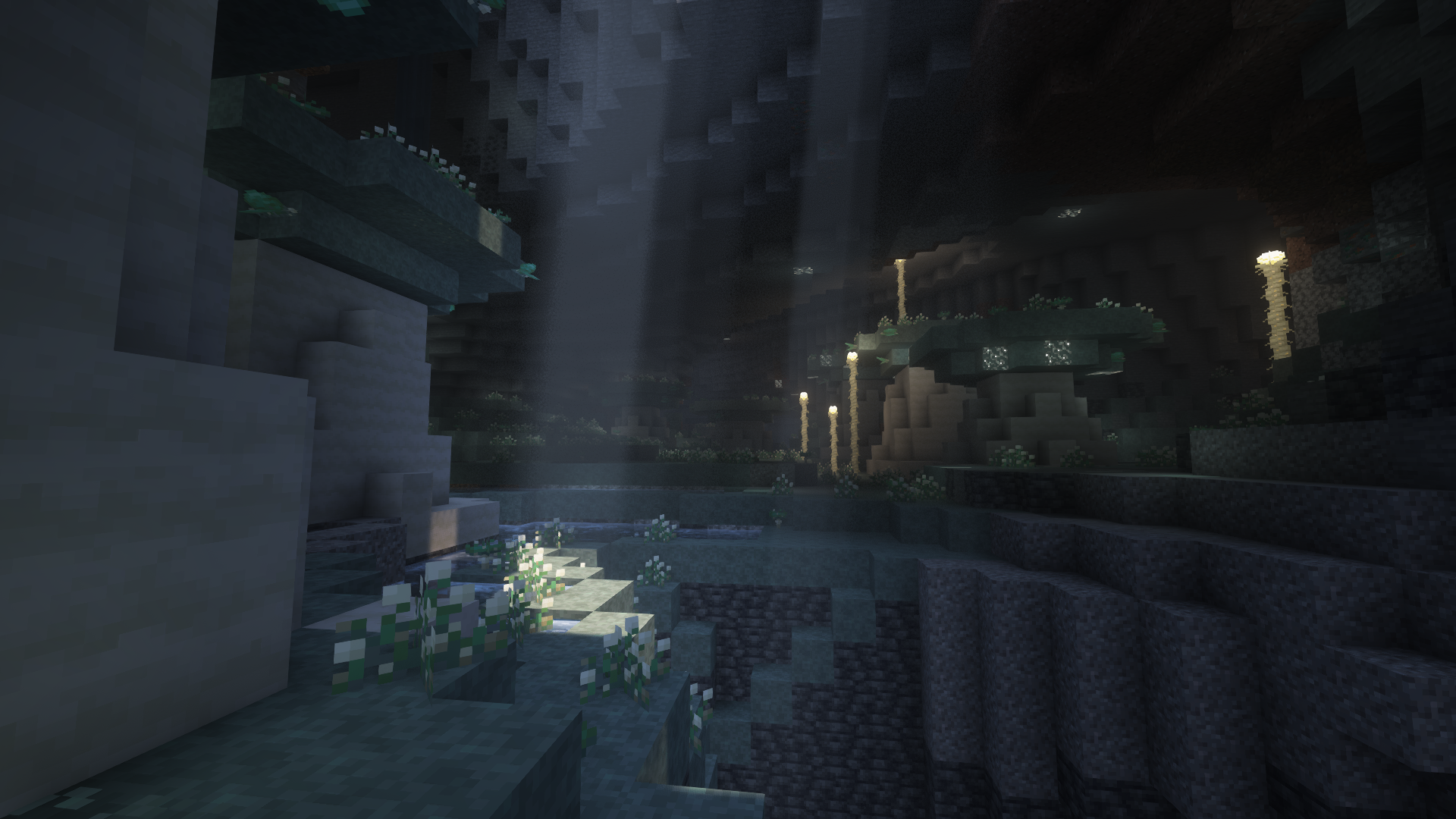 Lichen Caves Galosphere
 -
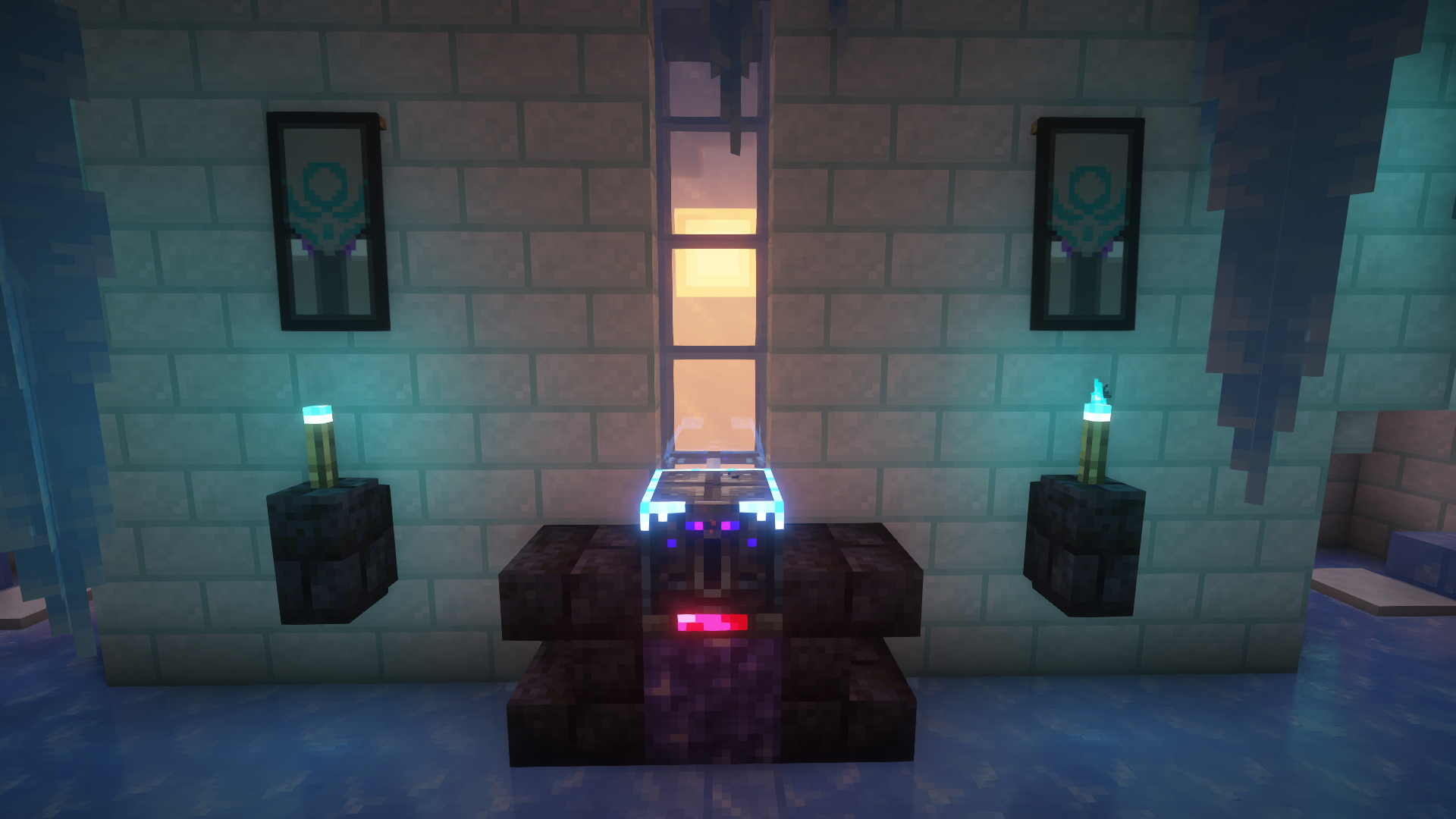 Icy Ominous Vault Frostiful
 -
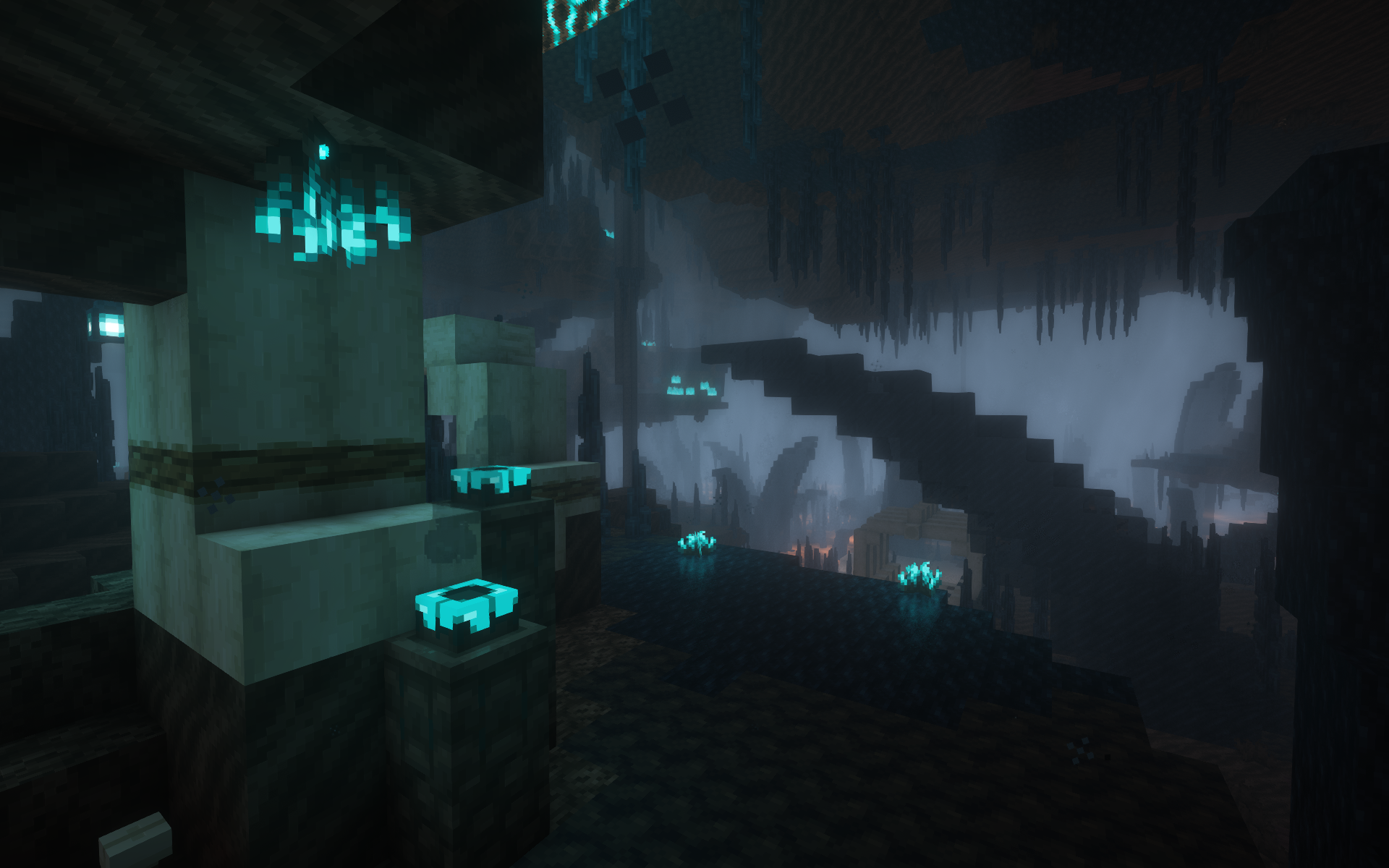 Black Ice Glaciers Jaden's Nether Expansion
 -
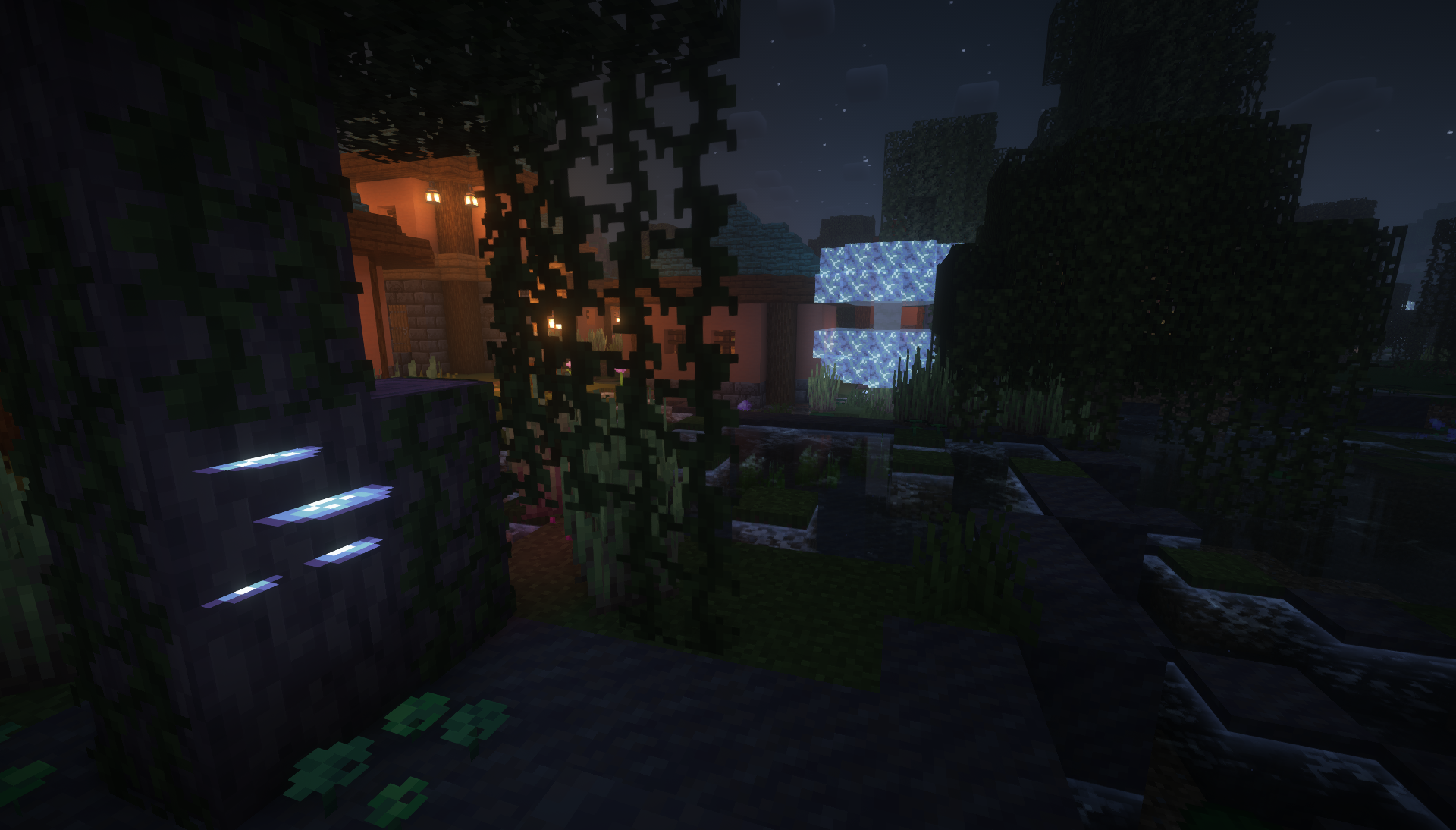 Aria Mushrooms Wetland Whimsy
 -
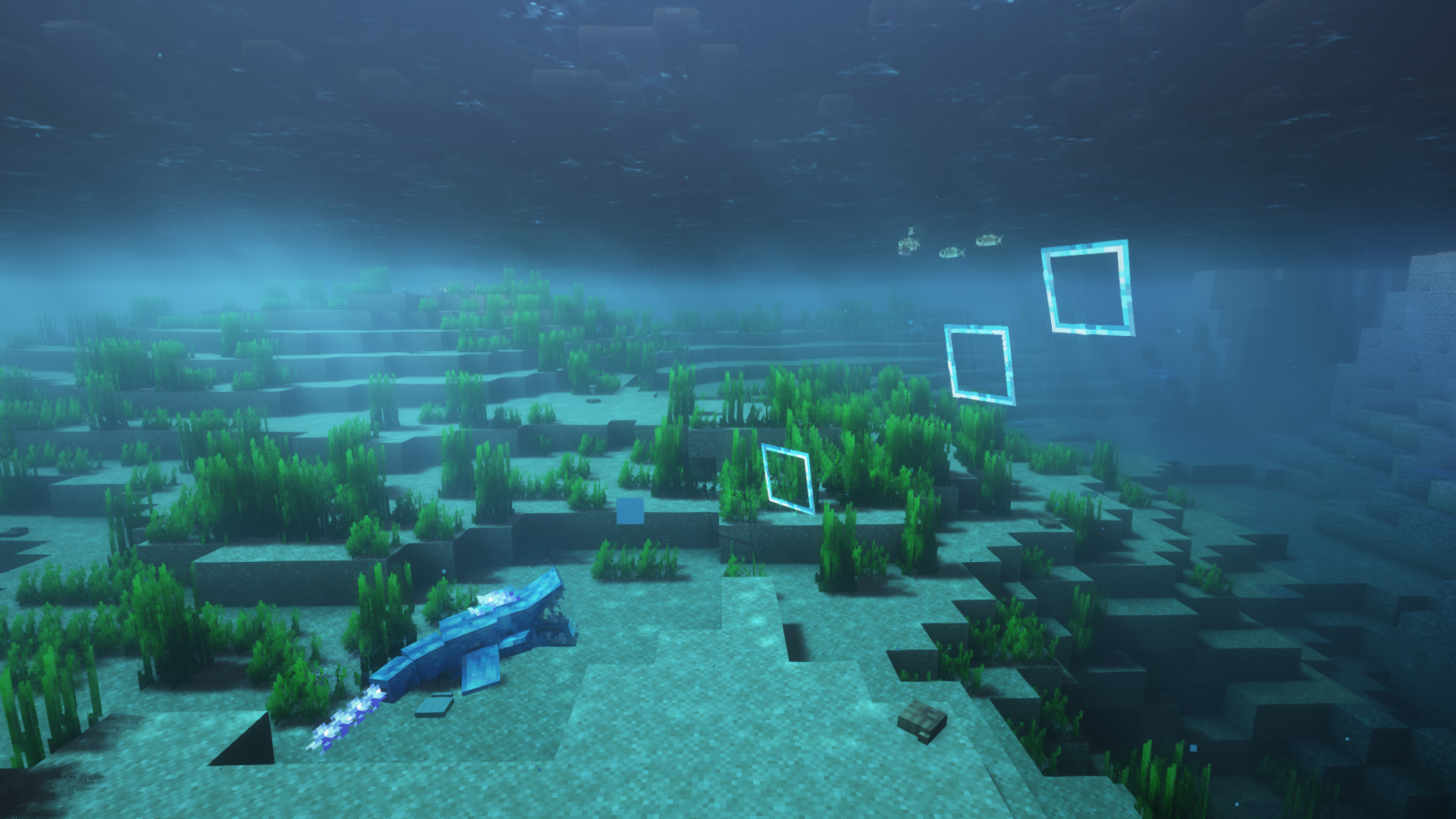 Thrasher Upgrade Aquatic
 -
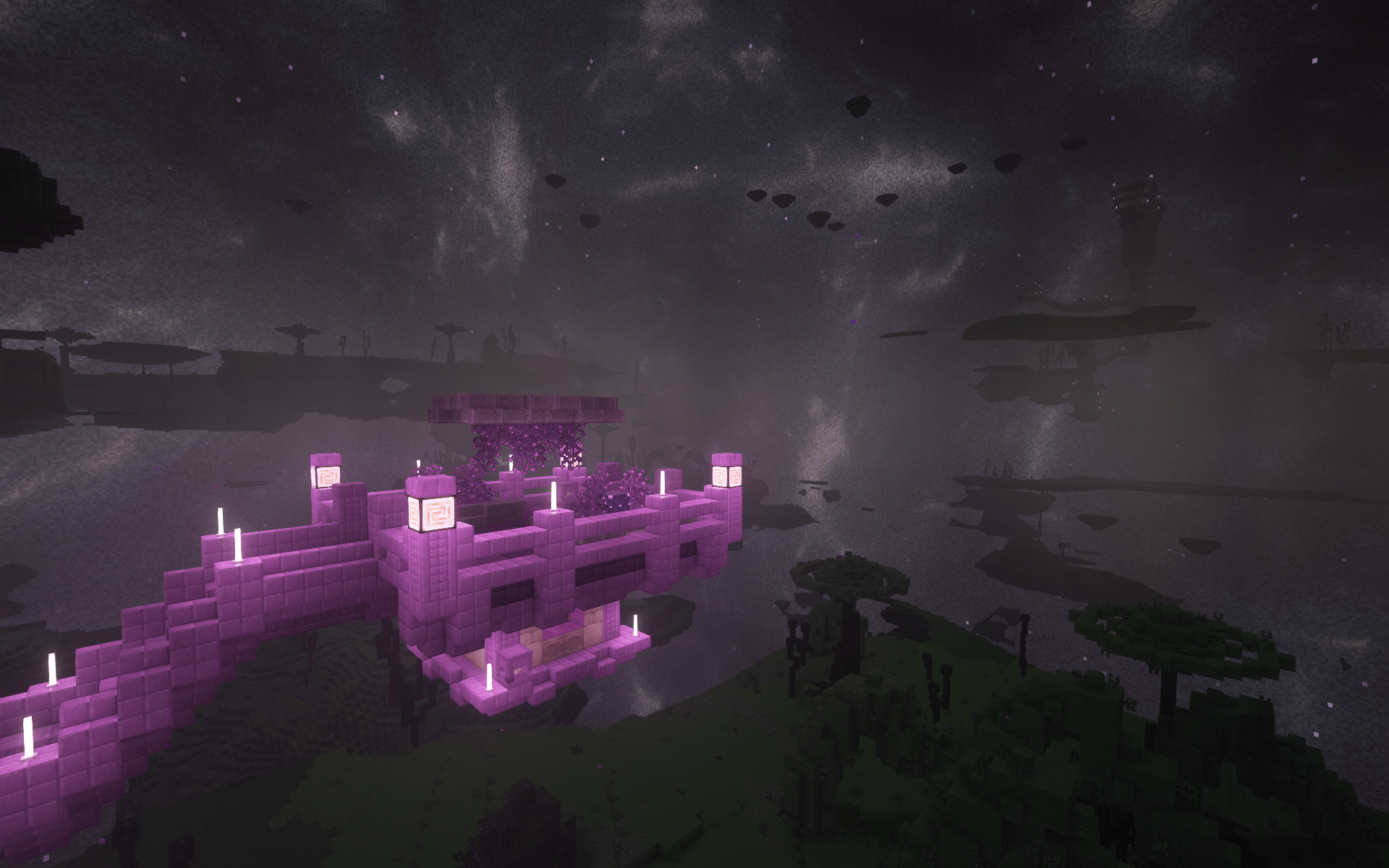 Enderscape Nebula 2 Custom skybox for Enderscape, with many options for customization
 -
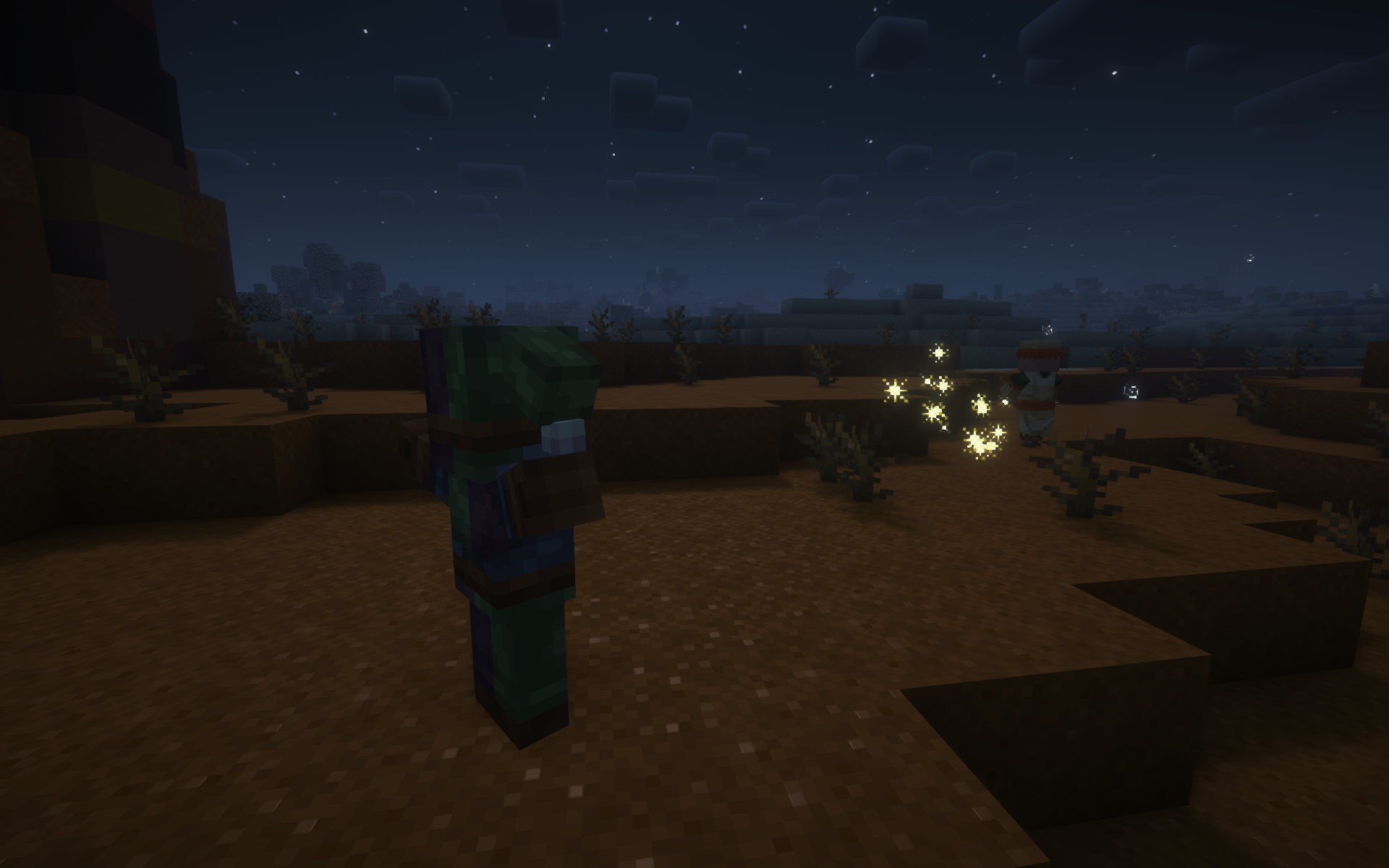 Confusion Bolt Savage & Ravage
 -
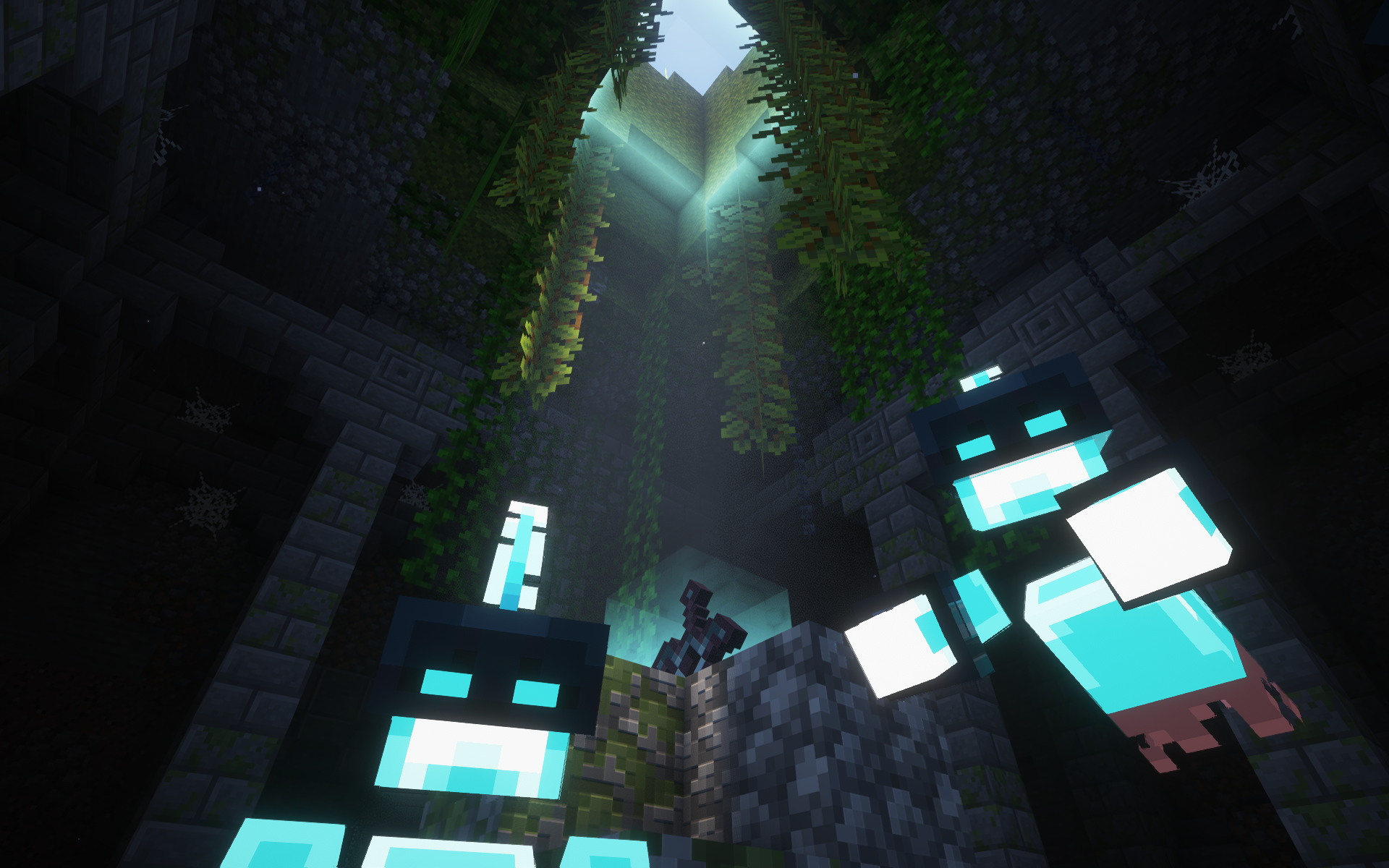 Spectres Species
 -
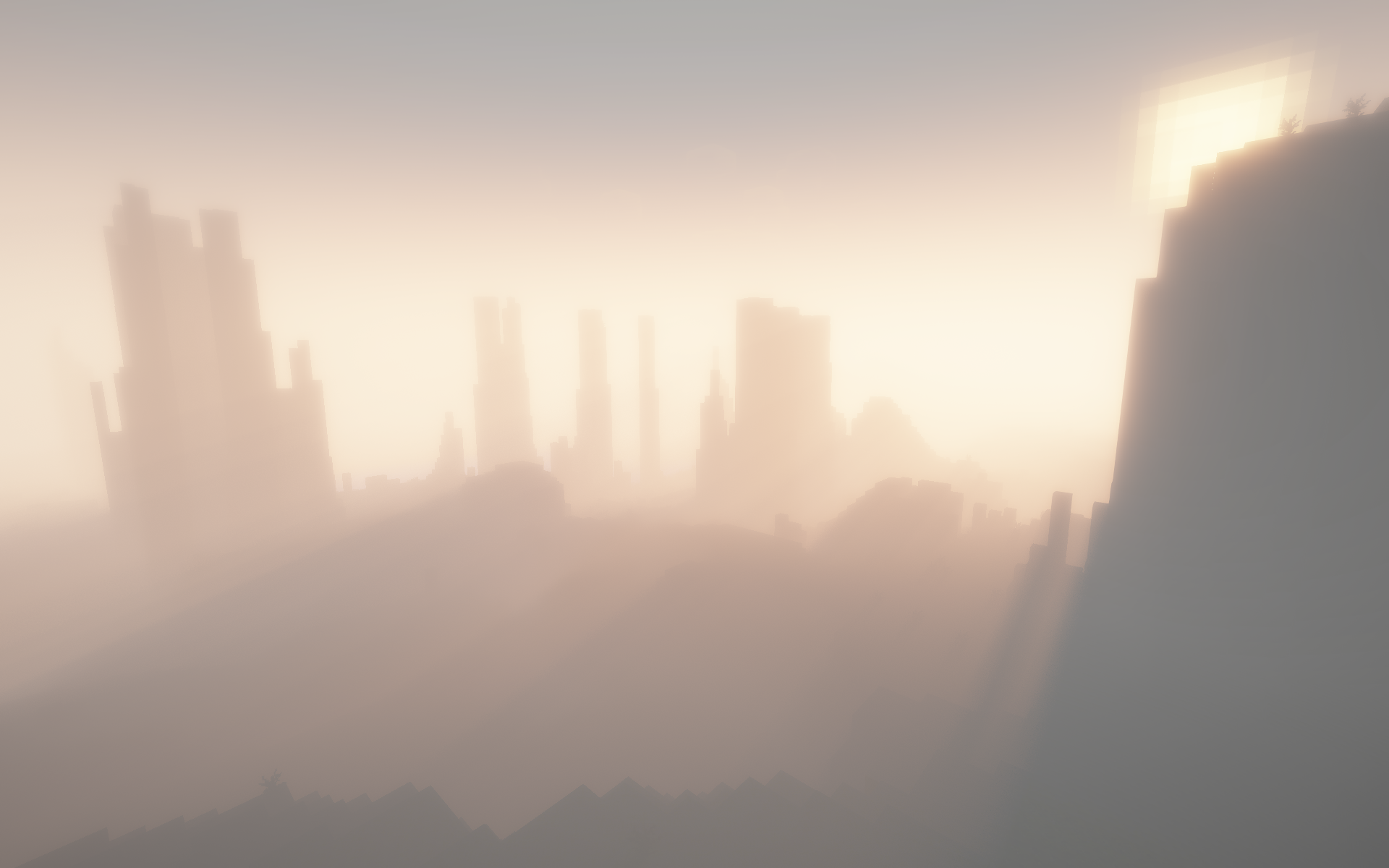 Fog (Morning) Doom & Gloom
 -
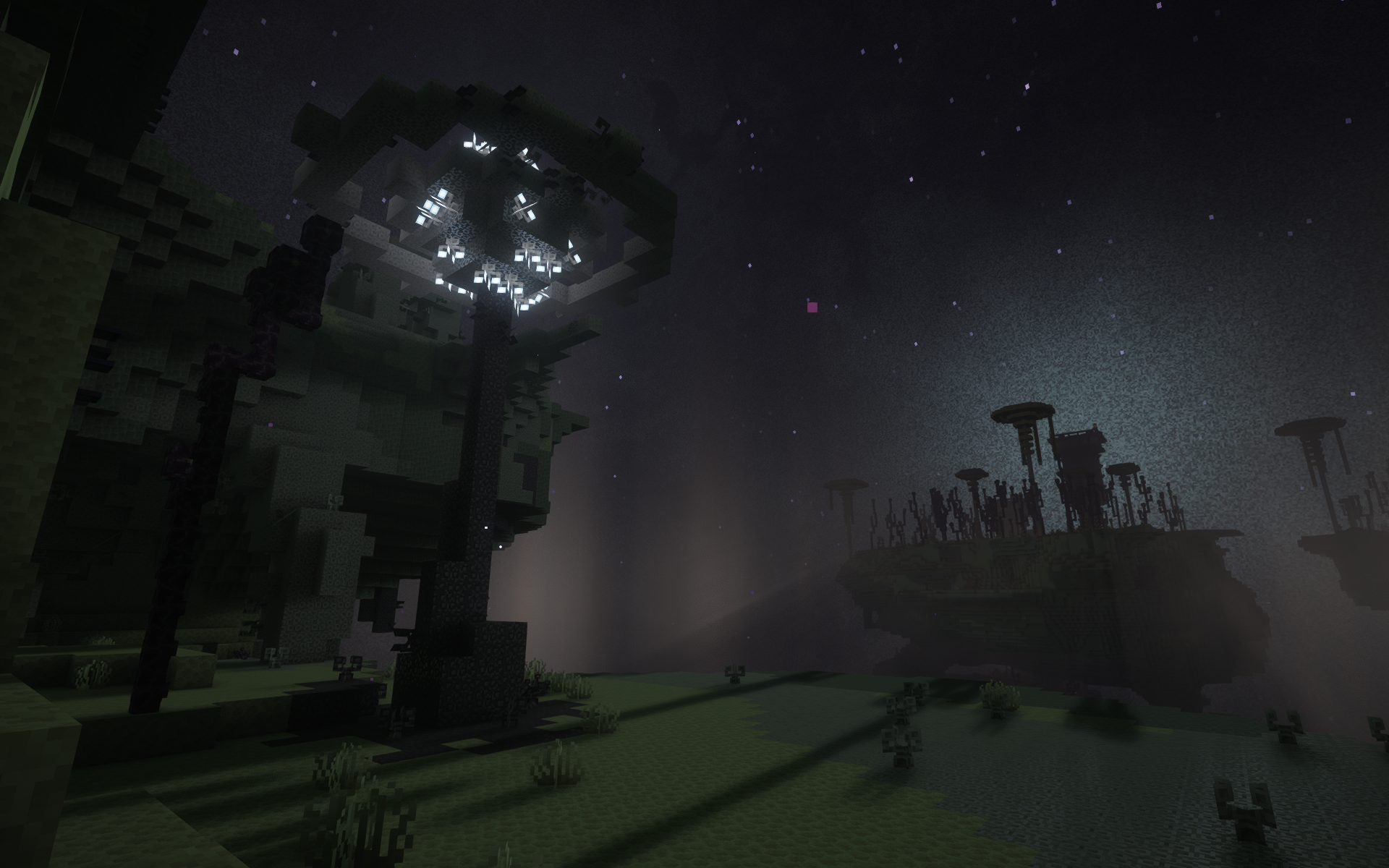 End Flash Enderscape
 -
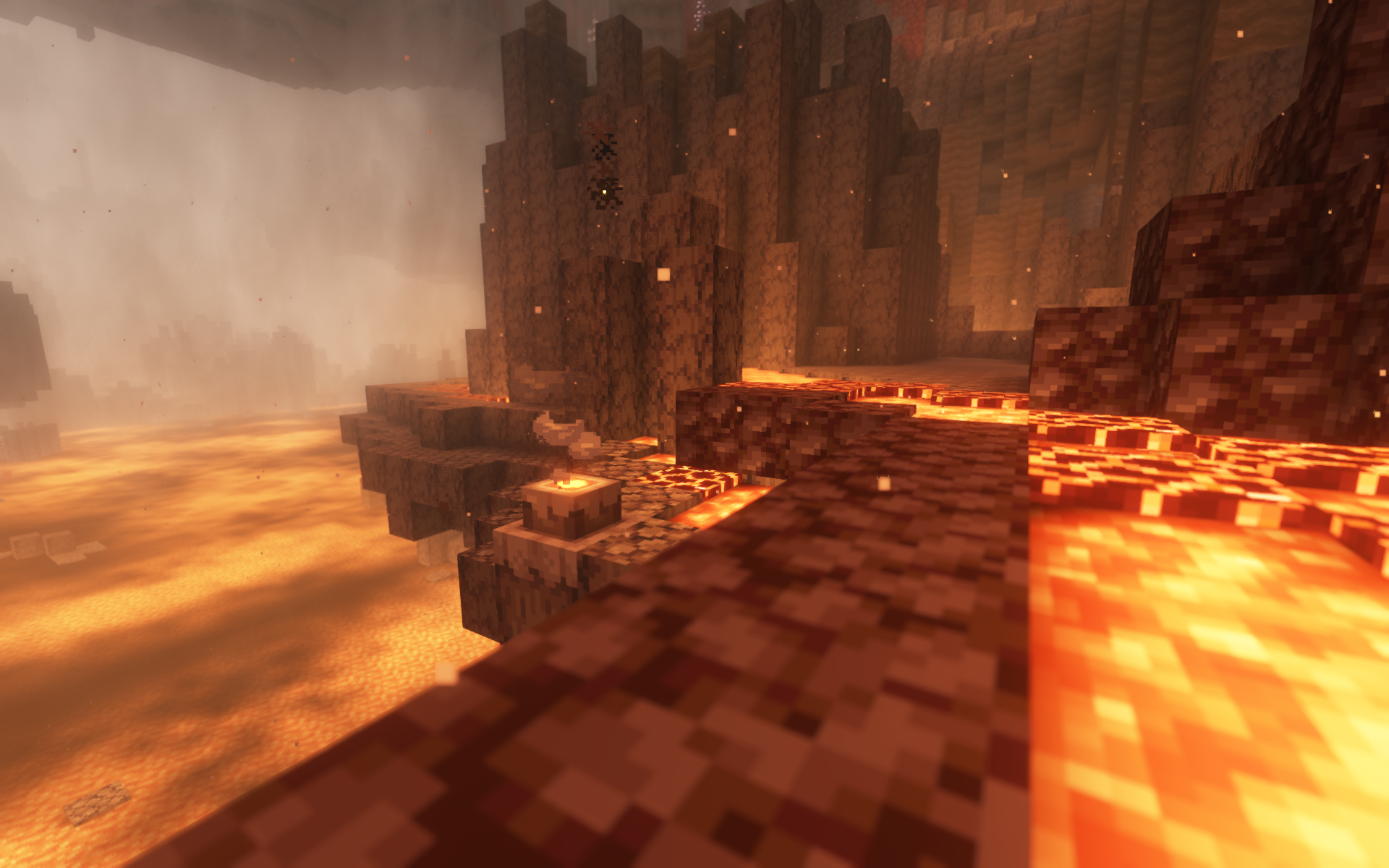 Basaltic Geyser Jaden's Nether Expansion
 -
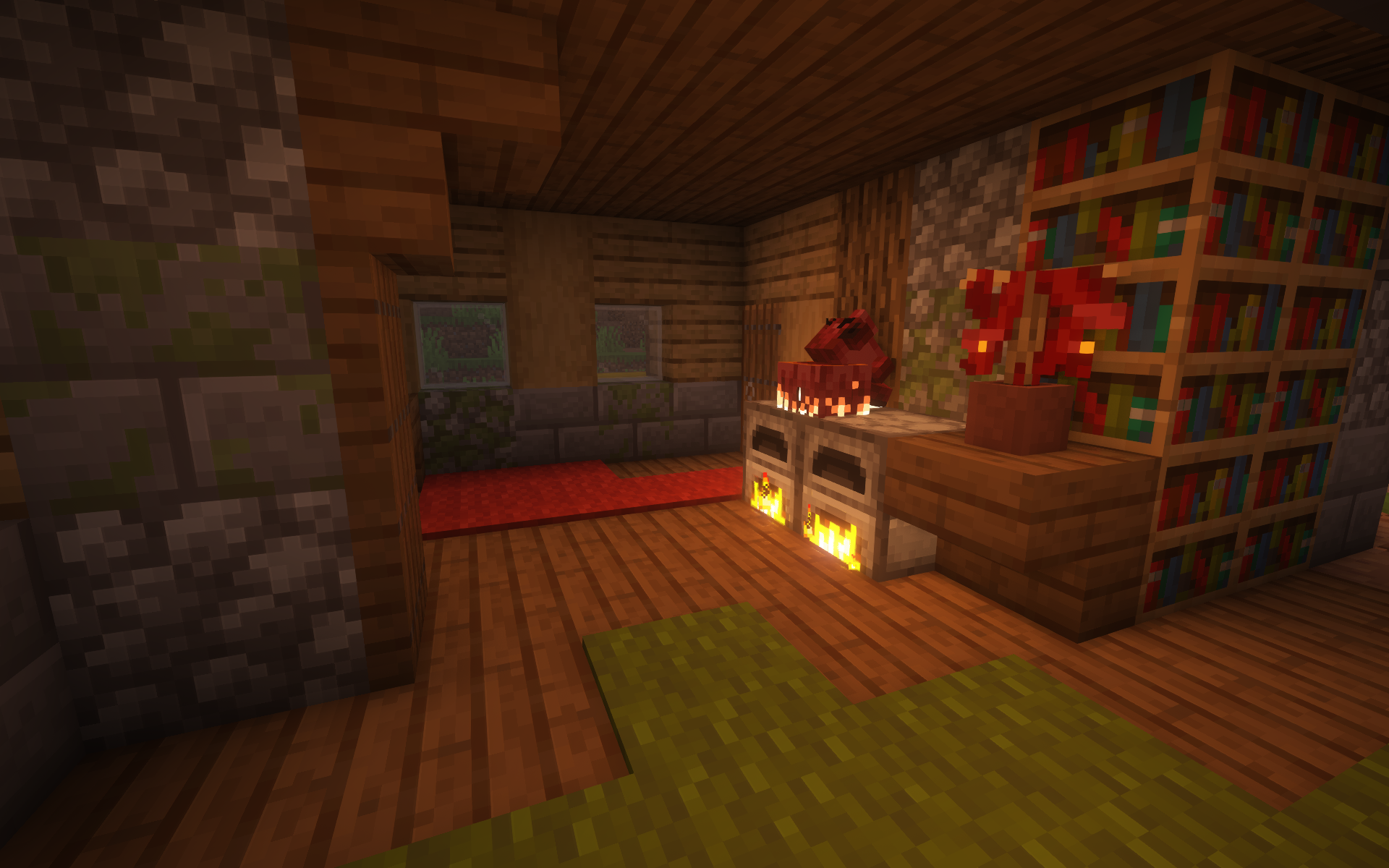 Foxhound Quark
 -
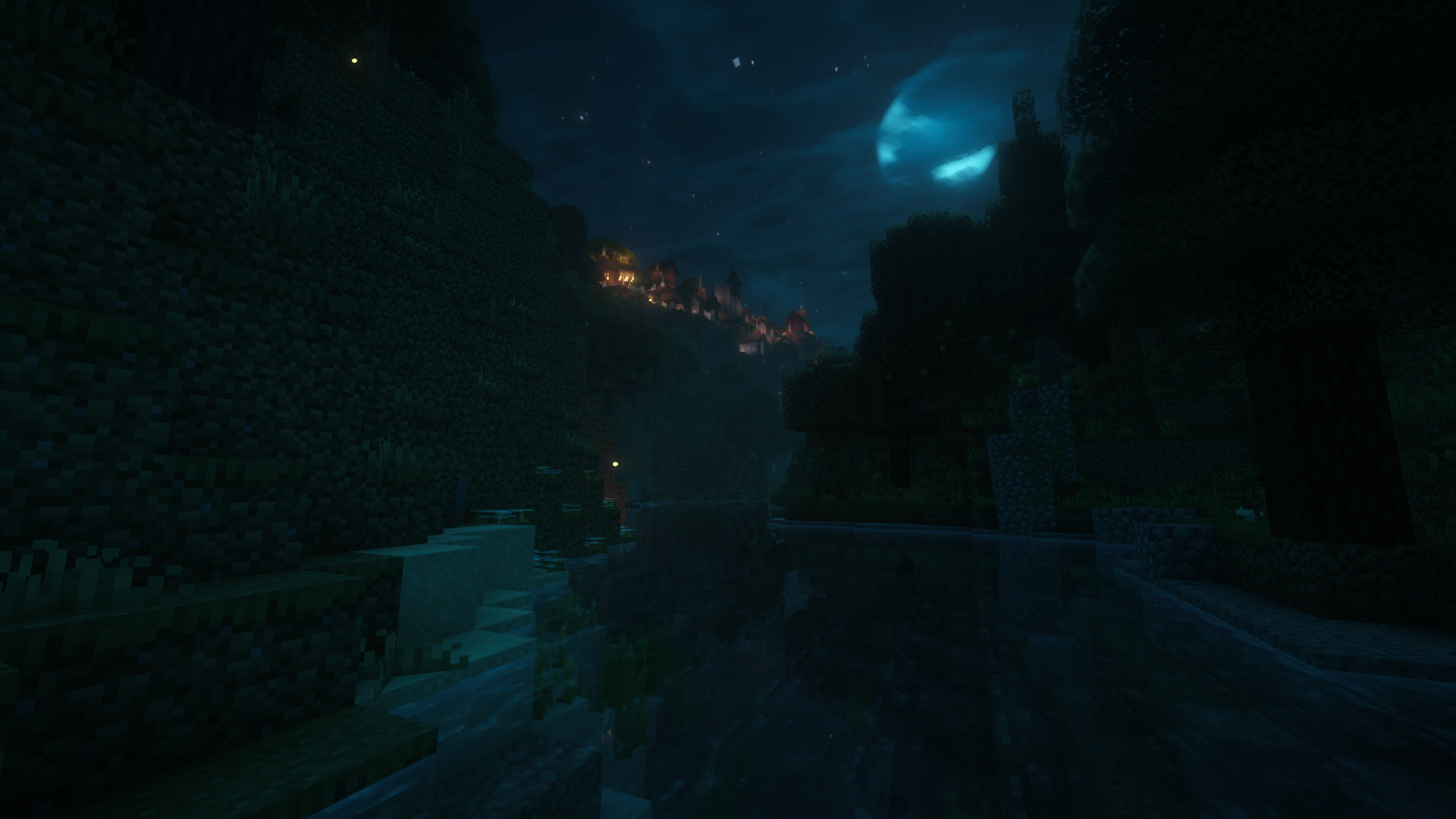 Blue Moon Enhanced Celestials
 -
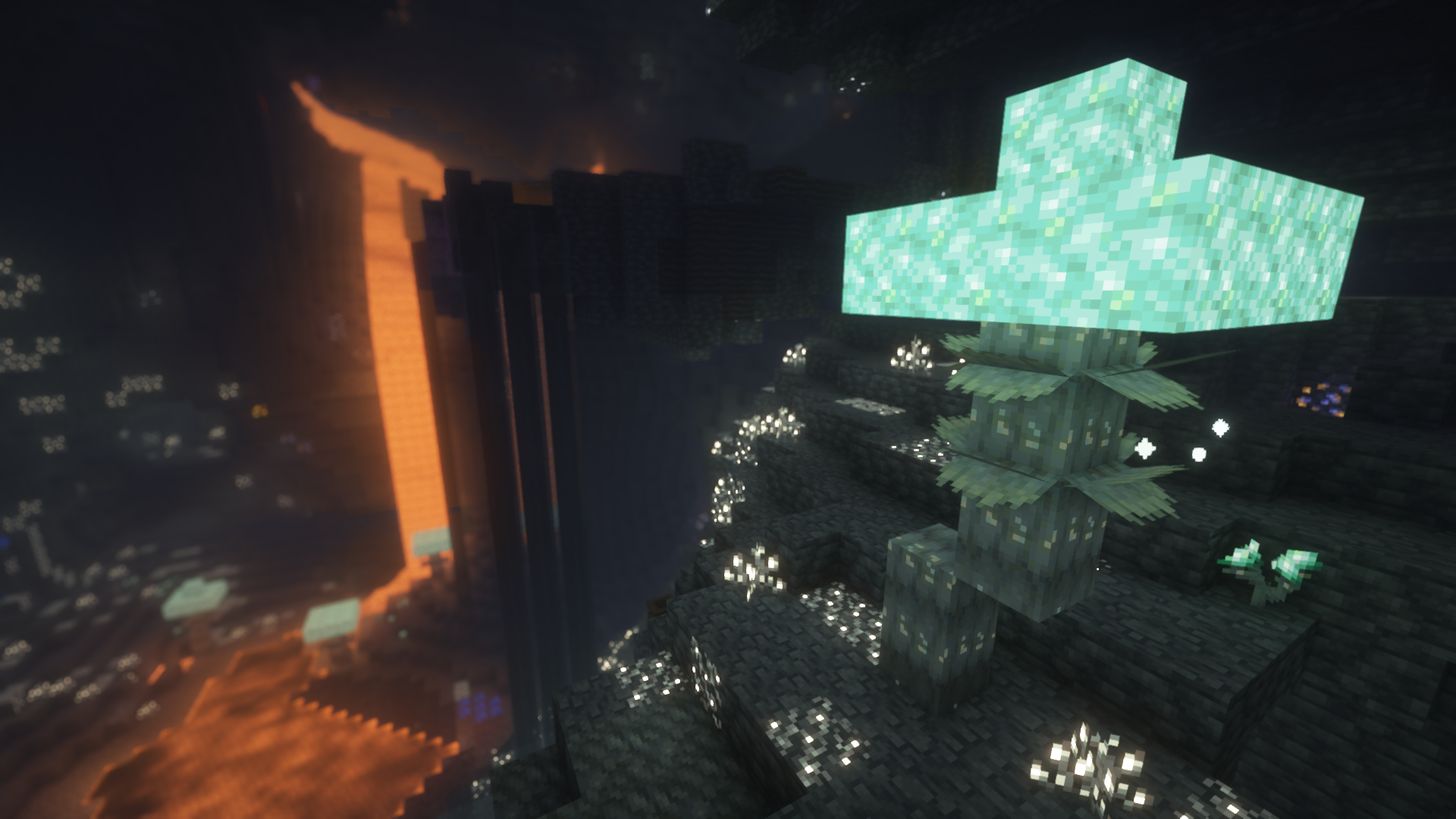 Glimmering Weald Quark
 -
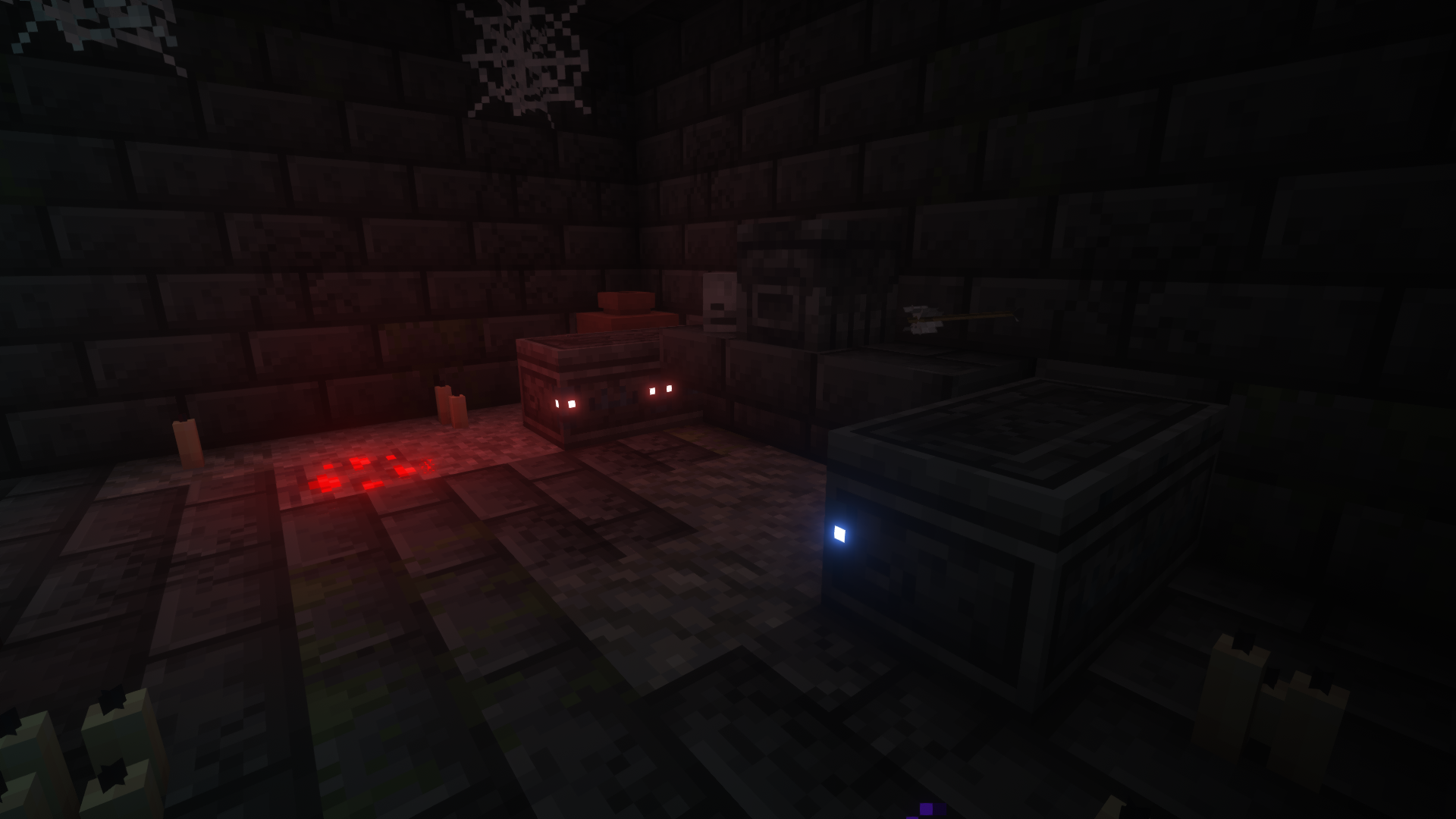 Coffins Trailier Tales
 -
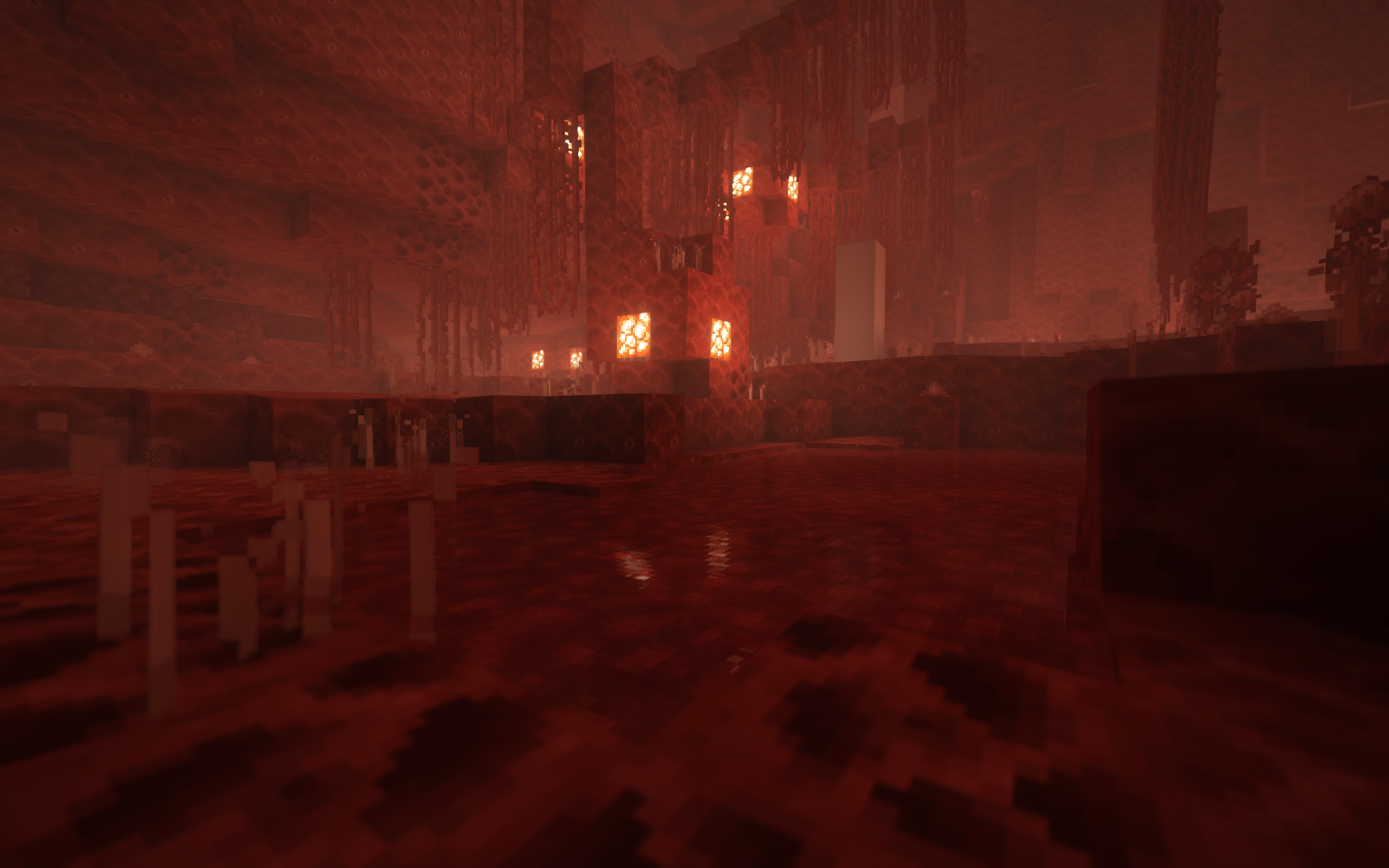 Visceral Heap Biomes O Plenty
 -
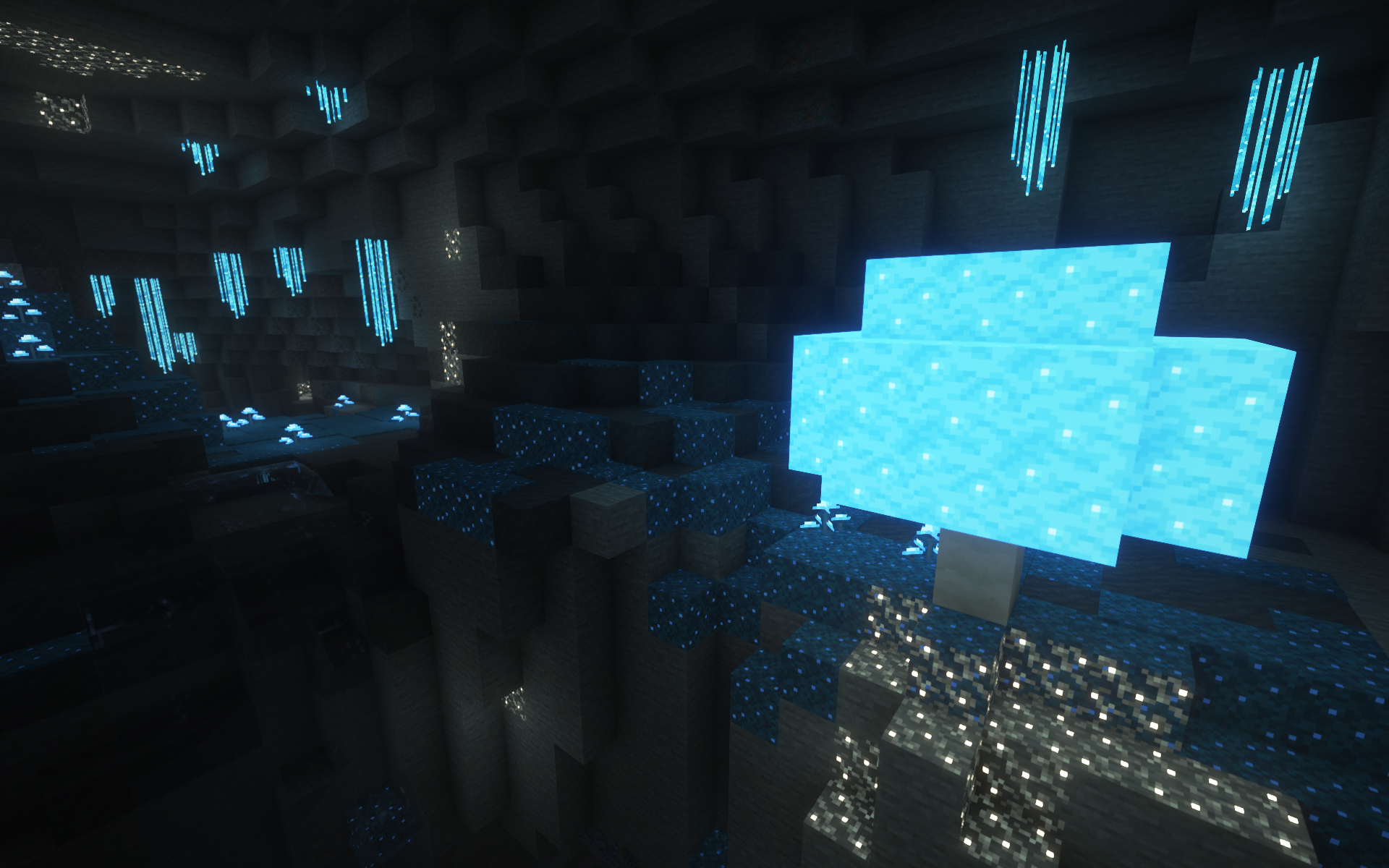 Glowing Grotto Biomes O Plenty
 -
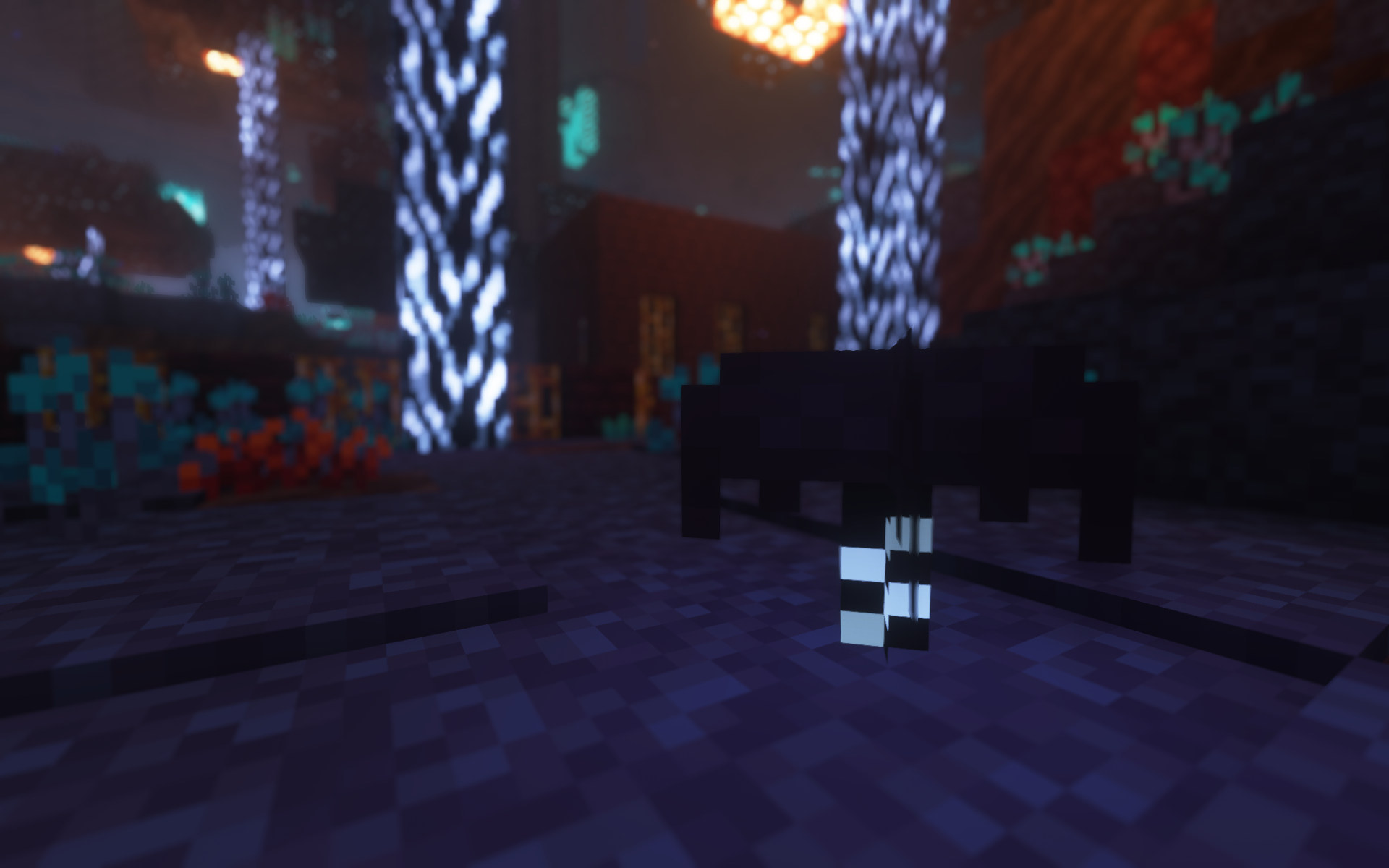 Fright Forest Soulful Nether
 -
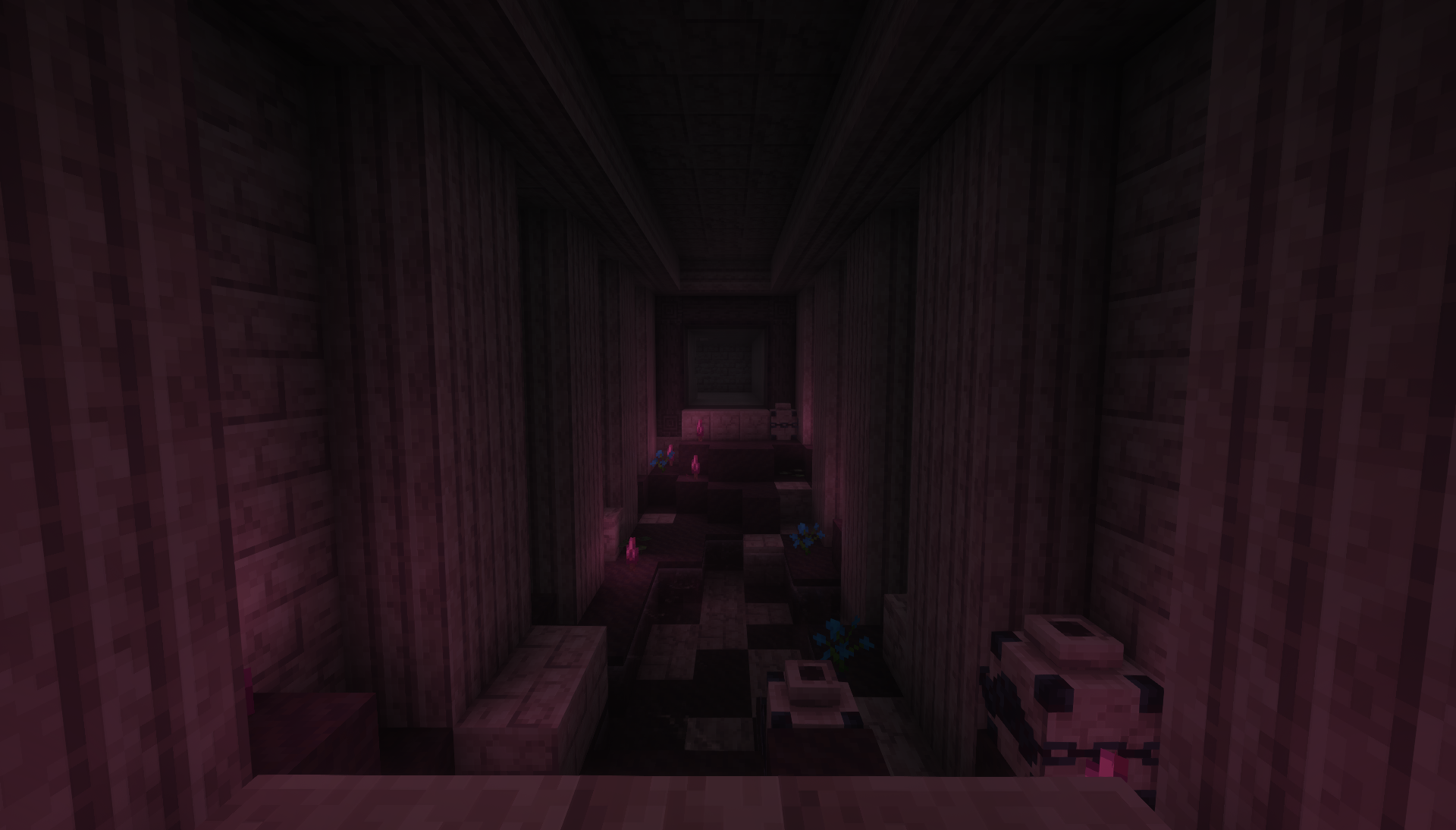 Bloodcap Mushrooms Wetland Whimsy
 -
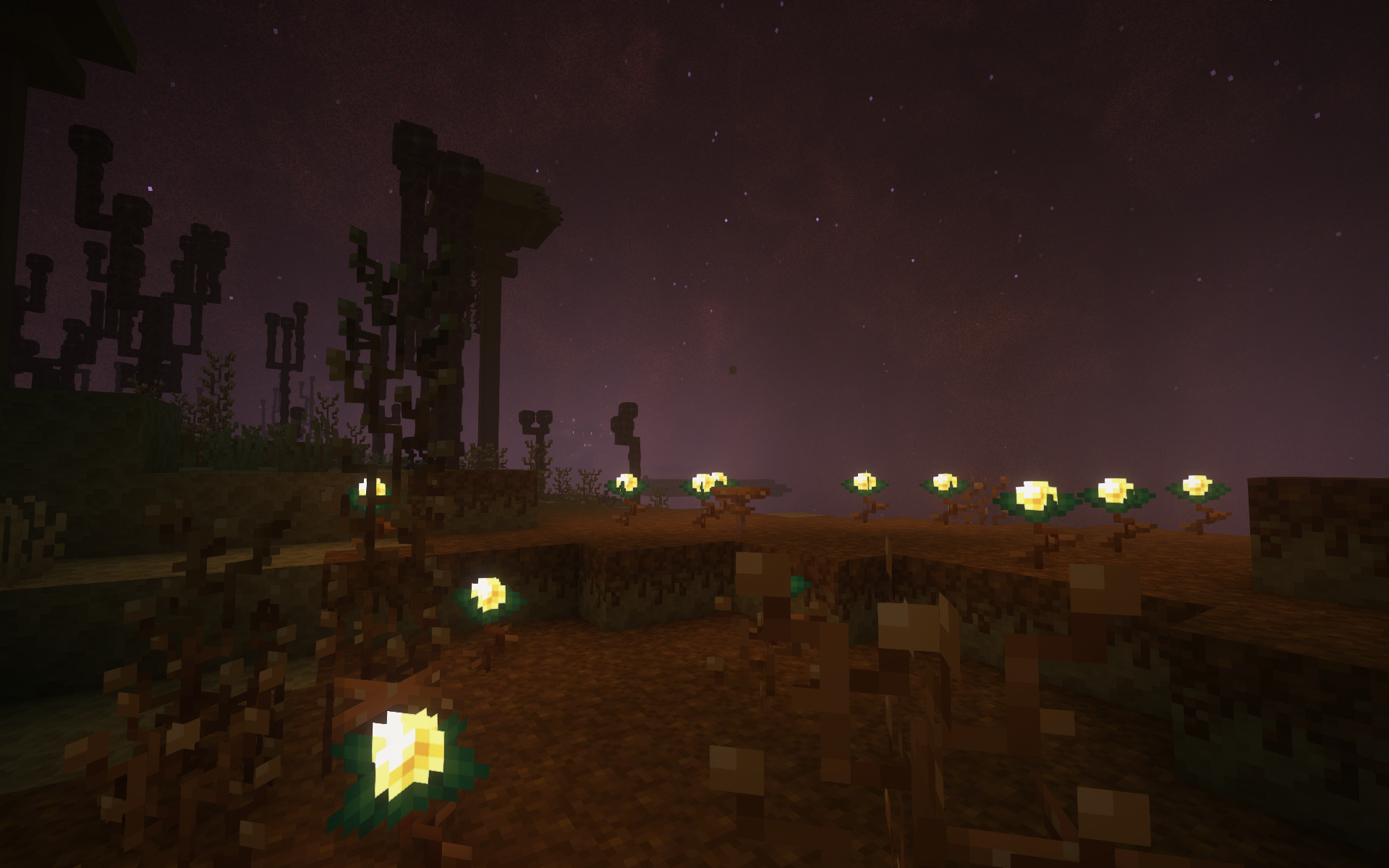 Celestial Grove Enderscape
Versions
Files
Relations
Project Relations
More like this
Similar Mods
Suggestions use data such as tags, dependencies, dependents, descriptions, titles, and more to rank how much they overlap with this mod.
On ModDex
Community snapshot
By the numbers
Statistics
Want to reach Minecraft players?
We're looking for a server hosting partner to feature here and other parts of the site. Interested? Send us a message!
Get in touchGet it on
Available Platforms
On ModDex
Community snapshot
By the numbers