
Community listing page, reviews here may not be monitored by the author.
生存工具箱SurvivalToolbox

No reviews yet
Enhance your Minecraft survival experience with auto-farming, disassembly, infinite fluids, ever-growing enchantments, and a variety of handy tools.

Community voices
Reviews
No reviews yet. Be the first to review this project!
Get it on
Available Platforms
About
Project Details
For authors
Embed Badge
If you're the author of this project, you can embed a live badge anywhere that supports HTML or Markdown. It updates automatically whenever ratings change.
Use HTML for any page that supports it, or Markdown for README files and Markdown-based descriptions.
Identifiers
Platform IDs
Resources
External Links
About
Description
# Survival Toolbox
**Survival Toolbox** is a comprehensive survival enhancement mod supporting Minecraft 1.20.1 Forge and 1.21.1 NeoForge.
---
## What's Inside
### Utility & Processing
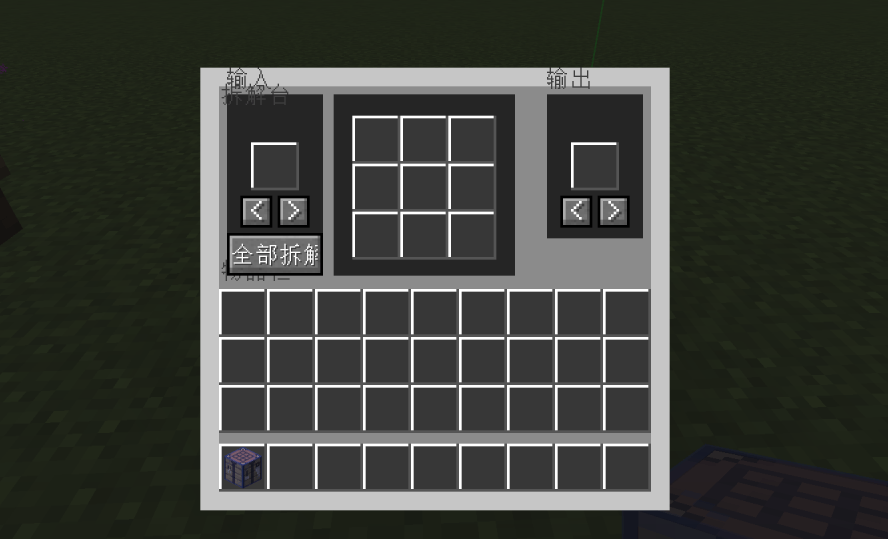
- **Disassemble Table**: Supports reverse crafting for workbench, furnace, smithing, brewing, and enchanting recipes.
- **Transmutation Furnace**: Duplicate items by consuming fuel.
- **Omni Hopper**: Per‑side speed and filter configuration for six directions.
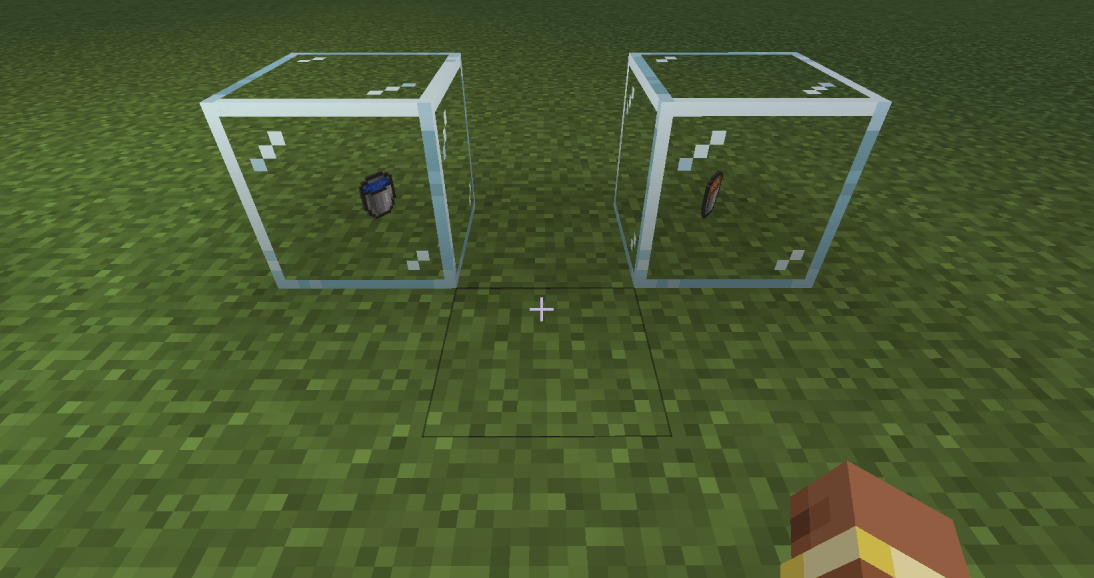
- **Infinite Source**: Infinite fluid supply.
### New Storage & Tools (1.1.0)
- **Pocket Dimension**: Takes one inventory slot, right‑click to open unlimited multi‑page storage (54 slots per page). Identical items merge automatically with no stack limit. Supports cross‑page search (name/ID/pinyin) and three quick deposit methods. **Never lost** (does not drop on death, immune to explosion/fire).
- **X-Ray Goggles**: While held, non‑whitelisted blocks become transparent, ores visible. Shift+right‑click to customize the whitelist. Compatible with Embeddium/Sodium for full‑bright rendering, automatically suppresses Darkness/Blindness effects.
- **Tempering Box**: Place [Adaptation]‑enchanted equipment and captured entities; automatically gains adaptation stacks per second based on entity count.
### Automation
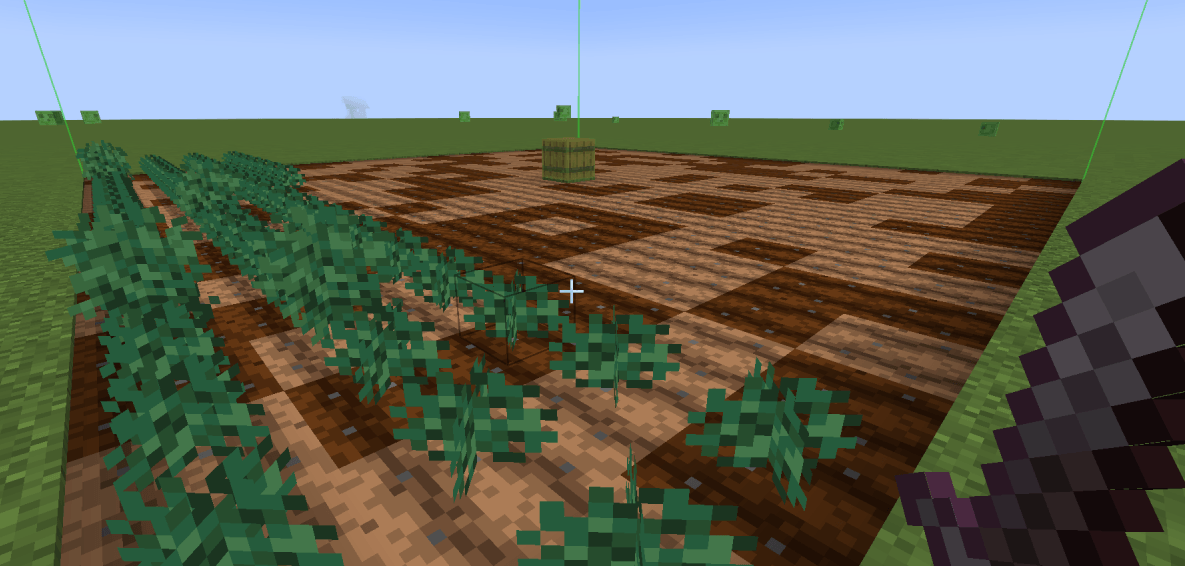
- **Smart Farm**: Auto‑plow, plant, harvest, and collect drops within a configurable range. Built‑in virtual water source.
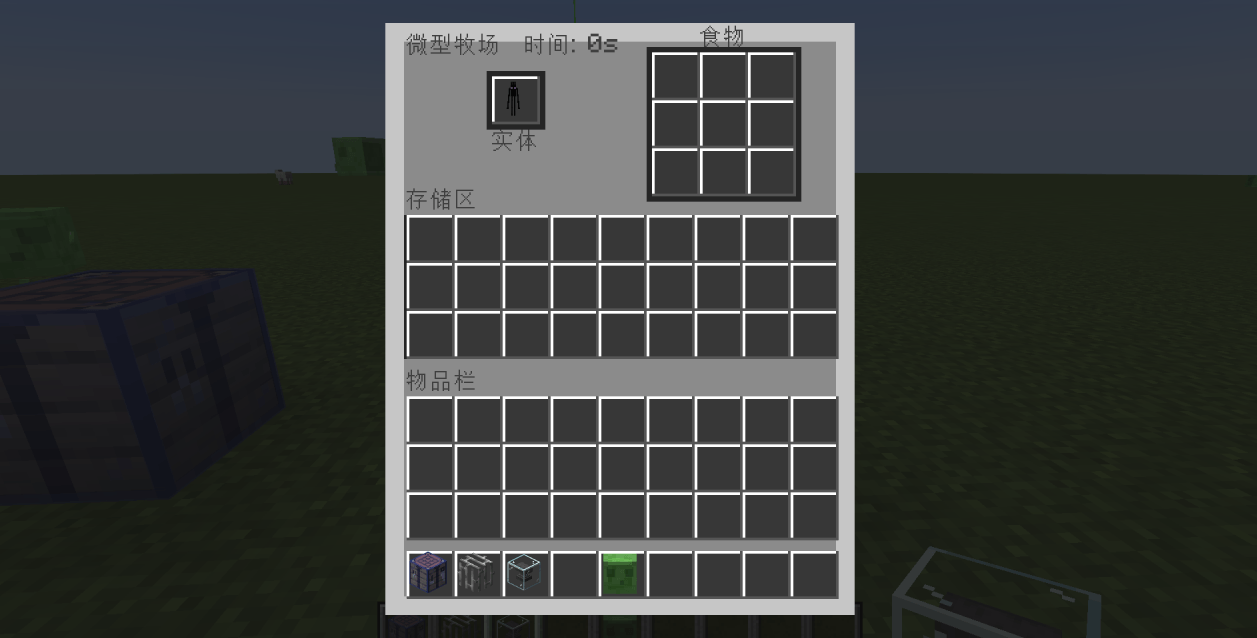
- **Micro Farm**: Place a captured entity and food; automatically produces loot.
### Combat & Enchantments
- **Bloodthirsty Enchantment**: Gain bonus attack damage by killing mobs. Restores health and repairs durability on hit.
- **Adaptation Enchantment**: Gain stacks when hit, providing damage reduction, shield, creative flight, and revive on death. After adaptation, immune to negative effects.
### Defense & Area Control
- **Guardian Lantern**: Provides lighting, suppresses mob spawning, and auto‑attacks.
- **Chaos Campfire**: Applies effects from food, potions, milk, and honey to nearby entities, with blacklist/whitelist support.
### Utility Items
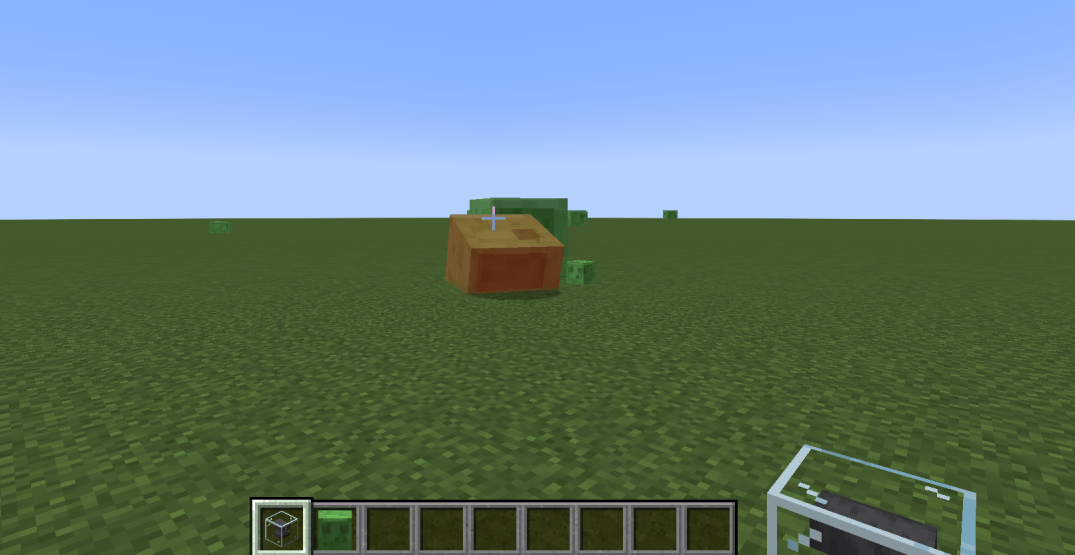
- **Anvil Orb**: Right‑click to throw and capture any living entity (health threshold configurable).
- **Captured Entity**: Right‑click to release the captured entity.
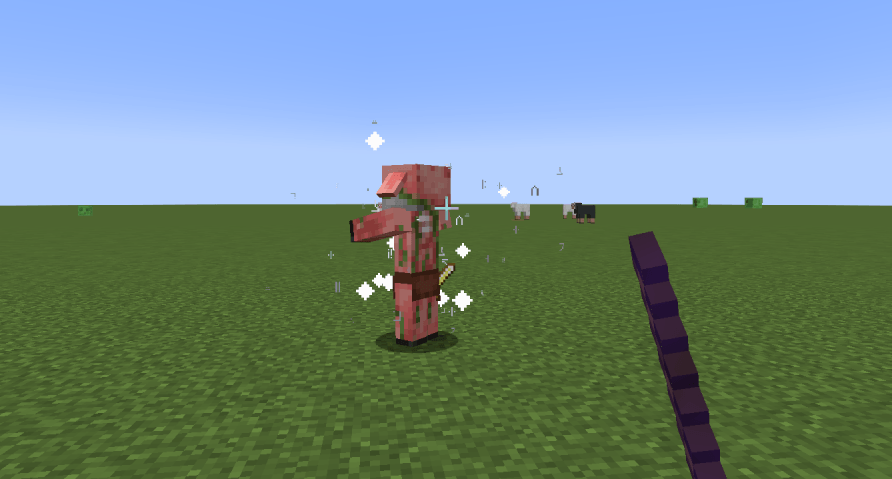
- **Disarm Staff**: Right‑click a mob to remove all its equipment. Crouch+right‑click to drop items at your feet.
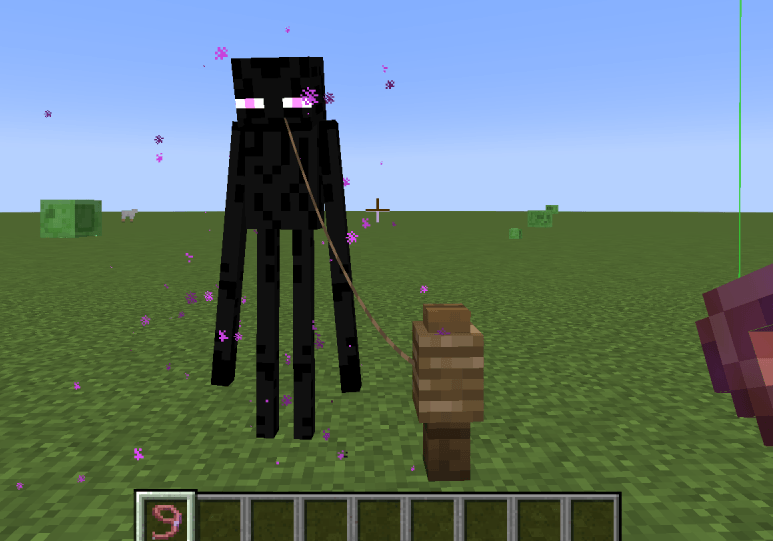
- **Static Leash**: Right‑click to leash and freeze AI. Shift+right‑click to toggle AI freeze only.
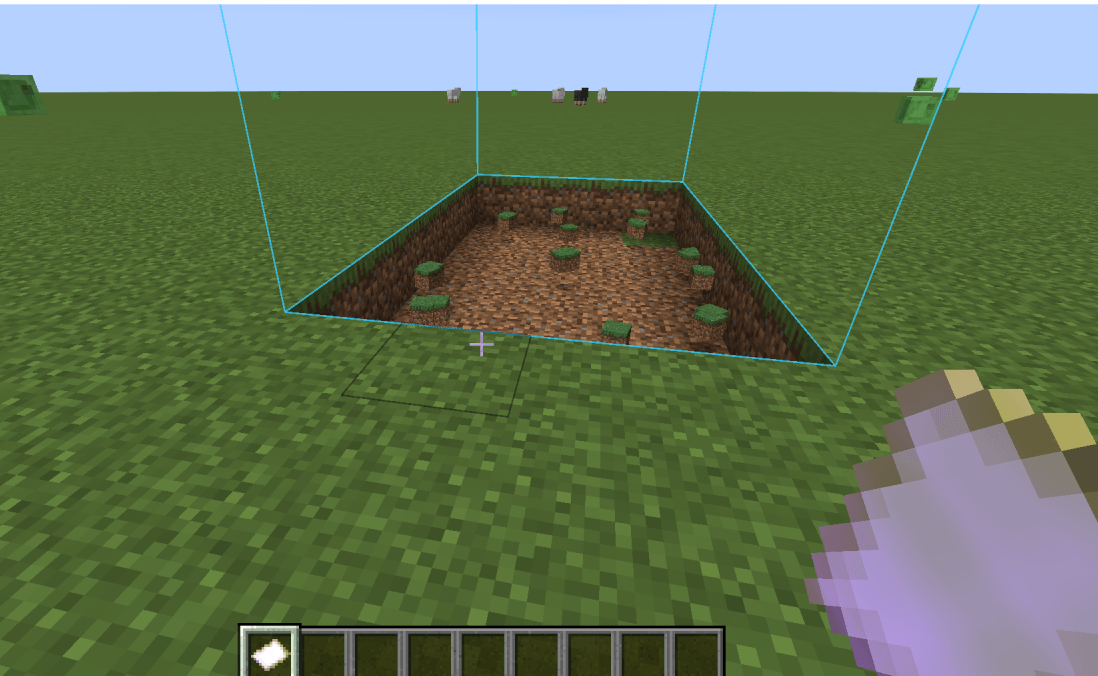
- **Terrain Editor**: Right‑click to execute operation. Shift+right‑click to open configuration.
- **Blacklist/Whitelist**: Right‑click an entity to record it. Shift+right‑click to manage the list.
---
## Configuration
All enchantment values, shield bar position, anvil orb settings, and the **Adaptation screen effect toggle** can be adjusted via the in‑game config screen or the `config/zzq_survival_toolbox-common.toml` file.
---
**Enjoy!** 🚀
---
# 生存工具箱
**生存工具箱** 是一个支持 Minecraft 1.20.1 Forge 和 1.21.1 NeoForge 的综合性生存增强模组。
---
## 📦 模组内容
### 🛠️ 工具与处理
- **拆解台**:支持工作台、熔炉、锻造、酿造、附魔的逆向合成。
- **万物转化炉**:消耗燃料复制物品。
- **万向漏斗**:六方向独立配置速度和过滤。
- **无限之源**:无限流体供应。
### 🎒 全新储物与辅助 (1.1.0)
- **随身次元袋**:占一格背包,右键开启无限多页储物(每页54格)。同类物品自动合并计数(无堆叠上限)。支持跨页搜索(名称/ID/拼音),三种快捷收纳方式。**永不丢失**(死亡不掉落,不毁于爆炸/火焰)。
- **透视眼镜**:手持时非白名单方块透明,矿石可见。Shift+右键自定义透视方块列表。兼容Embeddium/Sodium时满亮度显示,自动屏蔽黑暗/失明效果。
- **锤炼箱**:放入【自适应】附魔装备和被捕捉实体,每秒按实体数量自动叠层。
### 🌾 自动化
- **智慧农场**:自动耕地、播种、收获、收集掉落物,内置虚拟水源。
- **微型牧场**:放入被捕获实体和食物,自动产出战利品。
### ⚔️ 战斗与附魔
- **嗜血附魔**:击杀怪物叠加攻击力,攻击时恢复生命并修复耐久。
- **自适应附魔**:受击叠层,提供减伤、护盾、创造飞行、原地复活,适应后免疫负面效果。
### 🏮 防御与区域控制
- **镇魂灯**:照明、镇压生物生成、自动攻击。
- **混沌篝火**:对范围实体施加食物/药水/牛奶/蜂蜜效果,支持黑白名单。
### 🎯 实用物品
- **铁砧球**:右键投掷捕获生物(血量阈值可配置)。
- **被捕获实体**:右键释放。
- **除你装备**:右键卸下怪物装备,蹲+右键掉落脚下。
- **静止栓绳**:右键拴住并冻结AI,Shift+右键仅冻结AI。
- **地形编辑器**:右键执行操作,Shift+右键配置。
- **黑白名单**:右键记录实体,Shift+右键管理名单。
---
## ⚙️ 配置
所有附魔数值、护盾条位置、铁砧球设置、**自适应屏幕特效屏蔽开关**等均可通过游戏内配置界面或 `config/zzq_survival_toolbox-common.toml` 文件调整。
---
**祝你玩得开心!** 🚀
Screenshots
Gallery
-
 1.png 1.png
 -
 2.png 2.png
 -
 3.png 3.png
 -
 4.png 4.png
 -
 5.png 5.png
 -
 6.png 6.png
 -
 7.png 7.png
 -
 8.png 8.png
 -
 9.png 9.png
Versions
Files
Relations
Project Relations
More like this
Similar Mods
Suggestions use data such as tags, dependencies, dependents, descriptions, titles, and more to rank how much they overlap with this mod.
On ModDex
Community snapshot
By the numbers
Statistics
 (opens in a new tab)
Get it on
Available Platforms
On ModDex
Community snapshot
By the numbers
Statistics
Resources