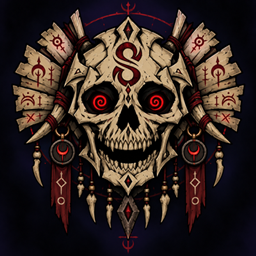
Community listing page, reviews here may not be monitored by the author.
Syez Death Animation

No reviews yet
Displays a customizable full-screen animation and sound to every player whenever someone dies.
Community voices
Reviews
No reviews yet. Be the first to review this project!
Get it on
Available Platforms
About
Project Details
For authors
Embed Badge
If you're the author of this project, you can embed a live badge anywhere that supports HTML or Markdown. It updates automatically whenever ratings change.
Use HTML for any page that supports it, or Markdown for README files and Markdown-based descriptions.
Identifiers
Platform IDs
Resources
External Links
About
Description
Syez Death Animation
Syez Death Animation displays a full-screen animated effect with synchronized sound whenever a player dies. The animation is shown to every connected player, creating a dramatic and memorable death announcement.
Features
-
Full-screen death animation.
-
Synchronized custom sound.
-
Visible to every connected player.
-
Automatically activates when any player dies.
-
Includes the
/syezdeath testcommand for testing. -
Supports multiple deaths through an animation queue.
-
Using a totem does not activate the death animation.
-
Designed for multiplayer and LAN worlds.
-
Compatible with Fabric 26.1.
Custom animations
The animation can be personalized using the Syez Death Animation Customizable resource pack.
Creators can replace the included files with their own:
-
Animation frames.
-
Custom sound.
-
Frame rate and duration settings.
-
Screen size and display configuration.
This makes it possible for servers, content creators and modpack developers to design their own death animations without modifying or recompiling the mod.
Each player must install and activate the same resource pack to see the same customized animation.
Requirements
-
Fabric Loader for Minecraft 26.1.
-
Fabric API.
-
The mod must be installed by the host or server and by every player who should see the animation.
For customization, install Syez Death Animation Customizable in the resourcepacks folder and activate it from the Resource Packs menu.
Screenshots
Gallery
-
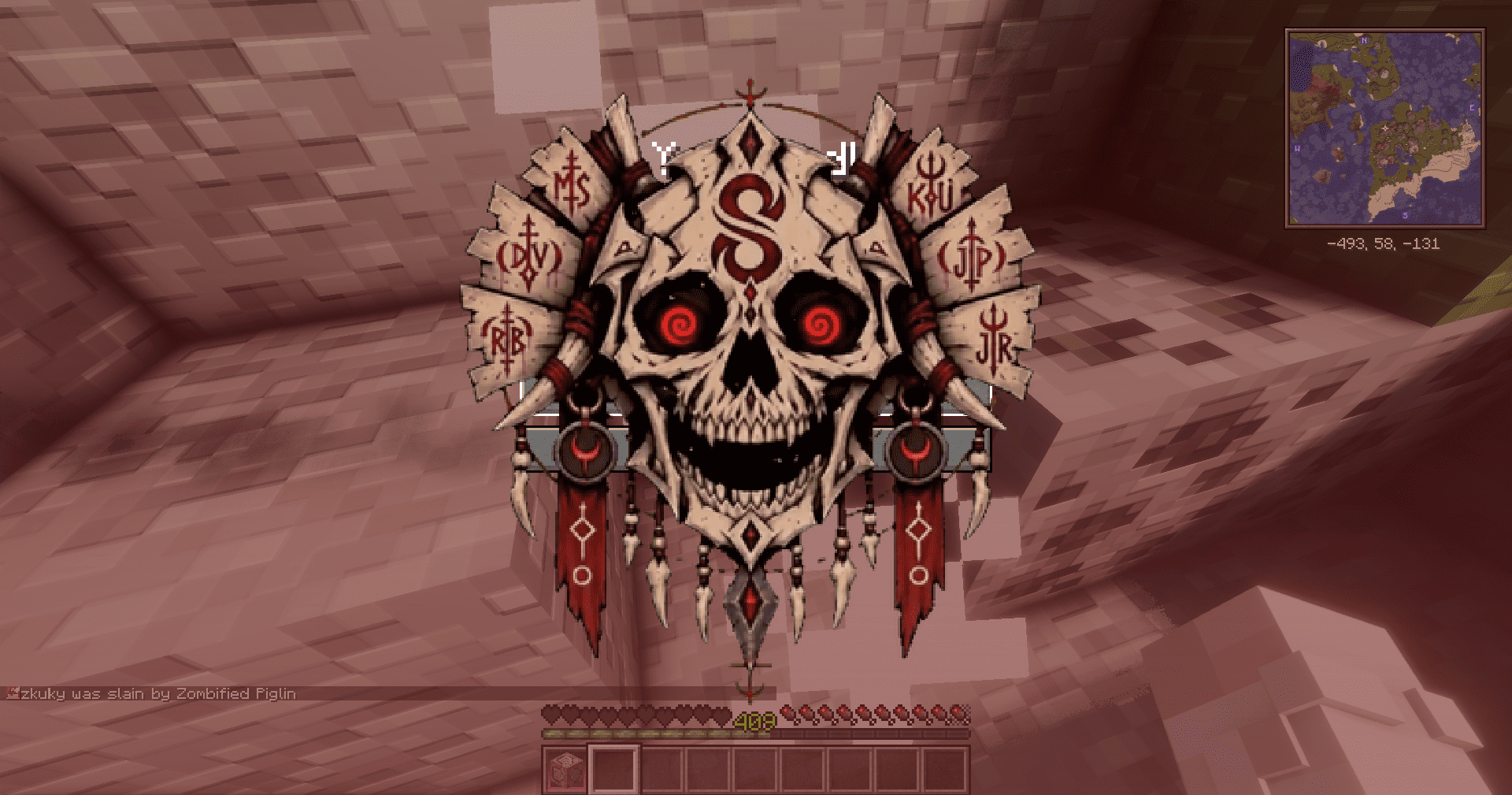 2026-09-11_16.17.47.png 2026-09-11_16.17.47.png
 -
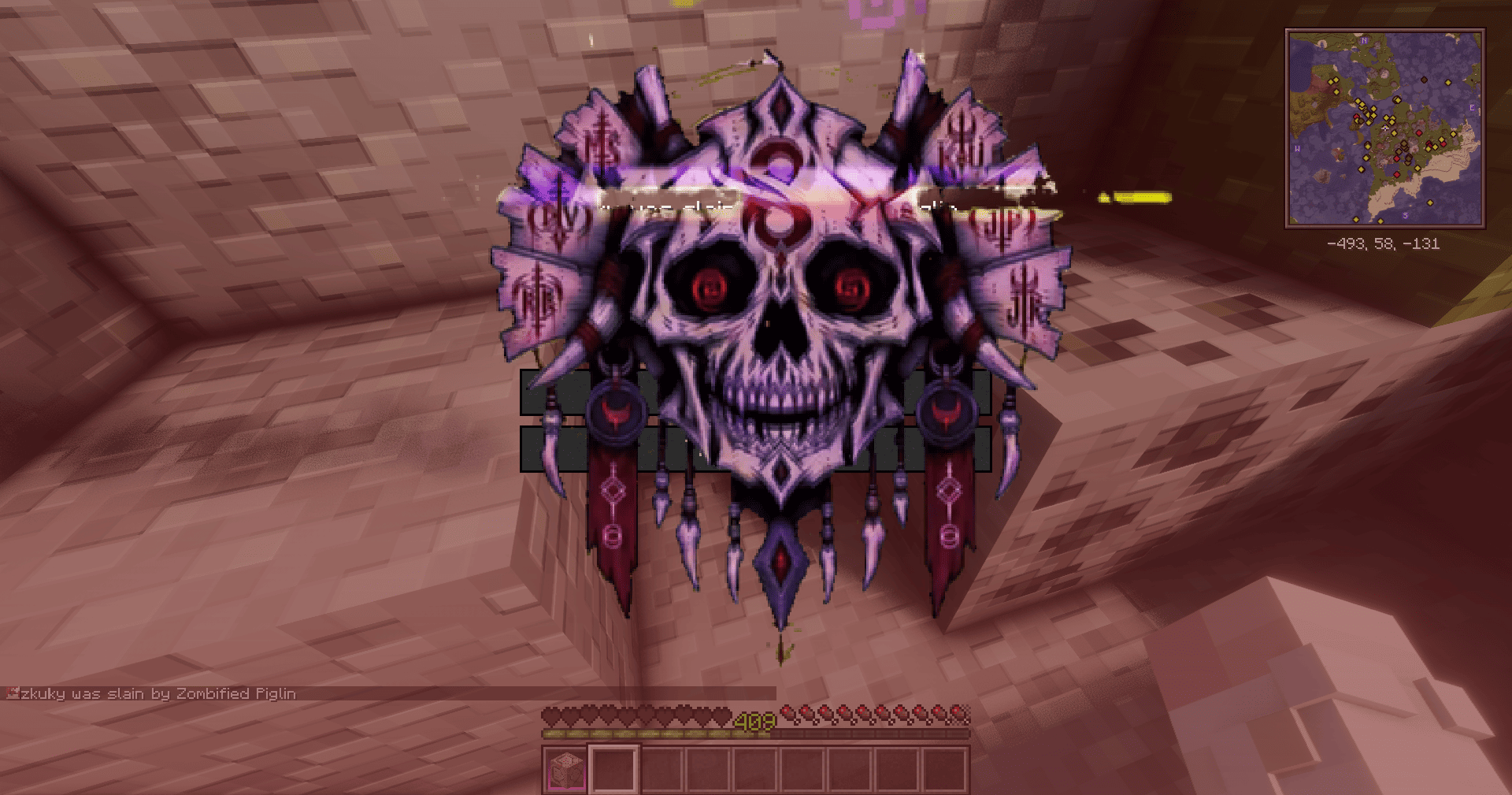 2026-09-11_16.17.46.png 2026-09-11_16.17.46.png
 -
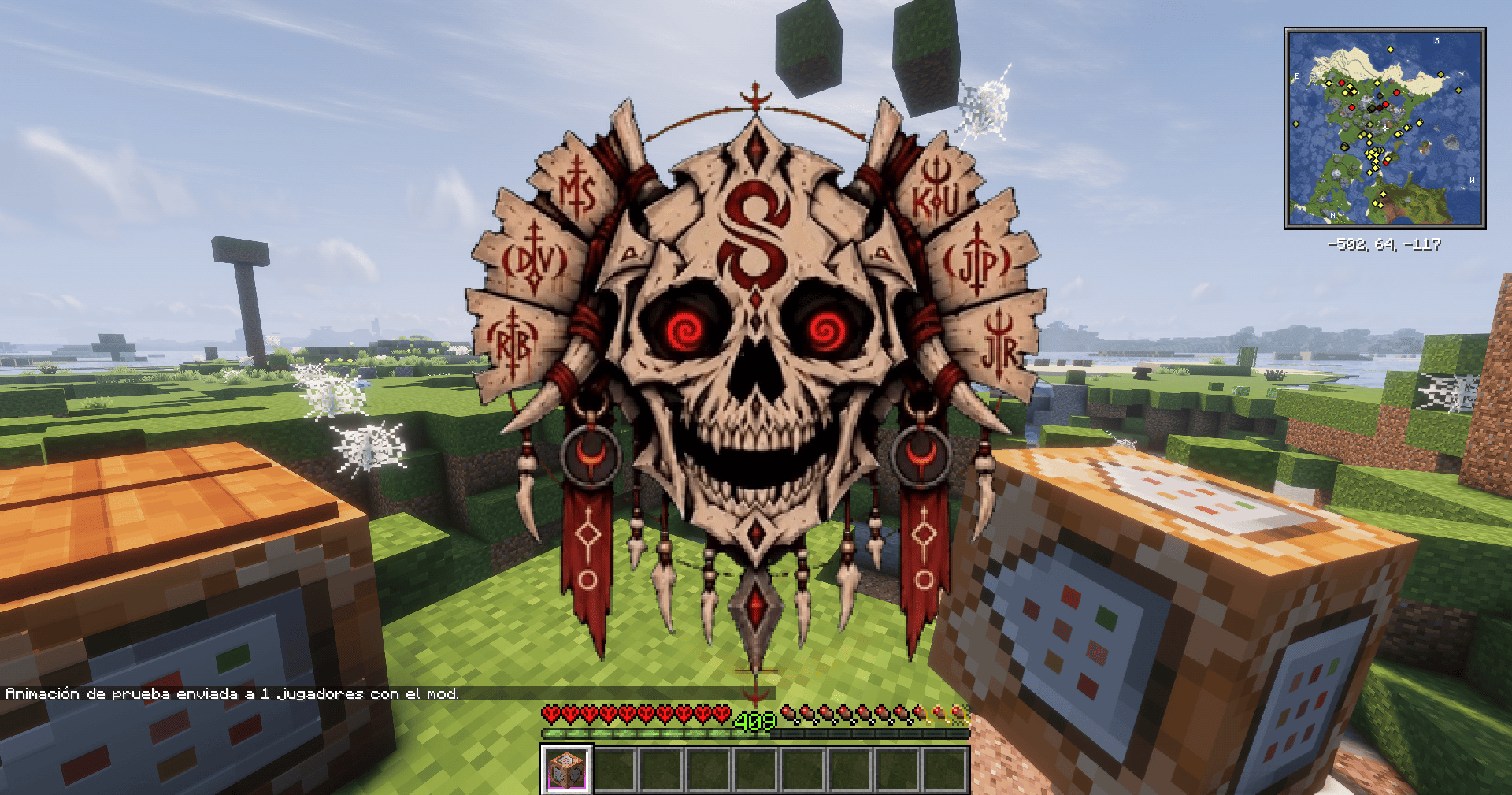 2026-09-11_16.17.55.png 2026-09-11_16.17.55.png
Versions
Files
Relations
Project Relations
More like this
Similar Mods
Suggestions use data such as tags, dependencies, dependents, descriptions, titles, and more to rank how much they overlap with this mod.
On ModDex
Community snapshot
By the numbers
Statistics
Want to reach Minecraft players?
We're looking for a server hosting partner to feature here and other parts of the site. Interested? Send us a message!
Get in touchGet it on
Available Platforms
On ModDex
Community snapshot
By the numbers
Statistics
Resources