
Community listing page, reviews here may not be monitored by the author.
Synchronous Switches

No reviews yet
Simple wireless redstone through switches that can be linked together. And more!
Community voices
Reviews
No reviews yet. Be the first to review this project!
Get it on
Available Platforms
About
Project Details
For authors
Embed Badge
If you're the author of this project, you can embed a live badge anywhere that supports HTML or Markdown. It updates automatically whenever ratings change.
Use HTML for any page that supports it, or Markdown for README files and Markdown-based descriptions.
Identifiers
Platform IDs
About
Description
Synchronous Switches
This mod adds "Synchronous Switches" which can be linked together via a channel. When the state of a switch is toggled then any other switches that are on the same channel will update their output to match that state. In addition to the switches, there are channel input/output blocks and lights.
Features
Adds
- Synchronous Switch (Several Styles)
- Default
- Vanilla Style
- IO Switch
- E-Stop Button
- Big Button (Looks like pressure plate)
- Synchronous Stone Button
- Only pulses when channel goes from Low to High
- Channel Output Block
- Channel Input Block
- Channel Light Block/Panel
Use
- Set Channel by clicking a named piece of paper on the switch/block
- Copy channel by shift right clicking a channel item on an existing switch/block
- Clear channel by shift right clicking in the air
- Clear channel by setting channel to "None" with a named piece of paper
- Redact/Unredact switch by right clicking ink on the switch/block
- Mute/Unmute switch by right clicking white wool on the switch/block
- Check if the channel status by shift right clicking with an empty hand
- Right click with a switch in your main hand to toggle the channel active without having the switch placed
Credits
- Riewest14
- LogicEngineer
Screenshots
Gallery
-
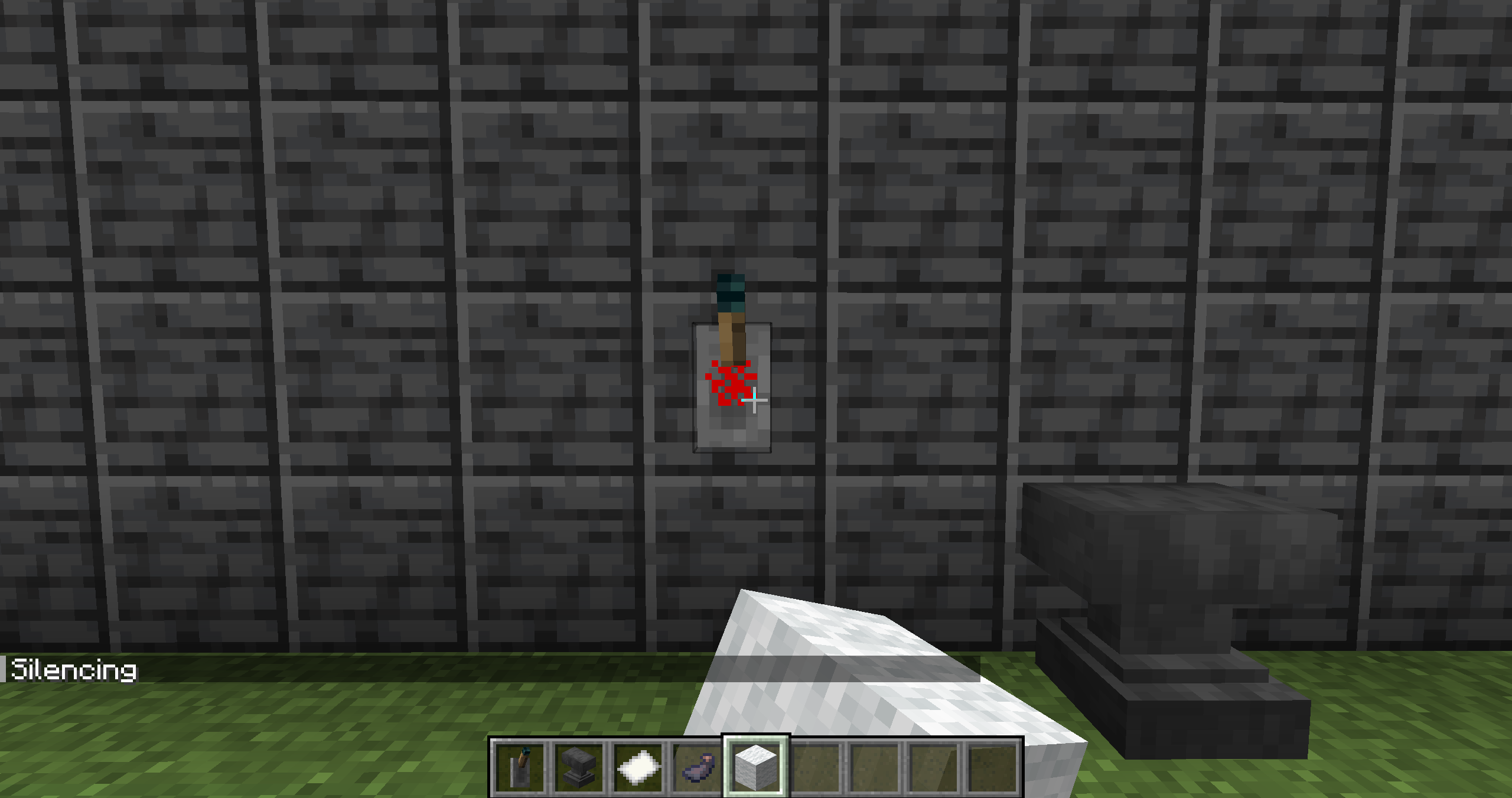 Silencing Switch
 -
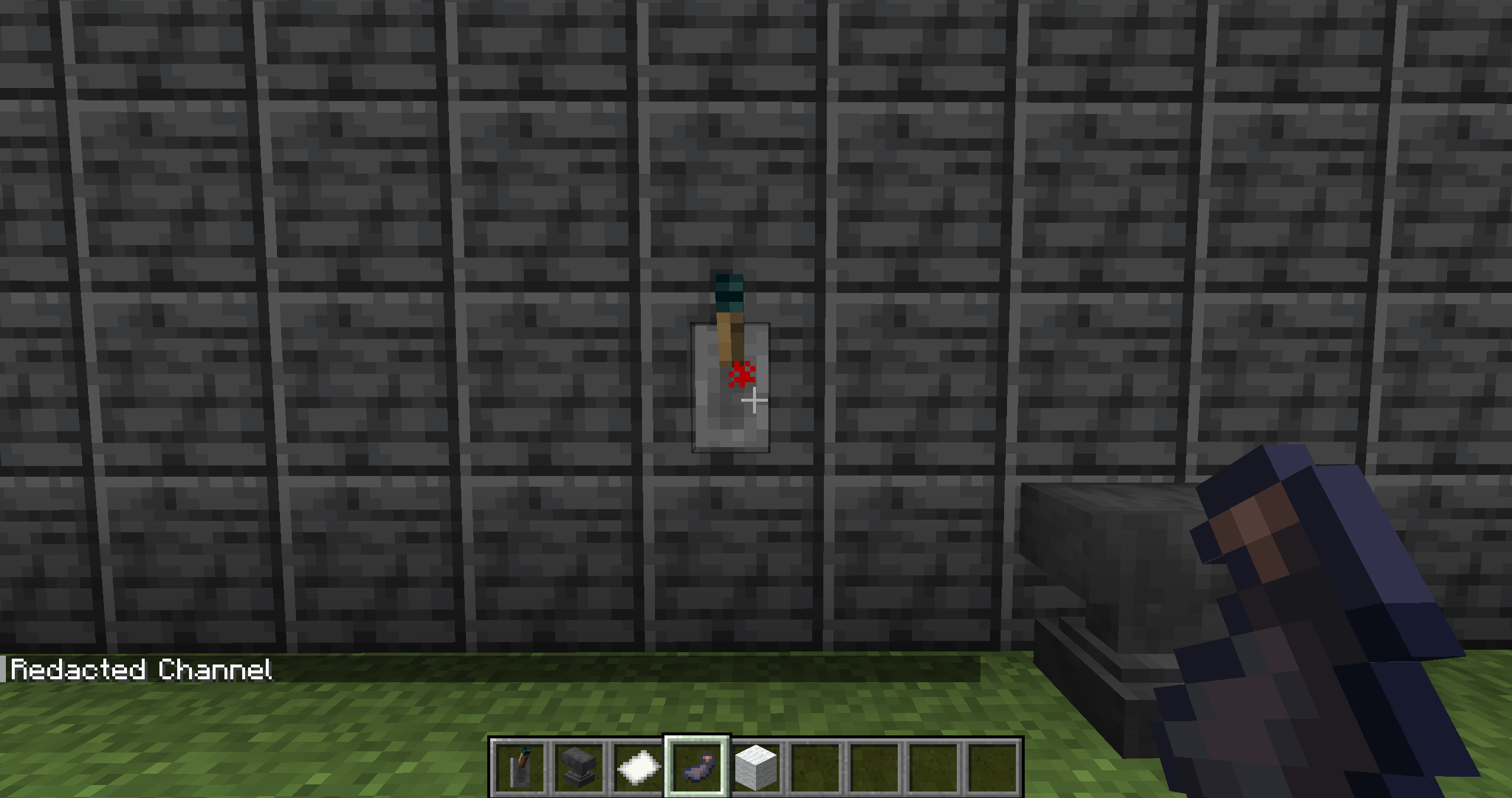 Redacting Switch Only the player who placed the switch can see the channel
 -
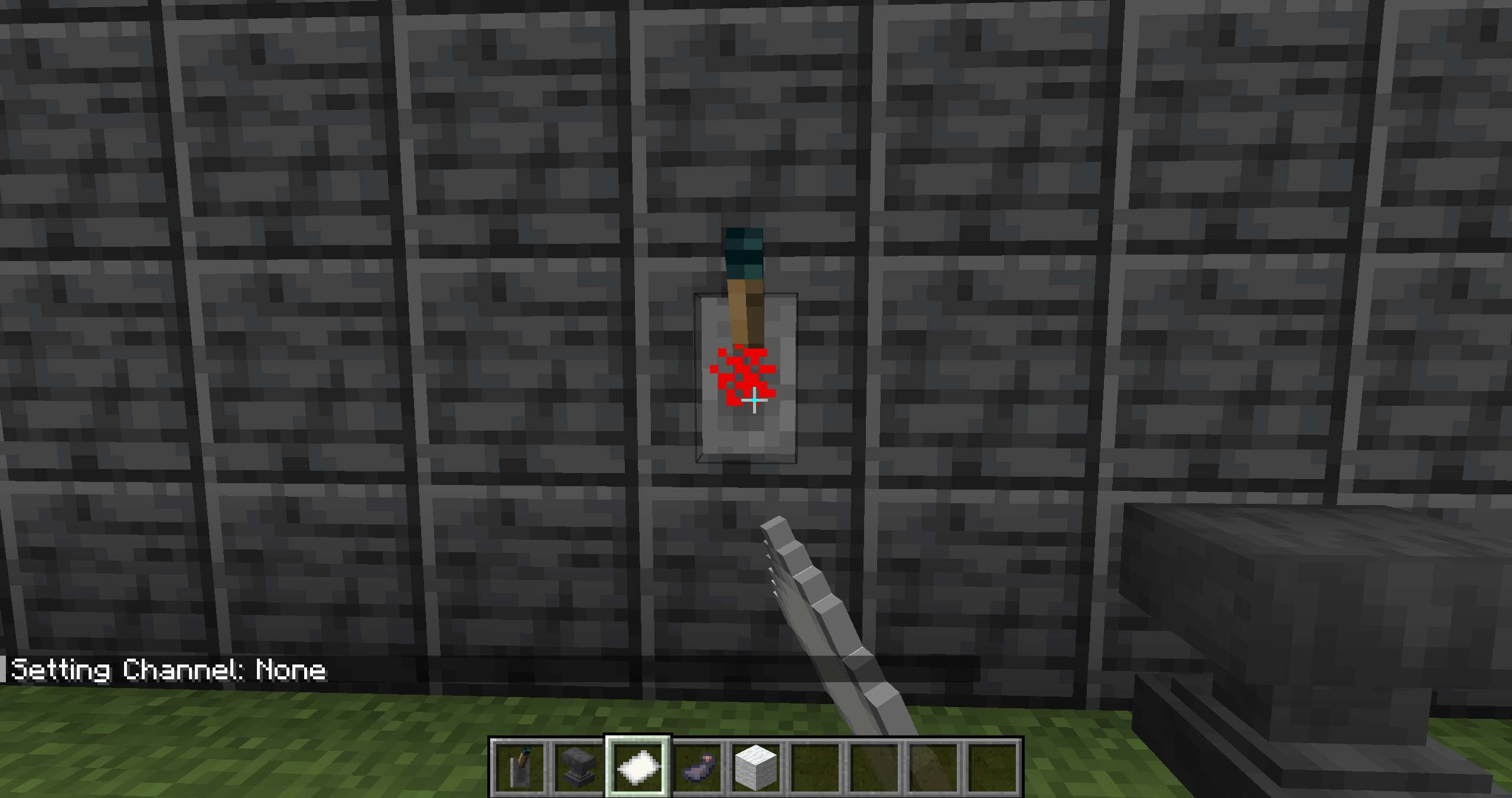 Removing Channel
 -
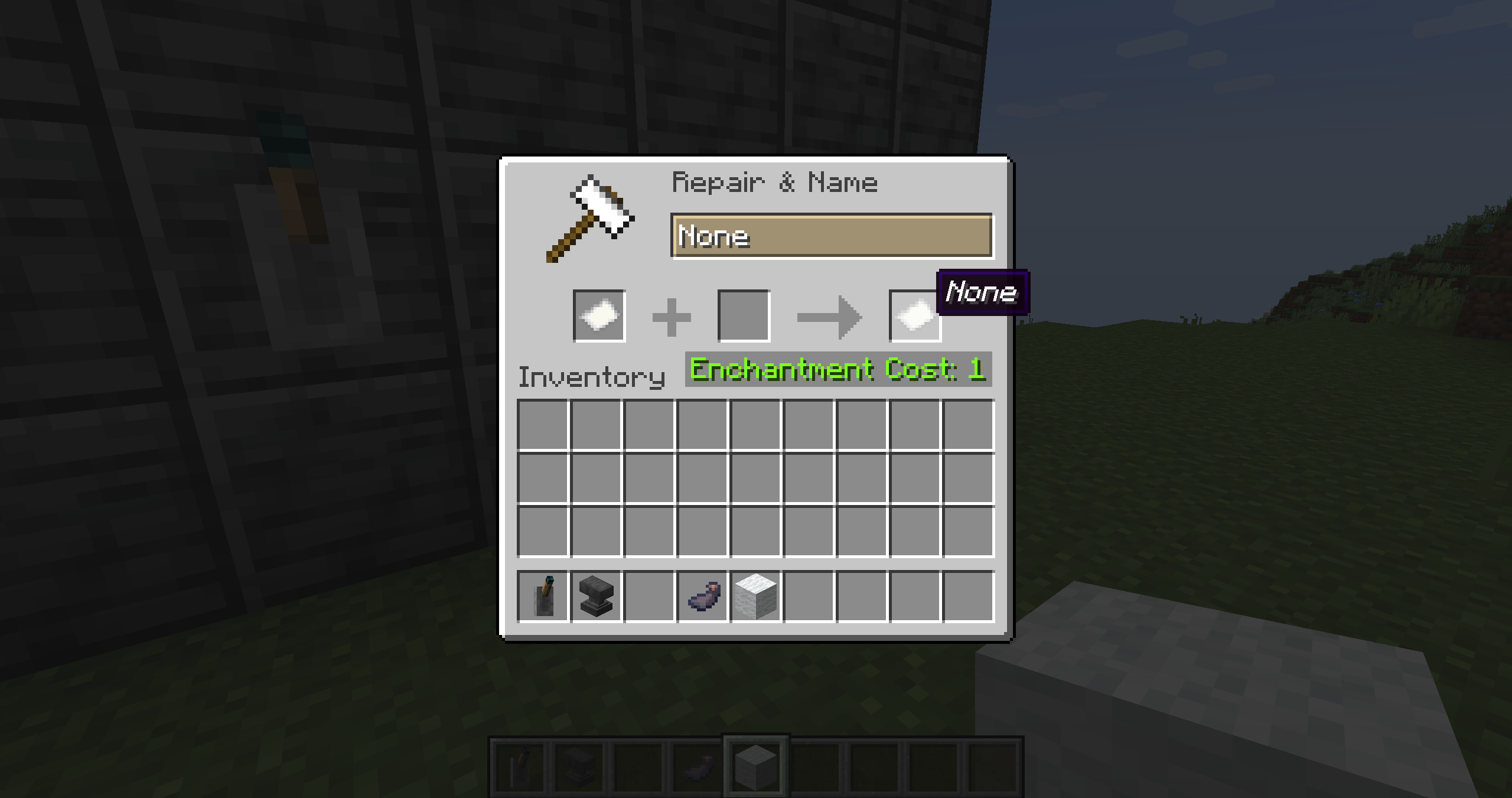 Paper Named "None" Used to clear a switches channel
 -
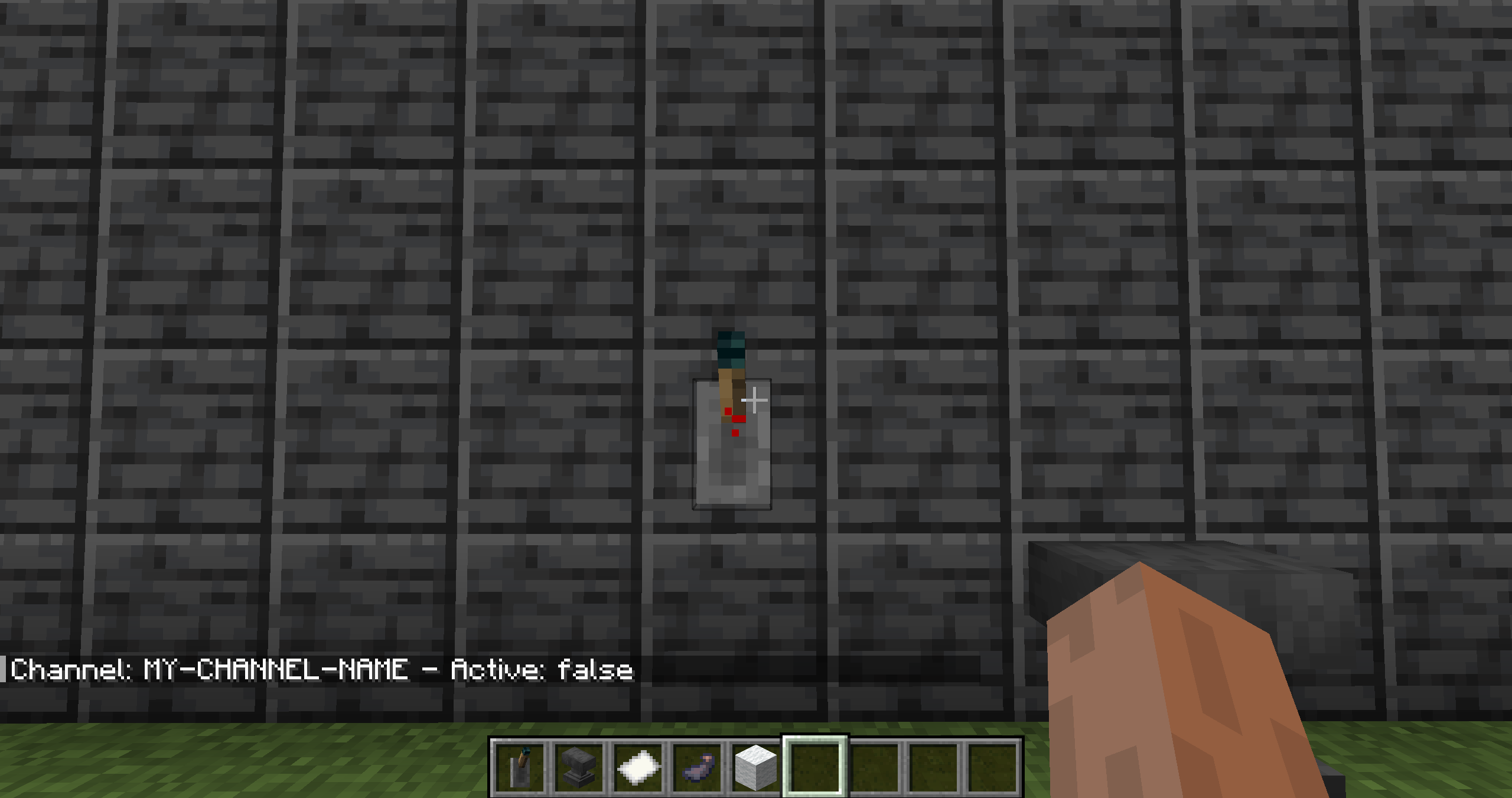 Displaying Channel
 -
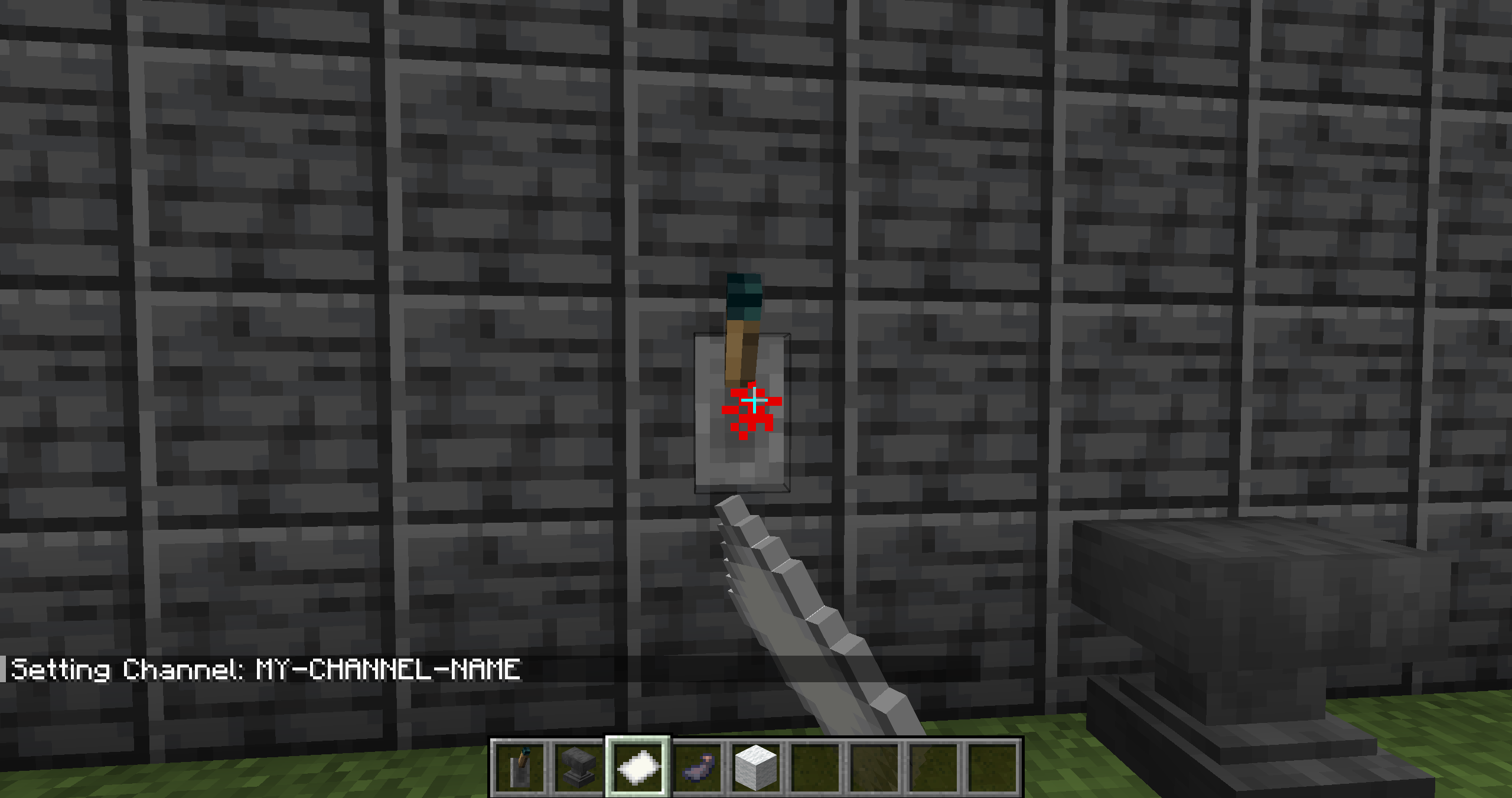 Setting Channel
 -
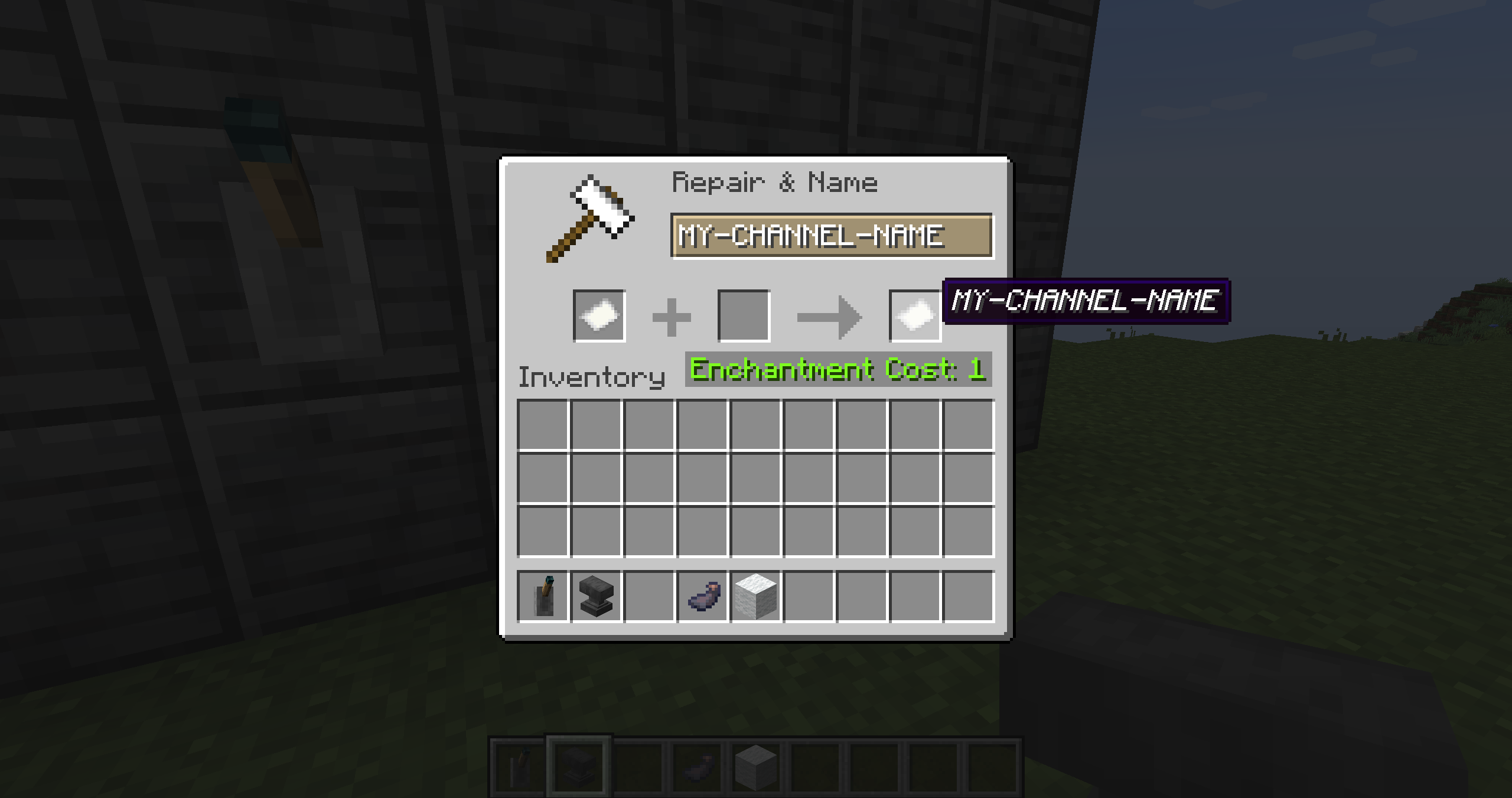 Channel Paper
 -
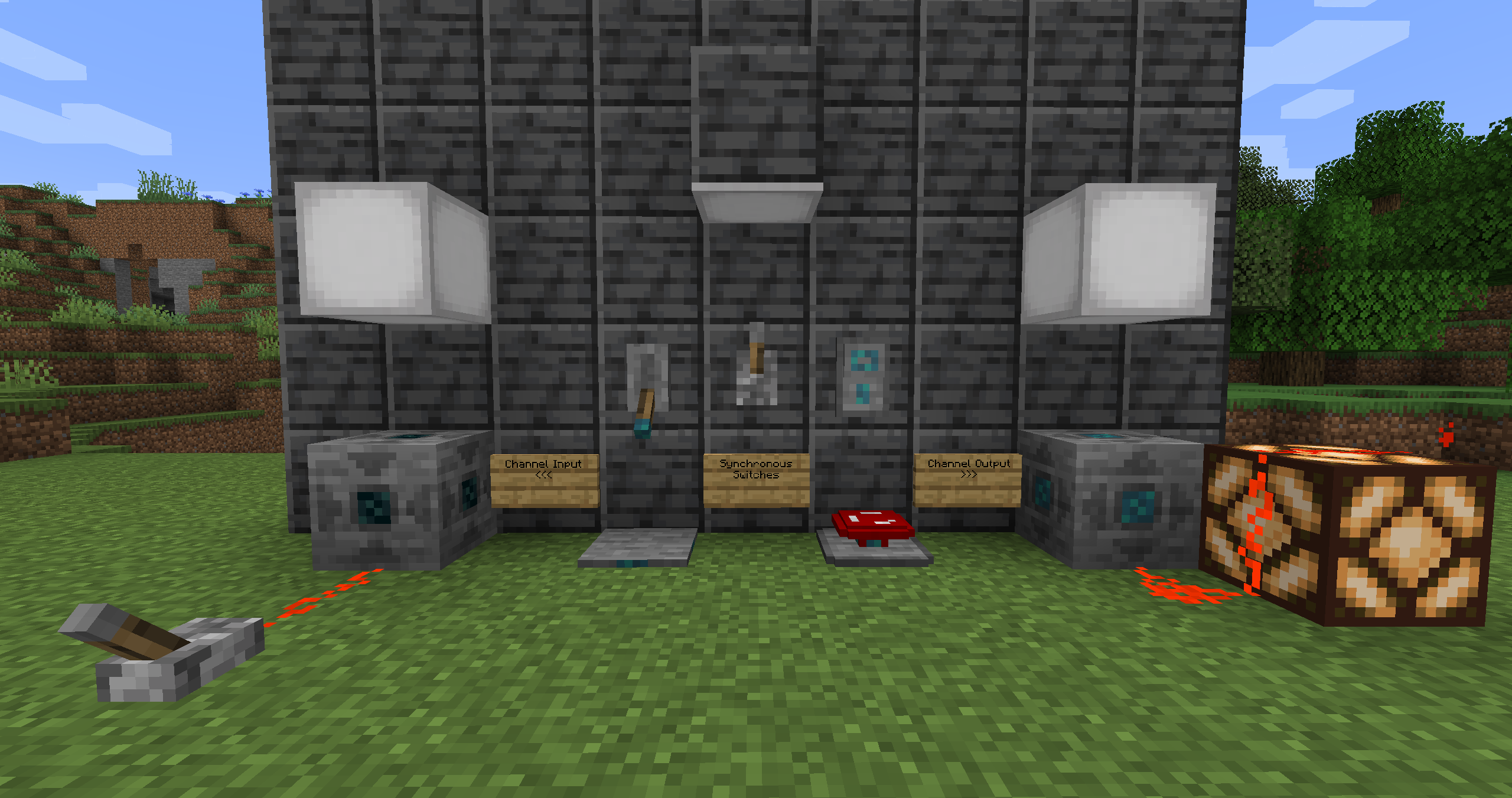 All Blocks On
 -
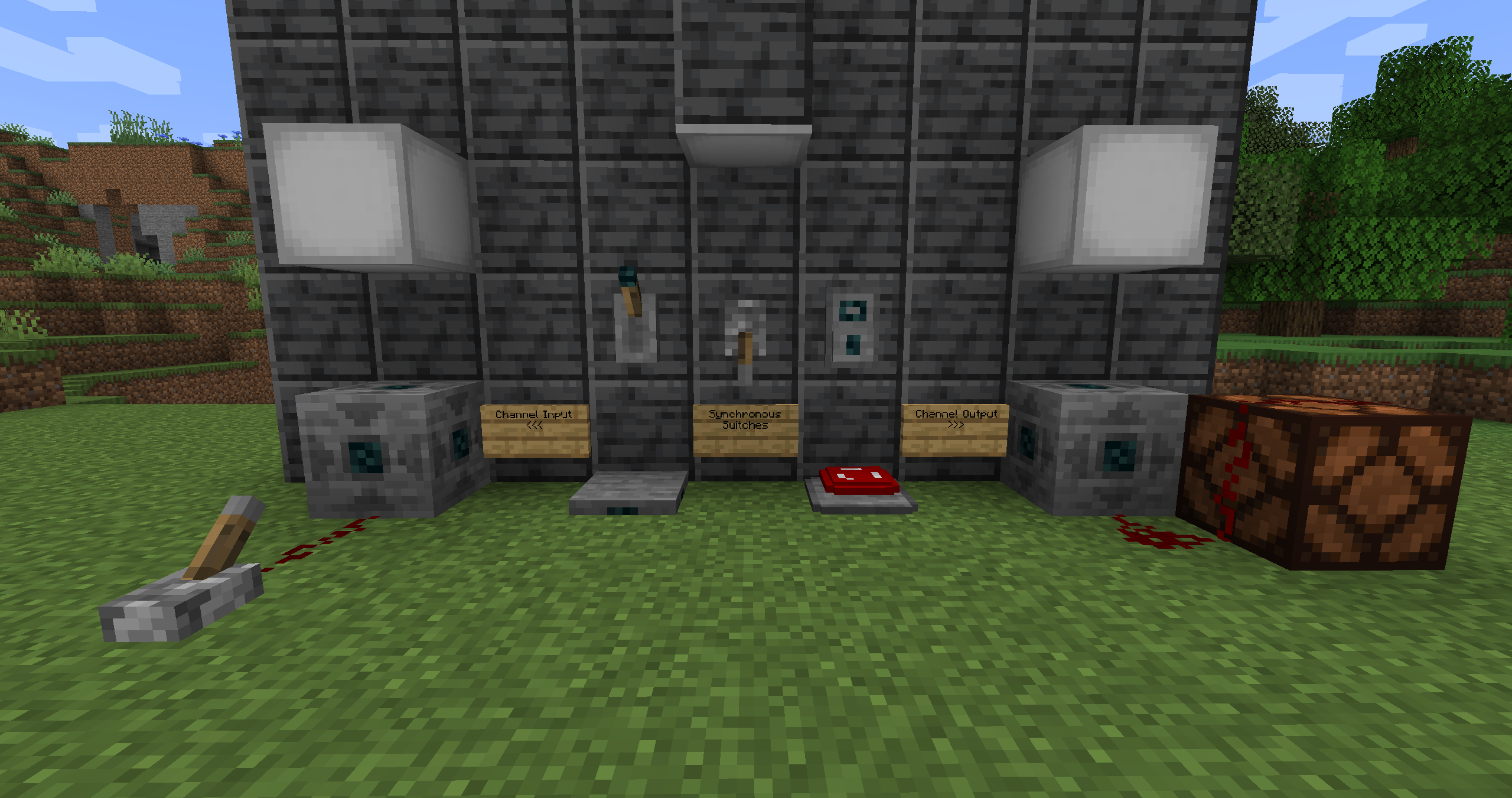 All Blocks Off
Versions
Files
Relations
Project Relations
More like this
Similar Mods
Suggestions use data such as tags, dependencies, dependents, descriptions, titles, and more to rank how much they overlap with this mod.
On ModDex
Community snapshot
By the numbers
Statistics
Want to reach Minecraft players?
We're looking for a server hosting partner to feature here and other parts of the site. Interested? Send us a message!
Get in touchGet it on
Available Platforms
On ModDex
Community snapshot
By the numbers