Community listing page, reviews here may not be monitored by the author.
TabAndLocatorColor


No reviews yet
GUI-based Tab & Locator color sync for better player visibility
Community voices
Reviews
No reviews yet. Be the first to review this project!
Get it on
Available Platforms
Compatibility
Supported Environments
Runs entirely on the server. Also works in singleplayer.
About
Project Details
For authors
Embed Badge
If you're the author of this project, you can embed a live badge anywhere that supports HTML or Markdown. It updates automatically whenever ratings change.
Use HTML for any page that supports it, or Markdown for README files and Markdown-based descriptions.
Identifiers
Platform IDs
About
Description
 IMPORTANT
 Without Fabric API, the game/server will NOT start.
 Features
 Commands
 GUI
GUI Player-based color system
 Supported Languages
 Notes
NotesTabAndLocatorColor
A Fabric server-side mod for Minecraft 26.1.x that enhances player visibility by adding customizable colors to the Locator Bar, Player List (Tab), Name Display, and Team Mode.
No client-side installation required.
Features
🎨 Player Color System
Players can choose their own personal color.
The selected color is applied to:
- Locator Bar
- Tab List
- Name Display Mode
- Team Mode
Supports:
- 16 Minecraft base colors
- Extended HEX color palette
- Color shade selection GUI
📋 Tab Display Modes
Three display modes are available:
SYMBOL
Displays a colored symbol before player names.
NAME
Displays player names using the selected color.
BOTH
Combines both Symbol and Name coloring.
Mode can be changed in the config.
📍 Locator Bar Coloring
Player markers in the Minecraft 26.1.x Locator Bar are displayed using the player's selected color.
Supports both HEX colors and Minecraft base colors.
📺 Player Status System
Players can display their current activity.
Available statuses:
- AFK
- Working
- Streaming
Status can be changed using commands or GUI.
Supports client language translations.
🖥 GUI Color Selection
Color selection GUI supports:
- Minecraft base colors
- HEX shade selection
- Status selection
- Team Mode compatible color selection
👥 Team Color Mode
Administrators can enable Team Mode.
Command:
/lc team true
When enabled:
- Player colors are converted to the nearest Minecraft team color
- Locator Bar colors are synchronized
- Tab colors are synchronized
- Name Tags are synchronized
Disable:
/lc team false
Player personal colors are automatically restored.
🎯 Automatic Team Assignment
Command:
/lc team set
Examples:
/lc team set 2 /lc team set 3 /lc team set 4
Features:
- Random team assignment
- Balanced team sizes
- Fixed recognizable team colors
Color order:
- Red
- Blue
- Yellow
- Green
- Purple
- Pink
- Aqua
- Orange
Team sizes are distributed fairly and randomly.
🌍 Multi-Language Support
Supports:
- English
- Japanese
- German
- French
- Spanish
- Portuguese
- Italian
- Korean
- Chinese (Simplified)
- Chinese (Traditional)
Player status text automatically follows the viewer's language settings.
⚡ Commands
Main Commands:
/locatorcolor /lc /talc
Examples:
/lc gui /lc team true /lc team false /lc team set 3
Tab completion supported.
🔧 Configuration
Configurable options:
- Duplicate color behavior
- Tab display mode
- Status text overrides
- Color settings
- Team Mode options
📦 Server-Side Only
Players do not need to install this mod.
Only the server requires TabAndLocatorColor.
Screenshots
Gallery
-
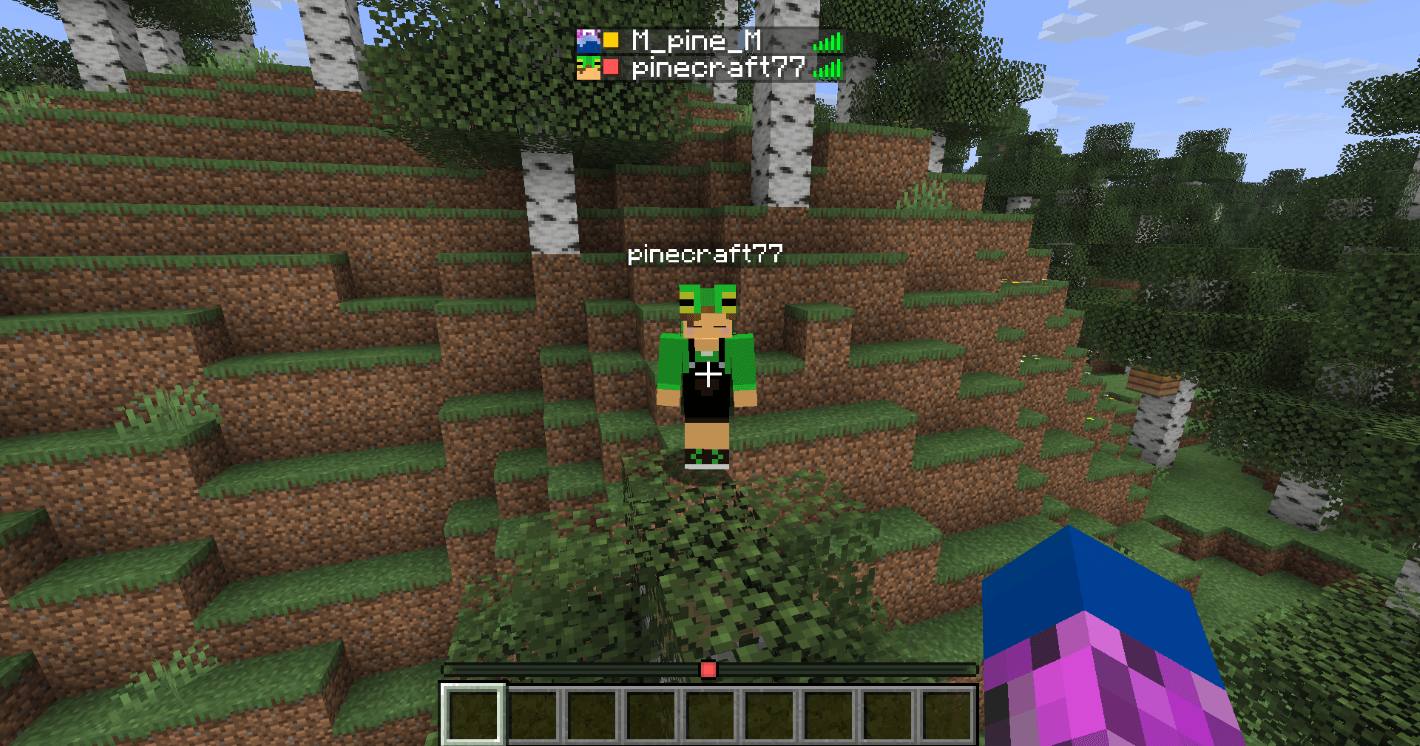 Before set Before setting
 -
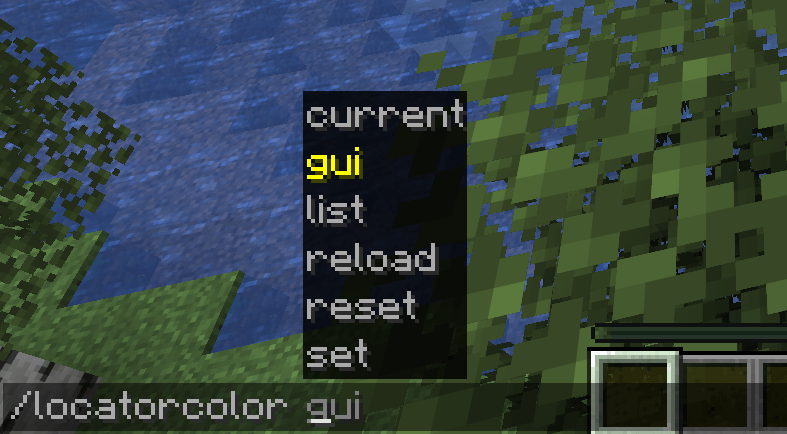 Command Command
 -
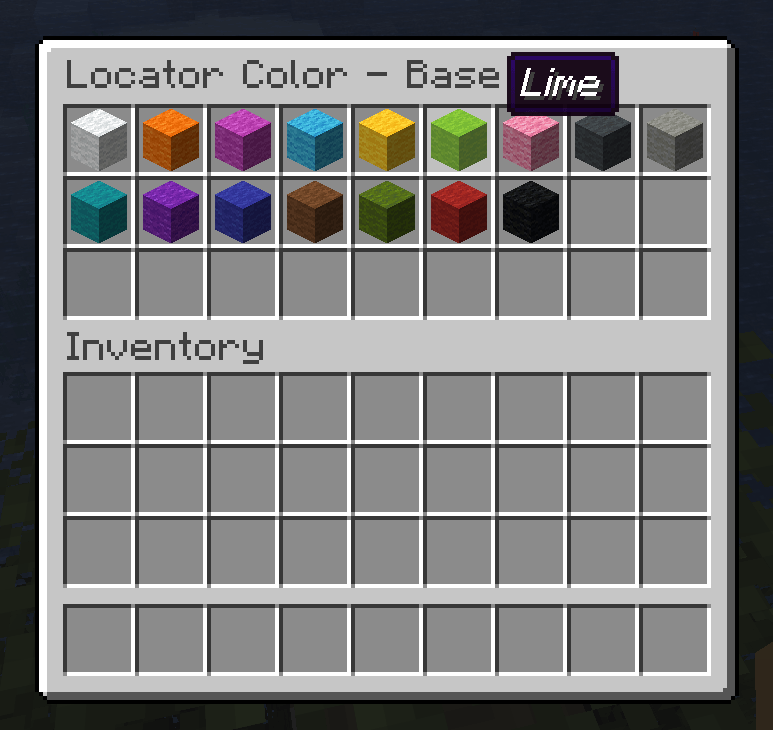 Base color selection Base color selection
 -
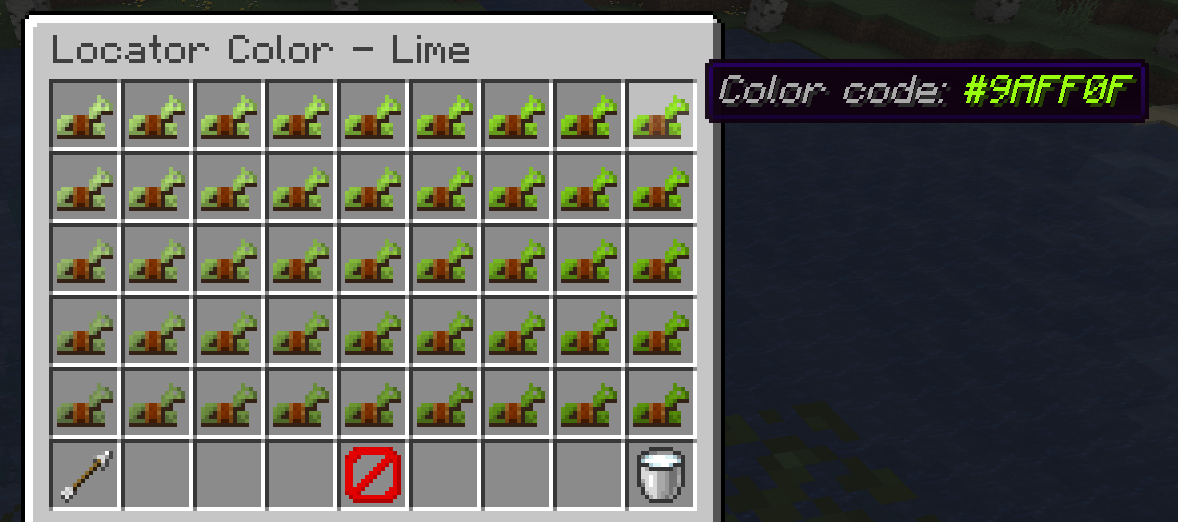 Select flom palette Select flom palette
 -
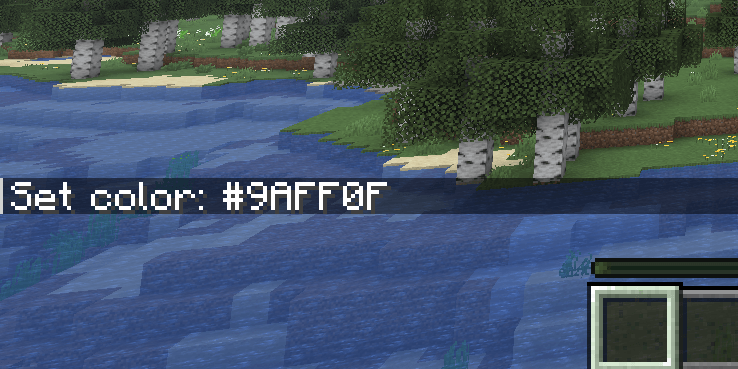 Appy Appy
 -
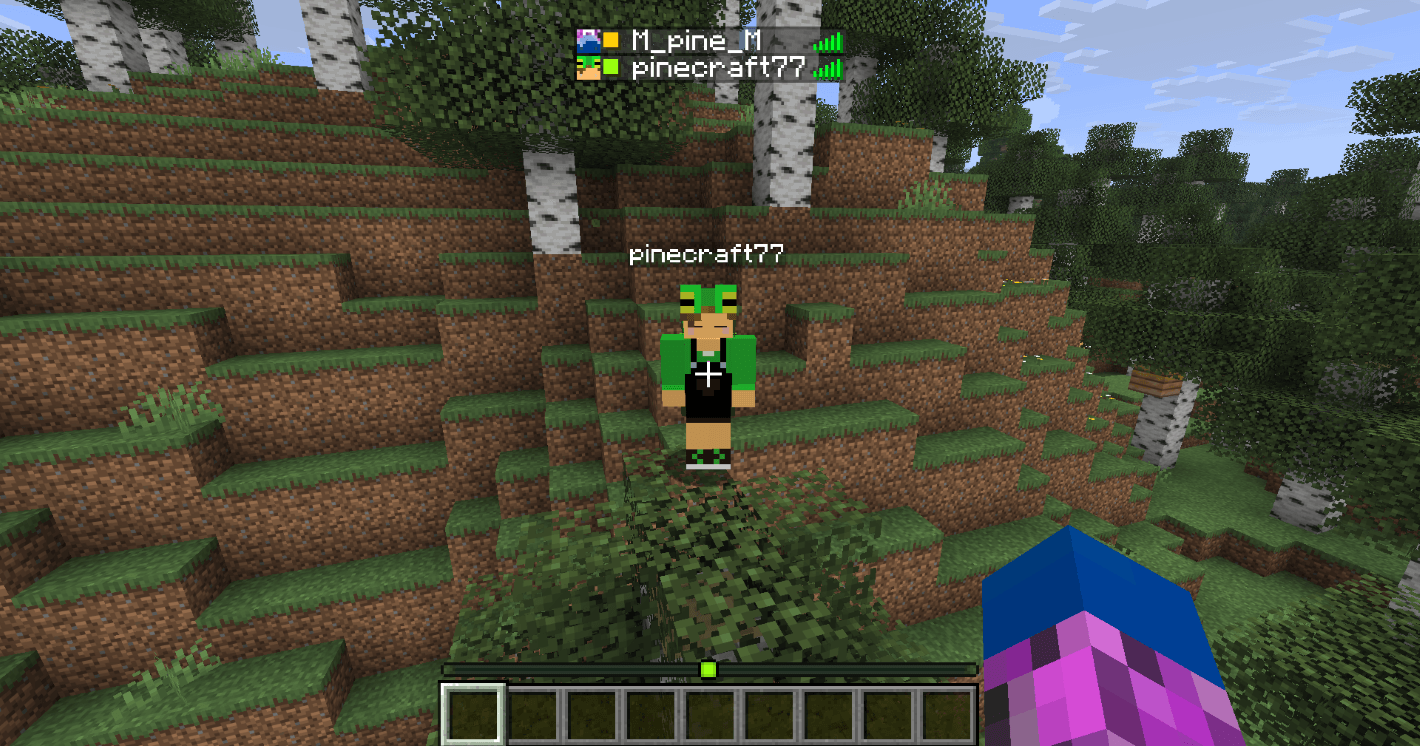 Setup complete Setup complete
-
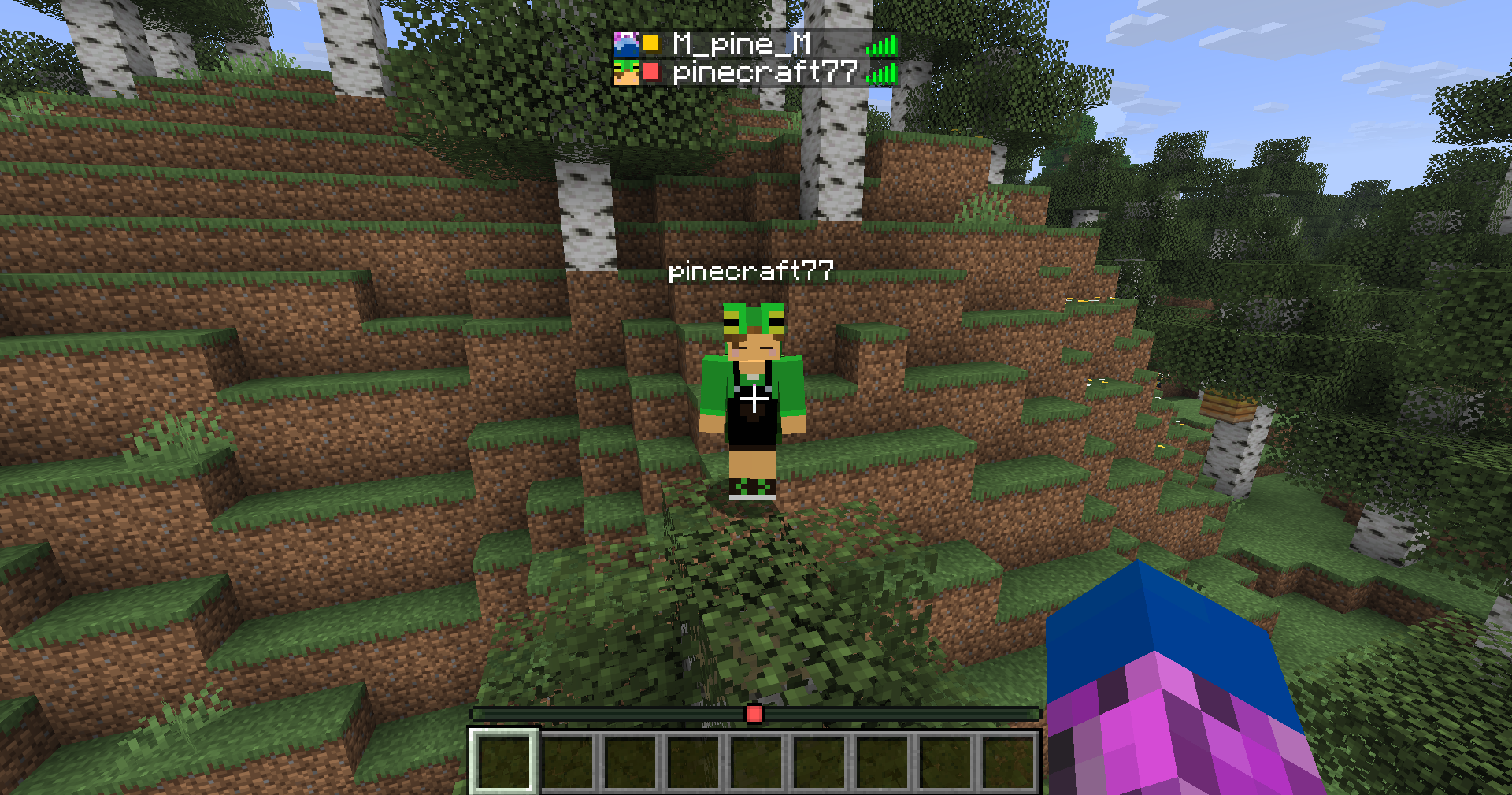 Default color
 -
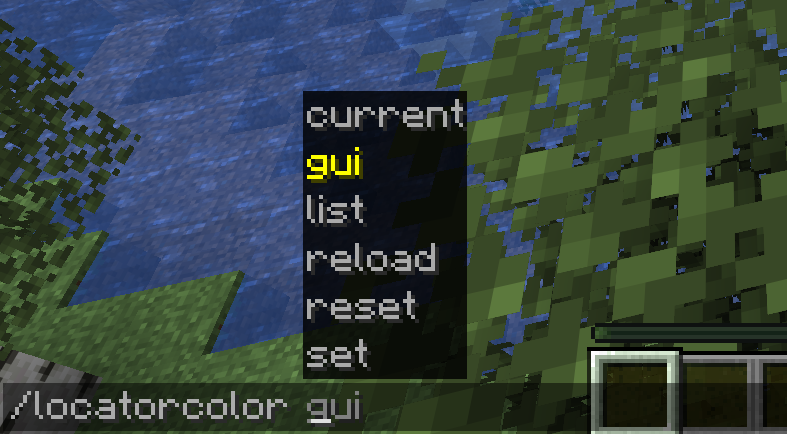 command
 -
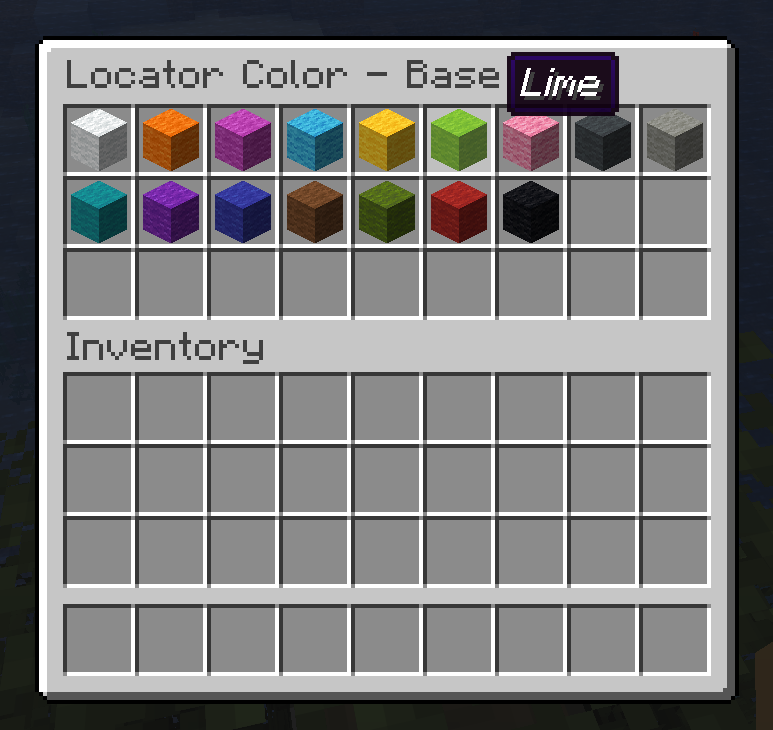 GUI①
GUI① -
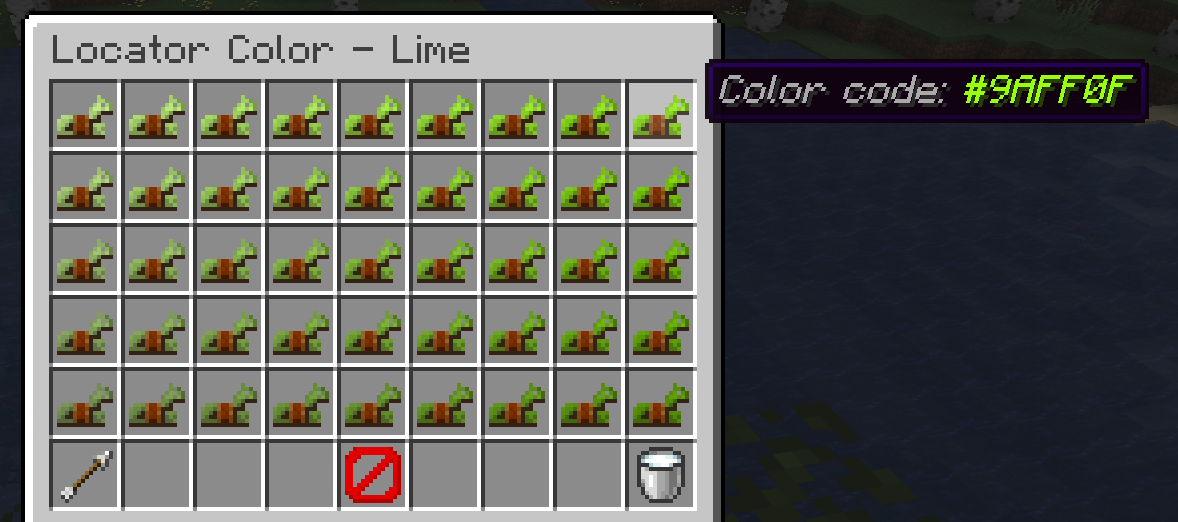 GUI②
GUI② -
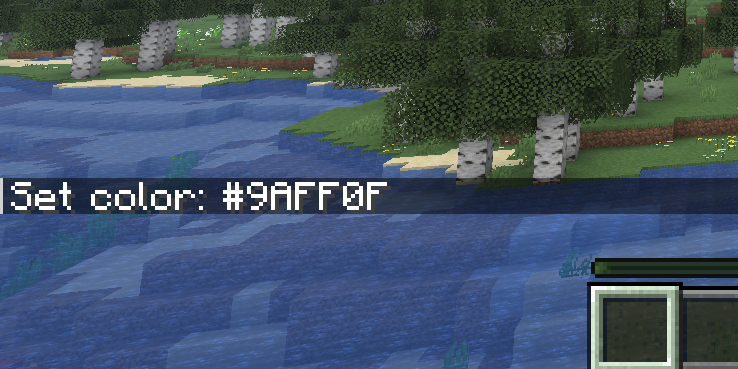 Setup complete
 -
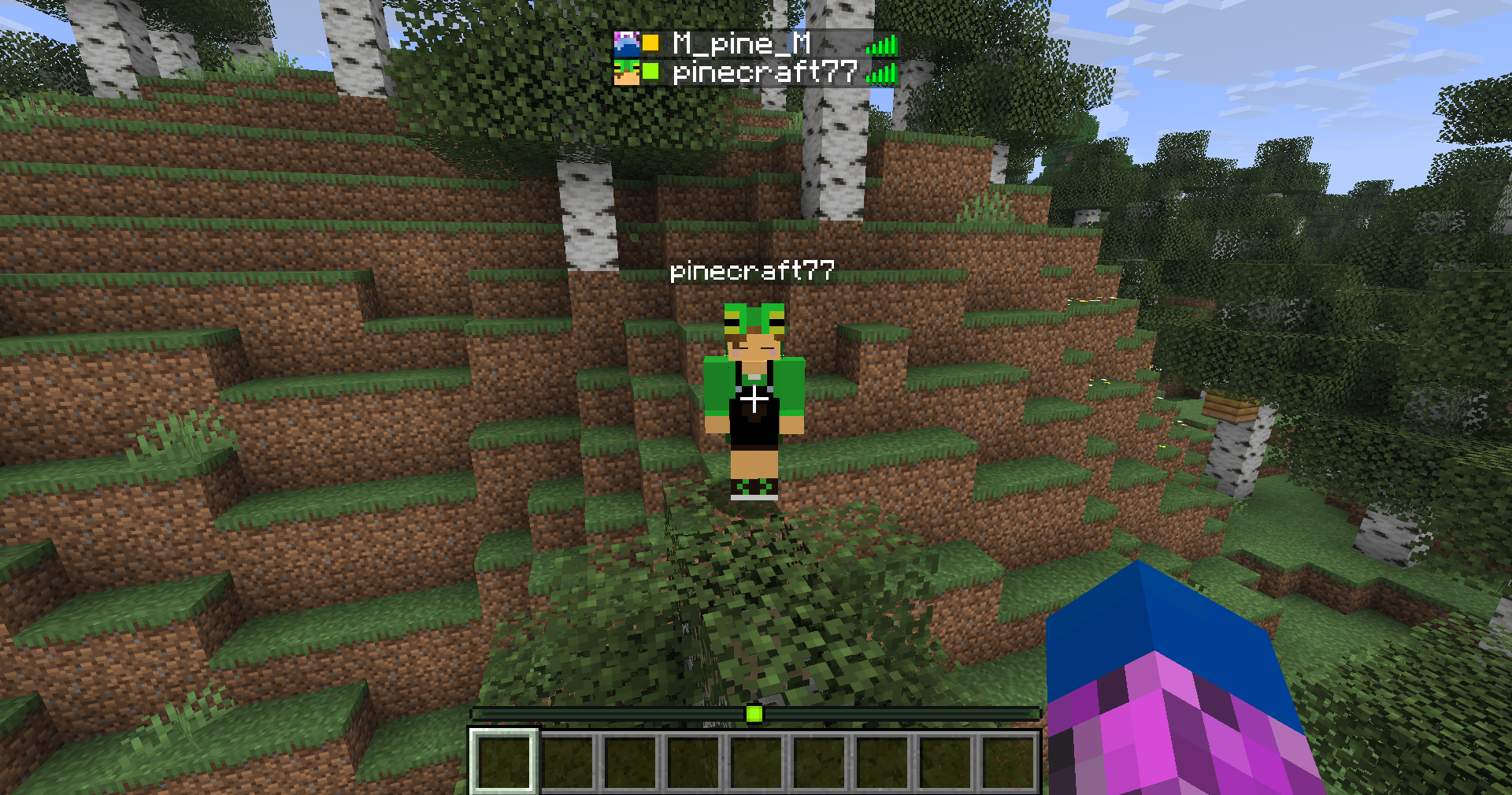 After setup is complete
Versions
Files
Relations
Project Relations
More like this
Similar Mods
Suggestions use data such as tags, dependencies, dependents, descriptions, titles, and more to rank how much they overlap with this mod.
On ModDex
Community snapshot
By the numbers
Statistics
Want to reach Minecraft players?
We're looking for a server hosting partner to feature here and other parts of the site. Interested? Send us a message!
Get in touchGet it on
Available Platforms
On ModDex
Community snapshot
By the numbers