Community listing page, reviews here may not be monitored by the author.
TARDIS Dark Port

No reviews yet
Tardis Mod 1.12.2 Port, based on Tardis Mod by DarkholmeTenk, ported and maintained by TheRedStork.
Community voices
Reviews
No reviews yet. Be the first to review this project!
Get it on
Available Platforms
About
Project Details
For authors
Embed Badge
If you're the author of this project, you can embed a live badge anywhere that supports HTML or Markdown. It updates automatically whenever ratings change.
Use HTML for any page that supports it, or Markdown for README files and Markdown-based descriptions.
Identifiers
Platform IDs
Resources
External Links
About
Description
TARDIS Mod — Unofficial 1.12.2 Port
This is an unofficial port
This project is an unofficial Minecraft 1.12.2 port of the original TARDIS Mod created by DarkholmeTenk.
It is not maintained, supported, approved, endorsed, or distributed by DarkholmeTenk or the original TARDIS Mod contributors.
Do not contact the original author or contributors for support with this port. Bugs and support requests should be submitted through this port’s own repository or issue tracker.
Permission record: View DarkholmeTenk’s permission response
About the Port
Travel through time and space in your own TARDIS!
This project ports the original TARDIS Mod experience to Minecraft 1.12.2, preserving its larger-on-the-inside interiors, physical console controls, expandable rooms, flight systems, machinery and other gameplay features.
The purpose of this project is to provide compatibility with Minecraft 1.12.2 while remaining faithful to the design and gameplay of the original mod.
This is a community-maintained port and should not be treated as an official continuation.
Features
- Own and operate a personal TARDIS
- Fly your TARDIS between locations and dimensions
- Larger-on-the-inside dimensional interiors
- Expandable interior room system
- Physical console controls
- Coordinated and uncoordinated flight
- TARDIS levelling and unlockable systems
- Sonic Screwdriver functionality
- TARDIS laboratories and machinery
- Artron Energy systems
- Artron Batteries
- Roundel-based item and energy transportation
- Exterior landing and rotation controls
- Colourable interior blocks
- Multiplayer support
The mod follows a mostly no-GUI design philosophy. Most TARDIS systems are operated directly through right-clicking and sneak-right-clicking physical controls.
Getting Started
To obtain a TARDIS, you must first acquire a Kontron Crystal.
Kontron Crystals may be found in dungeon loot or manufactured using a powered TARDIS laboratory.
Use the crystal to craft a TARDIS Key, then right-click while holding the key. Your TARDIS will materialise nearby, so make sure there is enough room around you.
Right-click the exterior door to enter.
Once inside, take your first Sonic Screwdriver from the console. Additional Sonic Screwdrivers can be produced using the console’s Artron Energy systems.
Expanding Your TARDIS
Your TARDIS interior can be expanded by generating additional rooms.
-
Insert your Sonic Screwdriver into the port behind the console.
-
Select a room schematic using the console screens.
-
Remove the Sonic Screwdriver.
-
Change the Sonic Screwdriver to Schematic Mode.
-
Right-click the centre block of a valid doorway.
The doorway will open into the newly generated room.
Rooms can be removed by using a Sonic Screwdriver in Dismantle Mode on the room’s control panel.
Warning: Dismantling a room destroys everything inside it. Changing your console room may also replace or destroy blocks located within the previous console room.
The TARDIS Laboratory
The laboratory can manufacture advanced materials and components, including:
- Chronosteel
- Kontron Crystals
- TARDIS components
- Other specialised items
The laboratory does not use a traditional GUI. Items must be inserted and removed using chests, hoppers, pipes or other compatible transportation systems.
Laboratory recipes consume Artron Energy. Some recipes may also require the TARDIS to be in flight.
Roundel Interfaces
Roundels allow items, energy and supported resources to be transported through the TARDIS without filling the interior with visible cables.
Use a Sonic Screwdriver in Reconfigure Mode to open a roundel, then install a compatible interface.
Available systems may include:
- Item and energy cable interfaces
- Nanogene healing capsules
- Mass-energy interfaces
- Landing-pad connections
- Supported mod-integration interfaces
Landing pads may also allow a landed TARDIS to connect with compatible machinery in the outside world.
Artron Energy and Batteries
Artron Energy powers laboratories, healing systems and other advanced TARDIS machinery.
Artron Batteries can collect and store energy when placed in an Artron-rich environment. A charged battery can be dismantled and moved while retaining its stored energy.
Place a charged battery beside a compatible device to supply it with power without directly draining the TARDIS core.
Battery modes can represent different flight conditions, allowing certain laboratory recipes to operate without requiring the TARDIS to travel normally.
Flying the TARDIS
TARDIS navigation is designed around interacting with the physical console rather than entering a destination through a simple menu.
Console controls include systems for:
- X, Y and Z coordinates
- Coordinate magnitude
- Fine coordinate adjustments
- Flight speed
- Exterior rotation
- Landing behaviour
- Coordinated flight
- Uncoordinated flight
- Stabilisation
During coordinated flight, controls may activate and require correction. Operating the console successfully can grant TARDIS experience and help prevent damage.
As the TARDIS gains levels, it can unlock improved systems, increased navigation accuracy and additional upgrades.
Uncoordinated flight allows the TARDIS to remain in the vortex while its destination is adjusted or experience is gained.
Keeping the Land-Ground Control active is recommended, as it helps the TARDIS locate a suitable landing position instead of materialising in mid-air.
Requirements
- Minecraft: 1.12.2
- Mod Loader: Minecraft Forge
Check the Relations or Dependencies section for the exact versions of any required library mods.
Dependencies required by this port may differ from those used by the original Minecraft 1.7.10 release.
Support and Bug Reports
This port is maintained independently.
Please report port-specific problems through this project’s own issue tracker. Do not report problems with this port to DarkholmeTenk or the original TARDIS Mod issue tracker.
When reporting a problem, include:
- Minecraft Forge version
- Port version
- Relevant crash report
- Relevant section of
latest.log - Steps required to reproduce the problem
Credits and Attribution
Original Project
The original TARDIS Mod was created by DarkholmeTenk.
Full credit is given to DarkholmeTenk and every original contributor responsible for the original:
- Source code
- Models
- Textures
- Sounds
- Concepts
- Documentation
- Other included assets
The original project can be found here:
Port Permission
Permission relating to the publication and distribution of this port is recorded publicly here:
This permission link is also included in the port’s source repository.
Copyright and Licence
The original copyright, licence and attribution notices are preserved in the port’s source code, repository and distributed files.
This port does not remove, replace, override or relicense the copyright notices attached to the original work.
Any original files, assets or derived materials remain subject to their applicable original copyright and licence terms. New work created specifically for this port is identified separately where applicable.
Unofficial Project Disclaimer
This project is:
- An unofficial community port
- Independently maintained
- Not an official update
- Not endorsed by DarkholmeTenk
- Not supported by the original contributors
- Not affiliated with the original development team
References to the original TARDIS Mod are included only to explain the origin of the project and provide proper credit.
Doctor Who Disclaimer
This project is heavily inspired by the BBC television series Doctor Who.
Doctor Who, the TARDIS and all related characters, names, designs and properties belong to the BBC and their respective rights holders.
This is a non-official fan-made Minecraft modification. It is not affiliated with, approved by, sponsored by or endorsed by the BBC.
The original TARDIS Mod also credited Fallout Who Vegas as an important source of inspiration. Original asset attribution and usage notices have been preserved.
Screenshots
Gallery
-
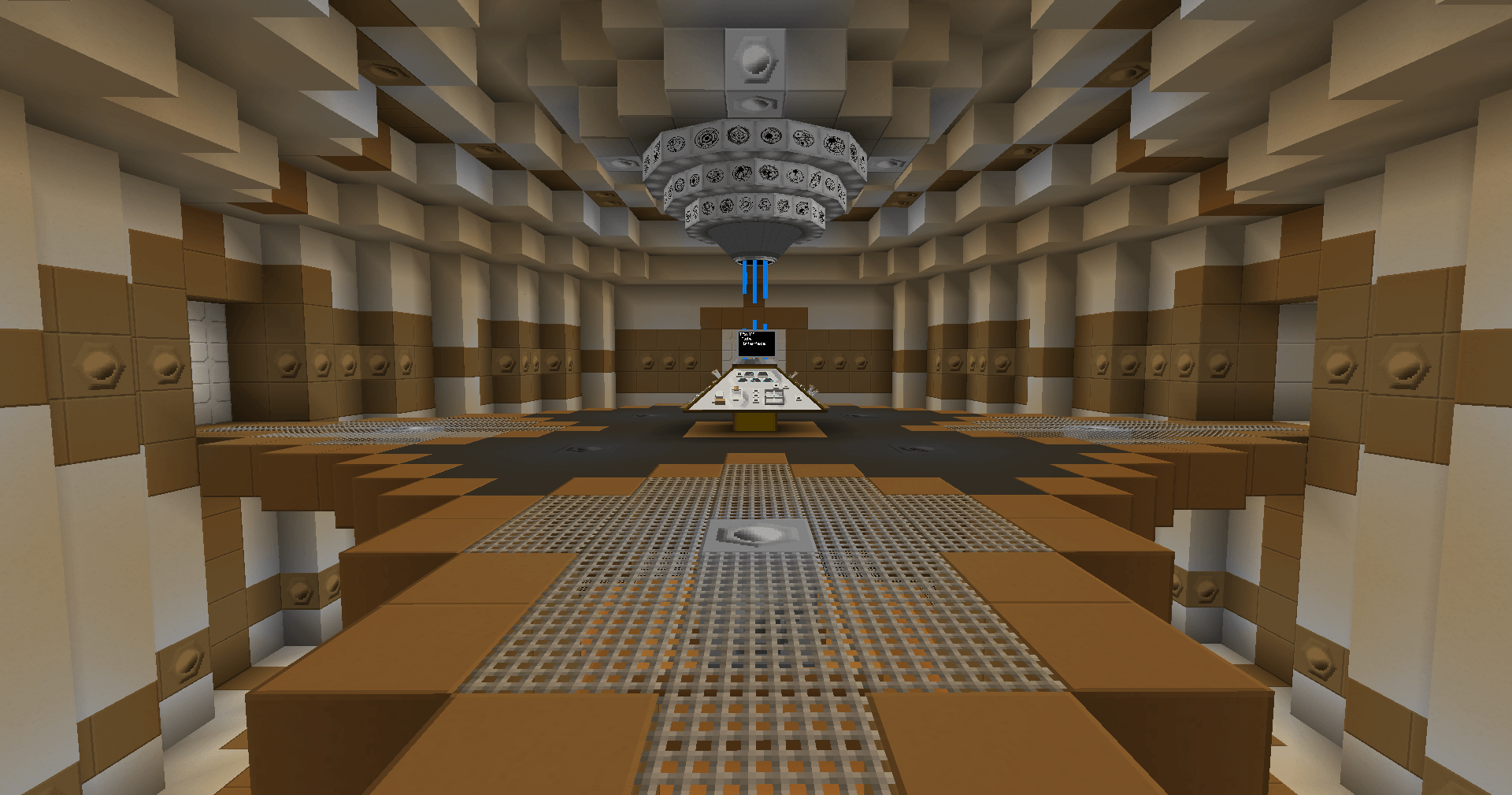 ConsoleRoom.png ConsoleRoom.png
 -
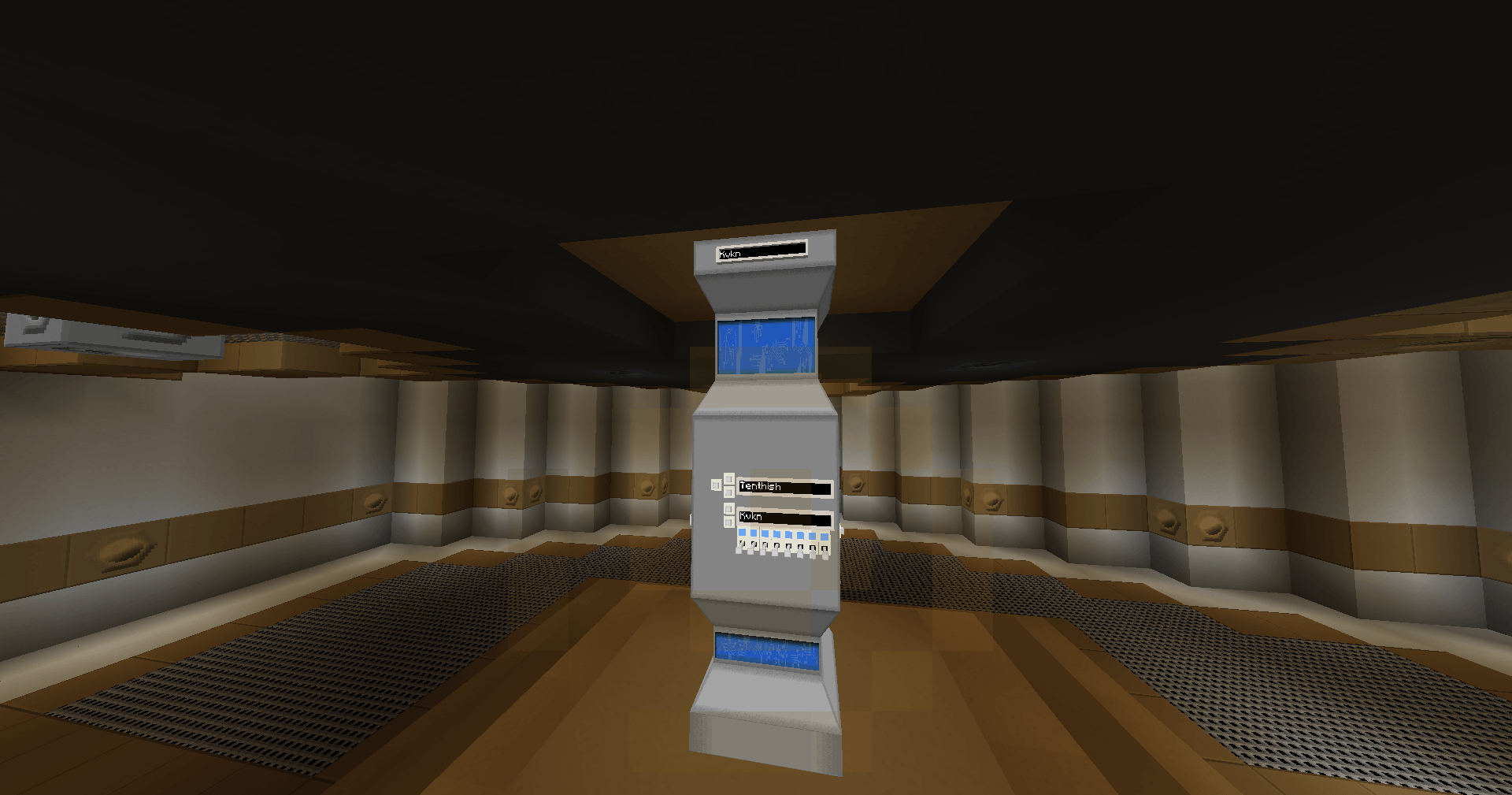 Engine.png Engine.png
 -
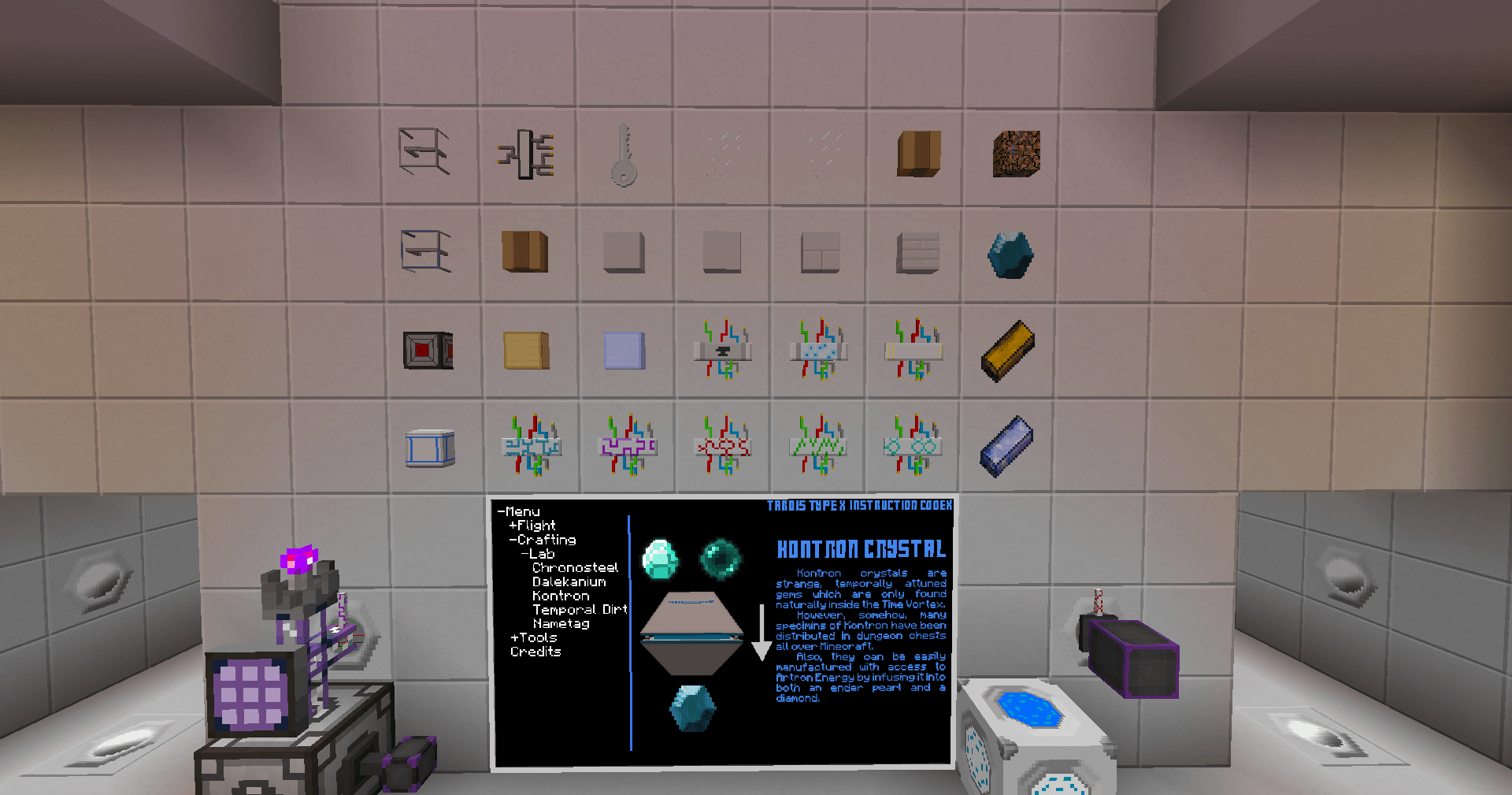 Items.png Items.png
 -
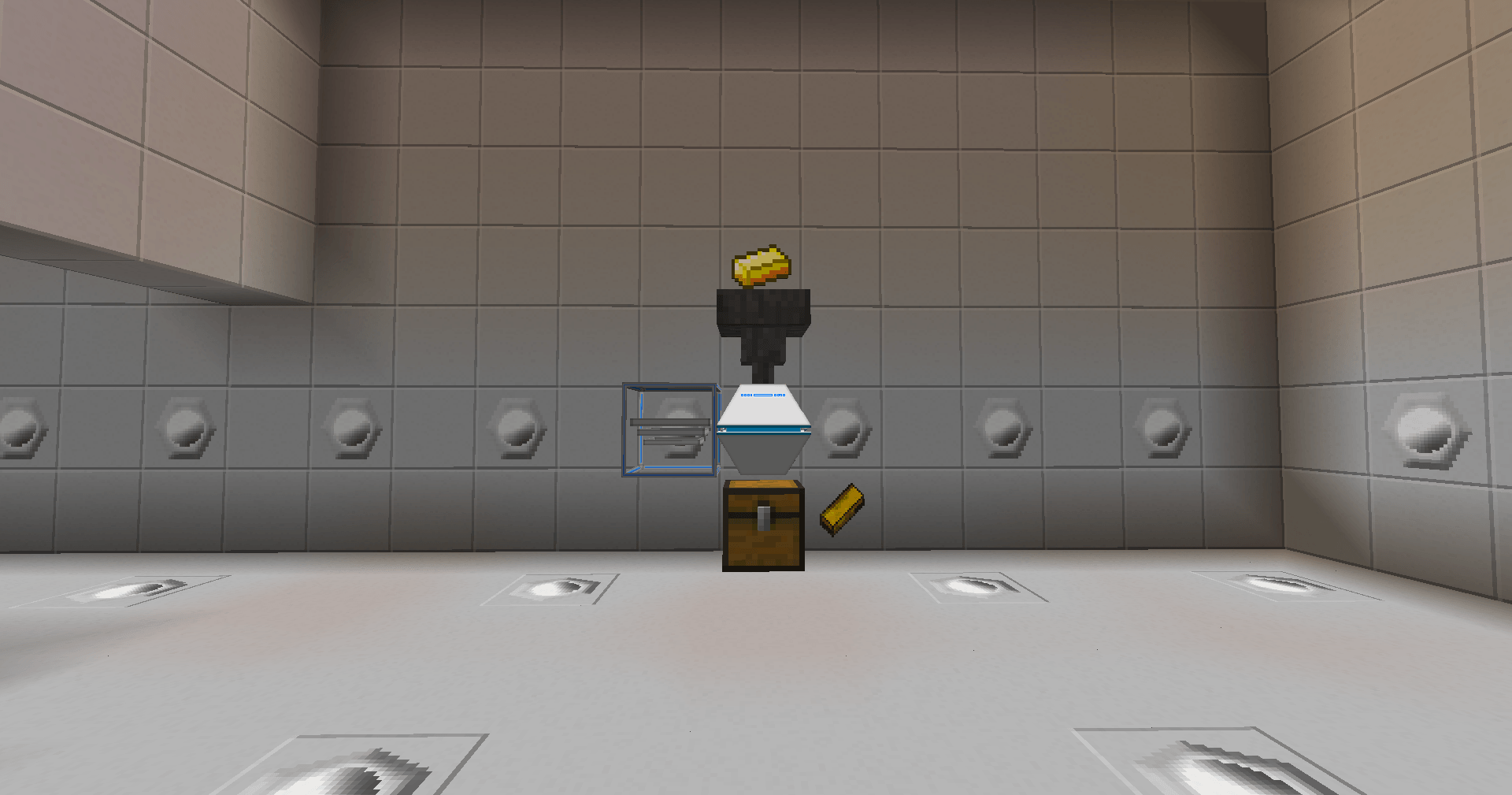 Lab.png Lab.png
 -
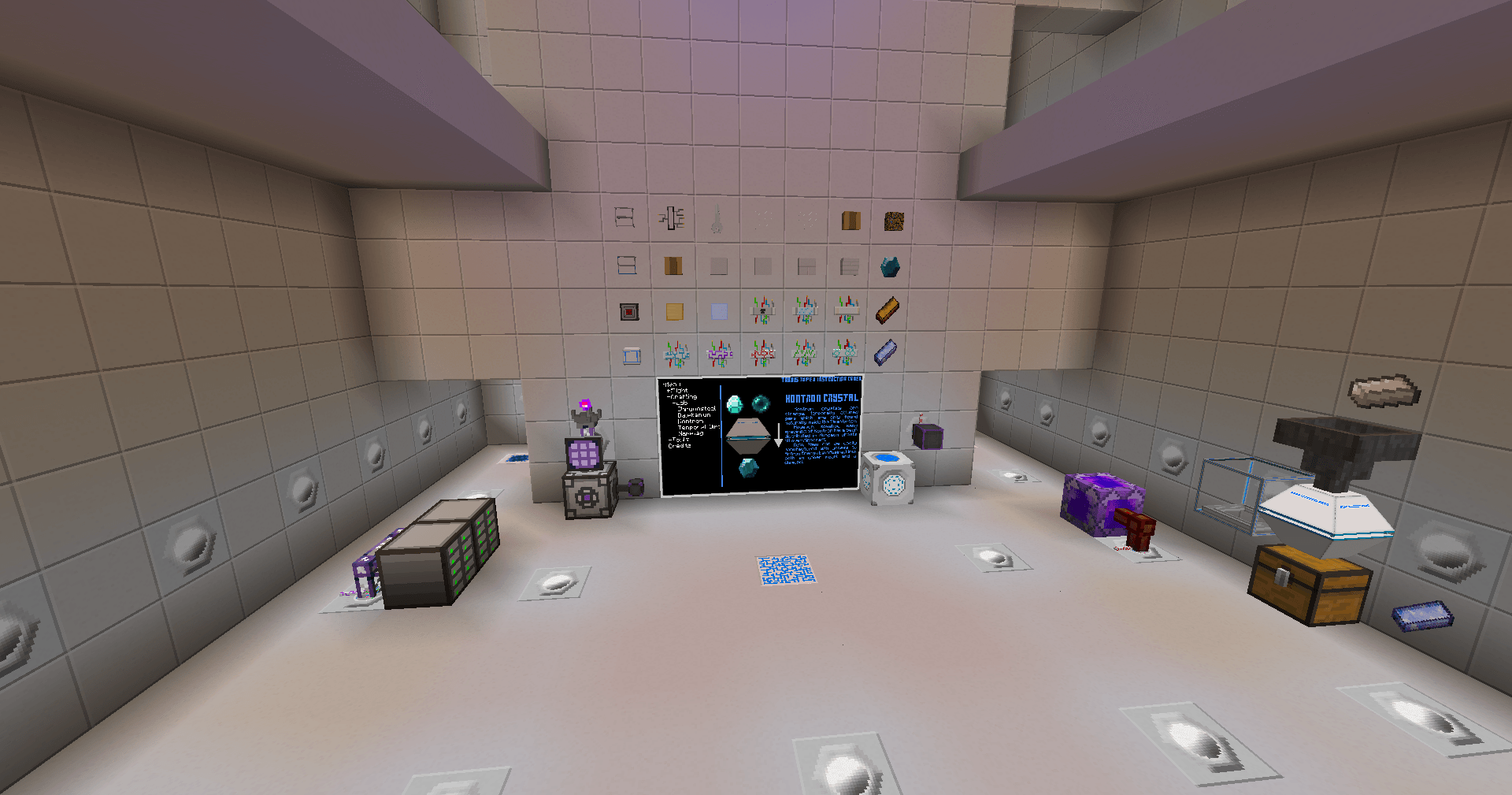 Overview.png Overview.png
 -
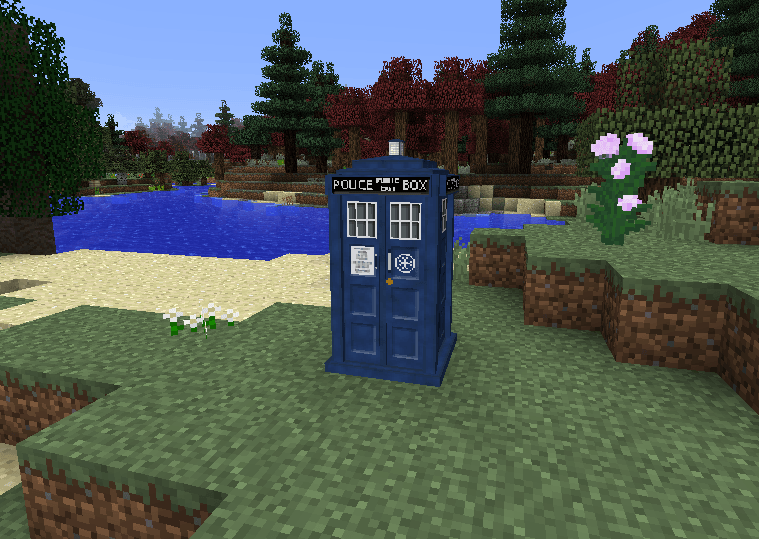 Overworld.png Overworld.png
 -
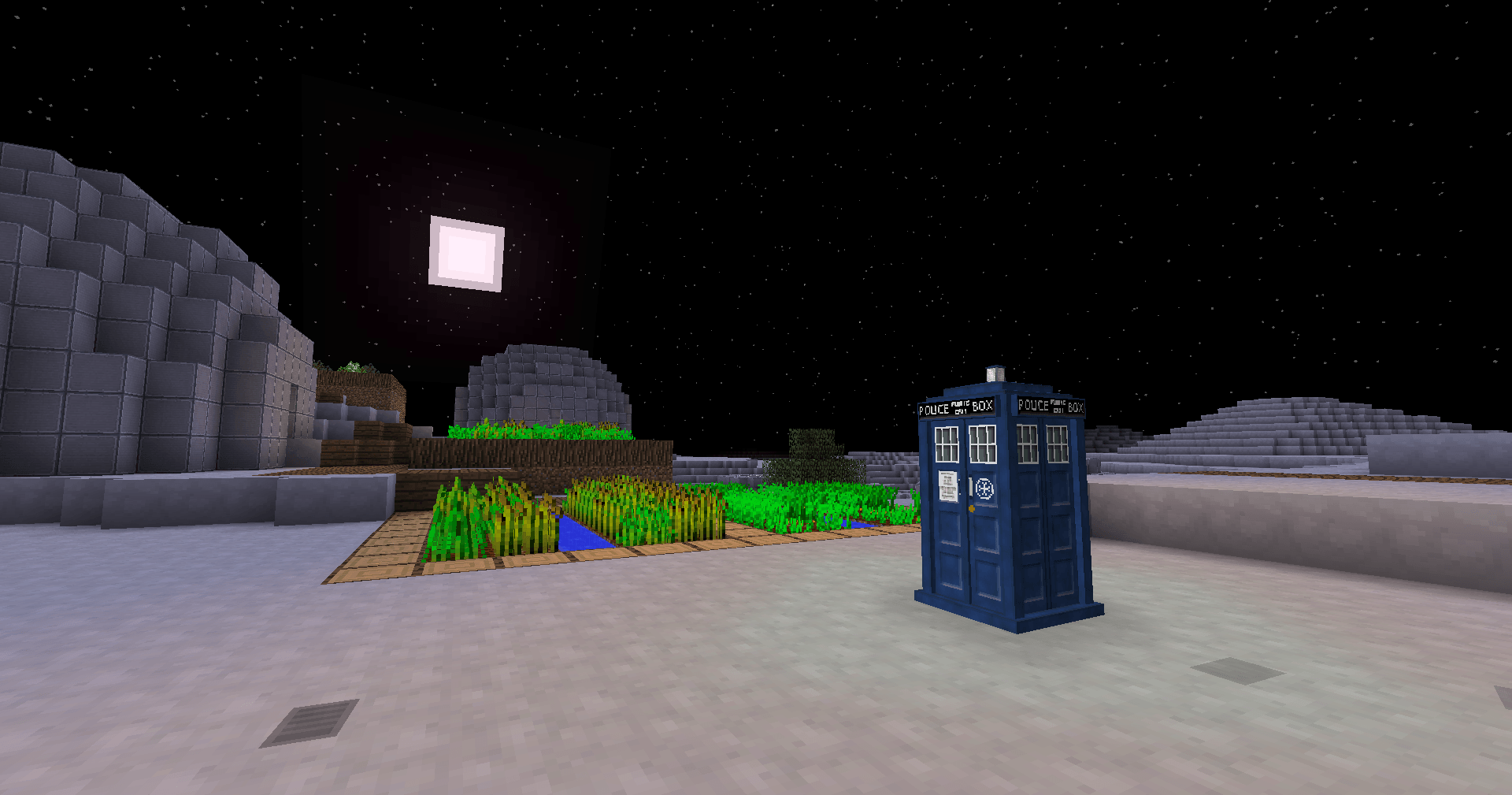 SpaceTravel.png SpaceTravel.png
Versions
Files
Relations
Project Relations
More like this
Similar Mods
Suggestions use data such as tags, dependencies, dependents, descriptions, titles, and more to rank how much they overlap with this mod.
On ModDex
Community snapshot
By the numbers
Statistics
Want to reach Minecraft players?
We're looking for a server hosting partner to feature here and other parts of the site. Interested? Send us a message!
Get in touchGet it on
Available Platforms
On ModDex
Community snapshot
By the numbers
Statistics
Resources