
Community listing page, reviews here may not be monitored by the author.

Community voices
Reviews
No reviews yet. Be the first to review this project!
Get it on
Available Platforms
About
Project Details
For authors
Embed Badge
If you're the author of this project, you can embed a live badge anywhere that supports HTML or Markdown. It updates automatically whenever ratings change.
Use HTML for any page that supports it, or Markdown for README files and Markdown-based descriptions.
Identifiers
Platform IDs
About
Description
Team Auras
A Minecraft datapack that lets you create team-based aura helmets. Players wearing an aura helmet grant configurable potion effects to themselves and nearby teammates.
Features
- Supports 8 configurable teams (
team1toteam8) - Turn any wearable helmet item into an aura helmet
- Configurable self and nearby teammate potion effects
- Configurable aura radius and effect amplifier
- Vanilla-compatible team customization
- Simple setup functions for creating teams and assigning aura helmets
- Compatible with Minecraft 1.21.11 to 26.2
Installation
- Download the latest release.
- Place the datapack into your world's
datapacksfolder. - Run:
/reload
Setup
Create the default teams:
/function team_auras:setup/create_teams
To turn the item in your main hand into a Team 1 aura helmet:
/function team_auras:item_apply/team1
Replace team1 with any team from team1 to team8.
Note: Aura items only grant their effects while equipped in the helmet slot. The
/function team_auras:apply/teamXfunctions only assign the aura to the held item. They do not make the item wearable as a helmet if it isn't already.If you want to use an item that is not normally wearable as a helmet, you can use Minecraft's
/givecommand with theequippableitem component to make it wearable in the helmet slot. This is a vanilla feature.
Team Customization
The datapack creates the default teams (team1 to team8).
You can freely customize these teams using vanilla Minecraft's team modify command, including:
- Display name
- Prefix
- Suffix
- Team color
- Friendly fire
- Collision rules
- Name tag visibility
- Death message visibility
- Any other supported
team modifyoptions
For example:
team modify team1 displayName {"text":"Red Team","color":"red","bold":true}
team modify team1 prefix {"text":"[RED] ","color":"red"}
team modify team1 color red
These customizations do not affect the aura system. As long as players remain on the correct team (team1 to team8), the datapack will continue to function normally.
Configuration
Each team's aura is configured in its corresponding function:
data/team_auras/function/team1.mcfunction
...
data/team_auras/function/team8.mcfunction
By default, each aura grants:
- Self: Glowing I
- Nearby teammates (10 block radius): Resistance I
Each team's function contains two commands:
- One that applies the effect to the wearer.
- One that applies the effect to nearby teammates.
For example:
# Self effect
execute as @a[team=team1,gamemode=!spectator] if items entity @s armor.head *[custom_data~{team:"team1"}] run effect give @s minecraft:glowing 2 0 true

# Nearby teammates
execute as @a[team=team1,gamemode=!spectator] if items entity @s armor.head *[custom_data~{team:"team1"}] at @s run effect give @a[team=team1,gamemode=!spectator,distance=..10] minecraft:resistance 2 0 true
You can customize:
- Potion effects
- Effect duration
- Effect amplifier (
0 = Level I,1 = Level II, etc.) - Aura radius (
distance=..10,distance=..20, etc.)
For example, to make Team 1 grant Speed II to the wearer and Regeneration I to teammates within 20 blocks:
execute as @a[team=team1,gamemode=!spectator] if items entity @s armor.head *[custom_data~{team:"team1"}] run effect give @s minecraft:speed 2 1 true

execute as @a[team=team1,gamemode=!spectator] if items entity @s armor.head *[custom_data~{team:"team1"}] at @s run effect give @a[team=team1,gamemode=!spectator,distance=..20] minecraft:regeneration 5 0 true
License
This project is licensed under the GNU General Public License v3.0 (GPL-3.0).
Screenshots
Gallery
-
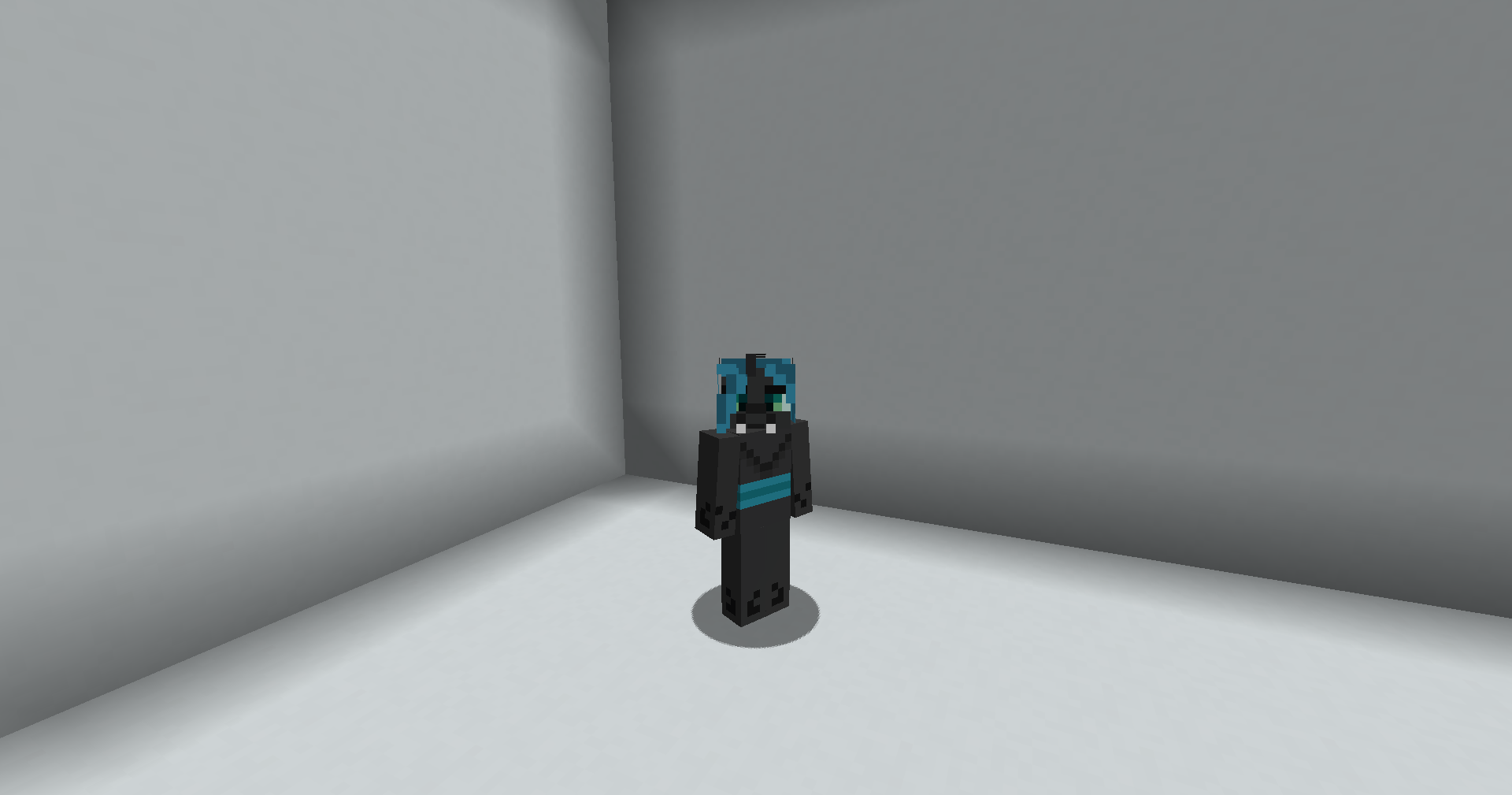 No helmet equipped Third person view
 -
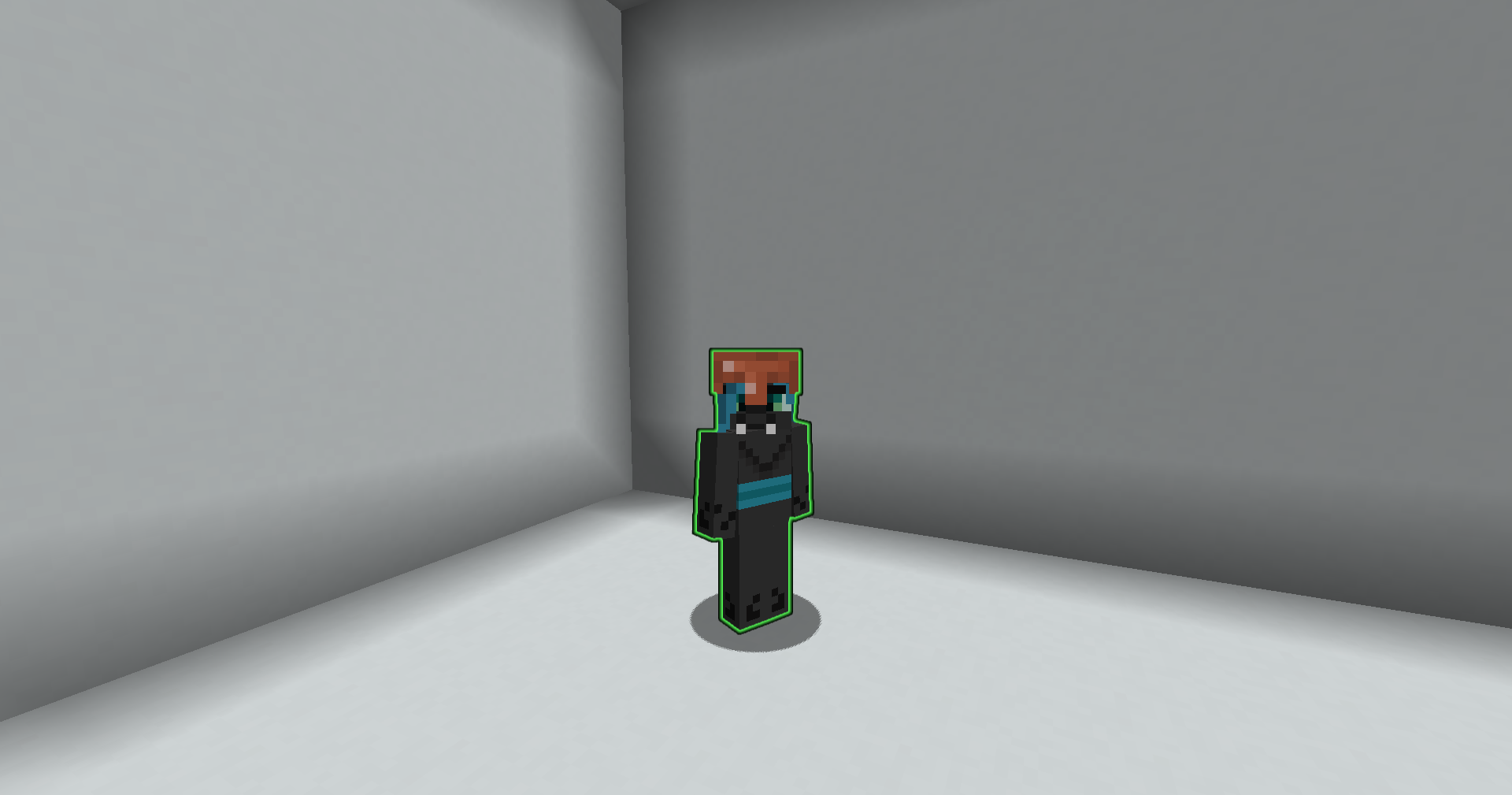 Aura helmet equipped Third person view
 -
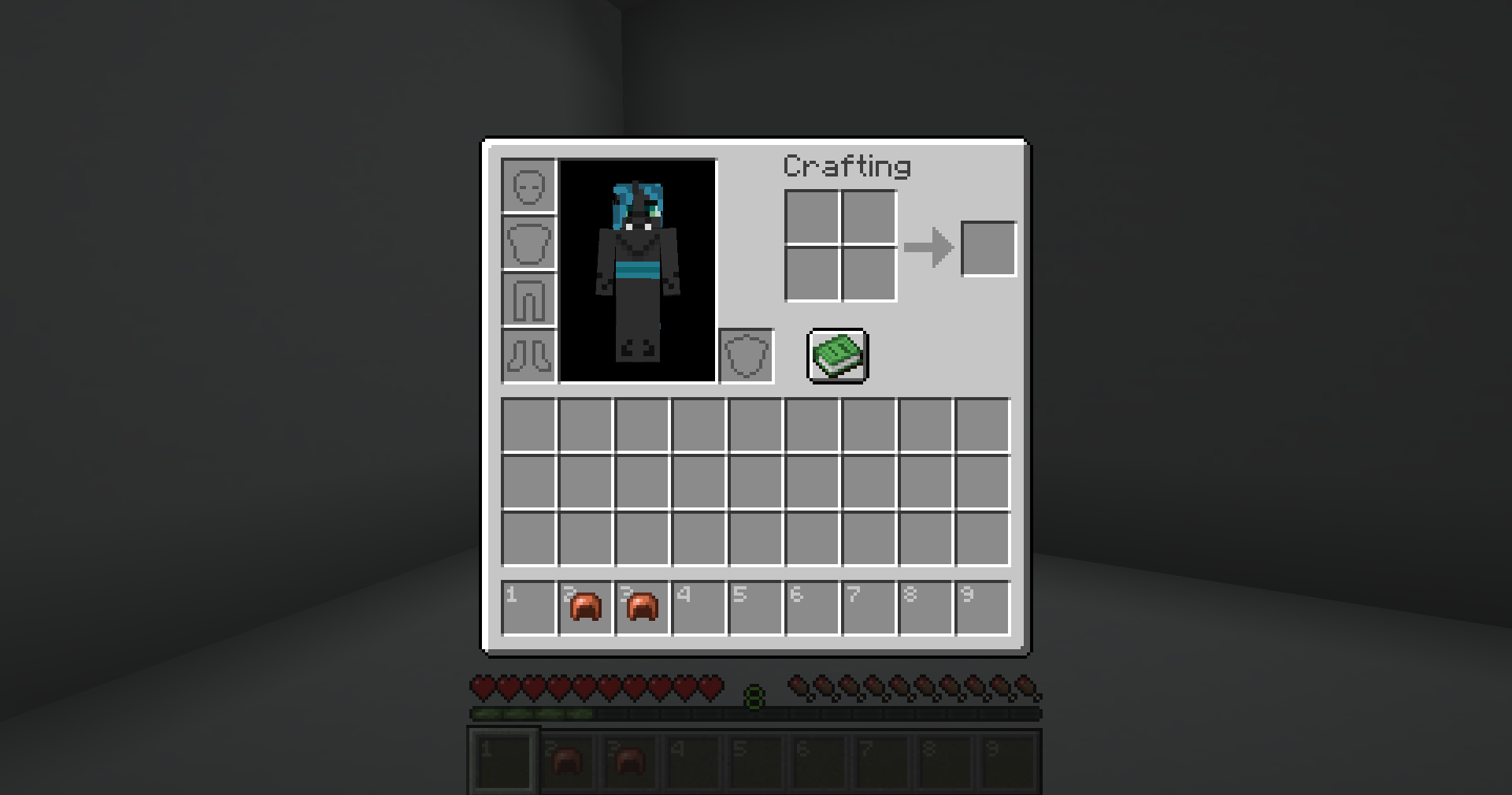 No aura helmet In the inventory menu
 -
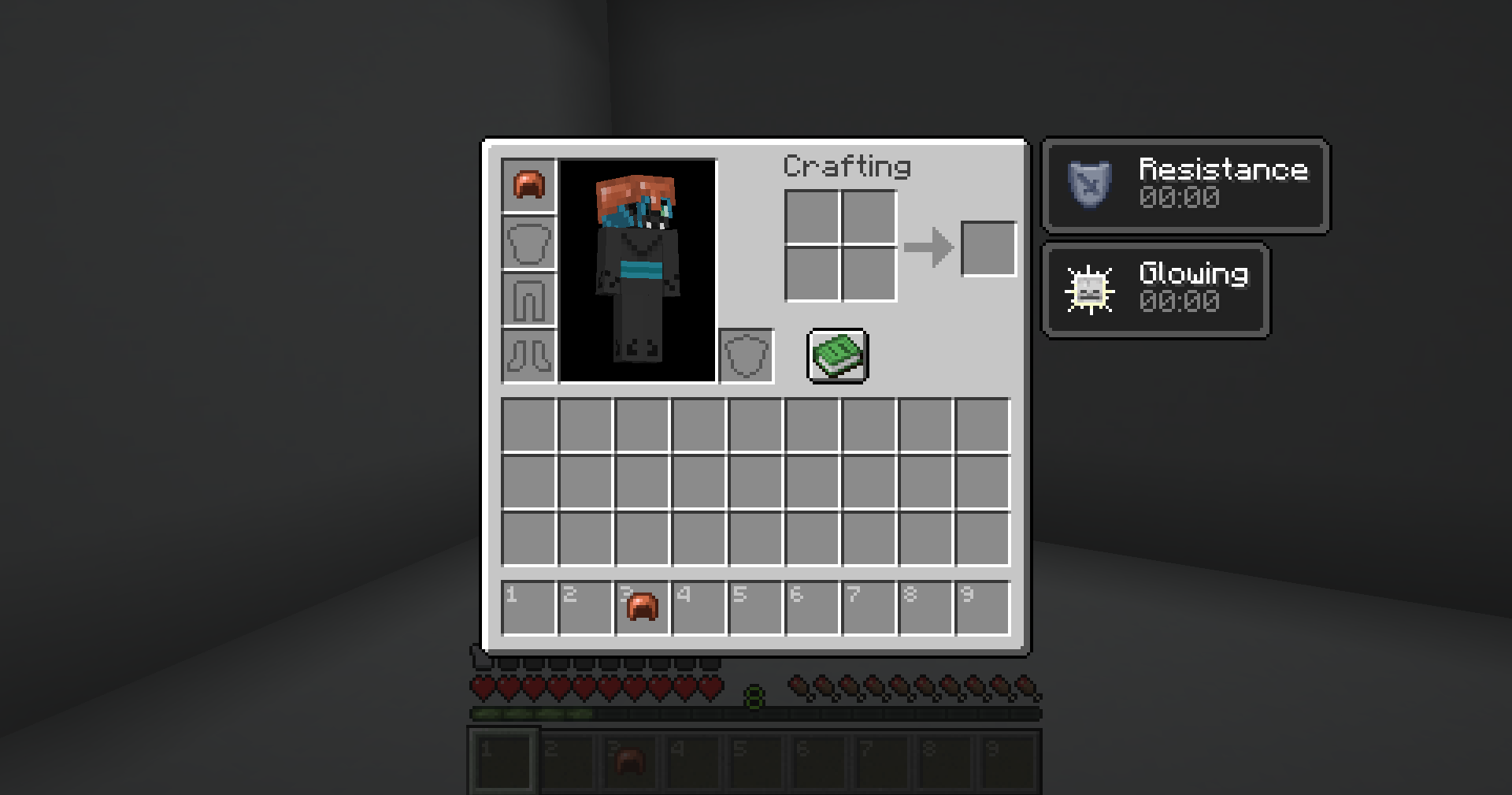 Aura helmet equipped In the inventory menu
 -
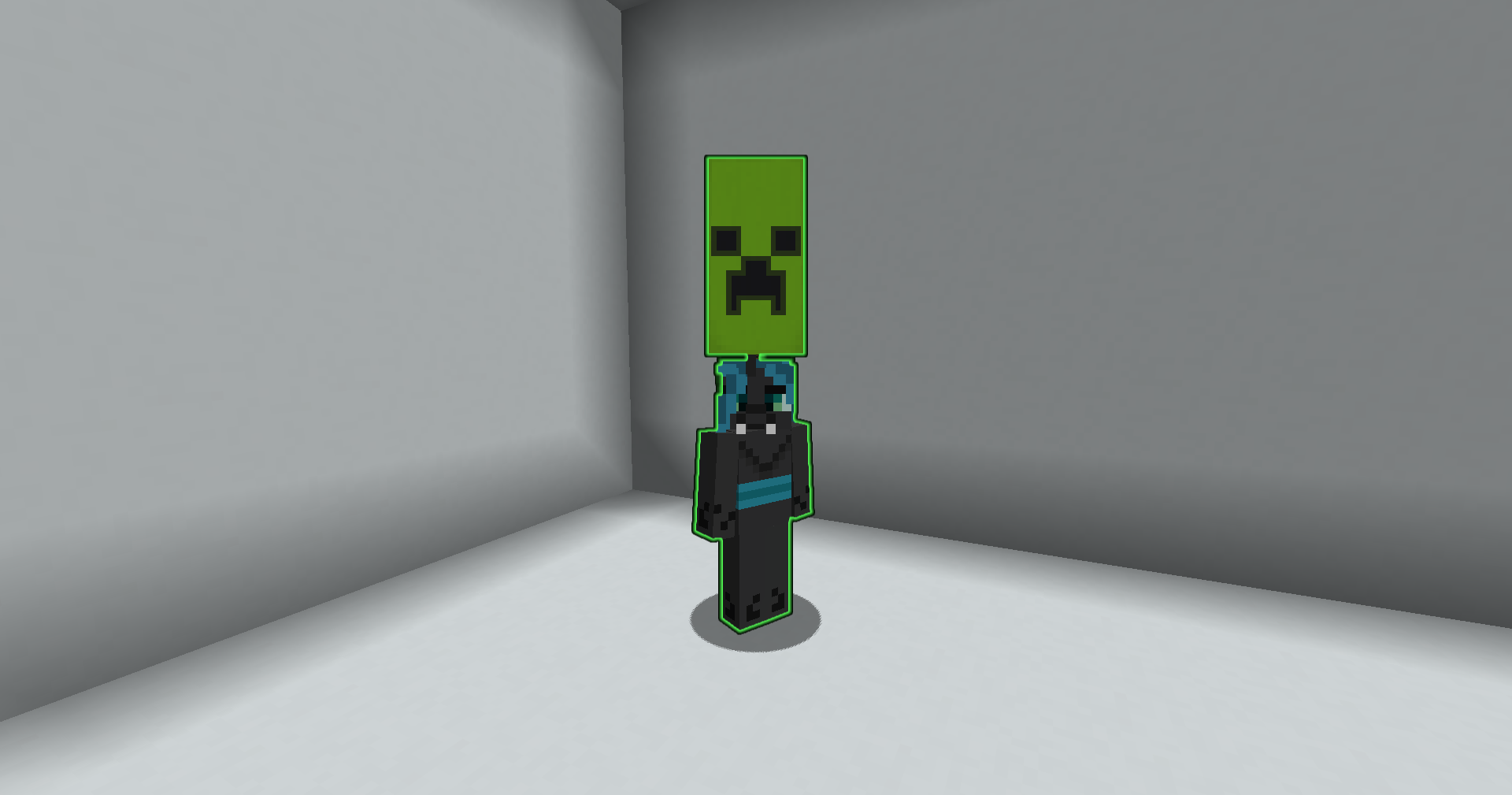 Using a banner as a helmet instead Other items can be used as helmets too! (provided you use commands to make it equippable on the helmet/head slot)
 -
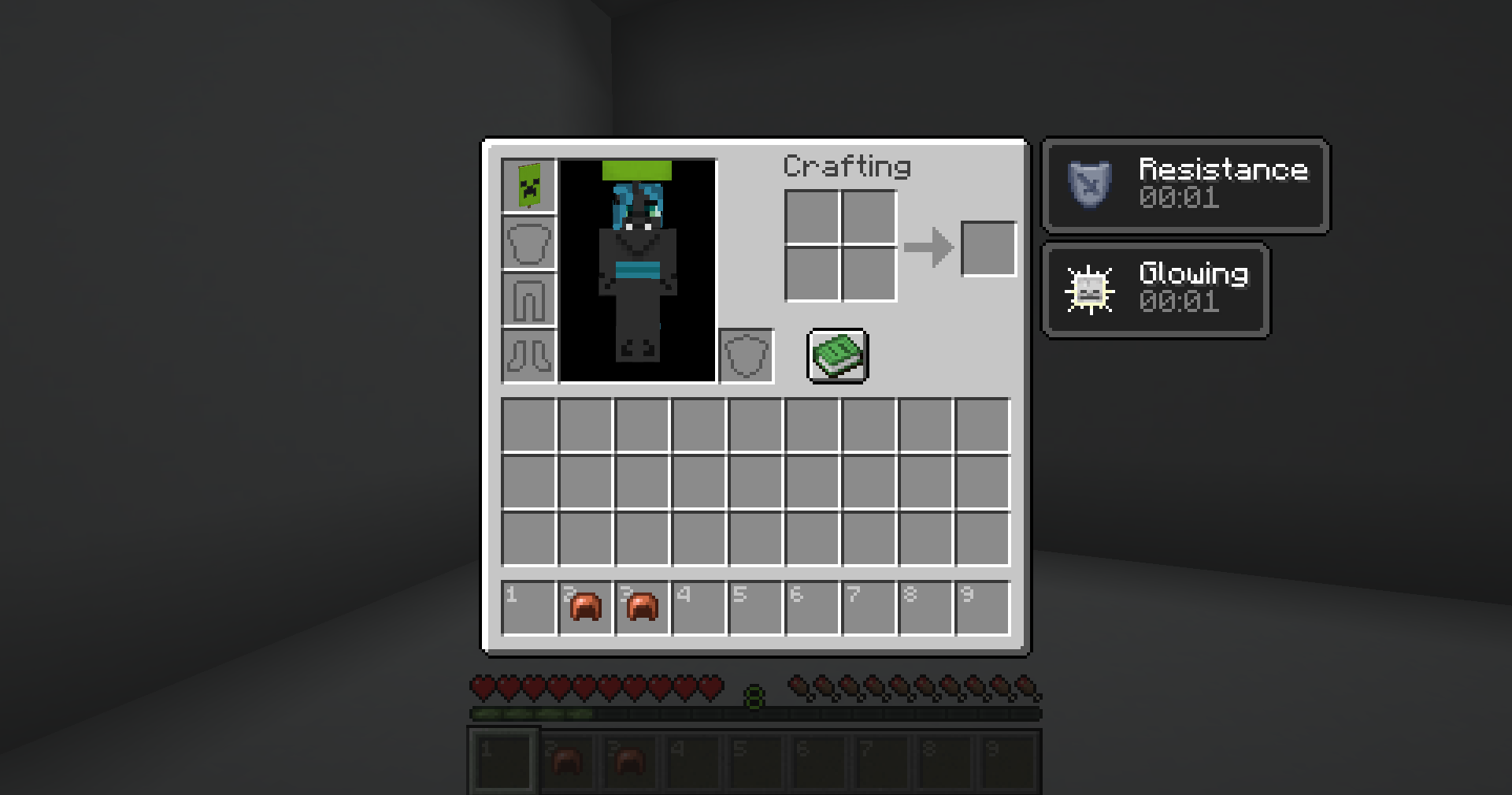 Using a banner as a helmet instead In the inventory menu
Versions
Files
Relations
Project Relations
More like this
Similar Mods
Suggestions use data such as tags, dependencies, dependents, descriptions, titles, and more to rank how much they overlap with this mod.
On ModDex
Community snapshot
By the numbers
Statistics

Want to reach Minecraft players?
We're looking for a server hosting partner to feature here and other parts of the site. Interested? Send us a message!
Get in touchGet it on
Available Platforms
On ModDex
Community snapshot
By the numbers