
Community listing page, reviews here may not be monitored by the author.
TeamPing

No reviews yet
📍 Team-based pings, quick responses, and customizable communication tools built for Minecraft co-op survival.
Community voices
Reviews
No reviews yet. Be the first to review this project!
Get it on
Available Platforms
About
Project Details
For authors
Embed Badge
If you're the author of this project, you can embed a live badge anywhere that supports HTML or Markdown. It updates automatically whenever ratings change.
Use HTML for any page that supports it, or Markdown for README files and Markdown-based descriptions.
Identifiers
Platform IDs
Resources
External Links
About
Description
TeamPing
📍 Fast communication for co-op survival.
TeamPing is a communication-focused mod for Minecraft 1.21.1 NeoForge.
Instead of opening chat, typing coordinates, or using voice chat, players can communicate instantly using team-based pings, quick responses, and customizable radial menus.
Whether you're exploring caves, fighting bosses, building a base, or searching for structures, TeamPing helps your group stay coordinated without interrupting gameplay.
✨ Features
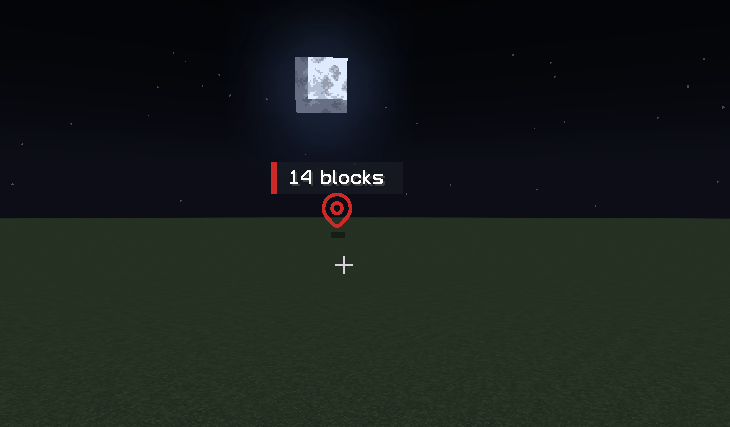
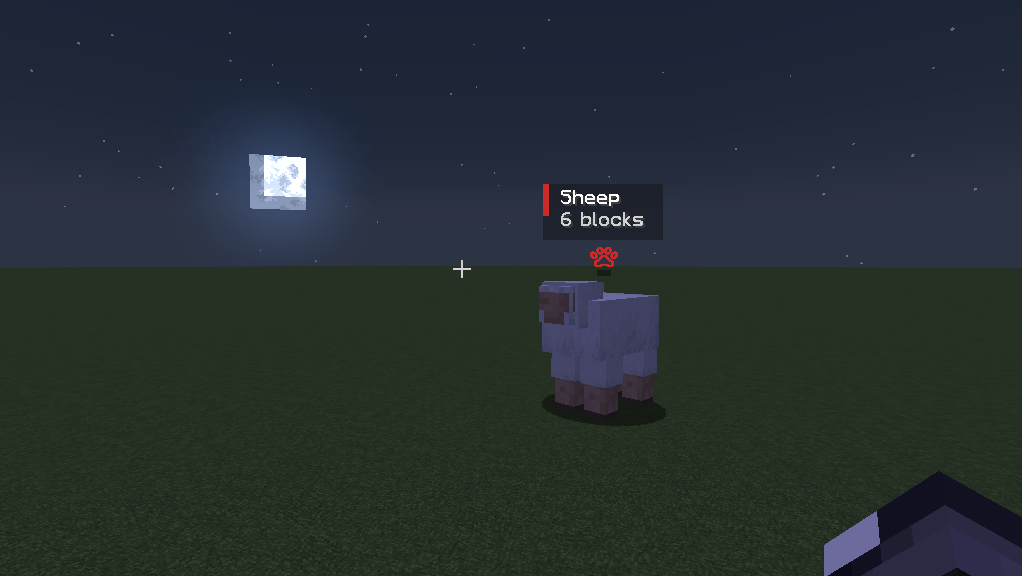
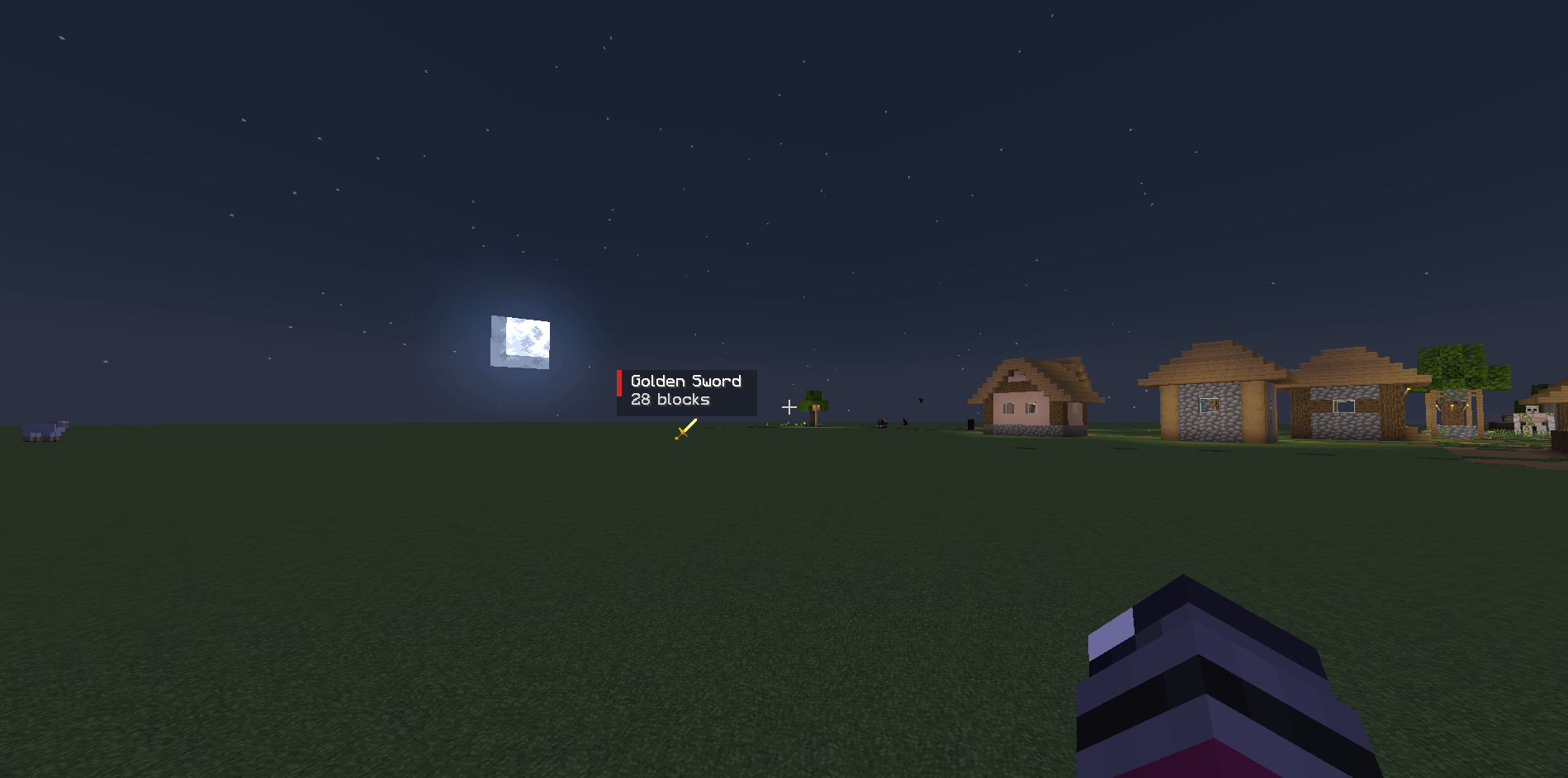
📍 Team Pings
Create visual markers that only your teammates can see.
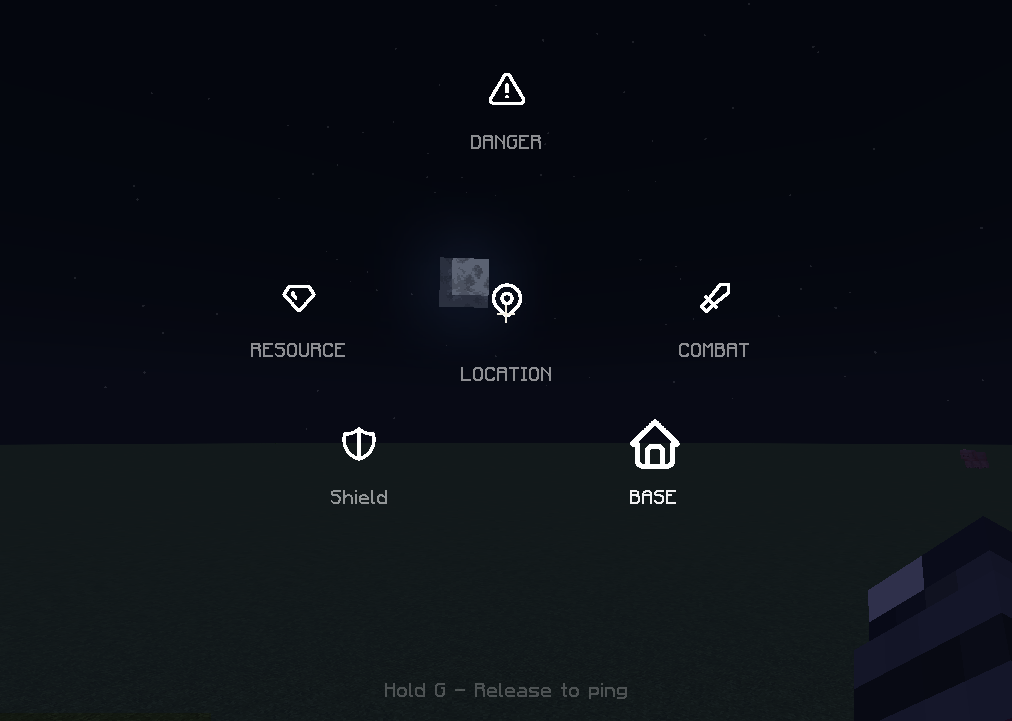
Available ping types:
-
⚠ Danger
-
⛏ Resource
-
⚔ Combat
-
📦 Loot
-
🏠 Base
-
📍 Location
Pings can be placed on:
-
Blocks
-
Dropped items
-
Hostile mobs
-
Passive mobs
Moving entities can even be tracked while they remain valid.
👥 Team System
Choose a team and communicate only with players who belong to that team.
Available teams:
-
🔵 Blue
-
🔴 Red
-
🟢 Green
-
🟡 Yellow
Commands:
/pingteam azul
/pingteam vermelho
/pingteam verde
/pingteam amarelo
/pingteam sair
🎯 Radial Ping Wheel
Hold G to open the communication wheel.
Release the key to instantly send a ping.
Designed for fast multiplayer coordination without opening menus or chat.
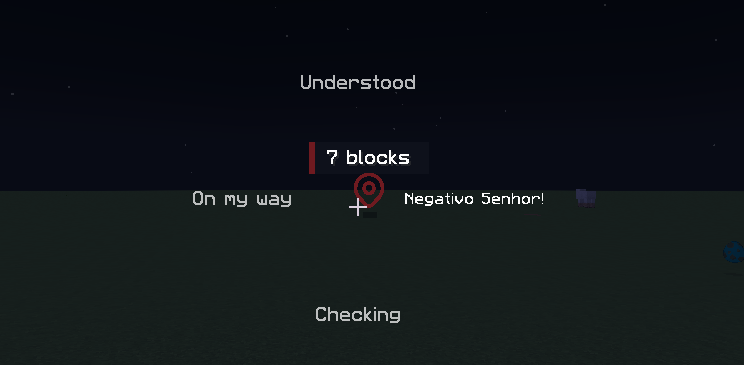
👍 Quick Responses
Respond to teammate pings instantly.
Hold R to open the acknowledgement wheel.
Available responses:
-
👍 Understood
-
👣 On My Way
-
❌ Negative
-
👀 Checking
You can also use quick shortcuts:
| Key | Response |
|---|---|
| Z | Understood |
| X | On My Way |
| C | Negative |
| V | Checking |
No typing required.
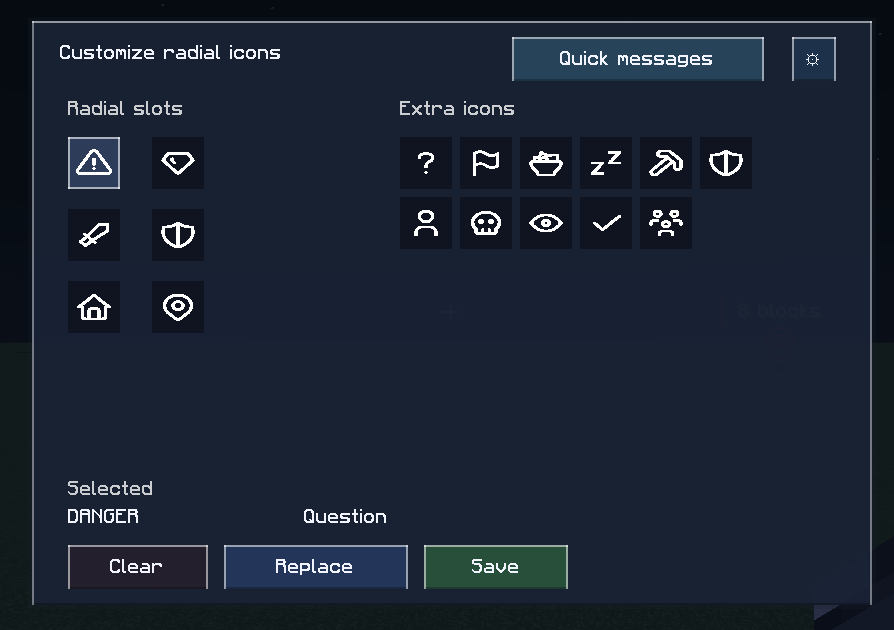
⚙ Customization
Customize your communication experience.
Players can:
-
Change radial icons
-
Rename quick responses
-
Configure visual settings
-
Adjust ping appearance
-
Create personalized layouts
Examples:
Understood → Beleza
On My Way → Indo
Negative → Não Posso
🖥 Server Friendly
The server is always authoritative.
This means:
✅ Team validation
✅ Ping validation
✅ Cooldown enforcement
✅ Active ping limits
✅ Dedicated server support
Clients can request actions, but the server decides what is valid and who receives it.
🎮 Controls
| Control | Action |
|---|---|
| G (Tap) | Quick Location Ping |
| G (Hold) | Open Ping Wheel |
| G (Hold on your ping) | Remove Ping |
| Shift + G | Remove All Personal Pings |
| R (Hold) | Open Response Wheel |
| U | Open Customization Menu |
| Z | Understood |
| X | On My Way |
| C | Negative |
| V | Checking |
⚙ Configuration
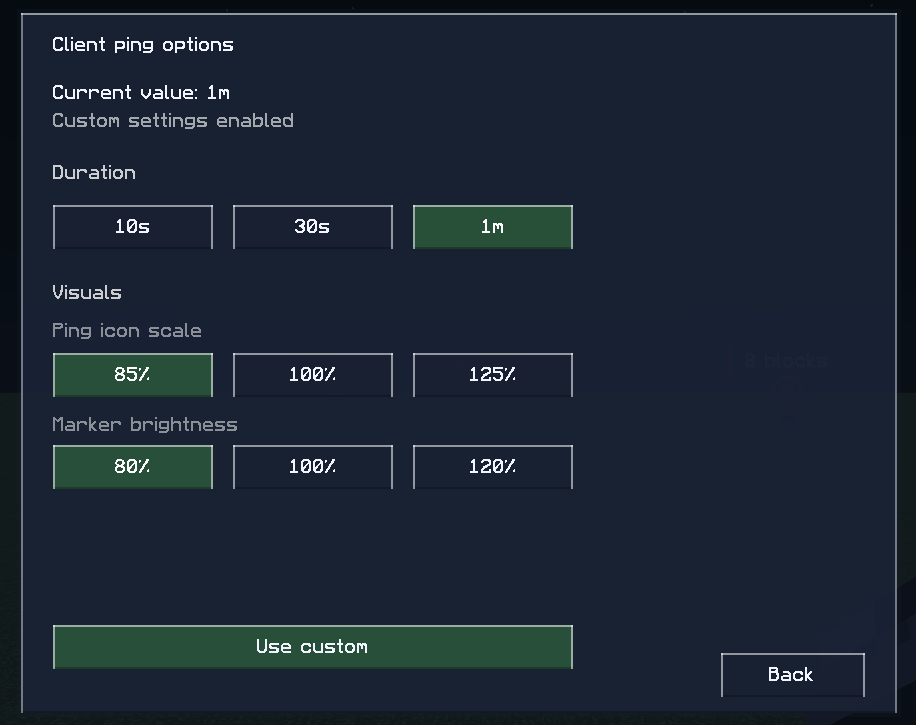
Client settings:
-
Ping duration
-
Marker size
-
Marker brightness
-
Acknowledgement duration
Server settings:
-
Cooldowns
-
Ping distance
-
Active ping limits
-
Team validation
-
Client override permissions
🏹 Perfect For
-
Co-op Survival
-
Friend Groups
-
SMP Servers
-
Exploration
-
Building Teams
-
Cave Expeditions
-
Boss Fights
-
Structure Hunting
🚀 Future Plans
-
Additional ping categories
-
Team presets
-
Custom icon packs
-
Public addon API
-
More ping target types
-
Sound customization
-
Expanded communication tools
⭐ More Than A Ping System
TeamPing is not just a ping mod.
It's a complete communication toolkit built specifically for Minecraft co-op survival.
Screenshots
Gallery
-
 Screenshot_11.png Screenshot_11.png
 -
 Screenshot_10.png Screenshot_10.png
 -
 Screenshot_9.png Screenshot_9.png
 -
 Screenshot_8.png Screenshot_8.png
 -
 Screenshot_7.png Screenshot_7.png
 -
 Screenshot_6.png Screenshot_6.png
 -
 Screenshot_5.png Screenshot_5.png
 -
 Screenshot_4.png Screenshot_4.png
Versions
Files
Relations
Project Relations
More like this
Similar Mods
Suggestions use data such as tags, dependencies, dependents, descriptions, titles, and more to rank how much they overlap with this mod.
On ModDex
Community snapshot
By the numbers
Statistics
Want to reach Minecraft players?
We're looking for a server hosting partner to feature here and other parts of the site. Interested? Send us a message!
Get in touchGet it on
Available Platforms
On ModDex
Community snapshot
By the numbers
Statistics
Resources