Community listing page, reviews may not be monitored by the author.
Tensura: Death Screens

No reviews yet
Tensura inspired death animations, configurable selection and safe previews, with matching transitions back into the world after respawning.

Community voices
Reviews
No reviews yet. Be the first to review this project!
Get it on
Available Platforms
About
Project Details
For authors
Embed Badge
If you're the author of this project, you can embed a live badge anywhere that supports HTML or Markdown. It updates automatically whenever ratings change.
Use HTML for any page that supports it, or Markdown for README files and Markdown-based descriptions.
Identifiers
Platform IDs
Resources
External Links
About
Description
Description
Make each death feel like part of your Tensura story. Tensura: Deaths draws ten themed animations over the world, from shattered glass and drifting magicules to Predator and Infinite Prison. After you choose Respawn, the effect transitions back into the world as it loads.
- Ten distinct animations: Choose a favorite, cycle through the general purpose styles or let the mod choose a random general purpose style without repeating it immediately.
- Match the cause: Falls, explosions, drowning and fire can automatically select their corresponding effects. Cause matching can be turned off in the client configuration.
- Preview without dying: Use
/tensuradeaths previewto try an animation over your current view. The preview's Next button cycles styles, Respawn previews the return transition and Escape closes the preview. - Keep familiar death controls: Minecraft's death screen actions, button delay and hardcore choices remain available within the themed presentation.
- Respect reduced motion: Effects follow the reduced motion setting supplied by Tensura Main Menu.
- Choose Minecraft's presentation: The configuration also includes a Minecraft death screen option.
Animation styles
| Number | Animation | Preview identifier |
|---|---|---|
| 1 | Shattered Glass | glass |
| 2 | Last Sight | last_sight |
| 3 | Predator | predator |
| 4 | Magicule Dispersal | magicules |
| 5 | Infinite Prison | prison |
| 6 | Instant Slash | slash |
| 7 | Hard Landing | fall |
| 8 | Blast | blast |
| 9 | Drowned | drown |
| 10 | Black Flame | burn |
The first six styles form the random and in-turn selection pool. Hard Landing, Blast, Drowned and Black Flame are the cause-specific styles; any of the ten can also be chosen explicitly.
Commands
/tensuradeaths previewpreviews the next animation without killing the player./tensuradeaths preview predatorpreviews a specific style; use any preview identifier from the table./tensuradeaths listlists all ten styles and their numbers./kill <1-10> [targets]kills the selected players using the numbered animation. This server command requires operator permission level 2. Without a target, it acts on the player running it. Install Tensura Deaths on the server and relevant clients for this feature.
The ordinary /kill <targets> command remains available.
Installation and Dependencies
- Release described: 0.1.9 (
tensura_deaths-0.1.9.jar) - Minecraft: 1.21.1 (
minecraft,[1.21.1]) - Loader: NeoForge 21.1 or newer (
neoforge,[21.1,)) - Java: 21
- Required client mod: Tensura Main Menu 0.4.39 or newer (
tensura_mainmenu,[0.4.39,)) - Install on: Clients for the animations and previews. Also install on the server when using the numbered kill commands and their custom damage types. Tensura Main Menu is required on clients; it is not required on dedicated servers.
The verified modpack setup uses Minecraft 1.21.1, NeoForge 21.1.250 and Tensura Main Menu 0.4.40.
Configuration
Client settings are stored in config/tensura_deaths-client.toml:
animation:RANDOMby default. Other choices areIN_TURN,SHATTERED_GLASS,LAST_SIGHT,PREDATOR,MAGICULES,INFINITE_PRISON,INSTANT_SLASH,HARD_LANDING,BLAST,DROWNED,BLACK_FLAMEandMINECRAFT.match_cause:trueby default. Falls, explosions, drowning and fire use their matching animation while this is enabled, unless the Minecraft presentation is selected.
The numbered kill command explicitly requests its chosen animation.
Custom License
Custom License - Tensura Mods License.
Screenshots
Gallery
-
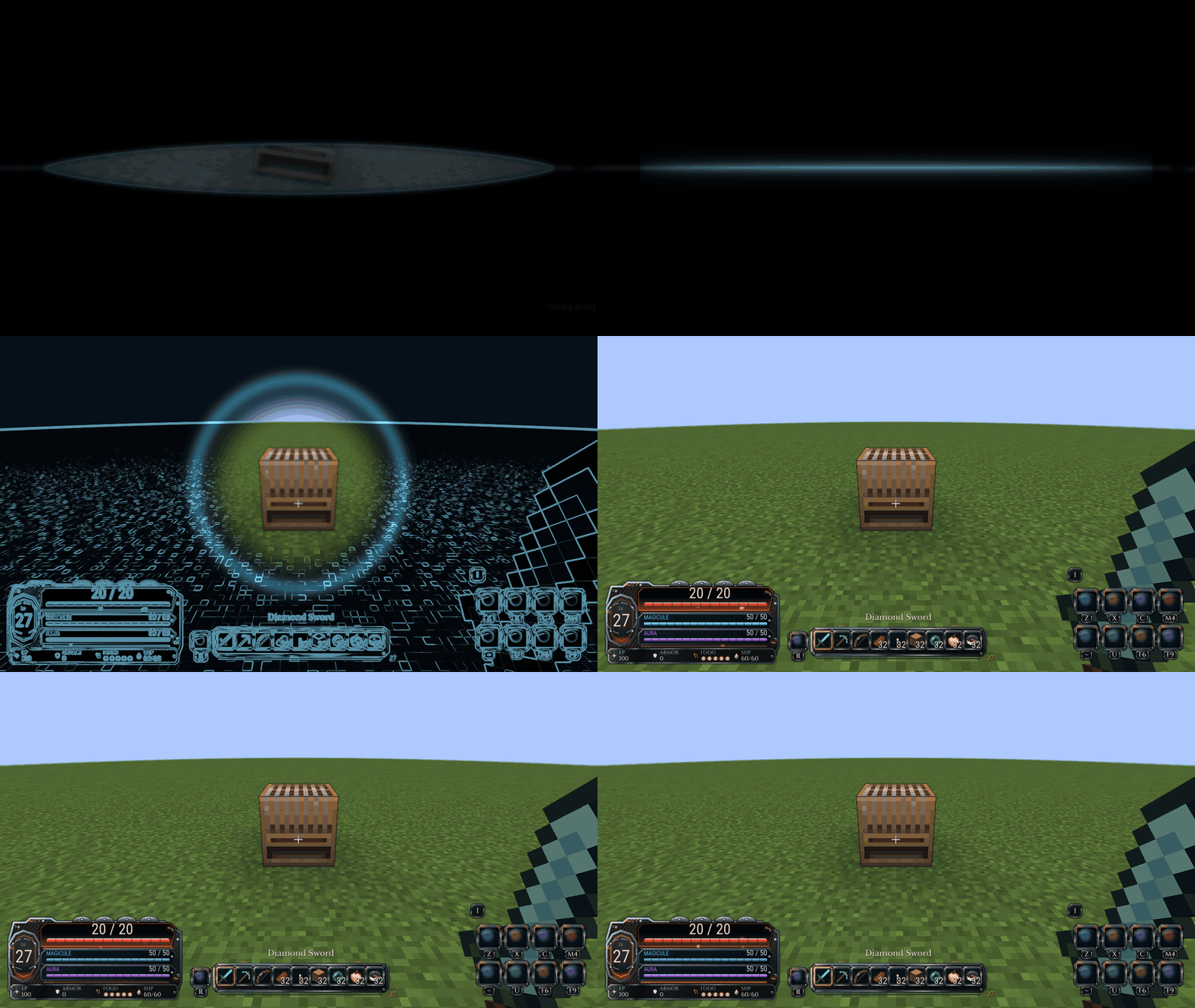 last_sight-respawn.gif last_sight-respawn.gif
 -
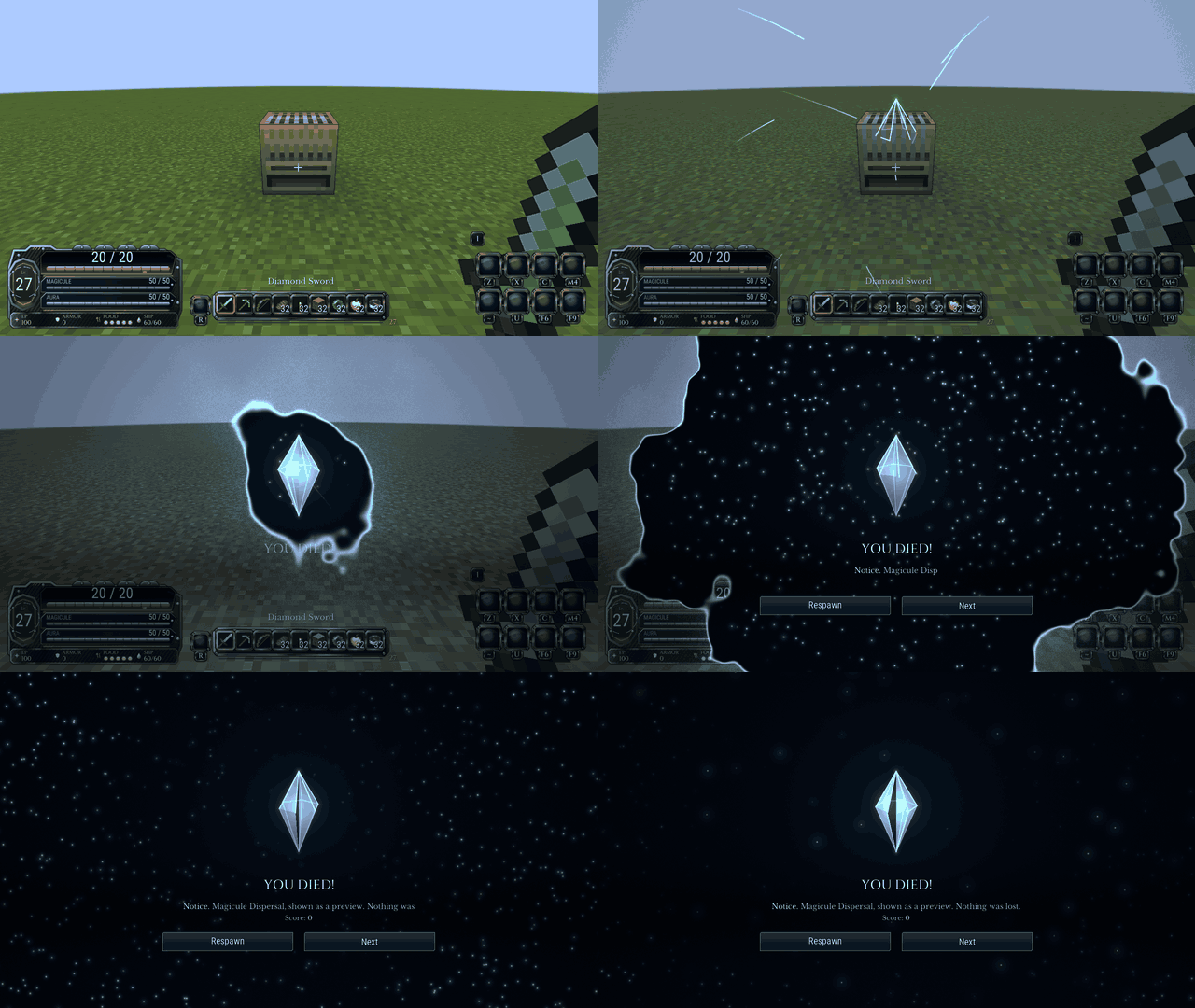 magicules.gif magicules.gif
 -
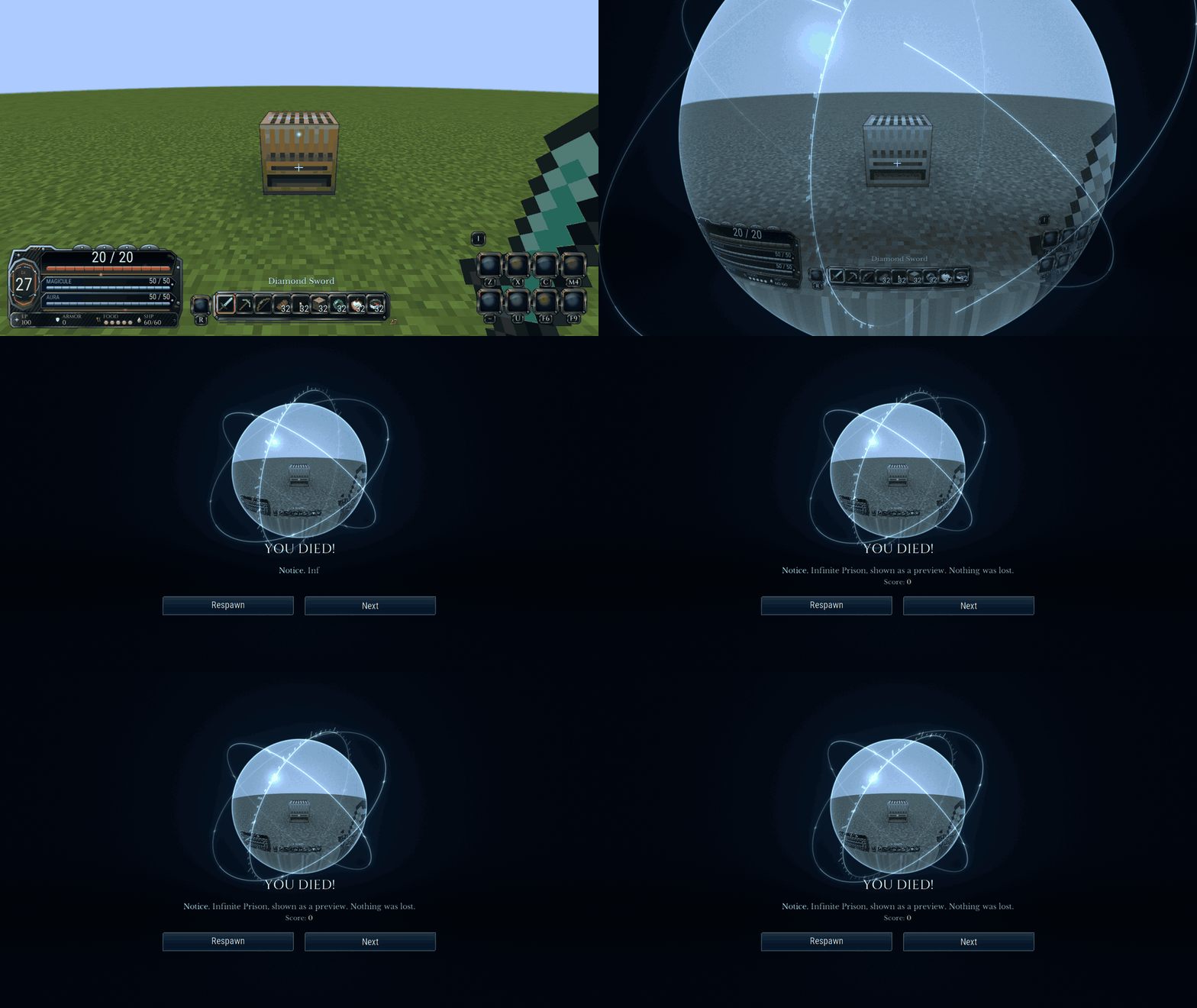 prison.gif prison.gif
 -
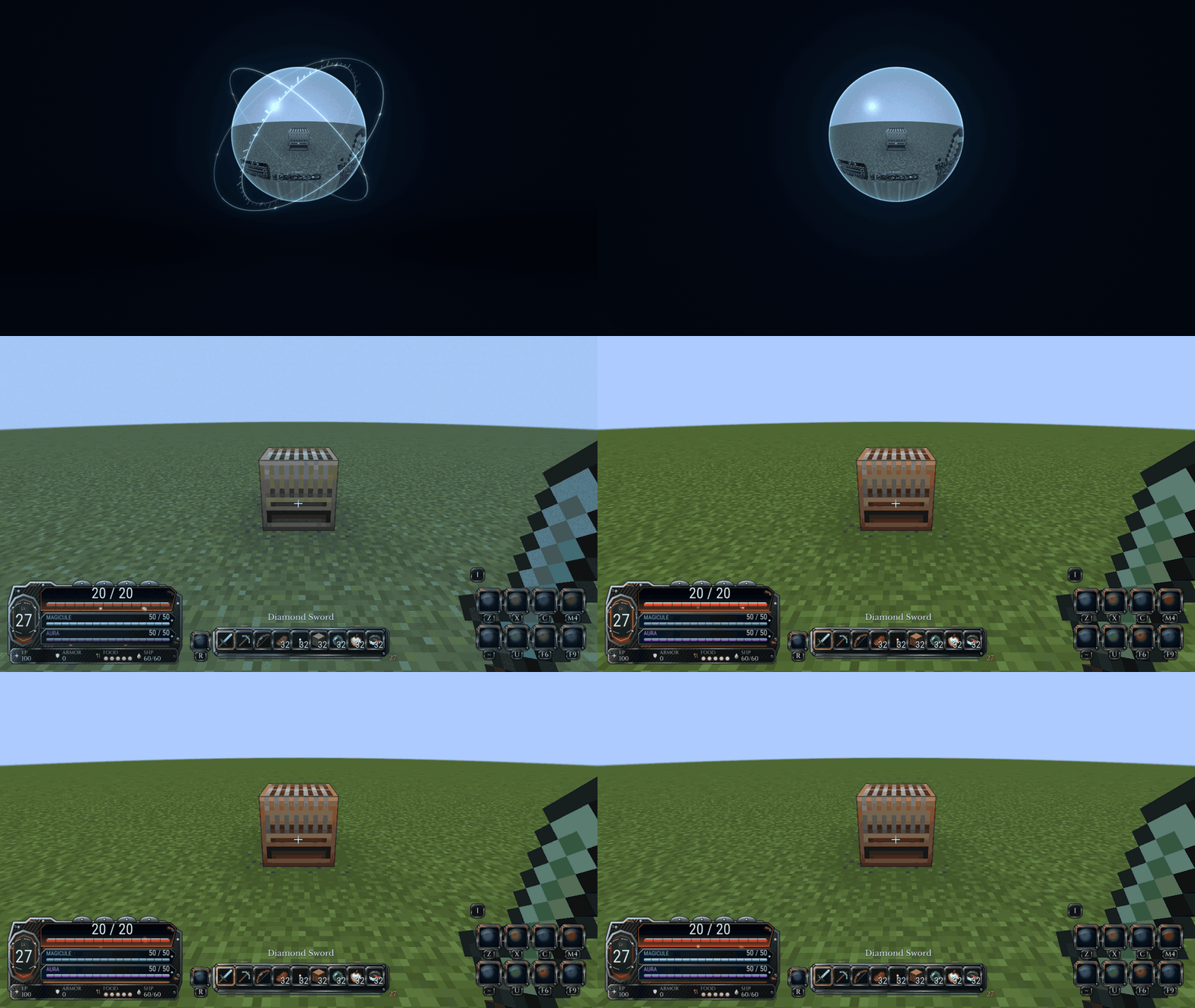 prison-respawn.gif prison-respawn.gif
 -
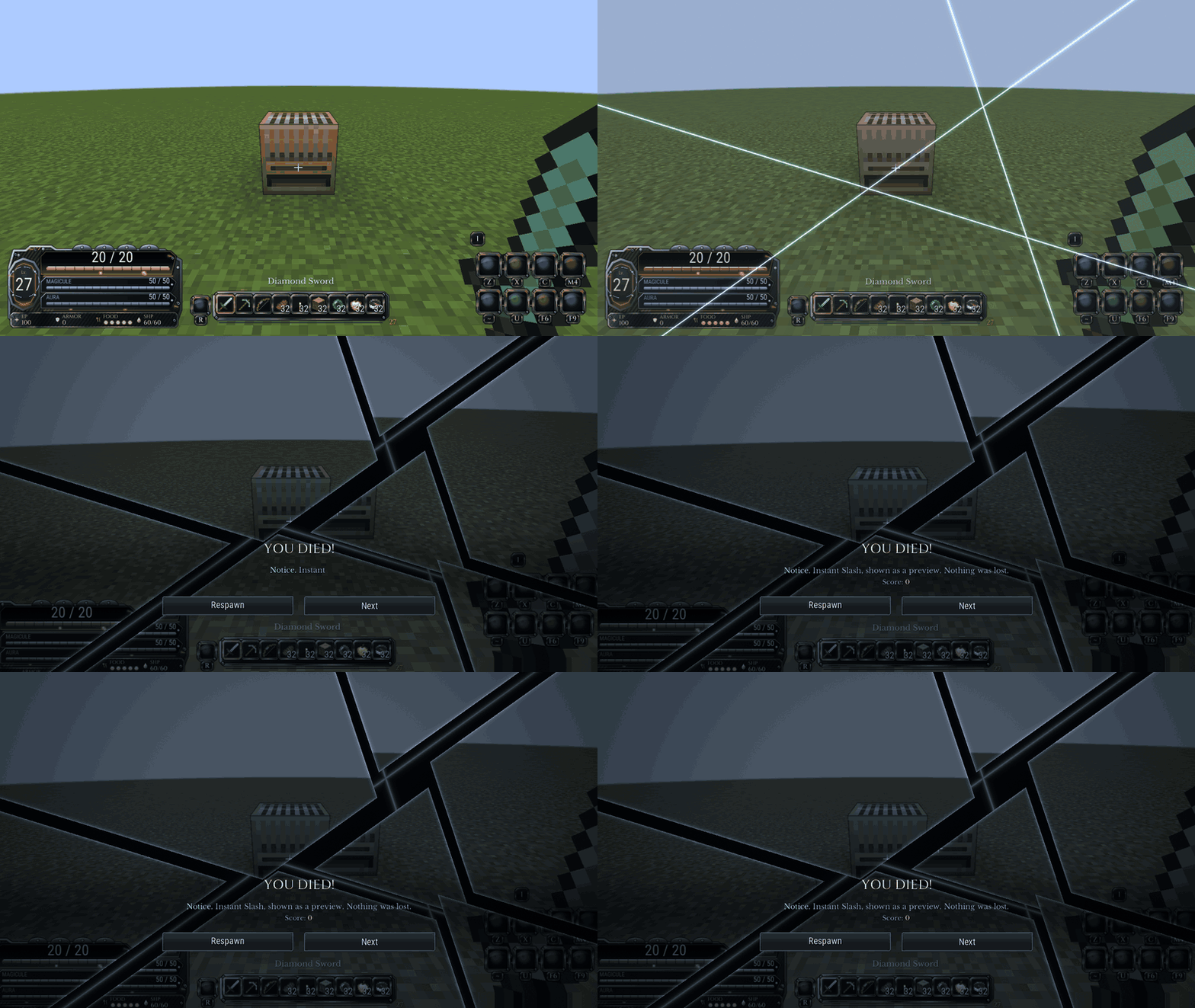 slash.gif slash.gif
 -
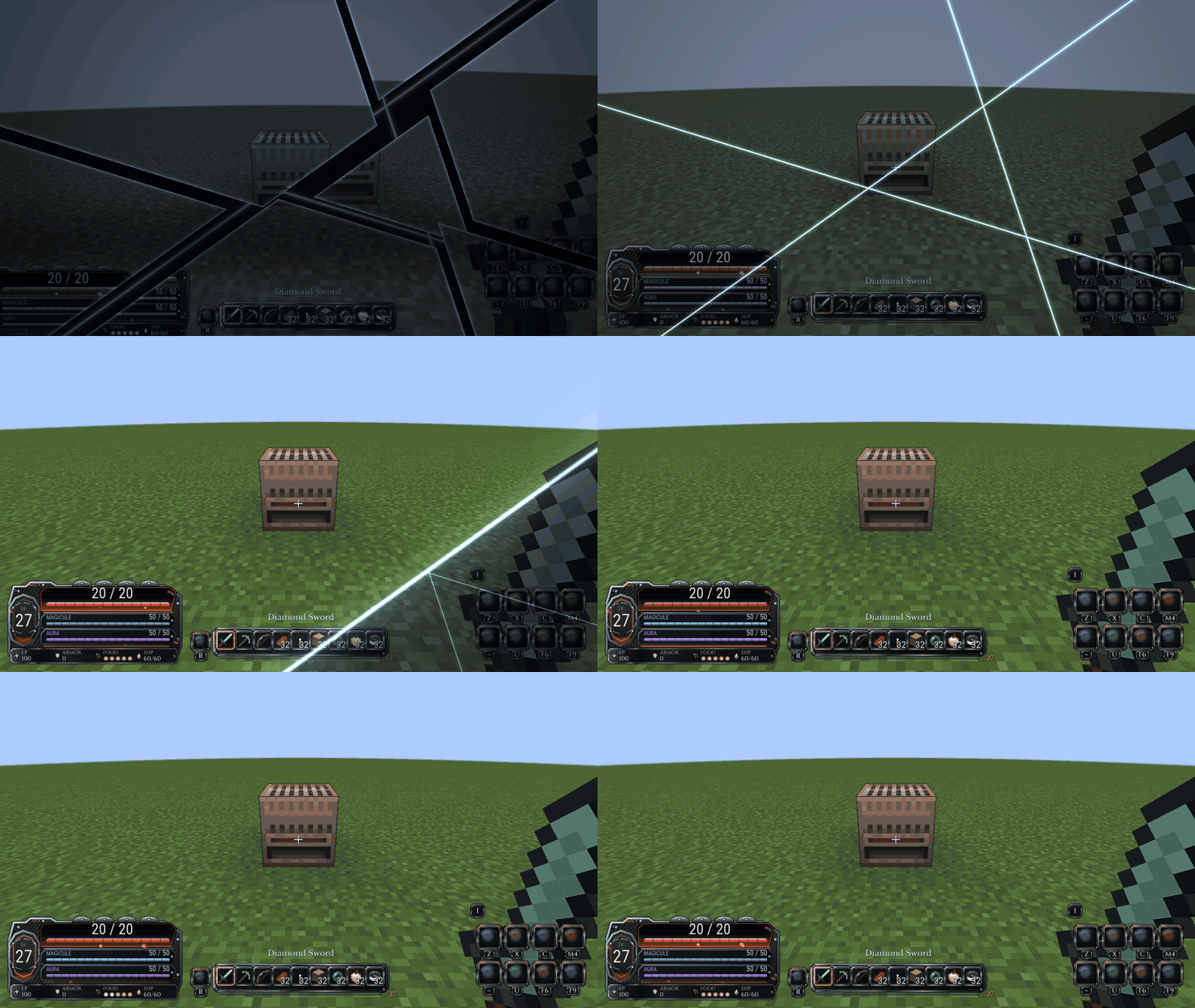 slash-respawn.gif slash-respawn.gif
 -
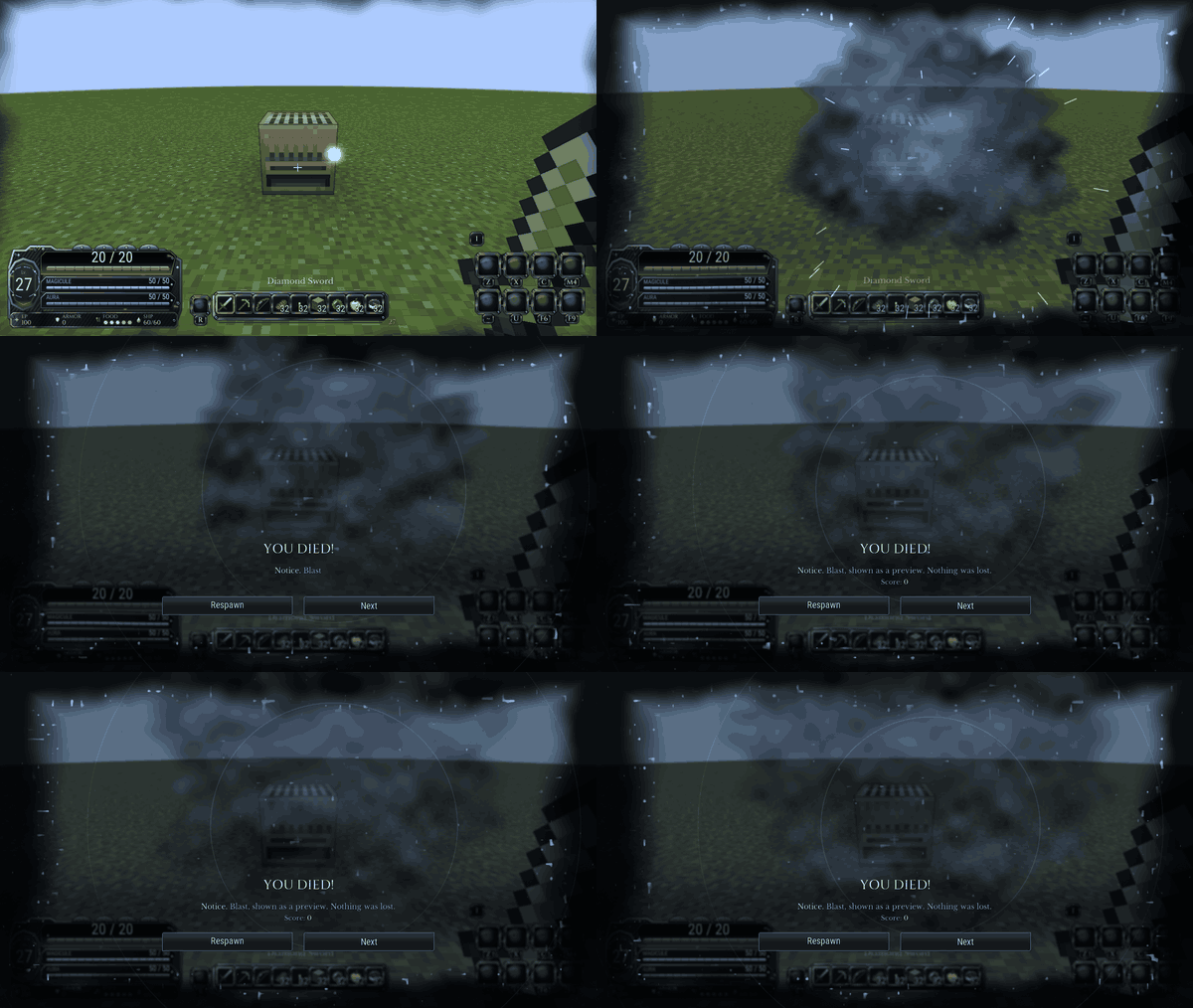 blast.gif blast.gif
 -
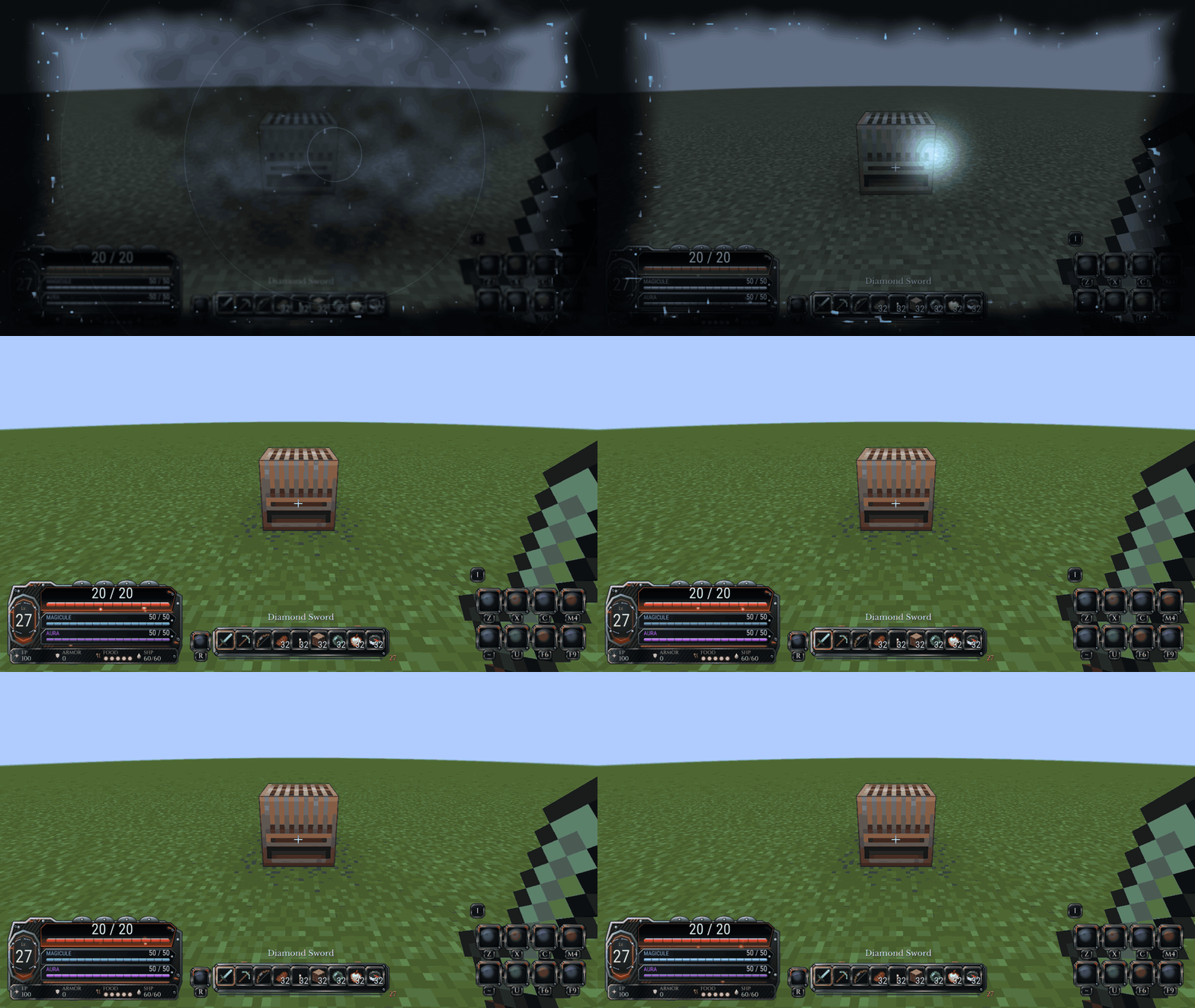 blast-respawn.gif blast-respawn.gif
 -
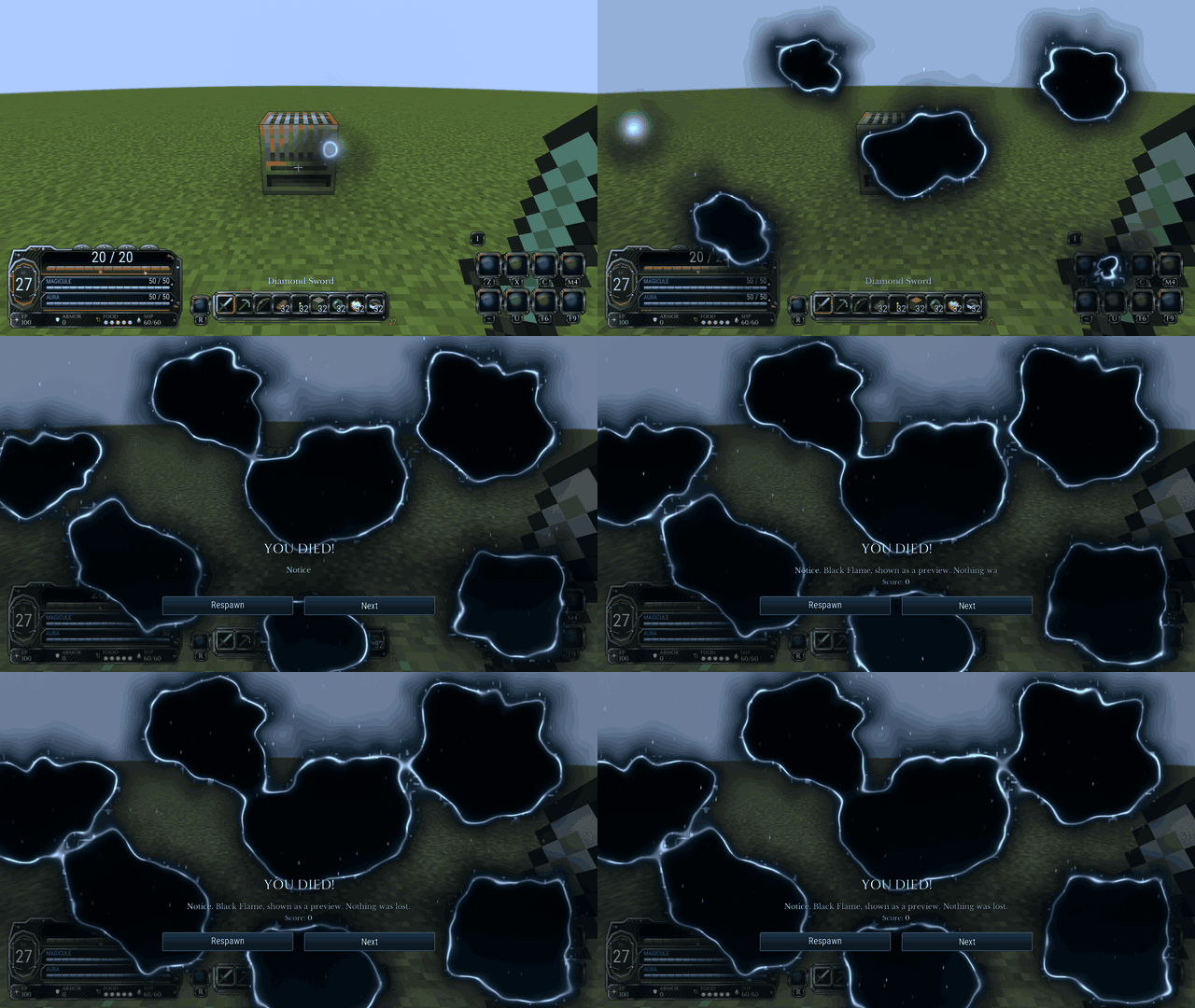 burn.gif burn.gif
 -
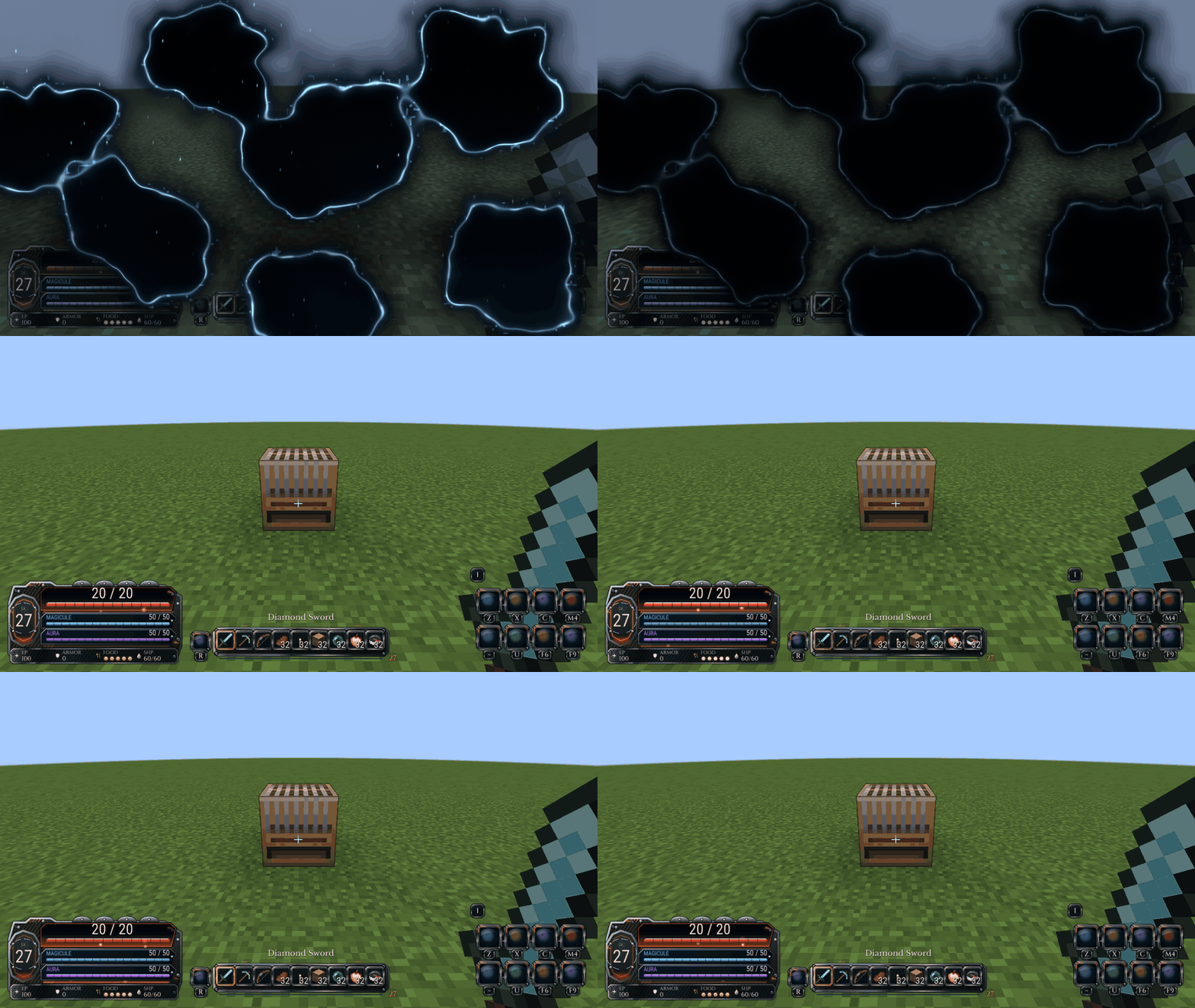 burn-respawn.gif burn-respawn.gif
 -
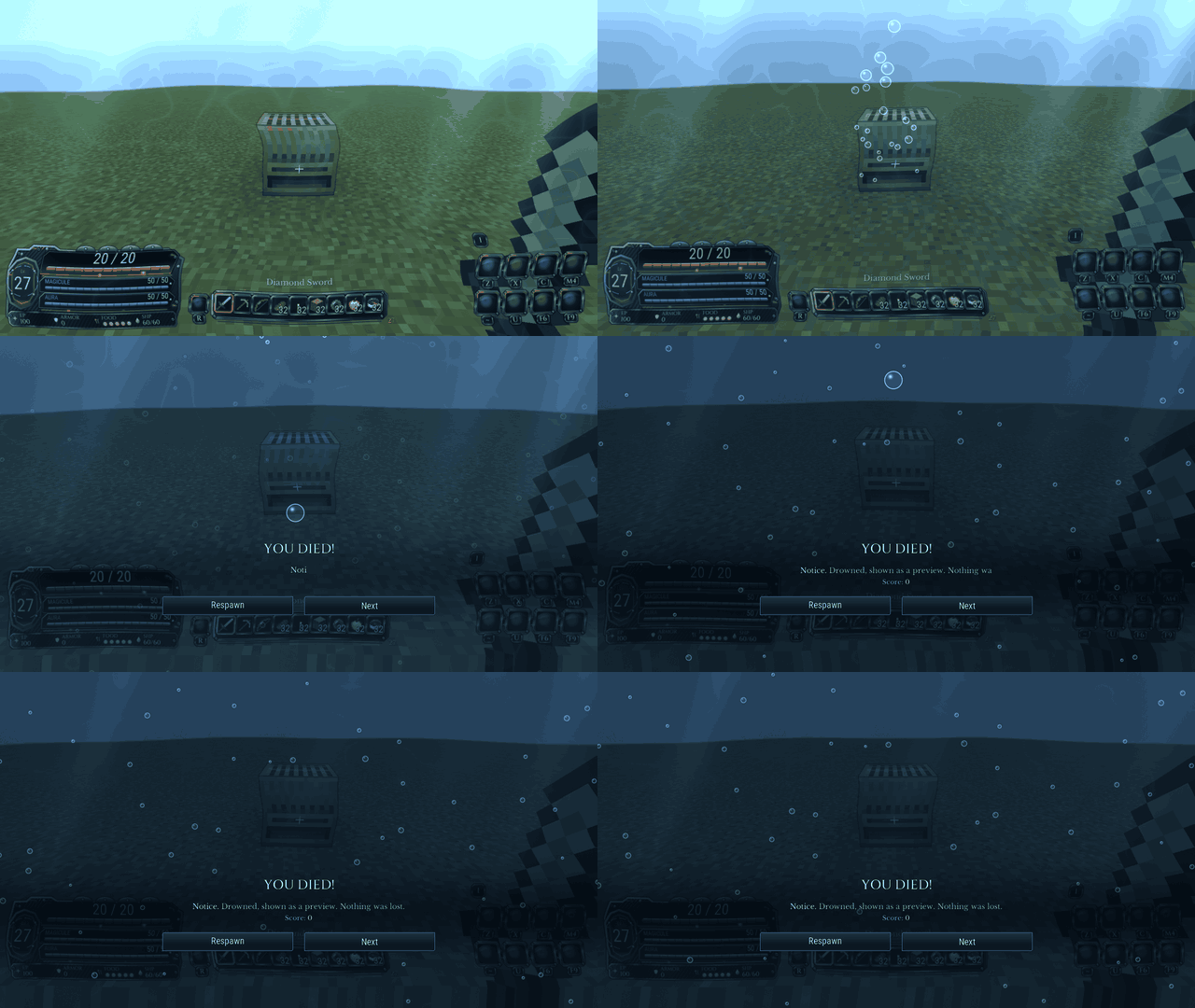 drown.gif drown.gif
 -
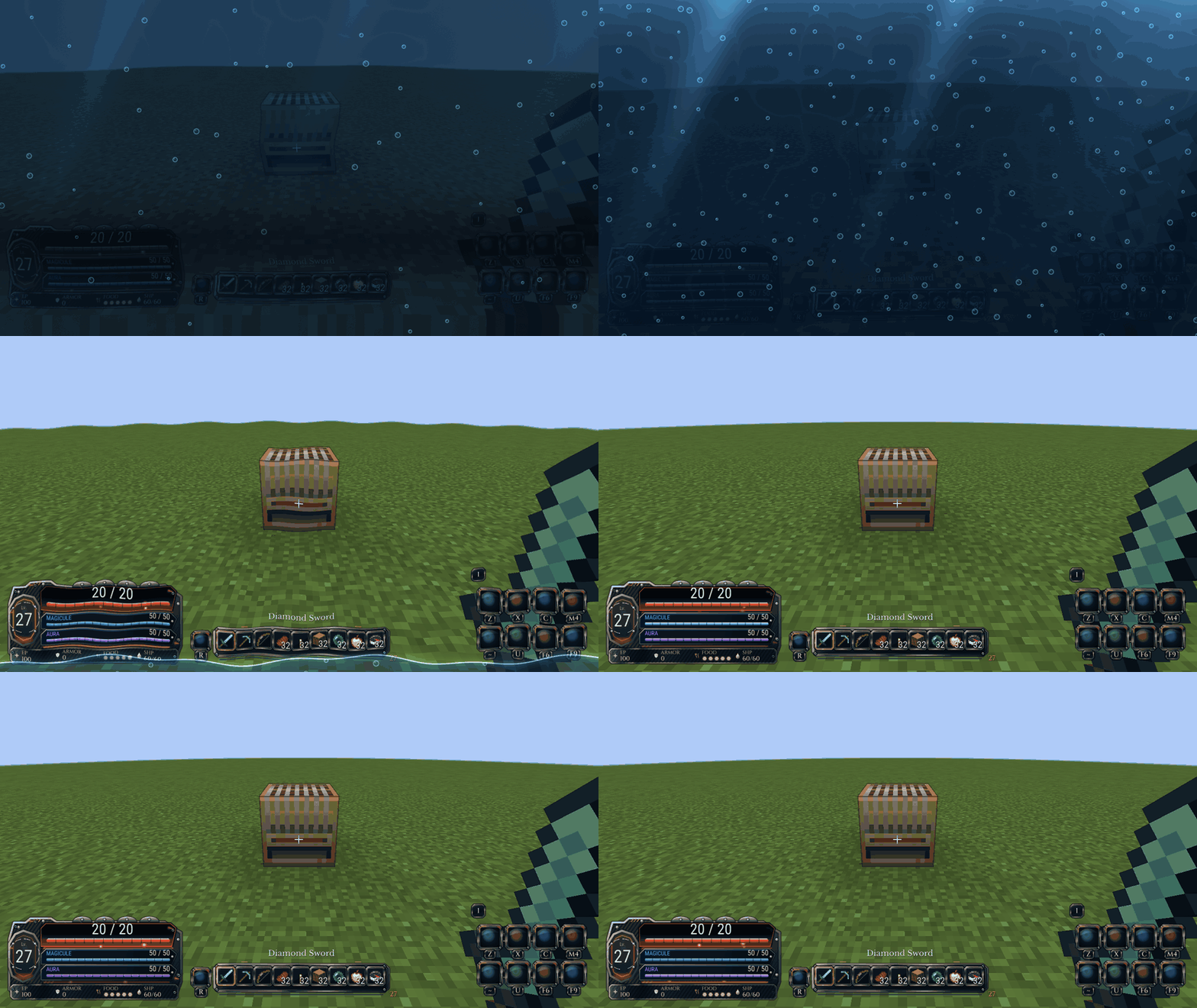 drown-respawn.gif drown-respawn.gif
 -
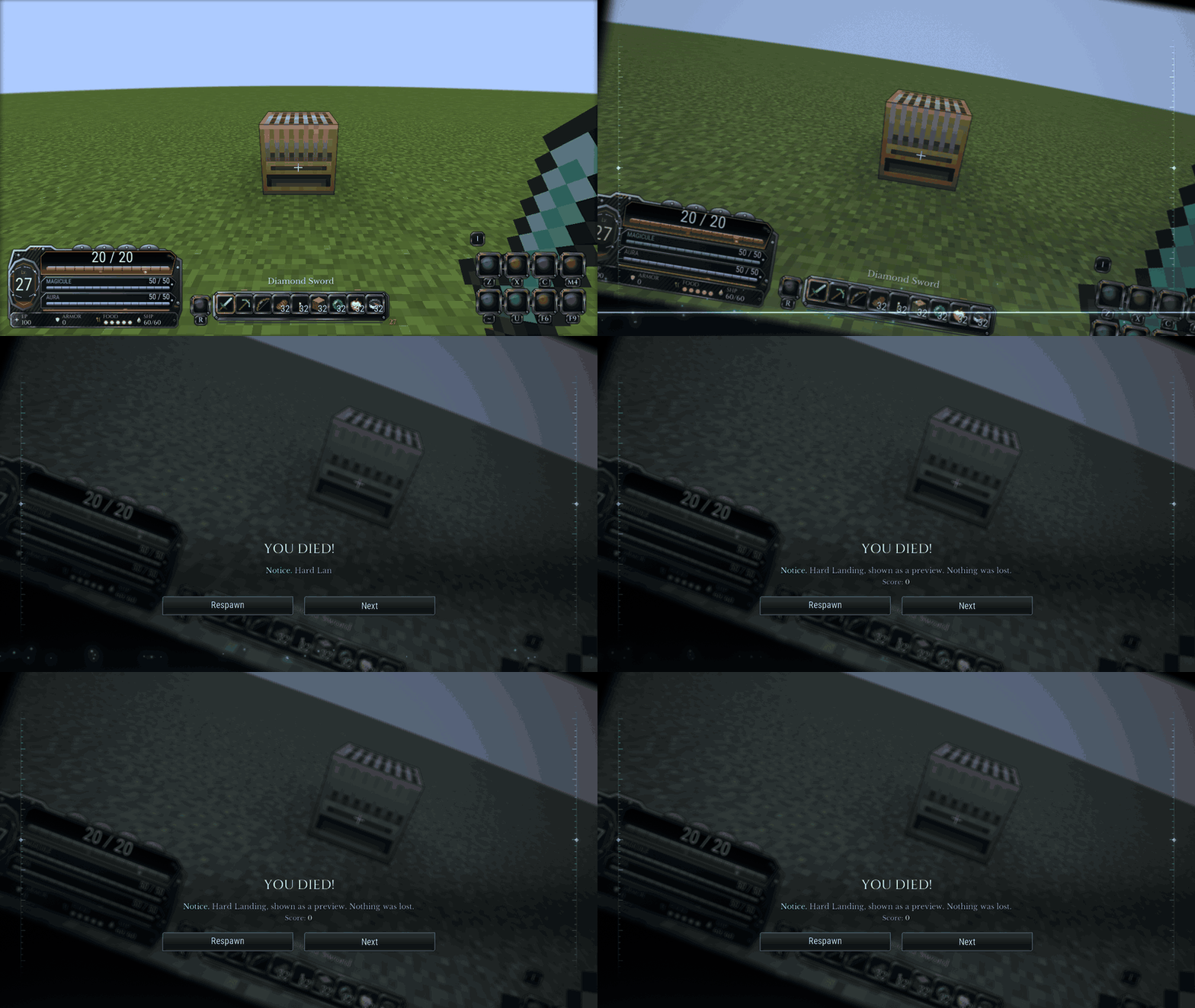 fall.gif fall.gif
 -
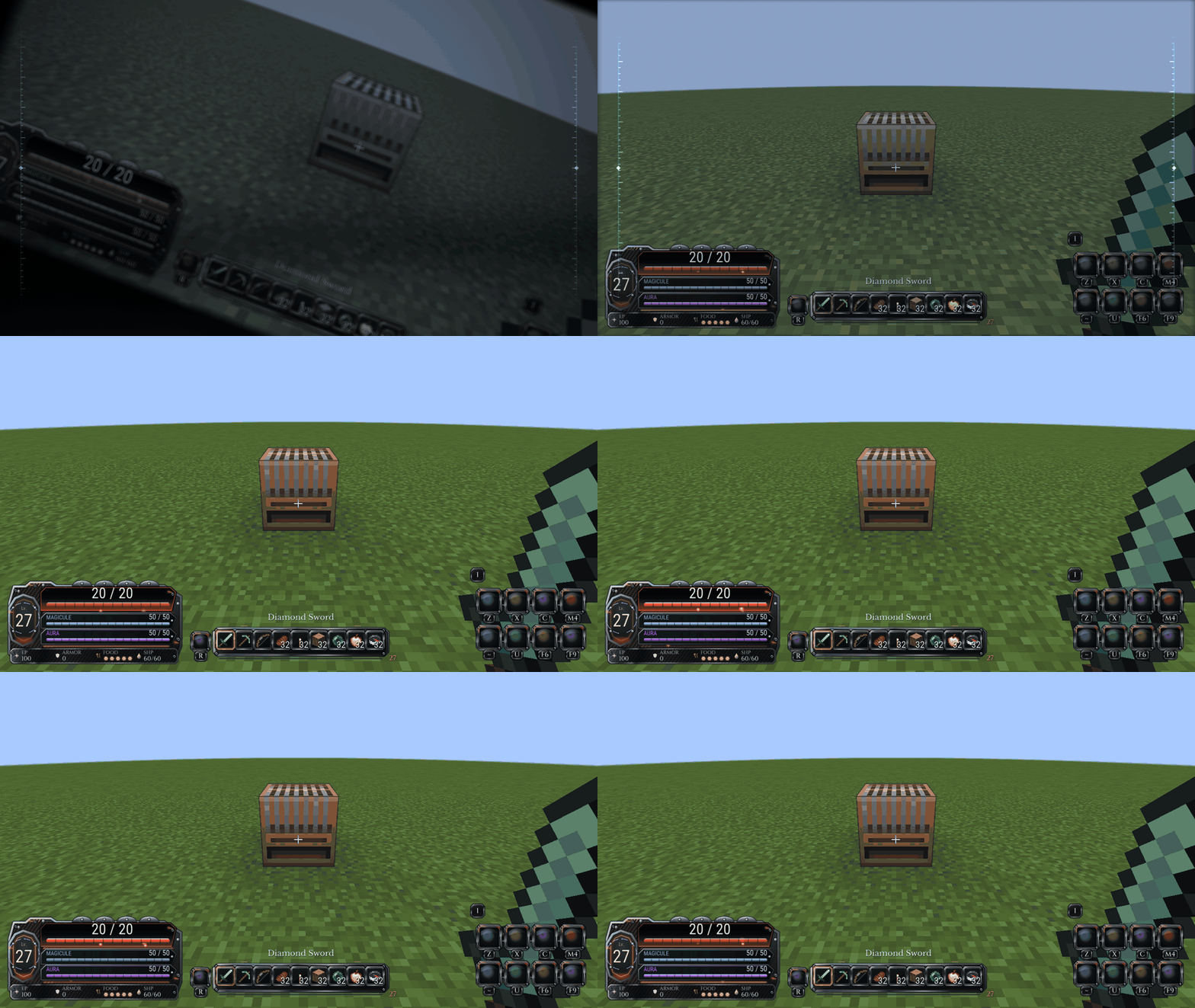 fall-respawn.gif fall-respawn.gif
 -
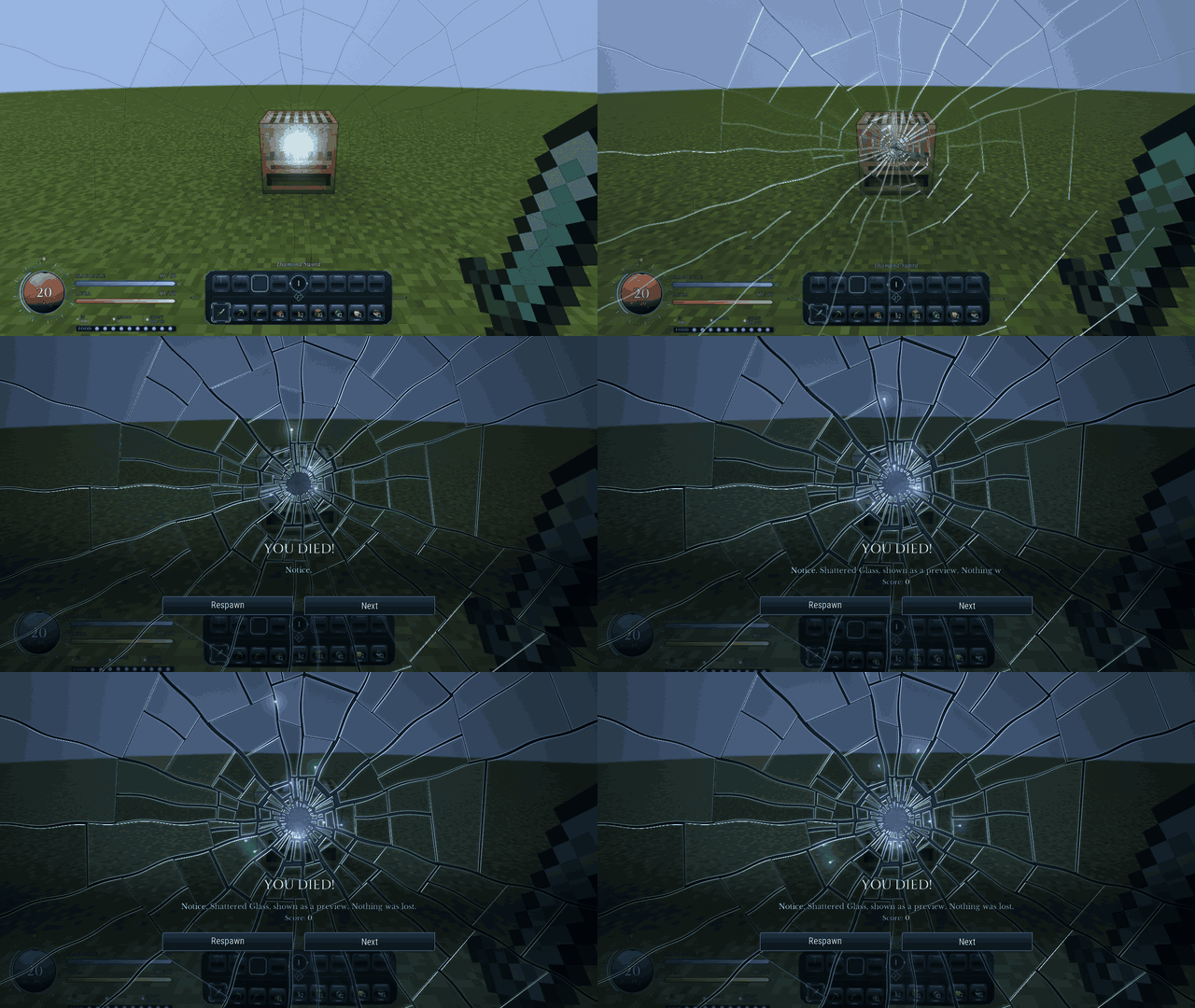 glass.gif glass.gif
 -
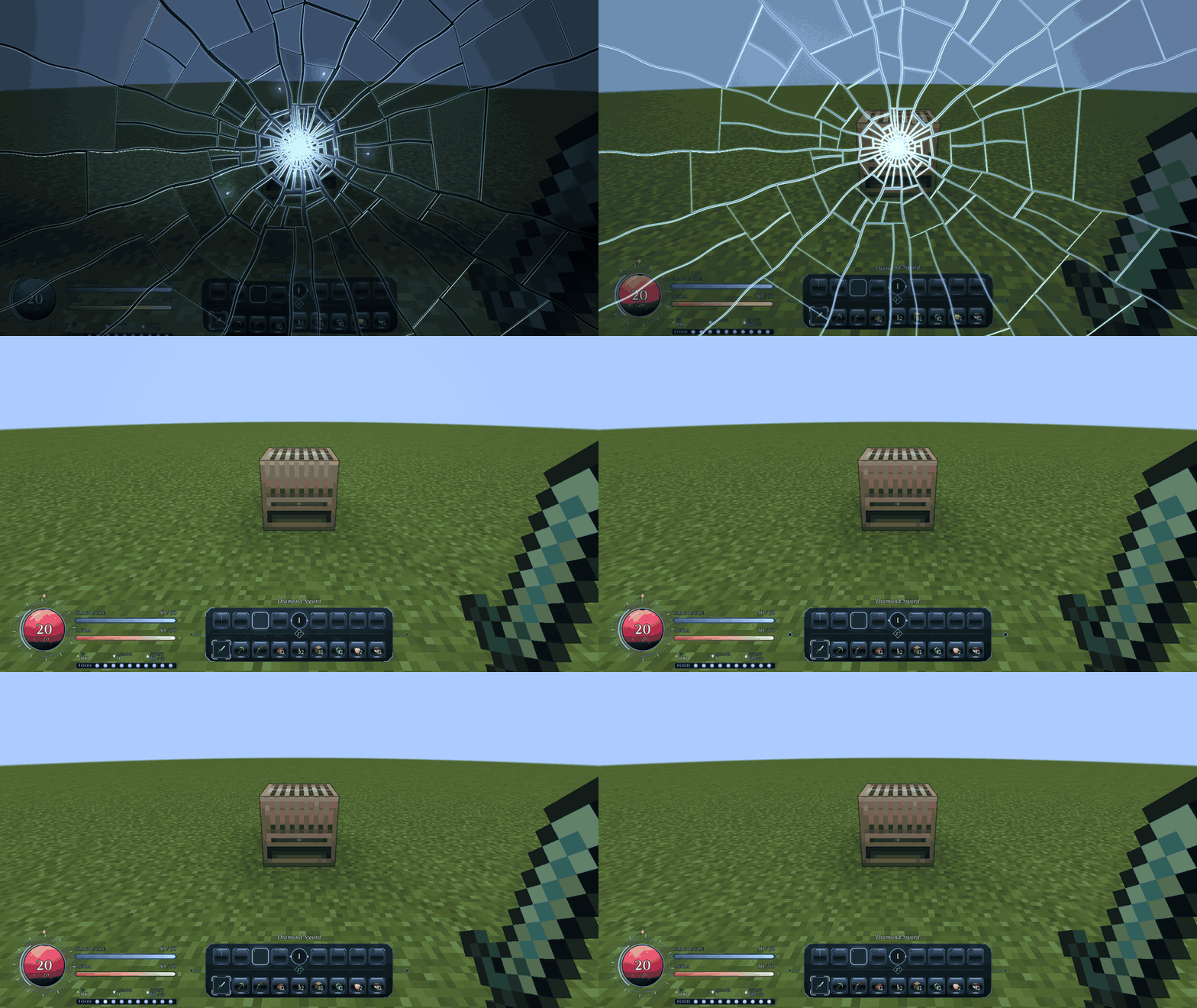 glass-respawn.gif glass-respawn.gif
 -
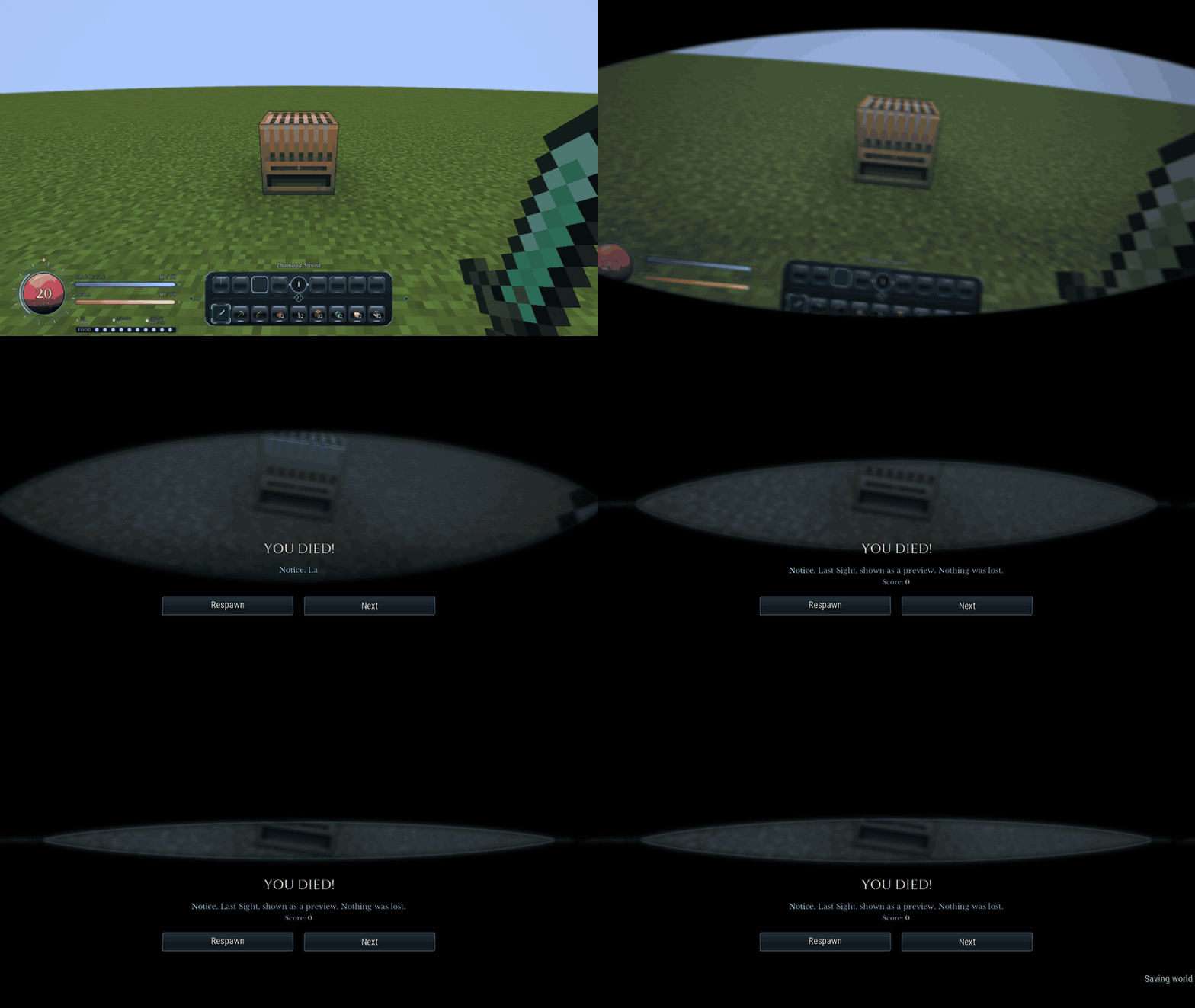 last_sight.gif last_sight.gif
 -
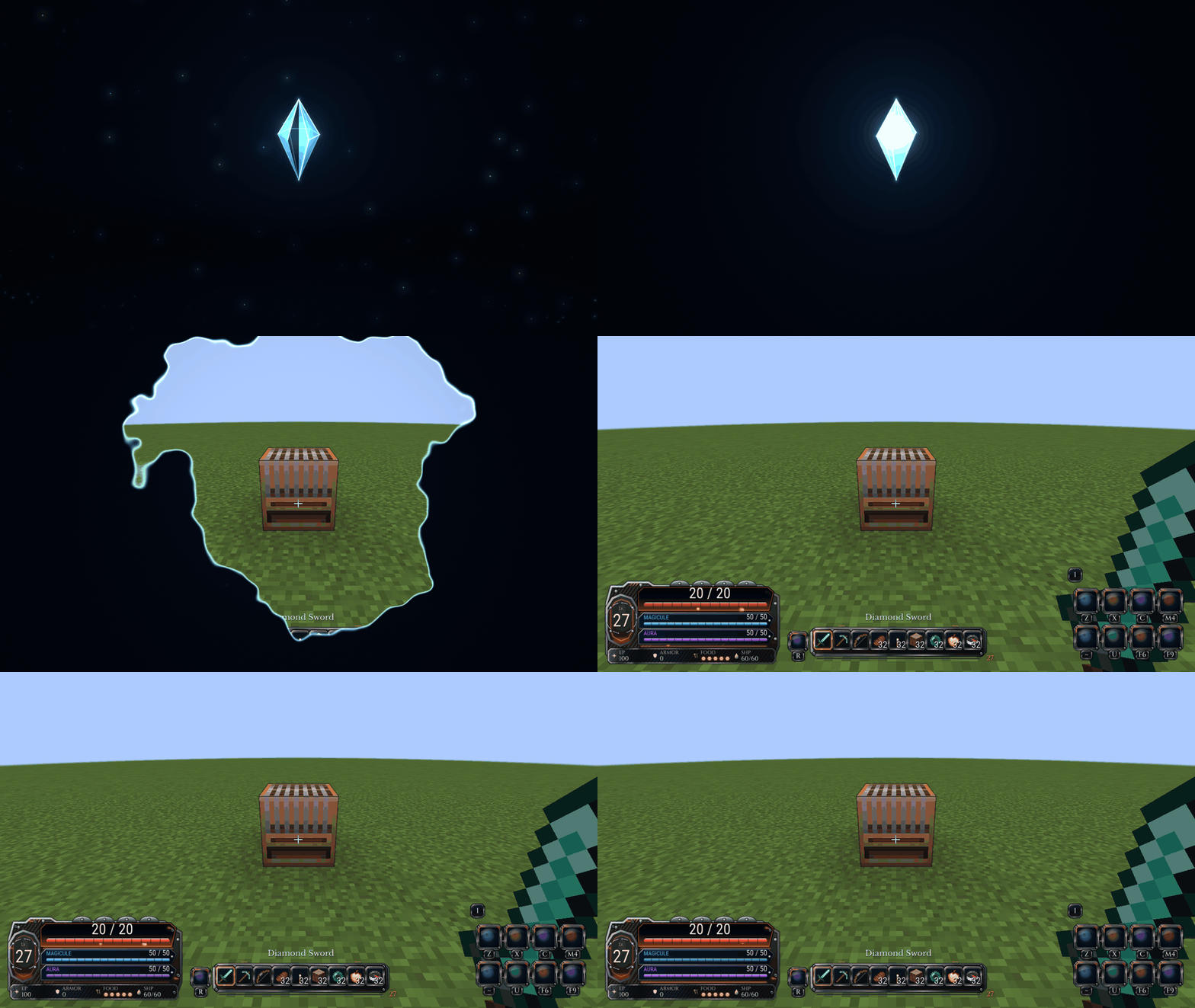 magicules-respawn.gif magicules-respawn.gif
 -
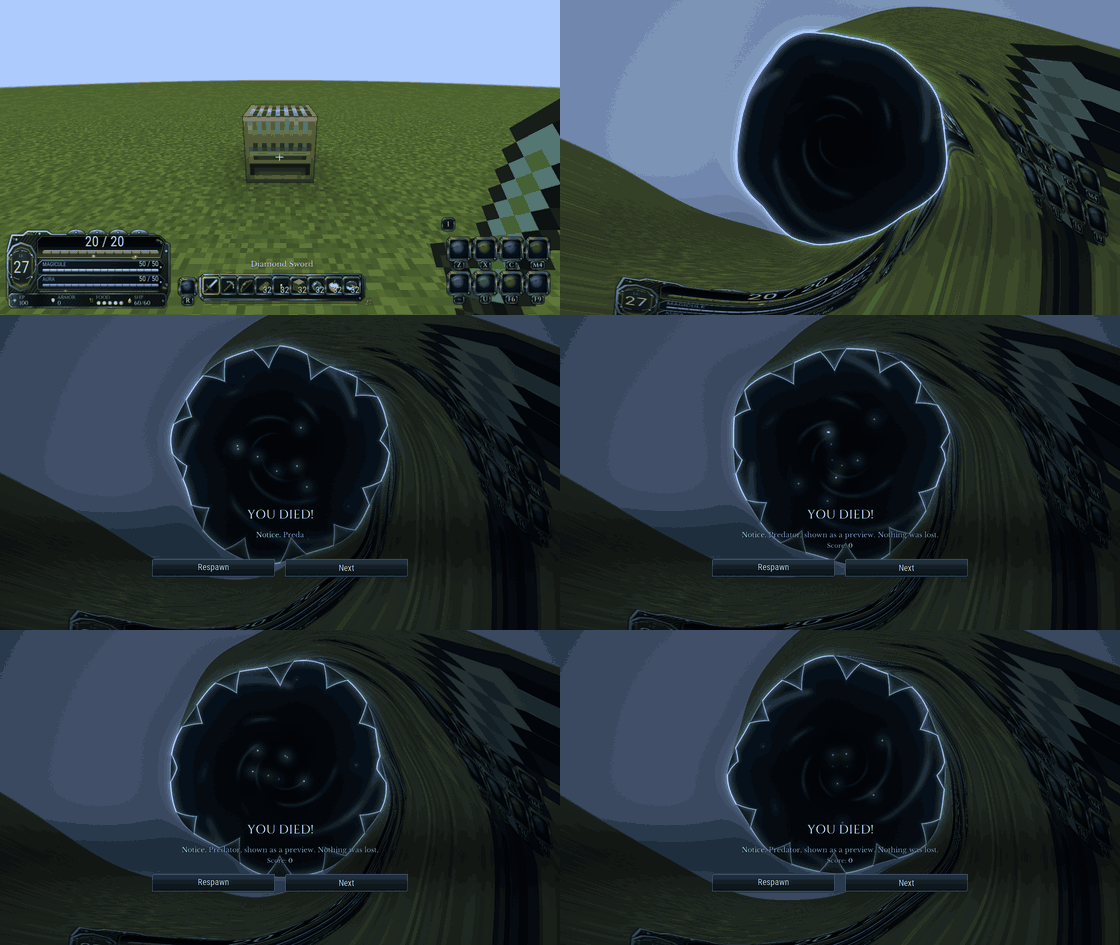 predator.gif predator.gif
 -
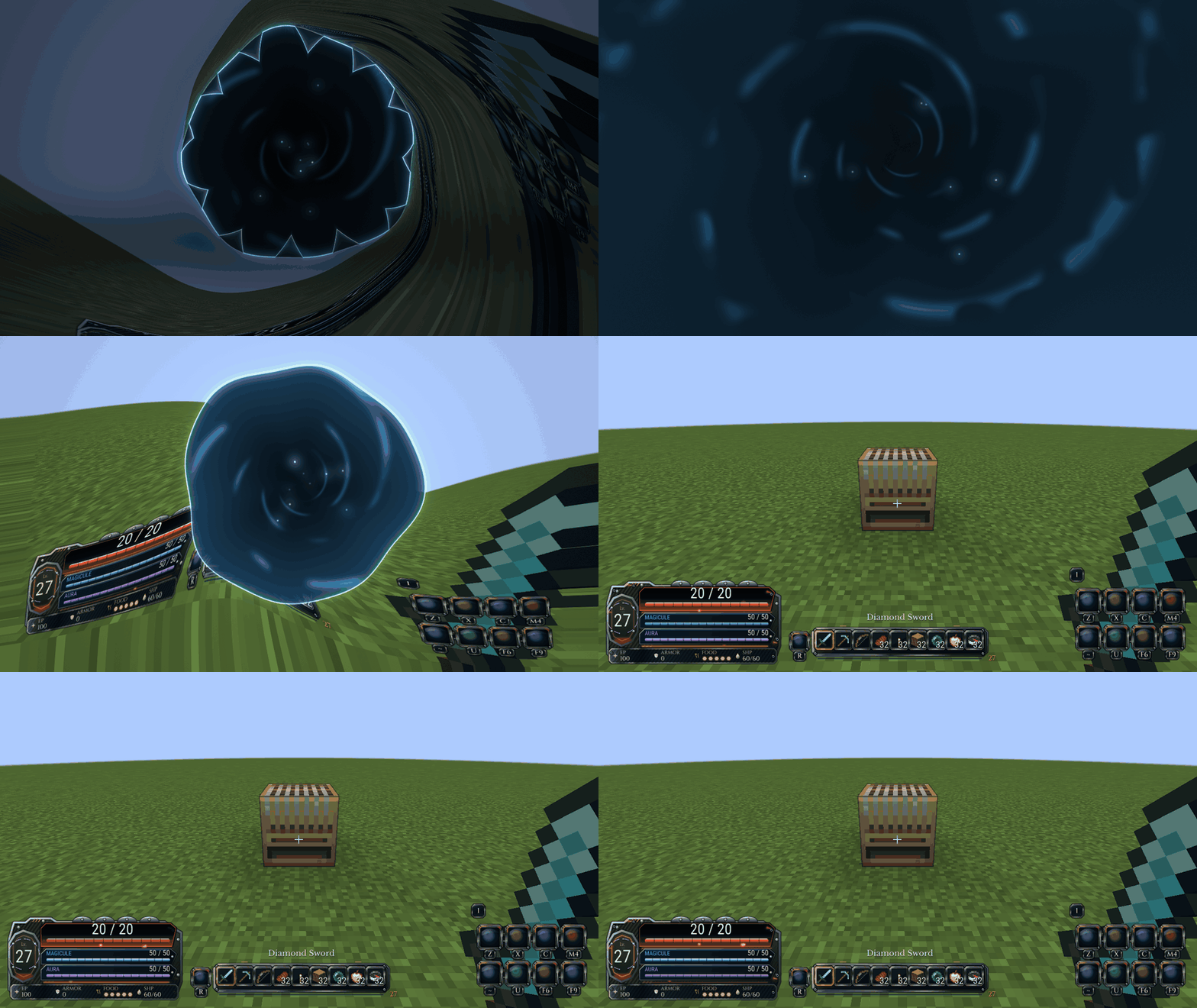 predator-respawn.gif predator-respawn.gif
Versions
Files
Relations
Project Relations
More like this
Similar Mods
Suggestions use data such as tags, dependencies, dependents, descriptions, titles, and more to rank how much they overlap with this mod.
On ModDex
Community snapshot
By the numbers
Statistics

Get it on
Available Platforms
On ModDex
Community snapshot
By the numbers
Statistics
Resources