Community listing page, reviews here may not be monitored by the author.
The Basic Elements

No reviews yet
Master the basic elements and create your own spells!
Community voices
Reviews
No reviews yet. Be the first to review this project!
Get it on
Available Platforms
About
Project Details
For authors
Embed Badge
If you're the author of this project, you can embed a live badge anywhere that supports HTML or Markdown. It updates automatically whenever ratings change.
Use HTML for any page that supports it, or Markdown for README files and Markdown-based descriptions.
Identifiers
Platform IDs
Resources
External Links
About
Description
The Basic Elements
Design and developing by gurujive

Have you found yourself standing over a command block with only a snowball going, "Man if only I had something else to create my spells with..."?
Well now you can! Don't feel like creating spells? Don't worry, there are some ready to be crafted :)
(They work good in the offhand too)
What's in the mod?
In this mod you will find 8 spell orbs. All of them are found in "The Basic Elements" creative tab.
The Orbs feature the 4 natural elements; Water, Earth, Fire, Air. There are two spiritually elemental orbs as well; Nether and Aether. If that's not enough, there's 2 creative only orbs, Creative, and Invisible Orb respectively. With these you can create your own spells. There is also a leaping_fire_orb summon entity if you feel like building a Mario dungeon or an erupting volcano.
Each Orb can be thrown like a snowball. They are very accurate and have a smooth flight path.
Orbs have the following combat mechanics and functionalities:
Air Orb:
Puts space between you and your enemy.
Sprint towards an enemy, jump, then hit them in the face with one of these to perform a double jump over them.
-Flies the furthest of all the orbs.
-Shift + right click lobs the orb into the air above the player. After taking a step back, one can jump into them and get a nice little jump boost. *If the winds are in your favor and you have good timing of course.
Fire Orb:
Flies straight when thrown as if gravity had no affect.
On impact it will catch entities on fire. If no impact is made, the Fire Orb will decelerate, then explode.
Has a lifetime of 105 ticks. If this hits a block it will "fail" making a nice little "plop" noise along with some particles.
That doesn't go to say it doesn't damage blocks though. Only ignites creepers and explodes if it is not wet.
Carries the Fuse and ExplosionPower NBT tags. For more details of how the NBTs work for this read, "Leaping Fire Orb".
-Shift + right click will allow you to throw the fire orb a shorter distance, providing a more manageable way to blow things up. Half the distance to be exact.
Earth Orb:
Hard to throw and landing fast.
The Earth Orb does standard base damage to things it hits.
-its dirt.
Water Orb:
Does a nice/fair amount of damage to the following:
Enderman
Snowman
Blaze
Magma Cube
-Lobs through the air, going a bit further than the earth orb.
-If an entity hit with this is on fire, this will extinguish the entity.
-Also does minute damage to Slimes.
-Shift + right click lobs the orb slightly upwards then it comes down and splashes on you. (puts you out if you're on fire.)
Nether Orb:
Travels through things, like walls, and entities.
If you find yourself in a situation of needing crowd control or hitting something from the other side of the wall,
this is it.
-Flies almost as far as the air orb. ("If the specific gravity is greater than 1 the gas is heavier than air and the vapor will be found low;")
-As it requires a diamond pickaxe to be able to craft one of these, and
they are single use, these do just a little more damage than a diamond
sword.
Aether Orb:
Gives what you hit with it some health, regeneration, speed, and a jump boost. (also a slight dash of strength)
Effects lasting 10 seconds.
-Good for villager safe keeping and elytra.
-Extremely strong against the undead. Hitting anything else with them will most likely result in death.
-Shift + right click will channel the aether orb through space and time to be called down from the sky and imbue its wielder with the energies of life.
Invisible Orb:
Does a base damage of 3 to entities, can be customized with textures, particles, and things like that to create your own spell to fling around. assets --> guru --> textures --> entity --> invisible_orb
.png must be named invisible_orb (case sensitive).
-Standard flight path entity.
-Can also be executed underneath an entity with a repeating command block to add upward lift.
-Does not originally damage players.
Creative Orb:
Supports the same NBT tags as Fireworks. Is also invisible.
Throws accurately and creatively :]
This is more like a detonation device or maybe something for beefy arrow trails. Good for volcanoes too. In Combination with explosions and other things (llama_spit being one of those things) these can demonstrate quantum mechanics such as cell division/growth, multidimensional quantum fields, and cellular differentiation.
No pew noise.
Example command:
/summon guru.creative_orb ~ ~ ~
{Motion:[0.0,2.0,0.0],LifeTime:20,FireworksItem:{id:fireworks,Count:1,tag:{Fireworks:{Explosions:[{Type:4,Flicker:0,Trail:1,Colors:[16751365,16711680],FadeColors:[7017740]}]}}}
-some changes happening under the hood on this one. More info can be found in the file description of 1.11 update, or by clicking "changes" above.
Leaping Fire Orb:
Being a summon only entity, there is no item for this one. It is mainly for makings of creative fiery things.
The way this entity flies is more like a snowball or arrow, in the way that if it goes up, it goes down. So, summoning it with the motion NBT tag will allow you to summon a fireball that's not stuck going in one direction.
These have explosive and fire damage that affect entities but not blocks.
-Fire orbs are visible at night, and in water.
-Can ignite creepers only if it is not raining.
If summoned by a command block with ExplosionPower and the fuse goes off, these will damage blocks and entities.
If summoned by command with Long fuse and explosion power, the Fire Orb must hit an entity for it to explode with given ExplosionPower.
The fire orb supports the {ExplosionPower:#} and {Fuse:#} NBT tags.
Example Command:
0 for shortest fuse, 383 for longest.
/summon guru.fire_orb ~ ~11 ~ {Fuse:10,ExplosionPower:10,Motion:[0.0,0.0,0.0]}
Orb crafting recipes can be found in the following spoiler:
The aether orbs recipe is with glowstone same as below til I get a photo uploaded.


Looking for some spotlights and other info?
Minecraftforum page:
Screenshots
Gallery
-
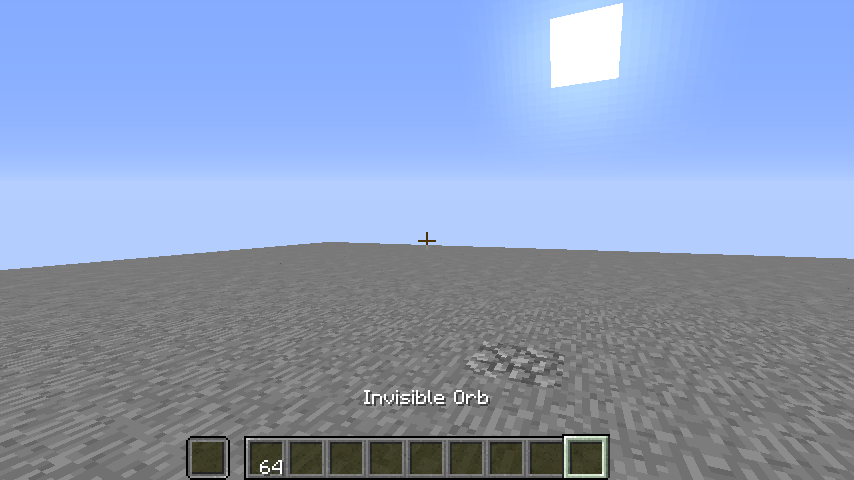 Invisible Orb
 -
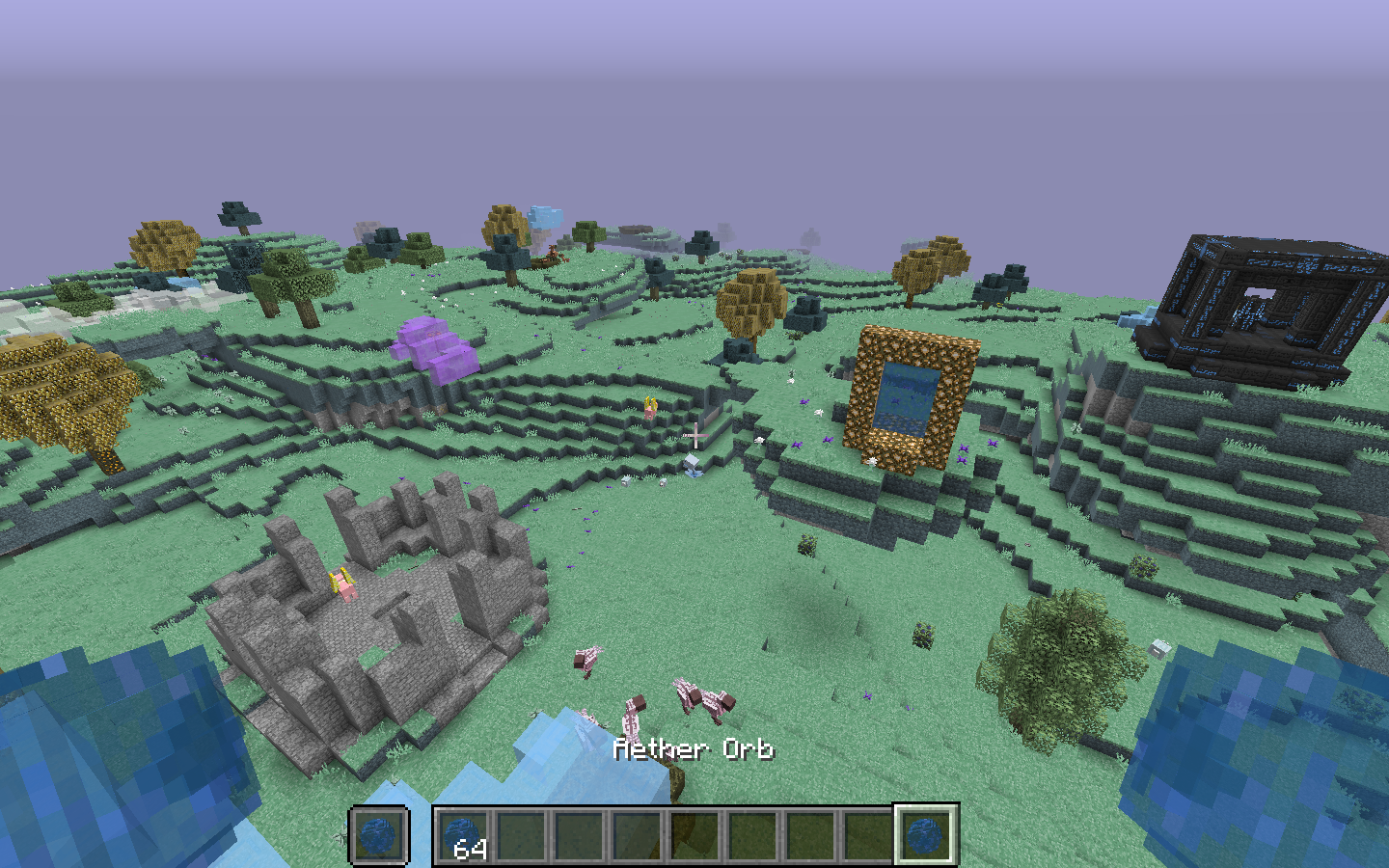 Aether Orb
 -
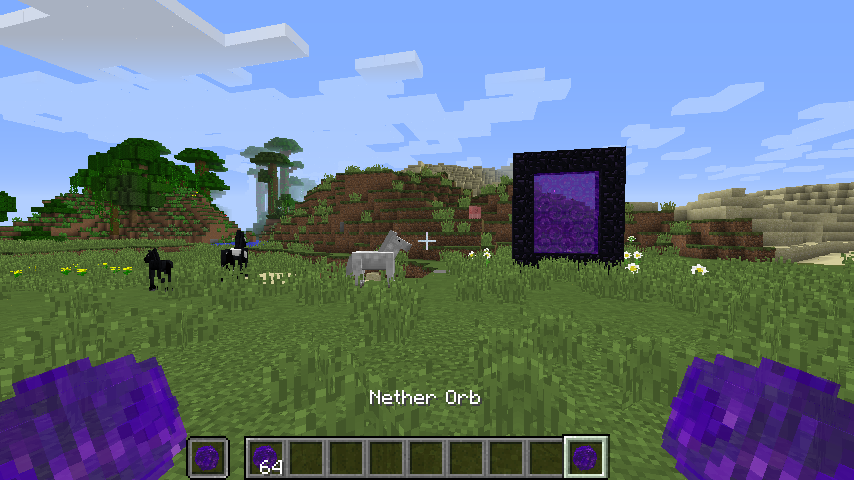 Nether Orb
 -
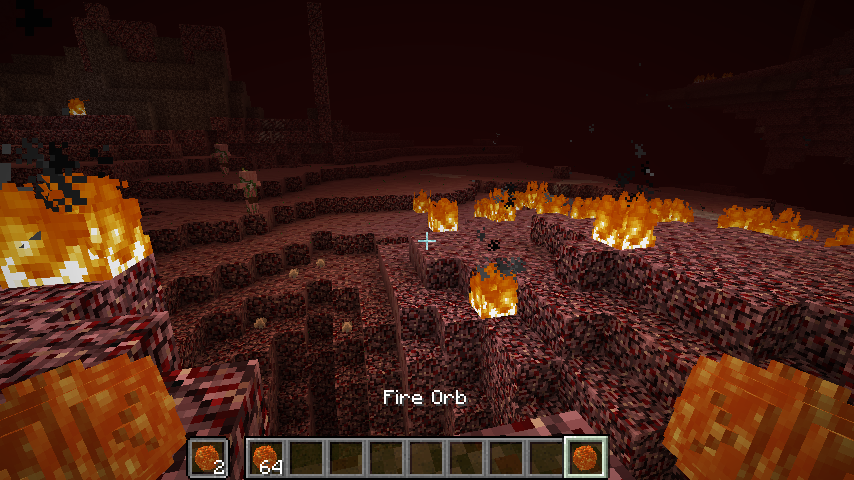 Fire Orb
 -
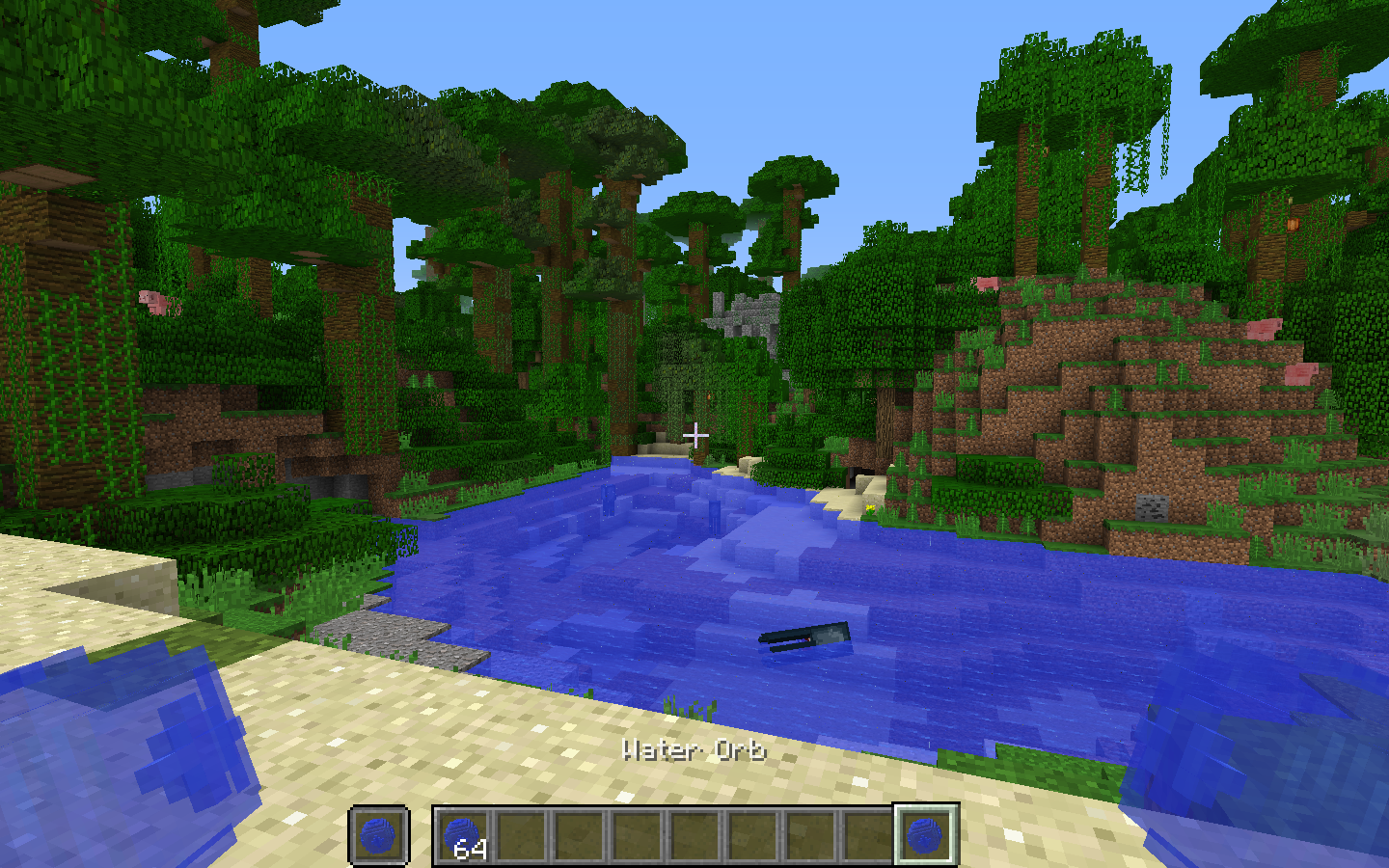 Water Orb
 -
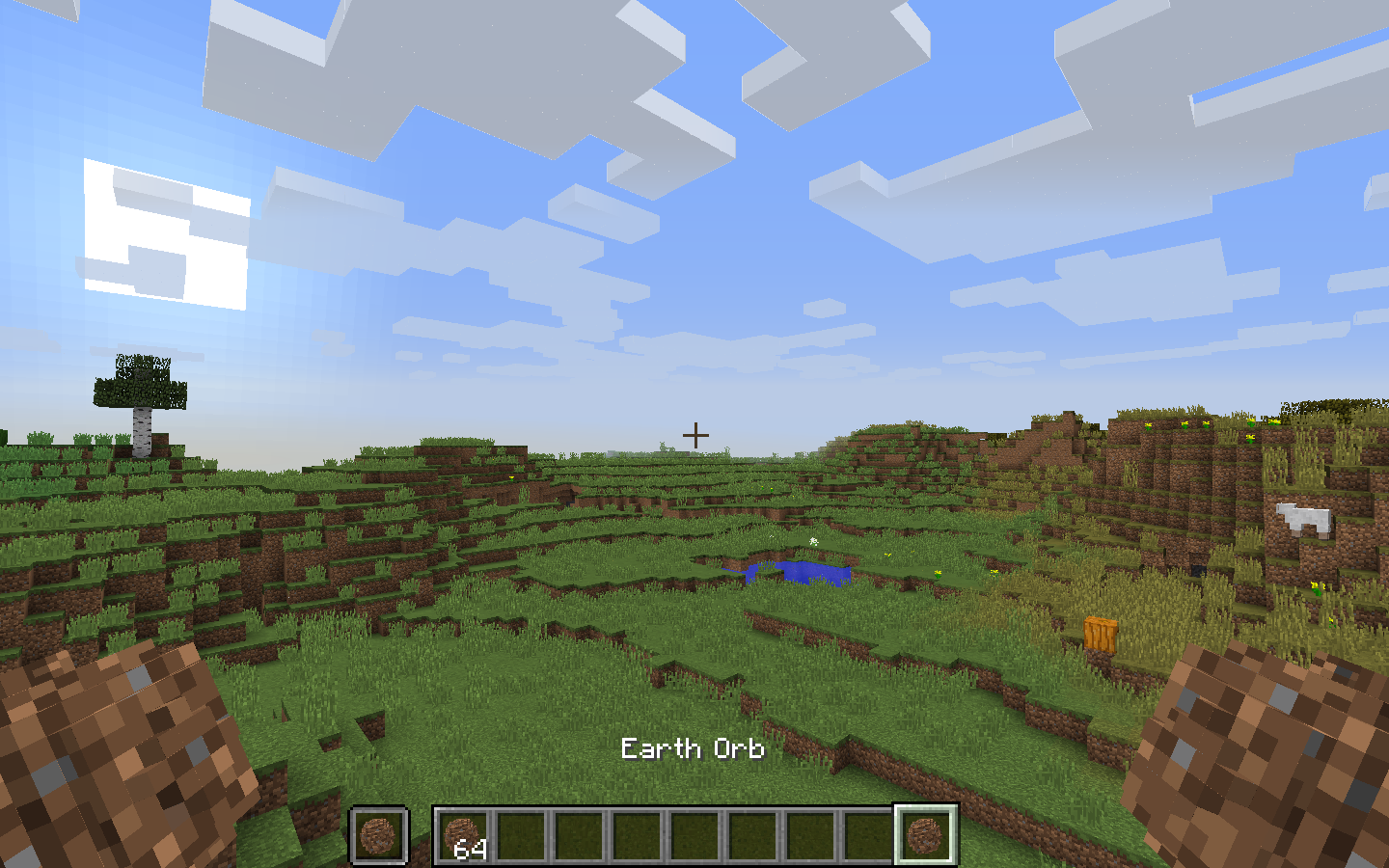 Earth Orb
 -
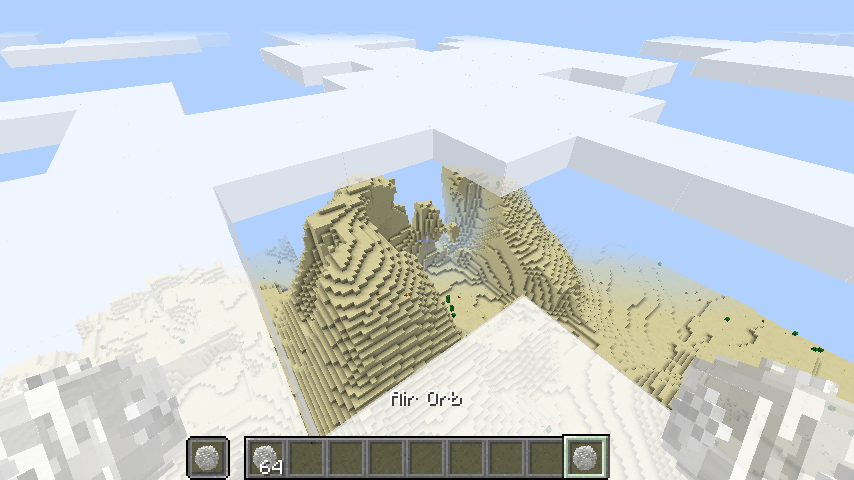 Air Orb
Versions
Files
Relations
Project Relations
More like this
Similar Mods
Suggestions use data such as tags, dependencies, dependents, descriptions, titles, and more to rank how much they overlap with this mod.
On ModDex
Community snapshot
By the numbers
Statistics
Want to reach Minecraft players?
We're looking for a server hosting partner to feature here and other parts of the site. Interested? Send us a message!
Get in touchGet it on
Available Platforms
On ModDex
Community snapshot
By the numbers
Statistics
Resources