Community listing page, reviews may not be monitored by the author.
ThirdCross: Third-Person Utilities


No reviews yet
ThirdCross is a lightweight, client-side crosshair utility for Minecraft. It provides configurable first- and third-person crosshairs, including an Aim mode that follows the point your player is actually targeting.

Community voices
Reviews
No reviews yet. Be the first to review this project!
Get it on
Available Platforms
Compatibility
Supported Environments
Runs entirely on the client. Works on vanilla servers.
About
Project Details
For authors
Embed Badge
If you're the author of this project, you can embed a live badge anywhere that supports HTML or Markdown. It updates automatically whenever ratings change.
Use HTML for any page that supports it, or Markdown for README files and Markdown-based descriptions.
Identifiers
Platform IDs
About
Description

Bring the Crosshair to Third Person
ThirdCross adds a configurable crosshair to third-person Minecraft.
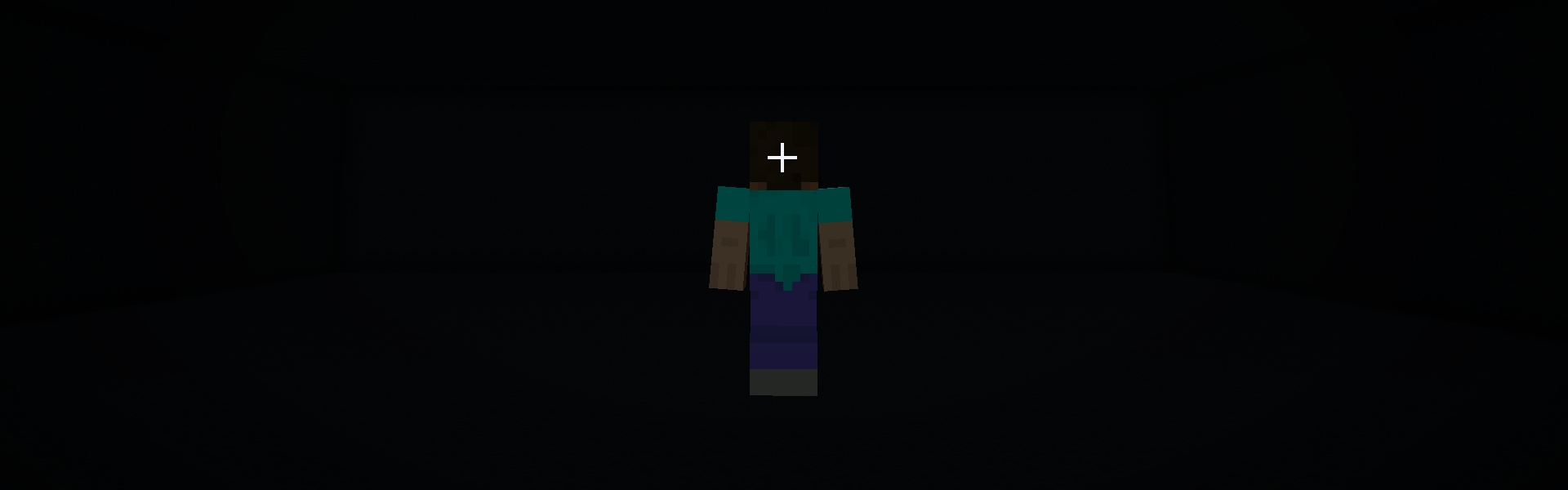

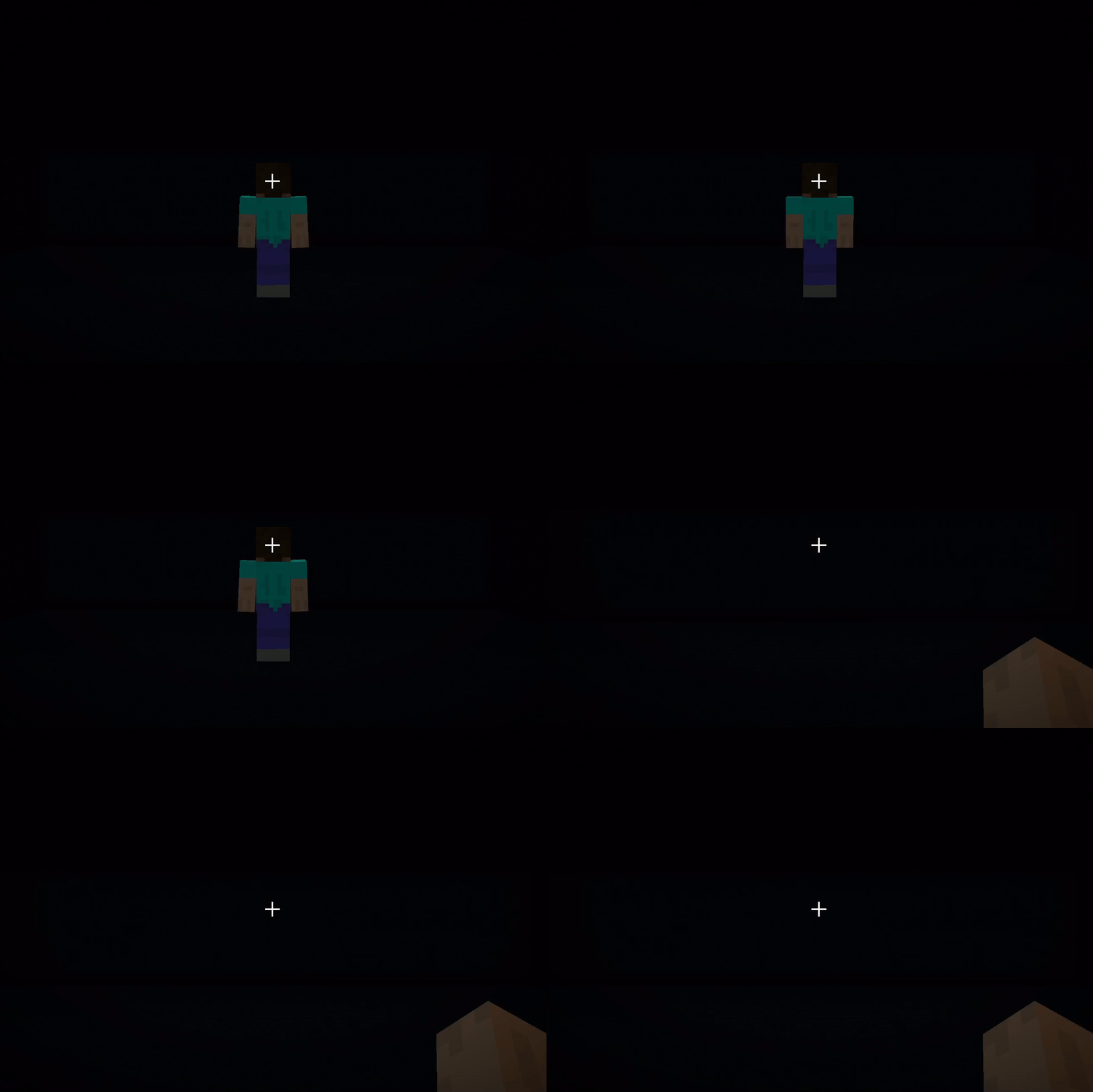
Skip Front ViewSkip Minecraft's front-facing perspective and return straight to first person. |
|
|
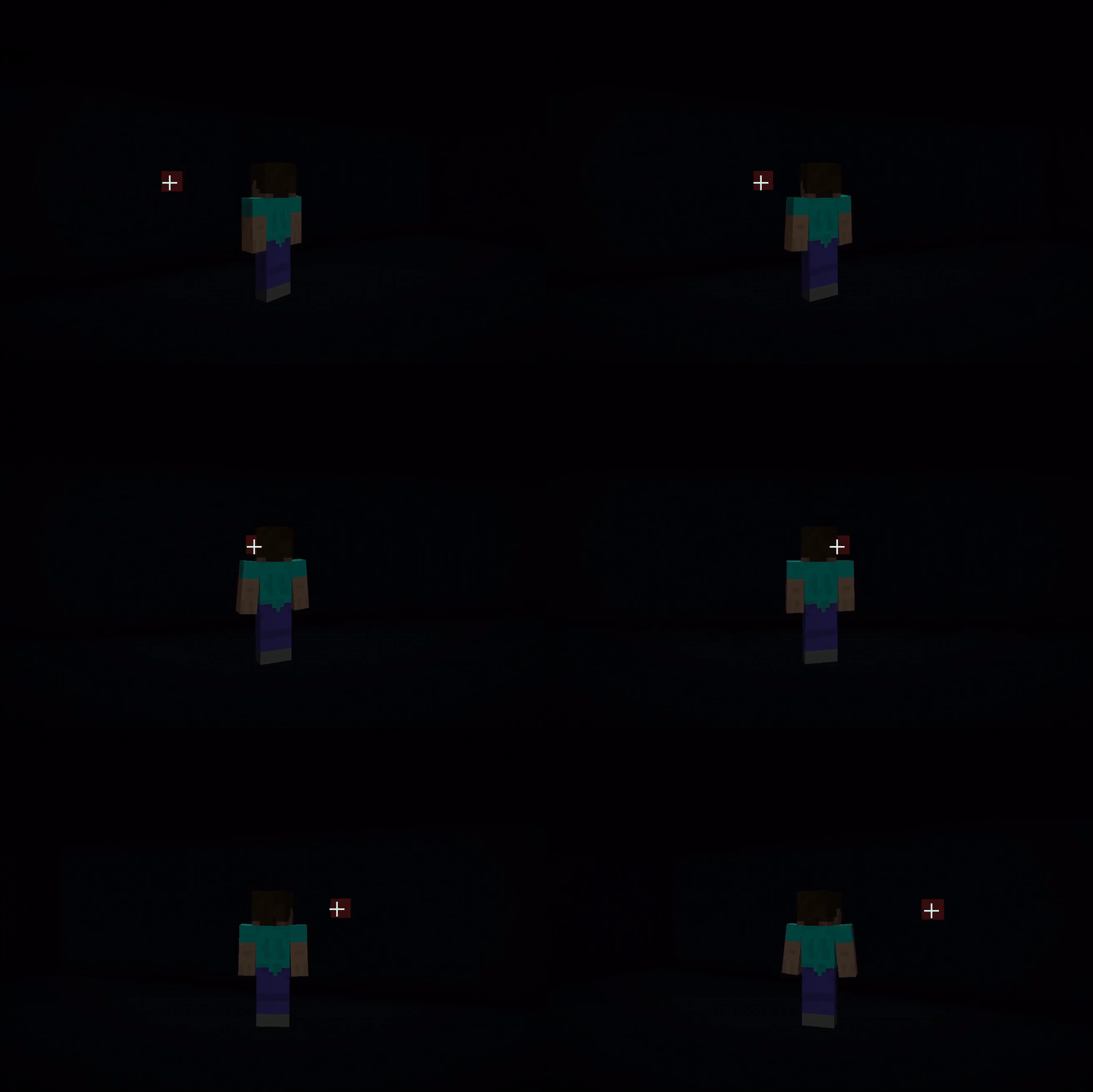
See Where You're AimingDesigned for third-person camera mods like Better Third Person, the Aim crosshair shows where your character is actually aiming. |
Compatibility
Minecraft 1.21.1
Fabric & NeoForge

Bring the Crosshair to Third Person
ThirdCross adds a configurable crosshair to third-person Minecraft.
Skip Front ViewSkip Minecraft's front-facing perspective and return straight to first person. |
|
|
|
See Where You're AimingDesigned for third-person camera mods like Better Third Person, the Aim crosshair shows where your character is actually aiming. |
Compatibility
Minecraft 1.21.1
Fabric & NeoForge
Screenshots
Gallery
-
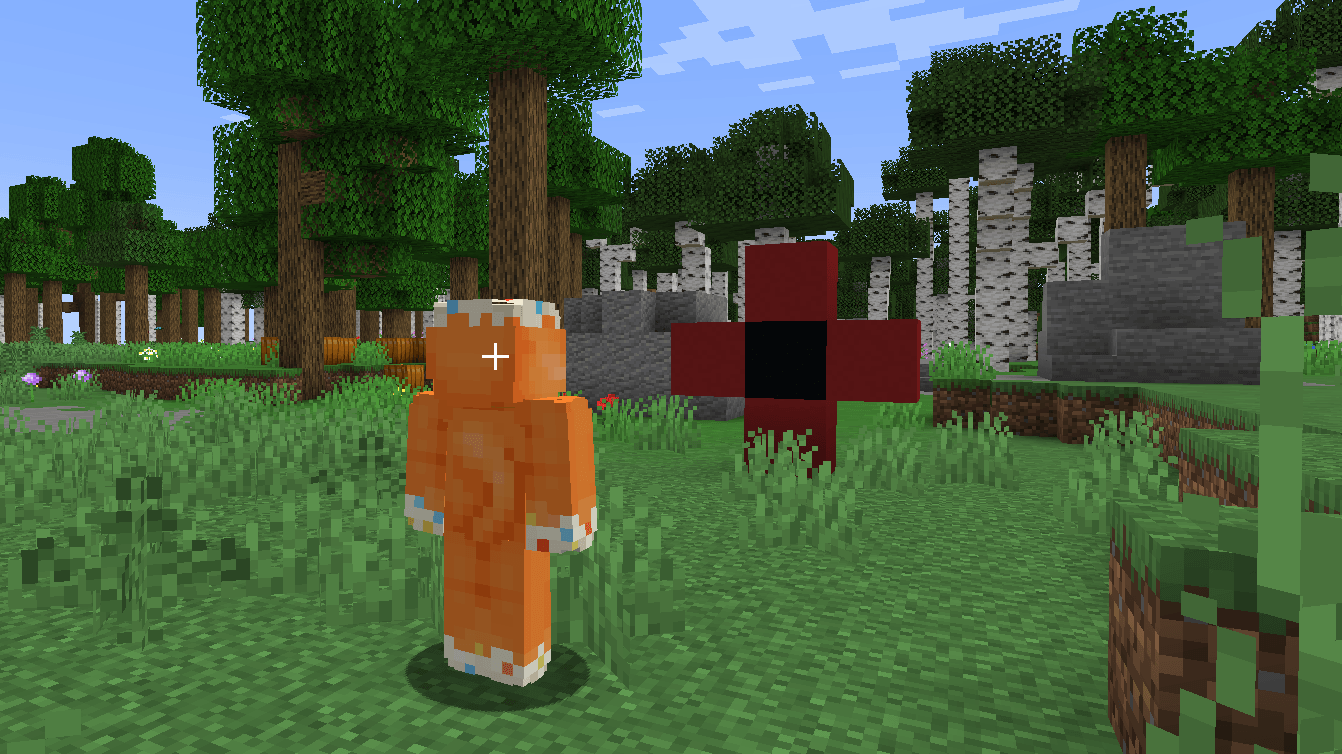 STATIC Mode STATIC Mode. Camera mod used: Better Third Person
 -
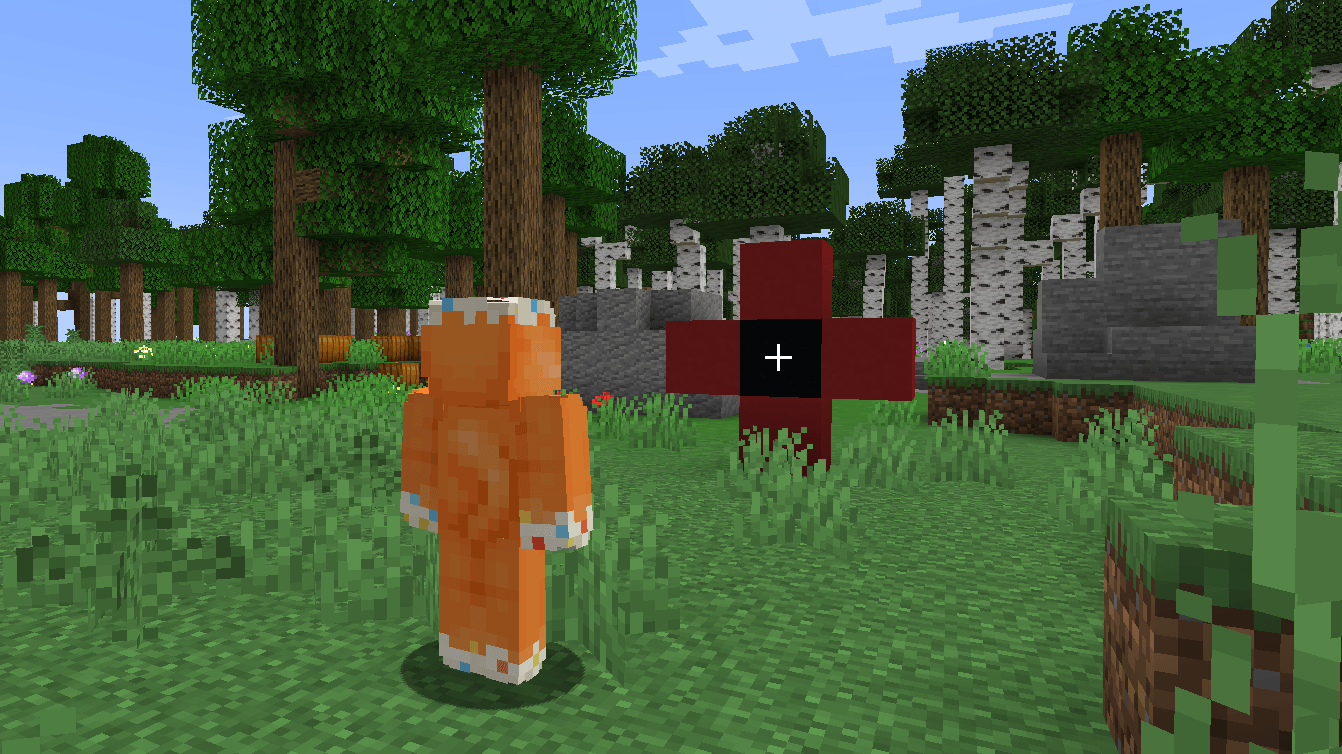 AIM Mode AIM Mode. Camera mod used: Better Third Person
 -
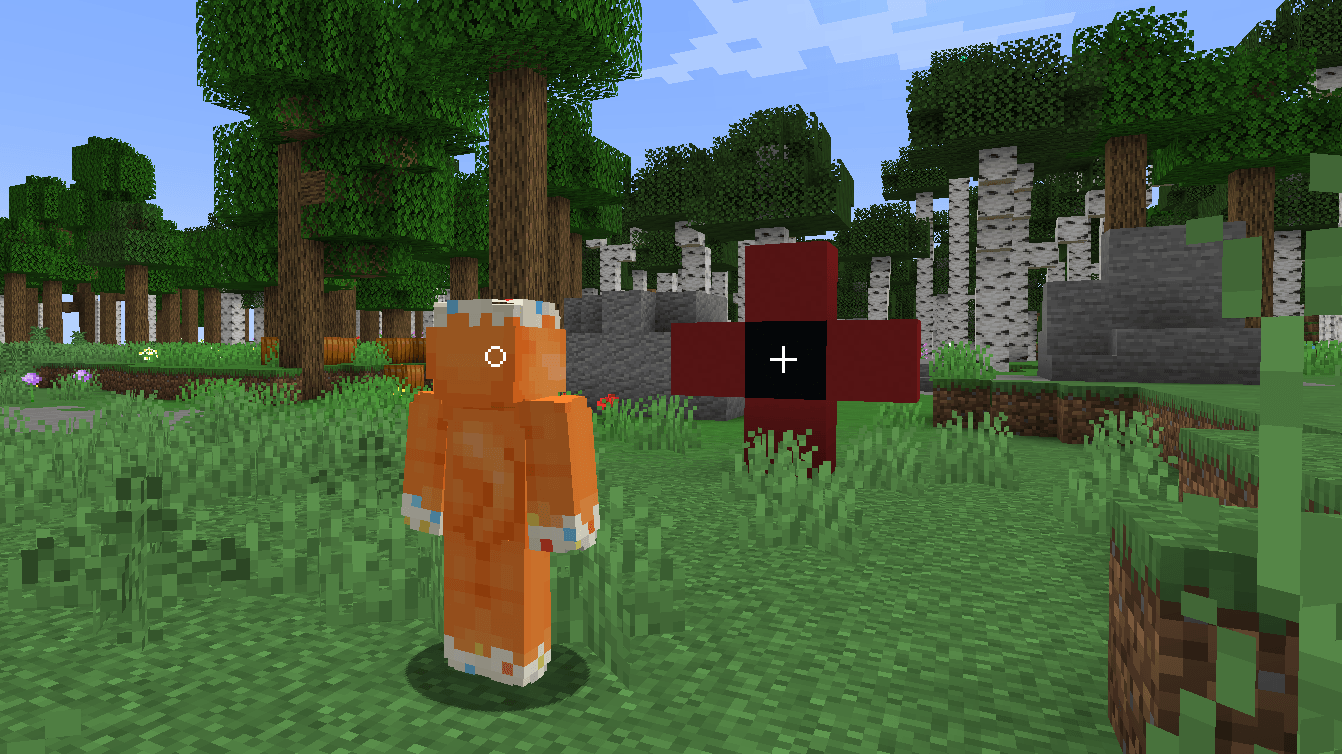 STATIC + AIM Mode STATIC + AIM Mode. Camera mod used: Better Third Person
 -
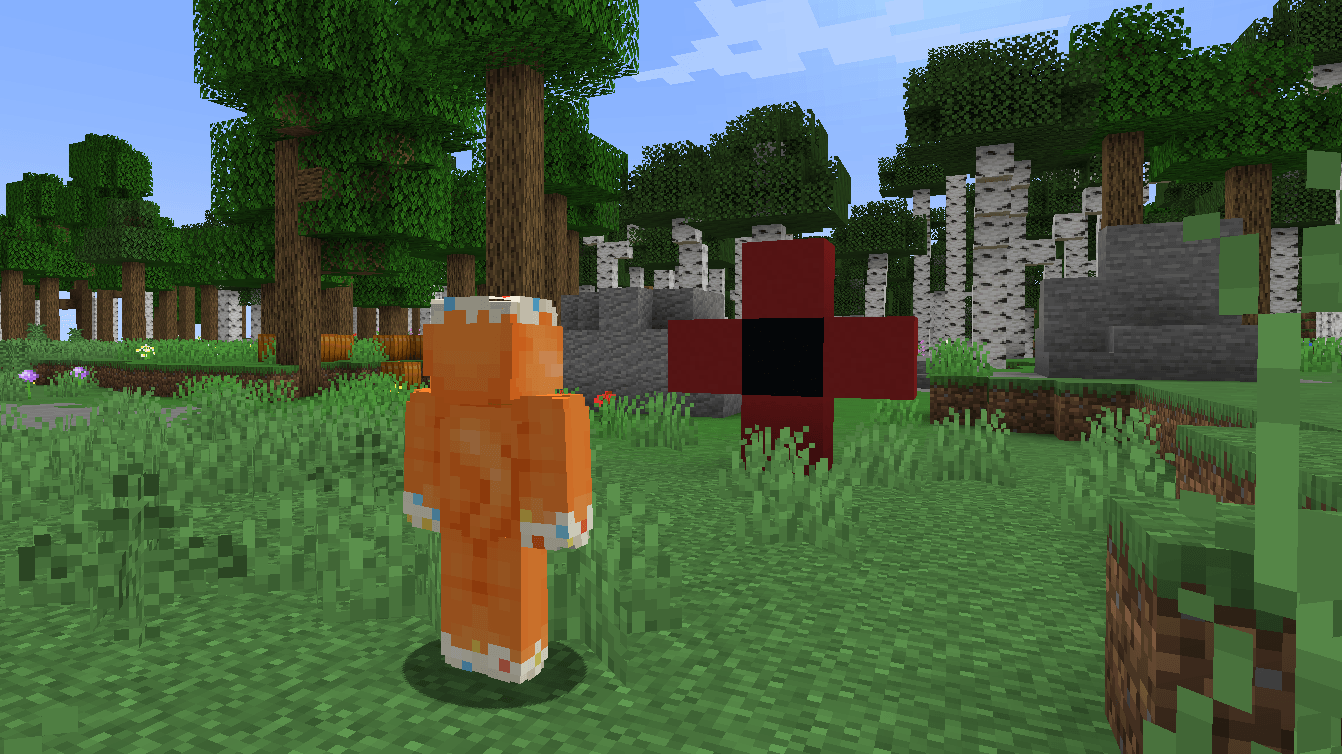 OFF Mode OFF Mode. Camera mod used: Better Third Person
 -
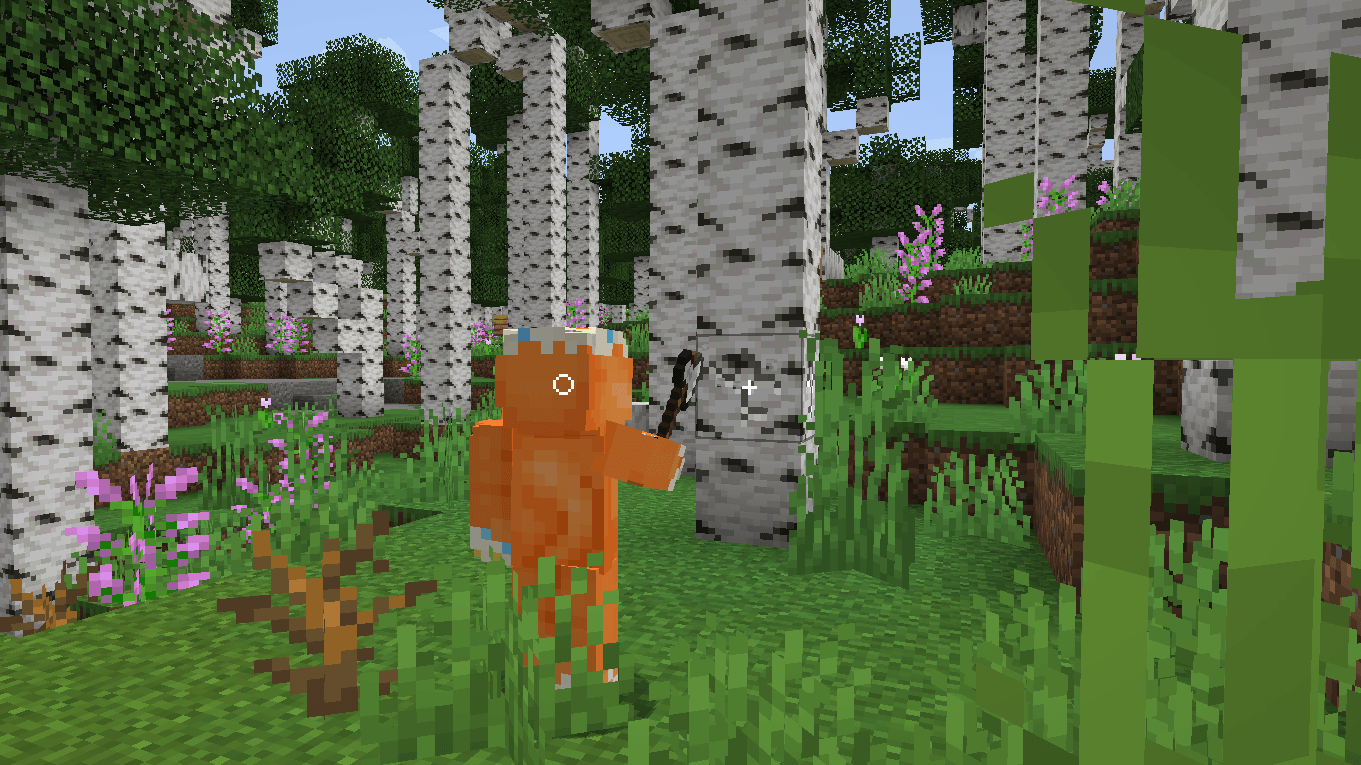 STATIC + AIM in third-person STATIC+ AIM in third-person. Camera mod used: Better Third Person
 -
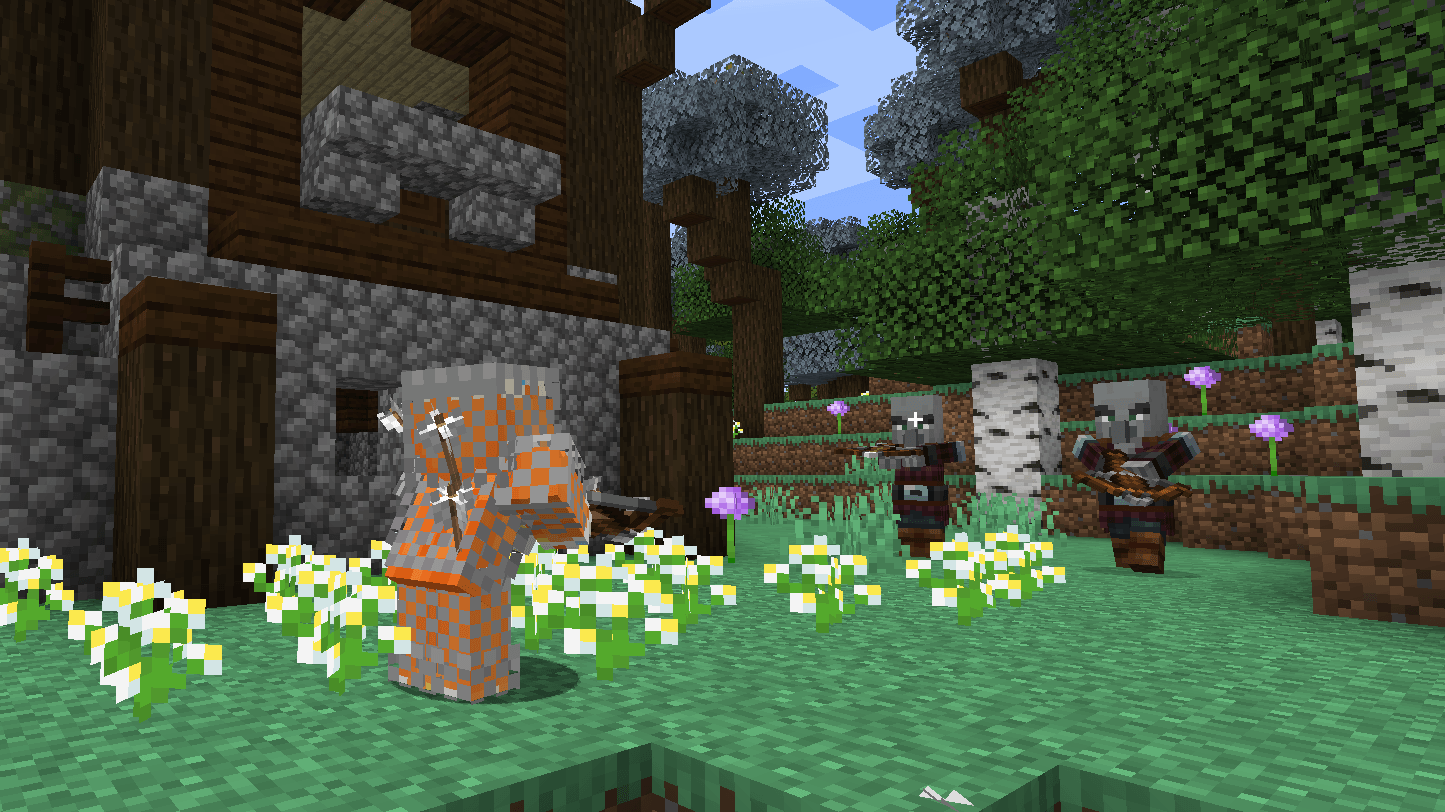 AIM mode on a distant target AIM mode on a distant target. Camera mod used: Better Third Person
 -
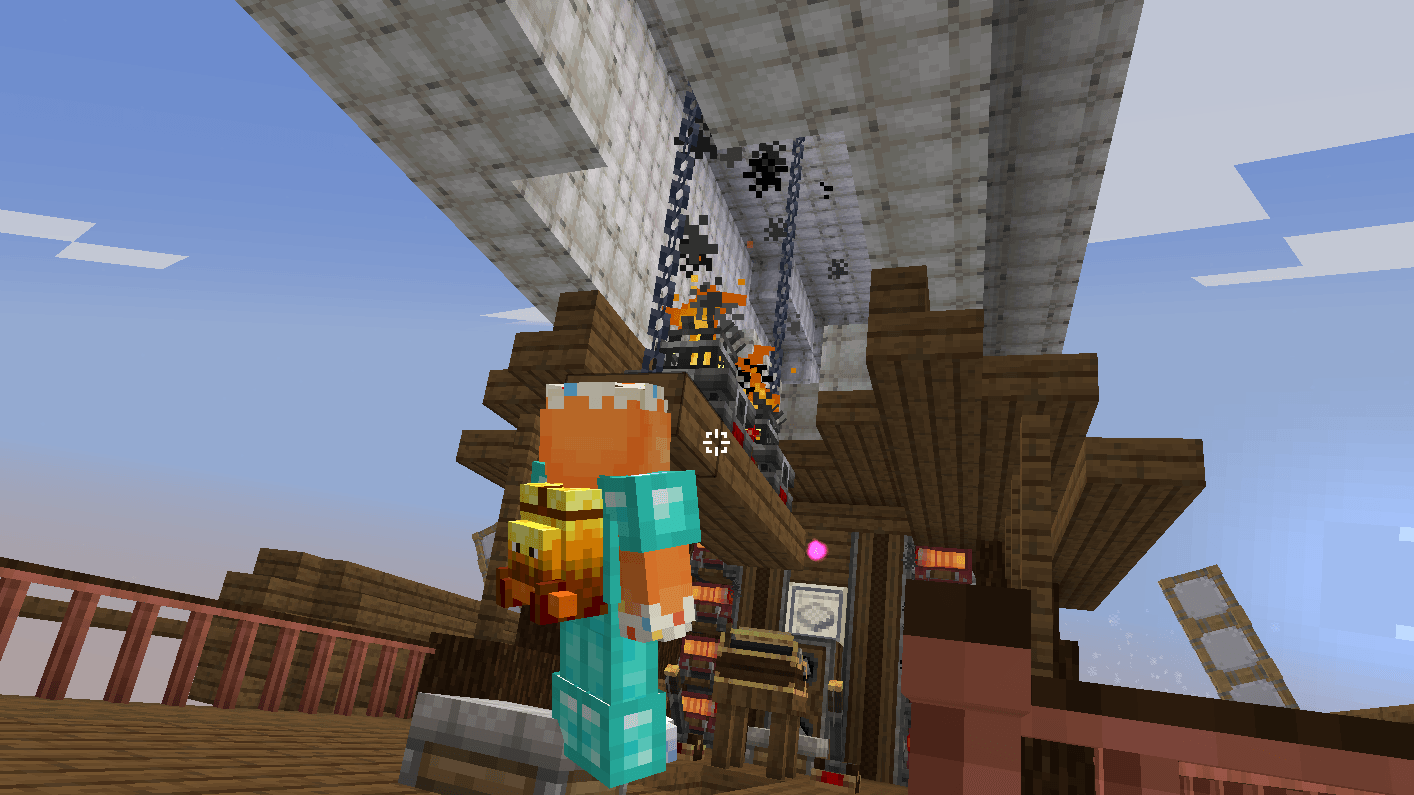 Resource-pack and Sable ⁄ Create Aeronautics compatibility Resource-pack and Sable ⁄ Create Aeronautics compatibility Camera mod used: Better Third Person
 -
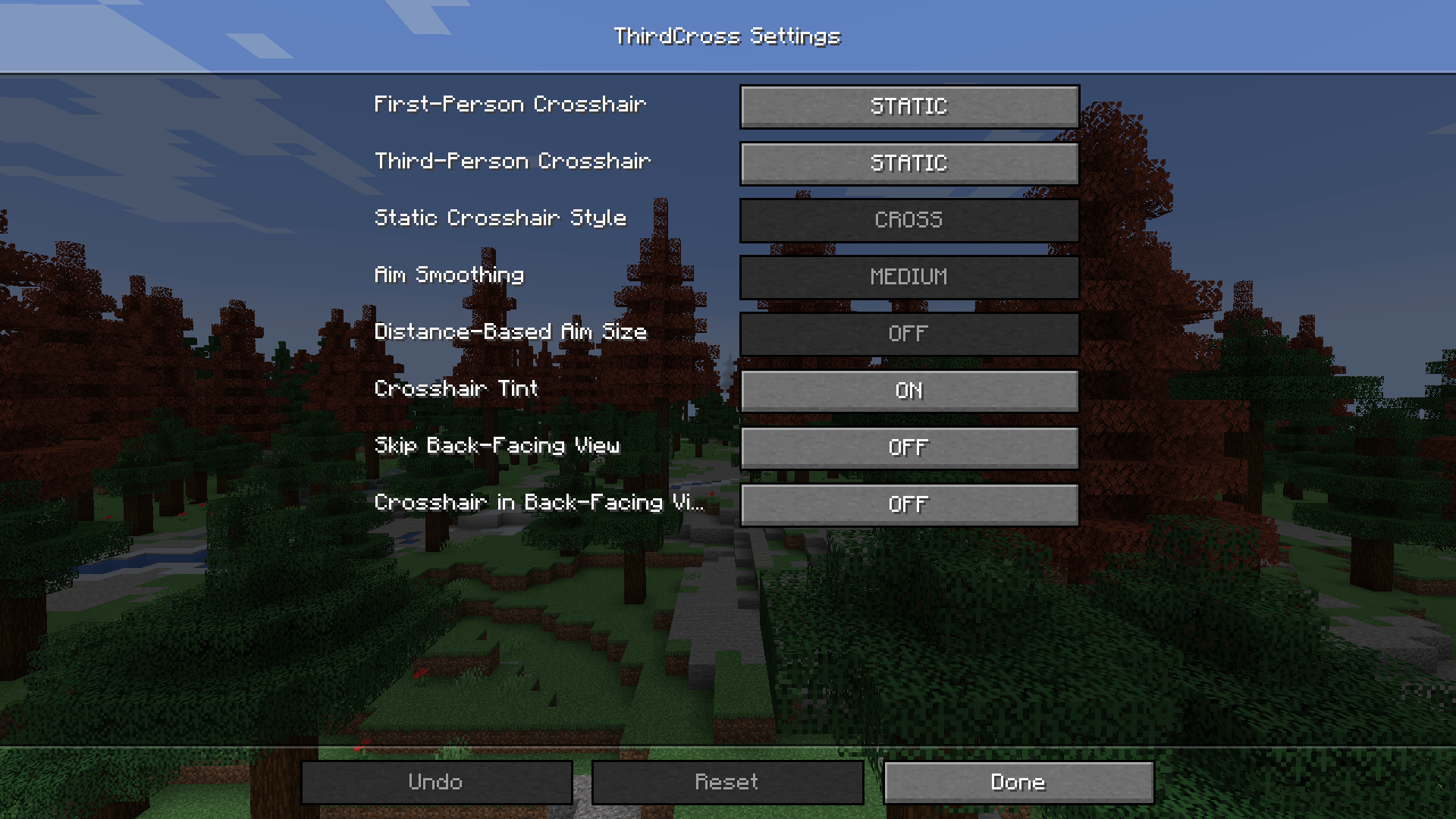 Default configuration screen Default configuration screen.
-
 STATIC mode STATIC Mode. Camera mod used: Better Third Person
 -
 AIM mode AIM Mode. Camera mod used: Better Third Person
 -
 STATIC + AIM Mode STATIC + AIM Mode. Camera mod used: Better Third Person
 -
 OFF Mode OFF Mode. Camera mod used: Better Third Person
 -
 STATIC + AIM in third-person STATIC + AIM in third-person. Camera mod used: Better Third Person
 -
 AIM mode on a distant target Aim mode on a distant target. Camera mod used: Better Third Person
 -
 Resource-pack and Sable ⁄ Create Aeronautics compatibility Resource-pack and Sable ⁄ Create Aeronautics compatibility. Camera mod used: Better Third Person
 -
 Default configuration screen Default configuration screen.
Versions
Files
Relations
Project Relations
More like this
Similar Mods
Suggestions use data such as tags, dependencies, dependents, descriptions, titles, and more to rank how much they overlap with this mod.
On ModDex
Community snapshot
By the numbers
Statistics

Get it on
Available Platforms
On ModDex
Community snapshot
By the numbers