Community listing page, reviews here may not be monitored by the author.
Too Many Players


No reviews yet
Allows you to increase FPS with a large crowd of players
Community voices
Reviews
No reviews yet. Be the first to review this project!
Get it on
Available Platforms
Compatibility
Supported Environments
Runs entirely on the client. Works on vanilla servers.
About
Project Details
For authors
Embed Badge
If you're the author of this project, you can embed a live badge anywhere that supports HTML or Markdown. It updates automatically whenever ratings change.
Use HTML for any page that supports it, or Markdown for README files and Markdown-based descriptions.
Identifiers
Platform IDs
About
Description
ENG
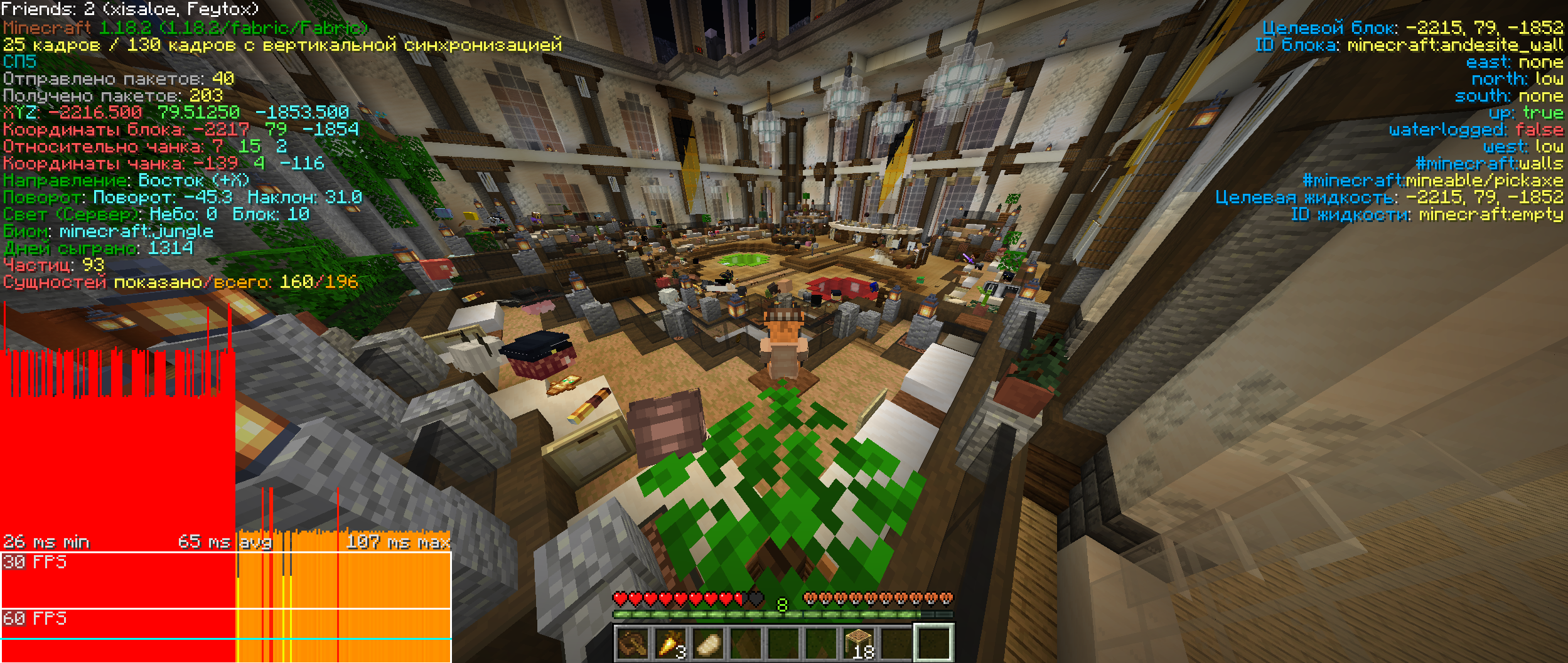
Too Many Players is a rough client optimization mod to increase FPS when there are a lot of players in your field of vision.
The mod allows you to completely turn off the rendering of players, their armor, objects in their hands and bodies, except for the head. Thus, the game draws fewer elements, which allows you to increase FPS. At the same time, you can still understand who is who.
Also in the mod it is possible to enable "Hiding Areas", which allows you to apply hiding elements depending on the distance to the player.
We took inspiration from the HidePlayers mod by forking it and adding many new features.
RU
Too Many Players - это мод грубой оптимизации клиента для повышения FPS, когда в вашем поле зрении находится очень много игроков.
Мод позволяет полностью отключить рендер игроков, их брони, предметов в руках и тела, кроме головы. Таким образом, игра отрисовывает меньше элементов, что позволяет повысить FPS. При этом вы всё ещё сможете понимать, кто есть кто.
Также в моде есть возможность включить "Области скрытия", что позволяет применять скрытие элементов в зависимости от расстояния до игрока.
Мы вдохновлялись модом HidePlayers, сделав его форк и добавив множество новых функций.
Discord
ENG
Too Many Players is a rough client optimization mod to increase FPS when there are a lot of players in your field of vision.
The mod allows you to completely turn off the rendering of players, their armor, objects in their hands and bodies, except for the head. Thus, the game draws fewer elements, which allows you to increase FPS. At the same time, you can still understand who is who.
Also in the mod it is possible to enable "Hiding Areas", which allows you to apply hiding elements depending on the distance to the player.
We took inspiration from the HidePlayers mod by forking it and adding many new features.
RU
Too Many Players - это мод грубой оптимизации клиента для повышения FPS, когда в вашем поле зрении находится очень много игроков.
Мод позволяет полностью отключить рендер игроков, их брони, предметов в руках и тела, кроме головы. Таким образом, игра отрисовывает меньше элементов, что позволяет повысить FPS. При этом вы всё ещё сможете понимать, кто есть кто.
Также в моде есть возможность включить "Области скрытия", что позволяет применять скрытие элементов в зависимости от расстояния до игрока.
Мы вдохновлялись модом HidePlayers, сделав его форк и добавив множество новых функций.
Документация
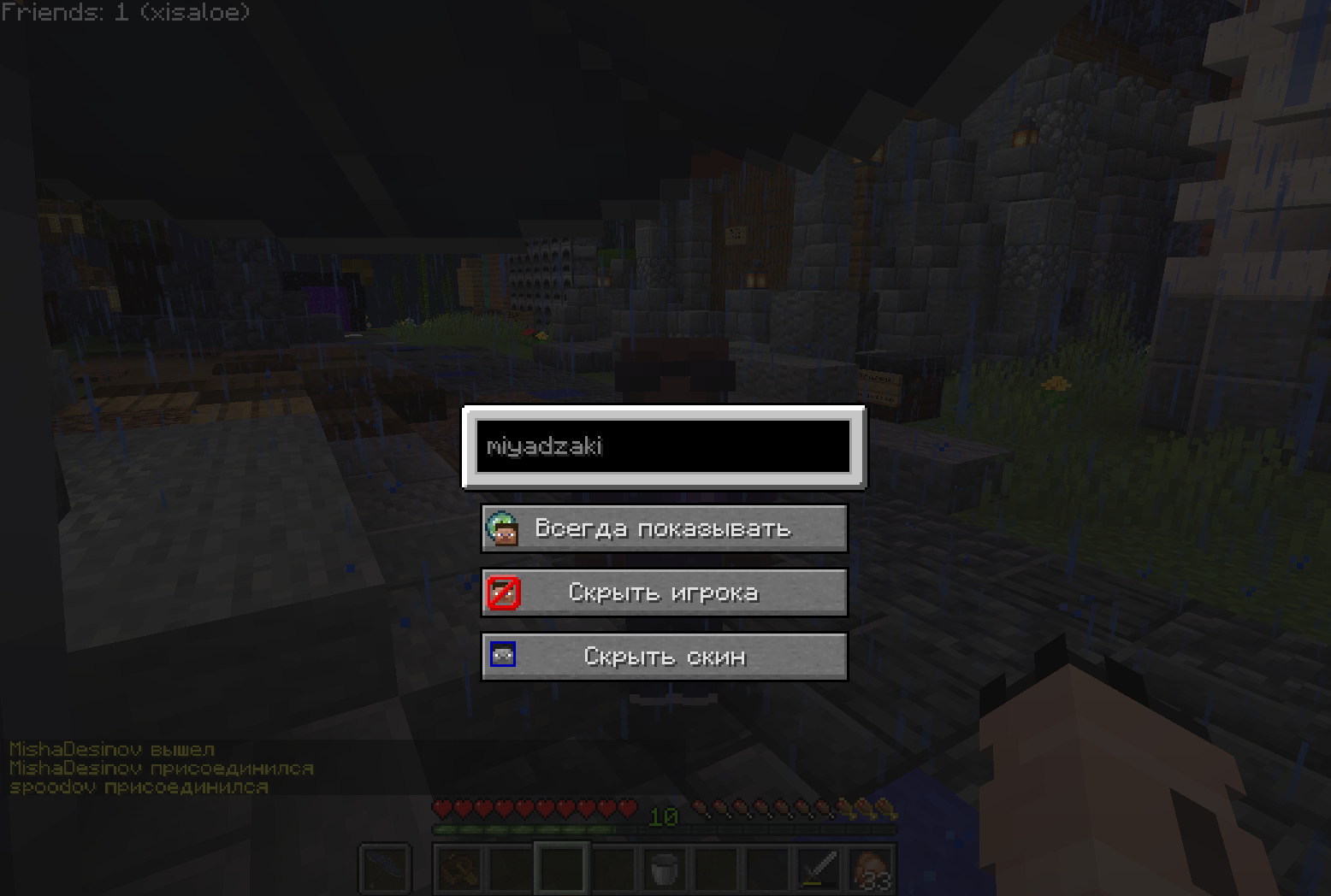
Что-бы включить или выключить оптимизацию игроков - используйте J (можно натсроить)
Комманды:
Все команды начинаются с /tmp
/tmp blocklist , /tmp hideskin , /tmp whitelist - команды для управления списками.
blocklist - список блокировки игроков с визуальной части. Позволяет или полностью скрывать неугодного вам игрока, или отображать только его голову.
hideskin - скрывает скин игрока
whitelist - игнорирует игрока при оптимизации. Тем самым игрока не будет затрагивать скрытие во время оптимизации
У списков есть аргументы: add , clear , list , remove
add - добавить игрока в список (например: /tmp whitelist add DearFox)
clear - полностью отчистит список
list - показать всех игроков в текущем списке
remove - удалить игрока из списка (например: /tmp blocklist remove MrNOEDI)
/tmp preset - работа с пресетами
Меняет настройки конфига.
create - создать новый пресет
list - посмотреть список всех пресетов
remove - удалить пресет
select - выбрать пресет
По умолчанию существует 3 пресета:
default - конфиг по умолчанию
SP - пресет для игроков СП
SP_potato - пресет для игроков СП со слабыми ПК
/tmp url - перезагружает онлайн вайтлист. После url можно передать ссылку на удаленный json файл с никами, например: /tmp url http://tmp-sp-whitelist.uwu.name/
Discord
Создатели
Feytox - dev
DearFox - Идейный вдохновитель, эксперименты и тесты.
minemobs - Создатель HidePlayers
Screenshots
Gallery
Versions
Files
Relations
Project Relations
More like this
Similar Mods
Suggestions use data such as tags, dependencies, dependents, descriptions, titles, and more to rank how much they overlap with this mod.
On ModDex
Community snapshot
By the numbers
Statistics
Want to reach Minecraft players?
We're looking for a server hosting partner to feature here and other parts of the site. Interested? Send us a message!
Get in touchGet it on
Available Platforms
On ModDex
Community snapshot
By the numbers