Community listing page, reviews here may not be monitored by the author.
Sound Board


No reviews yet
A Fabric mod that adds a client-side Sound Board
Community voices
Reviews
No reviews yet. Be the first to review this project!
Get it on
Available Platforms
Compatibility
Supported Environments
Runs entirely on the client. Works on vanilla servers.
About
Project Details
For authors
Embed Badge
If you're the author of this project, you can embed a live badge anywhere that supports HTML or Markdown. It updates automatically whenever ratings change.
Use HTML for any page that supports it, or Markdown for README files and Markdown-based descriptions.
Identifiers
Platform IDs
About
Description
SoundBoard

A Fabric mod that adds a client-side Sound Board
Use
Press "O" in-game to open the GUI
You can change this in Keyboard Settings
To enable Dark, Compact or Extended Mode install ModMenu and go to SoundBoard Config
Custom Sounds
Info
To add custom sounds you must use a resource pack
Template Resource Pack : GitHub Link
Guide
- Download the template resource pack and unzip it
- Download a .mp3 file
- Convert your .mp3 to .ogg
- Rename it custom1.ogg
- To add more just rename them custom2.ogg, custom3.ogg etc.
- Six sounds is the limit (8 in Extended Mode)
- Put it in the folder assets\soundboard\sounds
Optional
Subtitles
- Open assets\soundboard\lang\en_us.json
- Add subtitles or change button names
More Sounds
- You can also modify the sounds that come with the mod
- Just follow the guide for adding sounds but instead of naming the files custom1.ogg, ...
- Name them among.ogg, smg.ogg, sui.ogg, wow.gg


SoundBoard
SoundBoard is a must-have mod for Minecraft players using Fabric. It introduces an ingenious client-side sound board that not only enhances your own auditory experience but also transforms multiplayer interactions. When combined with the server-side version, SoundBoard enables you to share your favorite sounds with other players, fostering a vibrant community atmosphere that adds a whole new dimension to your gameplay. Elevate your Minecraft experience to new heights by immersing yourself in the world of customizable sounds and collaborative audio exploration.
Features
- Immerse yourself in either the Light or Dark themes that cater to your style.
- Customize your gameplay with Normal, Compact, and Extended modes to suit your preferences.
- Express yourself by adding your own personalized sounds to the sound board, transforming your Minecraft world into a symphony of creativity.
- And that's not all – discover even more exciting features as you explore the mod!
Getting Started
Embark on your sound adventure with SoundBoard by downloading and installing the version tailored for your Minecraft setup. Find your groove and redefine how you interact with the game. This table that can help you choose the correct versions:
| Minecraft | Client | Server-Mod | Server-Plugin |
|---|---|---|---|
| 1.20.2 | 3.0-1.20.2 | 1.1 | 1.0 |
| 1.20.1 | 3.0.0 | 1.0 | 1.0 |
| 1.19.4 | 2.5.0 | Not Supported | Not Supported |
Configuration
Once you've successfully installed SoundBoard into your Minecraft environment, fine-tune your experience using the user-friendly ModMenu interface. Accessible through the Mods button on the main menu screen, you can effortlessly modify themes and modes to your liking by pressing on the mod's icon.
Custom Sounds
To add custom sounds you must use a resource pack and if you want other to hear your sounds they must also have that resource pack. I have created a template that can be used to easily add sounds.
Guide
- Download the template resource pack and unzip it
- Download a
.mp3file with your desired sound - Convert your
.mp3to.ogg
- Rename it
custom1.ogg- To add more sounds just rename them
custom2.ogg,custom3.oggetc. - Six sounds is the limit (8 in Extended Mode)
- To add more sounds just rename them
- Put the sound in
assets\soundboard\sounds - Zip the resource pack and put it in the
resourcesfolder of you Minecraft installation
Note: Make sure that you didn't zip the folder of the resource pack. The path to the
pack.mcmetafile should look like this:ResourcepackName.zip\pack.mcmeta
Subtitles
To add subtitles you can do this:
- Open
assets\soundboard\lang\en_us.json - Add subtitles or change button names
More Sounds
To add a few more custom sounds you can change the default ones. Simply follow the guide for adding sounds but instead of naming the files custom1.ogg, custom2.ogg etc. Name them among.ogg, smg.ogg, sui.ogg and wow.ogg.
Support
For any inquiries or concerns related to the SoundBoard client-mod, navigate to our dedicated issue tracker. If you encounter issues with the server-side mod, you're encouraged to utilize our server-side issue tracker.
Credits
SoundBoard was developed by TheOnlySD12 and is licensed under the MIT License. Special thanks to the following people for their contributions to the project:
- Me (Code Review)
- Myself (Ideas)
- I (Testing)
I hope you enjoy using SoundBoard! Please don't hesitate to use the issue tracker if you have any feedback or suggestions.
Screenshots
Gallery
-
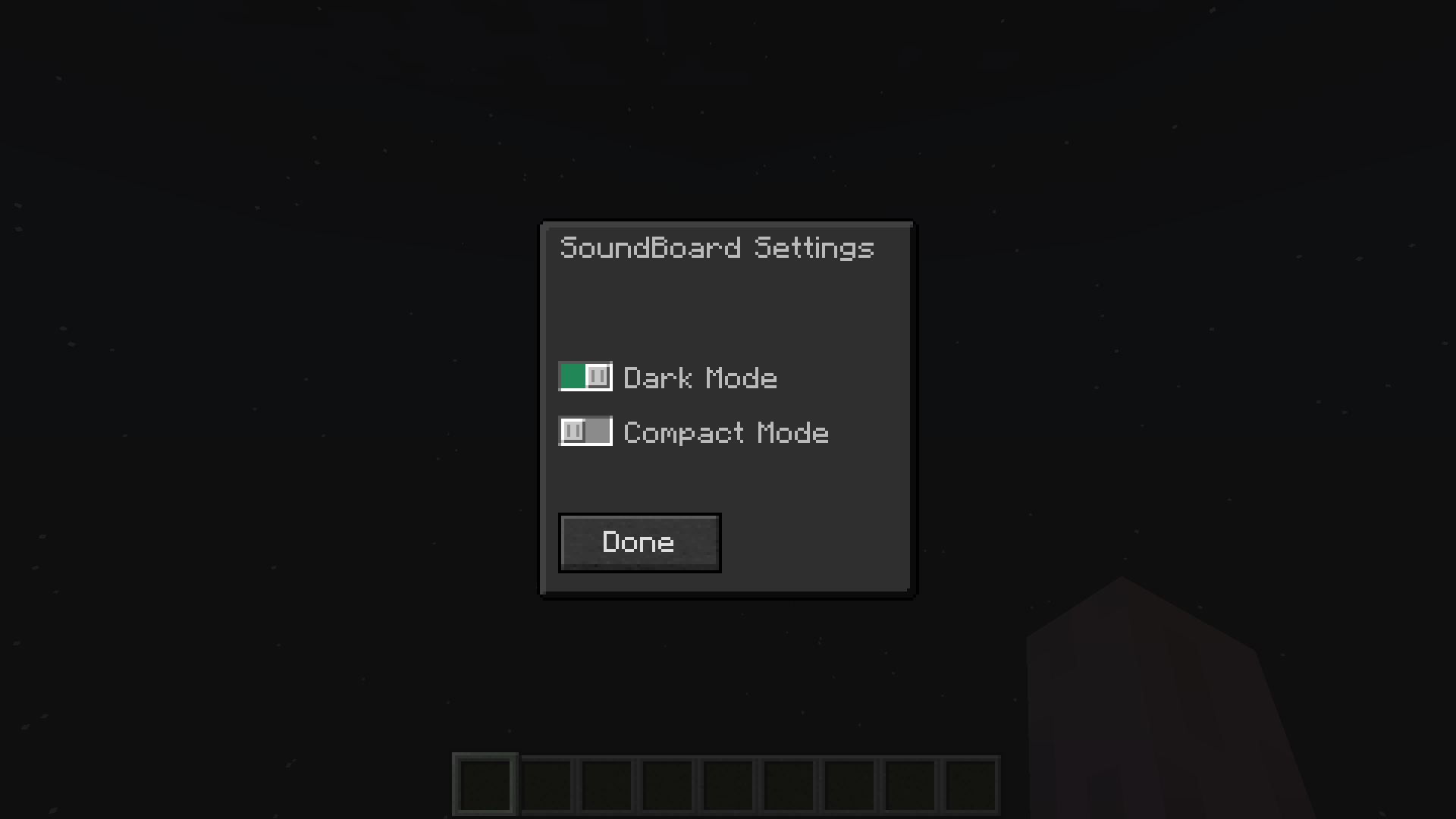 Sound Board Config GUI Dark Mode
 -
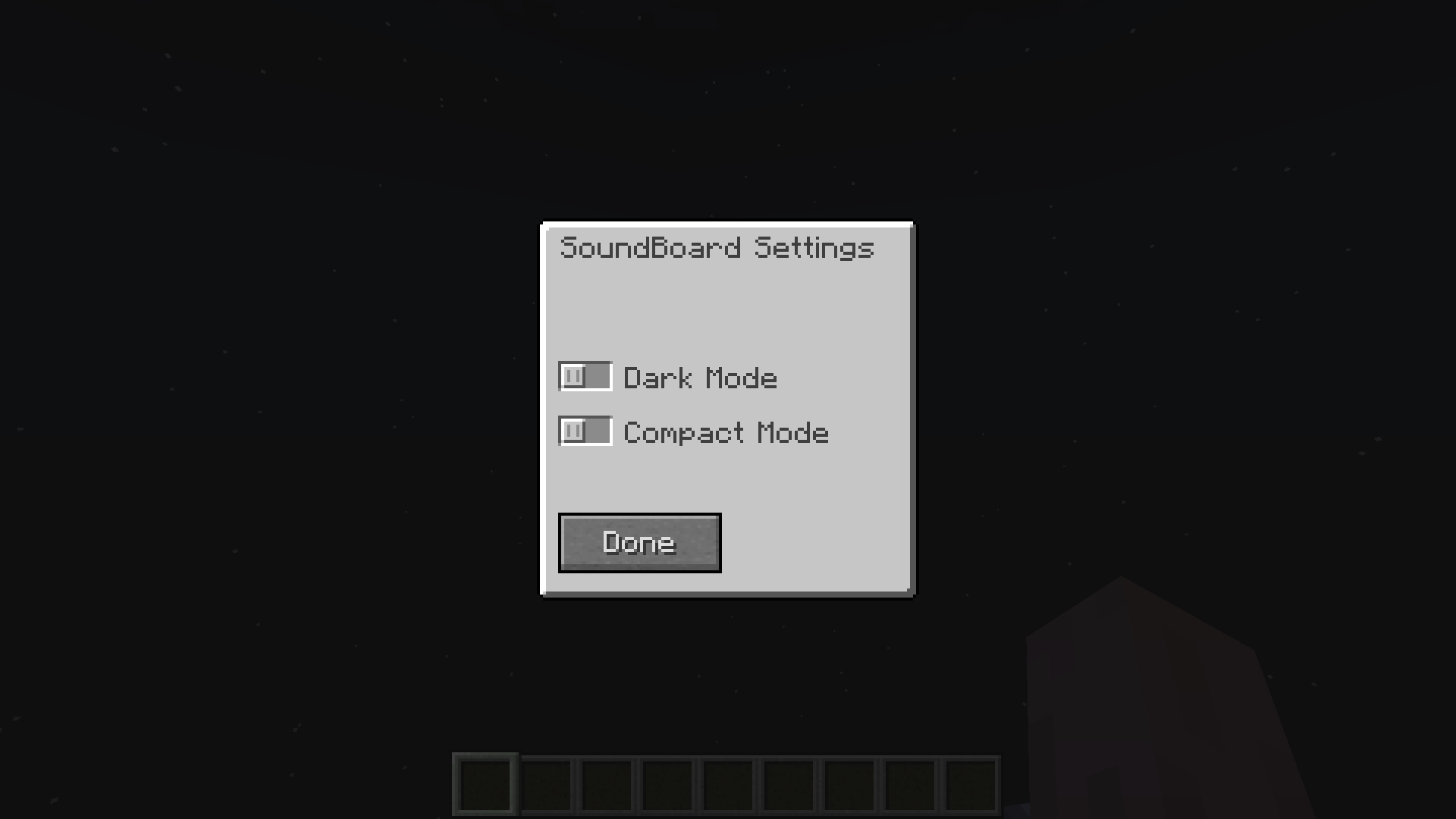 Sound Board Config GUI Light Mode
 -
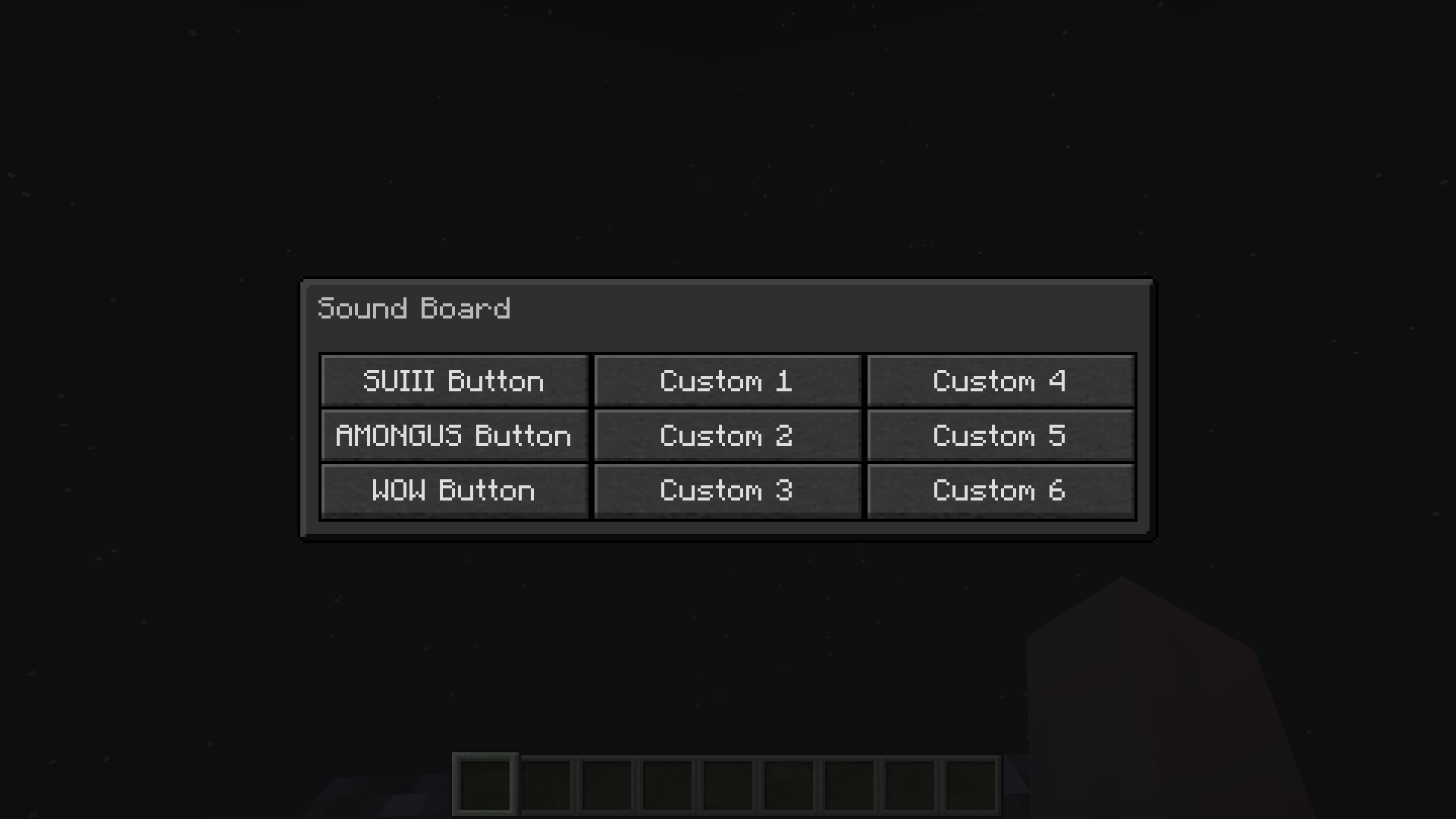 Sound Board GUI Compact Mode - Dark
 -
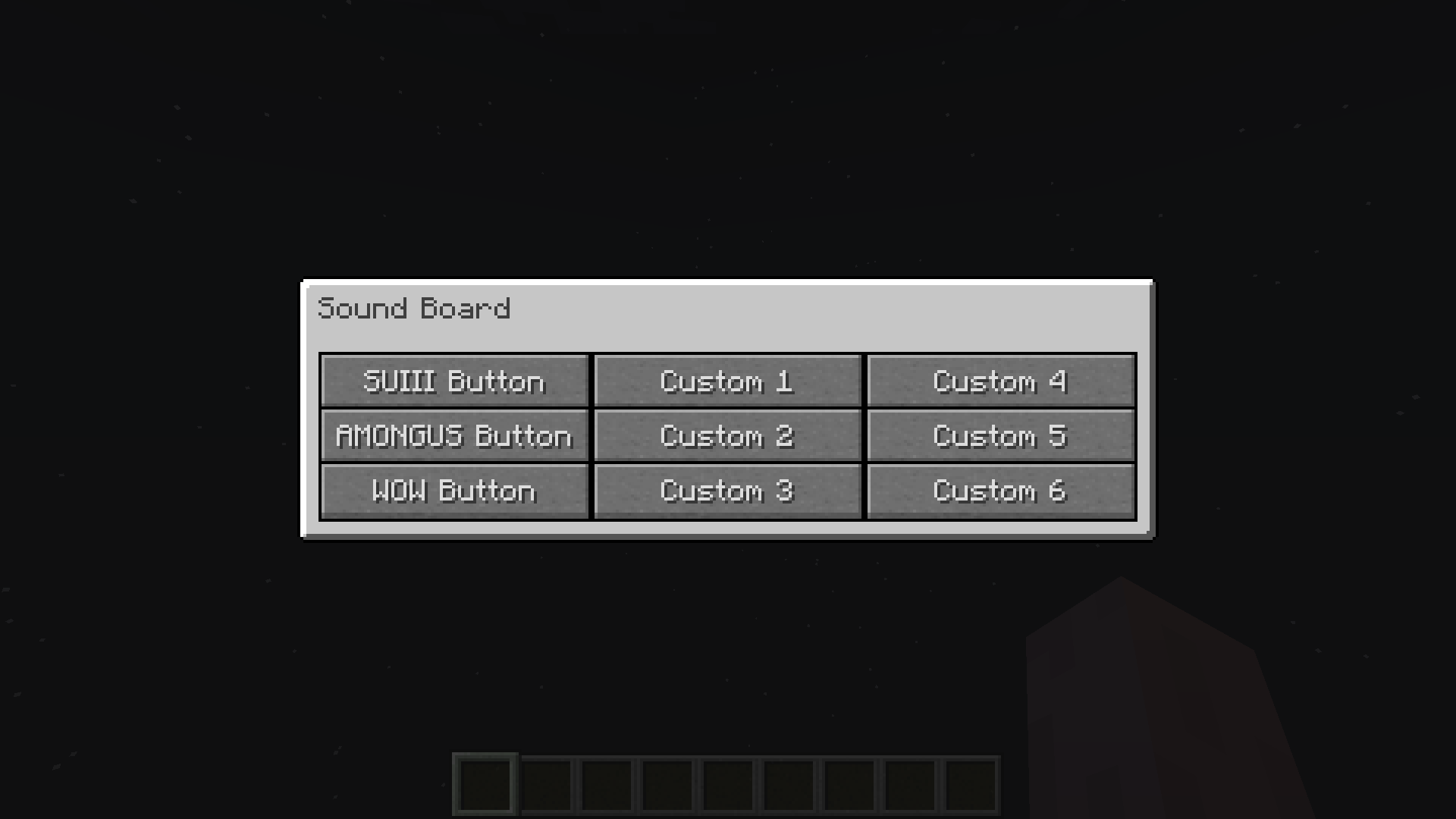 Sound Board GUI Compact Mode - Light
 -
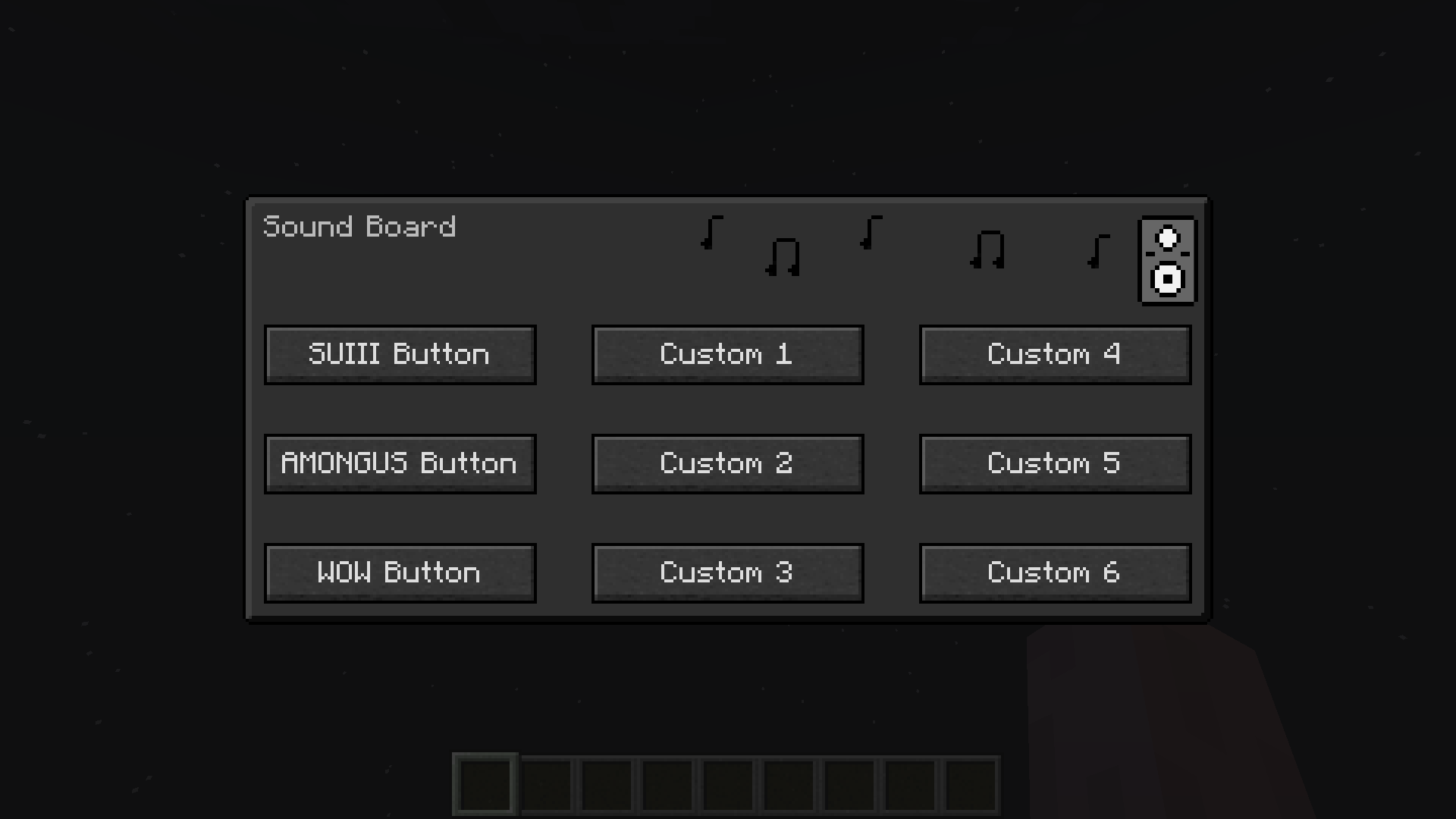 Sound Board GUI Dark Mode
 -
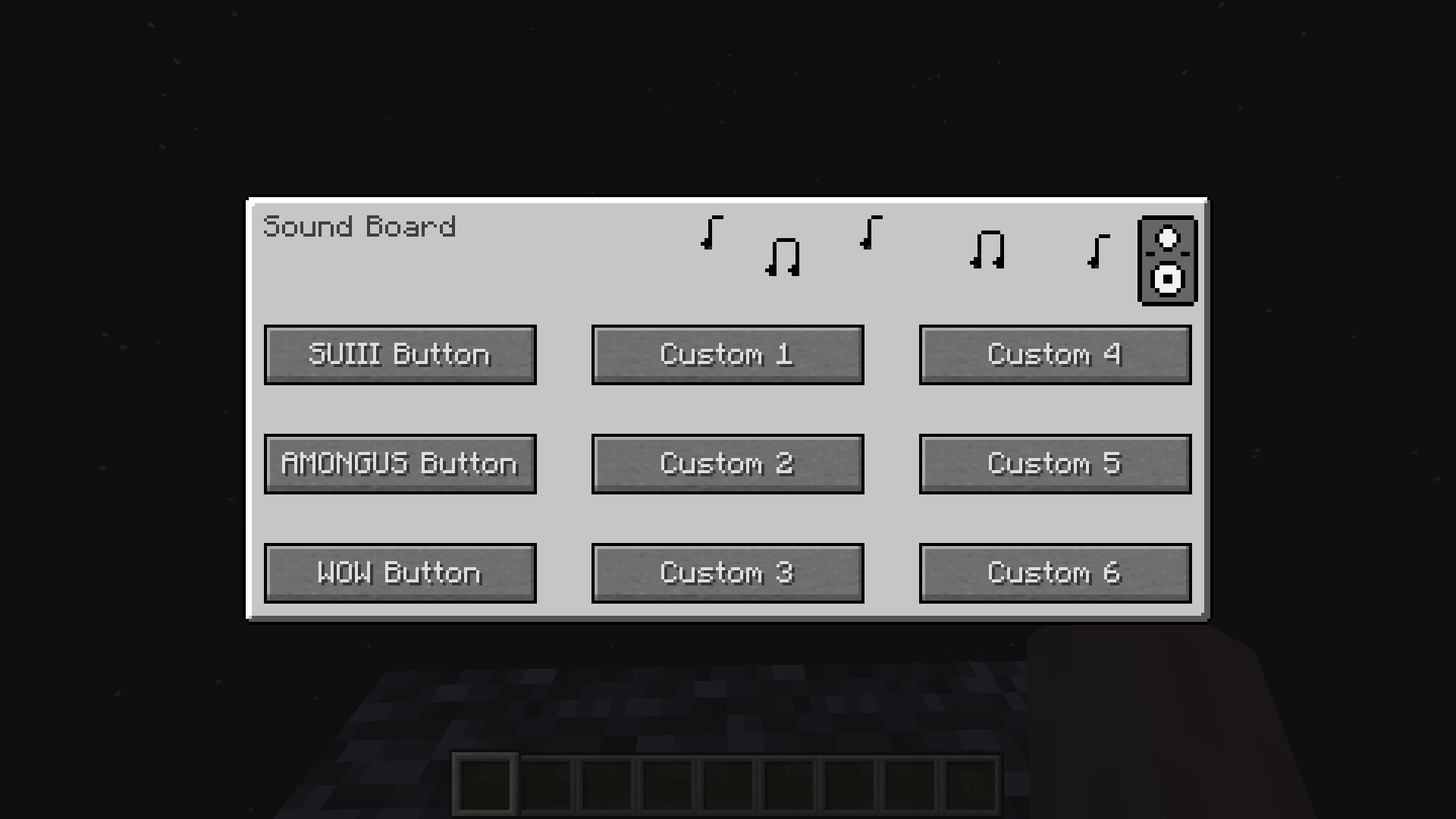 Sound Board GUI Light Mode
-
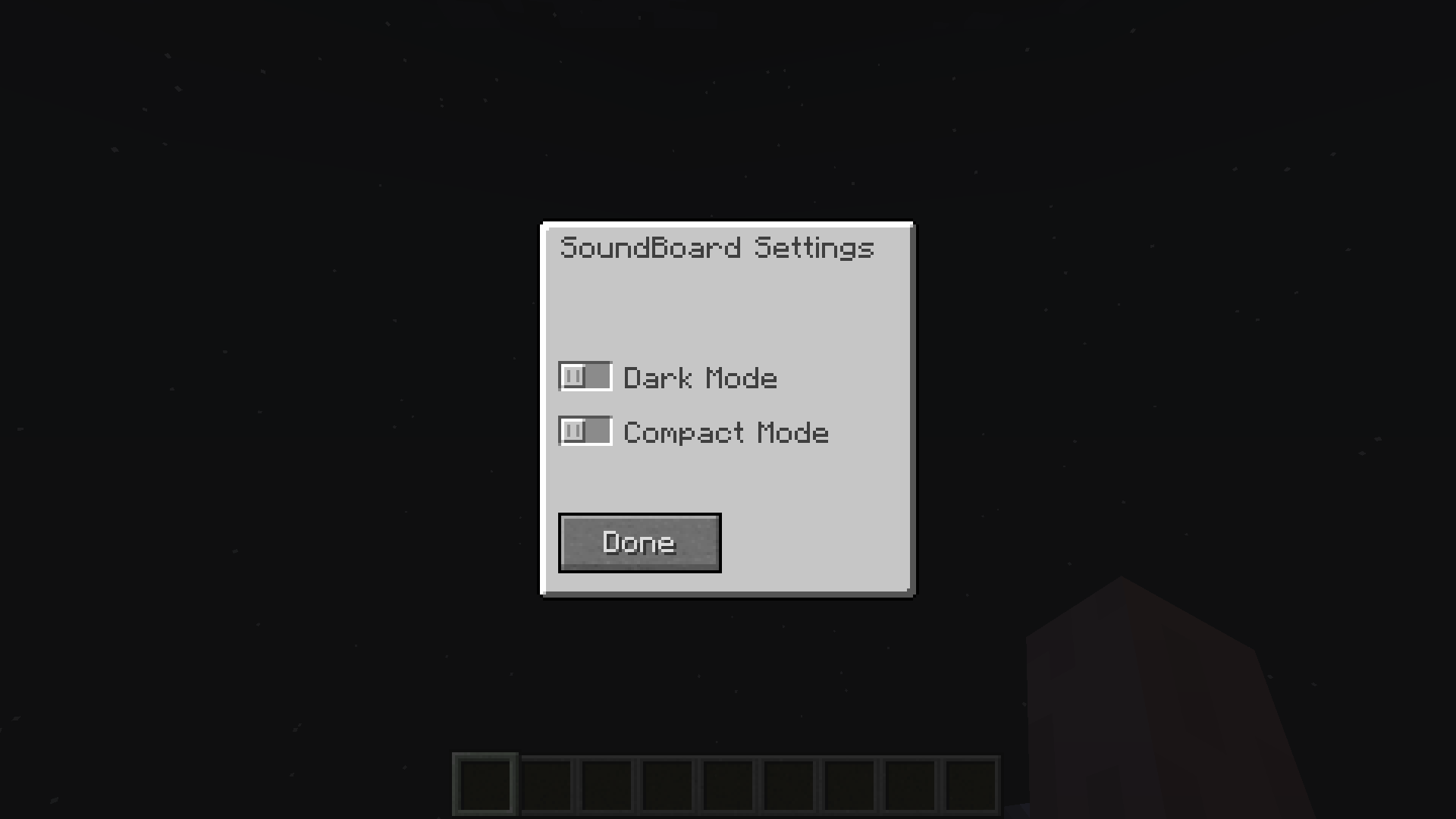 Sound Board Config GUI Light
 -
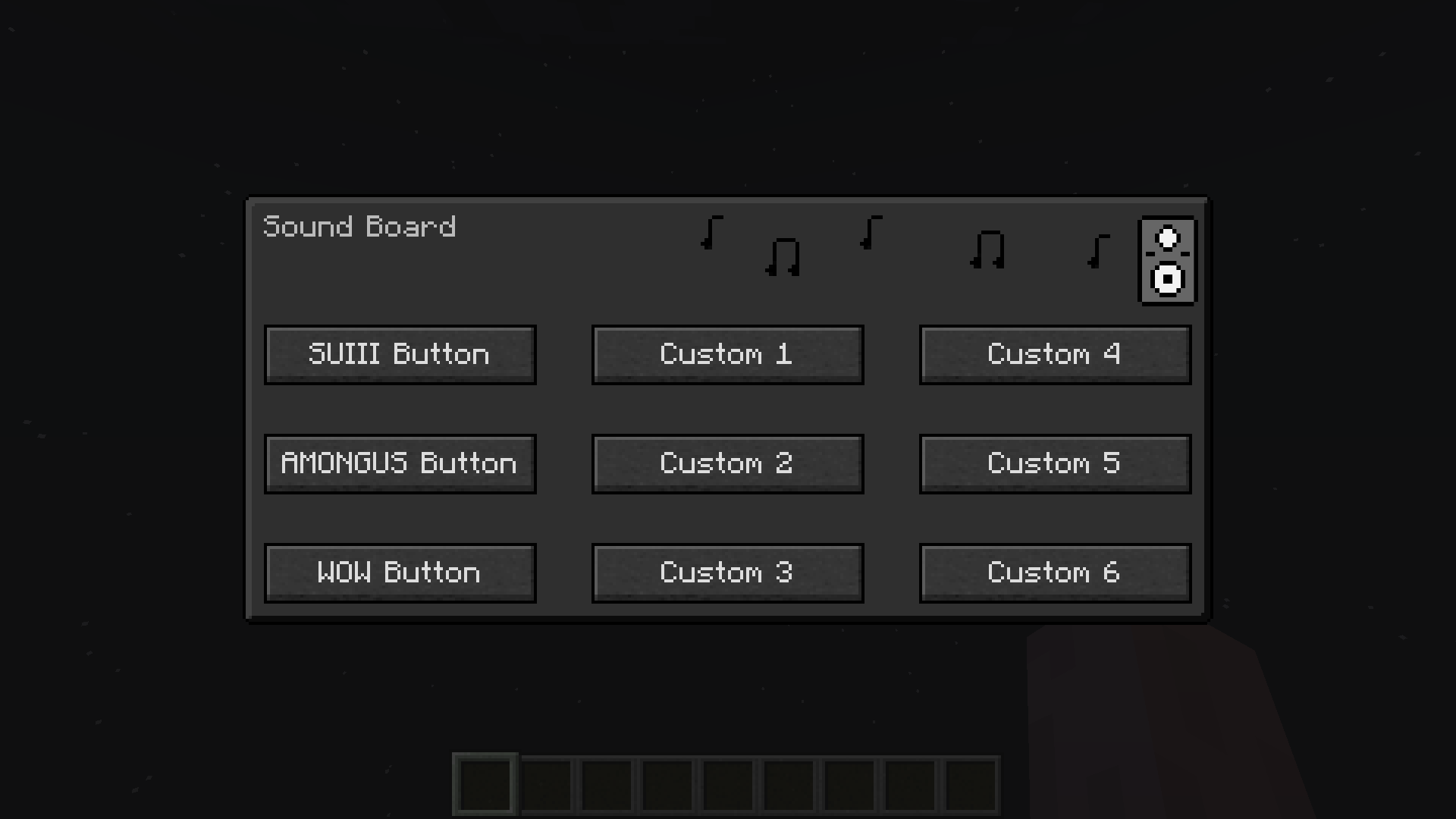 Sound Board GUI Dark Mode
 -
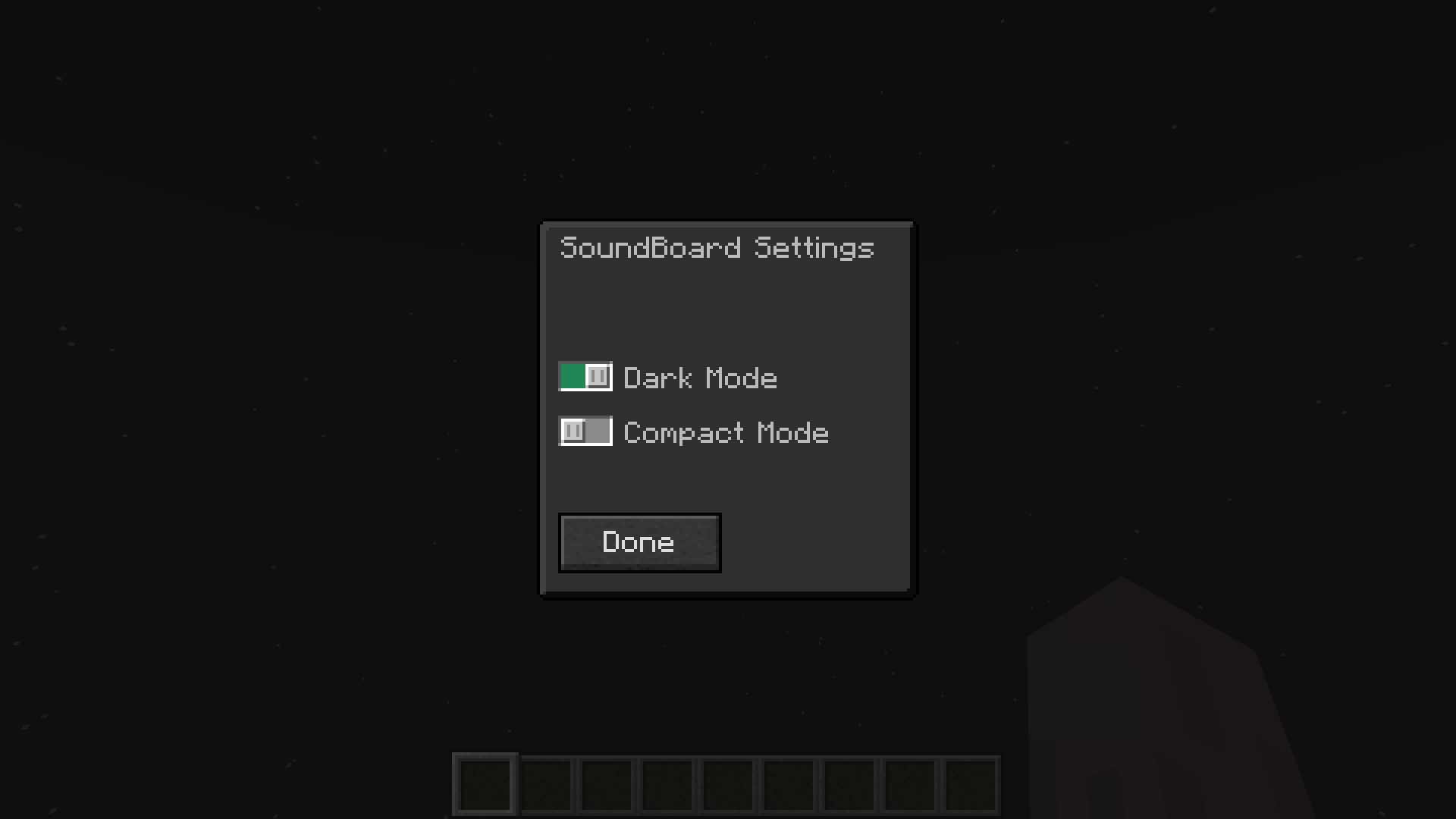 Sound Board Config GUI Dark
 -
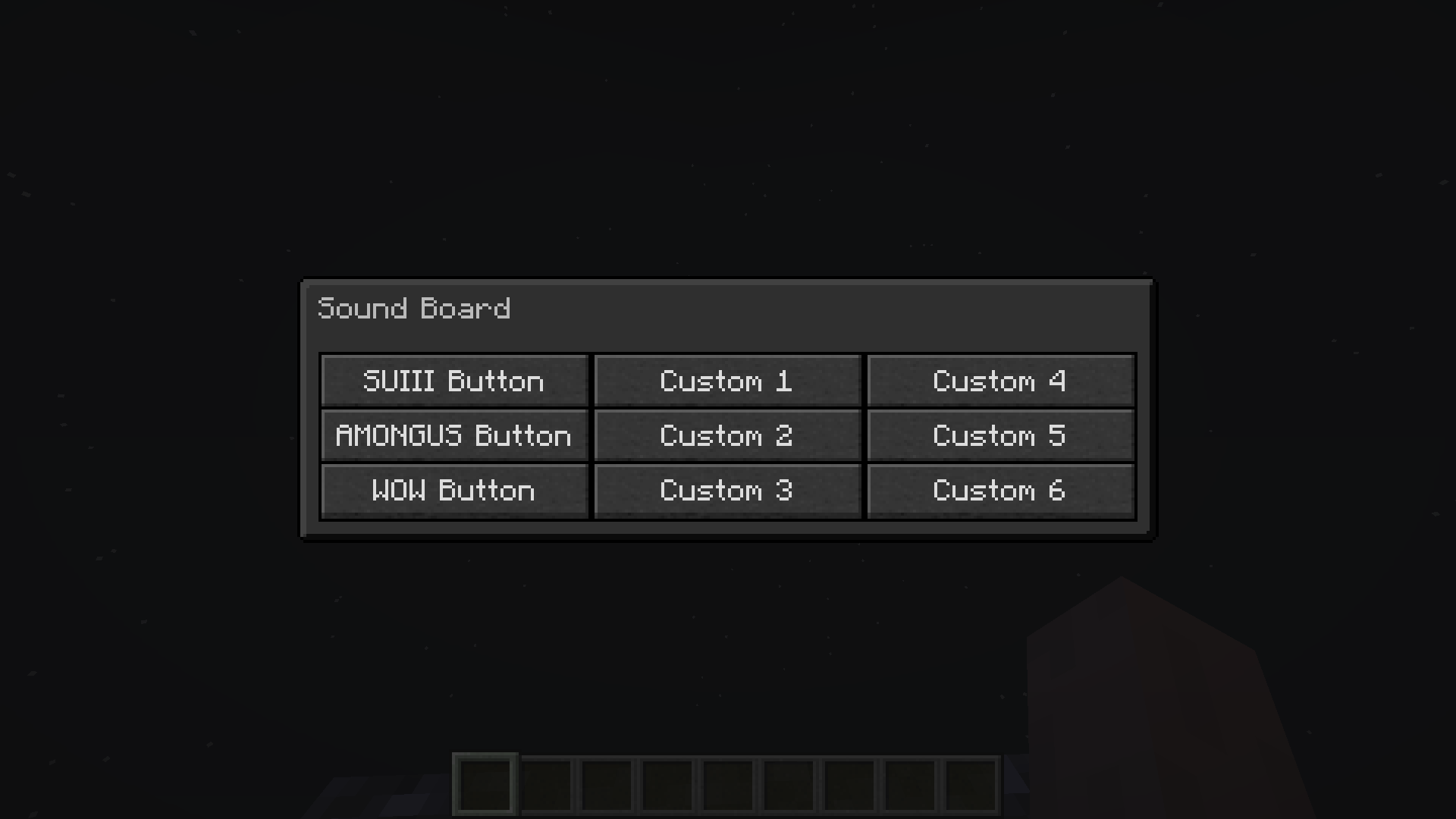 Sound Board GUI Compact Mode - Dark
 -
 Sound Board GUI Compact Mode - Light
 -
 Sound Board GUI Light Mode
Versions
Files
Relations
Project Relations
More like this
Similar Mods
Suggestions use data such as tags, dependencies, dependents, descriptions, titles, and more to rank how much they overlap with this mod.
On ModDex
Community snapshot
By the numbers
Statistics
Want to reach Minecraft players?
We're looking for a server hosting partner to feature here and other parts of the site. Interested? Send us a message!
Get in touchGet it on
Available Platforms
On ModDex
Community snapshot
By the numbers