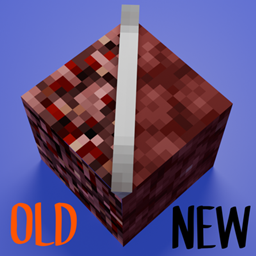
Community listing page, reviews here may not be monitored by the author.
Toggleable Textures


No reviews yet
Toggleable Textures is a client-side Fabric mod that lets players switch selected Minecraft block textures between modern and nostalgic historical versions through an in-game menu.
Community voices
Reviews
No reviews yet. Be the first to review this project!
Get it on
Available Platforms
Compatibility
Supported Environments
Runs entirely on the client. Works on vanilla servers.
About
Project Details
For authors
Embed Badge
If you're the author of this project, you can embed a live badge anywhere that supports HTML or Markdown. It updates automatically whenever ratings change.
Use HTML for any page that supports it, or Markdown for README files and Markdown-based descriptions.
Identifiers
Platform IDs
Resources
External Links
About
Description

Special thanks to CodecraftPlugin for creating the title card artwork!
Another special thanks to Cr1ato for showcasing the mod in a recent YouTube Short!
Watch Cr1ato's Toggleable Textures showcase
Toggleable Textures is a client-side Fabric mod that lets you switch selected Minecraft block and item textures between modern and nostalgic historical versions through an in-game menu.
Search for supported textures, preview the available choices, cycle between versions, and click Apply to update them without replacing the entire game with a full resource pack.
Older textures are extracted from your local Minecraft installation, so the mod does not ship Mojang assets.
Features
- Per-block and per-item texture selection
- Minecraft-style in-game menu
- Search bar for supported textures
- Preview icons for selected textures
- Apply button so textures only reload when you choose
- Support for textures from enabled resource packs
- Client-side only
Installation
CurseForge App
Install Toggleable Textures like any other Fabric mod through the CurseForge App.
Make sure Fabric API is installed. If it is listed as a required dependency, the CurseForge App should install it automatically.
Manual Installation
Install Fabric Loader for Minecraft 26.3: Download the Fabric Installer
Install the appropriate Fabric API/Fabric Loader version:
- Minecraft 1.20.x — Fabric Loader
0.16.14— Requires Java 17 - Minecraft 26.2 — Fabric Loader
0.19.3— Java 25 - Minecraft 26.3 — Fabric Loader
0.19.5— Java 25
- Minecraft 1.20.x — Fabric Loader
Download Toggleable Textures.
Place the downloaded
.jarfile in your.minecraft/modsfolder.Read the old texture support instructions below.
Launch Minecraft using the Fabric profile.
Important: Old Texture Support
To use all of the older texture options, launch the following Minecraft versions at least once through the vanilla Minecraft Launcher:
- Minecraft 1.5.1
- Minecraft 1.12.2
- Minecraft 1.13.2
This gives Toggleable Textures access to your own local game files so it can extract the older textures on your computer.
Using Other Resource Packs
Toggleable Textures can also use textures from downloaded resource packs.
- Install Toggleable Textures and Fabric API.
- Place the resource pack
.zipfile in your Minecraftresourcepacksfolder. - Launch Minecraft.
- Go to Options → Resource Packs.
- Enable the resource pack you want to use.
- Open the Toggleable Textures menu by pressing
=. - Blocks and items changed by the enabled resource pack will display an additional option, such as
Pack: <Resource Pack Name>. - Choose
Current,Old, orPack. - Click Apply.
When you disable a resource pack, its texture options automatically disappear from the Toggleable Textures menu.
How to Use
- Launch Minecraft with Toggleable Textures installed.
- Join a world.
- Press
=to open the Toggleable Textures menu. - Search for a block or item, or scroll through the list.
- Click its texture button to cycle through the available versions.
- Click Apply to reload the selected textures.
Keybind
The default key for opening the Toggleable Textures menu is =.
You can change this keybind from Minecraft's Controls menu.

Special thanks to CodecraftPlugin for creating the title card artwork!
Another special thanks to Cr1ato for showcasing the mod in a recent YouTube Short!
Watch Cr1ato's Toggleable Textures showcase
Toggleable Textures is a client-side Fabric mod that lets you switch selected Minecraft block and item textures between modern and nostalgic historical versions through an in-game menu.
Search for supported textures, preview the available choices, cycle between versions, and click Apply to update them without replacing the entire game with a full resource pack.
Older textures are extracted from your local Minecraft installation, so the mod does not ship Mojang assets.
Features
- Per-block and per-item texture selection
- Minecraft-style in-game menu
- Search bar for supported textures
- Preview icons for selected textures
- Apply button so textures only reload when you choose
- Support for textures from enabled resource packs
- Client-side only
Installation
Modrinth App
Install Toggleable Textures like any other Fabric mod through the Modrinth App.
Make sure Fabric API is installed. When it is listed as a required dependency, the Modrinth App should install it automatically.
Be sure to download the most up to date version (26.2), or 1.20.x if you need to use it for a server, or anything else. :)
Manual Installation
- Install Fabric Loader for Minecraft 26.2: Fabric Installer
- Install Fabric API version
0.152.2+26.2. - Download Toggleable Textures.
- Place the downloaded
.jarfile in your.minecraft/modsfolder. - Read the old texture support instructions below.
- Launch Minecraft using the Fabric profile.
Important: Old Texture Support
To use all of the older texture options, launch the following Minecraft versions at least once through the vanilla Minecraft Launcher:
- Minecraft 1.5.1
- Minecraft 1.12.2
- Minecraft 1.13.2
This gives Toggleable Textures access to your own local game files so it can extract the older textures on your computer.
Using Other Resource Packs
Toggleable Textures can also use textures from downloaded resource packs.
- Install Toggleable Textures and Fabric API.
- Place the resource pack
.zipfile in your Minecraftresourcepacksfolder. - Launch Minecraft.
- Go to Options → Resource Packs.
- Enable the resource pack you want to use.
- Open the Toggleable Textures menu by pressing
=. - Blocks and items changed by the enabled resource pack will display an additional option, such as
Pack: <Resource Pack Name>. - Choose
Current,Old, orPack. - Click Apply.
When you disable a resource pack, its texture options automatically disappear from the Toggleable Textures menu.
How to Use
- Launch Minecraft with Toggleable Textures installed.
- Join a world.
- Press
=to open the Toggleable Textures menu. - Search for a block or item, or scroll through the list.
- Click its texture button to cycle through the available versions.
- Click Apply to reload the selected textures.
Keybind
The default key for opening the Toggleable Textures menu is =.
You can change this keybind from Minecraft's Controls menu.
Screenshots
Gallery
-
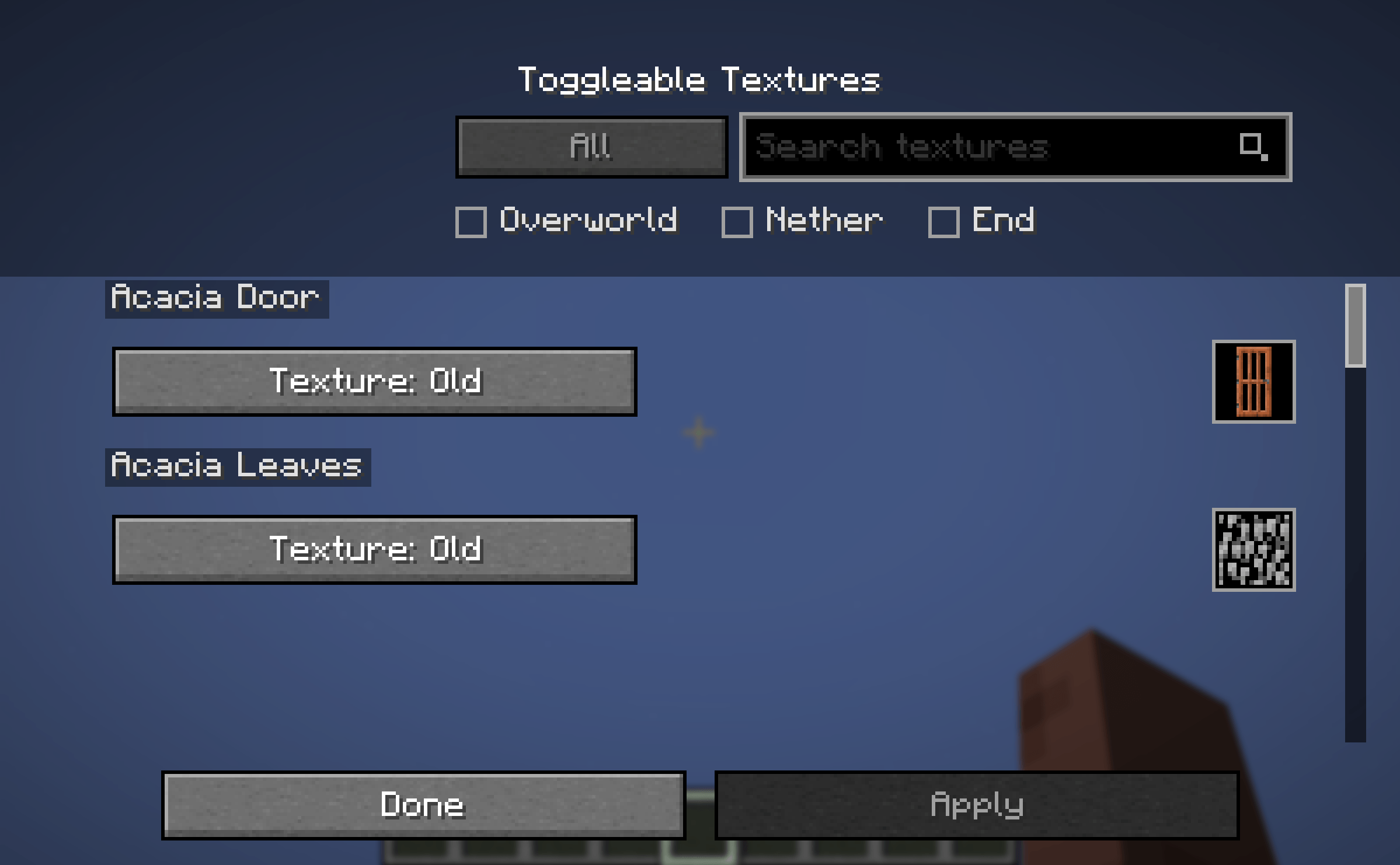 modPreview1.png modPreview1.png
 -
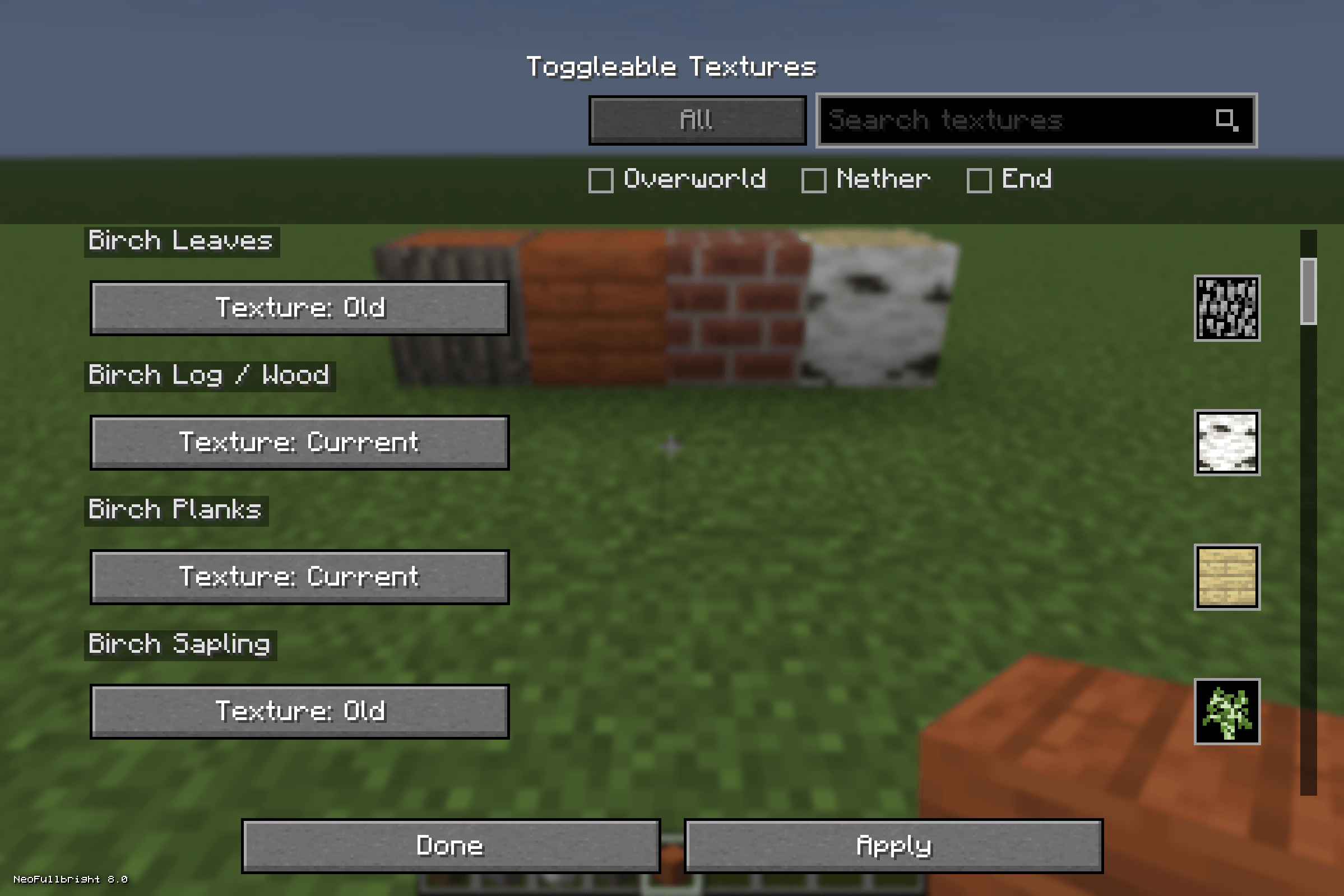 secondPreviewImage.png secondPreviewImage.png
 -
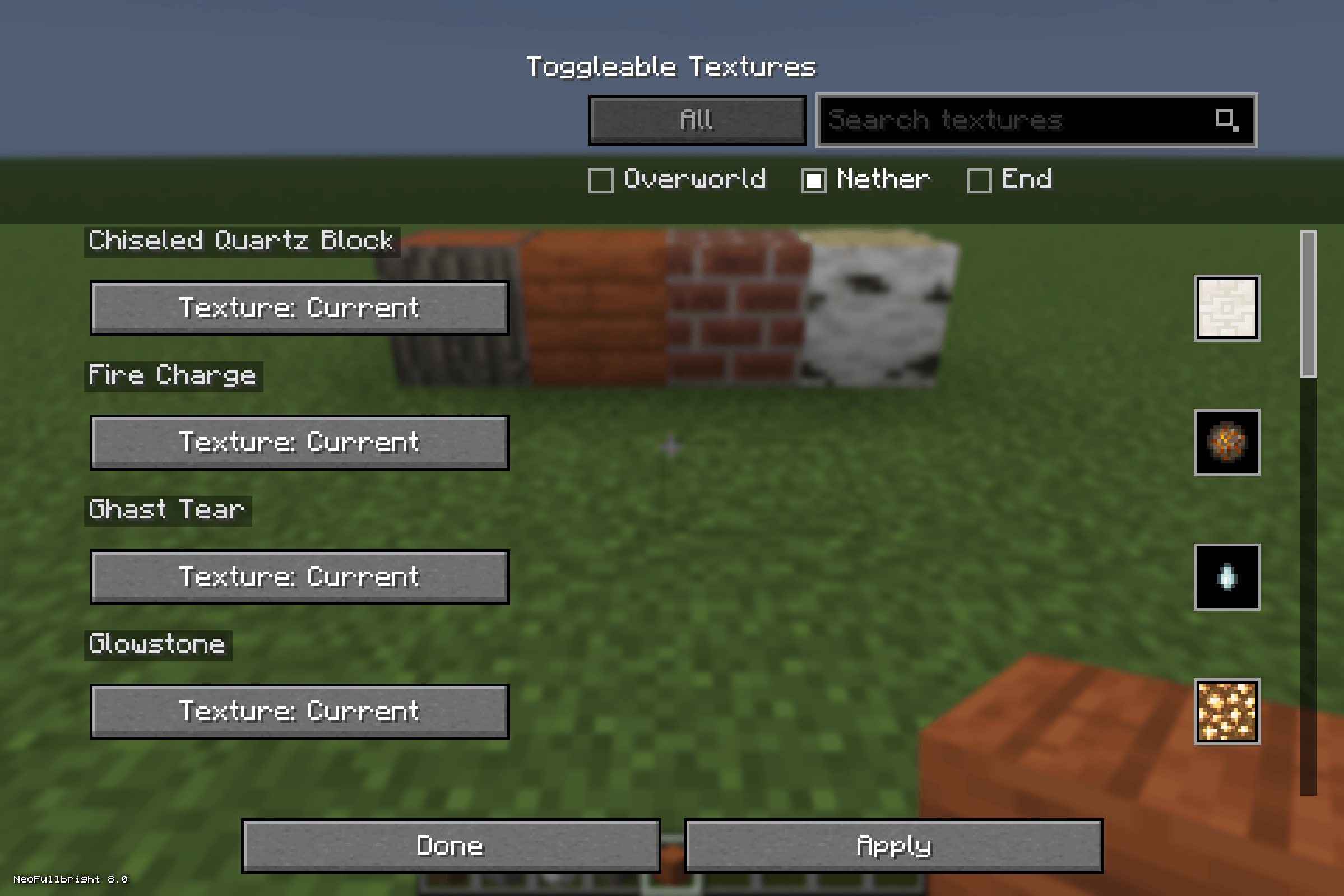 netherItems.png netherItems.png
 -
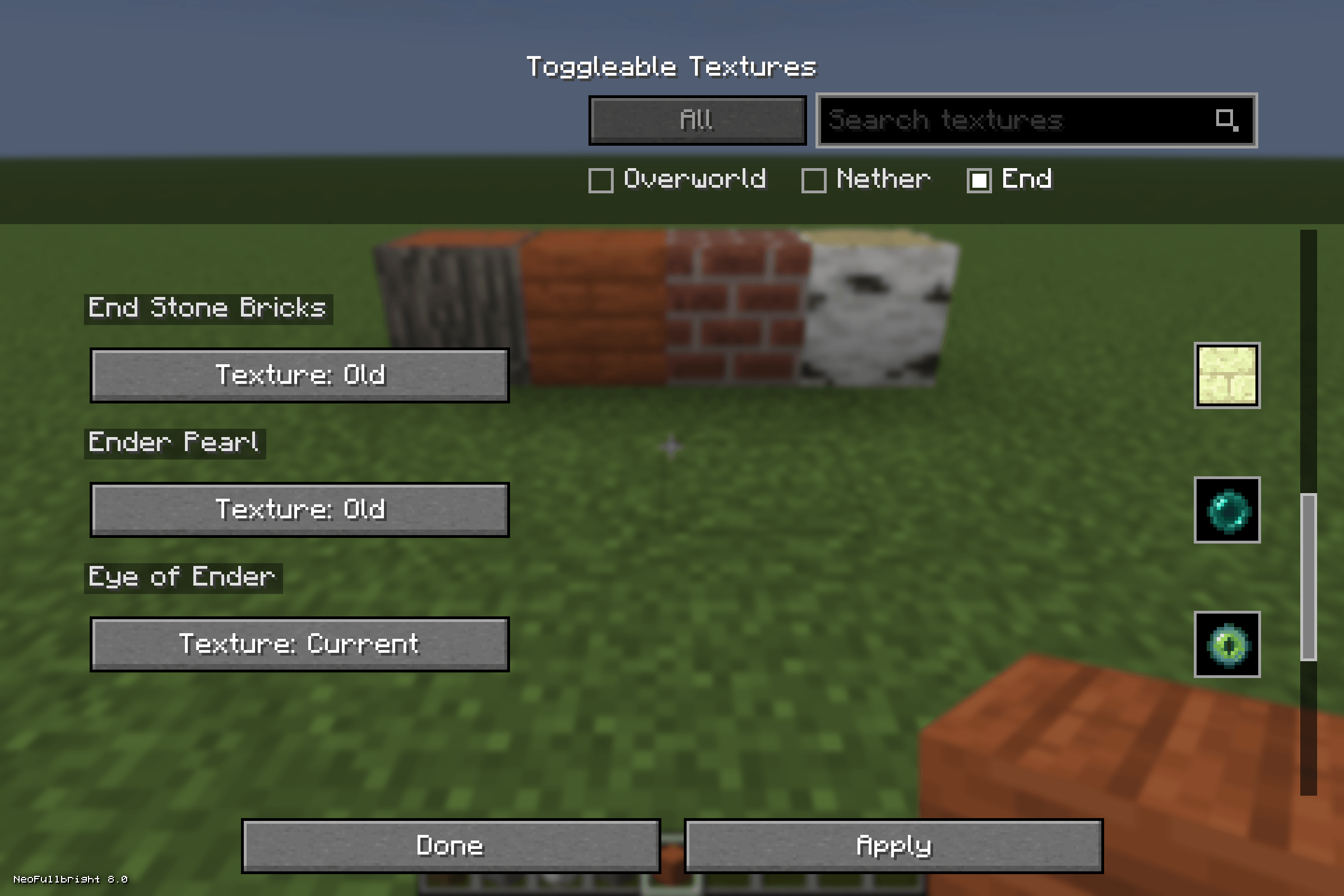 enddimensionfilter.png enddimensionfilter.png
-
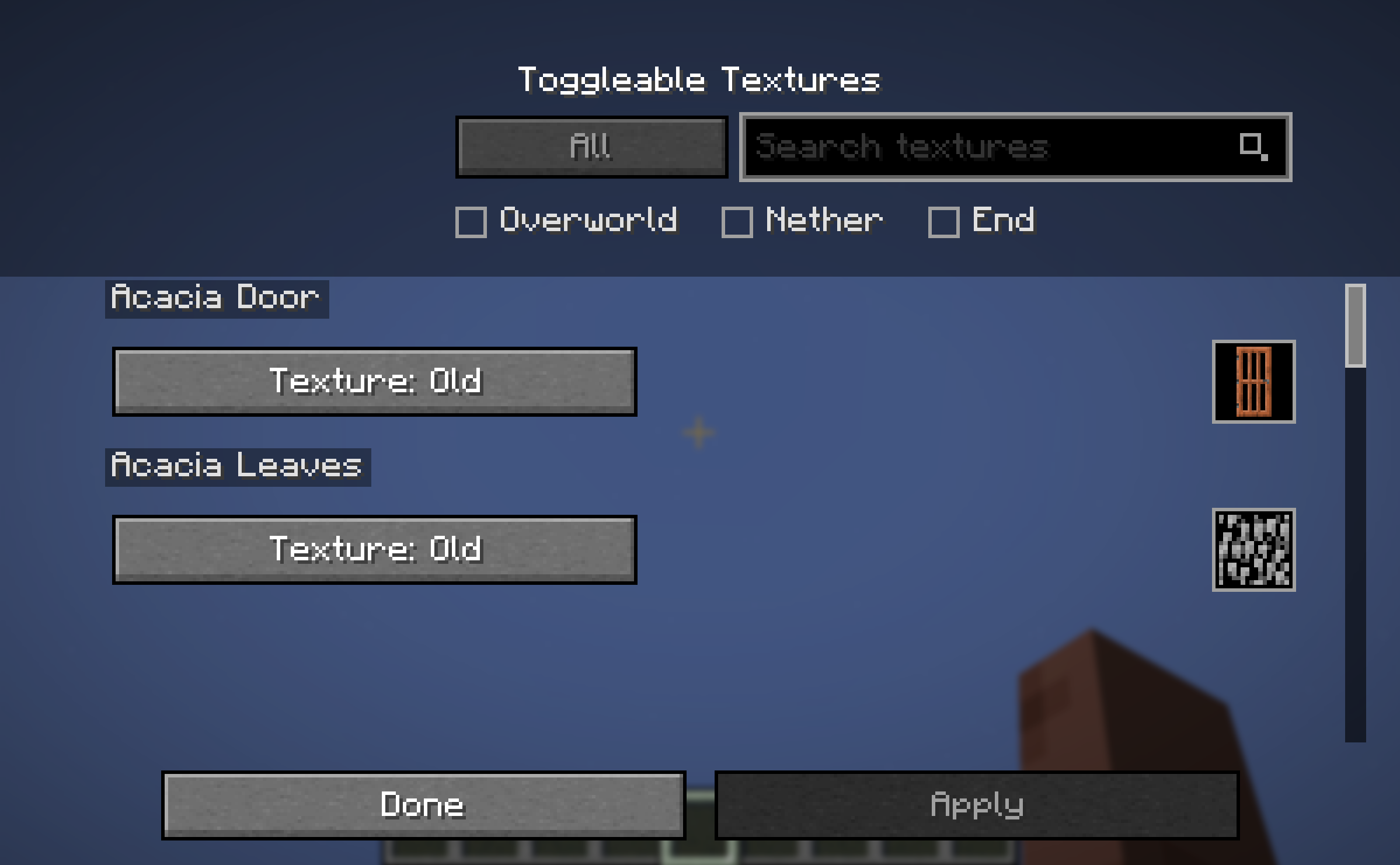 Preview for UI Menu in Game
 -
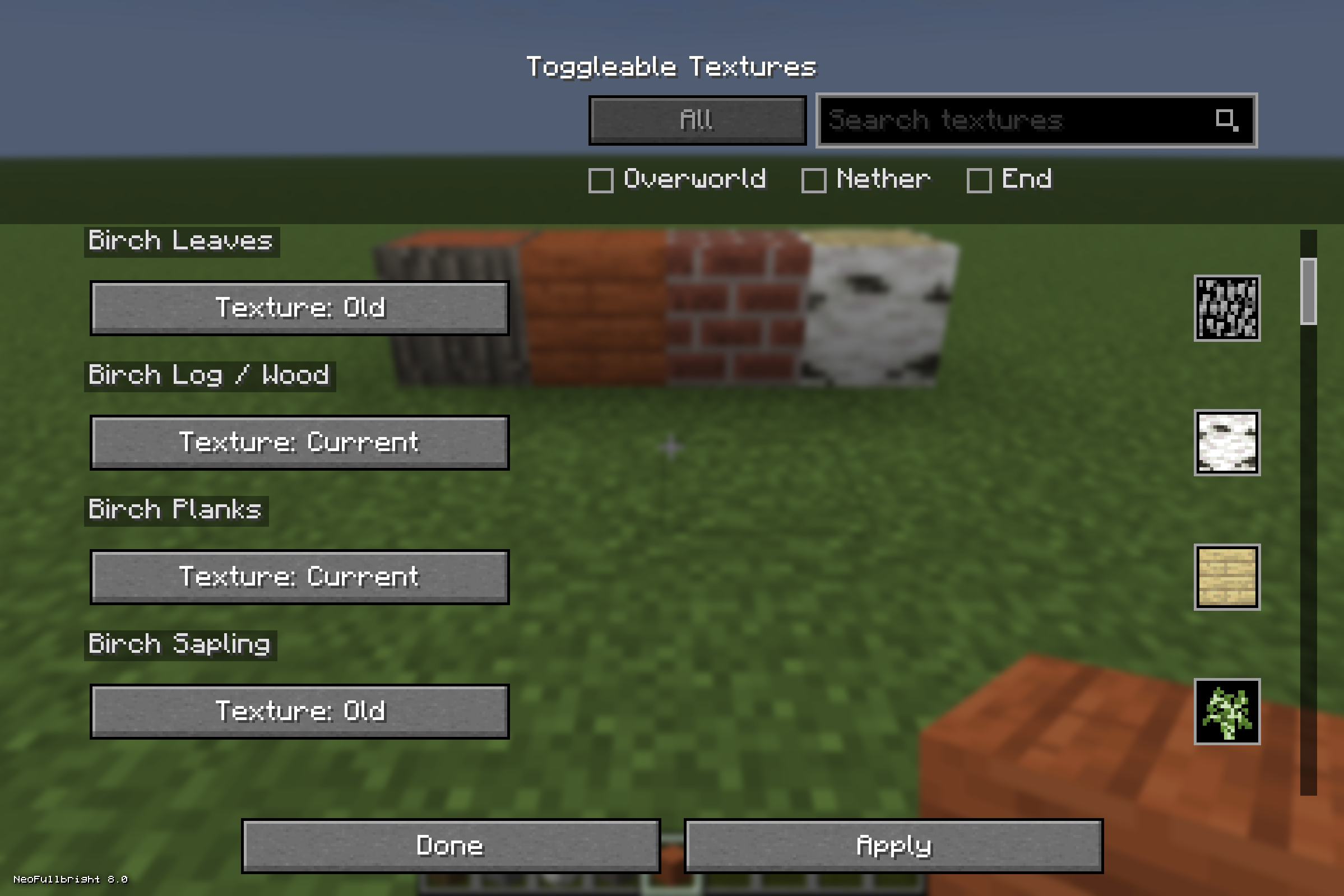 Overworld Filter + (Old + New Blocks Together Side by Side) Birch Log uses Old Texture Brick uses Old Texture Acacia Log uses New Texture Acacia Plank uses New Texture
 -
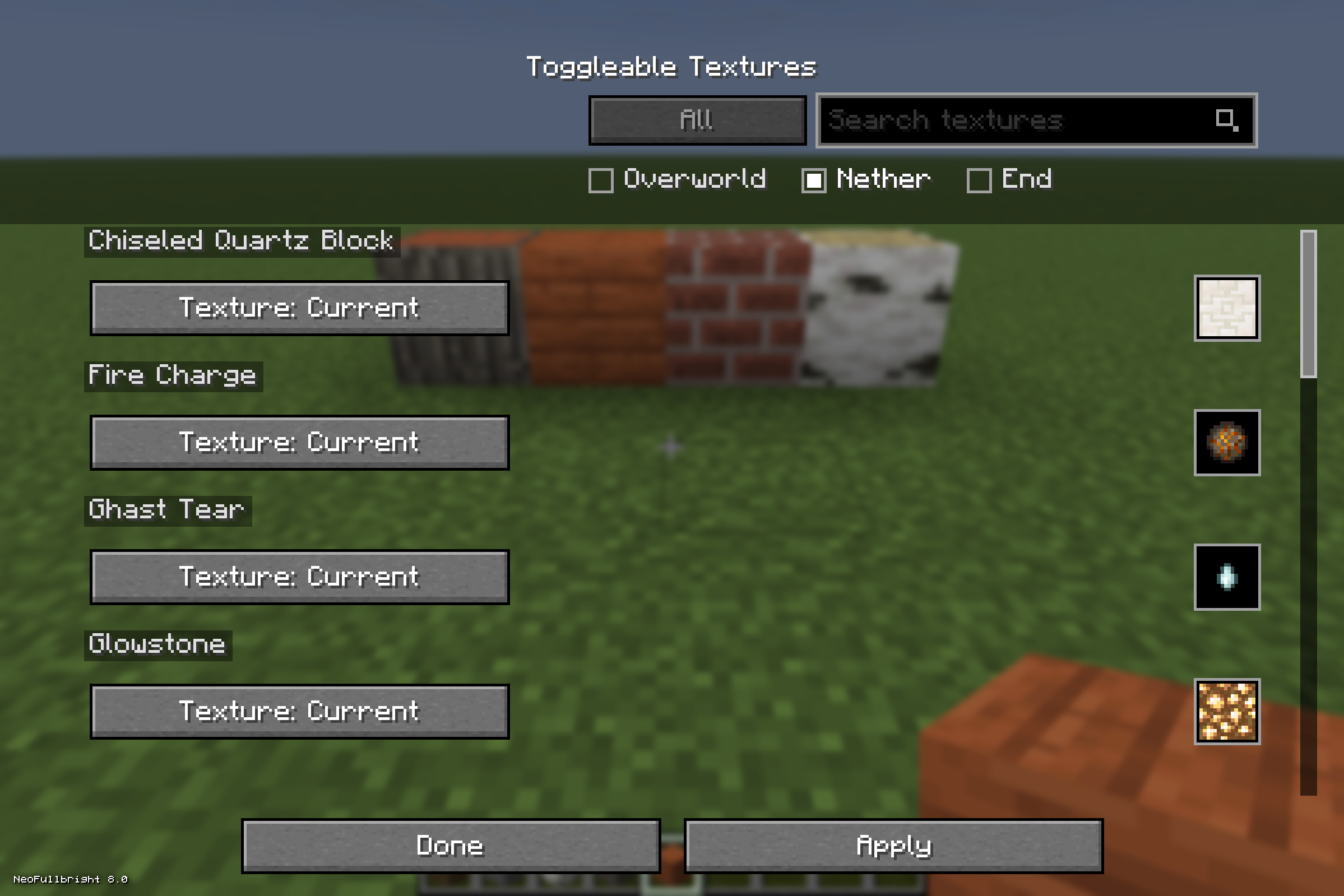 Nether Filter Filter Items based on dimension.
 -
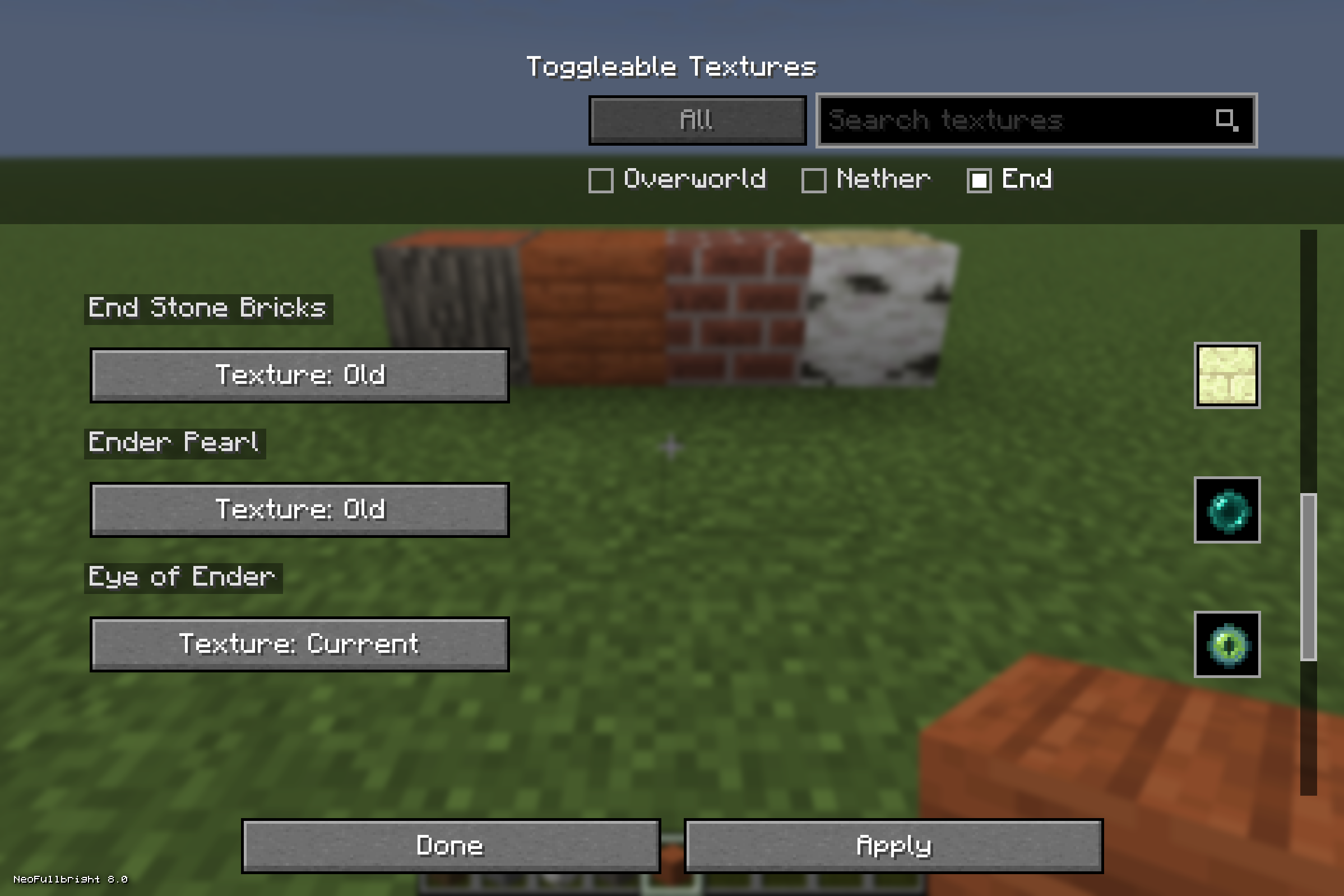 End Dimension Filter Toggle between old and new textures for blocks/items mainly found in the end dimension
Versions
Files
Relations
Project Relations
More like this
Similar Mods
Suggestions use data such as tags, dependencies, dependents, descriptions, titles, and more to rank how much they overlap with this mod.
On ModDex
Community snapshot
By the numbers
Statistics
Want to reach Minecraft players?
We're looking for a server hosting partner to feature here and other parts of the site. Interested? Send us a message!
Get in touchGet it on
Available Platforms
On ModDex
Community snapshot
By the numbers
Statistics
Resources