
Community listing page, reviews may not be monitored by the author.
Torch Check

No reviews yet
Before you remove a torch, see what its light is doing. Red risk highlights suitable monster-spawn . Green coverage shows suitable surfaces reached by the selected torch's own light.

Community voices
Reviews
No reviews yet. Be the first to review this project!
Get it on
Available Platforms
About
Project Details
For authors
Embed Badge
If you're the author of this project, you can embed a live badge anywhere that supports HTML or Markdown. It updates automatically whenever ratings change.
Use HTML for any page that supports it, or Markdown for README files and Markdown-based descriptions.
Identifiers
Platform IDs
Resources
External Links
About
Description
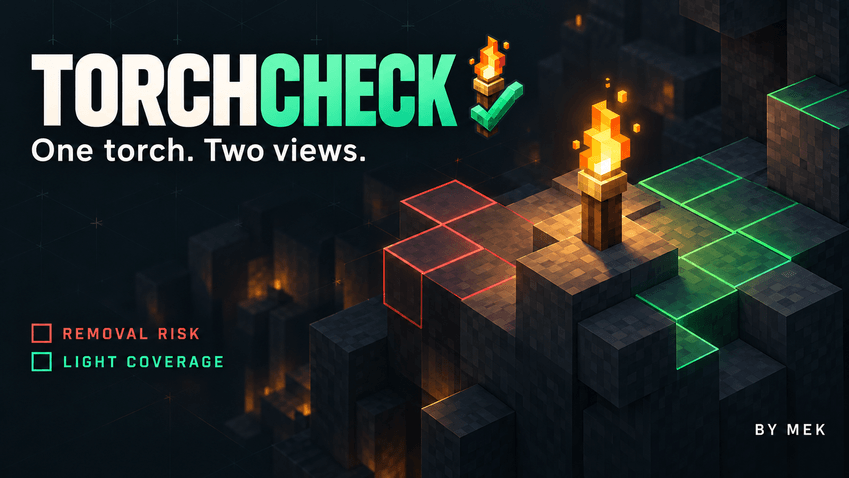
Before you remove a torch, see what its light is doing. TorchCheck adds a clear in-world view of removal risk and light coverage, helping you check a room, path or base without changing a single block. Aim at a normal floor or wall torch in the Overworld to begin.
Two views, one selected torch
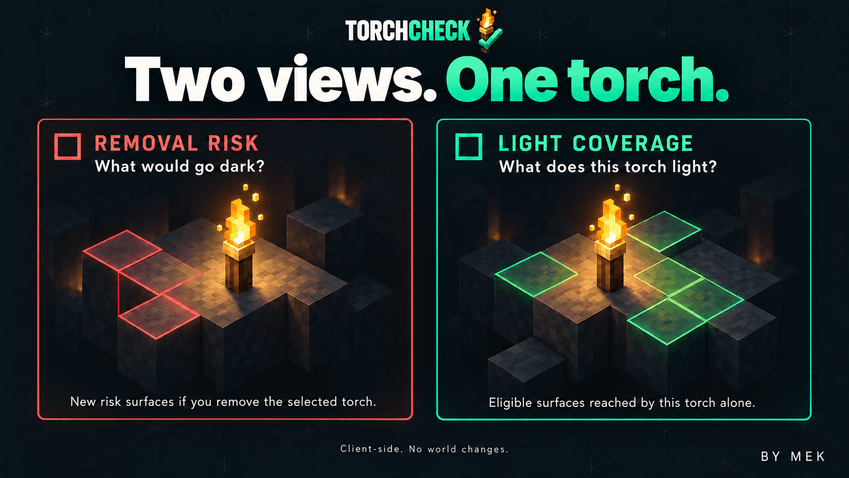
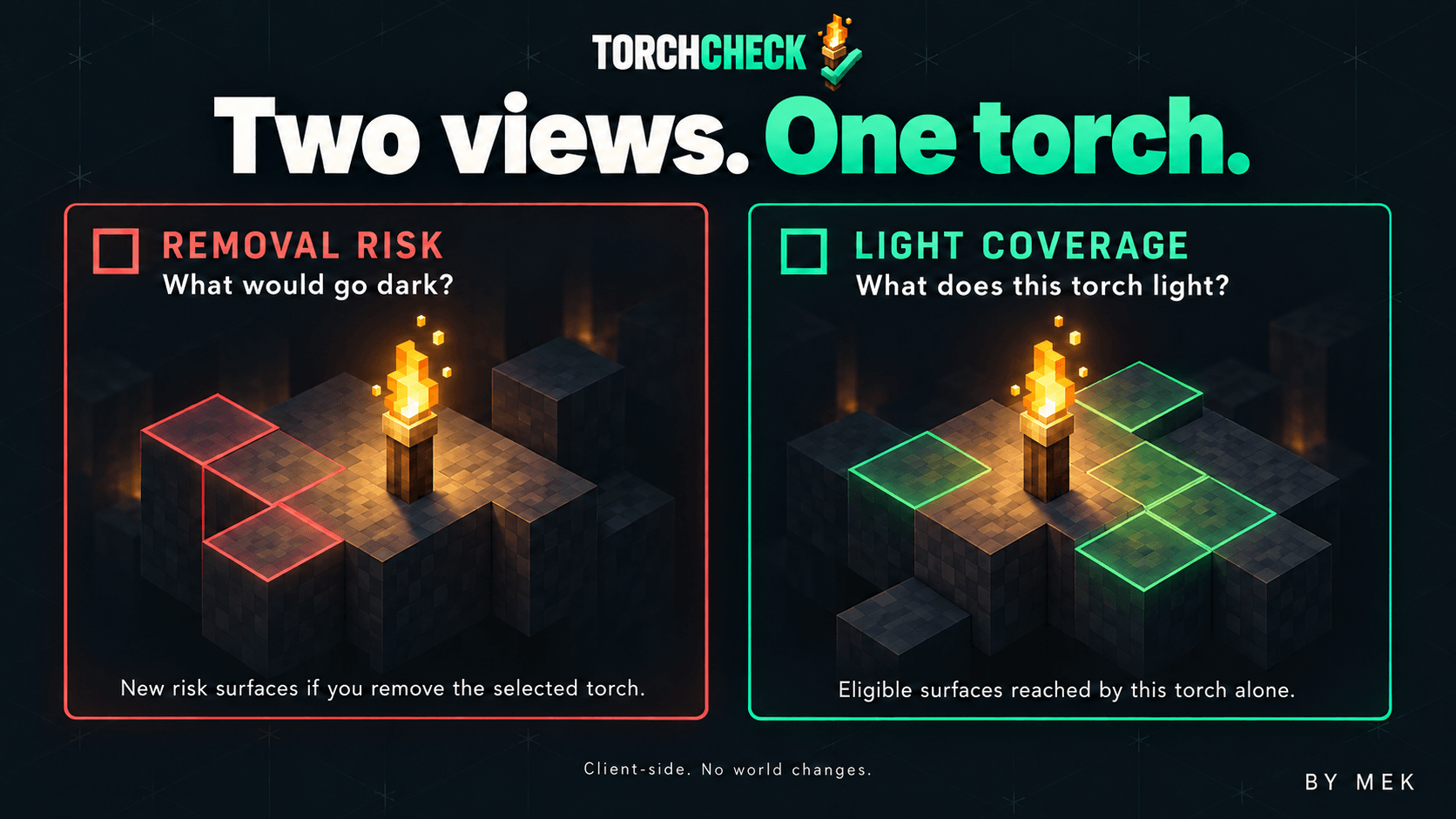
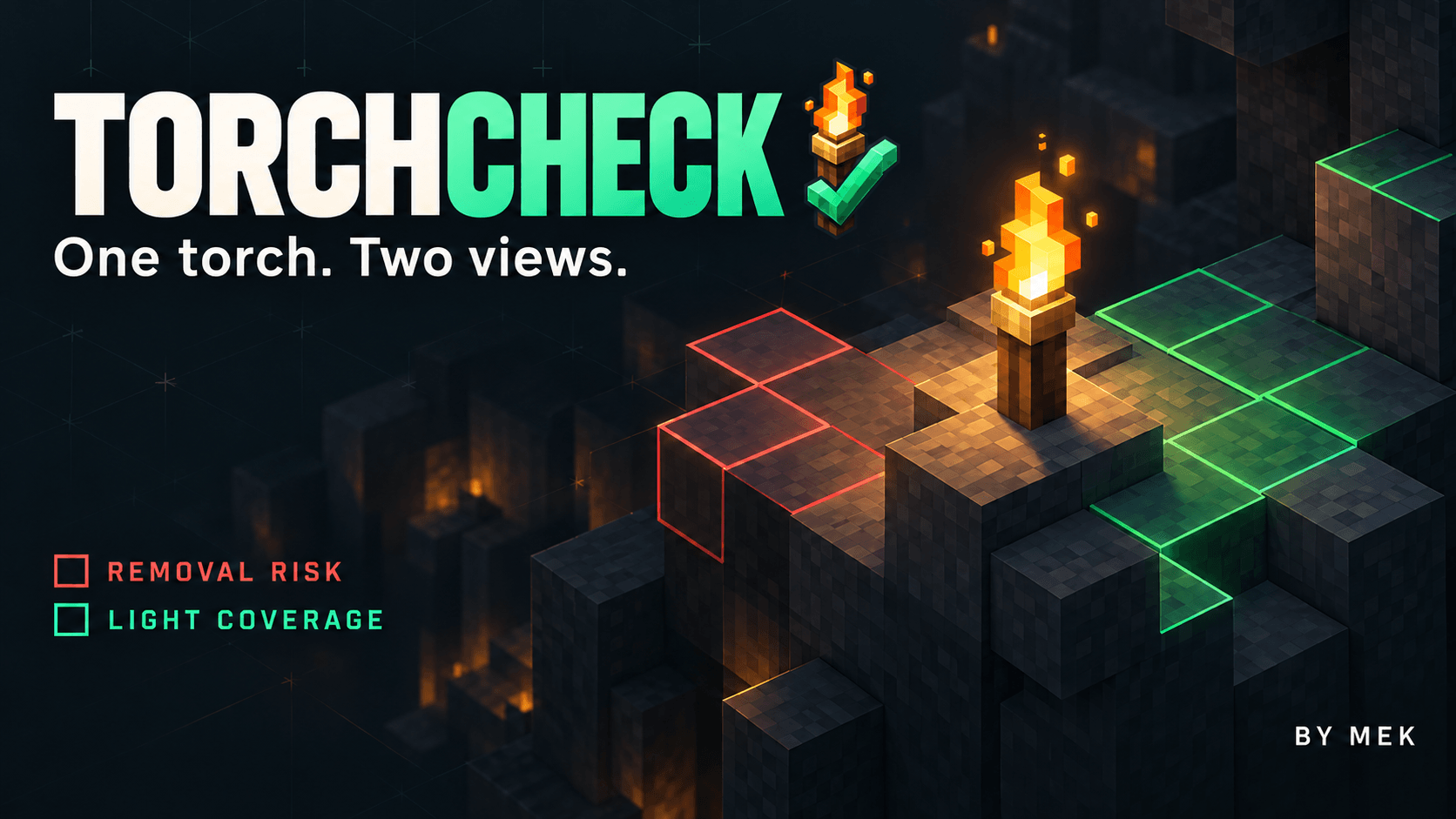
Red risk highlights suitable monster-spawn surfaces that would lose their remaining block light if you removed the selected torch. Other light sources still count, and places that were already dark are not marked as new risks. The check considers possible night-time conditions even when you inspect the area during the day.
Green coverage shows suitable surfaces reached by the selected torch's own light. Shared areas remain visible even when another torch also lights them. This view excludes sunlight and light supplied only by other sources.
Both views consider surfaces suitable for zombies, skeletons, creepers and spiders. A count and ground markers help you read the result; yellow messages explain when an analysis is unavailable or incomplete.
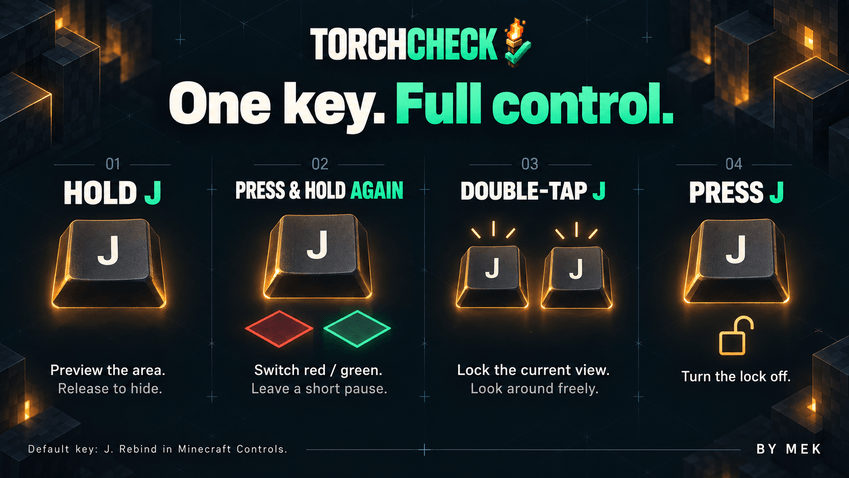
One key, on your terms
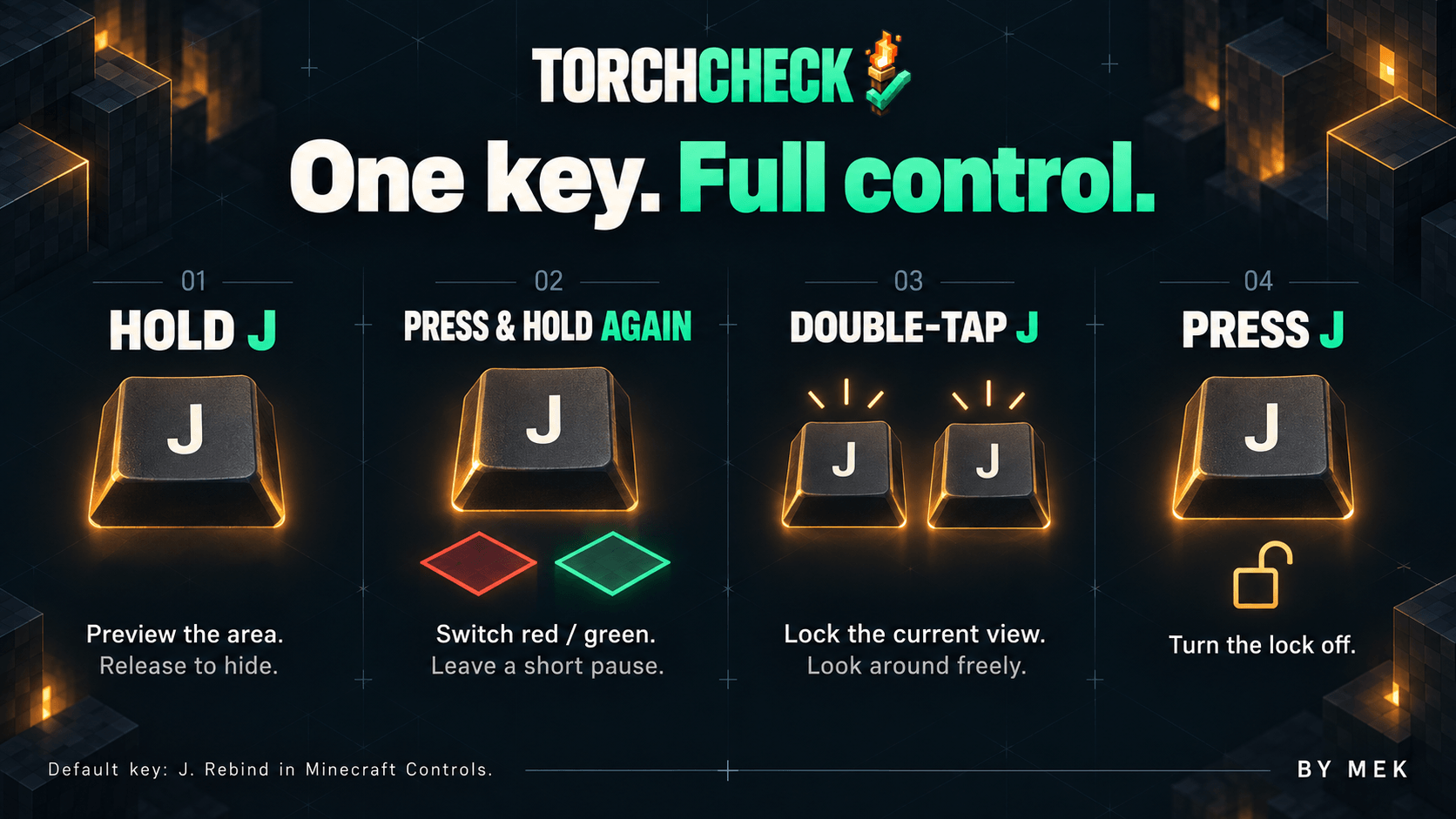
- Hold J for the first risk preview; release to hide it.
- After a short pause, press and hold J again for green coverage. Further holds alternate the two views.
- Quickly double-tap J to lock the mode and torch selected on the first press. The view stays visible when you release the key or look away.
- Press J again to turn the lock off.
J is the default for new installations. Saved bindings are kept, and you can change the key in Minecraft's Controls. On-screen instructions show your actual binding.
Manual Install and play or use CurseForge App
Requires Minecraft Java Edition 26.3, Fabric Loader 0.19.5, Fabric API 0.162.0+26.3 and Java 25. Place TorchCheck 1.0.jar and Fabric API in your instance's mods folder.
Install only on the client, including for multiplayer; no server component is needed. Normal Overworld torches are supported. Soul torches, redstone torches and other dimensions are outside this release's scope.
English, Italian, French, German, Spanish and Russian follow Minecraft's language setting automatically, with English fallback. No separate language selector is needed.

By Mek
Screenshots
Gallery
-
 03-due-viste-en.png 03-due-viste-en.png
 -
 04-comandi-en.png 04-comandi-en.png
 -
 02-cover-en.png 02-cover-en.png
Versions
Files
Relations
Project Relations
More like this
Similar Mods
Suggestions use data such as tags, dependencies, dependents, descriptions, titles, and more to rank how much they overlap with this mod.
On ModDex
Community snapshot
By the numbers
Statistics

Get it on
Available Platforms
On ModDex
Community snapshot
By the numbers
Statistics
Resources