
Community listing page, reviews here may not be monitored by the author.
Torney's Book Editor

No reviews yet
Embed images from the internet directly into your Minecraft books. Add, move, resize, and permanently store images inside Book and Quill and Written Books.

Community voices
Reviews
No reviews yet. Be the first to review this project!
Get it on
Available Platforms
About
Project Details
For authors
Embed Badge
If you're the author of this project, you can embed a live badge anywhere that supports HTML or Markdown. It updates automatically whenever ratings change.
Use HTML for any page that supports it, or Markdown for README files and Markdown-based descriptions.
Identifiers
Platform IDs
Resources
External Links
About
Description
Torney's Book Editor - Embed Images Directly in Minecraft Books
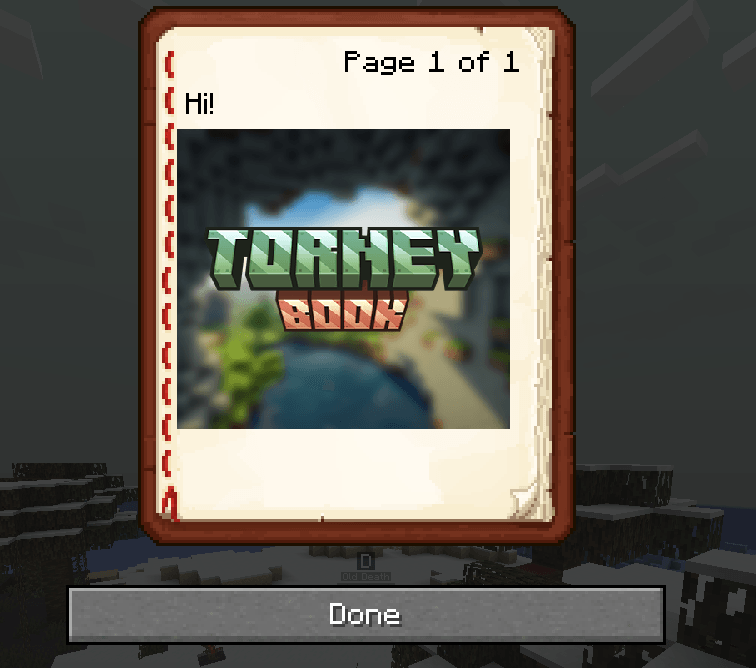
Bring your Minecraft books to life! TorneyBook is a lightweight Fabric mod that allows you to embed, position, resize, and store images directly inside Book and Quill or Written Books. Each page can hold its own unique images, giving you full creative control for guides, roleplay content, server lore, rules, or interactive storytelling.

Features
-
Insert images from direct URLs (PNG / JPG recommended)
-
Drag & drop positioning for perfect layout
-
Scroll to resize images easily
-
Independent images per page
-
Full persistence: images remain after saving or signing
-
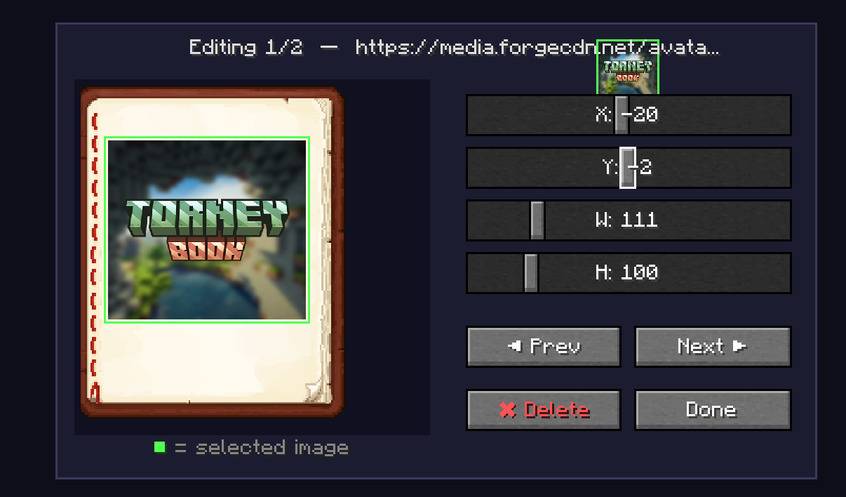
New Image Editor: select and edit images on a per-page basis with live preview (green highlight shows selected image)
-
Asynchronous image downloading – no client freezes
-
Works in both editing and read mode
-
Safe for servers: maximum 10 images per book, oversized images or invalid URLs are handled gracefully
-
Stable positioning on any screen resolution or GUI scale (1, 2, 3, or auto)
Technical Details
-
Images stored in custom NBT inside the ItemStack
-
Asynchronous downloading with local caching to reduce repeated network requests
-
Designed for Fabric Loader
-
Supports multiple images per page
-
Validates image URLs to prevent server crashes or security risks
Use Cases
-
Server rulebooks with visual elements
-
Illustrated lore or storybooks
-
Custom manuals and tutorials
-
Creative storytelling with interactive images
Requirements
-
Minecraft 1.21.1 (other versions coming soon)
-
Fabric Loader
-
Fabric API
-
Internet connection required for new image downloads
Notes
-
Extremely large images may increase NBT size, but images >5MB or >2048×2048 pixels are safely rejected
-
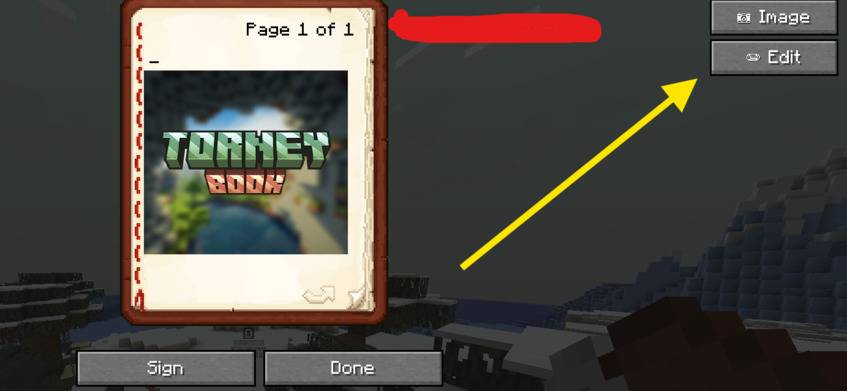
To edit an image: navigate to the page containing the image, ensure it’s highlighted in green in the preview, then apply changes. Use “Next” to select the correct image if needed.
-
Adding more than 10 images will not kick you from the server; extra images are ignored with a warning.
Screenshots
Gallery
Versions
Files
Relations
Project Relations
More like this
Similar Mods
Suggestions use data such as tags, dependencies, dependents, descriptions, titles, and more to rank how much they overlap with this mod.
On ModDex
Community snapshot
By the numbers
Statistics
 (opens in a new tab)
Get it on
Available Platforms
On ModDex
Community snapshot
By the numbers
Statistics
Resources