
Community listing page, reviews here may not be monitored by the author.
Totem Before PlayerRevive


No reviews yet
Totem Before PlayerRevive is a mod that makes totems activate before PlayerRevive downs the player.
Community voices
Reviews
No reviews yet. Be the first to review this project!
Get it on
Available Platforms
Compatibility
Supported Environments
Runs entirely on the server. Also works in singleplayer.
About
Project Details
For authors
Embed Badge
If you're the author of this project, you can embed a live badge anywhere that supports HTML or Markdown. It updates automatically whenever ratings change.
Use HTML for any page that supports it, or Markdown for README files and Markdown-based descriptions.
Identifiers
Platform IDs
Resources
External Links
About
Description
Totem Before PlayerRevive
Totem Before PlayerRevive is a lightweight server-authoritative compatibility mod for Forge 1.20.1 that makes totems activate before PlayerRevive downs the player.
PlayerRevive is great for multiplayer survival, but in some setups it can make Totems of Undying and custom totems feel useless because the player enters the downed/revive state before the totem gets a chance to save them. This mod fixes that behavior.
If a player takes lethal damage and has a valid totem in their offhand, main hand, or inventory, the totem activates first. If no valid totem is found, PlayerRevive works normally.
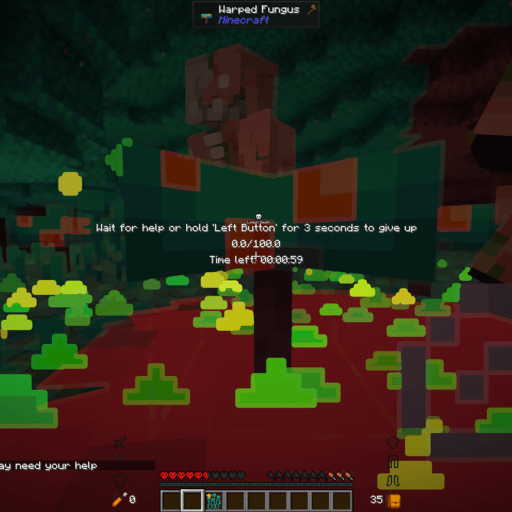
Features
-
Makes totems activate before PlayerRevive
-
Works with totems in offhand, main hand, or inventory
-
Supports vanilla Totems of Undying
-
Supports Affordable Totems
-
Supports configurable custom totems by item ID
-
Supports multi-use totems with configurable charges
-
Built-in support for Netherite Extras’ Totem of Neverdying
-
Server-authoritative behavior
-
Dedicated server safe
-
Clients do not need the mod when installed on a dedicated server
-
No client screens, keybinds, rendering, or networking required
Built-in Supported Totems
-
minecraft:totem_of_undying -
affordabletotems:iron_totem -
netheriteextras:totem_of_neverdying
Netherite Extras’ Totem of Neverdying is configured as a 4-use totem by default.
Server-Side Installation
This mod only needs to be installed on the side that owns the world/server logic.
Install it on:
-
Dedicated server
-
LAN host
-
Essential host
Players joining the server do not need to install it, unless they are the host.
Config
The mod includes a common config file where you can add more custom totems.
Example:
allowedTotemIds = ["minecraft:totem_of_undying", "affordabletotems:iron_totem", "netheriteextras:totem_of_neverdying"]
multiUseTotems = ["netheriteextras:totem_of_neverdying=4"]
Custom multi-use totems use this format:
"modid:item_id=uses"
Example:
"examplemod:custom_totem=3"
Commands
/totembeforeplayerrevive scan
/totembeforeplayerrevive debug on
/totembeforeplayerrevive debug off
/totembeforeplayerrevive debug status
The scan command checks whether the player has a valid totem and reports where it was found.
Requirements
-
Minecraft 1.20.1
-
Forge 47.4.10
-
Java 17
-
PlayerRevive is only needed if you want the compatibility behavior this mod was made for
Notes
If no valid totem is found, this mod does nothing and lets PlayerRevive handle the downed state normally.
Totem Before PlayerRevive is a lightweight server-authoritative compatibility mod for Forge 1.20.1 that makes totems activate before PlayerRevive downs the player.
PlayerRevive is great for multiplayer survival, but in some setups it can make Totems of Undying and custom totems feel useless because the player enters the downed/revive state before the totem gets a chance to save them. This mod fixes that behavior.
If a player takes lethal damage and has a valid totem in their offhand, main hand, or inventory, the totem activates first. If no valid totem is found, PlayerRevive works normally.
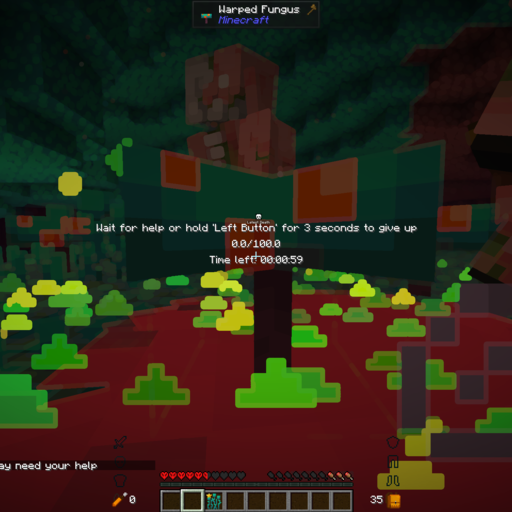
Features
- Makes totems activate before PlayerRevive
- Works with totems in offhand, main hand, or inventory
- Supports vanilla Totems of Undying
- Supports Affordable Totems
- Supports configurable custom totems by item ID
- Supports multi-use totems with configurable charges
- Built-in support for Netherite Extras’ Totem of Neverdying
- Server-authoritative behavior
- Dedicated server safe
- Clients do not need the mod when installed on a dedicated server
- No client screens, keybinds, rendering, or networking required
Built-in Supported Totems
minecraft:totem_of_undyingaffordabletotems:iron_totemnetheriteextras:totem_of_neverdying
Netherite Extras’ Totem of Neverdying is configured as a 4-use totem by default.
Server-Side Installation
This mod only needs to be installed on the side that owns the world/server logic.
Install it on:
- Dedicated server
- LAN host
- Essential host
Players joining the server do not need to install it, unless they are the host.
Config
The mod includes a common config file where you can add more custom totems.
Example:
allowedTotemIds = ["minecraft:totem_of_undying", "affordabletotems:iron_totem", "netheriteextras:totem_of_neverdying"]
multiUseTotems = ["netheriteextras:totem_of_neverdying=4"]
Custom multi-use totems use this format:
"modid:item_id=uses"
Example:
"examplemod:custom_totem=3"
Commands
/totembeforeplayerrevive scan
/totembeforeplayerrevive debug on
/totembeforeplayerrevive debug off
/totembeforeplayerrevive debug status
The scan command checks whether the player has a valid totem and reports where it was found.
Requirements
- Minecraft 1.20.1
- Forge 47.4.10
- Java 17
- PlayerRevive is only needed if you want the compatibility behavior this mod was made for
Notes
If no valid totem is found, this mod does nothing and lets PlayerRevive handle the downed state normally.
Screenshots
Gallery
-
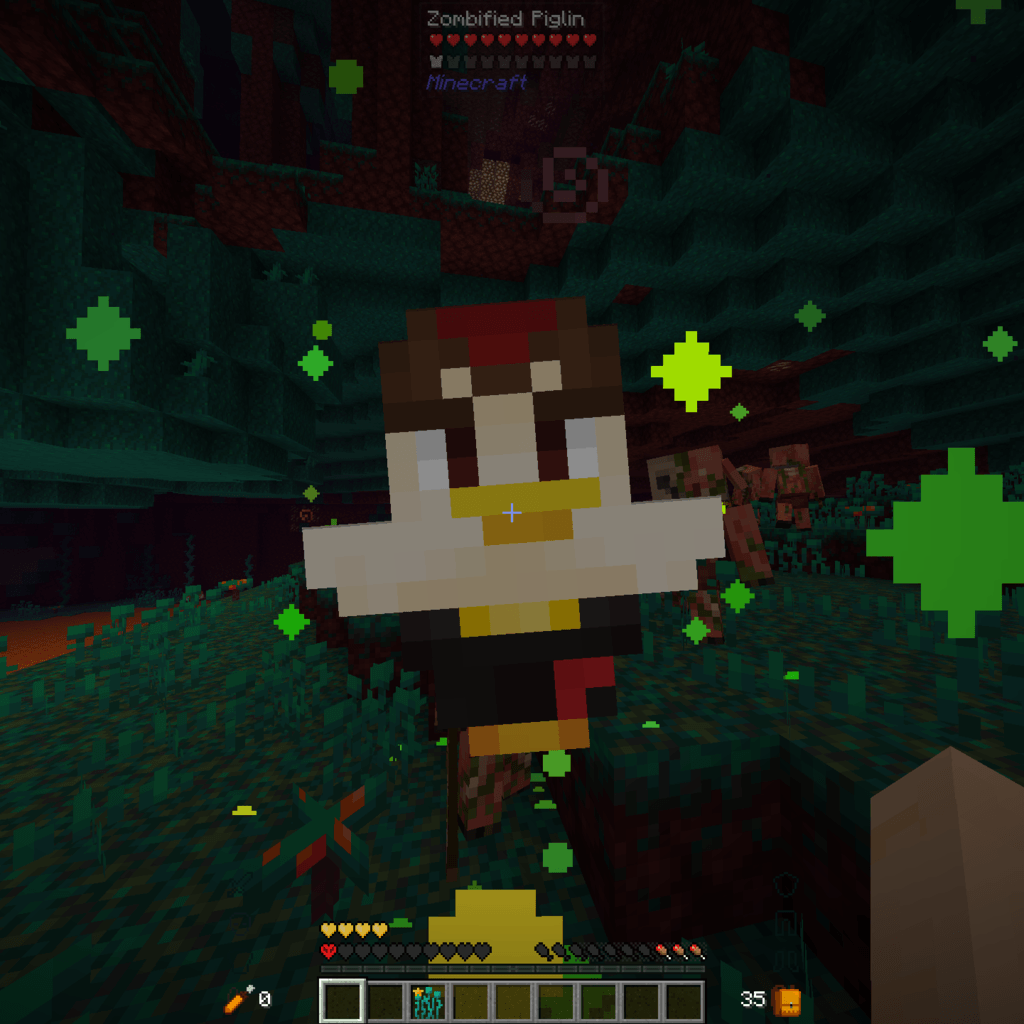
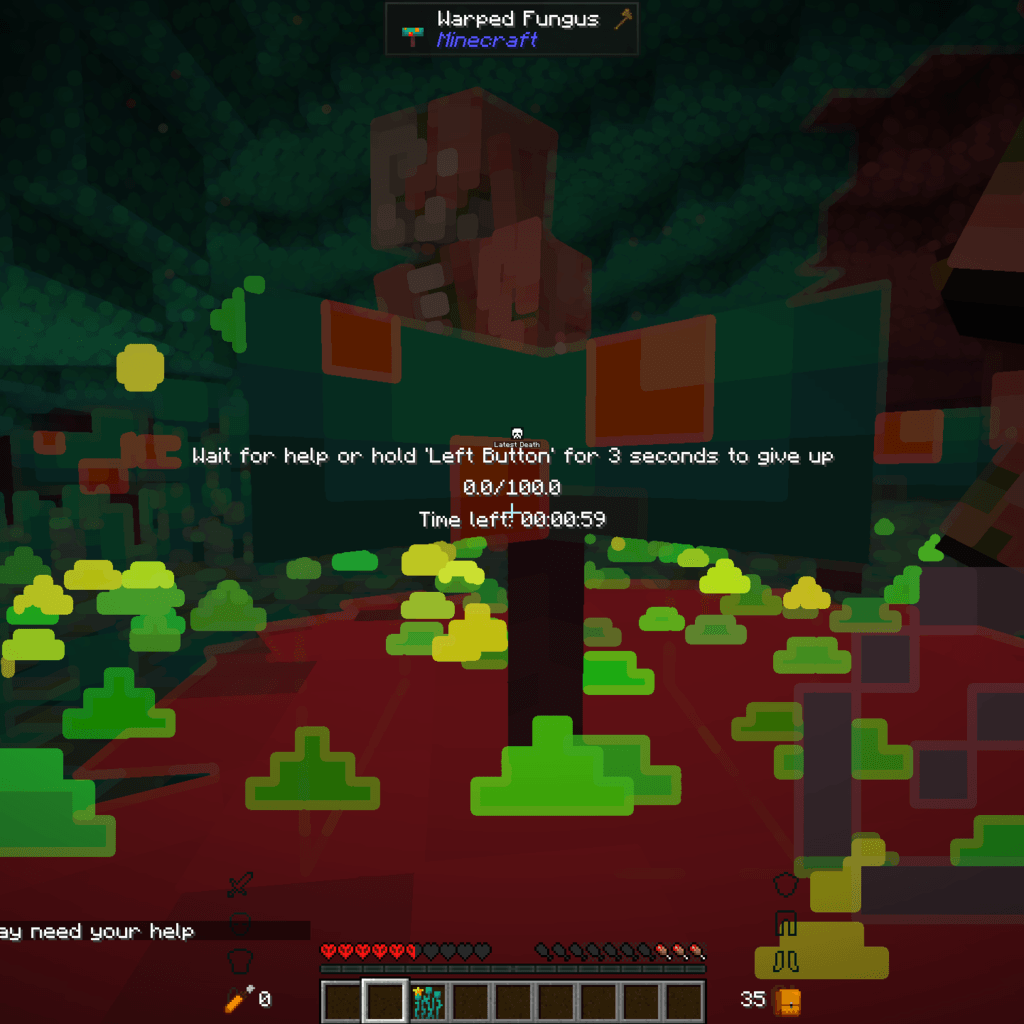 Totem worked before PlayerRevive it works before player revive that way the Totem has use again
 -
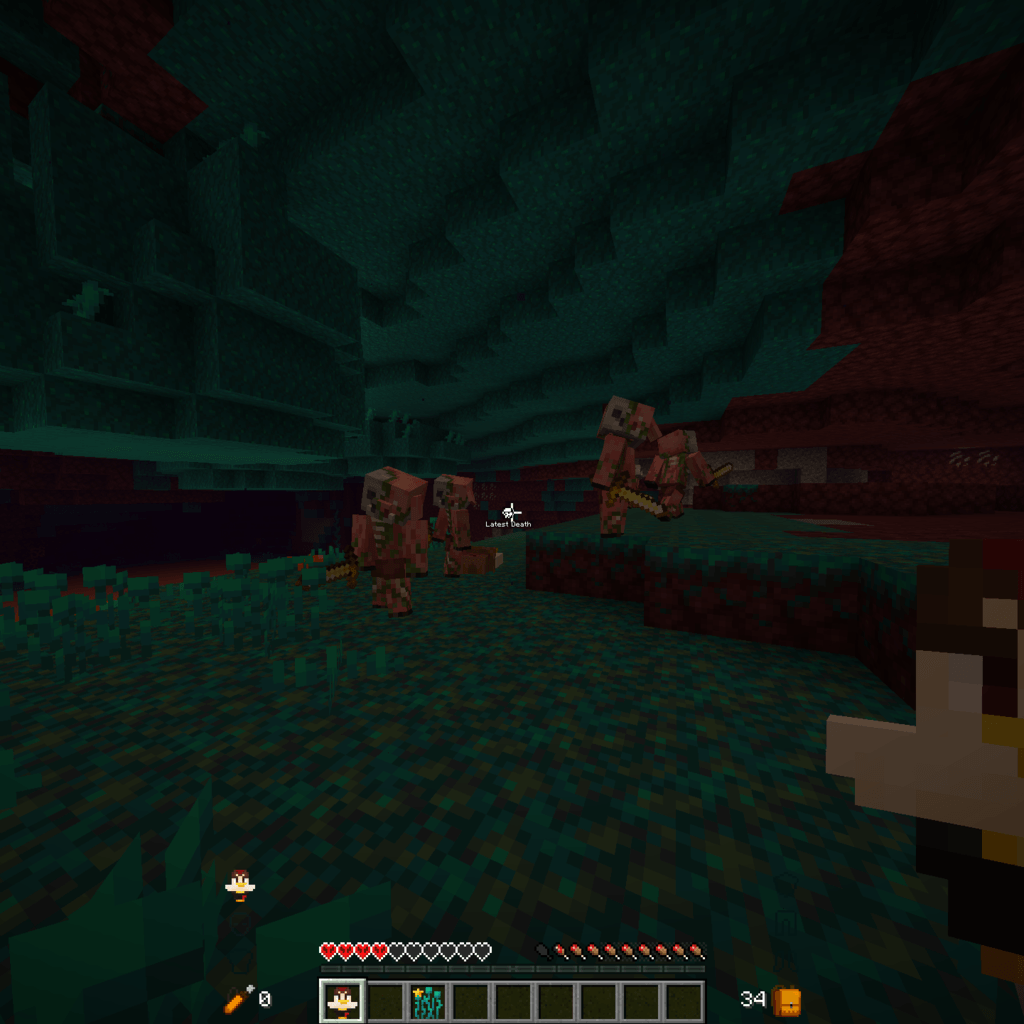 2026-06-15_05.57.42_1_cropped.png 2026-06-15_05.57.42_1_cropped.png
 -
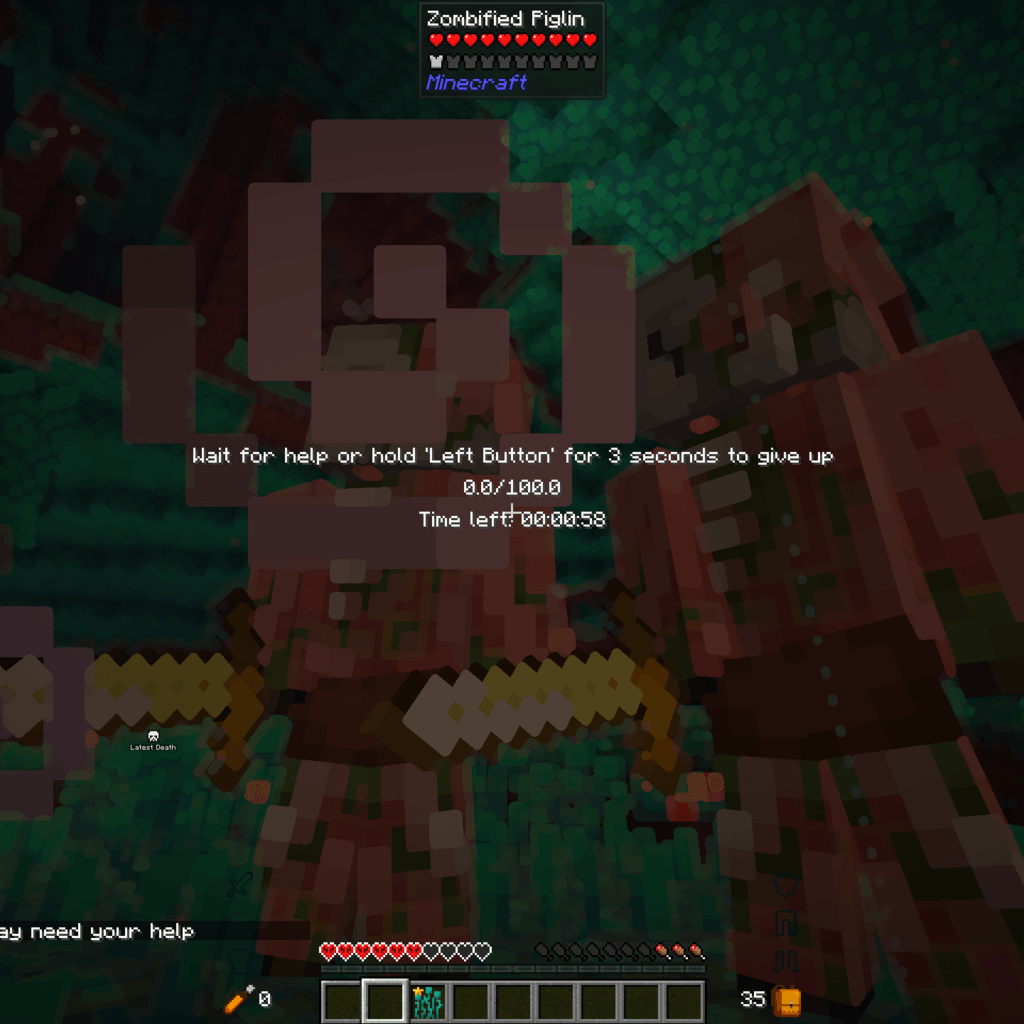
 2026-06-15_05.58.17_cropped.png 2026-06-15_05.58.17_cropped.png
 -
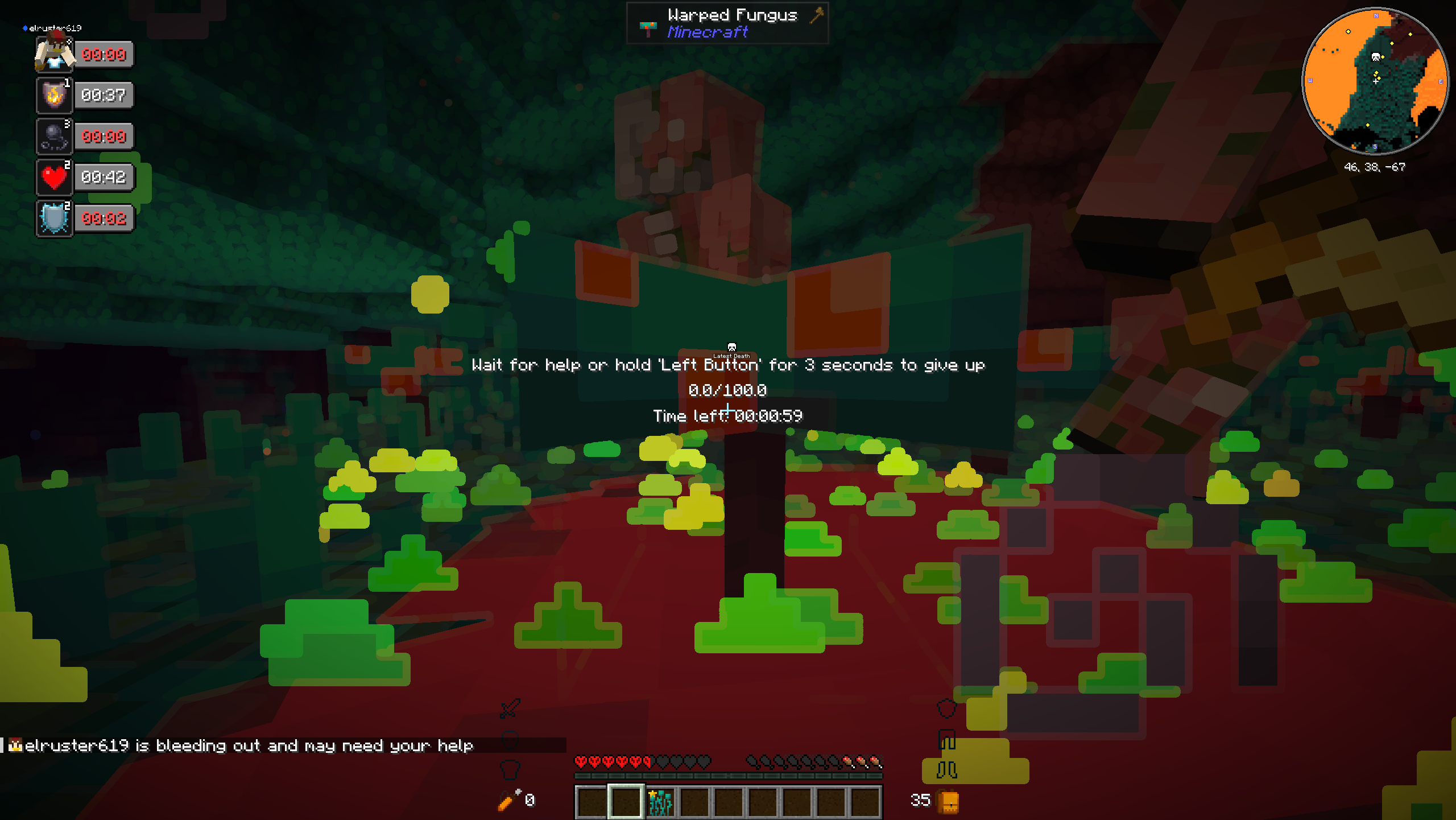
 2026-06-15_05.58.22_cropped.png 2026-06-15_05.58.22_cropped.png
-
 totem works as intented
 -
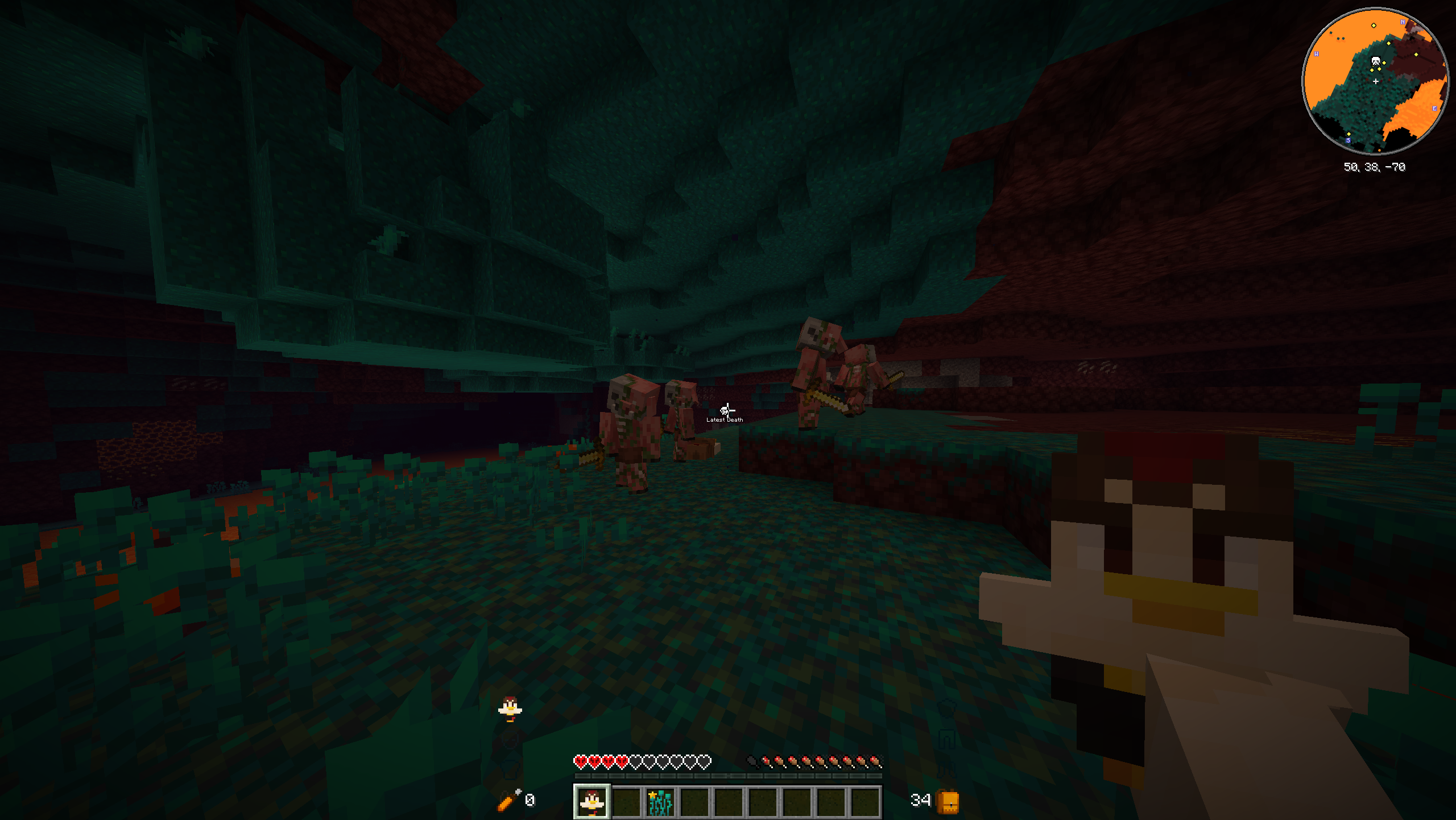 totem in hand
 -
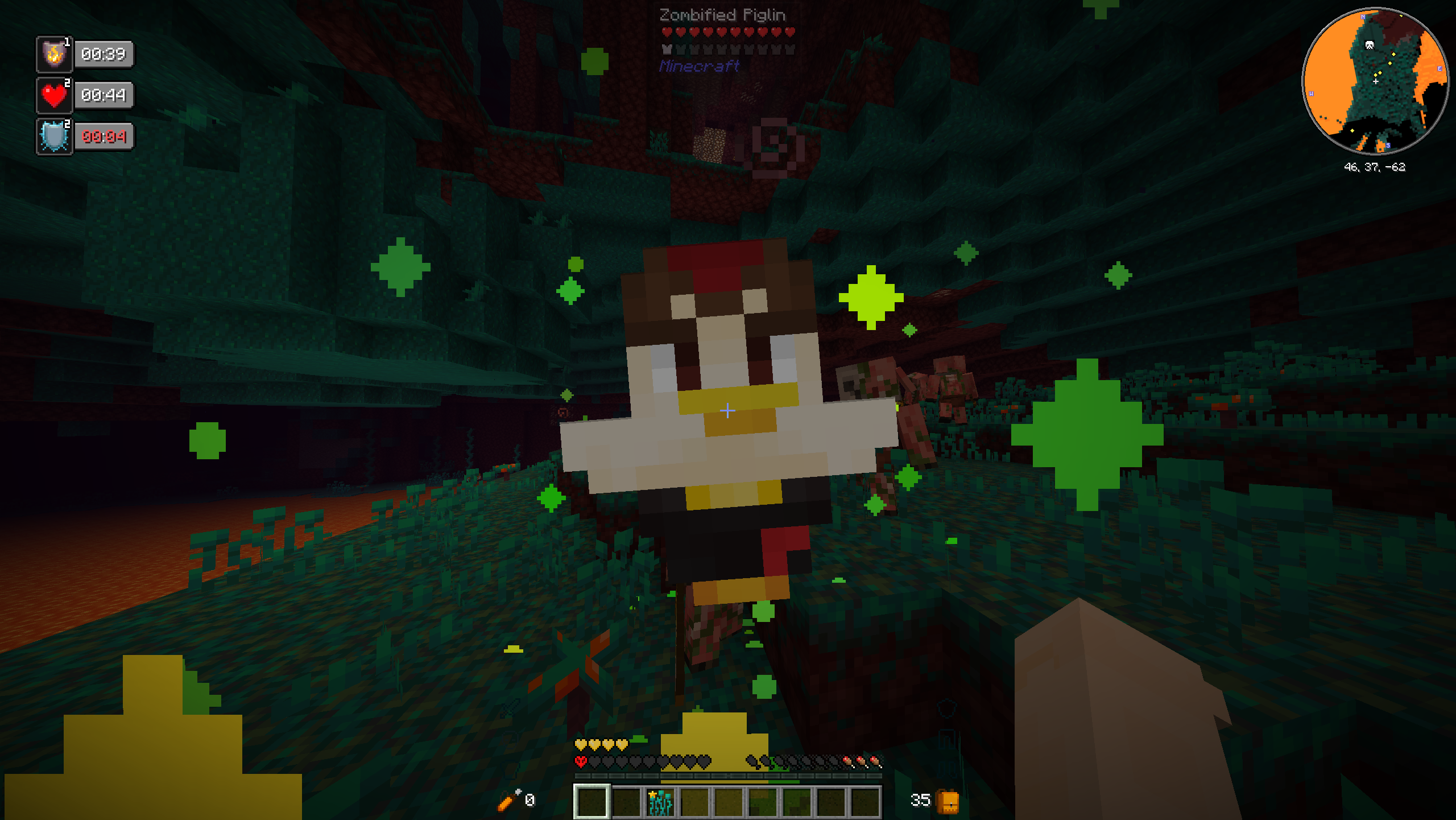 totem activated before playerrevive
 -
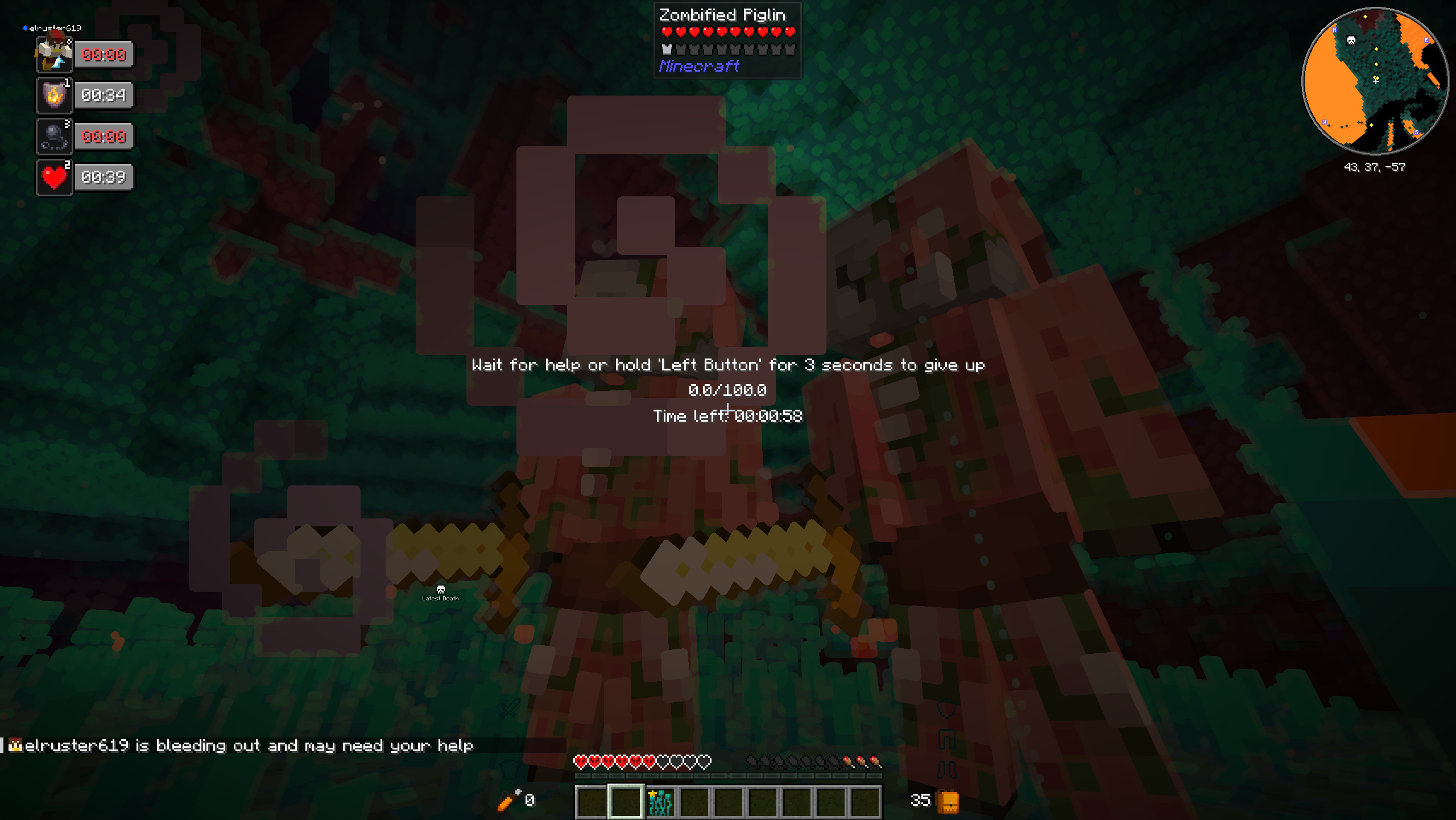 player revive activated because there was no totem
Versions
Files
Relations
Project Relations
More like this
Similar Mods
Suggestions use data such as tags, dependencies, dependents, descriptions, titles, and more to rank how much they overlap with this mod.
On ModDex
Community snapshot
By the numbers
Statistics
Want to reach Minecraft players?
We're looking for a server hosting partner to feature here and other parts of the site. Interested? Send us a message!
Get in touchGet it on
Available Platforms
On ModDex
Community snapshot
By the numbers
Statistics
Resources