
Community listing page, reviews here may not be monitored by the author.
Troll Gui


No reviews yet
This is a mod for pranking your friends.

Community voices
Reviews
No reviews yet. Be the first to review this project!
Get it on
Available Platforms
Compatibility
Supported Environments
Must be installed on both the client and the server.
About
Project Details
For authors
Embed Badge
If you're the author of this project, you can embed a live badge anywhere that supports HTML or Markdown. It updates automatically whenever ratings change.
Use HTML for any page that supports it, or Markdown for README files and Markdown-based descriptions.
Identifiers
Platform IDs
About
Description
Website: https://trollgui.wixsite.com/troll-gui
Discord: https://discord.gg/nzzaBKky
This mod adds:
-Troll items
-Custom commands (All commands can be executed without admin rights)
-Custom Gamerules
-And a bunch of tools to prank your friends!
Commands:
/z!Gui [This Opens the main Gui of the mod]
/z!Enchantoffhand [This command lets you enchant any item in offhand]
Usage1: true <Player> <Enchant> [True means its using the maximum amount of the Enchant]
Usage2: false <Player> <Enchant> <Ammount>
Use/z!Enchantoffhandhelp for help ingame.
/z!Putonplayer [This command lets you put any block on any players armor slots for example Diamond block on the head]
Usage: <Player> <Item> <Slot> [3=Head 2=Chest 1=Leggins 0=Boots]
Use /z!Putonplayerhelp for help ingame.
/z!Giveplayer [This command lets you give any player any item (And yes you can give yorself 99999 Diamonds) Just press "f" to put the items in main hand]
Usage: <Player> <Item> <Ammount>
/z!Runcommand
Usage:/z!Runcommand [Run as player] [Command between ""]
Use /z!Runcommandhelp for help ingame.
/z!Crashworld [This command crashes the server not the client]
All items are explained if you press "Explain Items" in the main Gui (the explenation is in the chat)
This mod adds:
-Troll items
-Custom commands (All commands can be executed without admin rights)
-Custom Gamerules
-And a bunch of tools to prank your friends!
Commands:
/z!Gui [This Opens the main Gui of the mod]
/z!Enchantoffhand [This command lets you enchant any item in offhand]
Usage1: true [True means its using the maximum amount of the Enchant]
Usage2: false
Use/z!Enchantoffhandhelp for help ingame.
/z!Putonplayer [This command lets you put any block on any players armor slots for example Diamond block on the head]
Usage: [3=Head 2=Chest 1=Leggins 0=Boots]
Use /z!Putonplayerhelp for help ingame.
/z!Giveplayer [This command lets you give any player any item (And yes you can give yorself 99999 Diamonds) Just press "f" to put the items in main hand]
Usage:
/z!Runcommand
Usage:/z!Runcommand [Run as player] [Command between ""]
Use /z!Runcommandhelp for help ingame.
/z!Crashworld [This command crashes the server not the client]
All items are explained if you press "Explain Items" in the main Gui (the explenation is in the chat)
Screenshots
Gallery
-
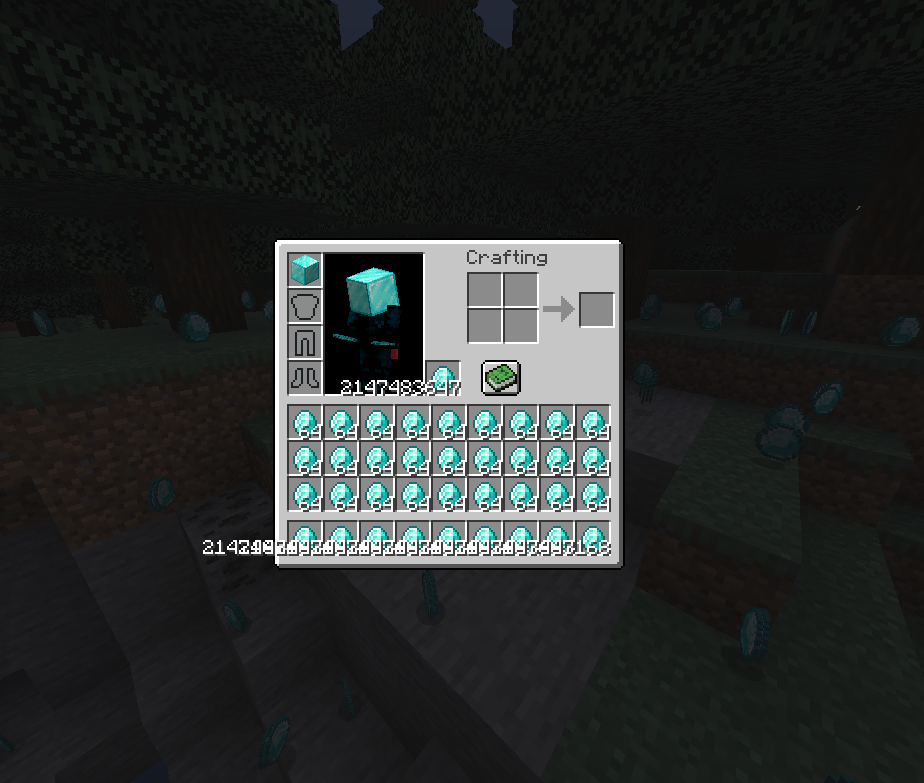 HMMMM..................
 -
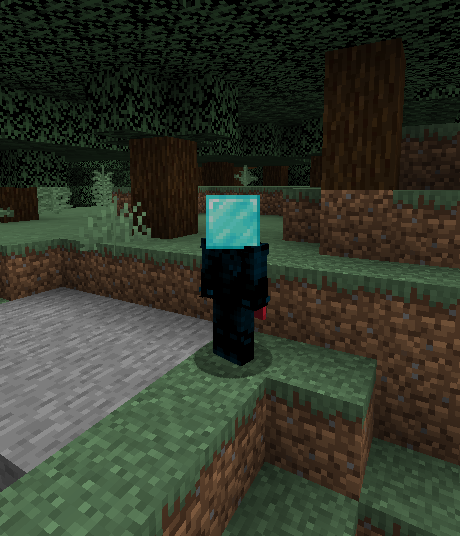 Hmmmm....
 -
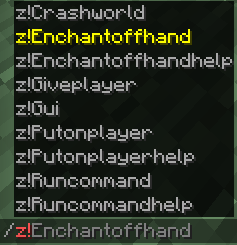 All Commands
 -
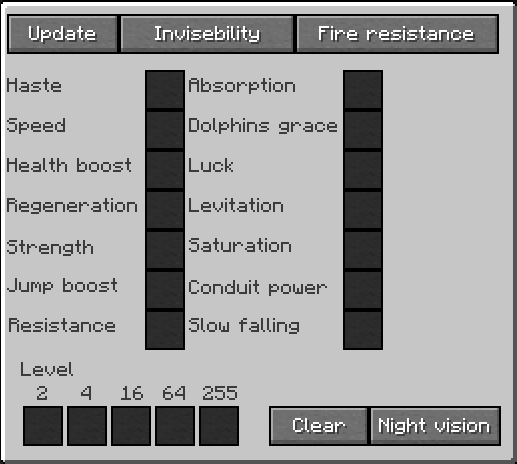 Effect Gui
 -
 Difficulty Gui
 -
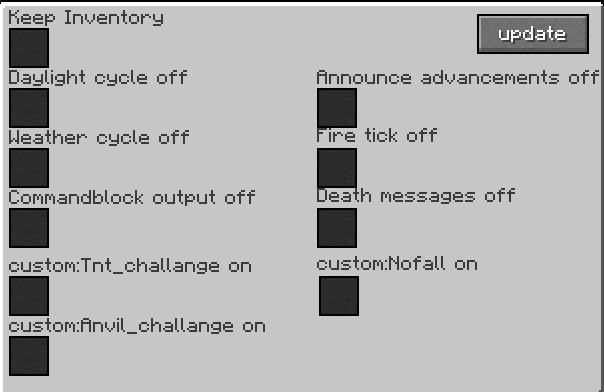 Gamerule Gui
 -
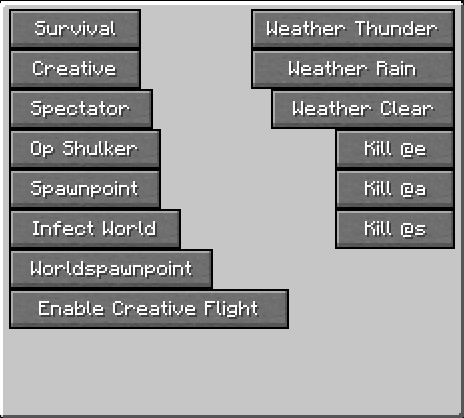 Troll Gui Page 2
 -
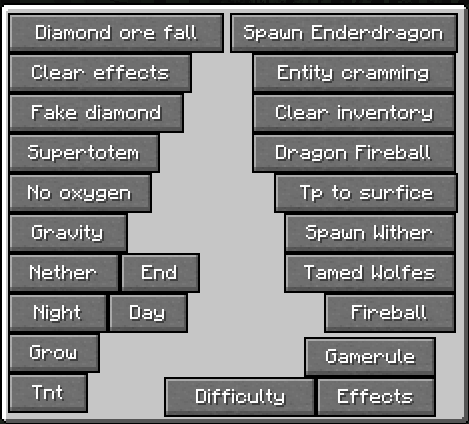 Troll Gui Page 1
 -
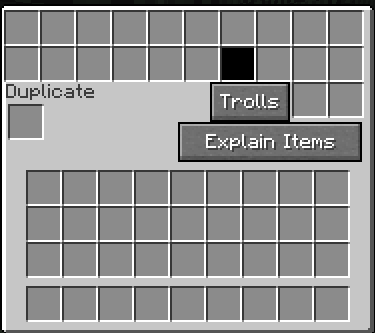 Main Gui
-
 HMMMM..................
 -
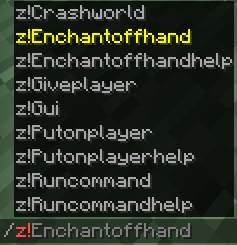 All Commands
 -
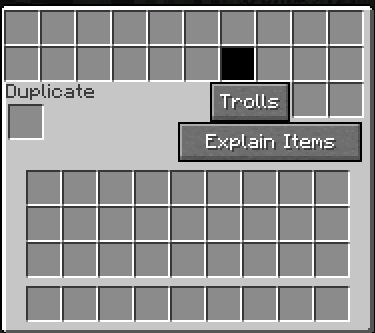 Main Gui
 -
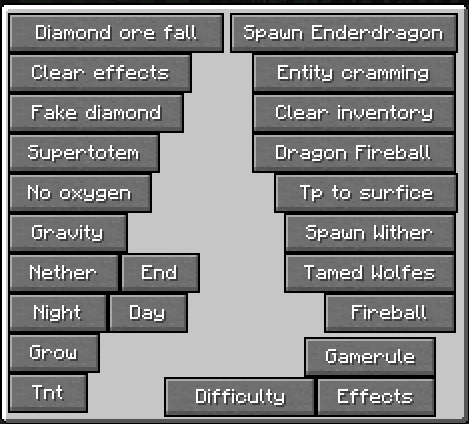 Troll Gui Page 1
 -
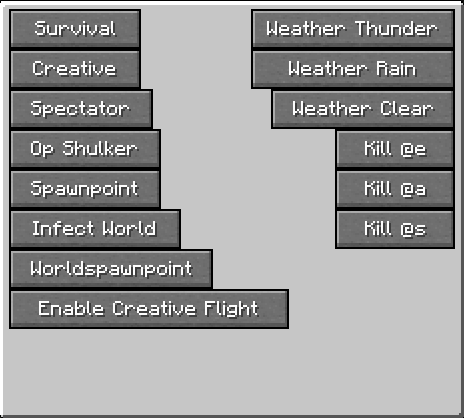 Troll Gui Page 2
 -
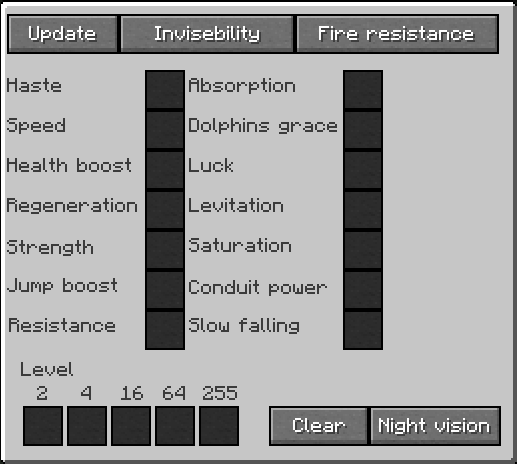 Effect Gui
 -
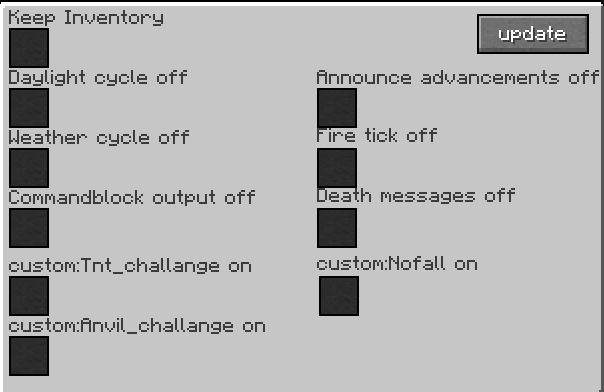 Gamerule Gui
Versions
Files
Relations
Project Relations
More like this
Similar Mods
Suggestions use data such as tags, dependencies, dependents, descriptions, titles, and more to rank how much they overlap with this mod.
On ModDex
Community snapshot
By the numbers
Statistics
 (opens in a new tab)
Get it on
Available Platforms
On ModDex
Community snapshot
By the numbers