
Community listing page, reviews may not be monitored by the author.
TurtleBoi's Loot Chests

No reviews yet
Adds customizable chests drop to hostile mobs that generate awesome loot!

Community voices
Reviews
No reviews yet. Be the first to review this project!
Get it on
Available Platforms
About
Project Details
For authors
Embed Badge
If you're the author of this project, you can embed a live badge anywhere that supports HTML or Markdown. It updates automatically whenever ratings change.
Use HTML for any page that supports it, or Markdown for README files and Markdown-based descriptions.
Identifiers
Platform IDs
Resources
External Links
About
Description
TurtleBoi’s Loot Chests introduces a dynamic loot chest system to Minecraft, enhancing the looting & RPG experience with five tiers of loot chests: Common, Uncommon, Rare, Epic, and Legendary. Each tier has its base drop chance and amount, which can be further influenced by the looting level of the player, as well as their own unique loot pools!
Loot pools and drop chances are easily customizable via data packs and configuration files, respectively. Simply make a loot table that either appends or overwrites default loot drops with a .json file, either manually or using a tool like https://misode.github.io/loot-table/. Many Loot Chest drop configurations are available in an easy-to-understand config file, which outlines the math and logic behind their implementation.
Making a Data Pack:
Data packs can be used to modify the loot that the mod's chests drop. Provided below is an example/base data pack that contains the original loot tables for each chest. Remember to keep the directory formats the same as Minecraft's systems depend on that. Just simply modify the .json of each chest manually or use a tool like https://misode.github.io/loot-table/ to generate new loot tables. Then, you can use these new loot tables by installing them into the world's datapacks folder. Here's a link on how to install data packs: https://minecraft.fandom.com/wiki/Tutorials/Installing_a_data_pack
Example Data Pack Download
You're more than welcome to use this mod in your modpacks within the CurseForge environment :)

Screenshots
Gallery
-
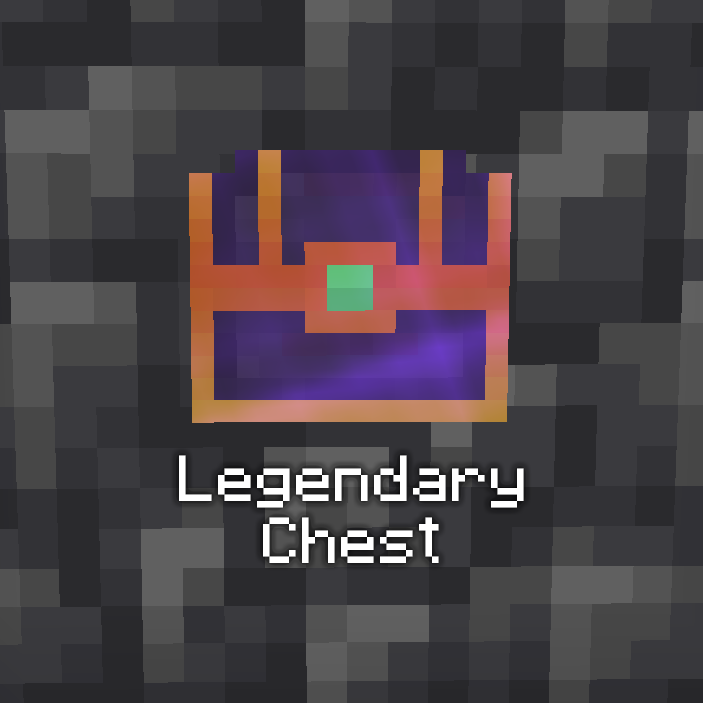 Legendary Chest (Animated Texture) Image of a legendary Loot Chest
 -
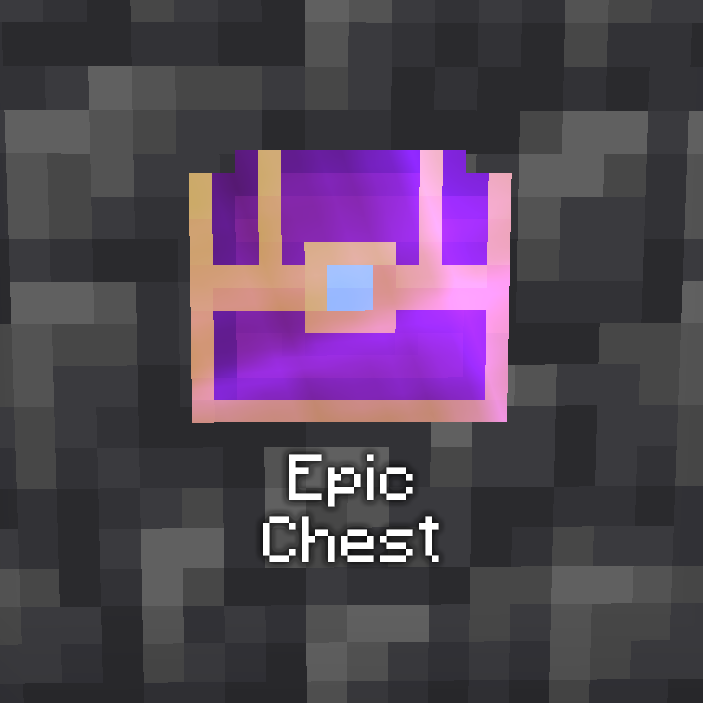 Epic Chest Image of an epic Loot Chest
 -
 Rare Chest Image of a rare Loot Chest
 -
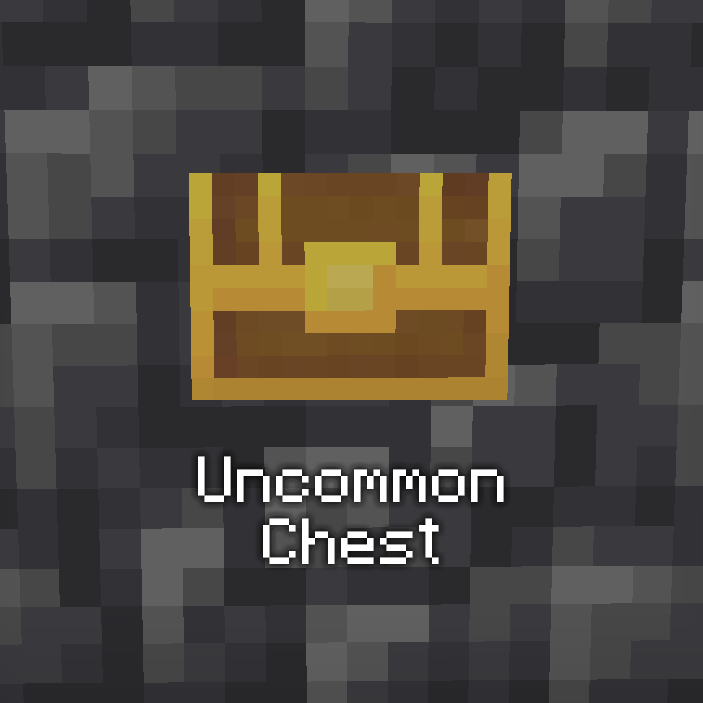 Uncommon Chest Image of an uncommon Loot Chest
 -
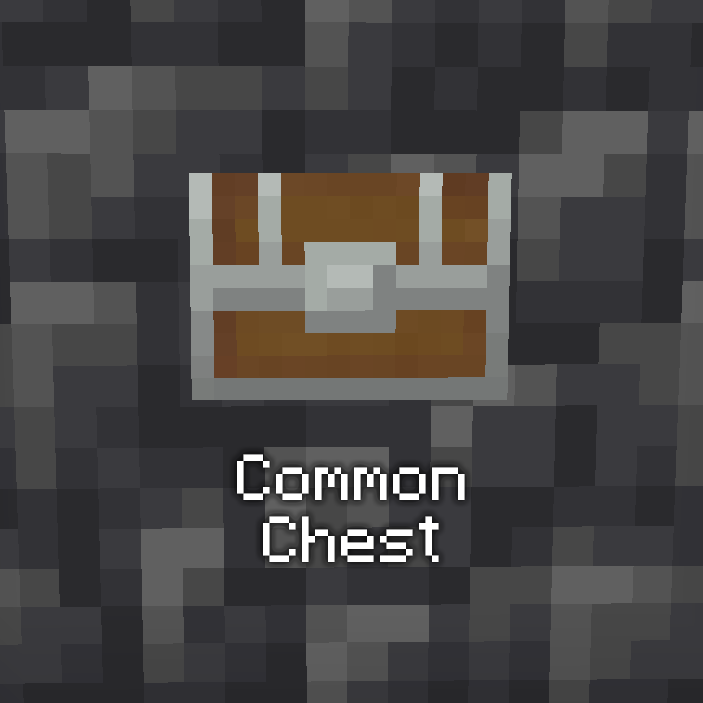 Common chest Image of a common Loot Chest
 -
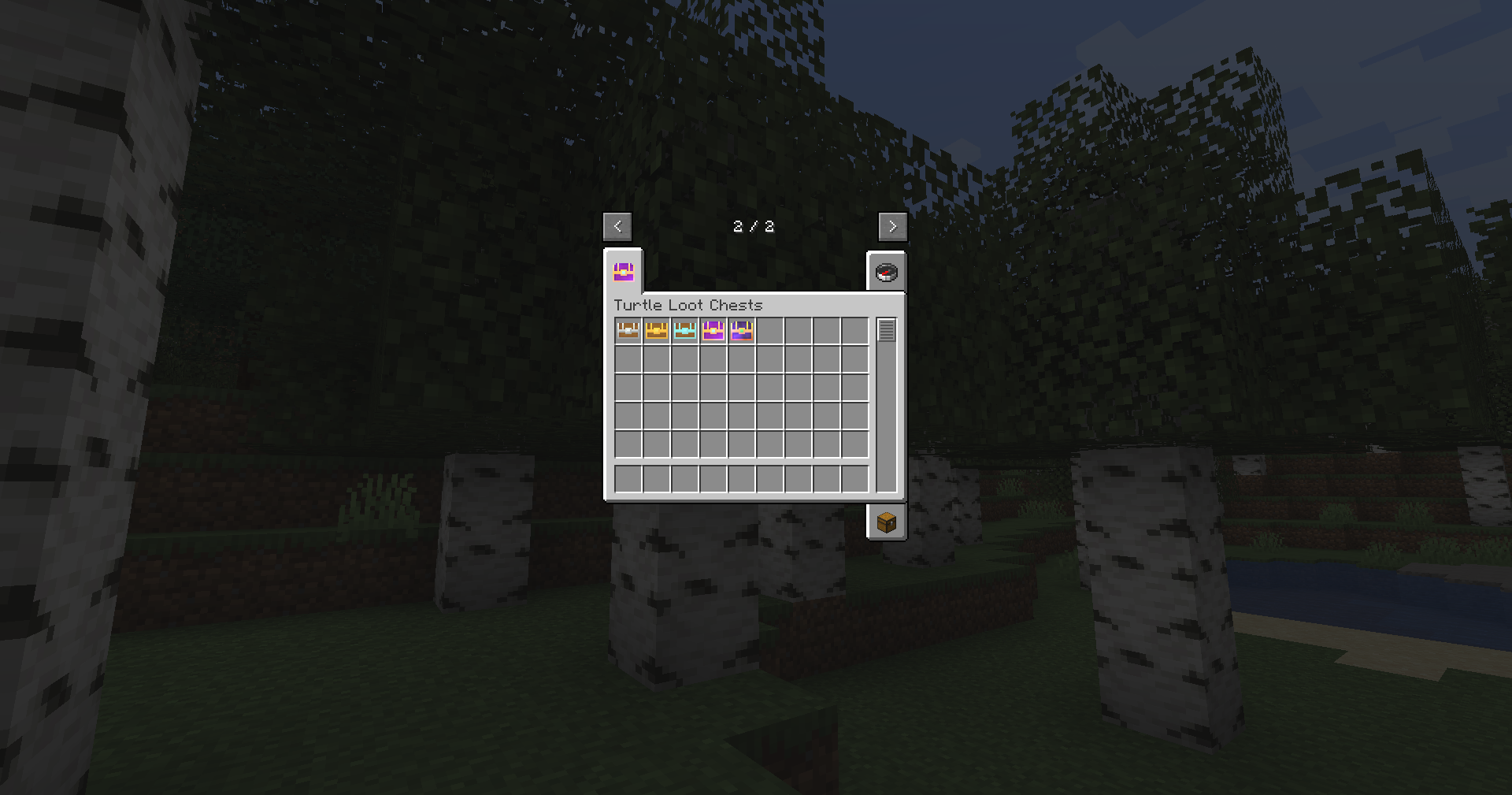 Creative Mode Tab Image of the loot chests inside of their creative mod tab.
 -
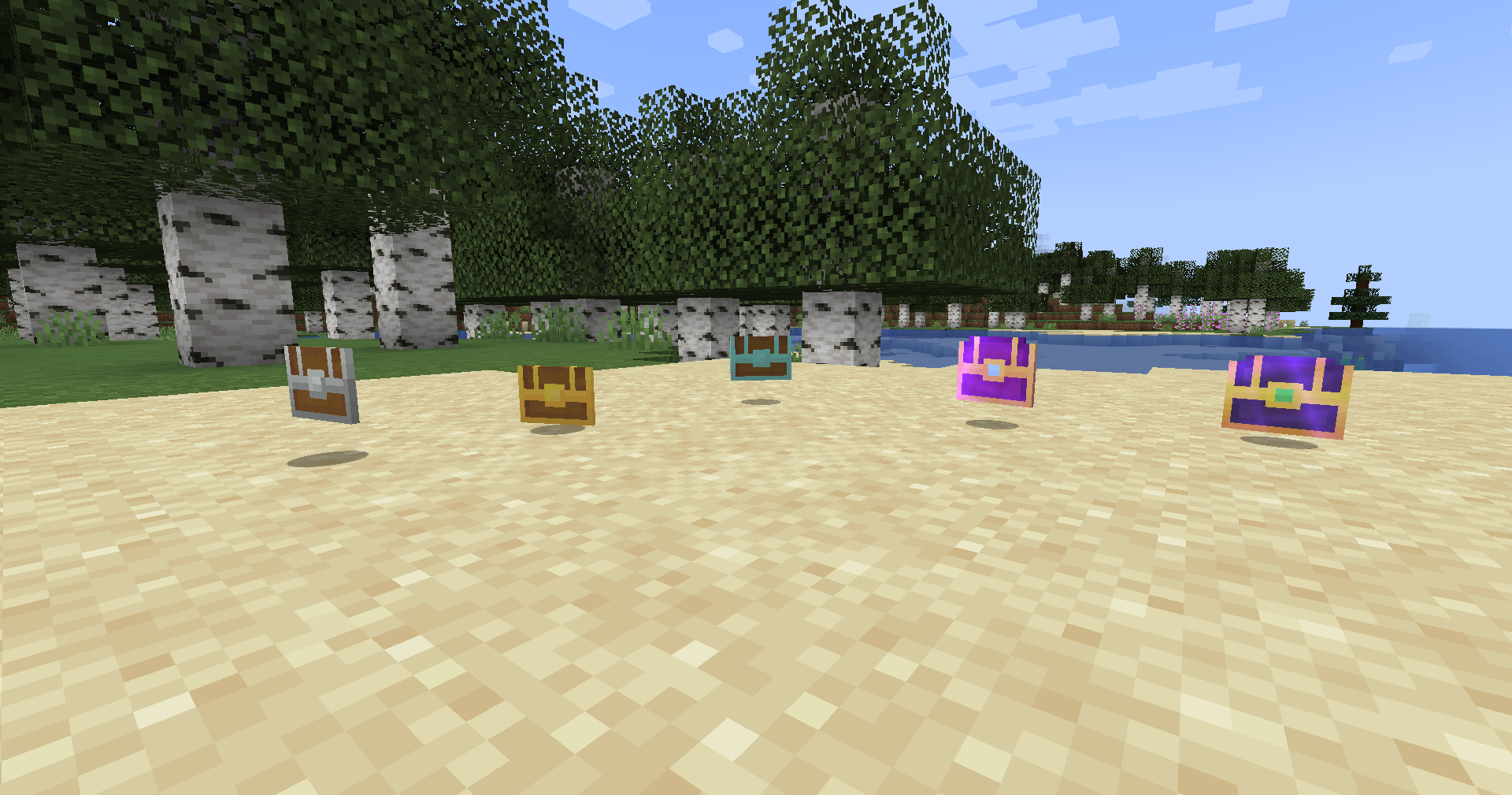 Loot Chest Drops Image of the 5 tiers of loot chests added in the mod. In order from left to right, Common, Uncommon, Rare, Epic, Legendary.
Versions
Files
Relations
Project Relations
More like this
Similar Mods
Suggestions use data such as tags, dependencies, dependents, descriptions, titles, and more to rank how much they overlap with this mod.
On ModDex
Community snapshot
By the numbers
Statistics
 (opens in a new tab)
Get it on
Available Platforms
On ModDex
Community snapshot
By the numbers
Statistics
Resources