Community listing page, reviews here may not be monitored by the author.


Community voices
Reviews
No reviews yet. Be the first to review this project!
Get it on
Available Platforms
Compatibility
Supported Environments
Must be installed on both the client and the server.
About
Project Details
For authors
Embed Badge
If you're the author of this project, you can embed a live badge anywhere that supports HTML or Markdown. It updates automatically whenever ratings change.
Use HTML for any page that supports it, or Markdown for README files and Markdown-based descriptions.
Identifiers
Platform IDs
About
Description
Be at your viewers' mercy! Every 20 seconds, a random command is chosen from Twitch Chat.
Inspired by Kaze Emanuar's Super Mario 64 Mod and CrowdControl

Setup (video tutorial by Muutation included)
Configuring the mod
To change your settings, edit the configuration file located at:
.minecraft/config/twitchmod-common.toml
To set up the mod for Twitch, you will need to set the channel name in your config file to the name that appears in your channel's Twitch URL (e.g. https://twitch.tv/thisparthere).
Please set values in the config using Notepad and not Notepad++ to avoid random issues. You can set config values while the game is running and they will automatically update, without requiring you to reconnect.
You can blacklist any command from being used by adding it to a new line in this text file:
.minecraft/config/command-blacklist.txt
You don't have to set your key or token every time you start the game. Keys are stored in encrypted .suck (Serialised Unreadable Connection Key) files. Don't share these files with anyone!
Connecting to Twitch or Discord
To start setting the mod up for Twitch, you will need to get a Twitch OAuth key. To do this, click here and login with your Twitch Account.
If you instead want to use Discord, you will need a Bot Token. Click here to learn how to get your Bot Token.
Once you have configured the mod, type the following commands in-game:
/ttv key <OAuth key> | /discord token <Bot token>
/ttv connect | /discord connect
If you see the connected message, your viewers should now be able to interact with your game! You can disconnect at any time using this command:
/ttv disconnect | /discord disconnect
In-game commands
For more info on the usage of in-game commands, type:
/help ttv | /help discord
NOTE: Pressing tab after typing the command will autocorrect your commands.
Command List
Click here for Spanish translation by The_Rubenazo! (this may be outdated)
Click here to open the full version
Credits
Thank you to the lovely people over at MMD (Minecraft Mod Development) and Gaiet (VaccinatedAlmonds) for helping me create and test this mod. It's very much appreciated.
Contacting
If you have any issues with the mod that aren't covered in the Readme or FAQ page, please report them on the GitHub Issues page, or tell me in the comments and I will try my best to respond. I may not be able to respond all of the time. Please note that I will be unable to help with any crashes and issues regarding the legacy versions of the mod, and you should consult the FAQ and read other comments before asking any questions.
Modpacks and sharing
Feel free to add this mod to your pack. No extra permission needed. DO NOT re-post this mod. This means you cannot host the mod's files on your own servers without permission. You can link to this official page on your website, as long as you give credit.
Learn more about mod reposting here:
https://stopmodreposts.org/
Want a shortened link to share this mod with friends? Use this link: https://bit.ly/TwitchVsMinecraft

Be at your viewers' mercy! Every 20 seconds, a random command is chosen from Twitch Chat.
Inspired by Kaze Emanuar's Super Mario 64 Mod and CrowdControl

Configuring the mod
To change your settings, edit the configuration file located at: .minecraft/config/twitchmod-common.toml
To set up the mod for Twitch, you will need to set the channel name in your config file to the name that appears in your channel's Twitch URL (e.g. https://twitch.tv/thisparthere).
Please set values in the config using Notepad and not Notepad++ to avoid random issues. You can set config values while the game is running and they will automatically update, without requiring you to reconnect.
You can blacklist any command from being used by adding it to a new line in this text file: .minecraft/config/command-blacklist.txt
You don't have to set your key or token every time you start the game. Keys are stored in encrypted .suck (Serialised Unreadable Connection Key) files. Don't share these files with anyone!
Connecting to Twitch or Discord
To start setting the mod up for Twitch, you will need to get a Twitch OAuth key. To do this, click here and login with your Twitch Account.
If you instead want to use Discord, you will need a Bot Token. Click here to learn how to get your Bot Token.
Once you have configured the mod, type the following commands in-game:
/ttv key <OAuth key>/discord token <Bot token>/ttv connect/discord connect
If you see the connected message, your viewers should now be able to interact with your game!** You can disconnect at any time using this command:
/ttv disconnect/discord disconnect
In-game commands
For more info on the usage of in-game commands, type:
/help ttv/help discord
NOTE: Pressing tab after typing the command will autocorrect your commands.
Command List
Click here for Spanish translation by The_Rubenazo! (this may be outdated)
Click here to open the full version
Credits
Thank you to the lovely people over at MMD (Minecraft Mod Development) and Gaiet (VaccinatedAlmonds) for helping me create and test this mod. It's very much appreciated.
Contacting
If you have any issues with the mod that aren't covered in the Readme or FAQ page, please report them on the GitHub Issues page, or tell me in the comments and I will try my best to respond. I may not be able to respond all of the time. Please note that I will be unable to help with any crashes and issues regarding the legacy versions of the mod, and you should consult the FAQ and read other comments before asking any questions.
Modpacks and sharing
Feel free to add this mod to your pack. No extra permission needed. DO NOT re-post this mod. This means you cannot host the mod's files on your own servers without permission. You can link to this official page on your website, as long as you give credit.
Learn more about mod reposting here: https://stopmodreposts.org
Want a shortened link to share this mod with friends? Use this link: https://bit.ly/TwitchVsMinecraft
Screenshots
Gallery
-
 Twitch Vs Minecraft Logo without sub
 -
 Twitch Vs Minecraft Reloaded Logo The logo without a background
 -
 Twitch Vs Minecraft Reloaded A thumbnail for the mod
 -
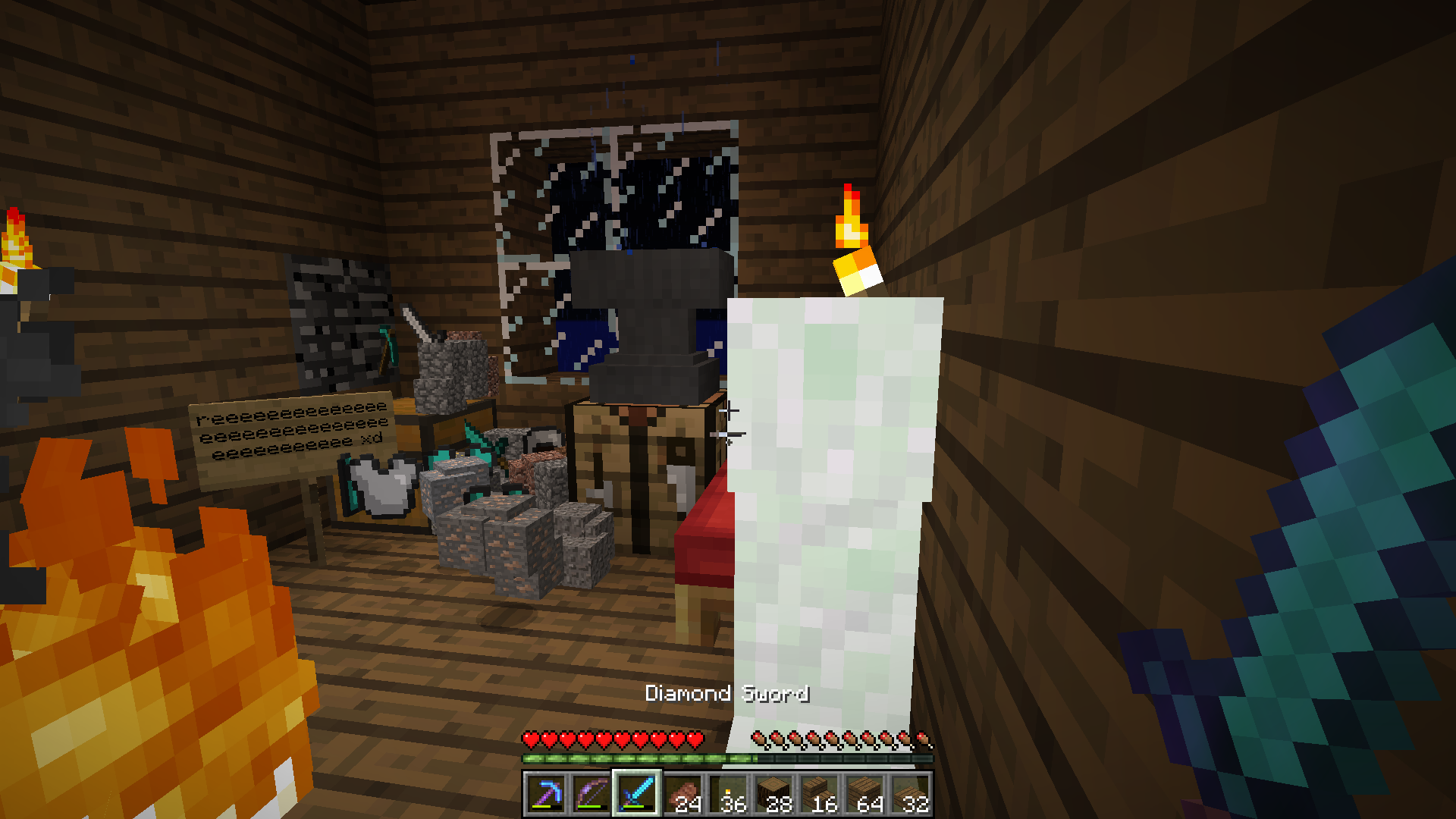 monkaS F F F F
Versions
Files
Relations
Project Relations
More like this
Similar Mods
Suggestions use data such as tags, dependencies, dependents, descriptions, titles, and more to rank how much they overlap with this mod.
On ModDex
Community snapshot
By the numbers
Statistics
Want to reach Minecraft players?
We're looking for a server hosting partner to feature here and other parts of the site. Interested? Send us a message!
Get in touchGet it on
Available Platforms
On ModDex
Community snapshot
By the numbers