
Community listing page, reviews may not be monitored by the author.
TwitchWidget

No reviews yet
Display selected Twitch chat messages directly in Minecraft with simple commands and customizable chat filtering.

Community voices
Reviews
No reviews yet. Be the first to review this project!
Get it on
Available Platforms
About
Project Details
For authors
Embed Badge
If you're the author of this project, you can embed a live badge anywhere that supports HTML or Markdown. It updates automatically whenever ratings change.
Use HTML for any page that supports it, or Markdown for README files and Markdown-based descriptions.
Identifiers
Platform IDs
Resources
External Links
About
Description
TwitchWidget
TwitchWidget is a lightweight client-side Minecraft mod that brings selected Twitch chat messages directly into your Minecraft chat.
It is designed for streamers who want to see important Twitch messages without switching between Minecraft and a browser.
Features
• Display Twitch messages directly in Minecraft chat
• Filter messages by a specific Twitch username
• Only display messages starting with "!"
• Simple in-game commands
• Lightweight client-side implementation
• No custom textures or resource packs
• No changes to vanilla blocks, items, or textures
Commands
Set Twitch channel
/twitchwidget channel <channel>
Sets the Twitch channel the mod connects to.
Example: /twitchwidget channel ferifest
Set watched username
/twitchwidget user <username>
Only messages from this Twitch user will be displayed.
Example: /twitchwidget user ferifest
Enable or disable
/twitchwidget toggle
Enables or disables TwitchWidget.
Check configuration
/twitchwidget status
Shows the current TwitchWidget configuration.
Message Filtering
TwitchWidget only displays messages from the configured Twitch username that start with "!".
For example:
!hello
will appear in Minecraft chat.
Messages without "!" and messages from other users are ignored.
Configuration
The configuration is stored in:
config/twitchwidget.json
Requirements
Minecraft 26.2
Fabric Loader
Fabric API
Java 25 or newer
Installation
- Install Fabric Loader for Minecraft 26.2.
- Install Fabric API.
- Put the TwitchWidget .jar file into your Minecraft mods folder.
- Launch Minecraft.
- Configure the Twitch channel and username using the commands above.
Author
Created by Ferifest.
Screenshots
Gallery
-
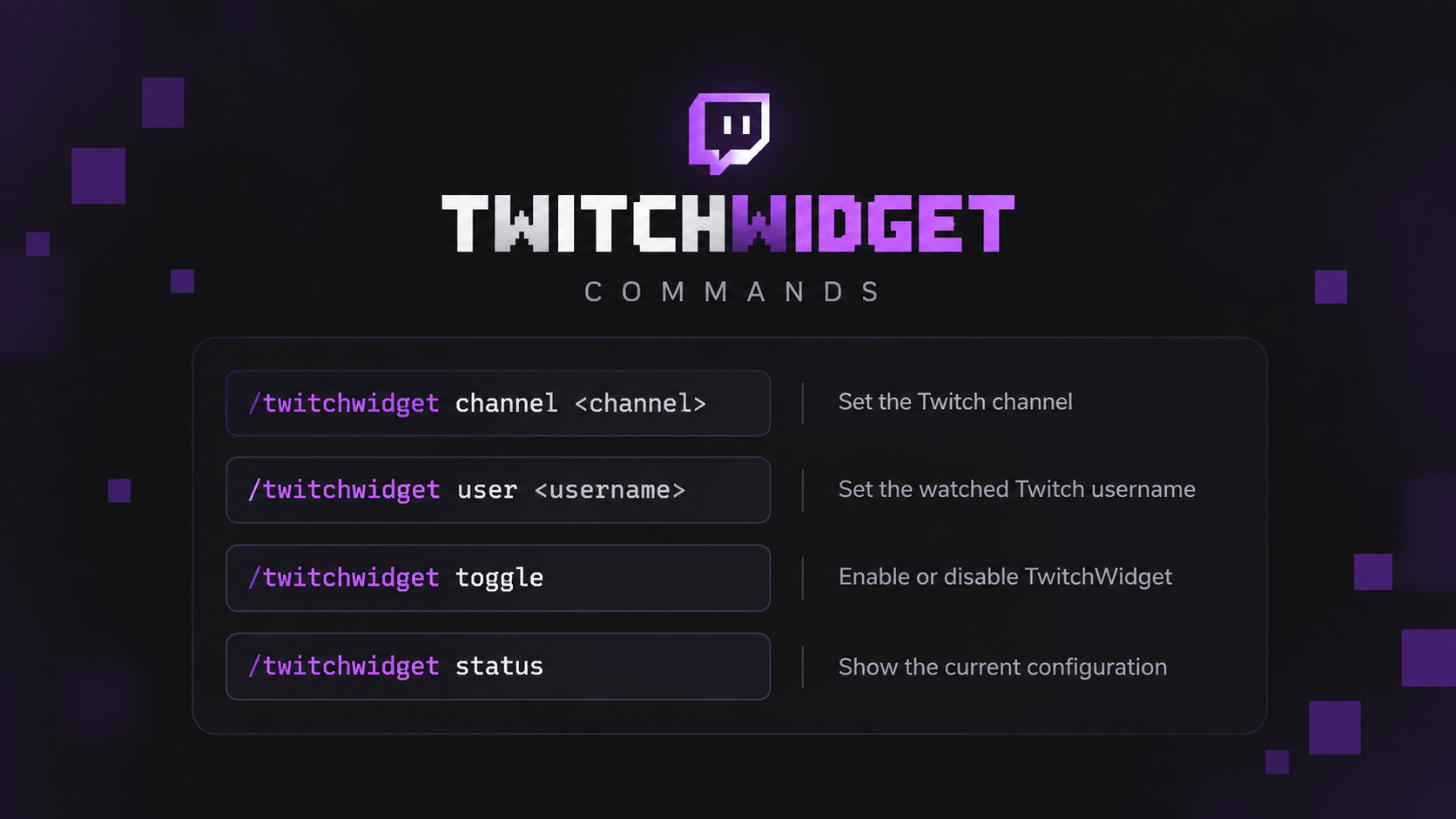 TWITCHWIDGET | COMMANDS
Versions
Files
Relations
Project Relations
More like this
Similar Mods
Suggestions use data such as tags, dependencies, dependents, descriptions, titles, and more to rank how much they overlap with this mod.
On ModDex
Community snapshot
By the numbers
Statistics

Get it on
Available Platforms
On ModDex
Community snapshot
By the numbers
Statistics
Resources