
Community listing page, reviews may not be monitored by the author.
Tycoon Shop


No reviews yet
Tycoon Shop — a mod that lets you create custom shops and sell items using its own in-game currency.

Community voices
Reviews
No reviews yet. Be the first to review this project!
Get it on
Available Platforms
Compatibility
Supported Environments
Must be installed on both the client and the server.
About
Project Details
For authors
Embed Badge
If you're the author of this project, you can embed a live badge anywhere that supports HTML or Markdown. It updates automatically whenever ratings change.
Use HTML for any page that supports it, or Markdown for README files and Markdown-based descriptions.
Identifiers
Platform IDs
Resources
External Links
About
Description
Overview
Tycoon Shop is a server-side economy mod for NeoForge 1.21.1. It adds a currency system, an admin-managed shop, a player-to-player marketplace, and wallet management tools.
Currency
Five coin tiers exist, each worth a configurable multiple of the one below it (default 100:1):
- Copper Coin → Iron Coin → Gold Coin → Diamond Coin → Netherite Coin
Coins are physical items that can exist in your inventory. When you deposit them into your wallet, they auto-convert upward — 100 copper automatically becomes 1 iron, and so on. When spending, higher-tier coins are broken down automatically to cover the cost.
Wallet
Every player has a personal wallet stored on the server. It persists through deaths and restarts.
Interacting with the wallet:
- Left-click the wallet HUD button — opens the withdraw screen to take coins out as items
- Shift + Left-click the HUD button — deposits all coin items from your inventory into the wallet
- Right-clicking a coin item — deposits that stack directly into the wallet
If FTB Teams is installed, teammates share a single wallet.
Tycoon Shop
An admin-managed store where players can buy items for coins. The shop is organized into categories and entries.
Admins open the shop with /tshop, then enable Edit Mode to:
- Create, rename, reorder, and delete categories
- Add, edit, reorder, and delete item entries with custom prices and currencies
- Save the current shop layout as the server default
Changes are applied live — no restart needed.
Player Market
A player-to-player marketplace where anyone can list items for sale.
- Create a listing — select an item from your inventory, set a price and currency
- Buy a listing — coins are deducted from your wallet, item goes to your inventory
- Cancel a listing — the item is returned to your inbox
- Inbox — if you're offline when your item sells or you cancel a listing, coins and items wait in your inbox until you claim them
- Listings expire automatically after a set period
Tax: every sale deducts a 5% tax from what the seller receives (minimum 1 coin for prices of 2+). Taxed coins are destroyed, reducing the money supply over time.
Commands
Available to all players
| Command | Description |
|---|---|
/tshop |
Opens the shop |
/tshop pay <player> <currency> <amount> |
Transfers coins from your wallet to another player |
Operators only (permission level 2)
| Command | Description |
|---|---|
/tshop editmode |
Toggles shop edit mode for the calling admin |
/tshop wallet <player> <currency> add <amount> |
Adds coins to a player's wallet |
/tshop wallet <player> <currency> set <amount> |
Sets a player's coin balance |
/tshop wallet <player> <currency> get |
Checks a player's balance for a specific currency |
/tshop savedefault |
Saves the current shop layout to config/tycoonshop/default_shop.json |
/tcoins give <player> <currency> <amount> |
Gives coins to a player |
/tcoins set <player> <currency> <amount> |
Sets a player's balance |
/tcoins show <player> |
Displays a player's full wallet |
Currency IDs for commands: copper_coin, iron_coin, gold_coin, diamond_coin, netherite_coin
Configuration
Two config files are generated on first launch:
tshop_coin.toml — exchange rates between coin tiers (default 100, range 2–10000)
tshop_name.toml — display names for the Shop and Market screens
Optional Integration
FTB Teams — if installed, players in the same team share one wallet automatically. No extra setup needed.
Overview
Tycoon Shop is a server-side economy mod for NeoForge 1.21.1. It adds a currency system, an admin-managed shop, a player-to-player marketplace, and wallet management tools.
Currency
Five coin tiers exist, each worth a configurable multiple of the one below it (default 100:1):
Copper Coin → Iron Coin → Gold Coin → Diamond Coin → Netherite Coin Coins are physical items that can exist in your inventory. When you deposit them into your wallet, they auto-convert upward — 100 copper automatically becomes 1 iron, and so on. When spending, higher-tier coins are broken down automatically to cover the cost.
Wallet
Every player has a personal wallet stored on the server. It persists through deaths and restarts.
Interacting with the wallet:
Left-click the wallet HUD button — opens the withdraw screen to take coins out as items Shift + Left-click the HUD button — deposits all coin items from your inventory into the wallet Right-clicking a coin item — deposits that stack directly into the wallet If FTB Teams is installed, teammates share a single wallet.
Tycoon Shop
An admin-managed store where players can buy items for coins. The shop is organized into categories and entries.
Admins open the shop with /tshop, then enable Edit Mode to:
Create, rename, reorder, and delete categories Add, edit, reorder, and delete item entries with custom prices and currencies Save the current shop layout as the server default Changes are applied live — no restart needed.
Player Market
A player-to-player marketplace where anyone can list items for sale.
Create a listing — select an item from your inventory, set a price and currency Buy a listing — coins are deducted from your wallet, item goes to your inventory Cancel a listing — the item is returned to your inbox Inbox — if you're offline when your item sells or you cancel a listing, coins and items wait in your inbox until you claim them Listings expire automatically after a set period Tax: every sale deducts a 5% tax from what the seller receives (minimum 1 coin for prices of 2+). Taxed coins are destroyed, reducing the money supply over time.
Commands
Available to all players Command Description
/tshop	Opens the shop
/tshop pay <player> <currency> <amount>	Transfers coins from your wallet to another player
Operators only (permission level 2)
Command	Description
/tshop editmode	Toggles shop edit mode for the calling admin
/tshop wallet <player> <currency> add <amount>	Adds coins to a player's wallet
/tshop wallet <player> <currency> set <amount>	Sets a player's coin balance
/tshop wallet <player> <currency> get	Checks a player's balance for a specific currency
/tshop savedefault	Saves the current shop layout to config/tycoonshop/default_shop.json
/tcoins give <player> <currency> <amount>	Gives coins to a player
/tcoins set <player> <currency> <amount>	Sets a player's balance
/tcoins show <player>	Displays a player's full wallet
Currency IDs for commands: copper_coin, iron_coin, gold_coin, diamond_coin, netherite_coin
Configuration
Two config files are generated on first launch:
tshop_coin.toml — exchange rates between coin tiers (default 100, range 2–10000)
tshop_name.toml — display names for the Shop and Market screens
Optional Integration
FTB Teams — if installed, players in the same team share one wallet automatically. No extra setup needed.
Screenshots
Gallery
-
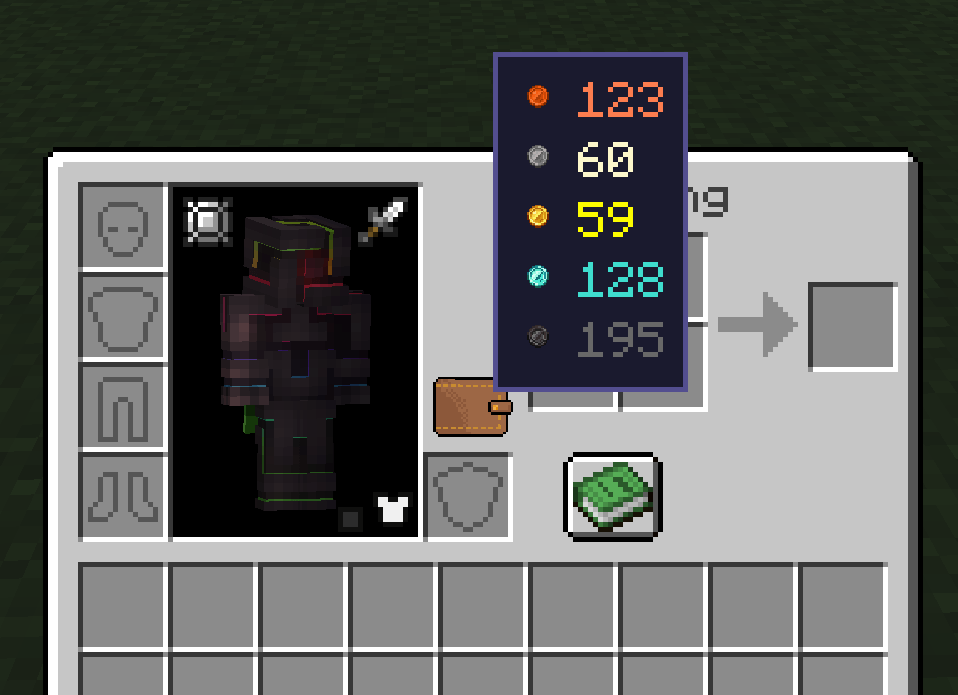 Wallet
 -
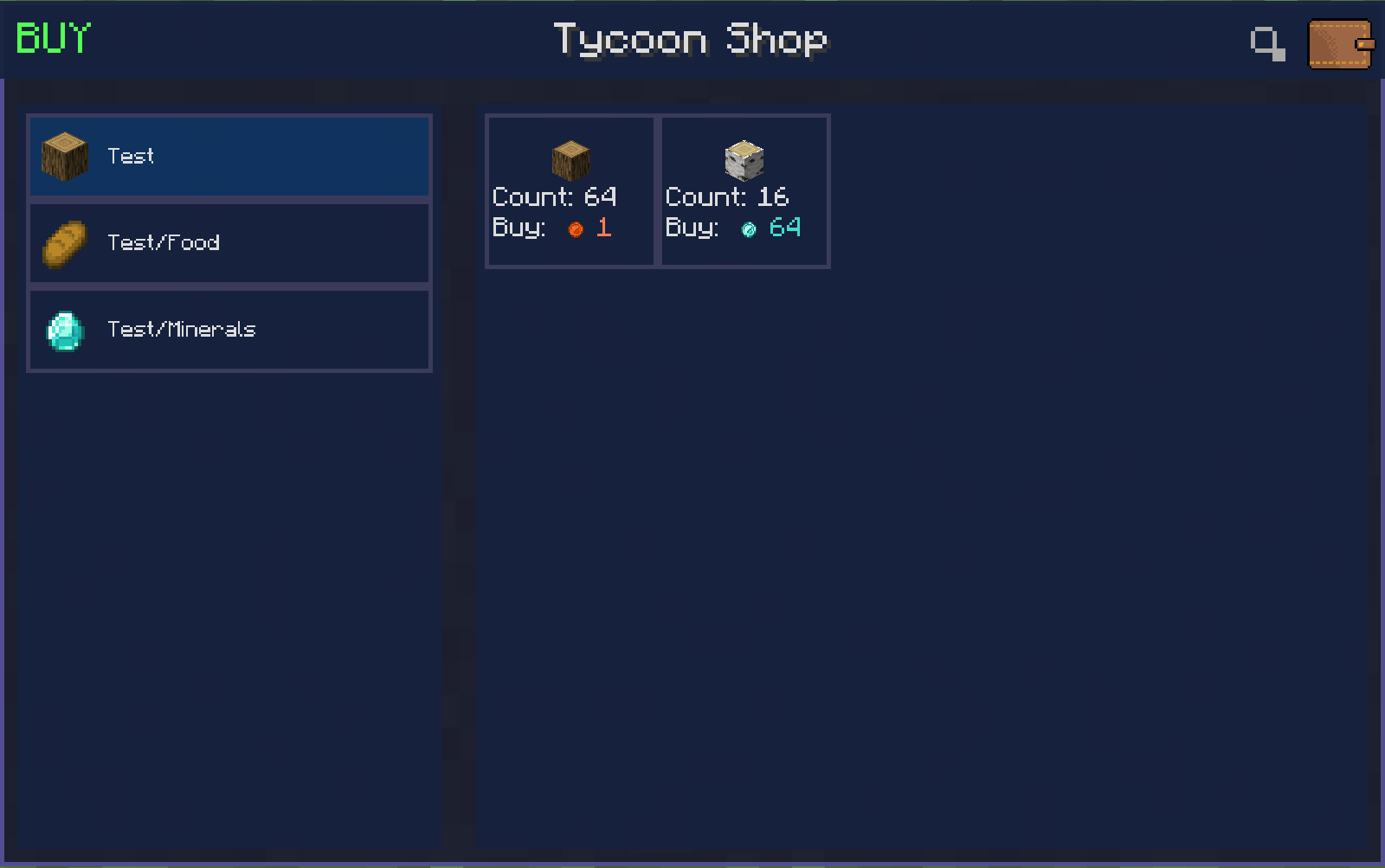 Shop interface
 -
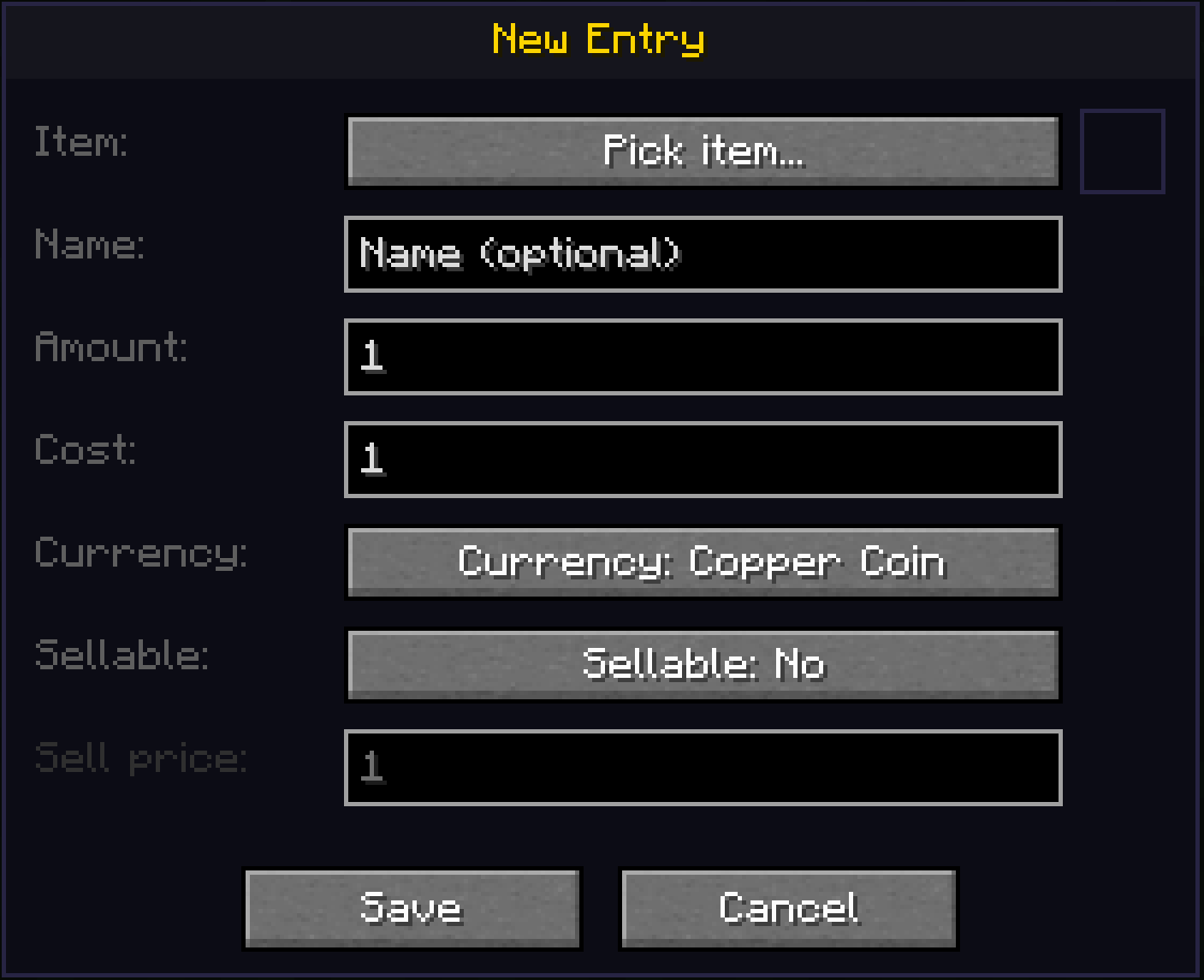 Create interface
 -
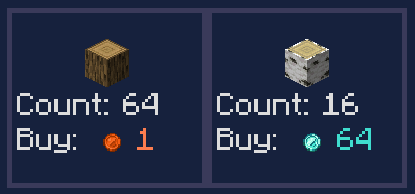 Buy
Buy -
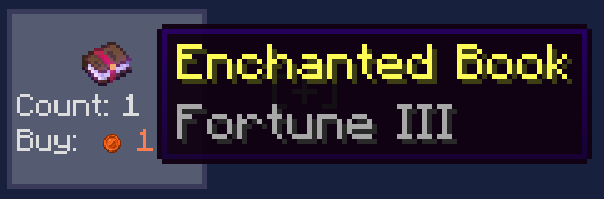 GUI
GUI -
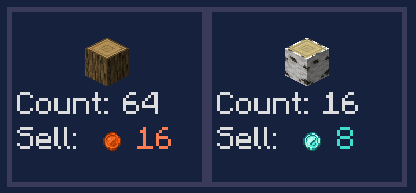 Sell
Sell
-
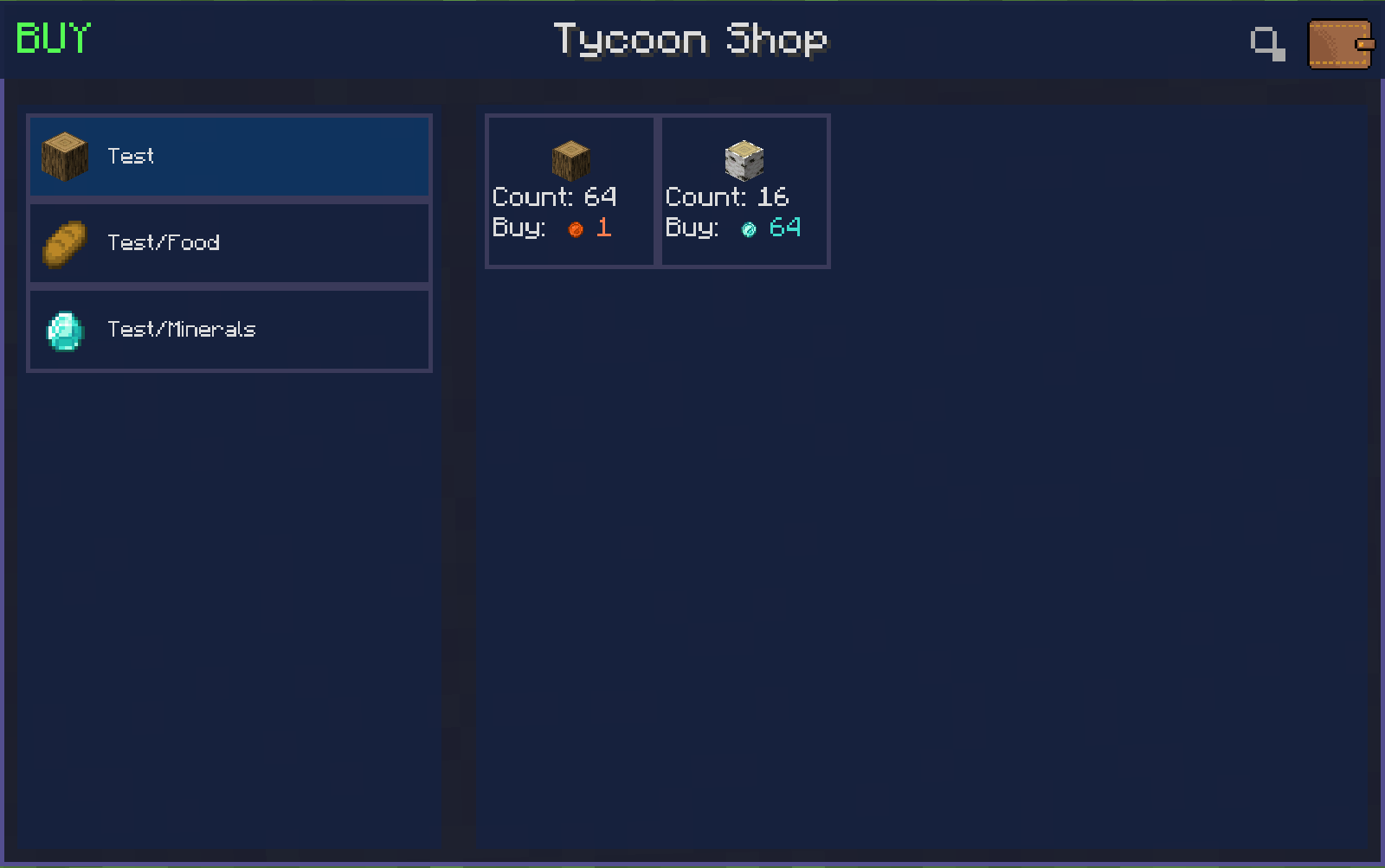 Shop interface
 -
 Wallet
 -
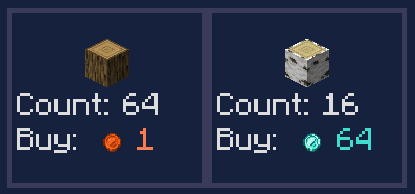 Buy
Buy -
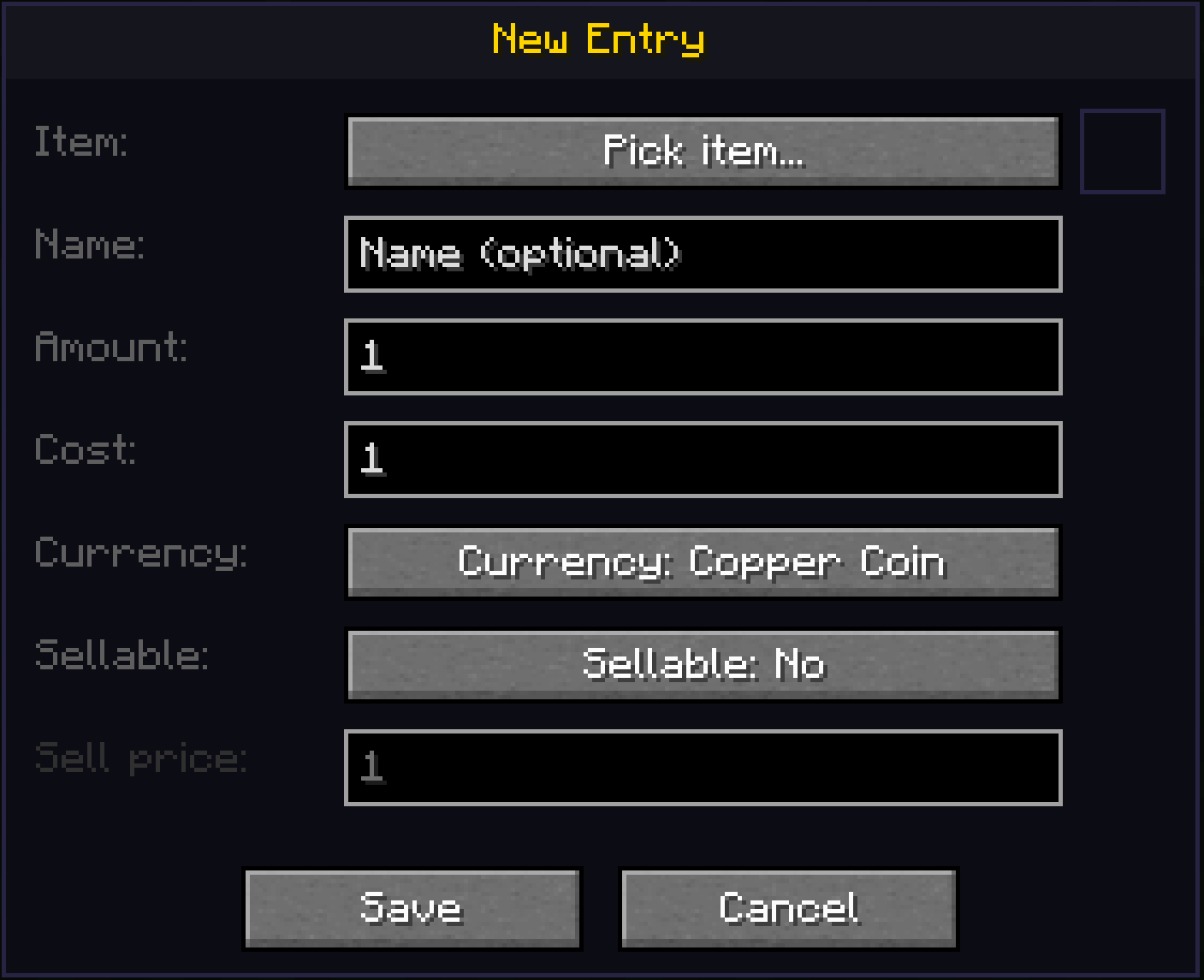 Create interface
 -
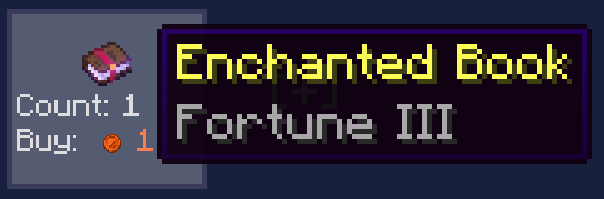 GUI
GUI -
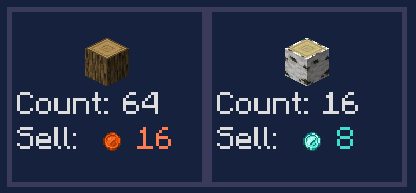 Sell
Sell
Versions
Files
Relations
Project Relations
More like this
Similar Mods
Suggestions use data such as tags, dependencies, dependents, descriptions, titles, and more to rank how much they overlap with this mod.
On ModDex
Community snapshot
By the numbers
Statistics
 (opens in a new tab)
Get it on
Available Platforms
On ModDex
Community snapshot
By the numbers
Statistics
Resources