
Community listing page, reviews may not be monitored by the author.
UniPanels

No reviews yet
Local display panels for Minecraft 1.21.1 and NeoForge 21.1.200 or newer. Create in-world readouts using block data, custom text, item icons, colors and block textures.

Community voices
Reviews
No reviews yet. Be the first to review this project!
Get it on
Available Platforms
About
Project Details
For authors
Embed Badge
If you're the author of this project, you can embed a live badge anywhere that supports HTML or Markdown. It updates automatically whenever ratings change.
Use HTML for any page that supports it, or Markdown for README files and Markdown-based descriptions.
Identifiers
Platform IDs
Resources
External Links
About
Description
UniPanels

Native in-world display panels for Minecraft 1.21.1 and NeoForge 21.1.200 or newer.
Create configurable readouts using block data, custom text, item icons, colors and block textures — all rendered directly in Minecraft without requiring a browser or external webpage.
Status: Beta / Work in Progress
Inspired by the display-panel concepts found in mods such as RFTools and Integrated Dynamics.
Panels
| Item | Purpose | Maximum face size |
|---|---|---|
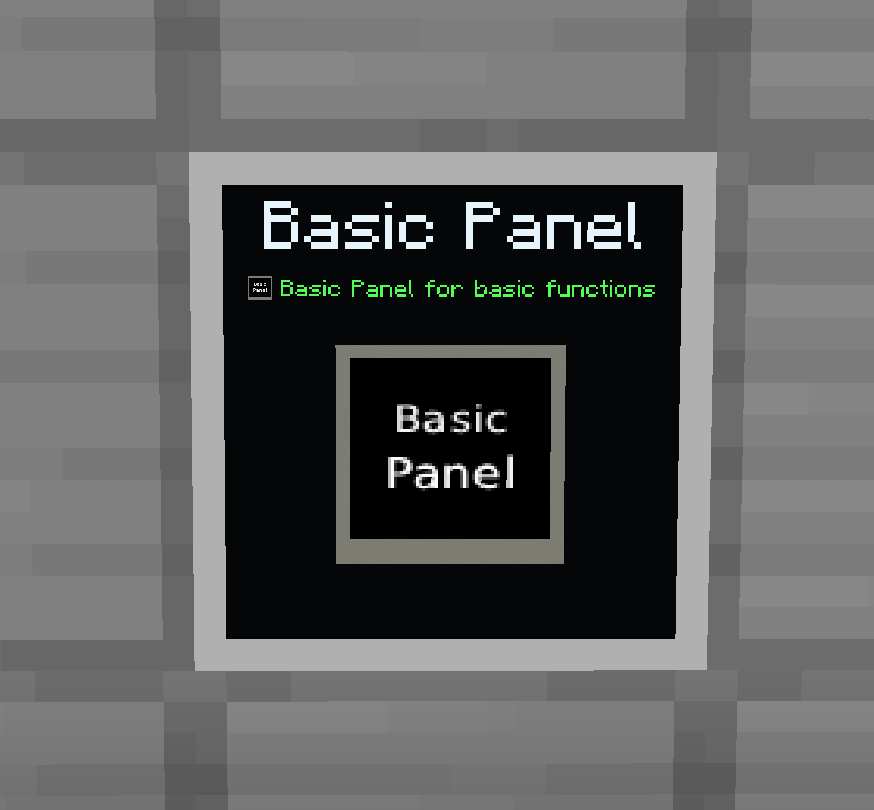
| Basic Panel | Displays data from the block directly behind it. | 1 x 1 |
| Advanced Panel | Displays data from up to four probe-linked sources, with a 32-block linking range. | 3 x 3 |
| Color Panel | Custom text and icons with individually colored surfaces. | 9 x 9 |
| Texture Panel | Custom text and icons with block textures and per-surface mapping. | 9 x 9 |
| Data Display Probe | Records source blocks and links them to an Advanced Panel. | Four source slots |
Panels support wall, floor and ceiling placement.
Panel thickness can be adjusted from 1 to 16 pixels, including on the Basic Panel.
Features
Bring information out of menus and into your world. UniPanels lets you build configurable displays for machine readouts, storage information, custom signs, and decorative panels—all rendered directly inside Minecraft.
-
In-world displays, no browser required
Panels use Minecraft’s native rendering, with no external webpage or browser needed. -
Discover data from connected blocks
Use the Data Probe to link sources, then browse their available values. Supported data includes block states, block entities, inventories, fluid and energy capabilities, and supported NBT values. -
Build your own display
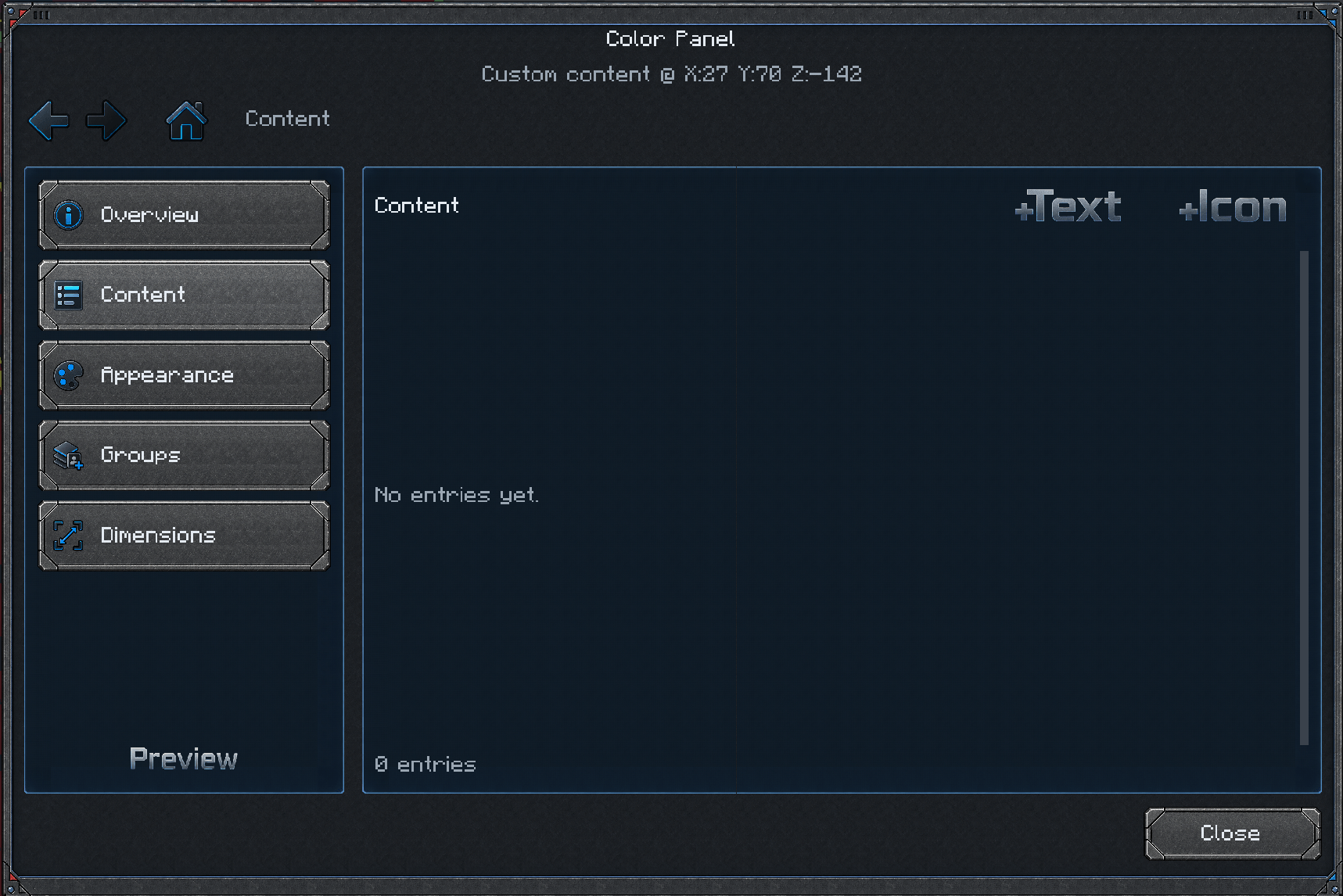
Combine source data, custom text, and item icons. Adjust entry sizes, colors, labels, and alignment to create anything from a compact readout to a larger information board. -
Scroll individual entries or entire compositions
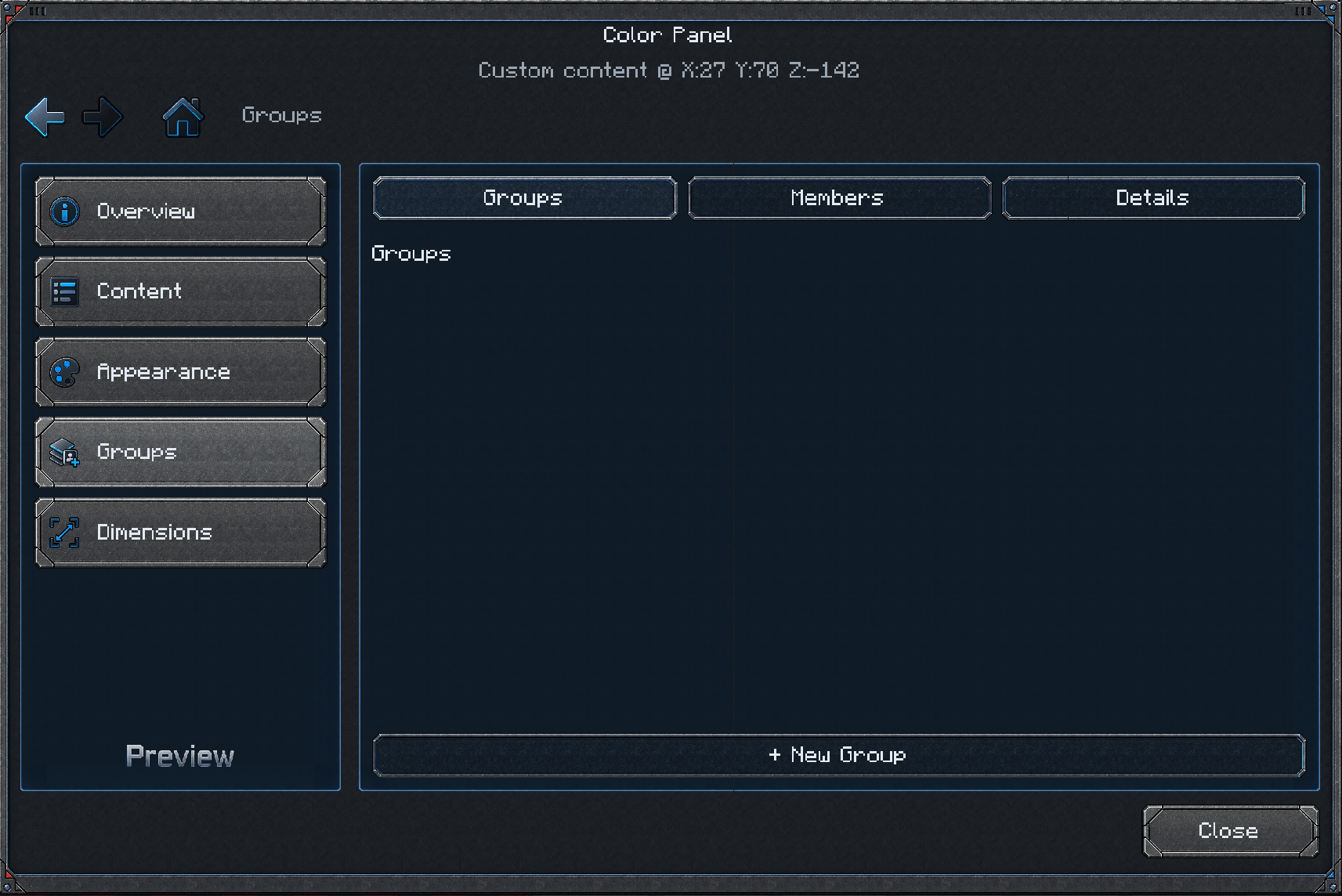
Give entries their own scrolling behavior, or place them in synchronized groups. Grouped text, icons, and data move together at the same speed—even at different sizes—while preserving their relative positions and alignment. -
Configure with a live preview
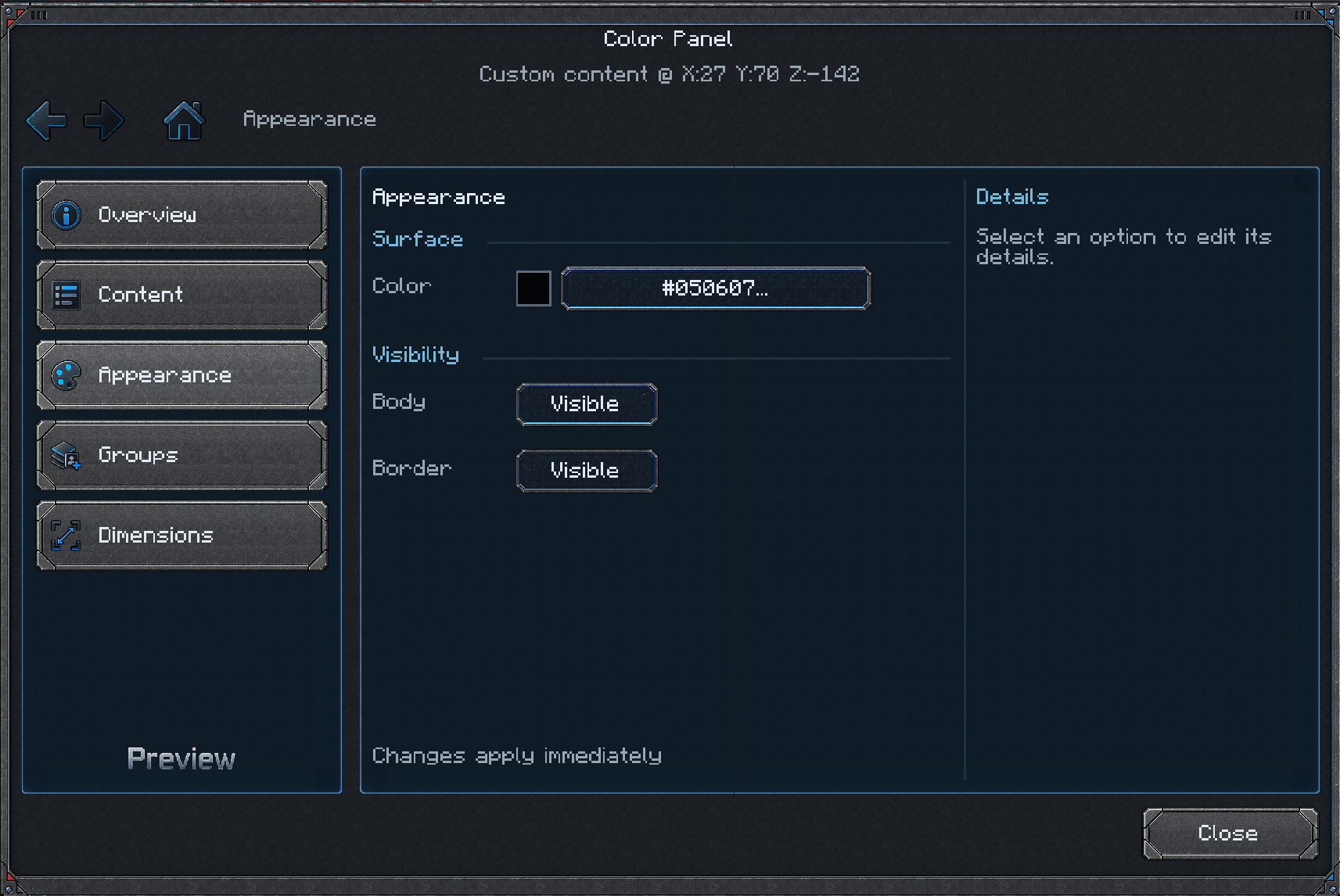
A workspace-style interface brings together category navigation, Back/Forward history, contextual inspectors, and a toggleable live preview so you can see your changes while editing. -
Find items and textures quickly
Searchable browsers help you choose item icons, block textures, and source values. Item and texture lists display only the visible entries to keep browsing responsive in large modpacks. -
Customize the panel itself
Supported panel types offer surface colors or block textures, adjustable thickness, and separate body and border visibility controls. Color and Texture panels also offer optional collision, disabled by default. -
Choose how your data updates
Set a refresh interval for regular polling, or enable Eco mode to refresh when changes are detected at the source. -
Optional integration with other mods
Additional data providers support Applied Energistics 2, Mekanism, and Ars Nouveau when installed, alongside the generic data-discovery system.
Data availability depends on what the selected source block exposes.
Compatibility integrations are optional. UniPanels does not require Applied Energistics 2, Mekanism or Ars Nouveau to function.
Development
UniPanels is currently in active development and may still contain bugs or incomplete features.
Code, artwork and interface elements have been developed with assistance from Codex.
Screenshots
Gallery
-
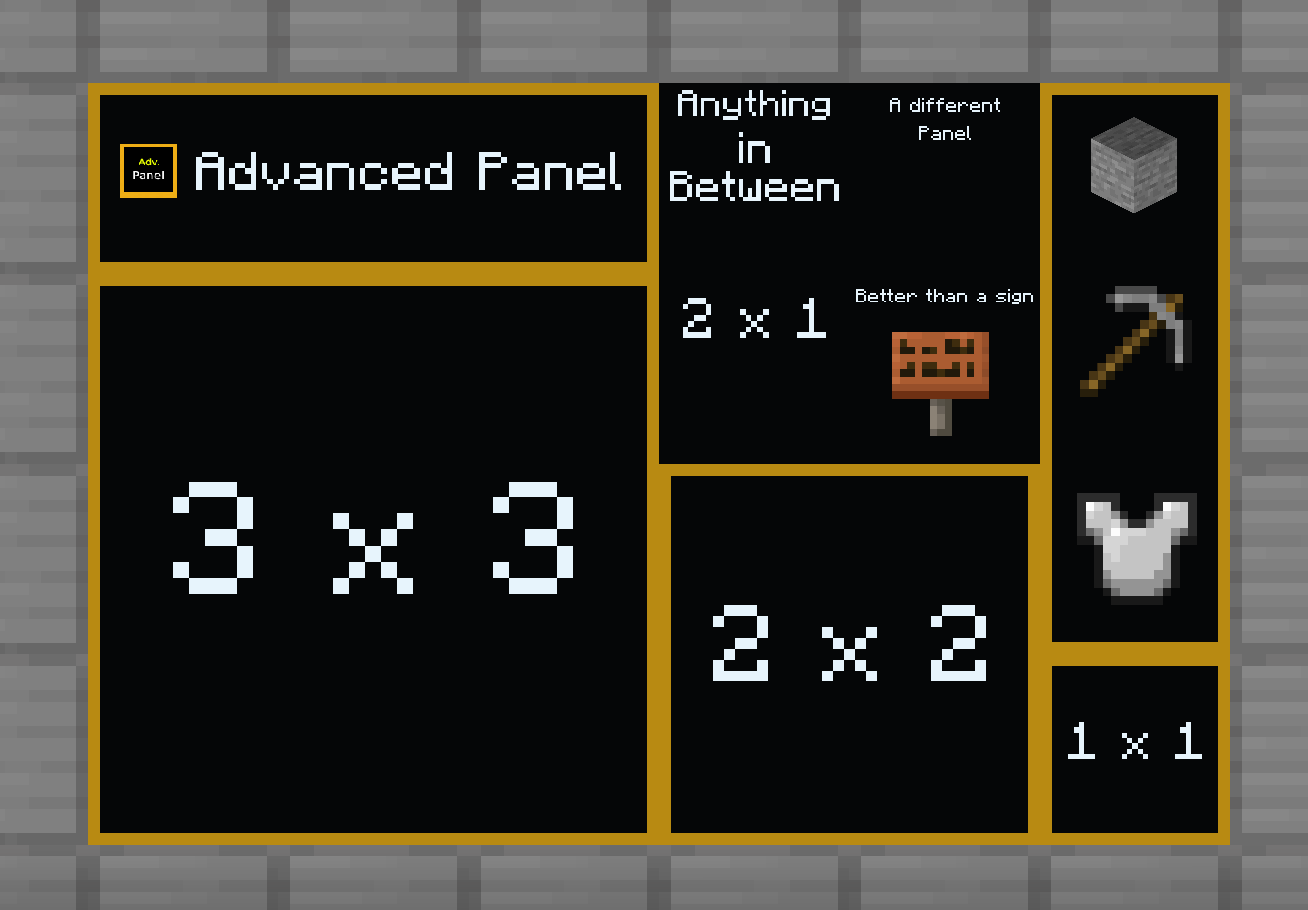 image-attachment_eca5ab58-6c7a-4797-a3fe-37392354ad73.png
-
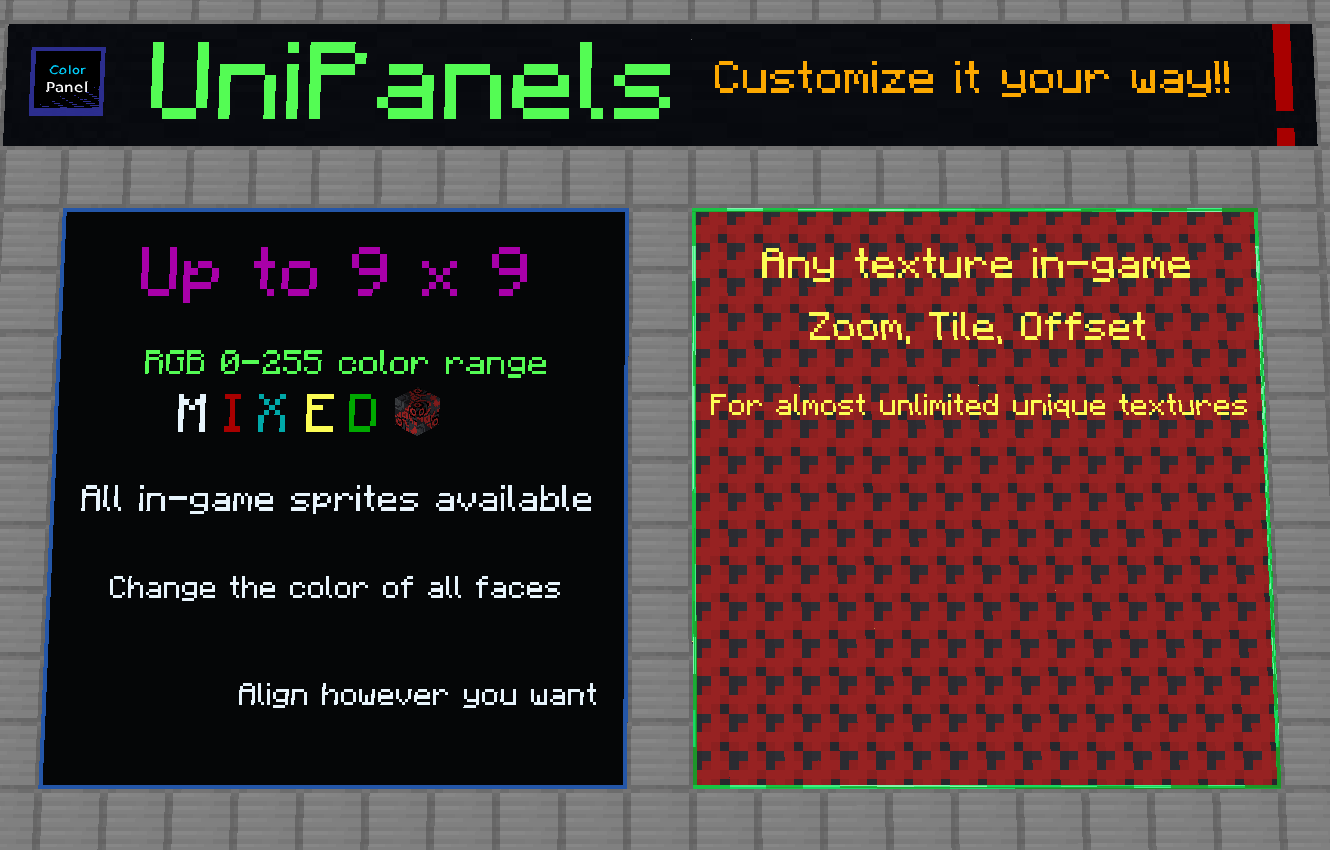 image-attachment_5871ebbc-00cb-4503-80aa-0accd9bc294d.png
-
 UniPanels_Basic.png UniPanels_Basic.png
-
 UniPanels_Appearance.png UniPanels_Appearance.png
-
 UniPanels_Content.png UniPanels_Content.png
-
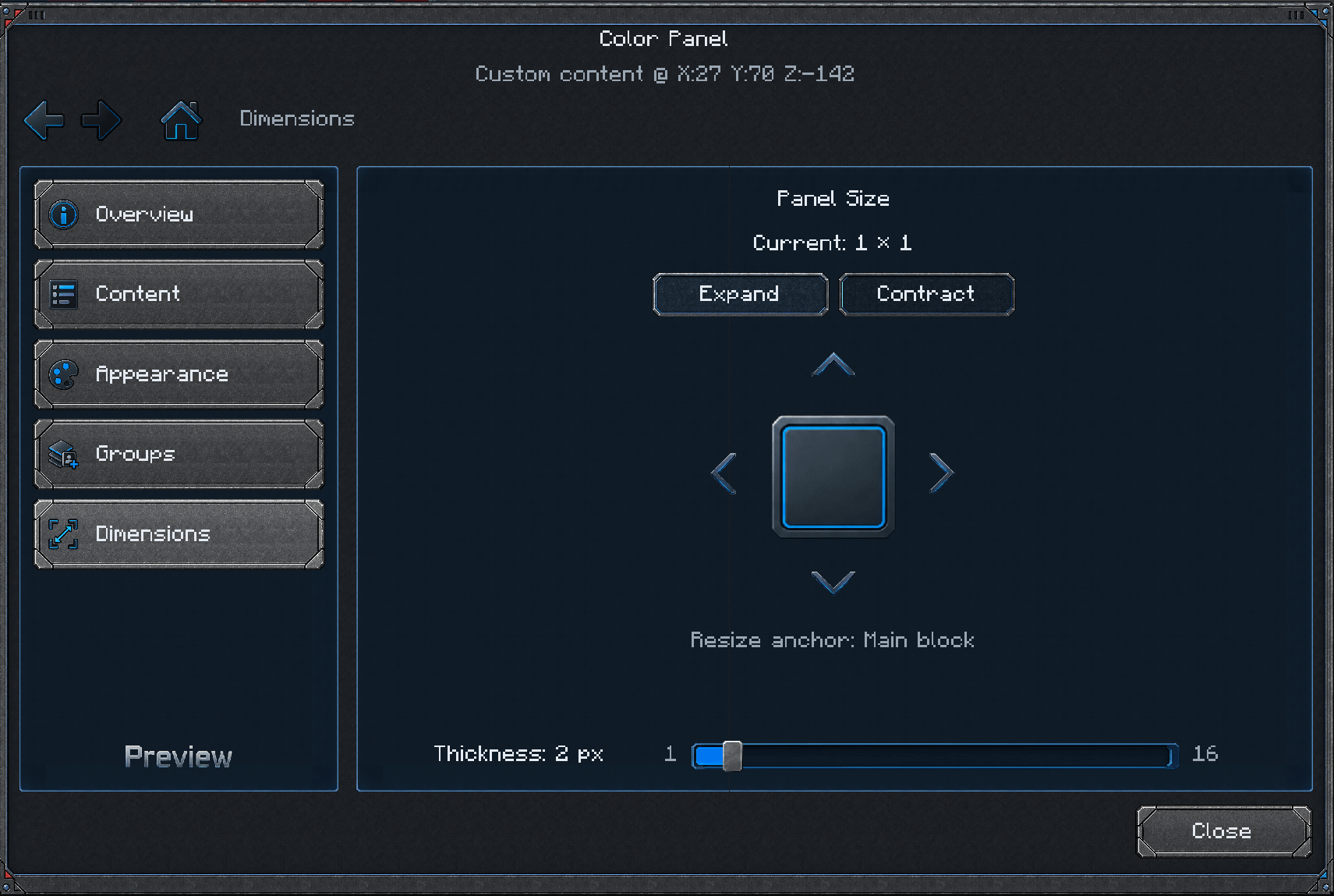 image-attachment_53408ad7-efb0-4ebd-8d5d-16b55a5250df.png
-
 UniPanels_Gropus.png UniPanels_Gropus.png
-
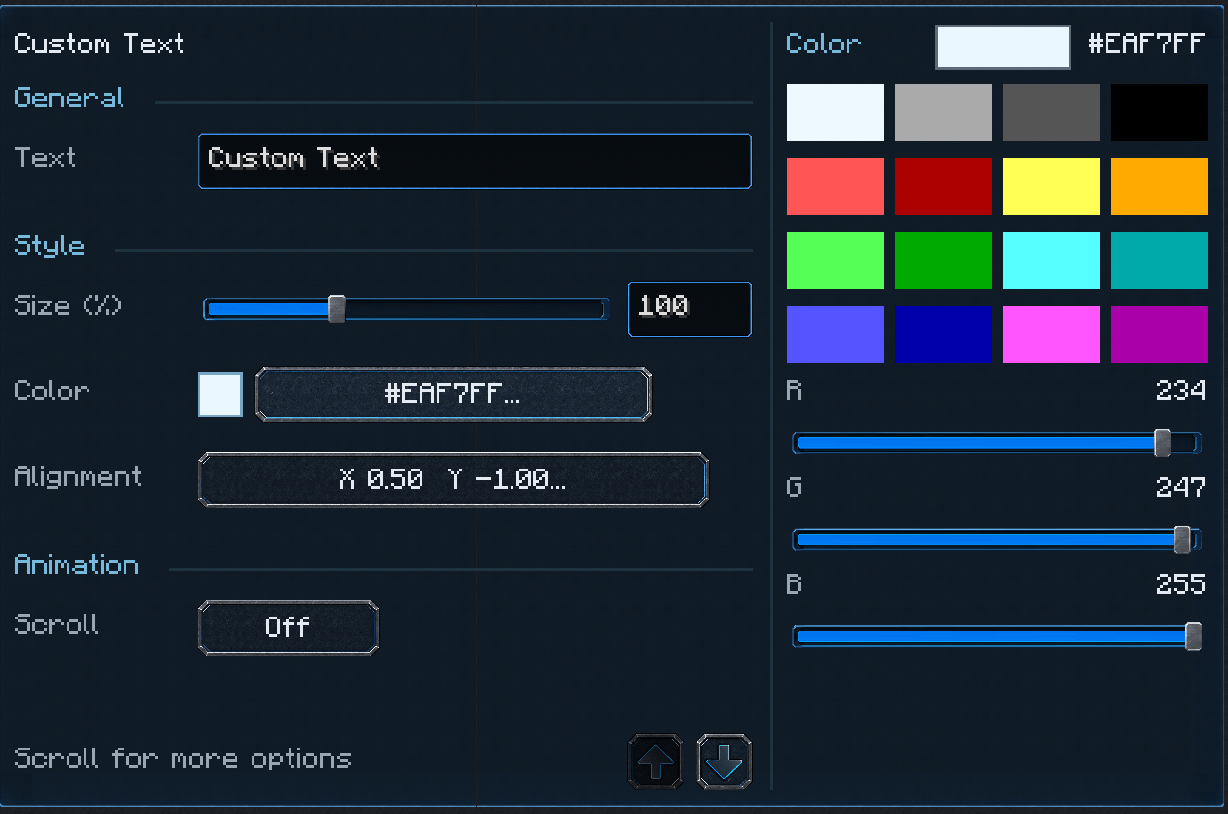 image-attachment_593cb326-e4a7-4f5f-96d9-1fa5991c5c01.png
-
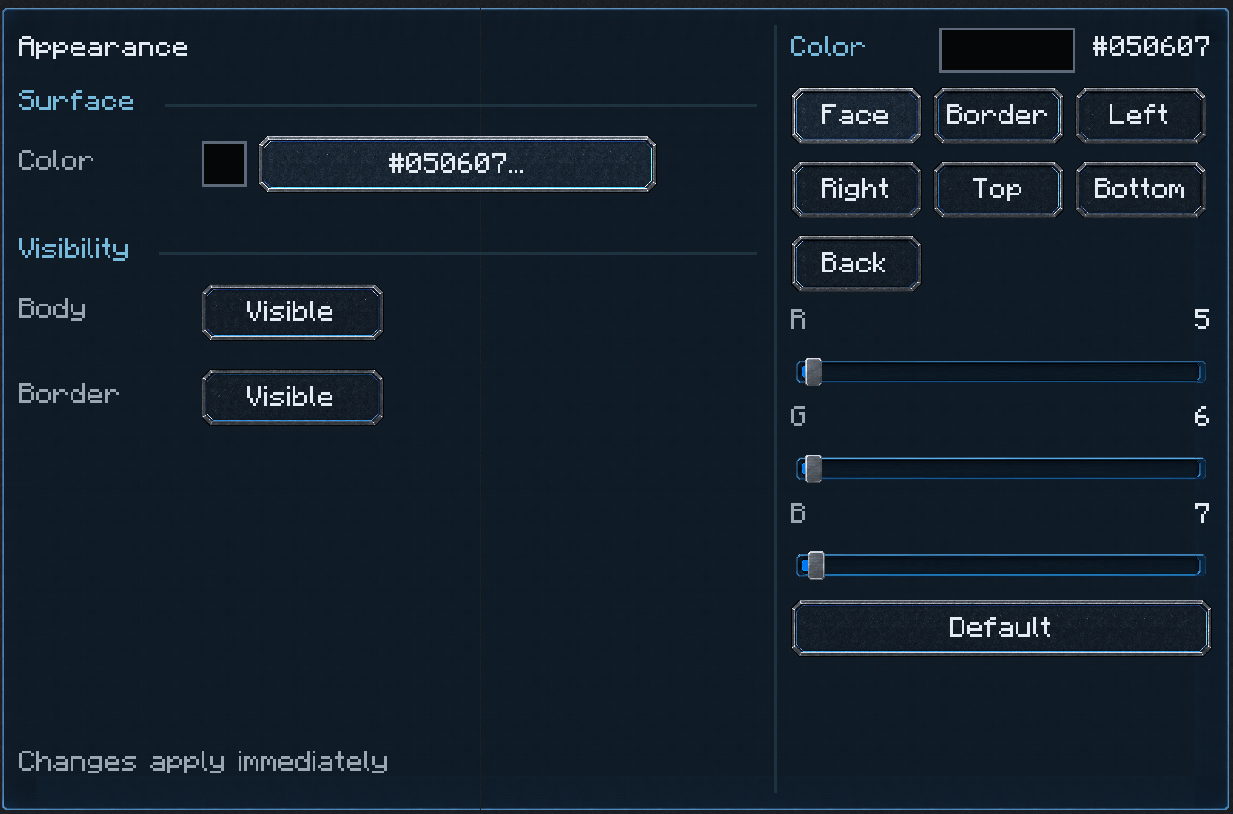 image-attachment_ab6c4b17-f4c9-4c85-8d4b-ca3cf07e498b.png
-
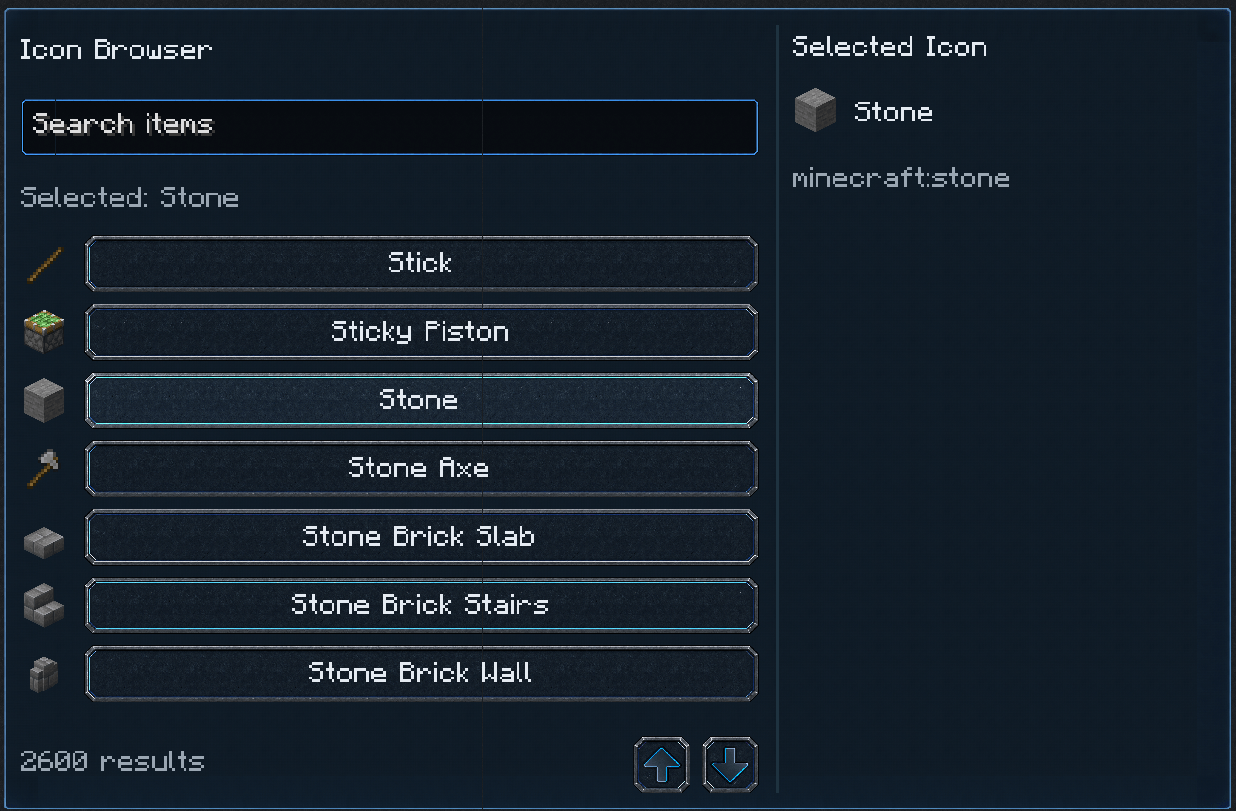 UniPanels_IconList.png UniPanels_IconList.png
-
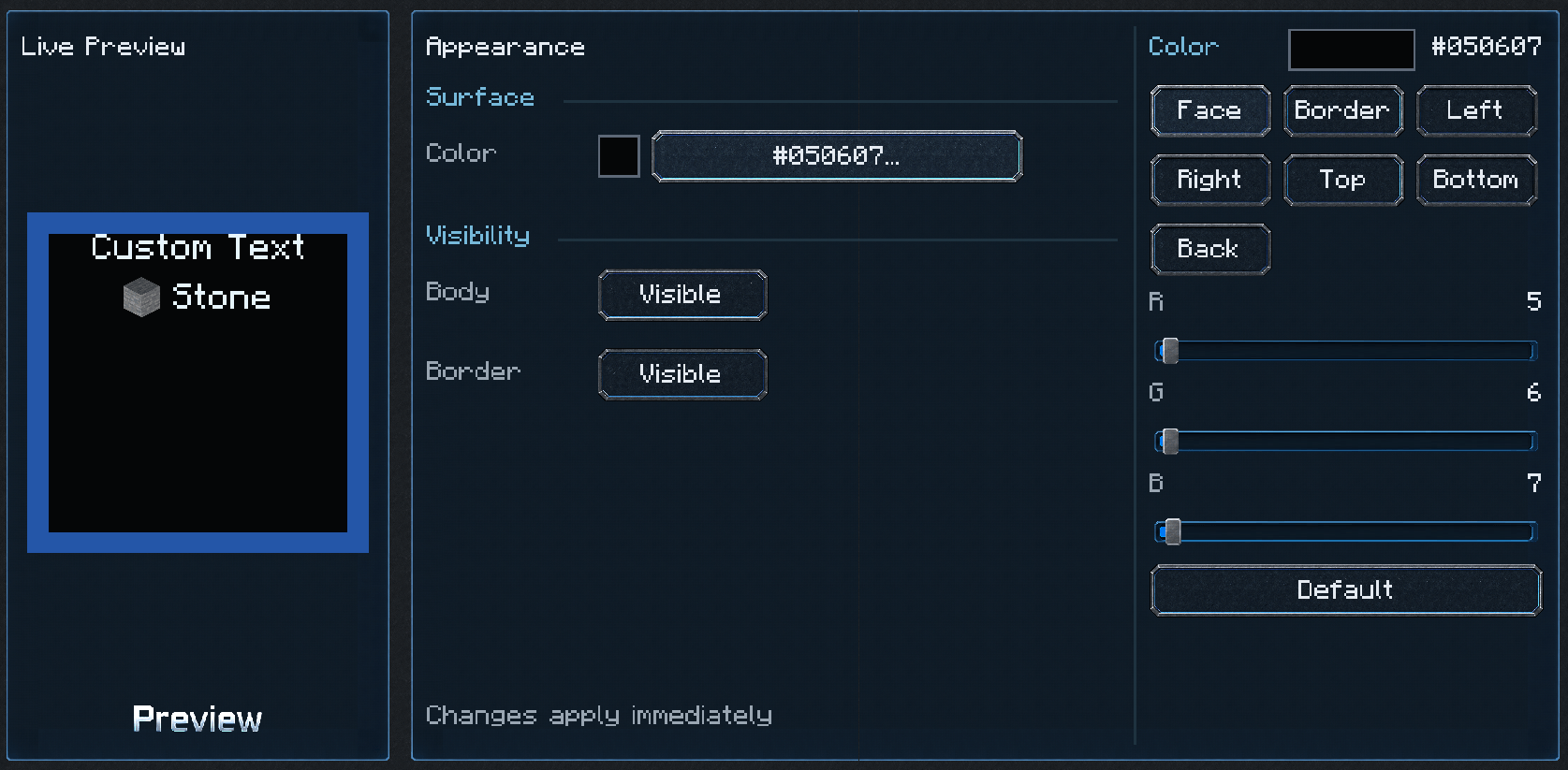 UniPanels_PanelPreview.png UniPanels_PanelPreview.png
-
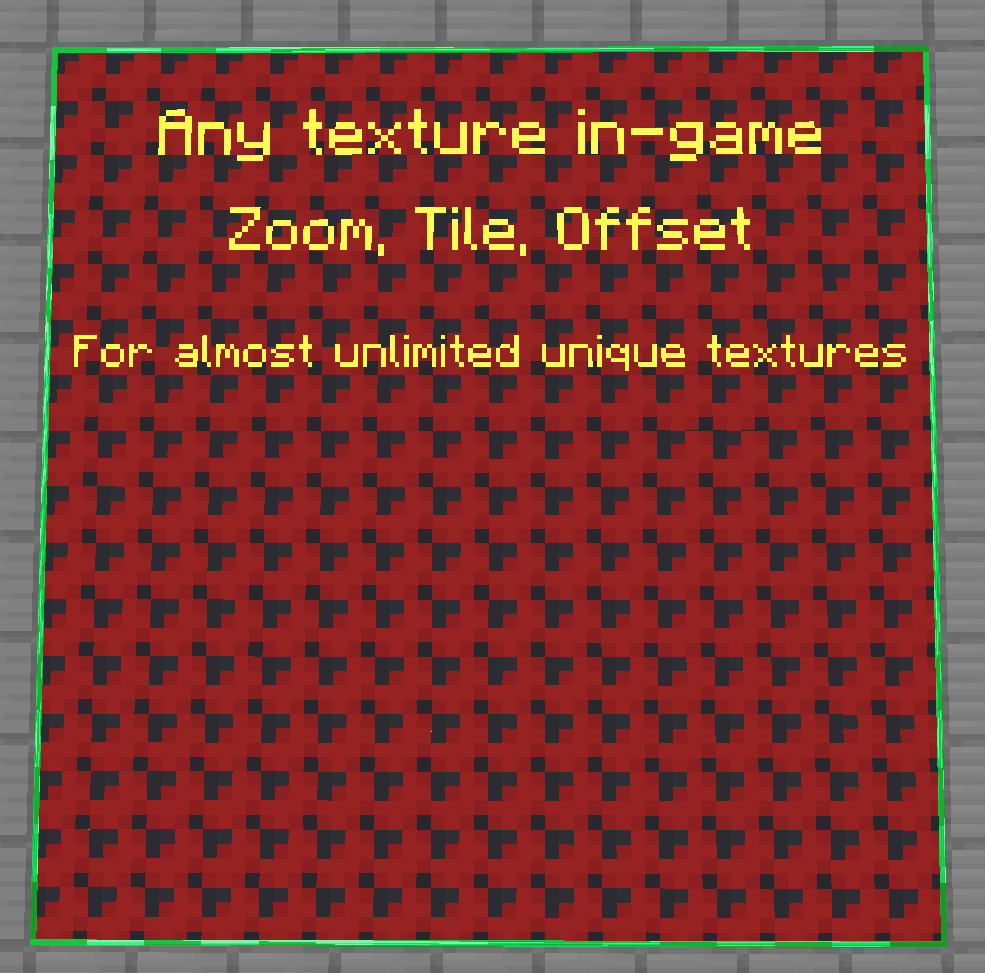 UniPanels_Texture.png UniPanels_Texture.png
-
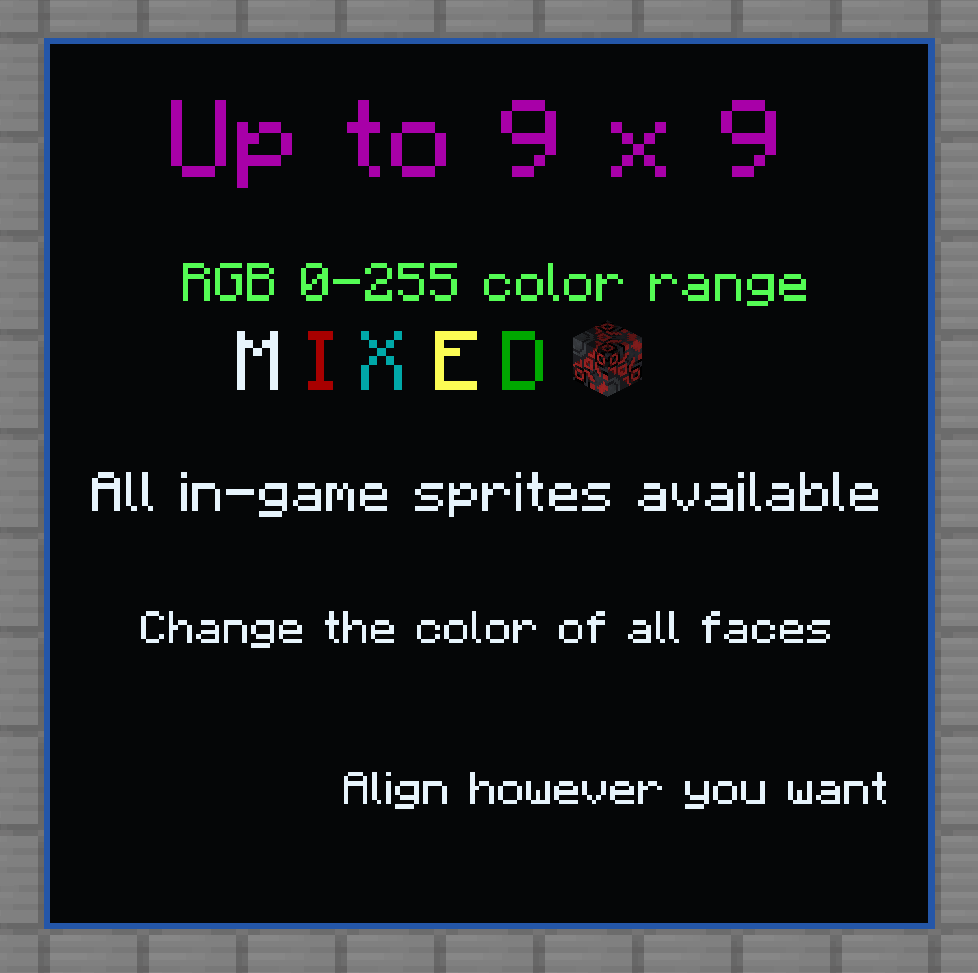 UniPanels_Color.png UniPanels_Color.png
Versions
Files
Relations
Project Relations
More like this
Similar Mods
Suggestions use data such as tags, dependencies, dependents, descriptions, titles, and more to rank how much they overlap with this mod.
On ModDex
Community snapshot
By the numbers
Statistics

Get it on
Available Platforms
On ModDex
Community snapshot
By the numbers
Statistics
Resources