Community listing page, reviews here may not be monitored by the author.
Universal HotKey


No reviews yet
An auxiliary mod that integrates various practical functions into a hot key
Community voices
Reviews
No reviews yet. Be the first to review this project!
Get it on
Available Platforms
Compatibility
Supported Environments
Runs entirely on the client. Works on vanilla servers.
About
Project Details
For authors
Embed Badge
If you're the author of this project, you can embed a live badge anywhere that supports HTML or Markdown. It updates automatically whenever ratings change.
Use HTML for any page that supports it, or Markdown for README files and Markdown-based descriptions.
Identifiers
Platform IDs
Resources
External Links
About
Description
This is an auxiliary mod that integrates various practical functions into a hotkey. It is a pure client and highly configurable mod. The default hotkey is LAlt.
Features
Self-rescue
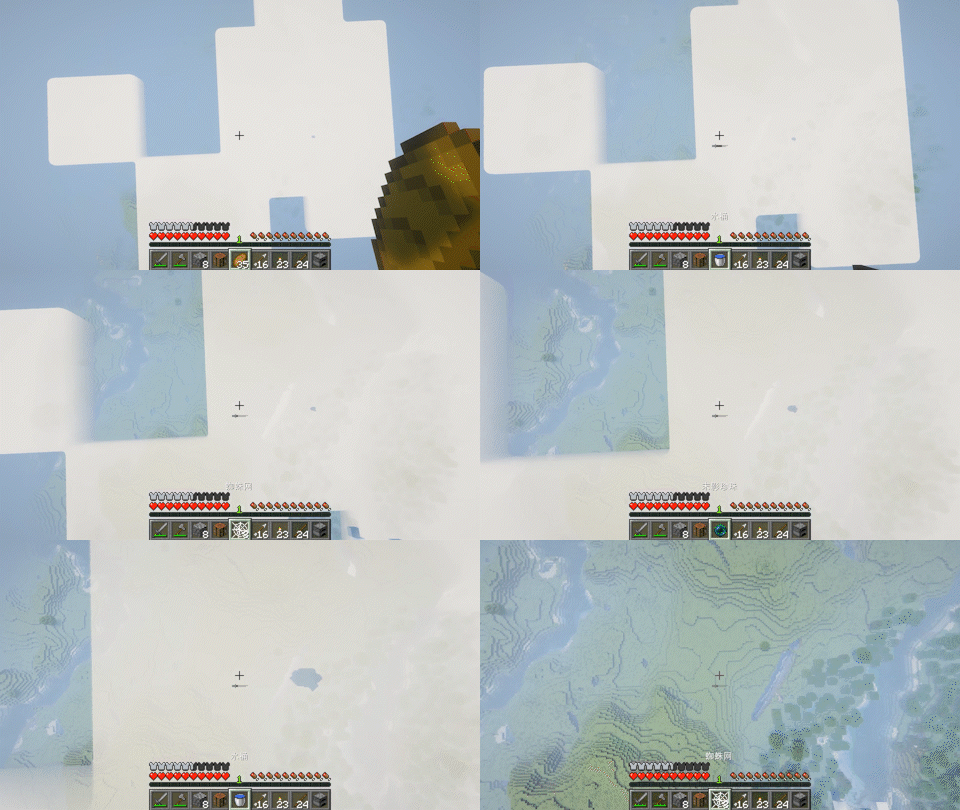
When you fall from a height, look down and press the hotkey to quickly switch items that can reduce damage to the main hand. If there are multiple such items, you can continuously press the hotkey to switch.
Mining
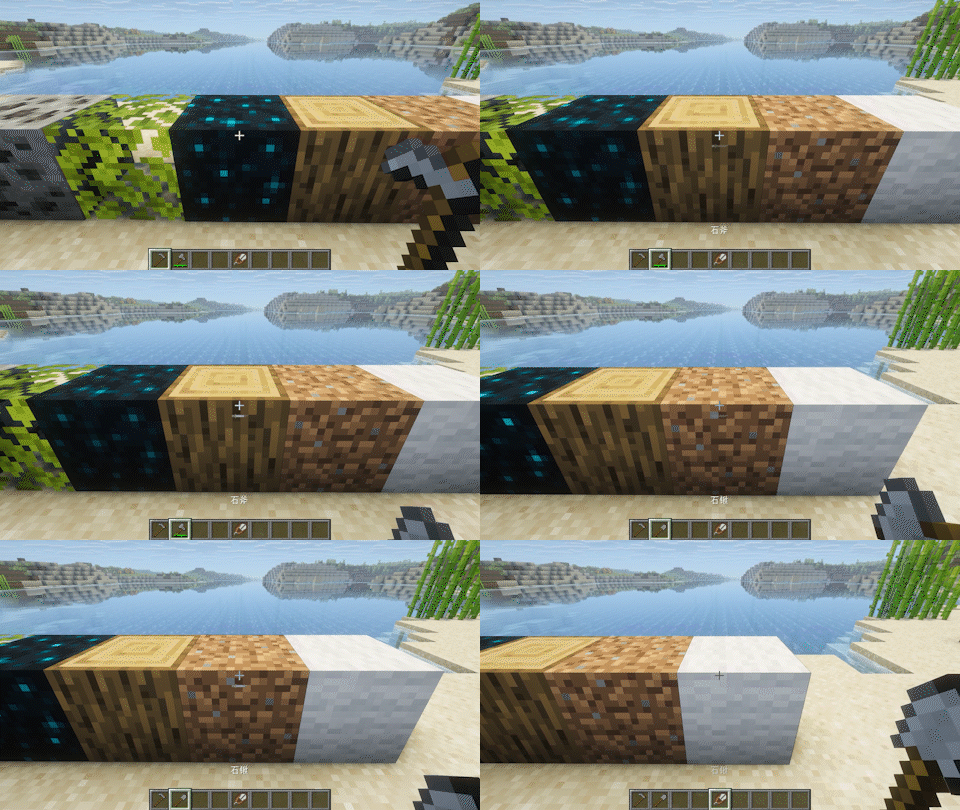
When visually inspecting a block, pressing the hotkey can quickly switch to the appropriate tool.
Storage
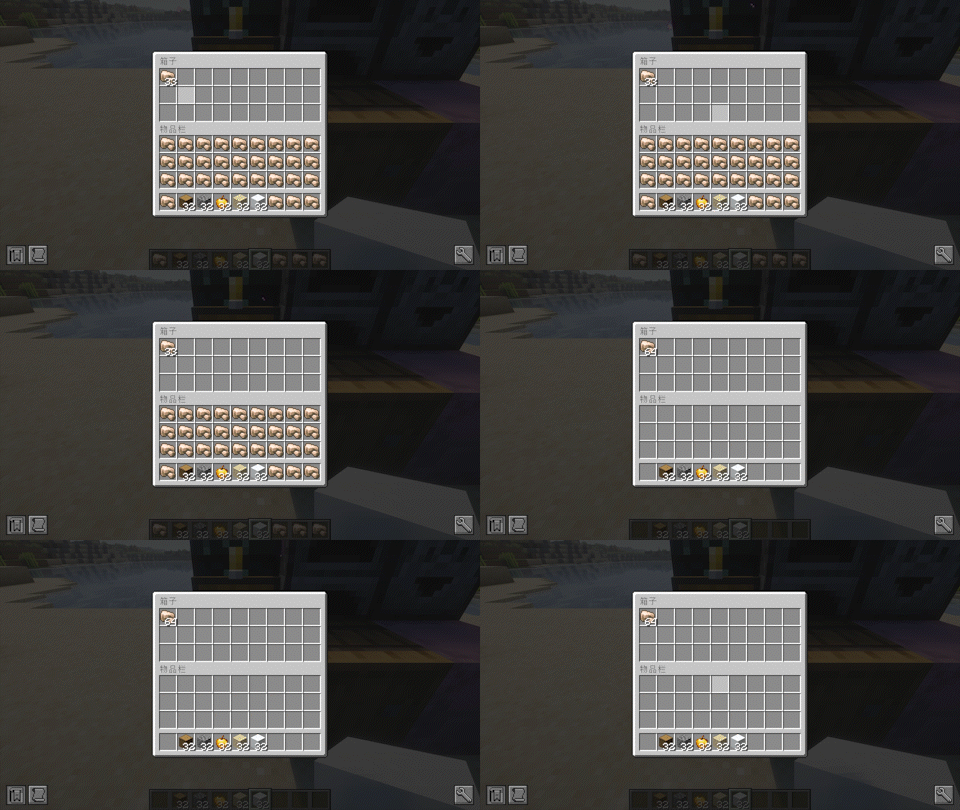
When aiming or opening a container, pressing the hotkey can quickly transfer the same items from the backpack to the container.
Combat
When aiming at a creature, press the hotkey to quickly switch weapons to the main hand and shields to the secondary hand. If the distance is far, it will switch to a ranged weapon. If the health value is low and there is an undying totem in the backpack, the undying totem will be switched to the secondary hand.
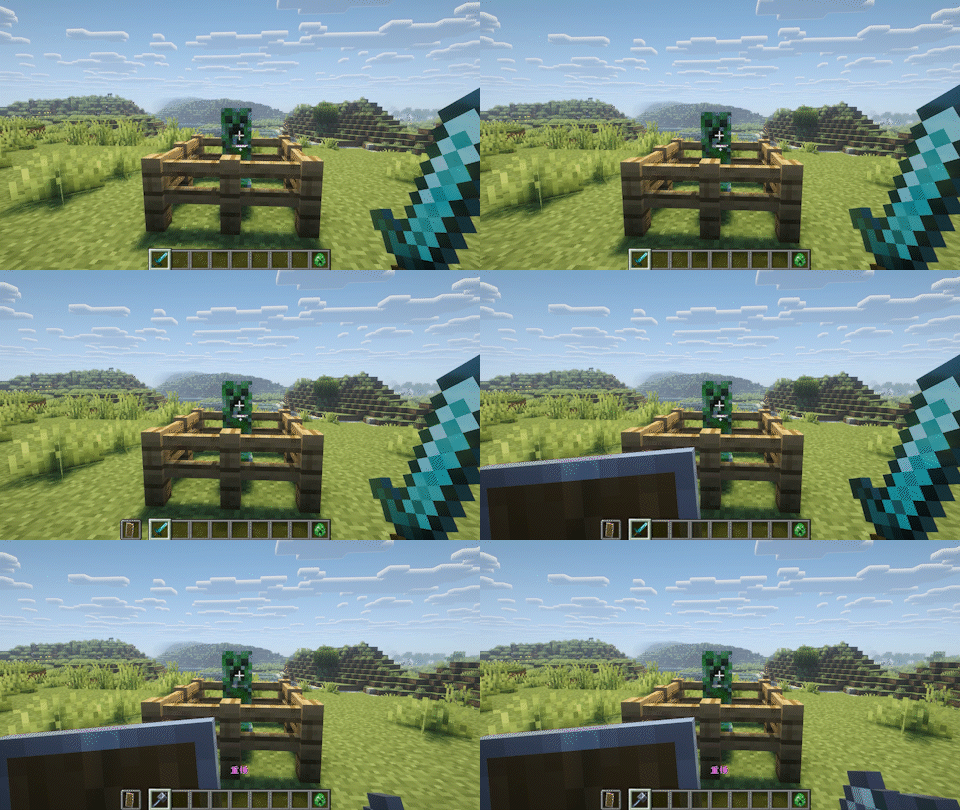
Interaction
When aiming at a specific block, pressing the hotkey will switch to items that can be pre interactive. This needs to be added in the configuration beforehand.
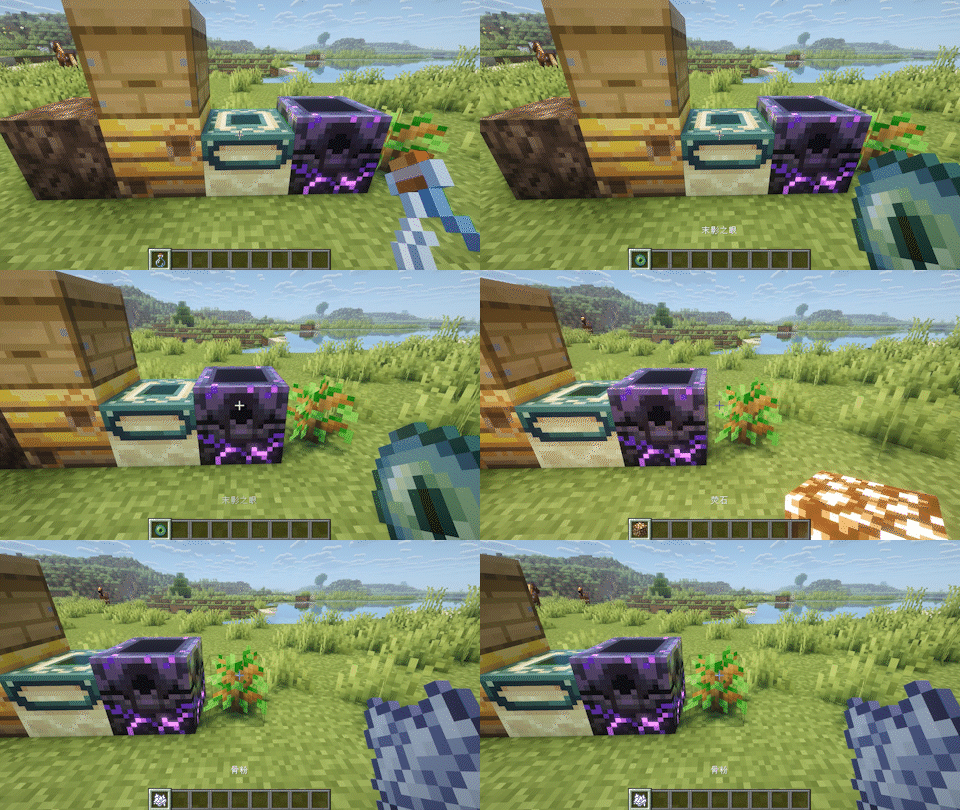
Placement
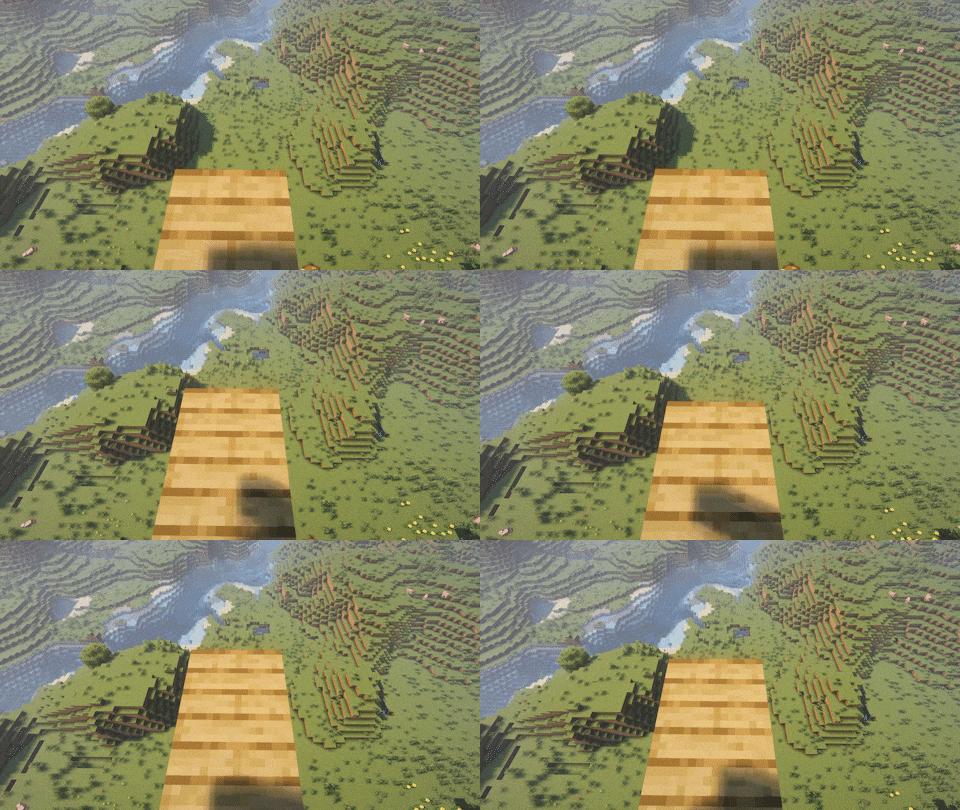
When holding the block and aiming at the air, pressing the shortcut key will automatically place the block in the nearest available position.
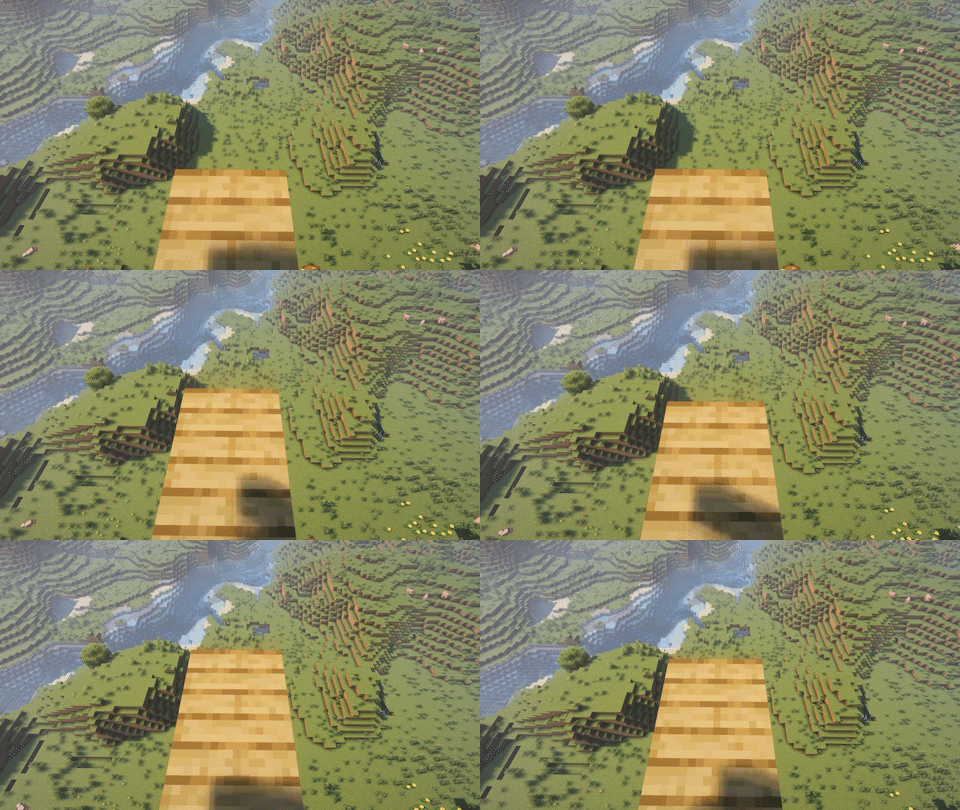
This is an auxiliary mod that integrates various practical functions into a hotkey. It is a pure client and highly configurable mod. The default hotkey is LAlt.
Features
Self-rescue
When you fall from a height, look down and press the hotkey to quickly switch items that can reduce damage to the main hand. If there are multiple such items, you can continuously press the hotkey to switch.
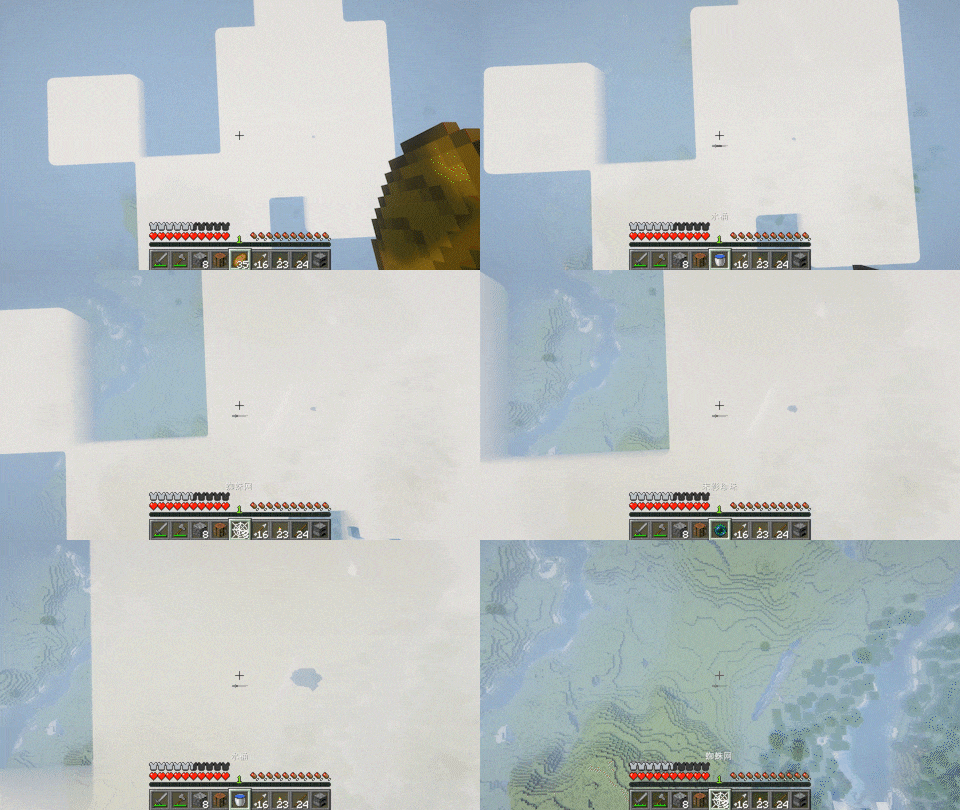
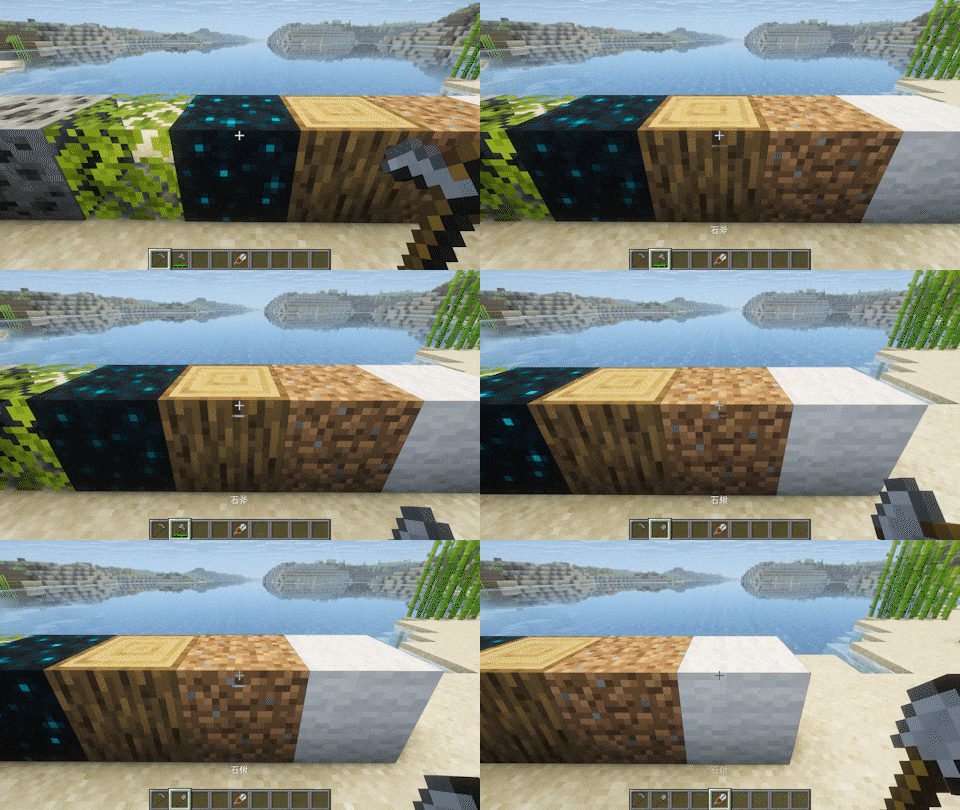
Mining
When visually inspecting a block, pressing the hotkey can quickly switch to the appropriate tool.
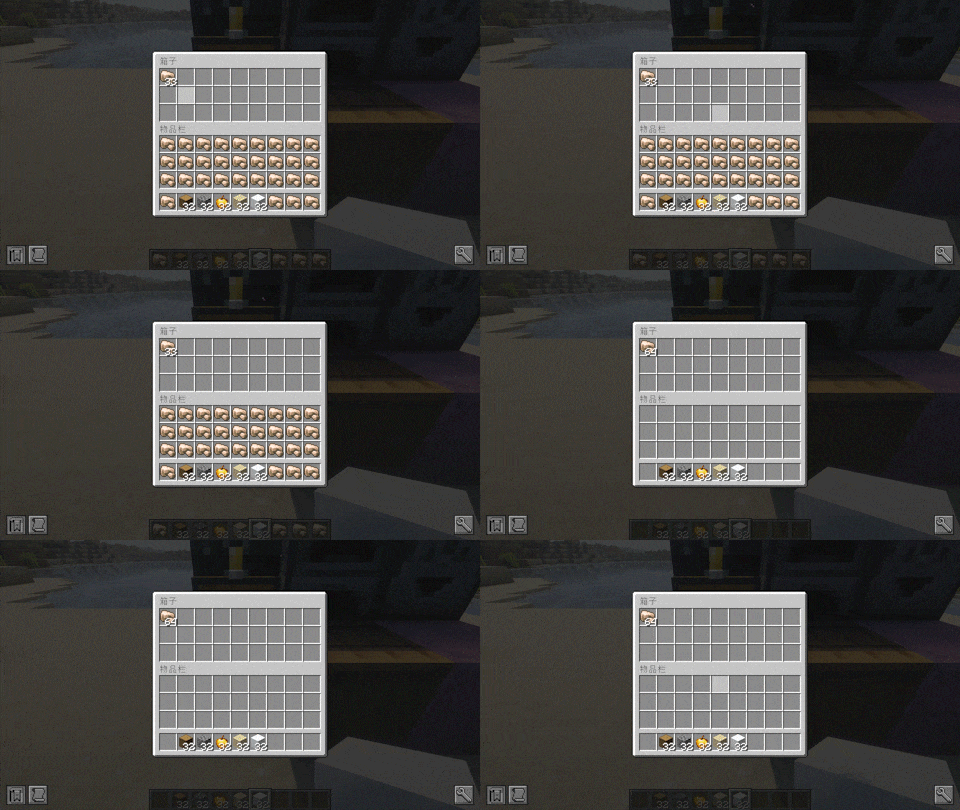
Storage
When aiming or opening a container, pressing the hotkey can quickly transfer the same items from the backpack to the container.
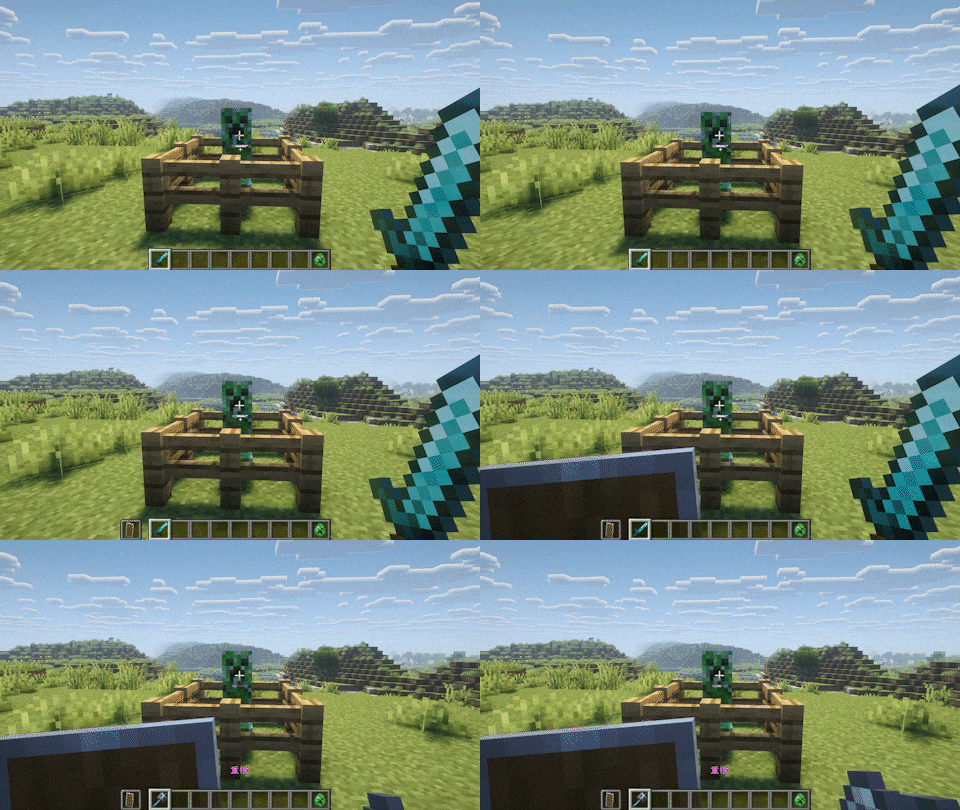
Combat
When aiming at a creature, press the hotkey to quickly switch weapons to the main hand and shields to the secondary hand. If the distance is far, it will switch to a ranged weapon. If the health value is low and there is an undying totem in the backpack, the undying totem will be switched to the secondary hand.
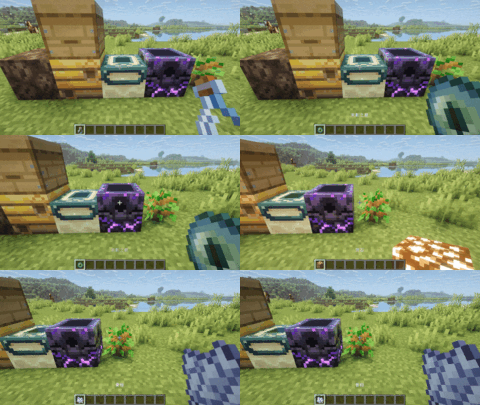
Interaction
When aiming at a specific block, pressing the hotkey will switch to items that can be pre interactive. This needs to be added in the configuration beforehand.
Placement
When holding the block and aiming at the air, pressing the shortcut key will automatically place the block in the nearest available position.
Screenshots
Gallery
Versions
Files
Relations
Project Relations
More like this
Similar Mods
Suggestions use data such as tags, dependencies, dependents, descriptions, titles, and more to rank how much they overlap with this mod.
On ModDex
Community snapshot
By the numbers
Statistics
Want to reach Minecraft players?
We're looking for a server hosting partner to feature here and other parts of the site. Interested? Send us a message!
Get in touchGet it on
Available Platforms
On ModDex
Community snapshot
By the numbers
Statistics
Resources