
Community listing page, reviews here may not be monitored by the author.
Orbital Strike Cannon + More Rods

No reviews yet
Adds Orbital TNT, Arrow, and Wither Skull Cannons. And also Wolf and Enderpearl Stasis rods to your World/Server
Community voices
Reviews
No reviews yet. Be the first to review this project!
Get it on
Available Platforms
Compatibility
Supported Environments
Runs entirely on the server. Also works in singleplayer.
About
Project Details
For authors
Embed Badge
If you're the author of this project, you can embed a live badge anywhere that supports HTML or Markdown. It updates automatically whenever ratings change.
Use HTML for any page that supports it, or Markdown for README files and Markdown-based descriptions.
Identifiers
Platform IDs
Resources
External Links
About
Description

Adds Orbital: TNT, Arrow, and Wither Skull Cannons. And also Wolf and Enderpearl Stasis rods to your World/Server
For The Datapack & Mod:
To get the Nukeshot, run the command: /function nuke:give/nukeshot
To get the Stabshot, run the command: /function nuke:give/stabshot
To get the Arrowshot, run the command: /function nuke:give/arrowshot
To get the Withershot, run the command: /function nuke:give/withershot
To get the Wolfshot, run the command: /function nuke:give/wolfshot
To get an Enderpearl Stasis rod, run the command: /function nuke:give/pearl_stasis
and you will then be prompted to set the stasis coords
To get a shulker full of Nukes and Stabs, run the command: /function nuke:give/shulker_of_explosives
To get a shulker full of Wolfshots, run the command: /function nuke:give/shulker_of_wolfs
To get everything, run the command /function nuke:give/everything
For The Plugin:
To get the stabshot, run the command: /give_stabshot
To get the nukeshot, run the command: /give_nukeshot
To get a shulker full of both, run the command: /give_shulker
You'll need to be opperator permissions to use these commands
Gameplay - outdated
Datapack Installation Guide
Singleplayer (Existing World)
Download the datapack .zip folder.
Open Minecraft and navigate to your Singleplayer world list.
Select the world you want to add it to, click Edit, and then click Open World Folder.
Find and open the datapacks folder.
Move or paste the downloaded .zip file into this folder (you do not need to unzip it).
Singleplayer (New World)
Download the datapack .zip folder.
In Minecraft, go to Singleplayer and click Create New World.
Navigate to the More tab at the top of the screen and click Data Packs.
Drag and drop the downloaded .zip file directly into the Minecraft window, then click Yes to confirm.
Hover over the datapack in the "Available" column and click the arrow to move it to the "Selected" column.
Click Done and finish creating your world.
Multiplayer (Server)
Download the datapack .zip file.
Access your server files through your server host's web panel.
Open your main world folder (usually named world, depending on your server settings).
Open the datapacks folder.
Upload the .zip file into the datapacks folder.
Restart your server, or type /reload to load the datapack.
Screenshots
Gallery
-
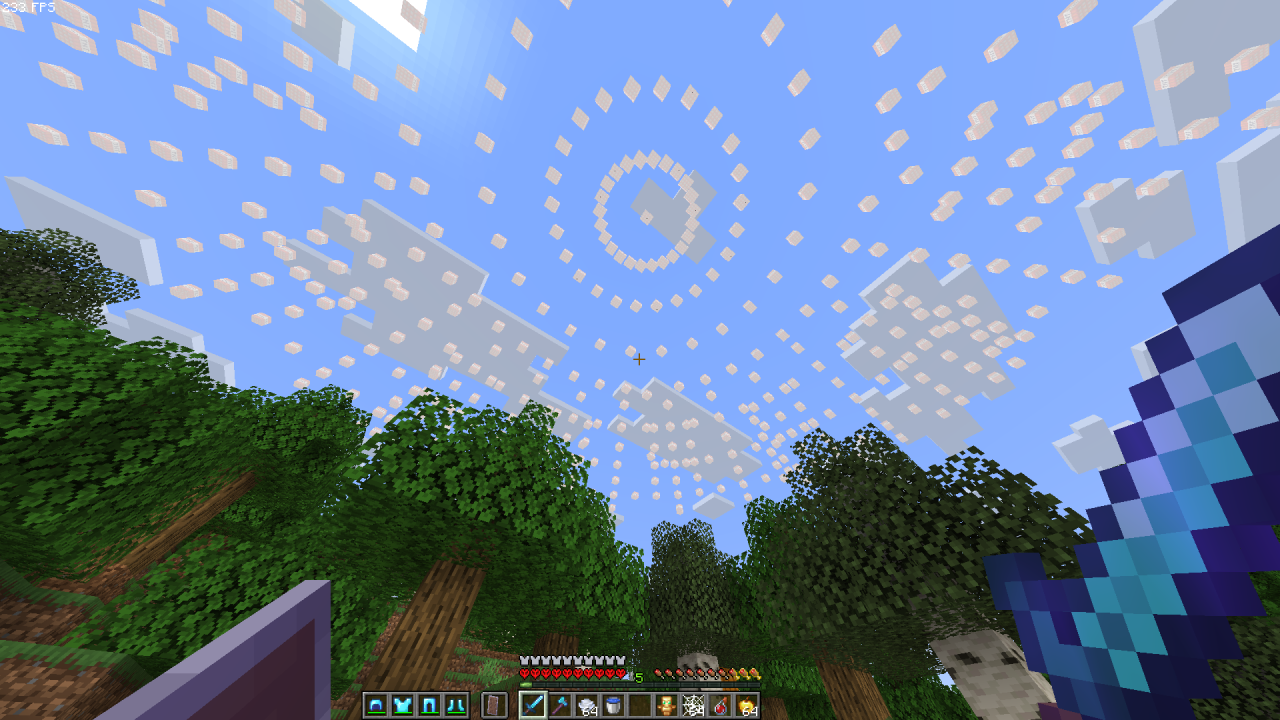
 Orbital Wither Cannon (V1.6+)
 -
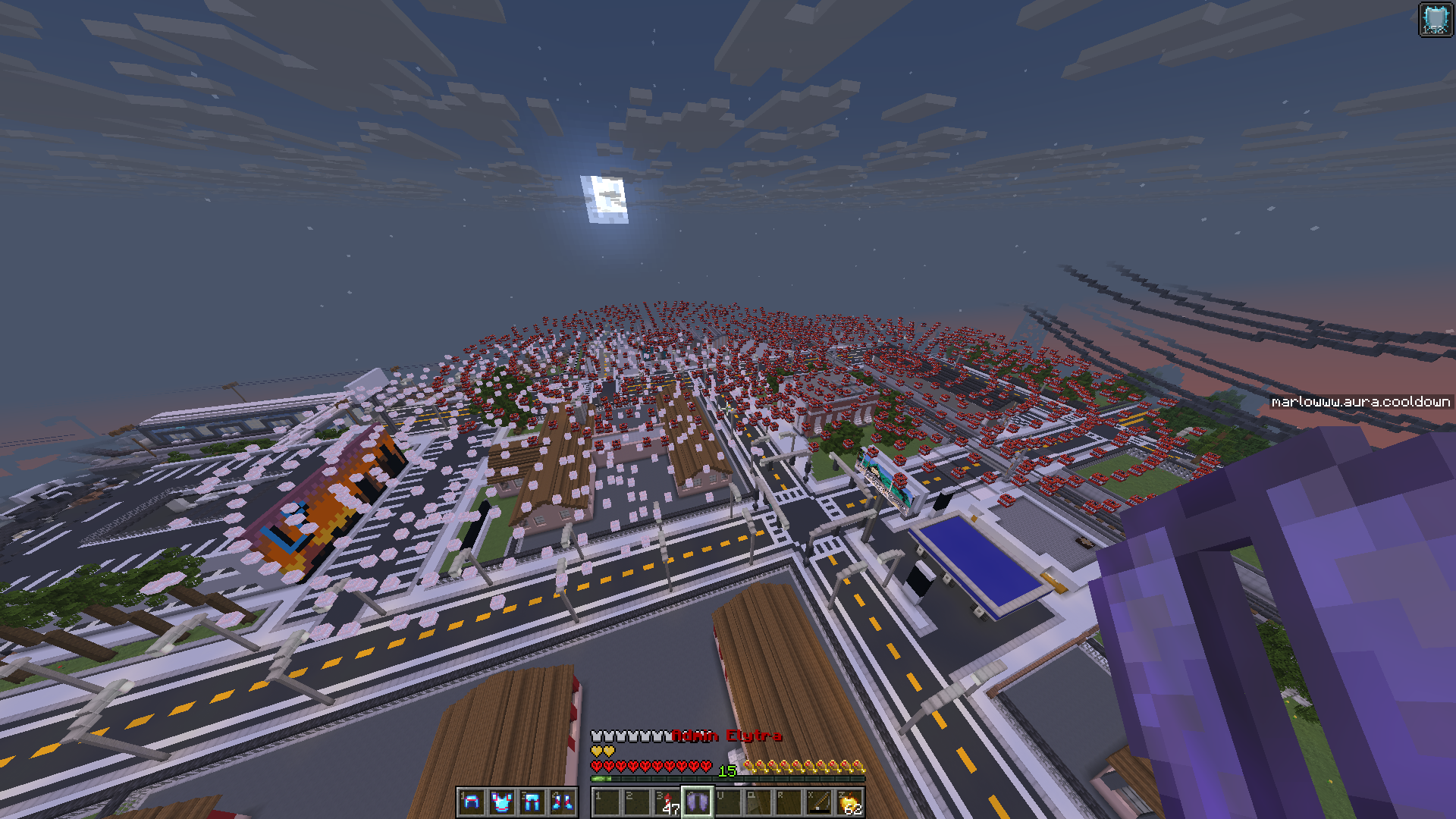 1.2 Nukeshot
 -
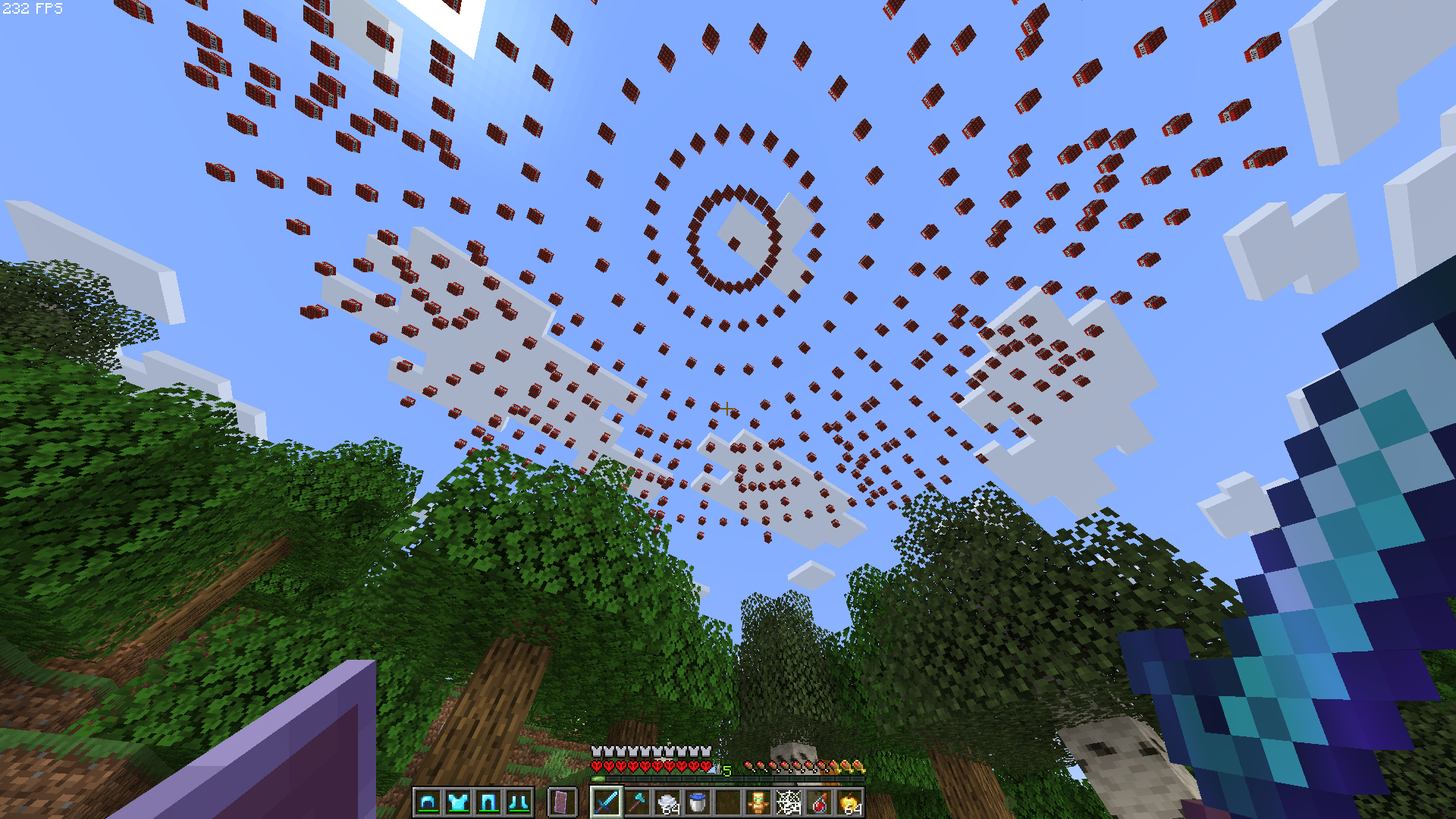 Nukeshot (V1.4+)
 -
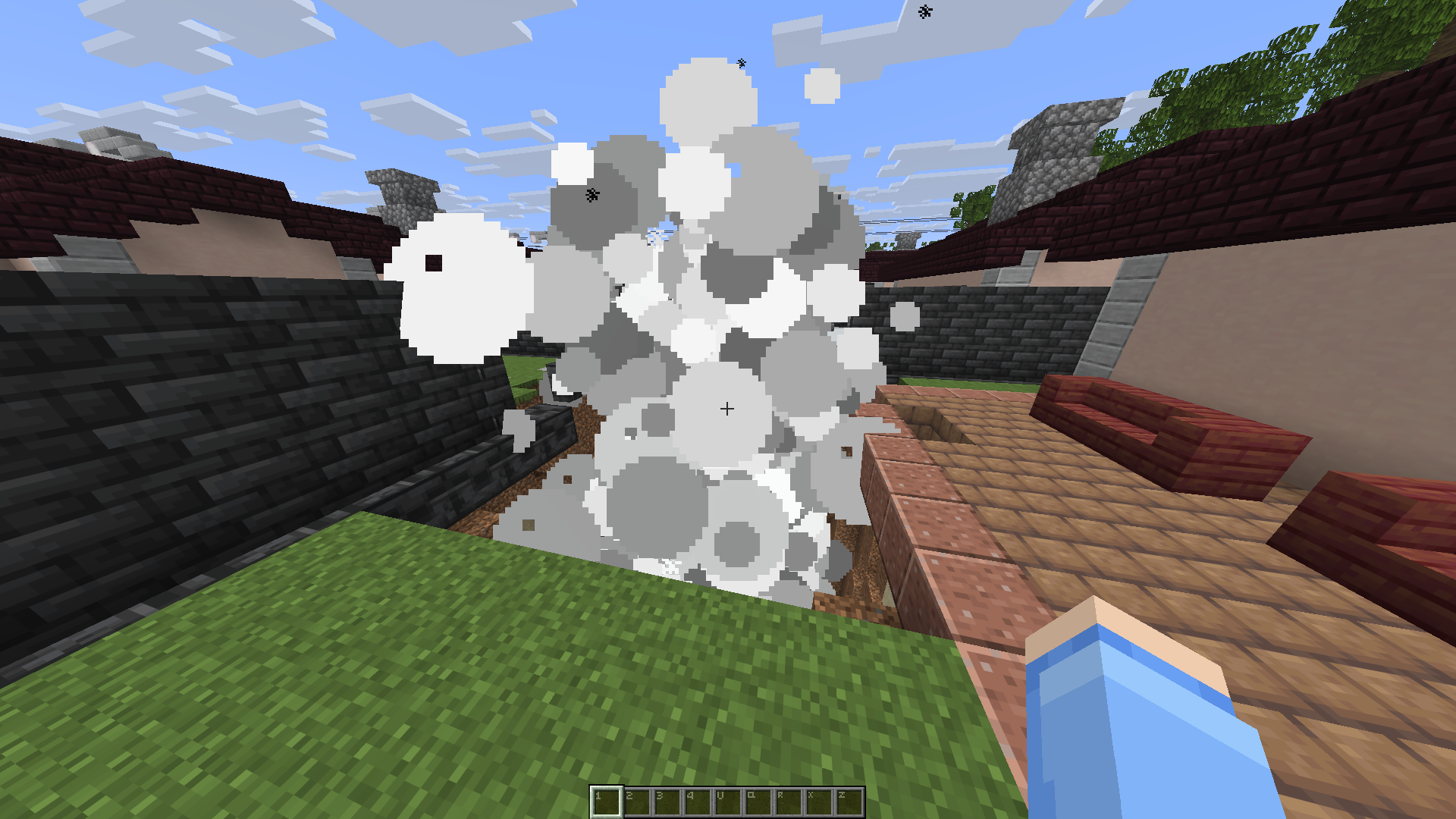 1.0 Stabshot
Versions
Files
Relations
Project Relations
More like this
Similar Mods
Suggestions use data such as tags, dependencies, dependents, descriptions, titles, and more to rank how much they overlap with this mod.
- CAS: Air support
- Orbital Strike Cannon
- Orbital Strike Cannon
- Orbital Strike Cannon
- Orbital Strike Cannon
- Orbital strike cannon
- Orbital Strike Cannon
- Orbital Strike Cannon Stab Shot
- Orbital Strike Cannon V2
- Orbital Strike Cannon ULTIMATE
- Orbital strike cannon [CRAZY]
- UU Accurate Orbital Strike Cannon
On ModDex
Community snapshot
By the numbers
Statistics

Want to reach Minecraft players?
We're looking for a server hosting partner to feature here and other parts of the site. Interested? Send us a message!
Get in touchGet it on
Available Platforms
On ModDex
Community snapshot
By the numbers
Statistics
Resources