Community listing page, reviews here may not be monitored by the author.
Visbarrier


No reviews yet
Visible barriers mod for Forge 1.8.9 with selective rendering
Community voices
Reviews
No reviews yet. Be the first to review this project!
Get it on
Available Platforms
Compatibility
Supported Environments
Runs entirely on the client. Works on vanilla servers.
About
Project Details
For authors
Embed Badge
If you're the author of this project, you can embed a live badge anywhere that supports HTML or Markdown. It updates automatically whenever ratings change.
Use HTML for any page that supports it, or Markdown for README files and Markdown-based descriptions.
Identifiers
Platform IDs
About
Description
Visbarrier
Toggle barrier block visibility in Minecraft Forge 1.8.9
Now with smoother rendering for better performance on low-end hardware

Features
- Keybind Toggle - Press
Bto show/hide all barrier blocks in your render distance - Optimized Rendering - Smoother transition using more selective rendering updates
- Customizable Appearance - Change textures and models via resource packs
Usage
Press B to toggle barrier visibility on/off
(Change keybind in Options → Controls → Visbarrier)
You'll see a chat notification confirming the toggle:
| Barriers ON | Barriers OFF |
|---|---|
 |
 |
Customization
Default uses red translucent blocks with outline for better performance, but can be changed with resource packs
Create resource packs where you can change texture and models:
- Texture:
assets/minecraft/textures/blocks/barrier.png - Model:
assets/minecraft/models/block/barrier.json
Also, works with Optifine's connected textures
Credits
v2 is originally forked from Diabet/olvend's barrier mod (MIT License)
Visbarrier
Toggle barrier block visibility in Minecraft Forge 1.8 - 1.12 with better performance
Uses better rendering methods:
- Seamless rendering
- Connected Textures
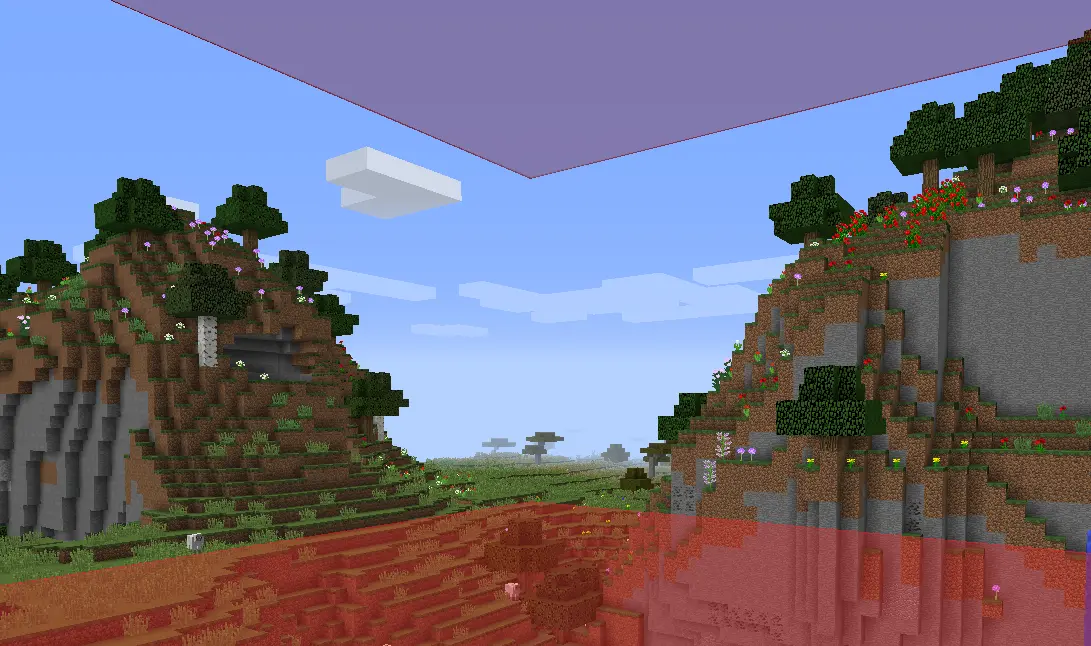
Note: Did not really test for 1.9 - 1.11 so let me know if it works well. I know 1.8.9 works great and 1.12.2 doesn't have connected textures right now
Features
- Optimized Rendering
- Keybind Toggle
- Connected Textures
- Optional Chat Notifications
- Resource Pack Compatible
Usage
Press B to toggle barrier visibility on/off
(Rebind in Options → Controls → Visbarrier)
You'll see a chat notification confirming the toggle:
| Barriers ON | Barriers OFF |
|---|---|
|
|
Commands
Mod settings in /visbarrier commands
| Command | Alias | Effect |
|---|---|---|
/visbarrier connect |
/visbarrier ct |
Toggle connected textures on/off |
/visbarrier notify |
/visbarrier n |
Toggle keybind chat notifications on/off |
Customization
Override the barrier appearance with a resource pack:
- Texture:
assets/minecraft/textures/blocks/barrier.png - Model:
assets/minecraft/models/block/barrier.json
If a resource pack provides its own barrier texture, Visbarrier's connected textures are automatically bypassed so the resource pack renders as intended.
TODO
- Maybe fix 1.12.2 connected textures but honestly I don't know who uses it
- Also let me know if other versions broken and maybe I'll fix it maybe I won't :)
Credits
v2 is originally forked from Diabet/olvend's barrier mod (MIT License)
Screenshots
Gallery
-
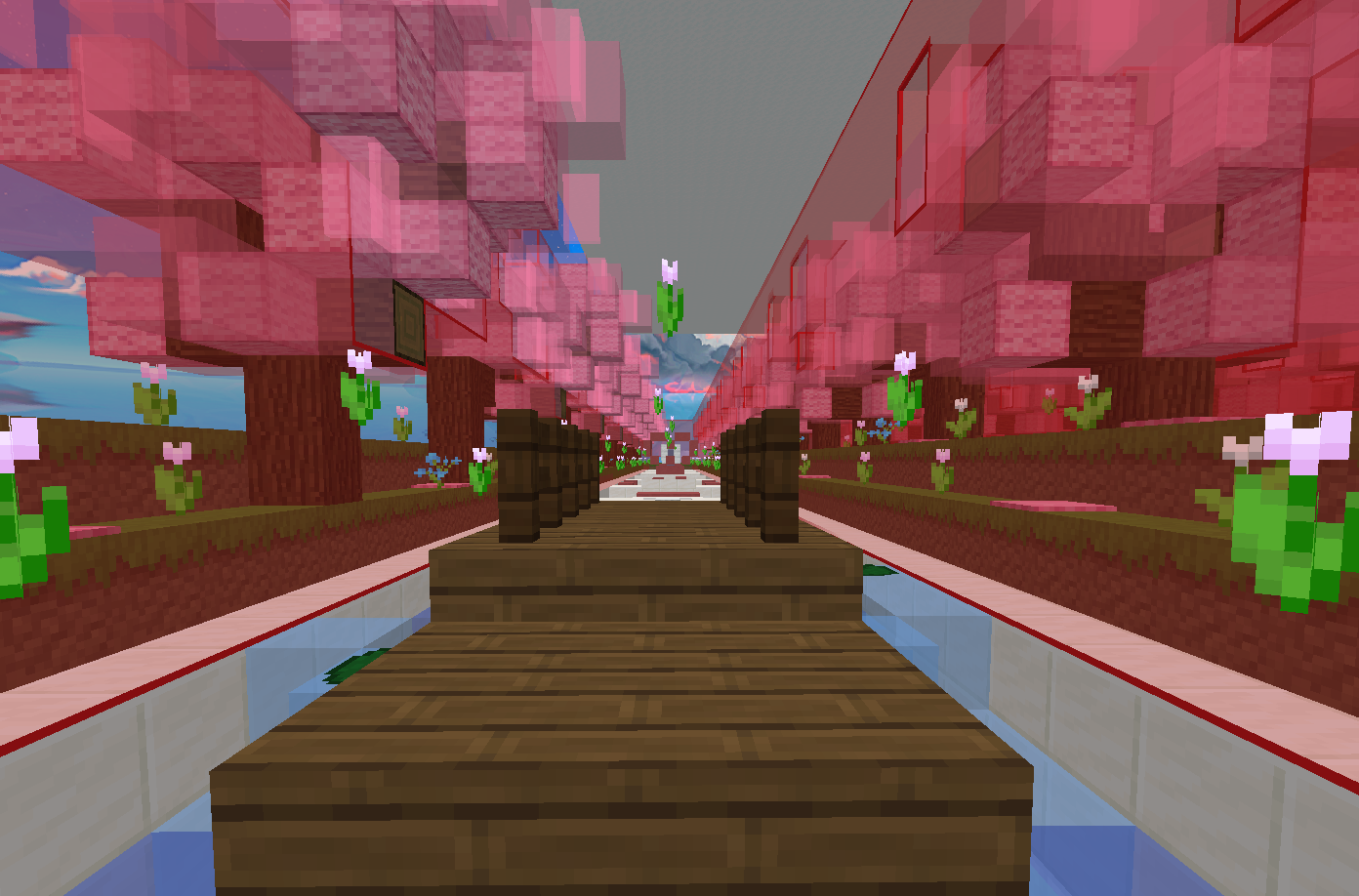 Connected Textures - Hallway Parkour Example of connected textures customization in a hallway parkour
Versions
Files
Relations
Project Relations
More like this
Similar Mods
Suggestions use data such as tags, dependencies, dependents, descriptions, titles, and more to rank how much they overlap with this mod.
On ModDex
Community snapshot
By the numbers
Statistics
Want to reach Minecraft players?
We're looking for a server hosting partner to feature here and other parts of the site. Interested? Send us a message!
Get in touchGet it on
Available Platforms
On ModDex
Community snapshot
By the numbers