Community listing page, reviews here may not be monitored by the author.
Visual HUD

No reviews yet
A clean, fully customizable client-side HUD overlay for Minecraft 1.21.11 Fabric — shows coordinates, FPS, biome, time, direction, light level, speed, day count, dimension, compass, and FPS sparkline with an in-game config screen.
Community voices
Reviews
No reviews yet. Be the first to review this project!
Get it on
Available Platforms
Compatibility
Supported Environments
Runs entirely on the client. Works on vanilla servers.
About
Project Details
For authors
Embed Badge
If you're the author of this project, you can embed a live badge anywhere that supports HTML or Markdown. It updates automatically whenever ratings change.
Use HTML for any page that supports it, or Markdown for README files and Markdown-based descriptions.
Identifiers
Platform IDs
Resources
External Links
About
Description
Visual HUD
A clean, fully customizable HUD overlay for Minecraft 1.21.11 Fabric. Client-side only — no server-side install needed.
Features
- Coordinates — XYZ position with green highlighting
- FPS Counter — with color-coded bar sparkline graph
- Biome — current biome name (nicely formatted)
- Time — 12-hour clock with AM/PM and day/night icon
- Direction — compass direction with full name
- Light Level — block/sky light levels
- Speed — real-time movement speed in m/s
- Day Counter — current in-game day
- Dimension — shows Overworld / Nether / The End
- Compass Strip — interactive compass bar showing all 8 directions
- FPS Sparkline — real-time bar graph of recent FPS history
Controls
| Key | Action |
|---|---|
| H | Toggle HUD visibility (animated) |
| C | Open configuration screen |
| ALT + Left Click | Drag to reposition anywhere on screen |
All controls are rebindable in Minecraft's Controls settings.
Configuration
Press C in-game to open the config screen where you can:
- Toggle each HUD element on/off individually
- Toggle all elements at once
- Pick from 10 accent colors
- Reset HUD position to default
The HUD fades in/out smoothly when toggled and remembers your settings in config/visualhud.json.
Visual
- Semi-transparent dark panel with accent color strip
- Color-coded text for readability at a glance
- Text shadows for visibility on any background
- Smooth fade animation on toggle
- Draggable anywhere on screen
- Resets on game restart — no persistence unless you save via config
Requirements
- Minecraft 1.21.11
- Fabric Loader >=0.18.2
- Fabric API
- Java >=21
Installation
- Install Fabric Loader for Minecraft 1.21.11
- Download Fabric API and place in
.minecraft/mods - Download Visual HUD and place in
.minecraft/mods - Launch and press H to toggle the HUD, C to configure
License
MIT
Screenshots
Gallery
-
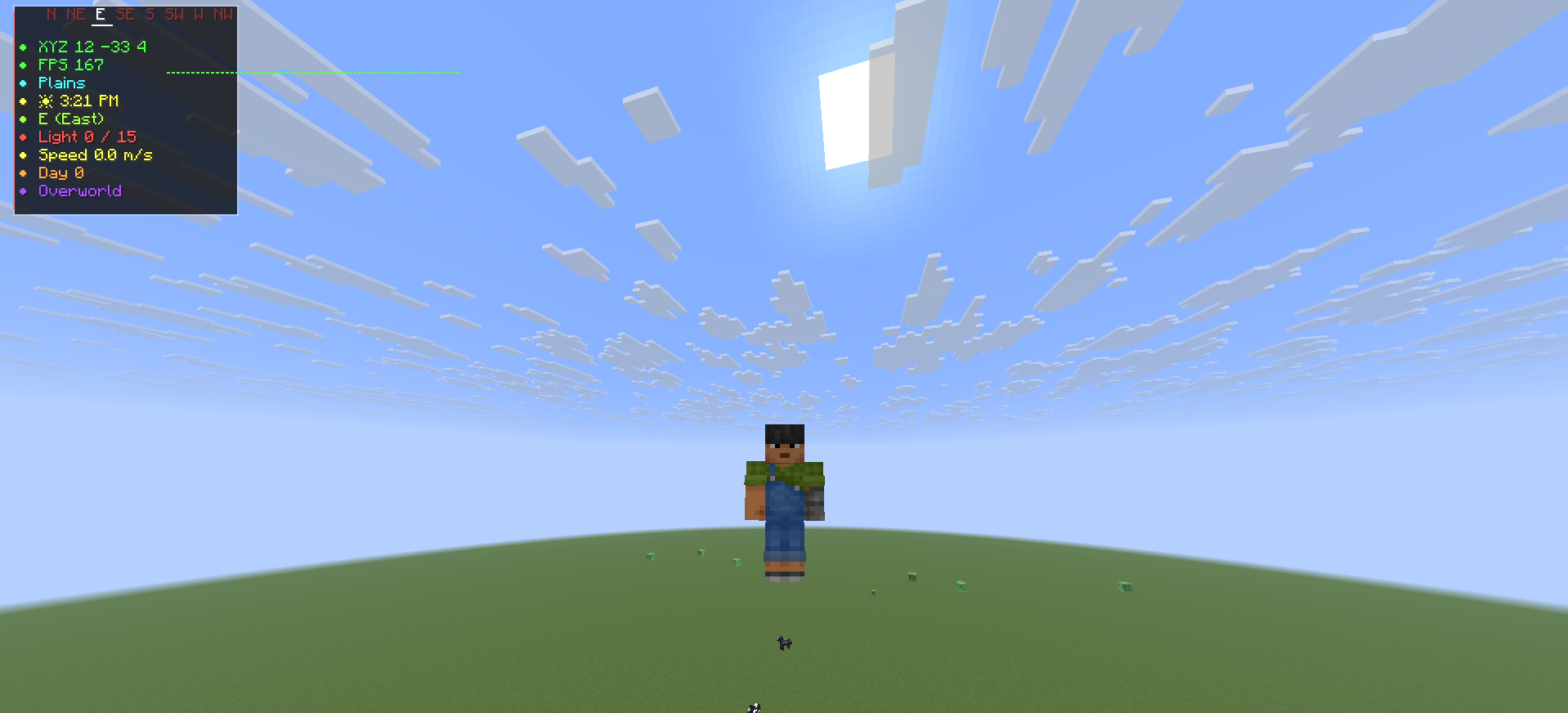 HUD in-game showing all elements Full HUD overlay with coordinates, FPS, biome, time, direction, light, speed, day count, dimension, and compass strip.
 -
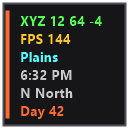
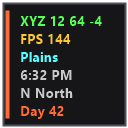 Coords, fps, biome, day, and direction. Everything you need for any occasion, with editable ones that you don' want!
Versions
Files
Relations
Project Relations
More like this
Similar Mods
Suggestions use data such as tags, dependencies, dependents, descriptions, titles, and more to rank how much they overlap with this mod.
On ModDex
Community snapshot
By the numbers
Statistics

Want to reach Minecraft players?
We're looking for a server hosting partner to feature here and other parts of the site. Interested? Send us a message!
Get in touchGet it on
Available Platforms
On ModDex
Community snapshot
By the numbers
Statistics
Resources