
Community listing page, reviews here may not be monitored by the author.
Visual Item Edit


No reviews yet
a mod that let you edit weapon and equipment stats via an in-game visual GUI
Community voices
Reviews
No reviews yet. Be the first to review this project!
Get it on
Available Platforms
Compatibility
Supported Environments
Must be installed on both the client and the server.
About
Project Details
For authors
Embed Badge
If you're the author of this project, you can embed a live badge anywhere that supports HTML or Markdown. It updates automatically whenever ratings change.
Use HTML for any page that supports it, or Markdown for README files and Markdown-based descriptions.
Identifiers
Platform IDs
Resources
External Links
About
Description
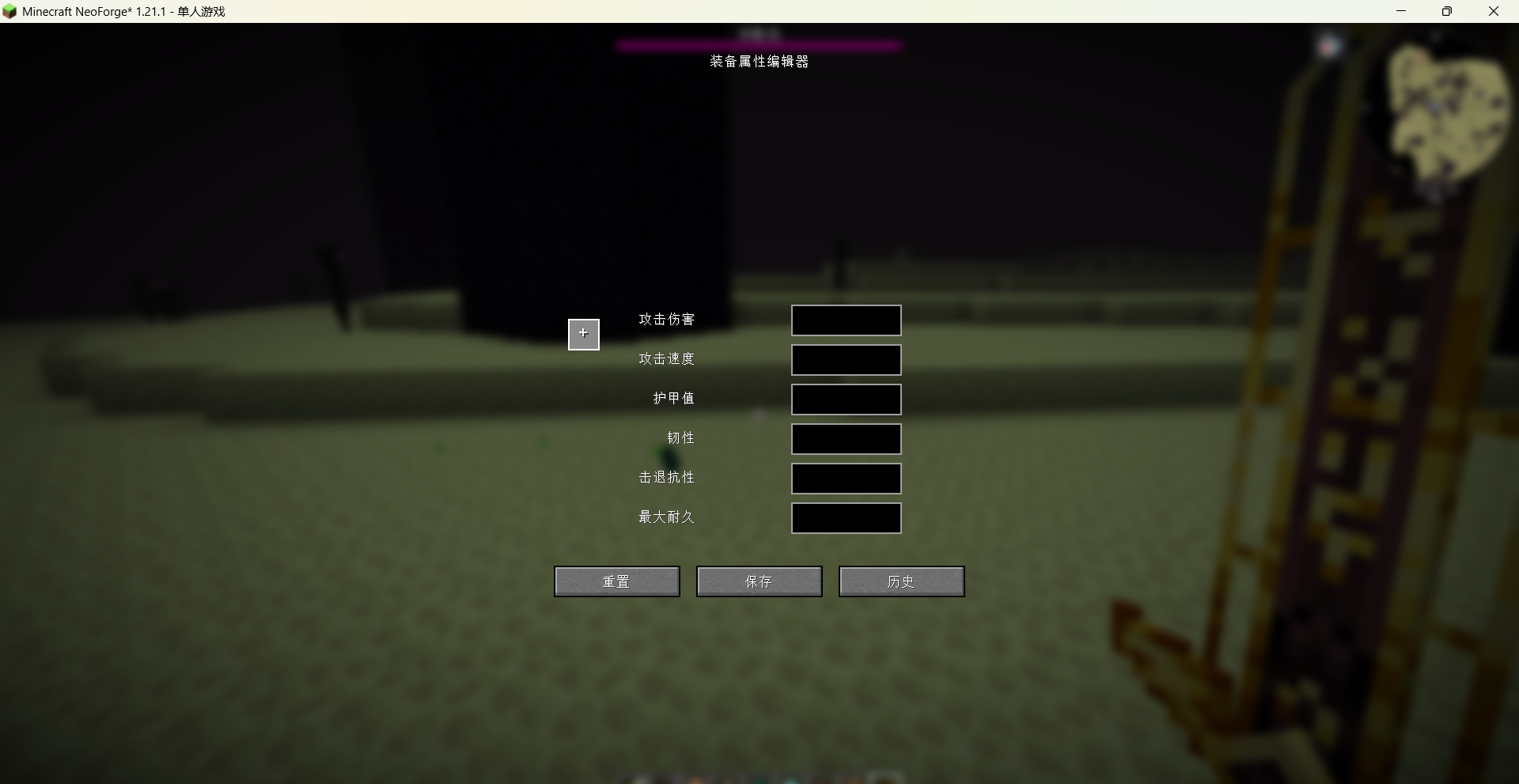
Visual Item Edit is a Minecraft mod that lets you modify the base stats of weapons, armor, and tools through an in-game graphical interface. Attributes you can change include attack damage, attack speed, armor value, toughness, knockback resistance, and maximum durability.
Main features
-
Open the interface: Use the command
/vie guiin-game to bring up the editor. -
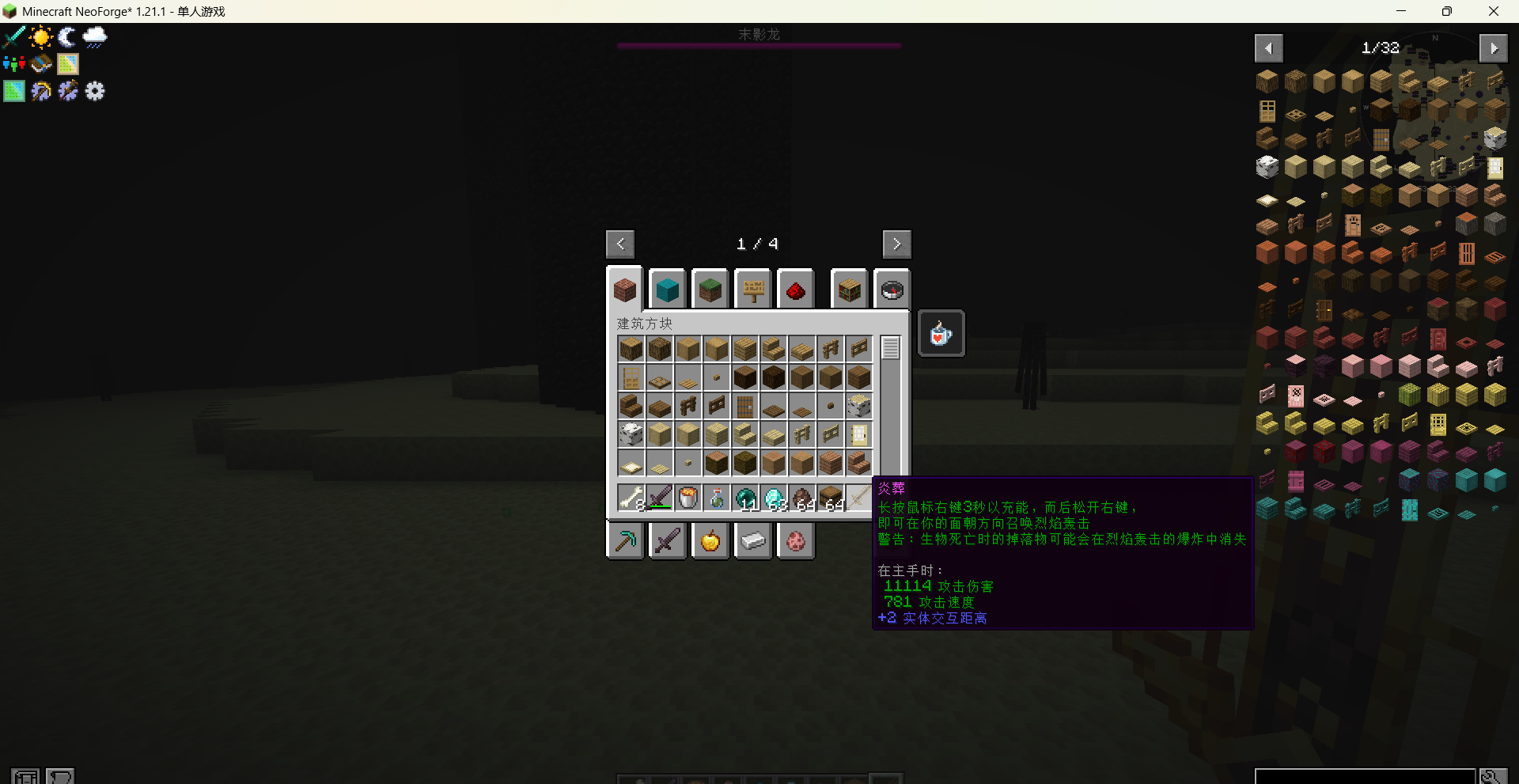
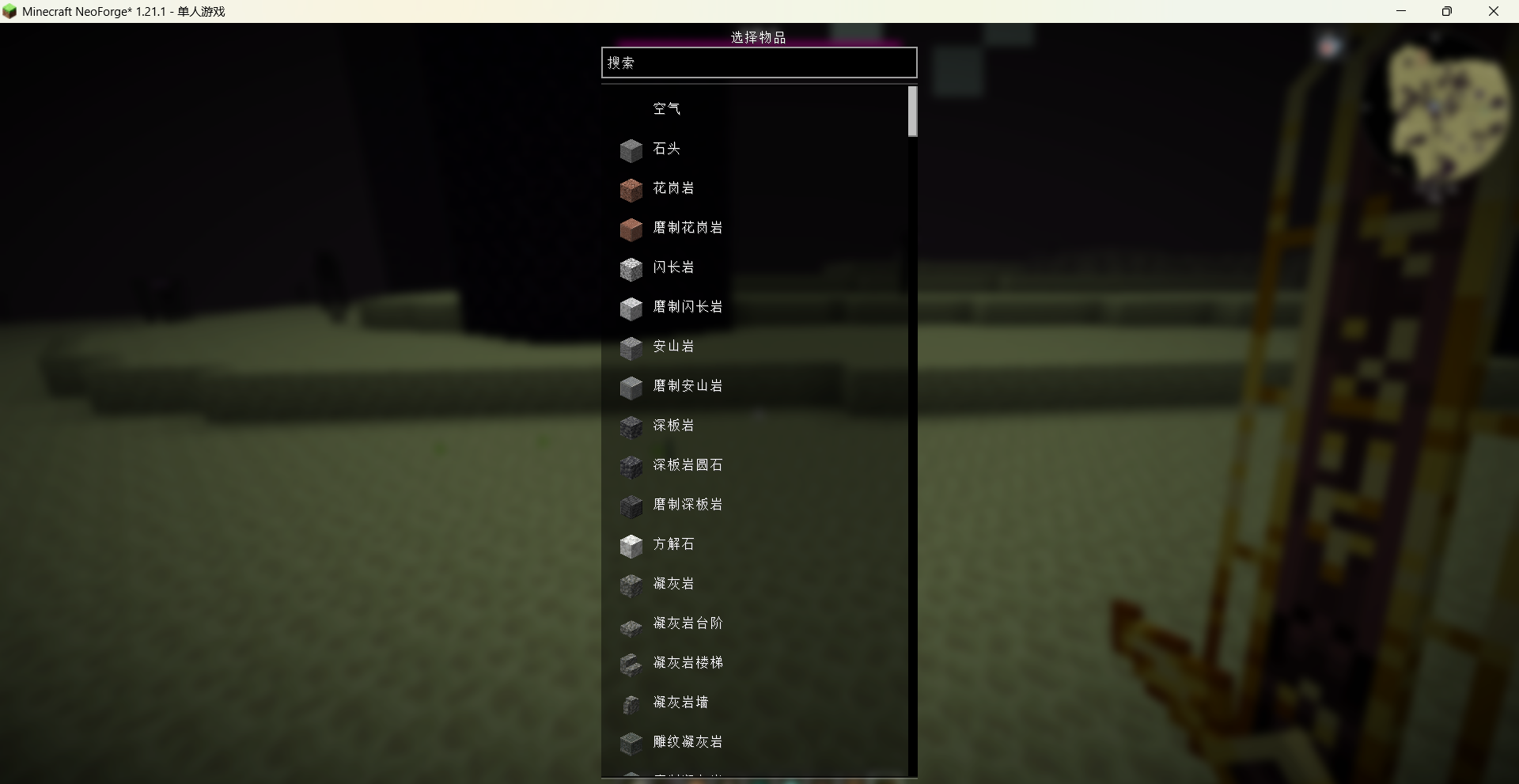
Select an item: A built-in searchable item list allows you to find and choose any registered item (including items from other mods).
-
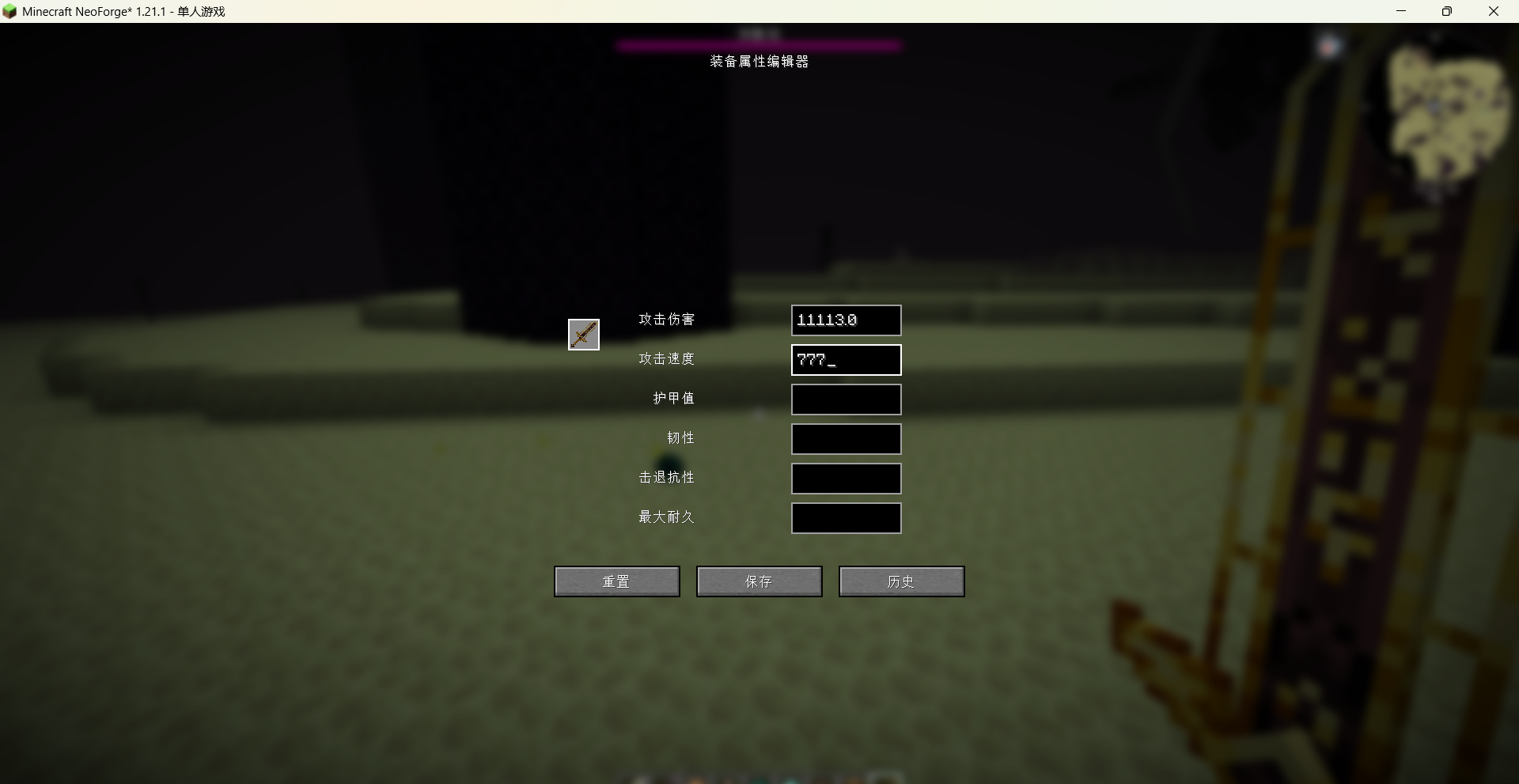
Edit attributes: Based on the item's existing attributes, the editor automatically enables the relevant input fields. For example, swords can have their attack damage and speed modified, armor can have armor value and toughness adjusted, and damageable items can have their maximum durability changed.
-
Save and apply: Modified values are saved to configuration files and take effect immediately for all items of the same type.
-
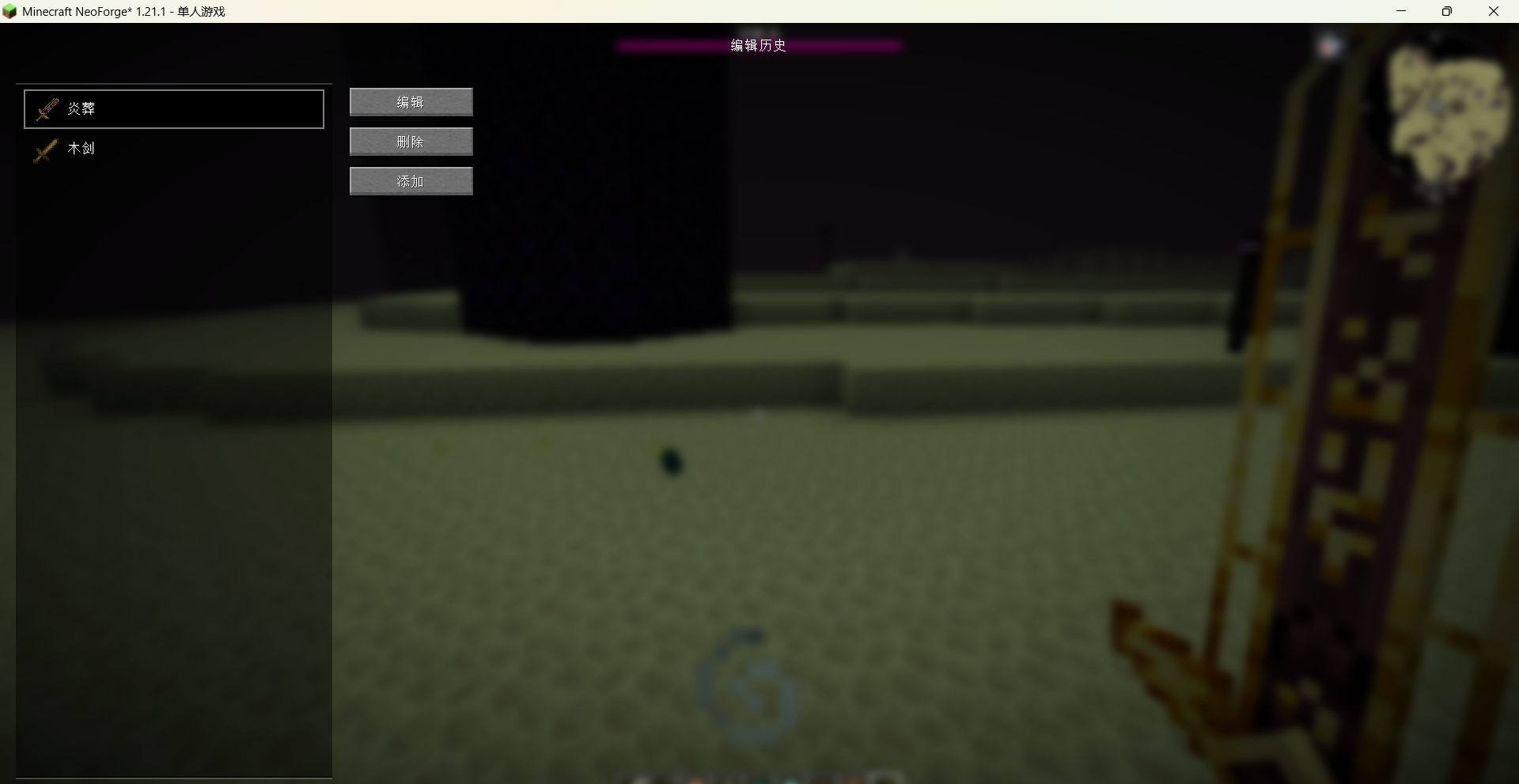
History: You can view and manage all previously modified items, with options to re-edit or delete configurations.
-
Persistent and global: Changes are stored in the
config/visual_item_editfolder. They survive world changes and can be included in modpacks. Server-side synchronization is also supported.
Notes
-
Only existing attributes on an item can be modified; the mod does not add new attributes to items.
-
Administrator permissions (or single-player mode) are required to use the command and open the editor.
Visual Item Edit is a Minecraft mod that lets you modify the base stats of weapons, armor, and tools through an in-game graphical interface. Attributes you can change include attack damage, attack speed, armor value, toughness, knockback resistance, and maximum durability.
Main features
Open the interface: Use the command /vie gui in-game to bring up the editor.
Select an item: A built-in searchable item list allows you to find and choose any registered item (including items from other mods).
Edit attributes: Based on the item's existing attributes, the editor automatically enables the relevant input fields. For example, swords can have their attack damage and speed modified, armor can have armor value and toughness adjusted, and damageable items can have their maximum durability changed.
Save and apply: Modified values are saved to configuration files and take effect immediately for all items of the same type.
History: You can view and manage all previously modified items, with options to re-edit or delete configurations.
Persistent and global: Changes are stored in the config/visual_item_edit folder. They survive world changes and can be included in modpacks. Server-side synchronization is also supported.
Notes
Only existing attributes on an item can be modified; the mod does not add new attributes to items.
Administrator permissions (or single-player mode) are required to use the command and open the editor.
Screenshots
Gallery
-
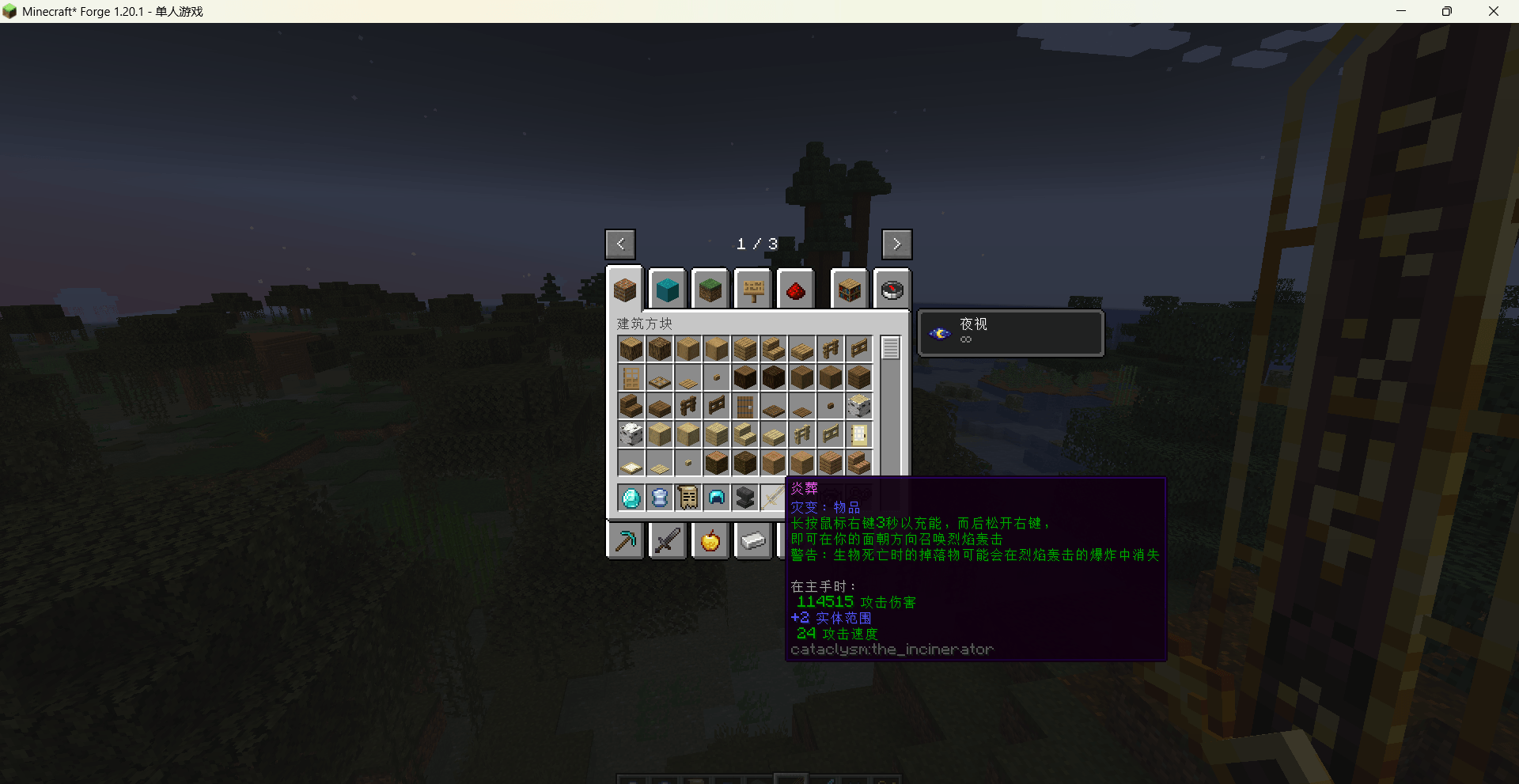 Minecraft_ 1.20.1 2026_7_6 23_11_13.png Minecraft_ 1.20.1 2026_7_6 23_11_13.png
Versions
Files
Relations
Project Relations
More like this
Similar Mods
Suggestions use data such as tags, dependencies, dependents, descriptions, titles, and more to rank how much they overlap with this mod.
On ModDex
Community snapshot
By the numbers
Statistics
Want to reach Minecraft players?
We're looking for a server hosting partner to feature here and other parts of the site. Interested? Send us a message!
Get in touchGet it on
Available Platforms
On ModDex
Community snapshot
By the numbers
Statistics
Resources