
Community listing page, reviews here may not be monitored by the author.
Visual Mobs Edit


No reviews yet
Visual Mobs Edit offers a visual GUI for editing the attributes, behaviors, resistances, and spawn conditions of any living entity, with optional NBT-based targeting for precise control.
Community voices
Reviews
No reviews yet. Be the first to review this project!
Get it on
Available Platforms
Compatibility
Supported Environments
Must be installed on both the client and the server.
About
Project Details
For authors
Embed Badge
If you're the author of this project, you can embed a live badge anywhere that supports HTML or Markdown. It updates automatically whenever ratings change.
Use HTML for any page that supports it, or Markdown for README files and Markdown-based descriptions.
Identifiers
Platform IDs
Resources
External Links
About
Description
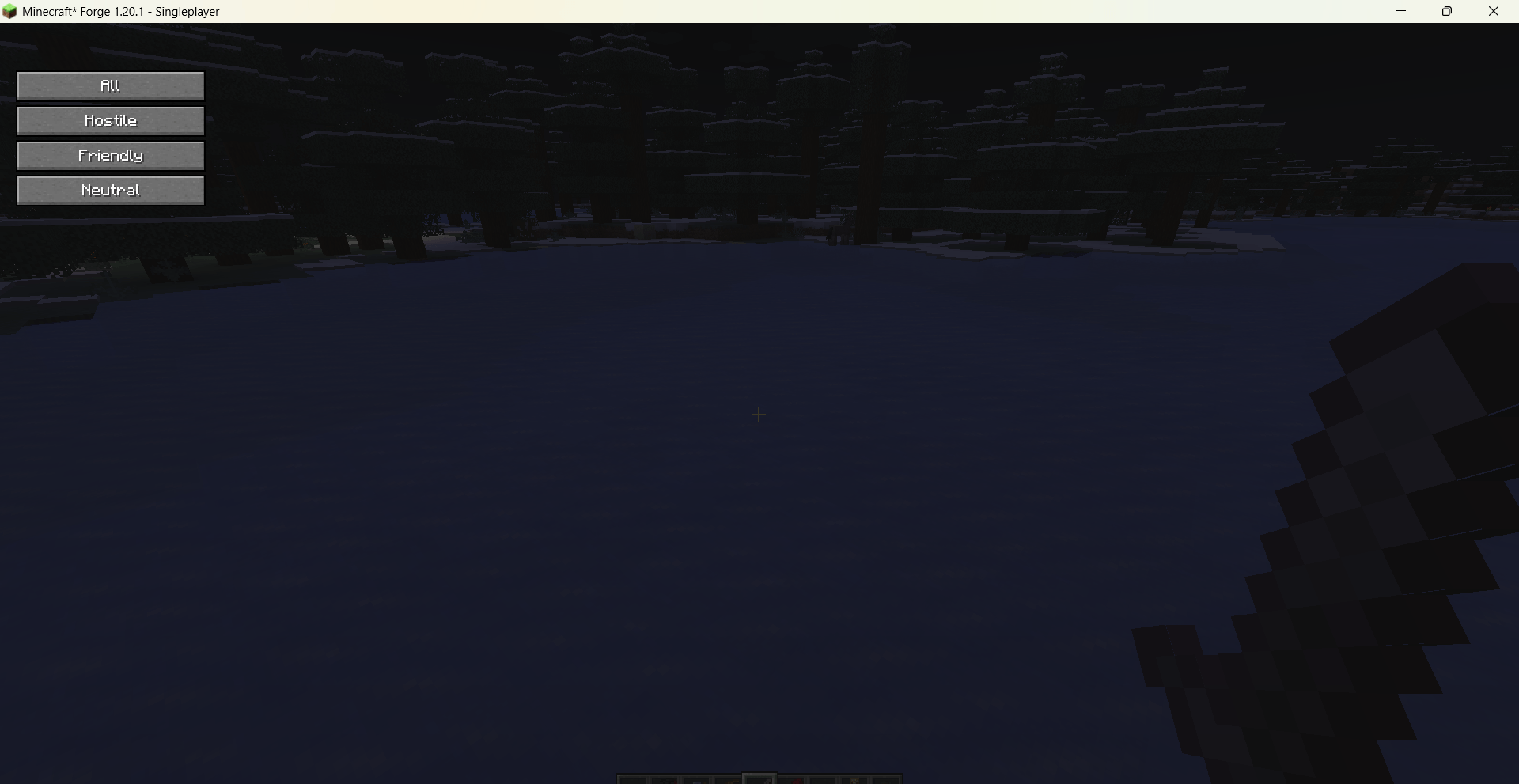
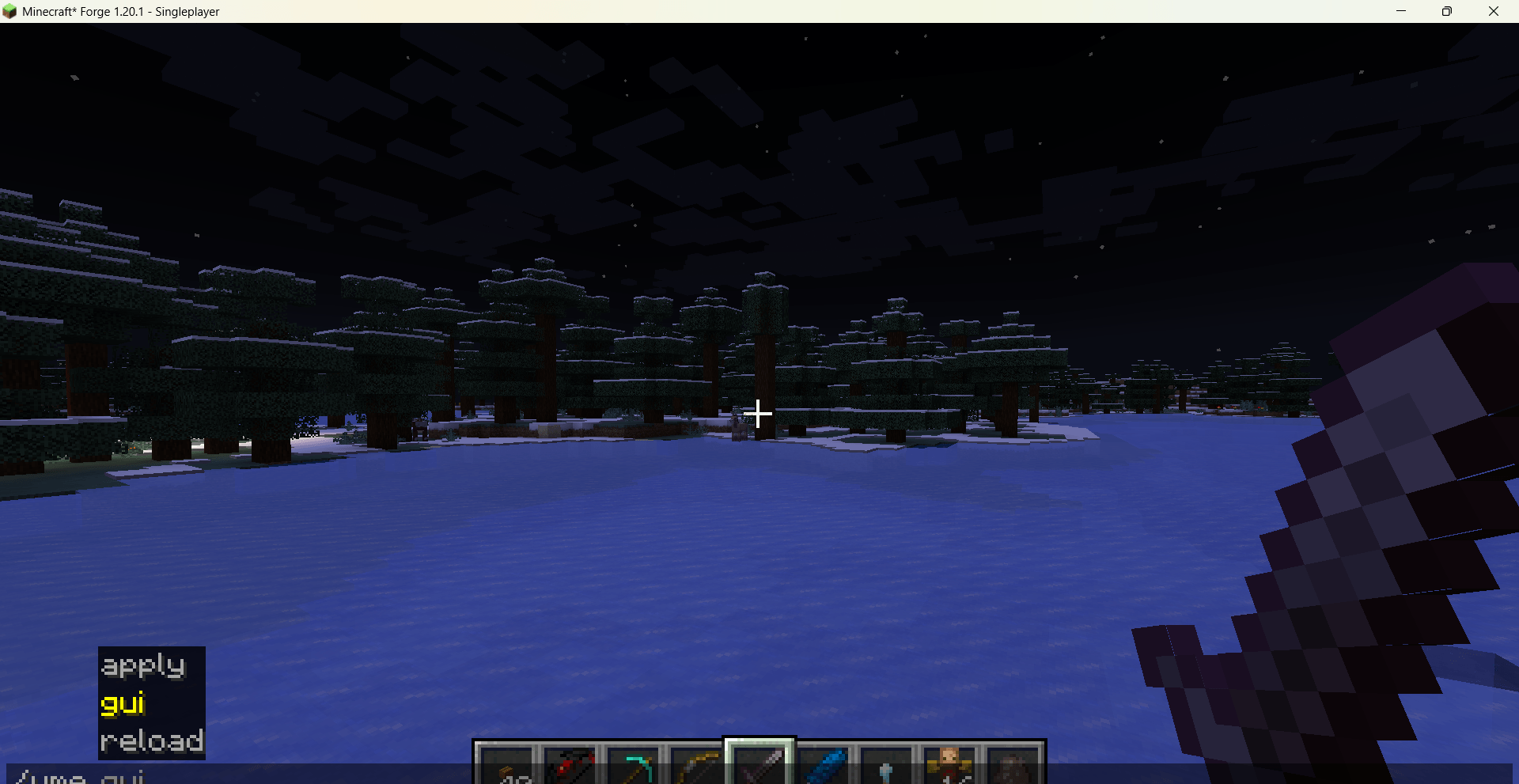
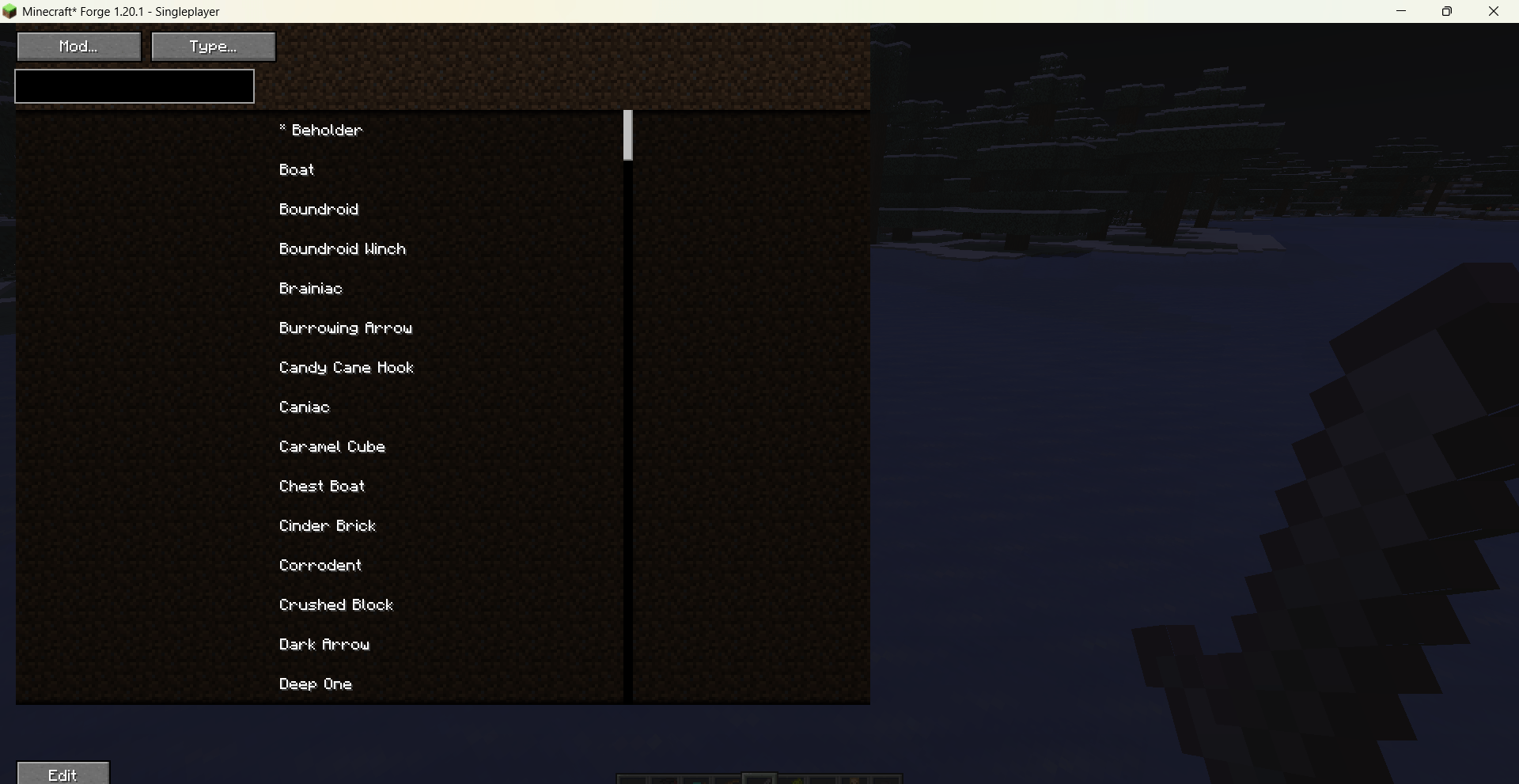
Open the main interface via /vme gui. You can filter entities by their mod origin and hostility (hostile / friendly / neutral), then click “Edit” to enter the property panel, which is organized into several tabs:
-
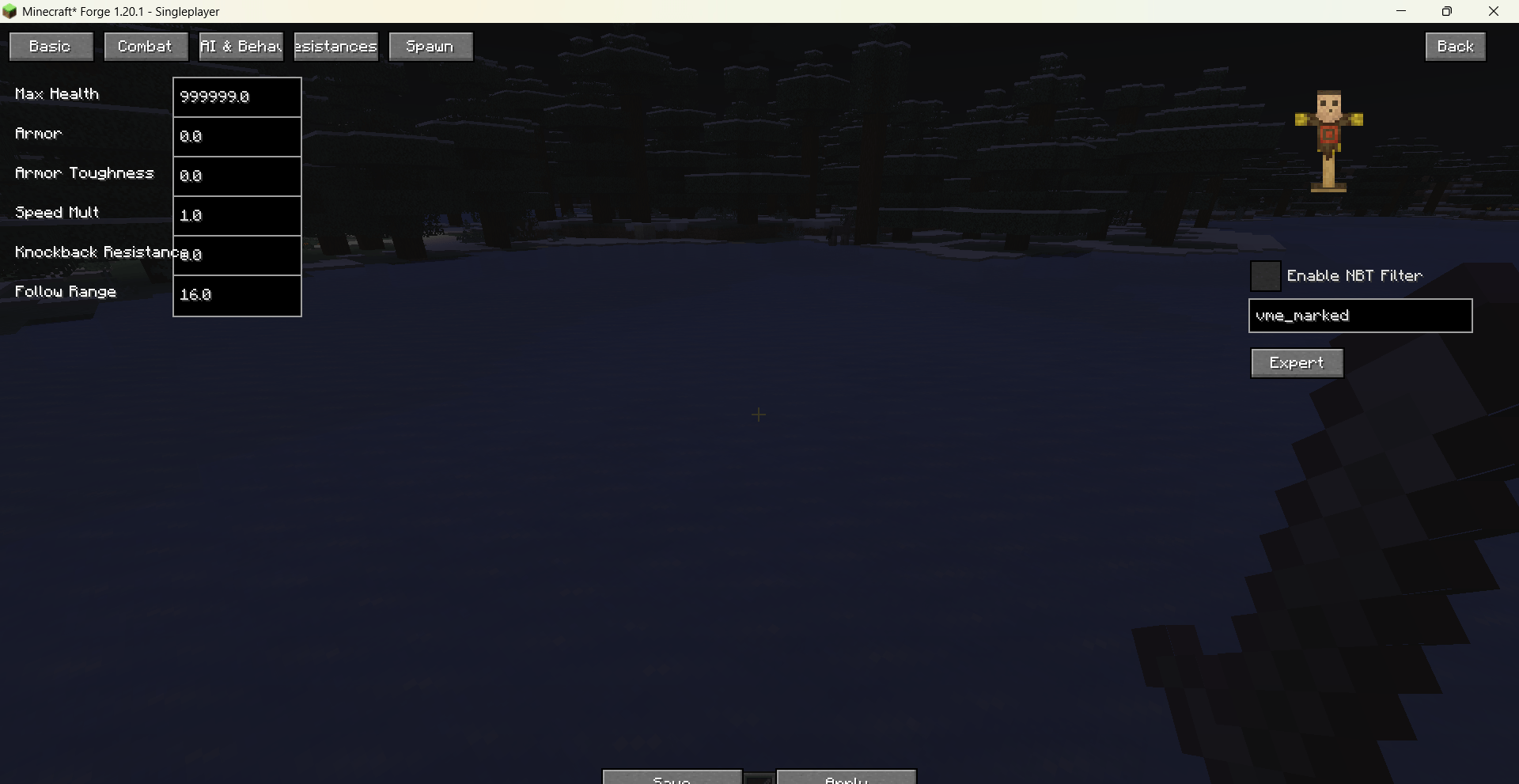
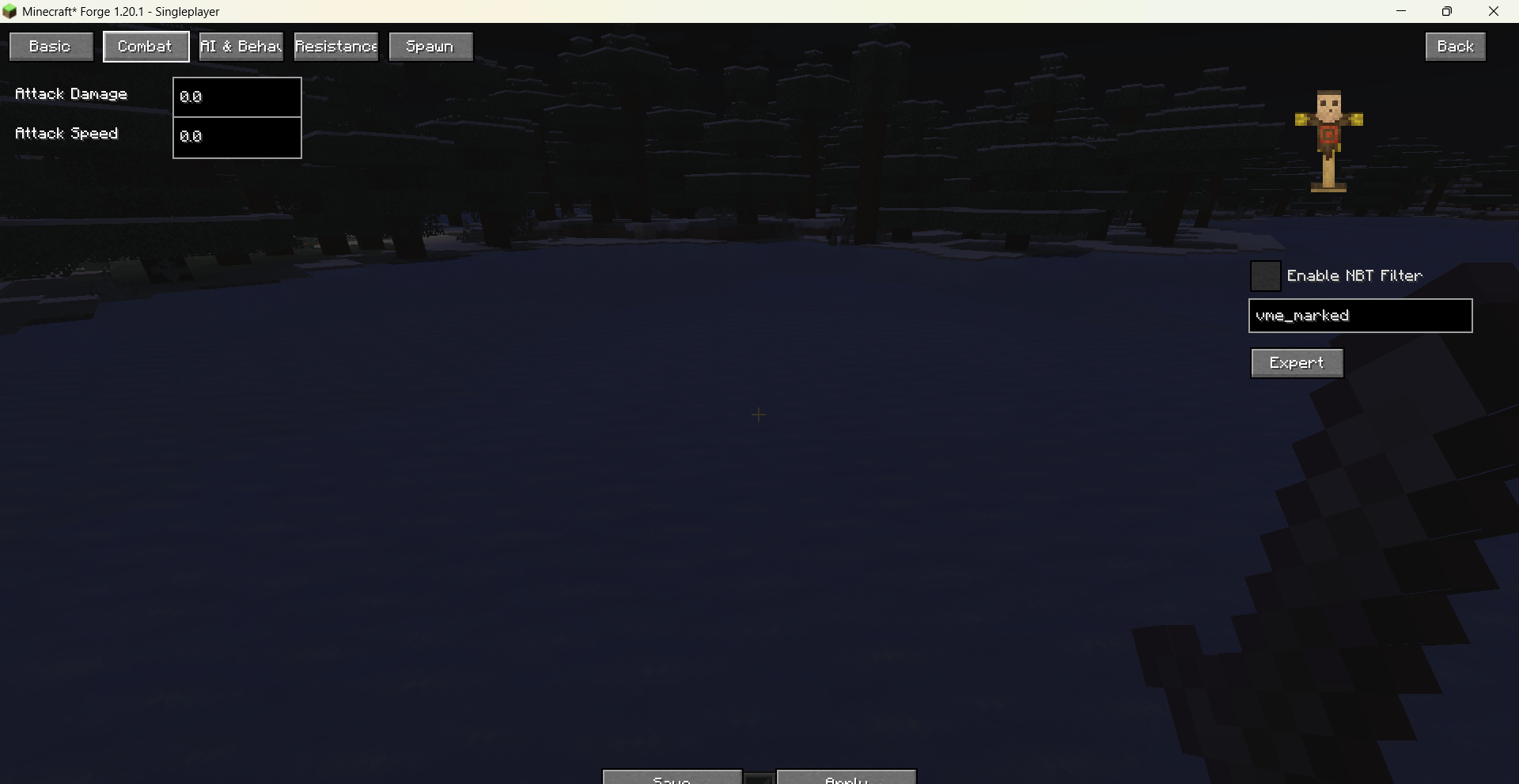
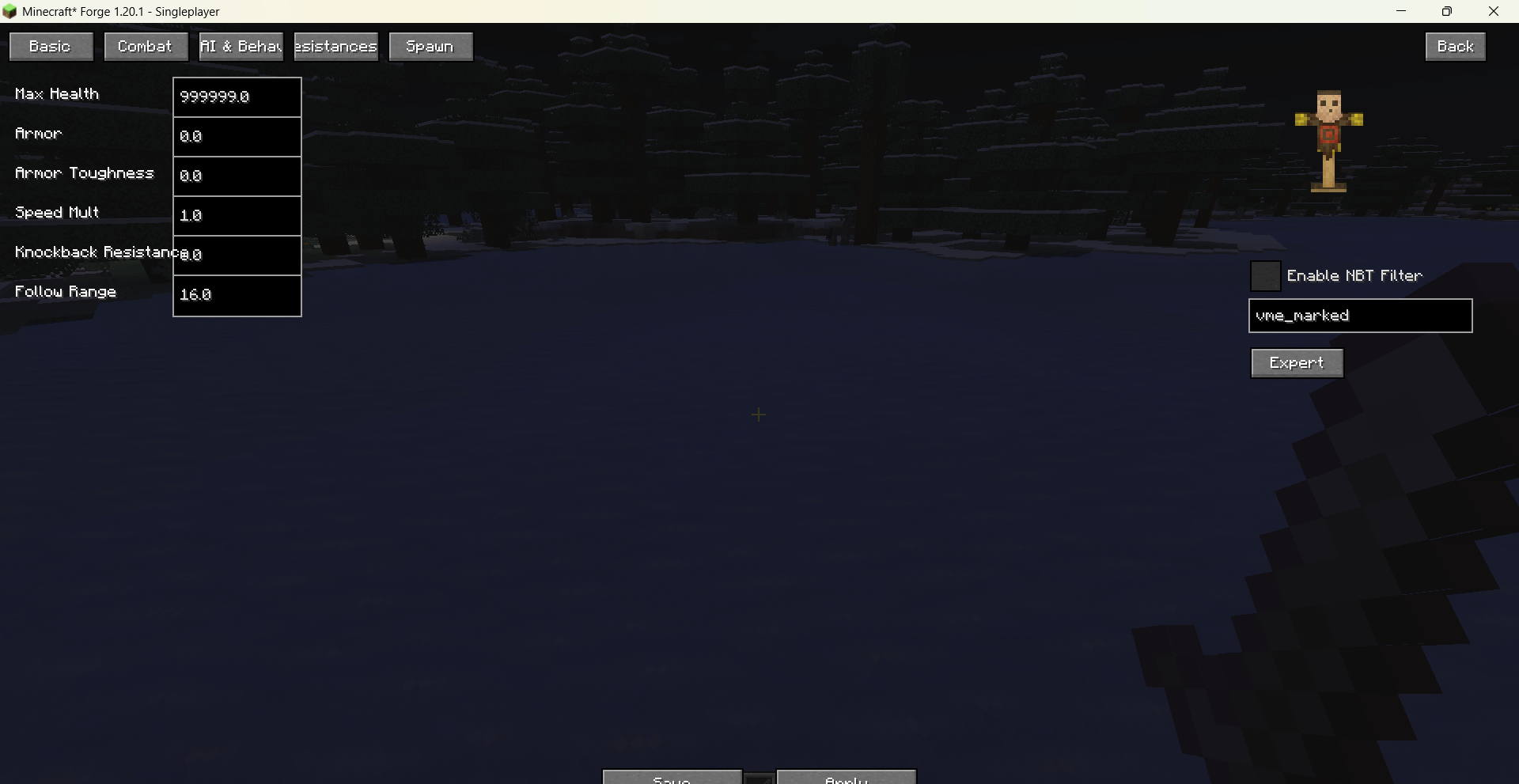
Basic Attributes: Max health, armor, armor toughness, movement speed (multiplier), attack damage, attack speed, knockback resistance, follow range — all freely adjustable with extremely high caps.
-
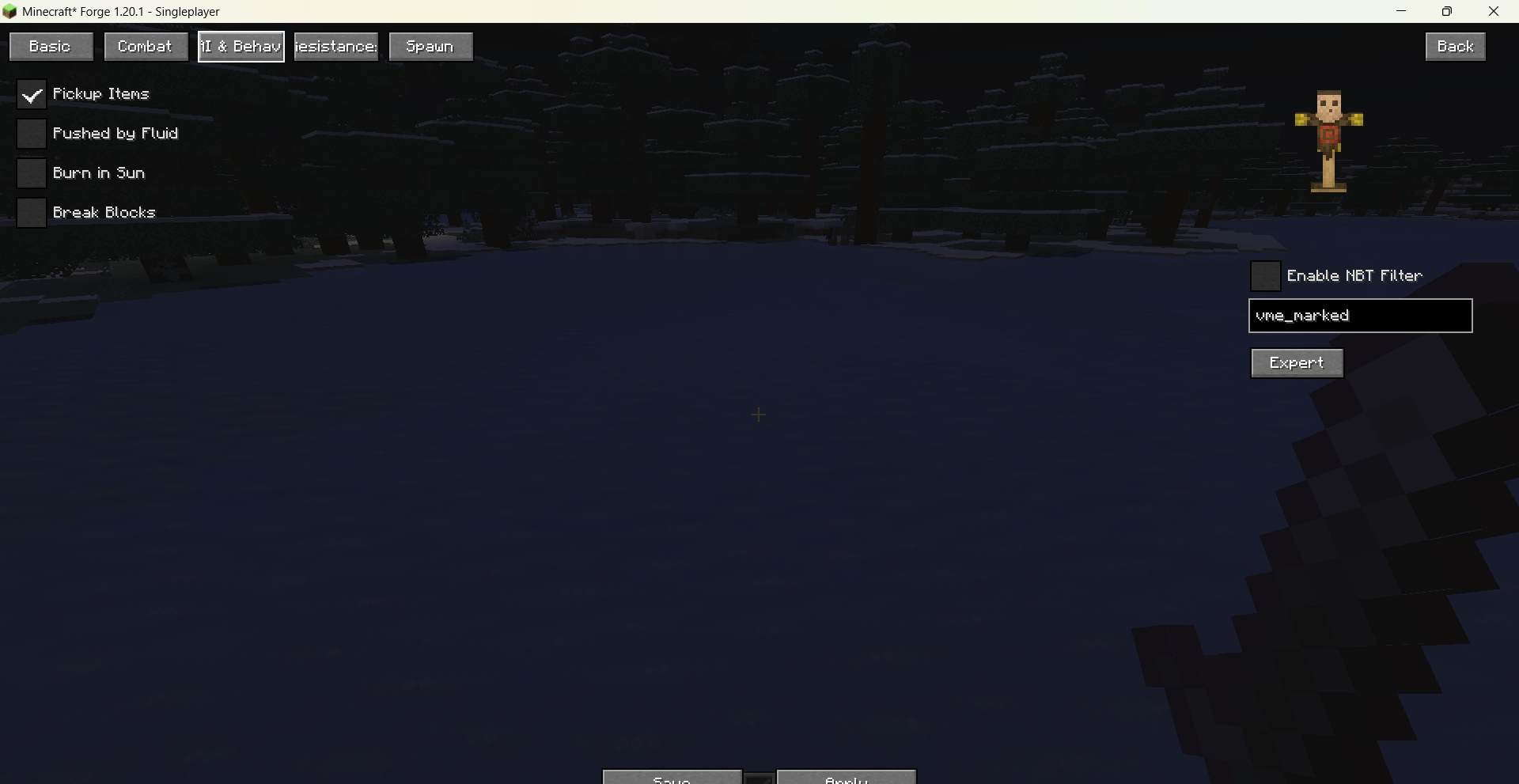
AI & Behavior: Toggle “Pickup Items”, “Pushed by Fluid”, “Burn in Sun”, and “Break Blocks” (e.g., Creeper explosions, Wither block destruction). Changes take effect immediately.
-
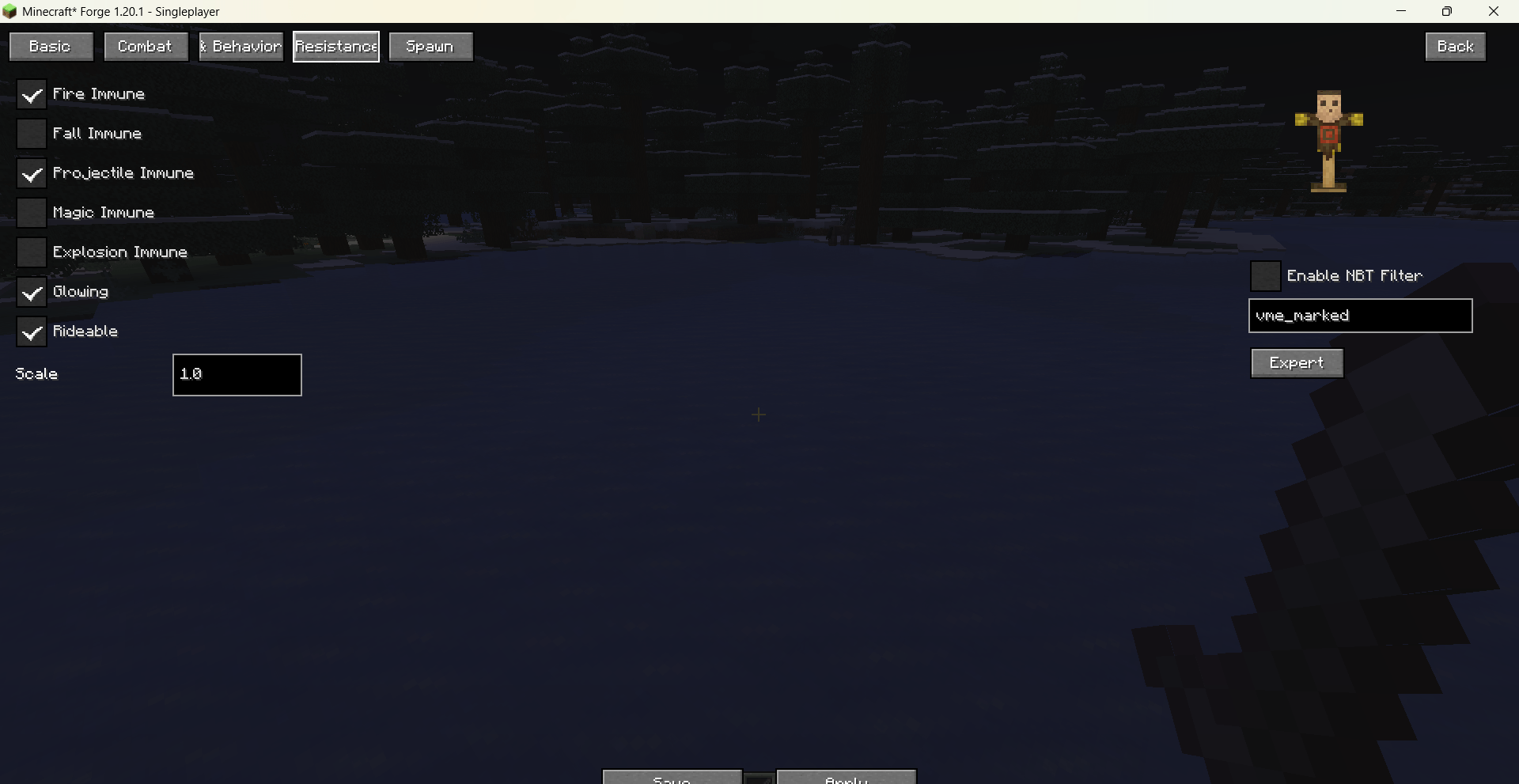
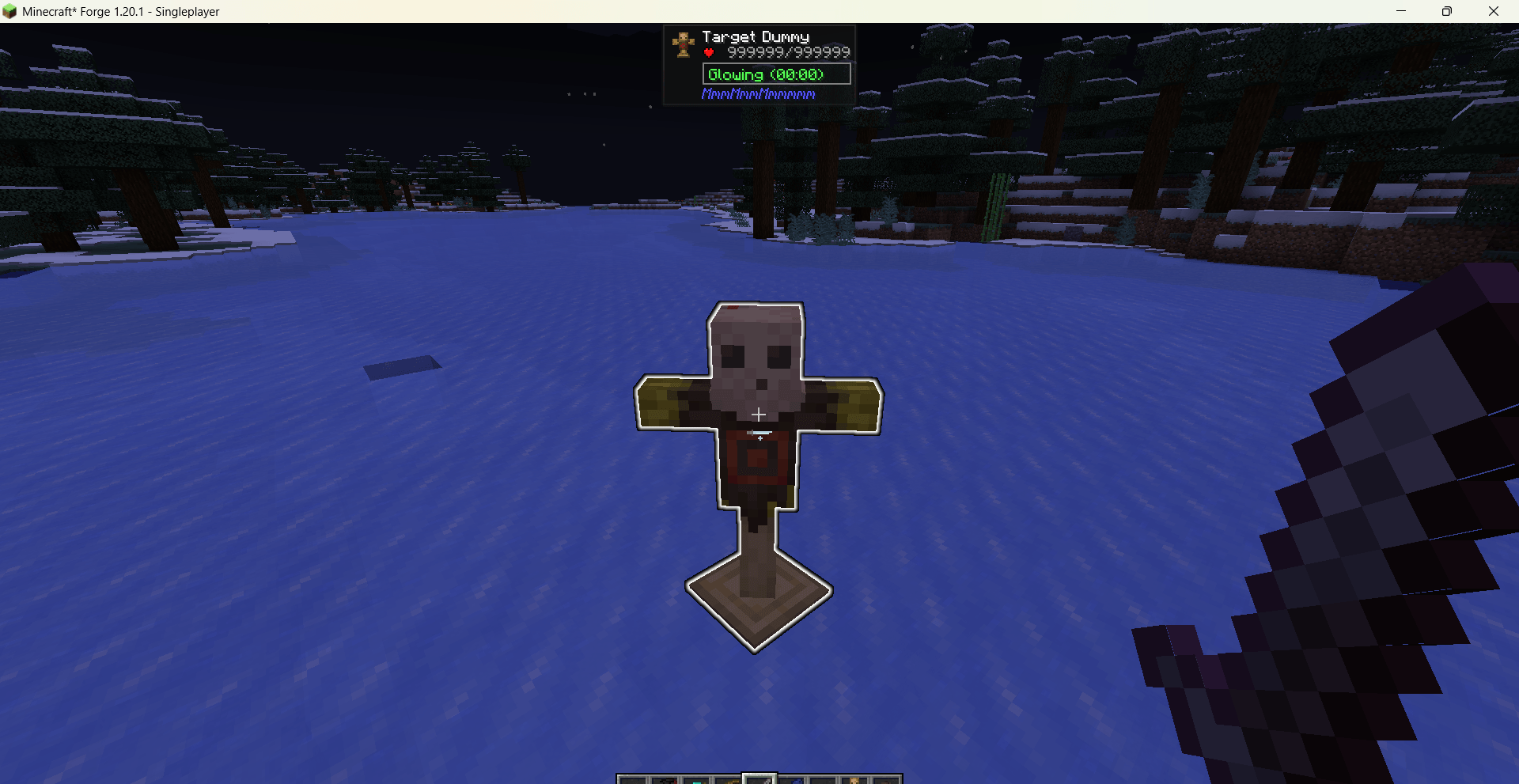
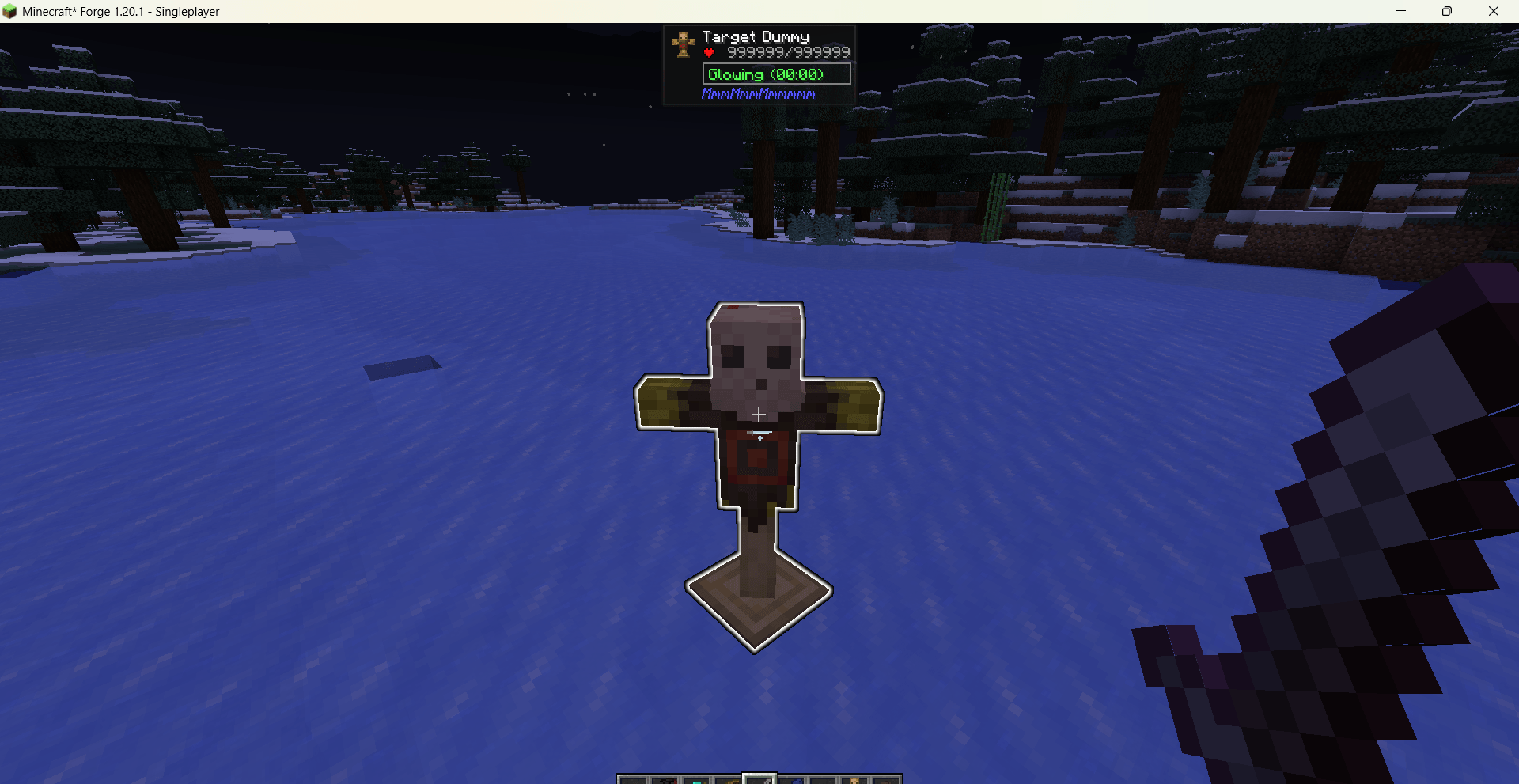
Resistances & Status: Immunity to fire, fall, projectiles, magic, and explosions; plus options for permanent glowing and ridability.
-
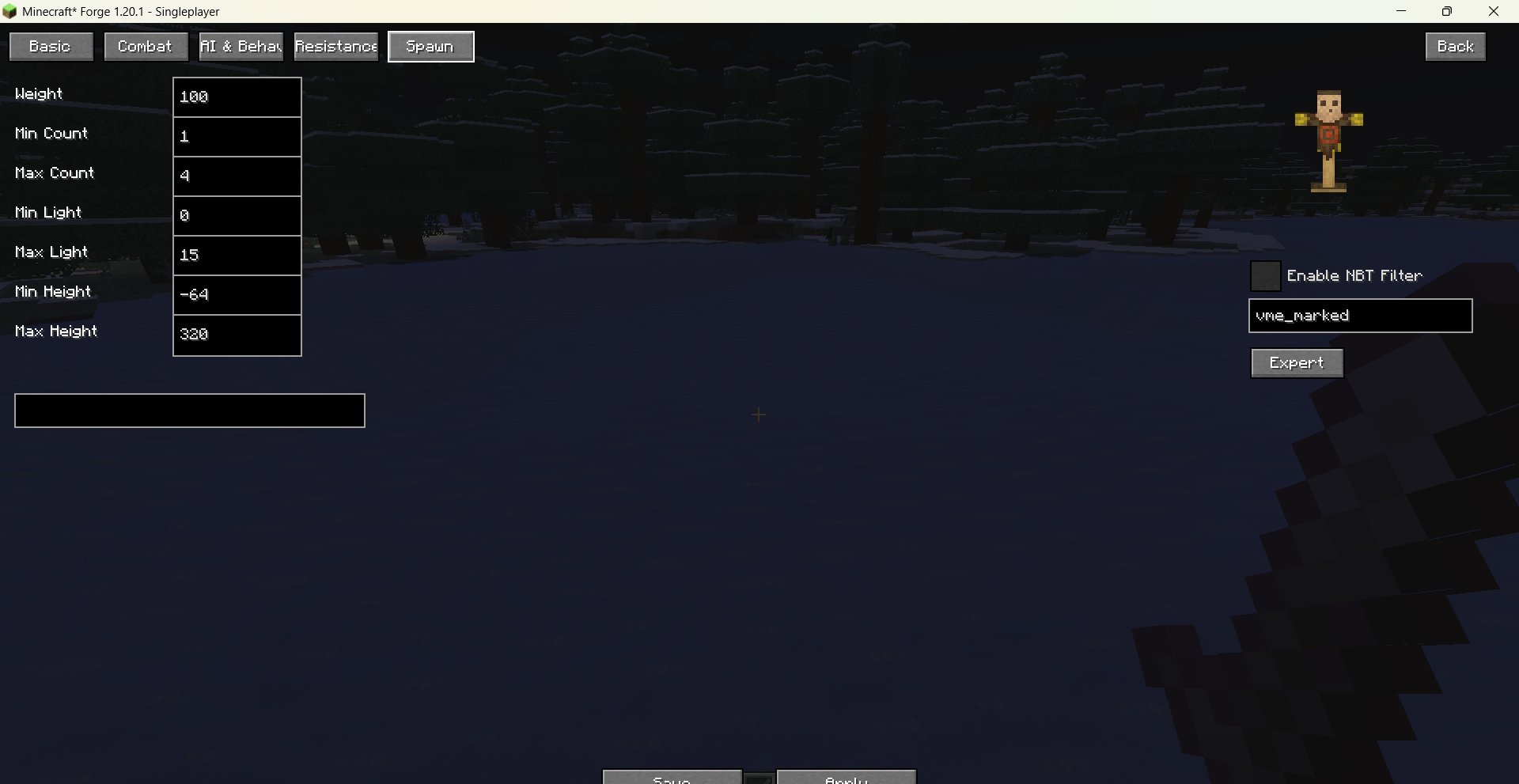
Spawn Conditions: Customize spawn weight, group size, light level range, height limits, and allowed biomes for natural generation.
-
3D Preview: A real‑time rotating model of the selected entity is shown on the right; you can drag to rotate it. The size slider affects only the preview, not in‑game entities.
-
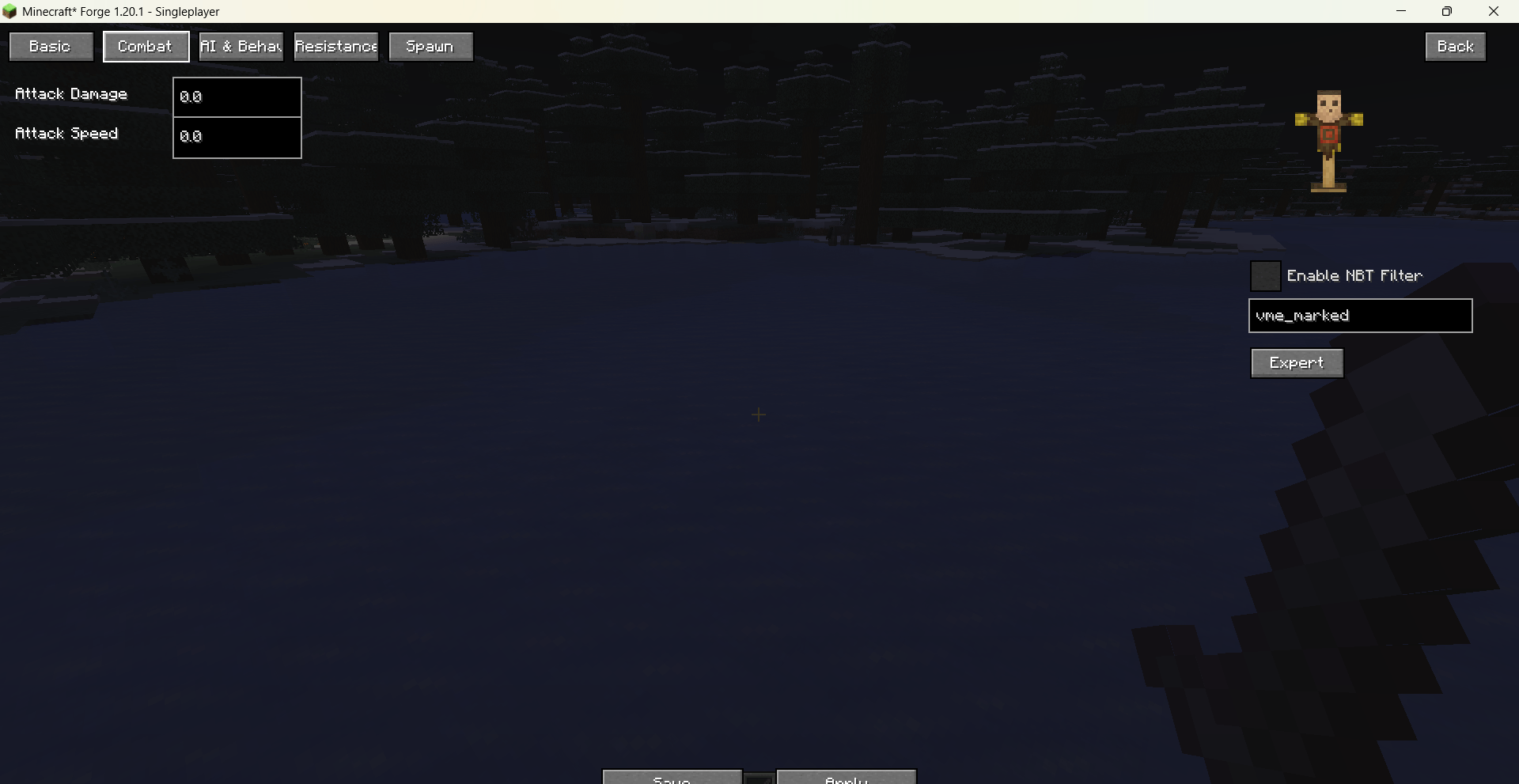
Tag Filtering: Optionally apply the template only to entities carrying a specific NBT tag, enabling fine‑grained batch adjustments.
-
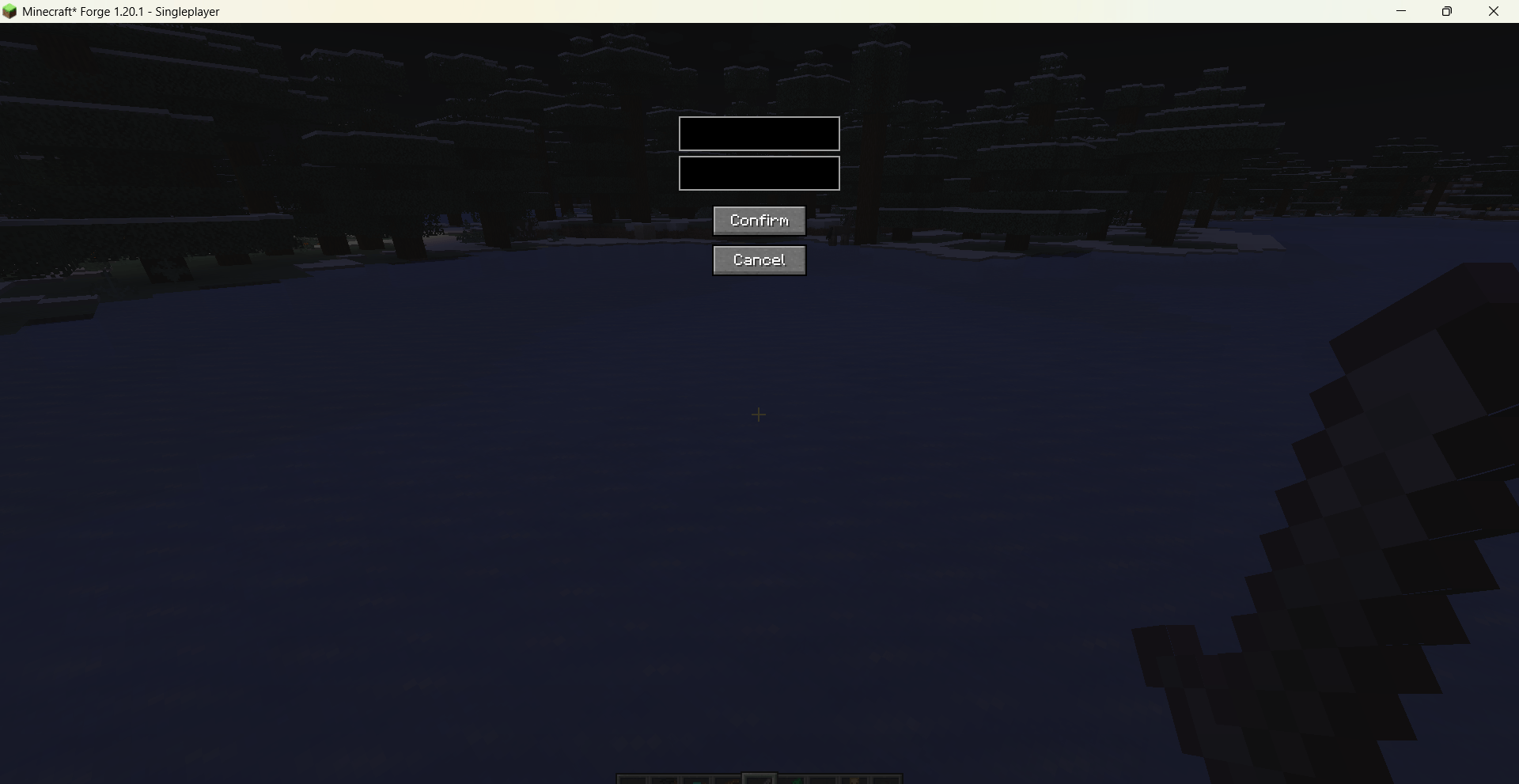
Expert Mode: An independent interface lets you add arbitrary attribute IDs and values for deep customization.
All modifications are saved as persistent templates (configuration file is located at config/visual_mobs_edit/templates.json) and can be applied globally or reloaded via commands. The mod fully supports both Chinese and English, with the UI language following the game’s settings automatically.
Open the main interface via /vme gui. You can filter entities by their mod origin and hostility (hostile / friendly / neutral), then click “Edit” to enter the property panel, which is organized into several tabs:
Basic Attributes: Max health, armor, armor toughness, movement speed (multiplier), attack damage, attack speed, knockback resistance, follow range — all freely adjustable with extremely high caps.
AI & Behavior: Toggle “Pickup Items”, “Pushed by Fluid”, “Burn in Sun”, and “Break Blocks” (e.g., Creeper explosions, Wither block destruction). Changes take effect immediately.
Resistances & Status: Immunity to fire, fall, projectiles, magic, and explosions; plus options for permanent glowing and ridability.
Spawn Conditions: Customize spawn weight, group size, light level range, height limits, and allowed biomes for natural generation.
3D Preview: A real‑time rotating model of the selected entity is shown on the right; you can drag to rotate it. The size slider affects only the preview, not in‑game entities.
Tag Filtering: Optionally apply the template only to entities carrying a specific NBT tag, enabling fine‑grained batch adjustments.
Expert Mode: An independent interface lets you add arbitrary attribute IDs and values for deep customization.
All modifications are saved as persistent templates (configuration file is located at config/visual_mobs_edit/templates.json) and can be applied globally or reloaded via commands. The mod fully supports both Chinese and English, with the UI language following the game’s settings automatically.
Screenshots
Gallery
-
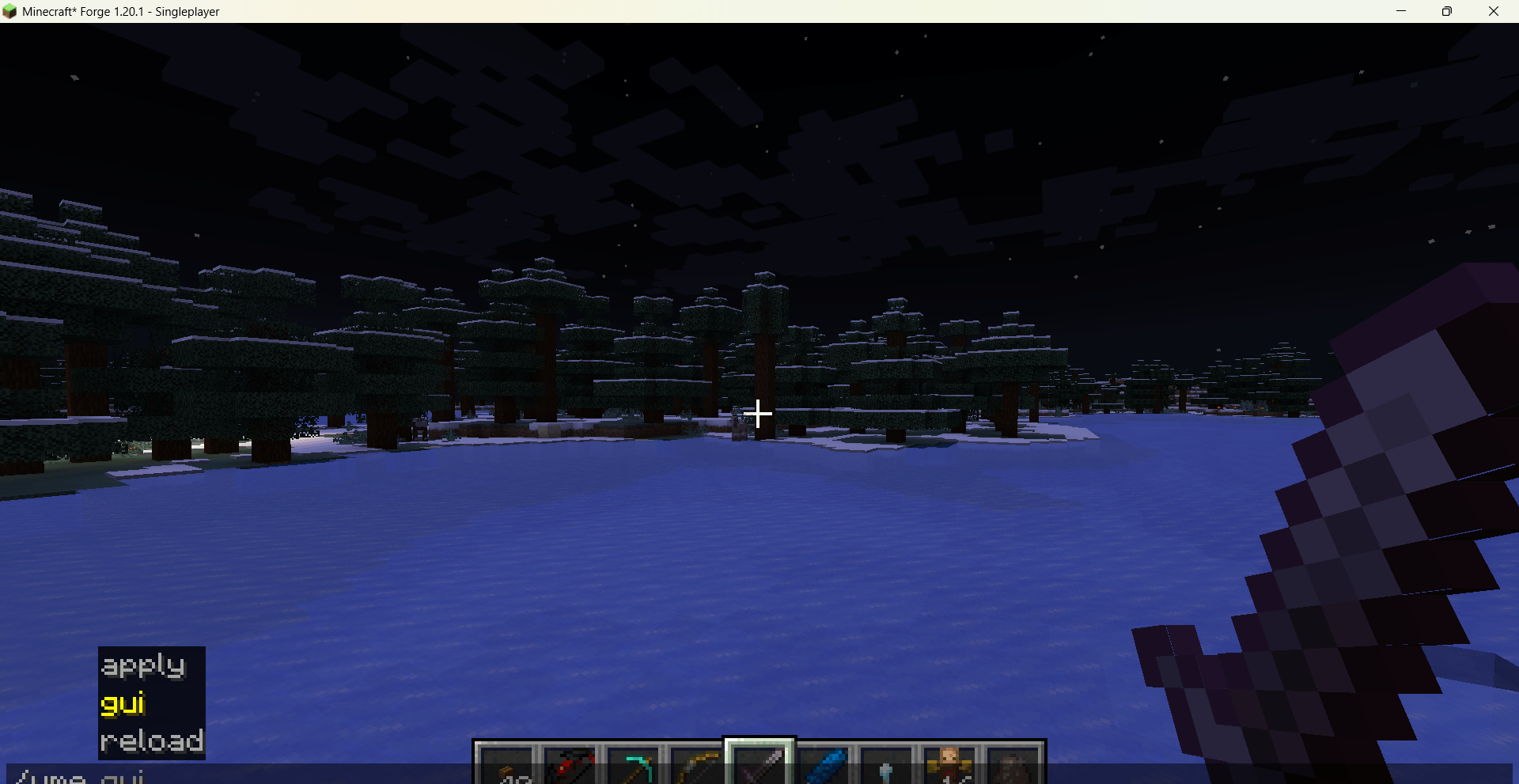 Minecraft_ Forge 1.20.1 - Singleplayer 2026_5_4 18_43_02.png Minecraft_ Forge 1.20.1 - Singleplayer 2026_5_4 18_43_02.png
 -
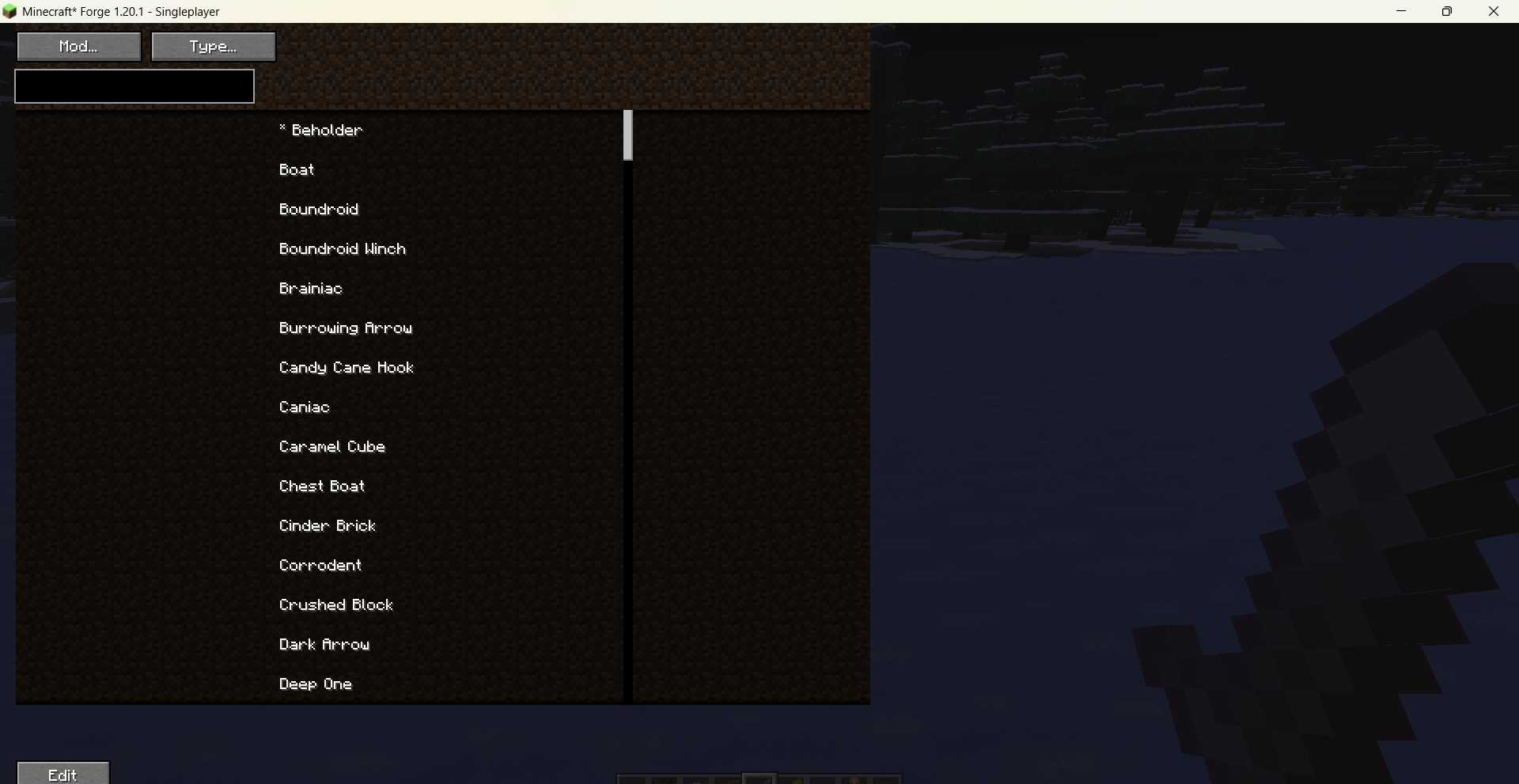 Minecraft_ Forge 1.20.1 - Singleplayer 2026_5_4 18_43_36.png Minecraft_ Forge 1.20.1 - Singleplayer 2026_5_4 18_43_36.png
 -
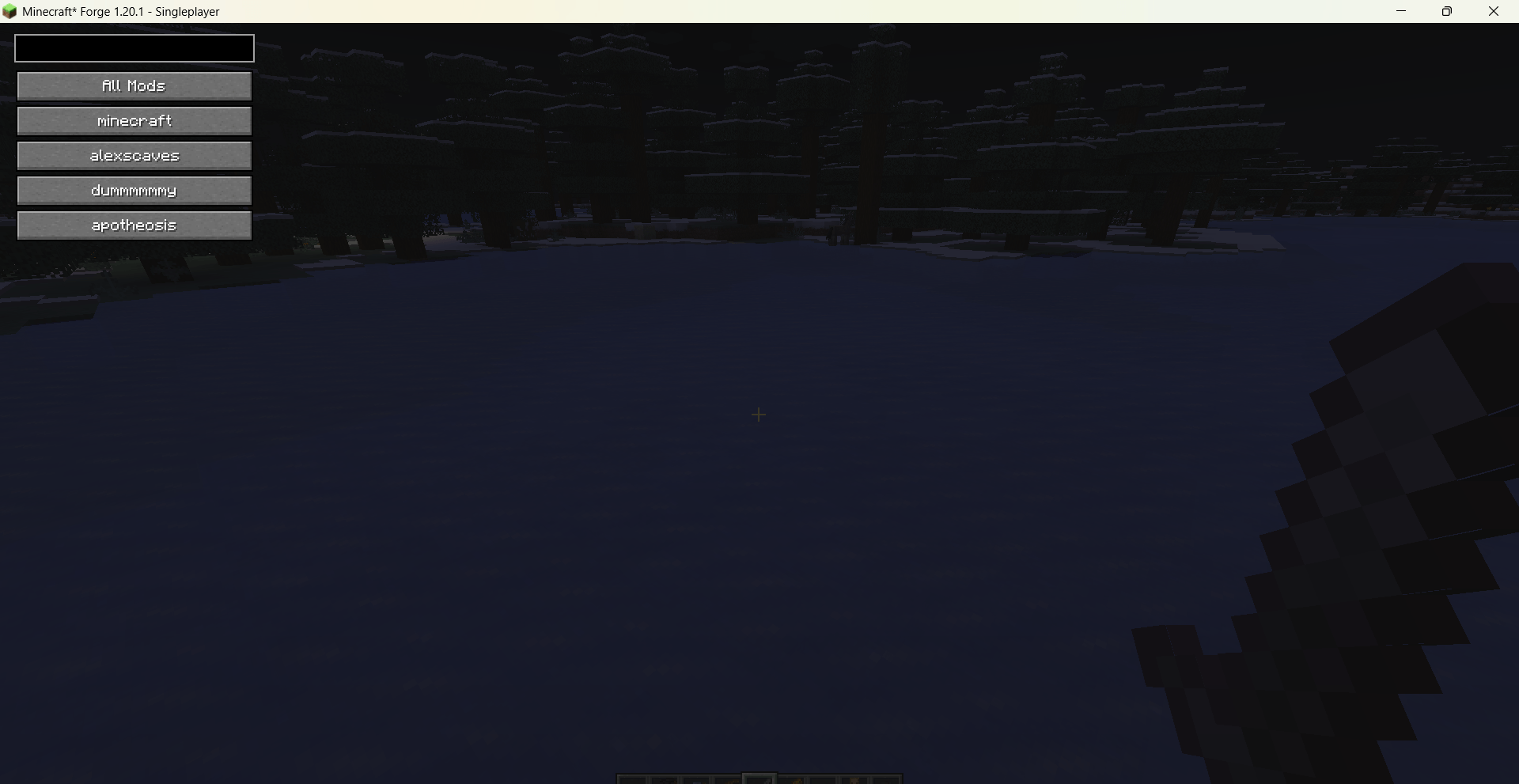 Minecraft_ Forge 1.20.1 - Singleplayer 2026_5_4 18_43_44.png Minecraft_ Forge 1.20.1 - Singleplayer 2026_5_4 18_43_44.png
 -
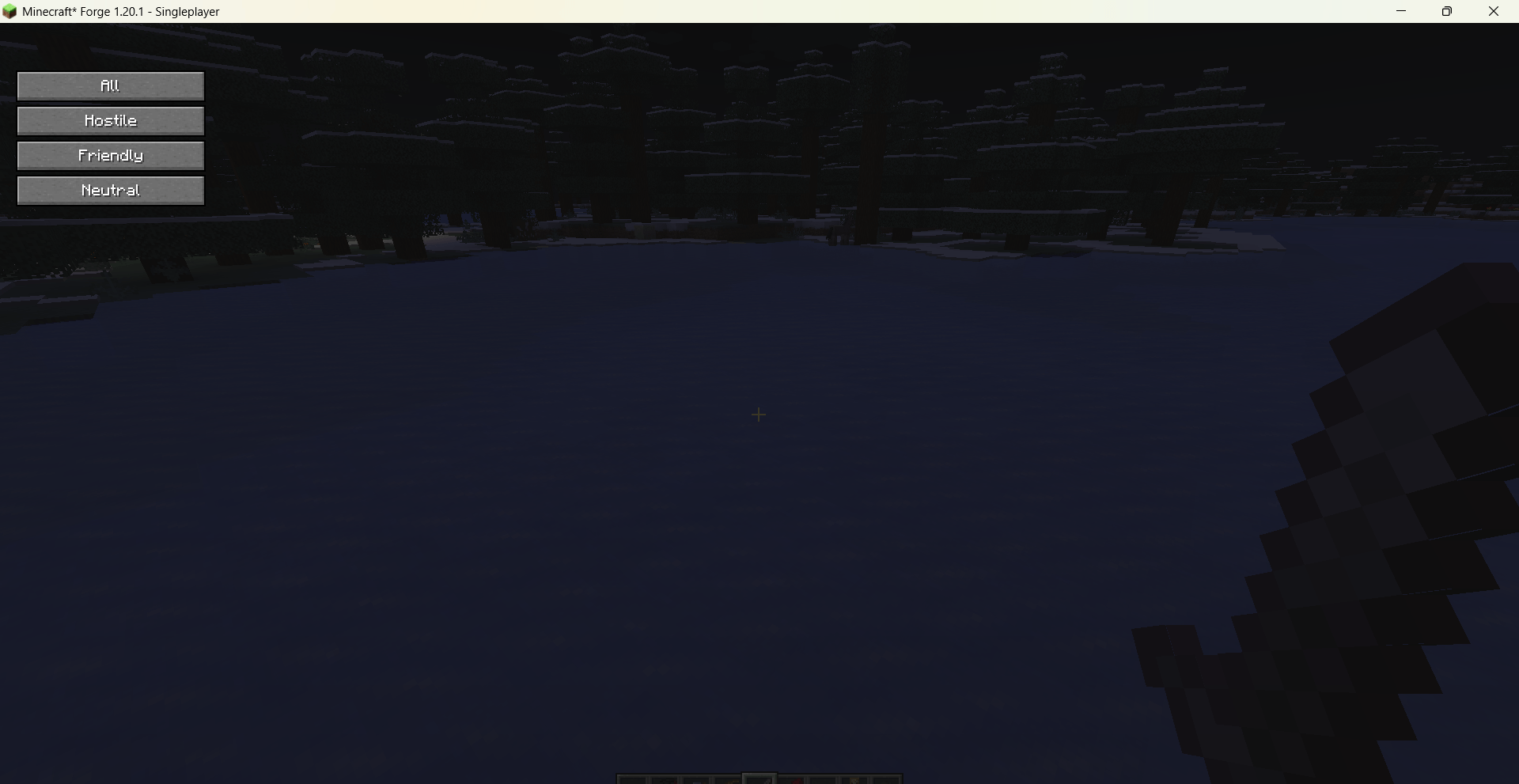 Minecraft_ Forge 1.20.1 - Singleplayer 2026_5_4 18_43_51.png Minecraft_ Forge 1.20.1 - Singleplayer 2026_5_4 18_43_51.png
 -
 Minecraft_ Forge 1.20.1 - Singleplayer 2026_5_4 18_44_02.png Minecraft_ Forge 1.20.1 - Singleplayer 2026_5_4 18_44_02.png
 -
 Minecraft_ Forge 1.20.1 - Singleplayer 2026_5_4 18_44_10.png Minecraft_ Forge 1.20.1 - Singleplayer 2026_5_4 18_44_10.png
 -
 Minecraft_ Forge 1.20.1 - Singleplayer 2026_5_4 18_44_17.png Minecraft_ Forge 1.20.1 - Singleplayer 2026_5_4 18_44_17.png
 -
 Minecraft_ Forge 1.20.1 - Singleplayer 2026_5_4 18_44_23.png Minecraft_ Forge 1.20.1 - Singleplayer 2026_5_4 18_44_23.png
 -
 Minecraft_ Forge 1.20.1 - Singleplayer 2026_5_4 18_44_28.png Minecraft_ Forge 1.20.1 - Singleplayer 2026_5_4 18_44_28.png
 -
 Minecraft_ Forge 1.20.1 - Singleplayer 2026_5_4 18_44_40.png Minecraft_ Forge 1.20.1 - Singleplayer 2026_5_4 18_44_40.png
 -
 Minecraft_ Forge 1.20.1 - Singleplayer 2026_5_4 18_44_45.png Minecraft_ Forge 1.20.1 - Singleplayer 2026_5_4 18_44_45.png
 -
 Minecraft_ Forge 1.20.1 - Singleplayer 2026_5_4 18_45_02.png Minecraft_ Forge 1.20.1 - Singleplayer 2026_5_4 18_45_02.png
Versions
Files
Relations
Project Relations
More like this
Similar Mods
Suggestions use data such as tags, dependencies, dependents, descriptions, titles, and more to rank how much they overlap with this mod.
- Mob Control: Add custom AI, break blocks, regrowth, spawners, plus more! Bad mobs? Block them! You're in control of your mobs!
- Mob Properties
- MorphTweaks
- PokeyOne's DNA Mod
- Size Randomizer
- Secret Bases
- Anger Management
- Ivan Carpet Addition
- Crafting SpawneggsMod
- Spawn Here
- Random Item Generator Resurrected
- Antling Origin
On ModDex
Community snapshot
By the numbers
Statistics
Want to reach Minecraft players?
We're looking for a server hosting partner to feature here and other parts of the site. Interested? Send us a message!
Get in touchGet it on
Available Platforms
On ModDex
Community snapshot
By the numbers
Statistics
Resources