
Community listing page, reviews here may not be monitored by the author.
Visual Recipe Edit-Summoning Rituals


No reviews yet
Visual Recipe Edit-Summoning Rituals is an addon mod for Summoning Rituals. It provides a visual GUI that allows you to create, edit, and delete custom recipes. Modified recipes take effect after executing /reload or re-entering the world.
Community voices
Reviews
No reviews yet. Be the first to review this project!
Get it on
Available Platforms
Compatibility
Supported Environments
Must be installed on both the client and the server.
About
Project Details
For authors
Embed Badge
If you're the author of this project, you can embed a live badge anywhere that supports HTML or Markdown. It updates automatically whenever ratings change.
Use HTML for any page that supports it, or Markdown for README files and Markdown-based descriptions.
Identifiers
Platform IDs
Resources
External Links
About
Description
Brief Introduction
Visual Recipe Edit-Summoning Rituals is an addon mod for Summoning Rituals.
It provides a visual GUI that allows you to create, edit, and delete custom recipes. Modified recipes take effect after executing /reload or re-entering the world.
Details
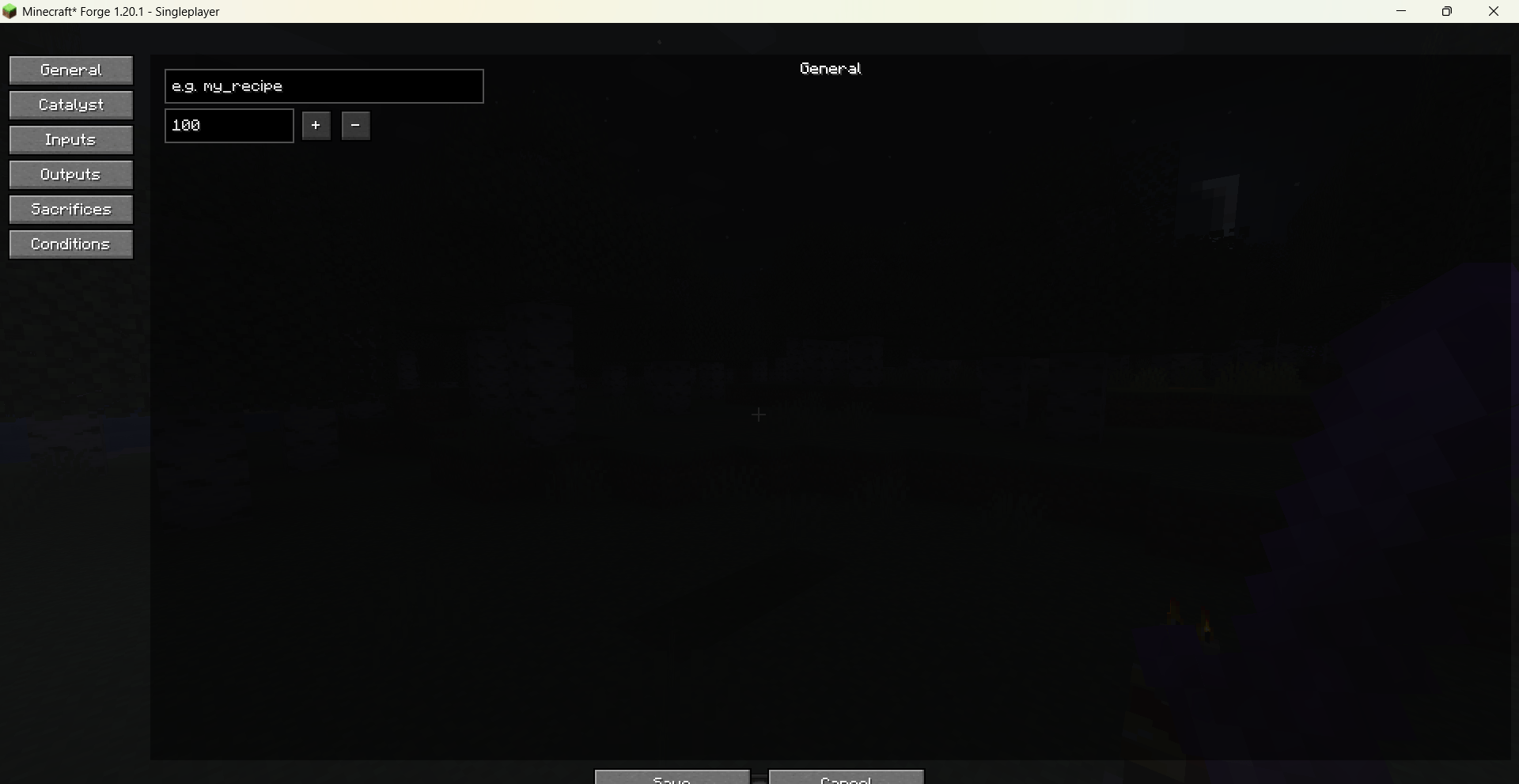
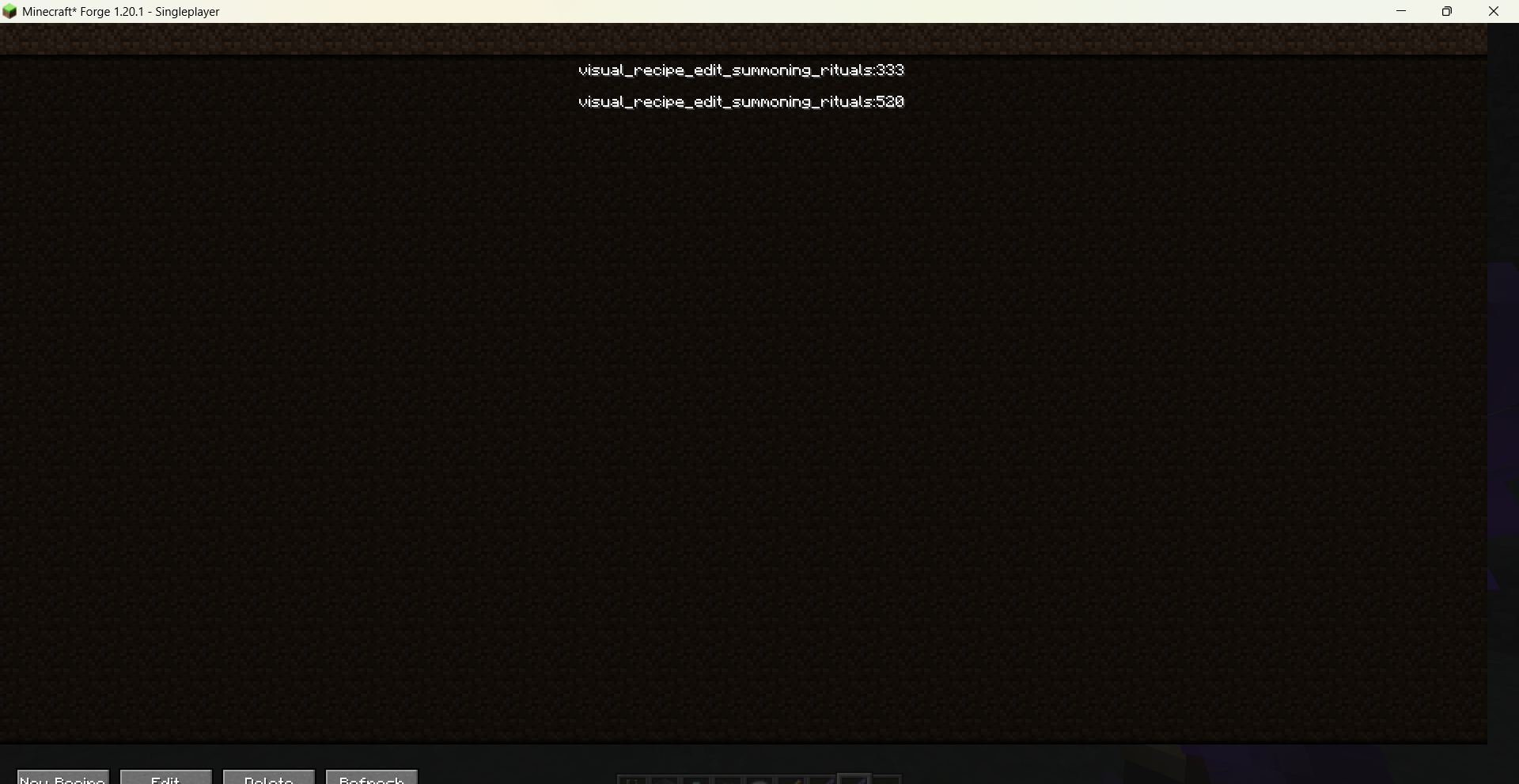
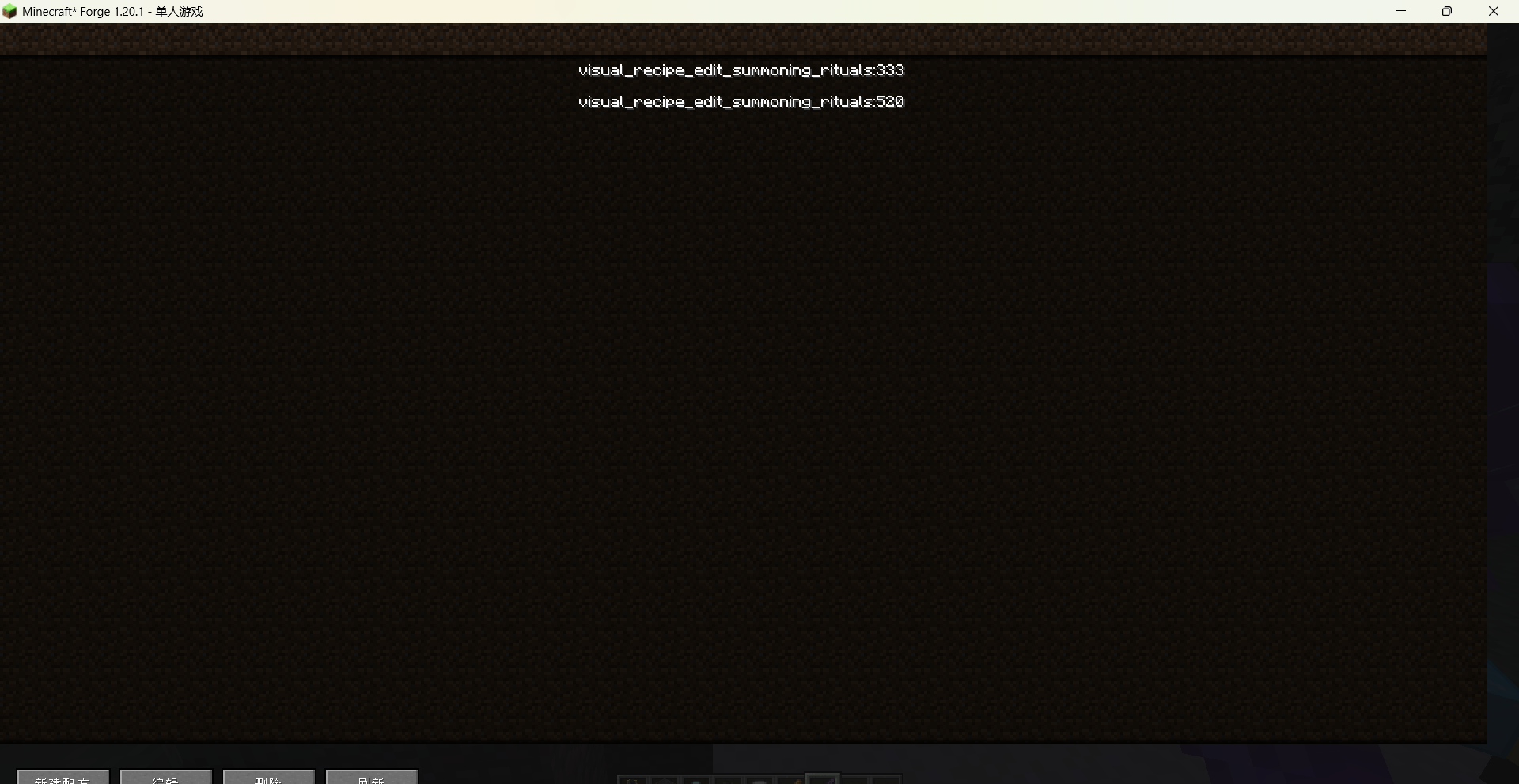
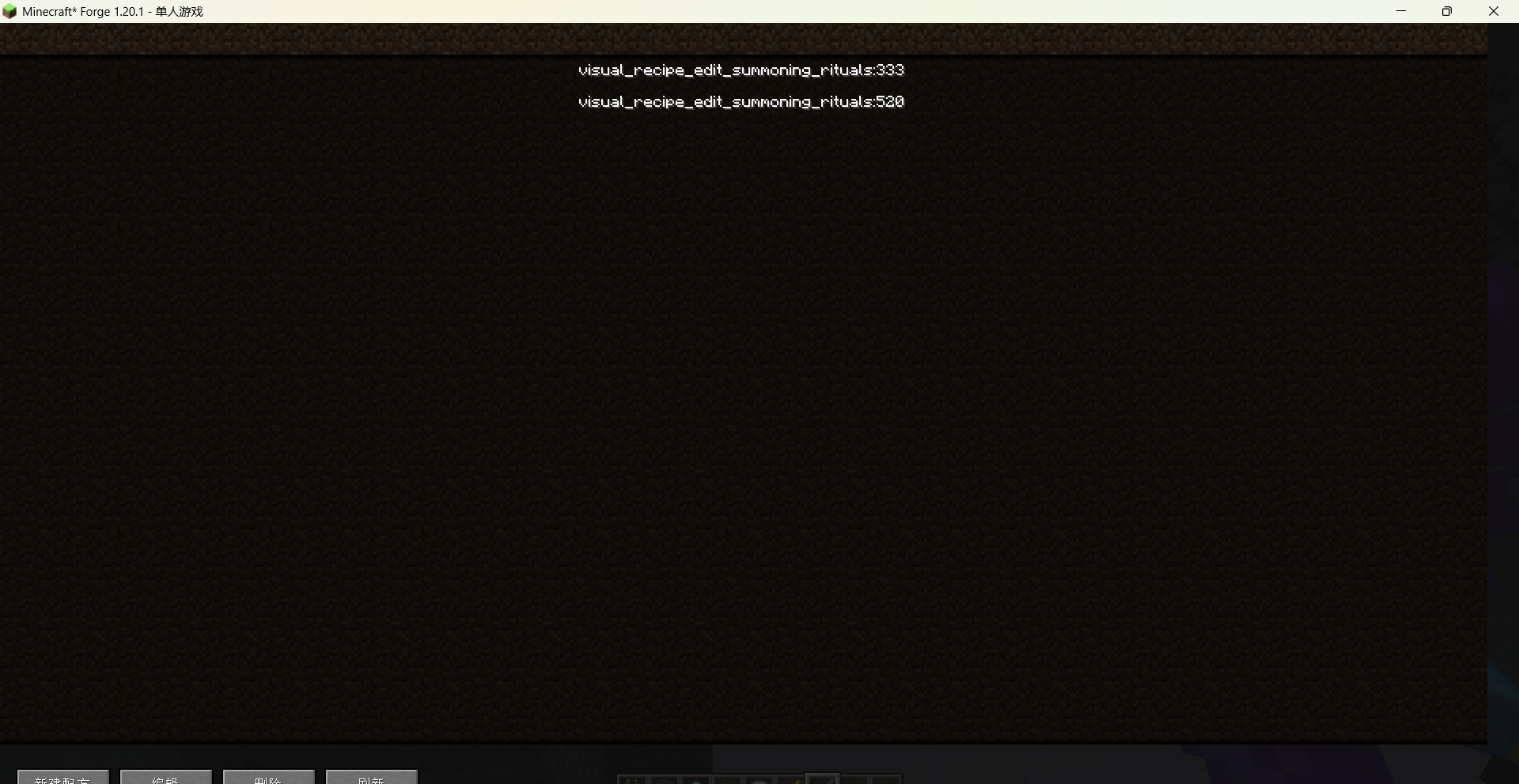
Use the command /vre summoning rituals gui to open the main recipe list interface. From there you can create new recipes, or edit / delete existing custom recipes.
The recipe editor is divided into several tab pages:
-
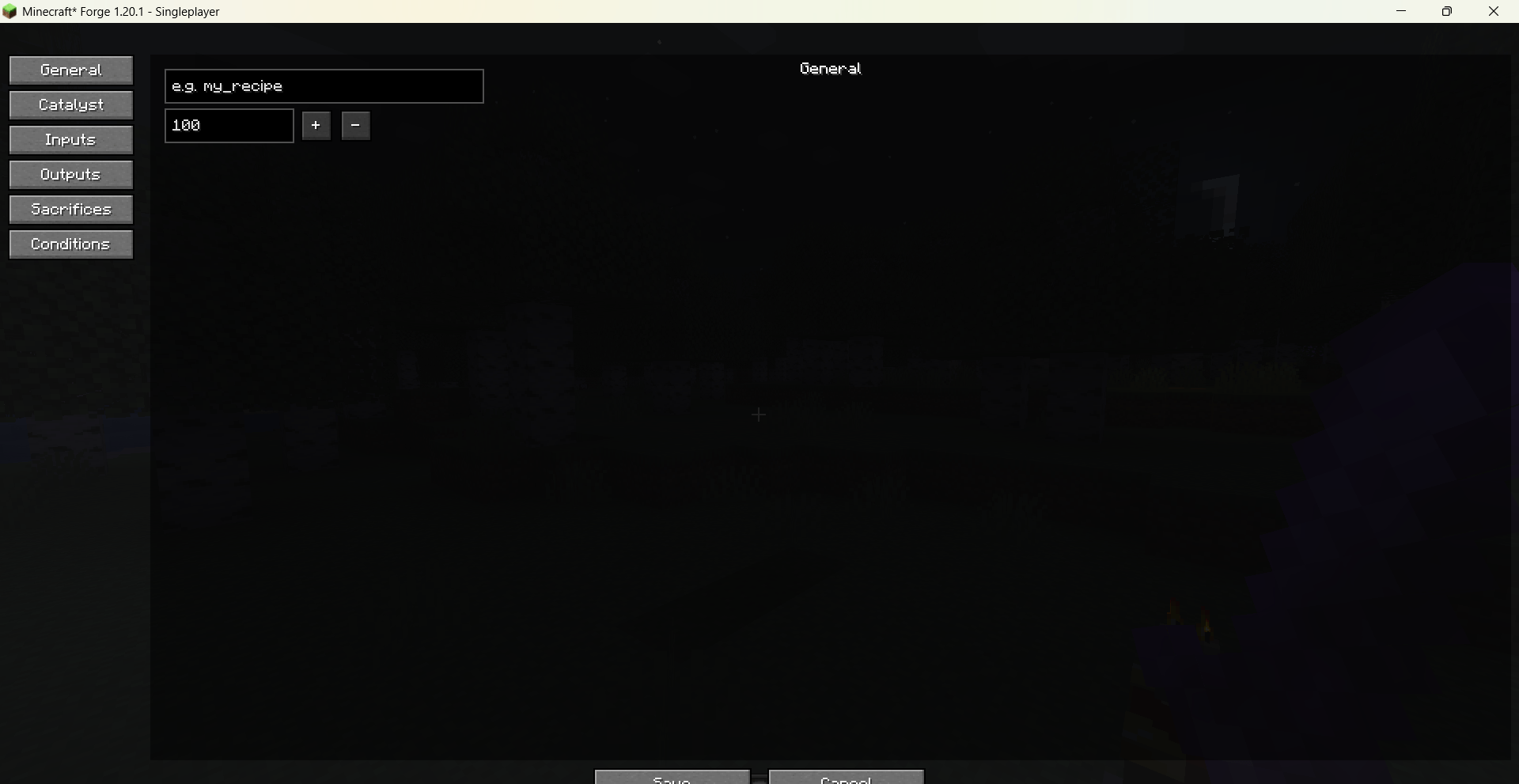
General: set the recipe name and processing time.
-
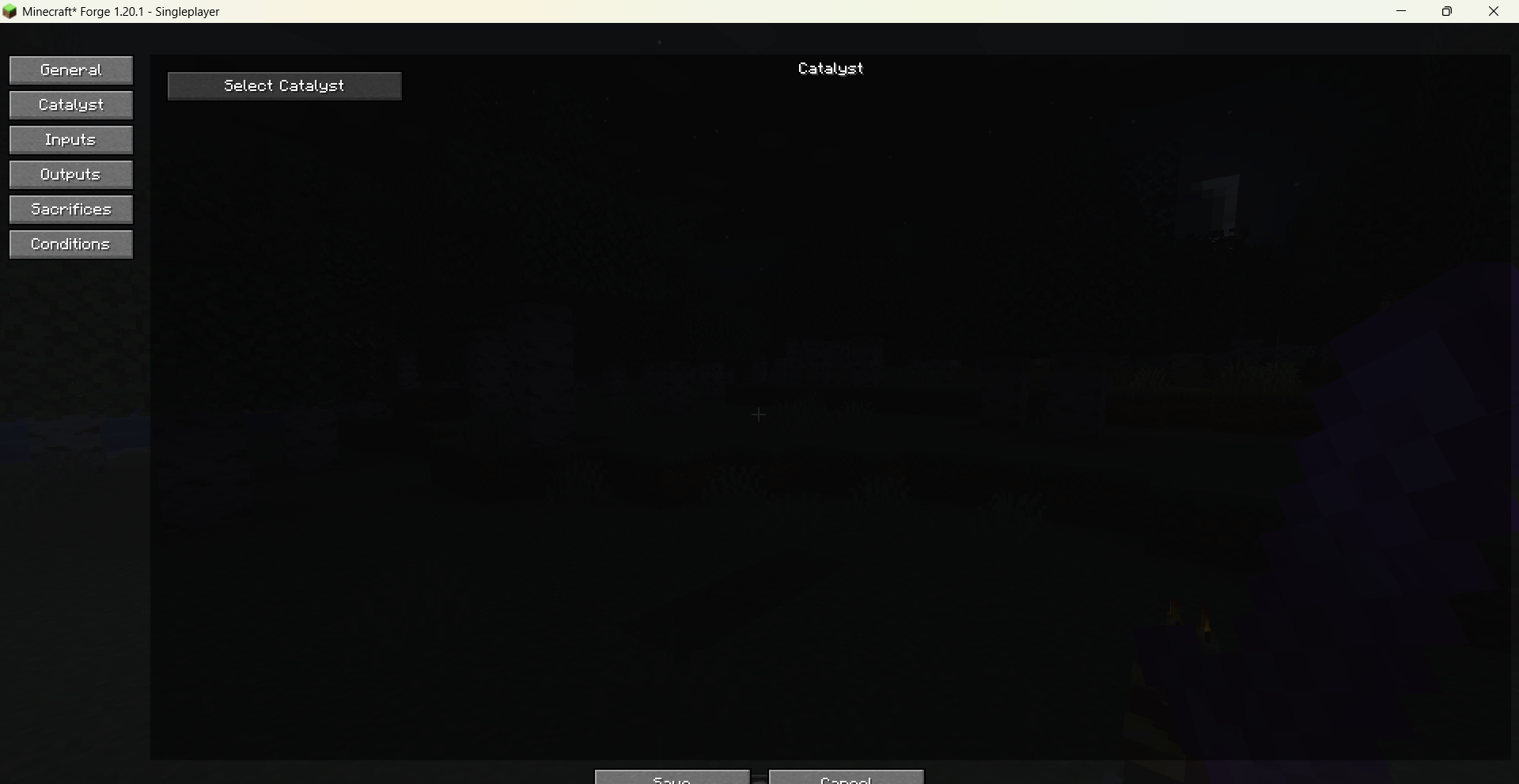
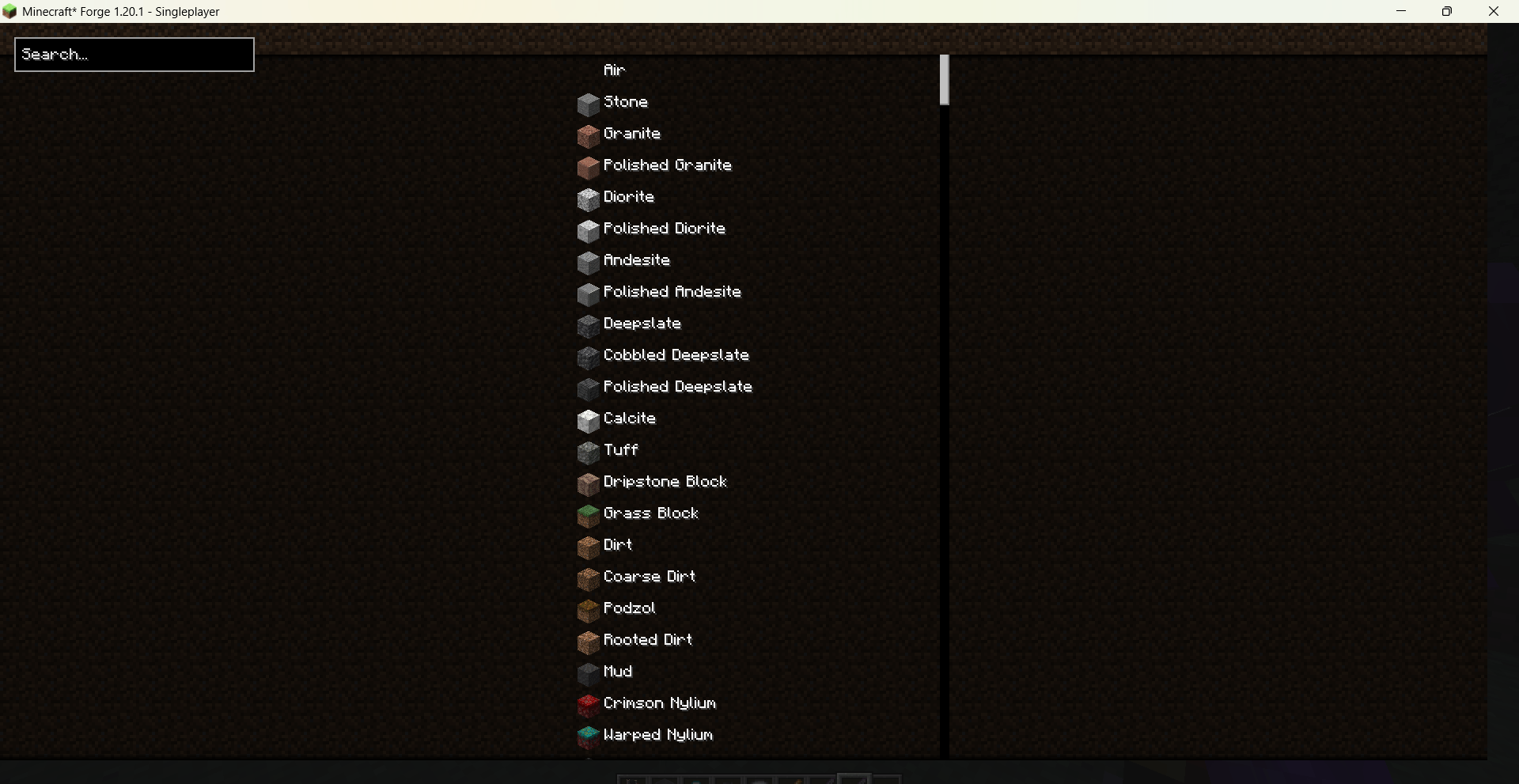
Catalyst: choose the catalyst item using a searchable item picker.
-
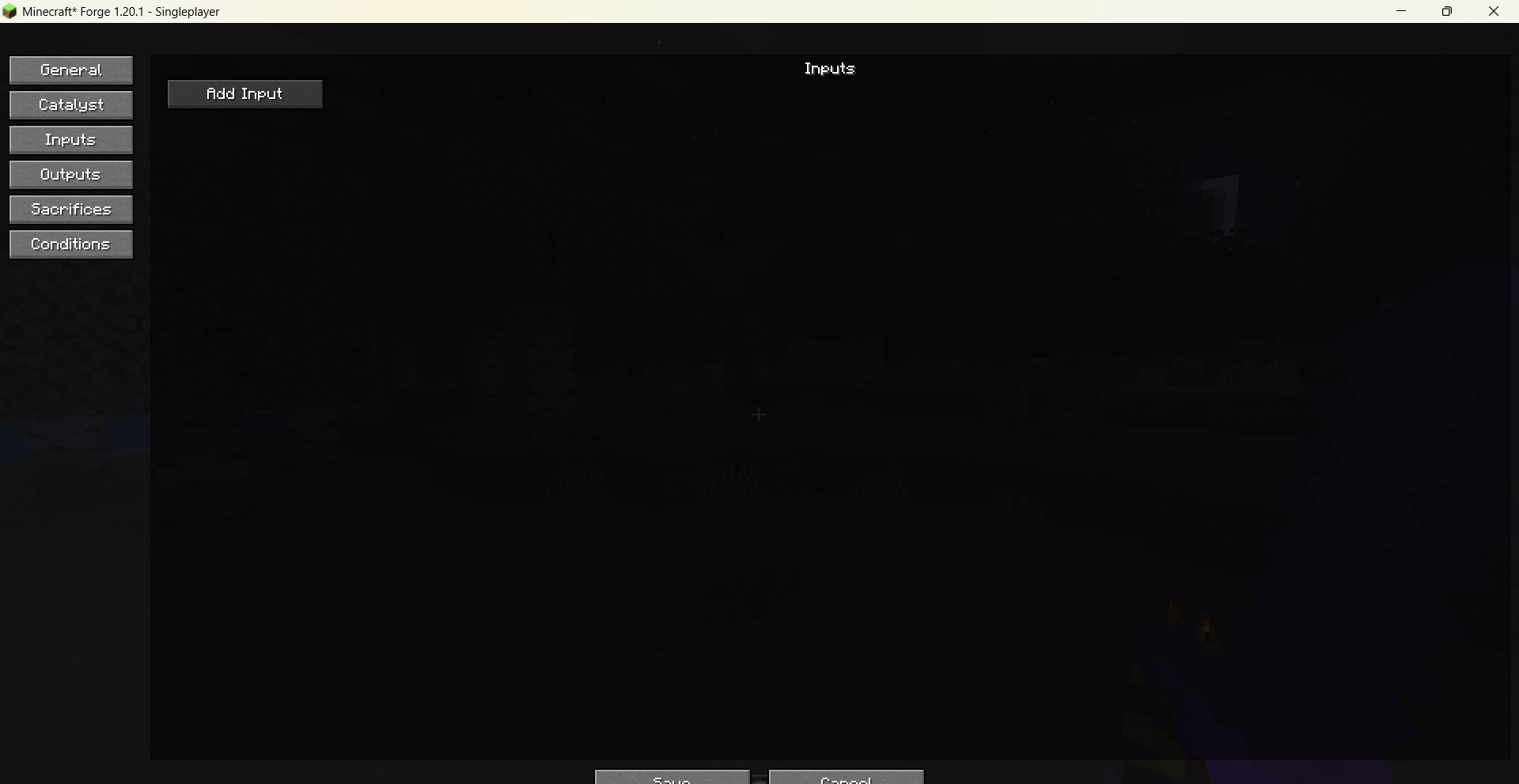
Inputs: add multiple input items with configurable counts; items can be re-selected or removed at any time.
-
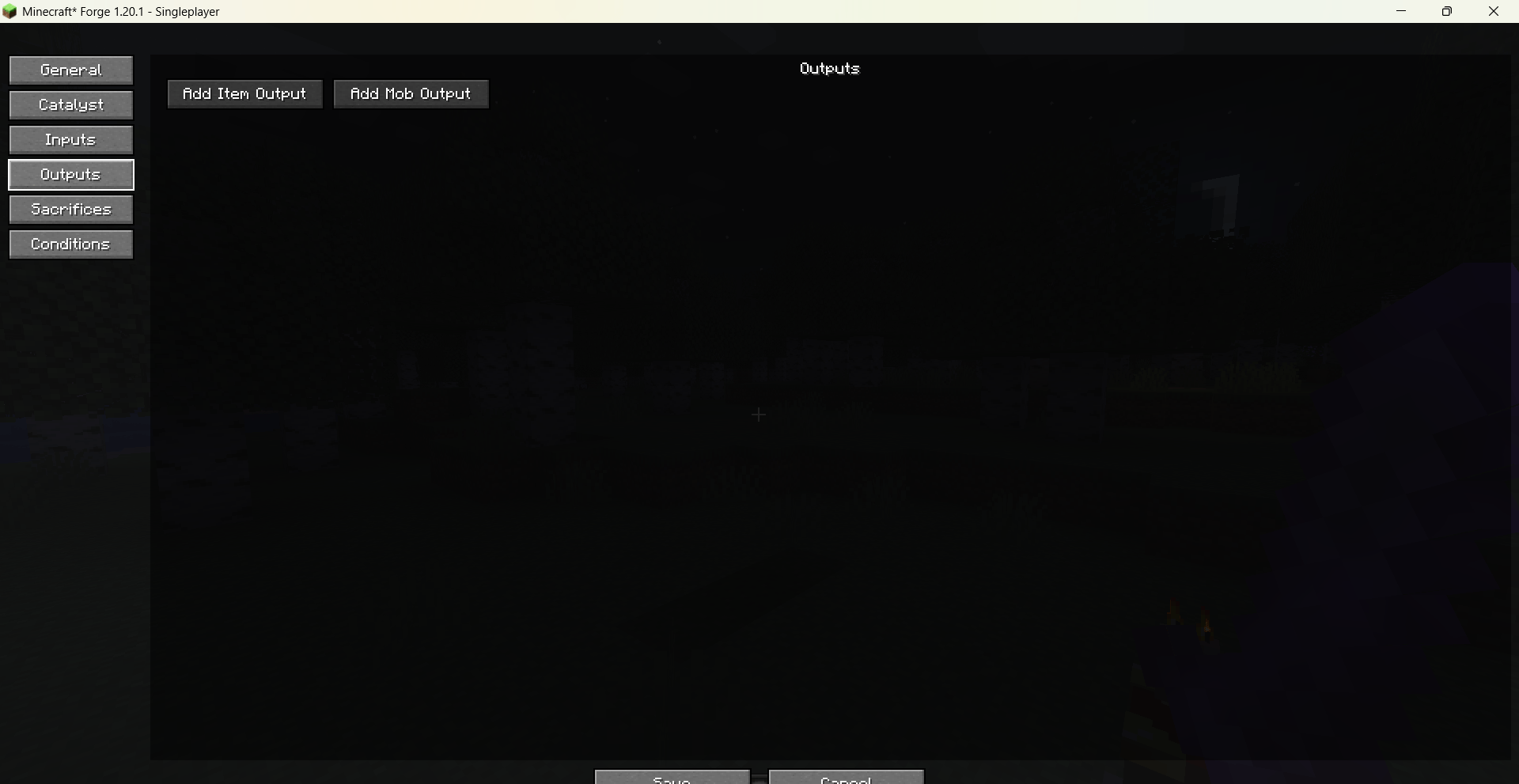
Outputs:
-
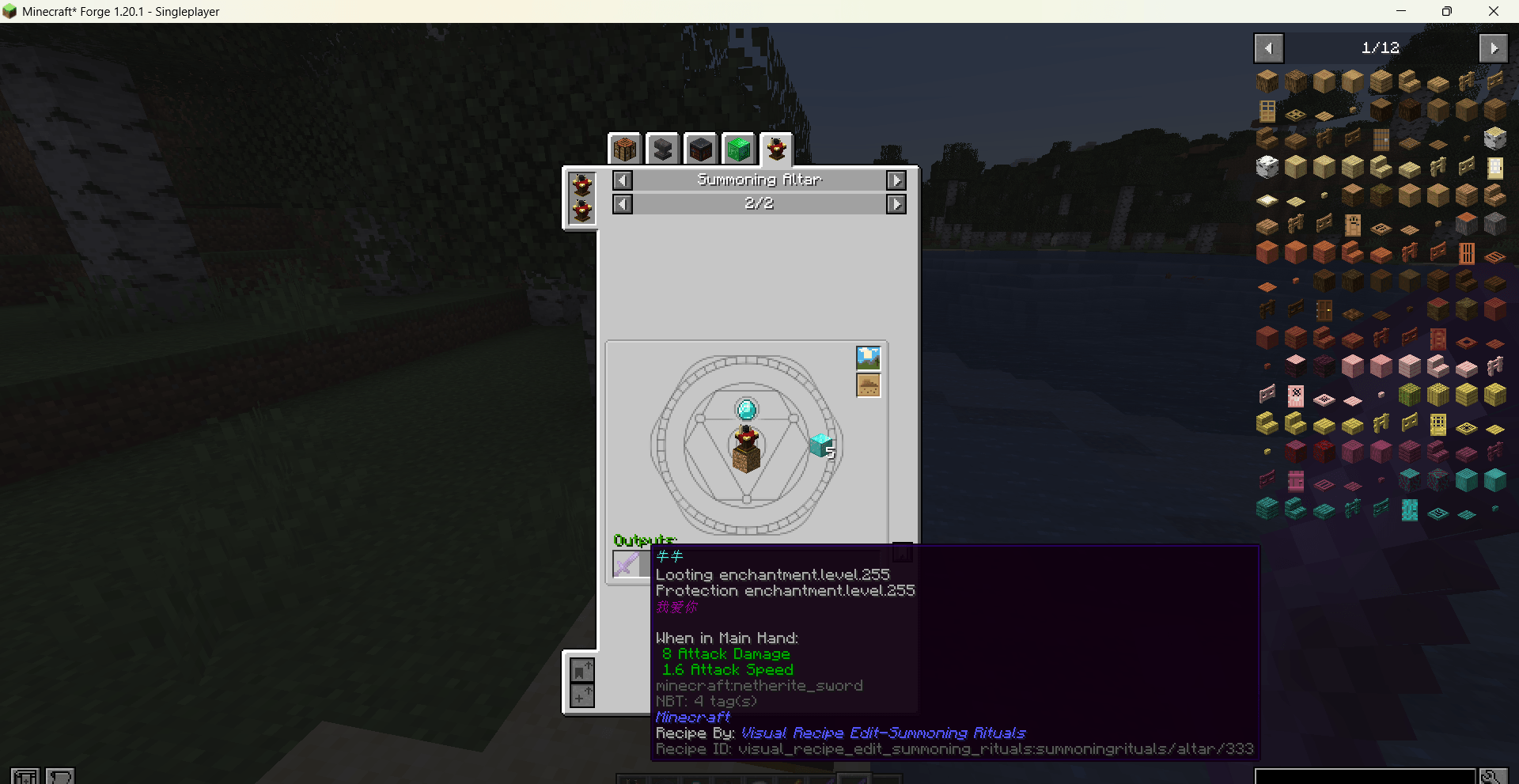
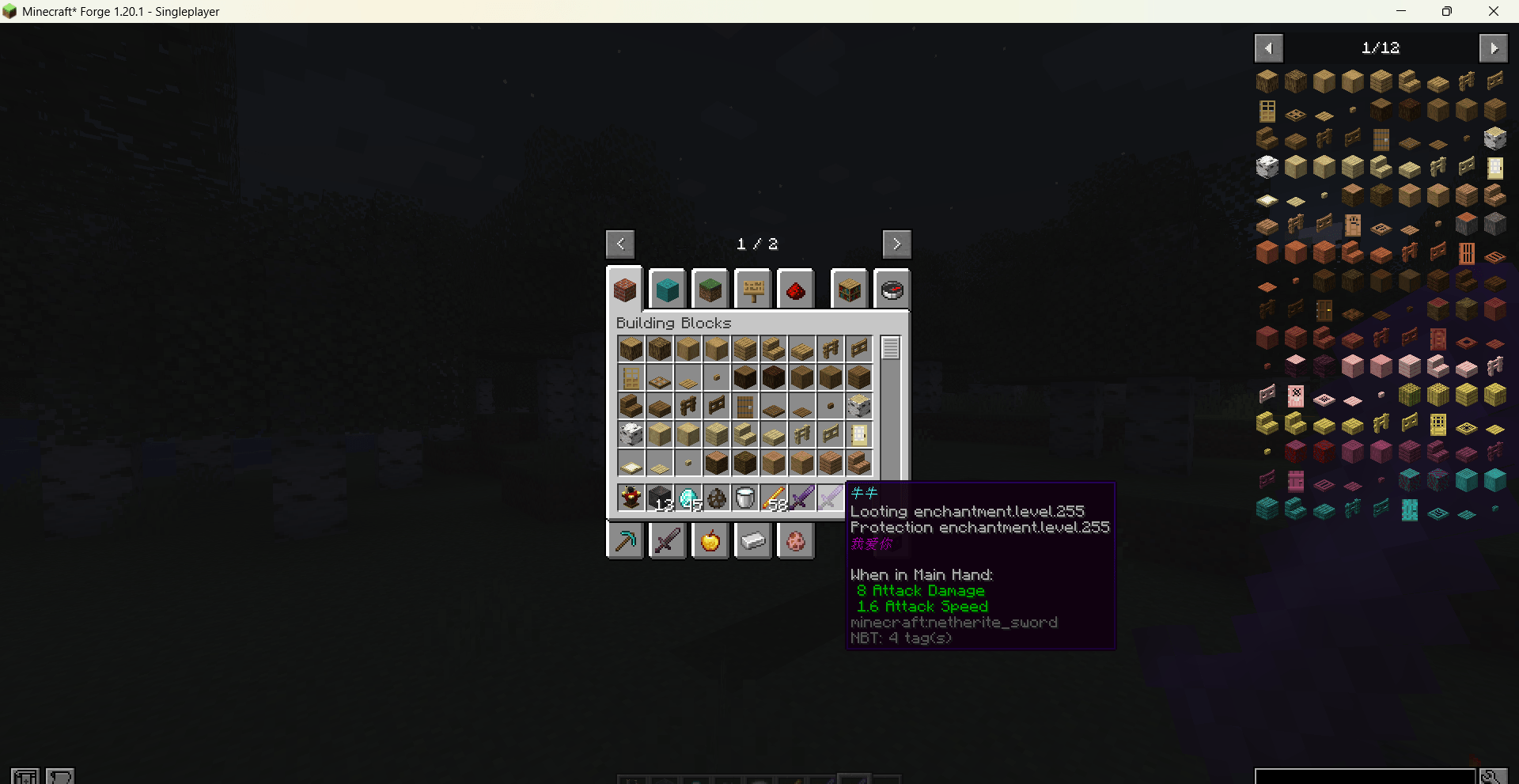
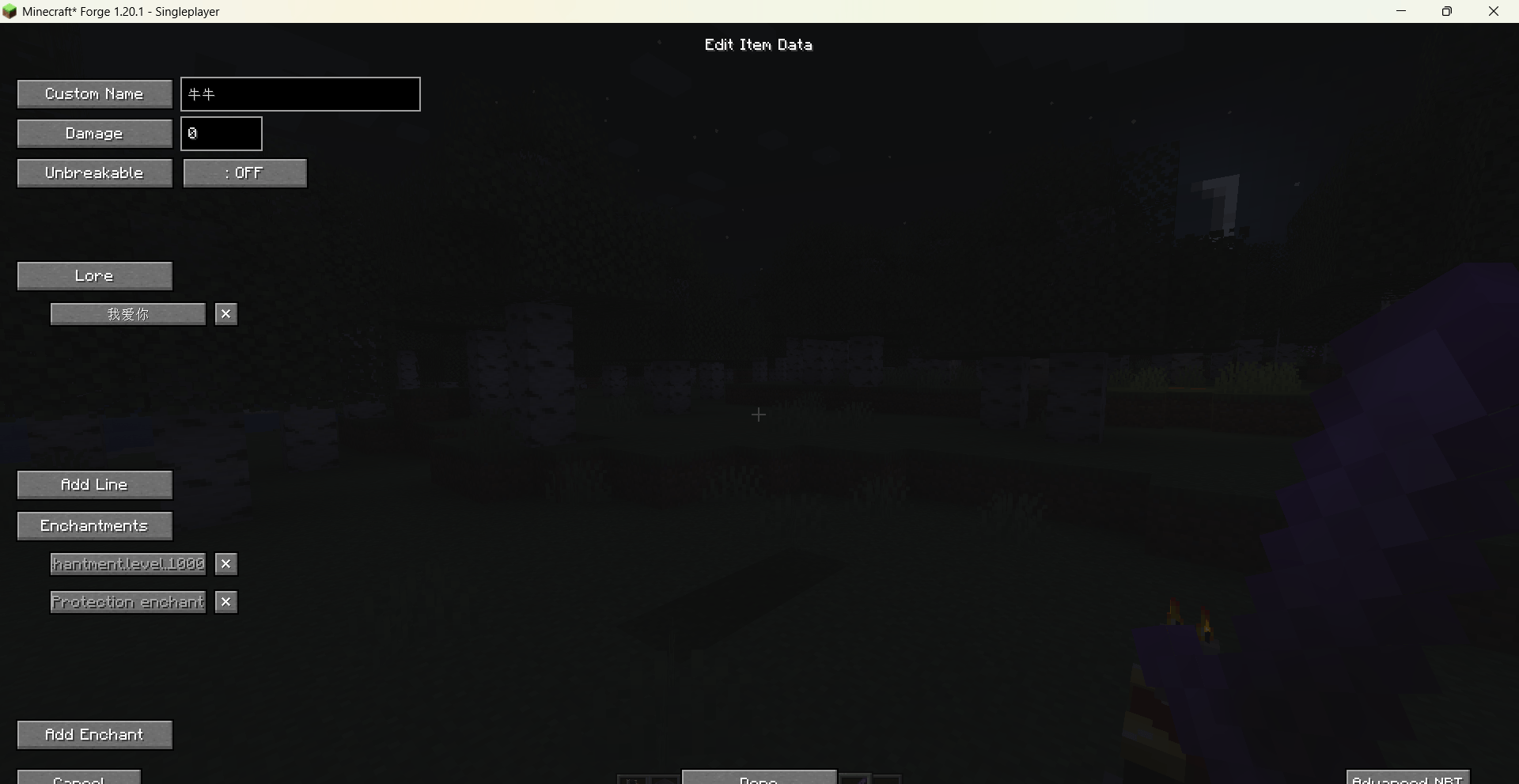
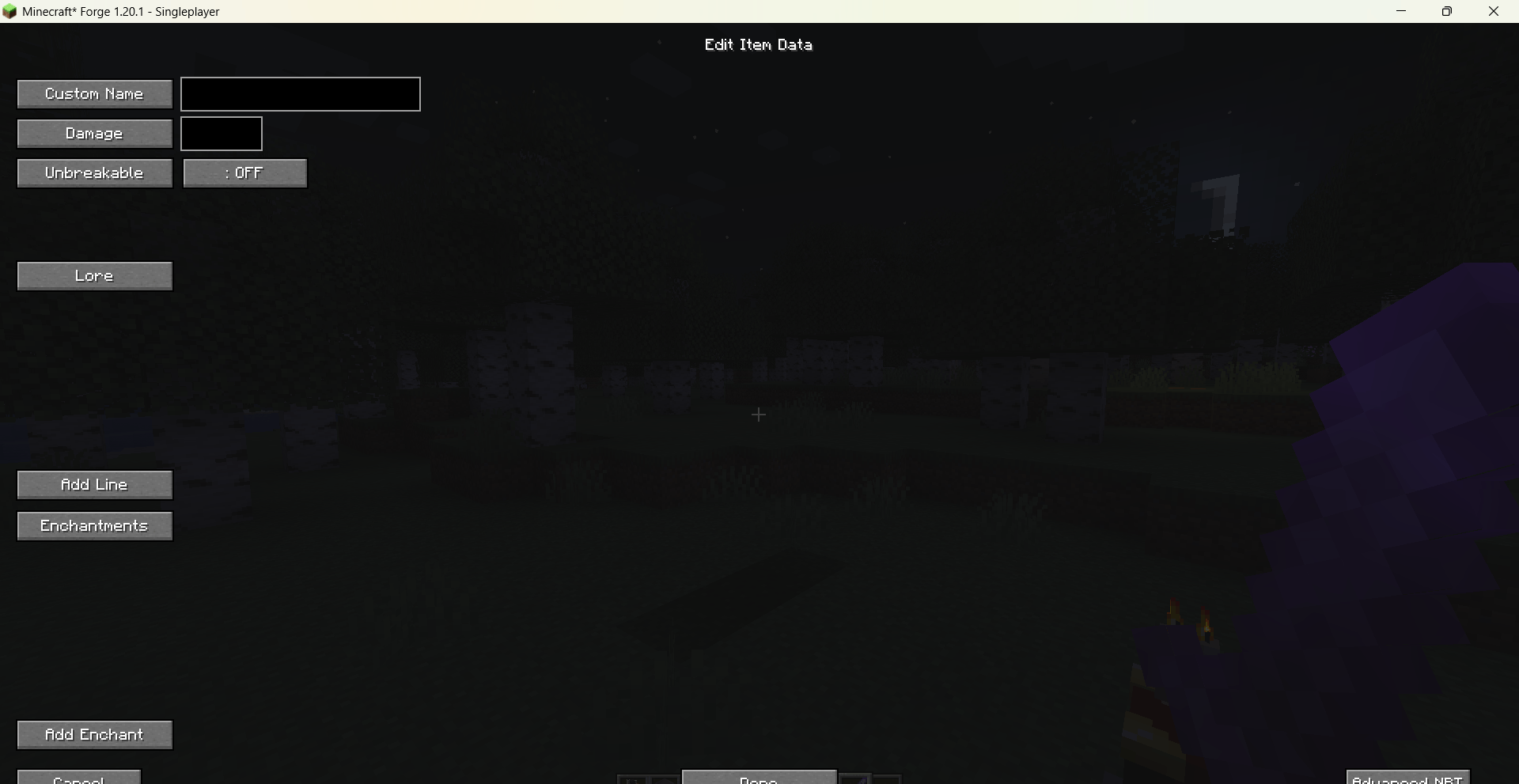
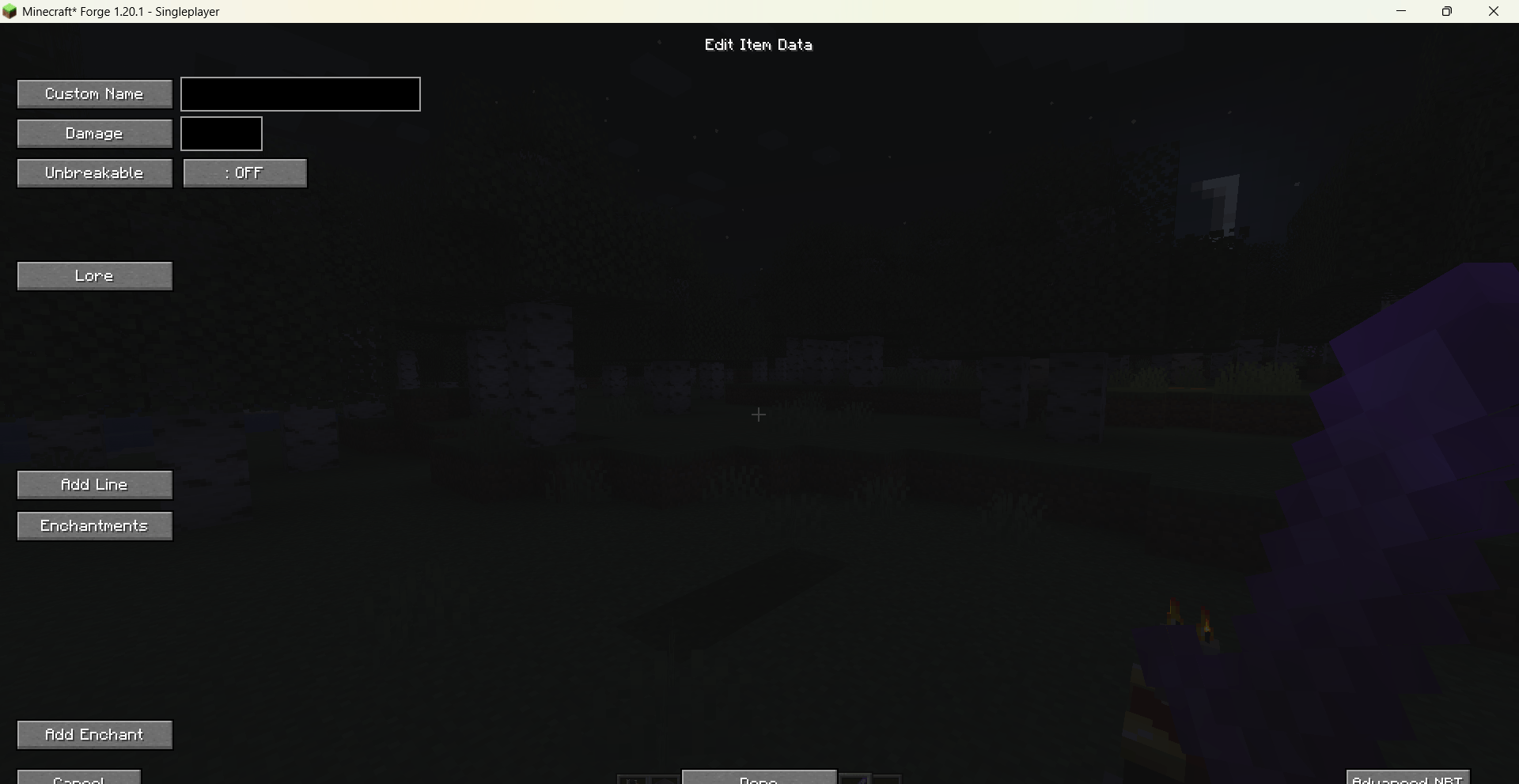
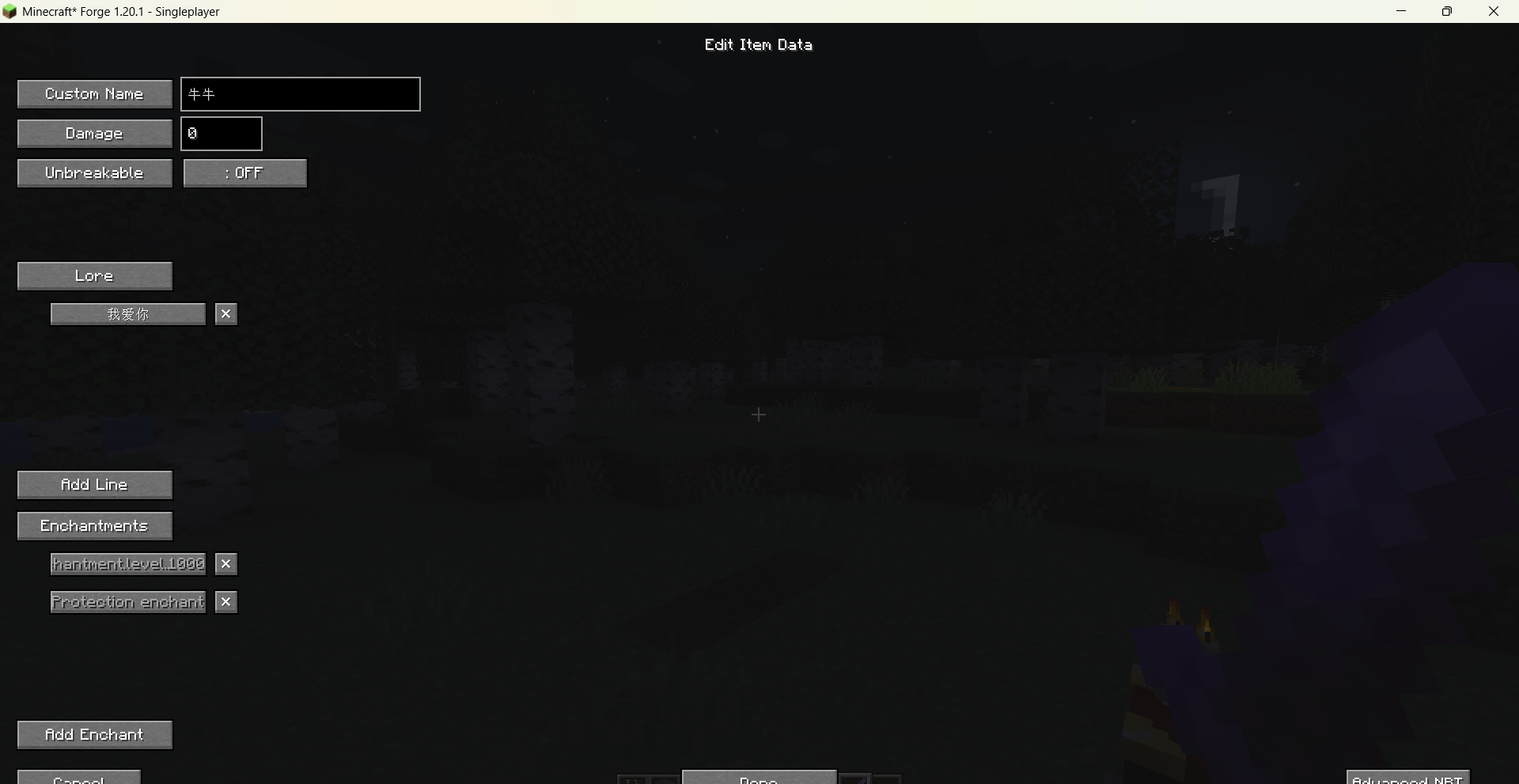
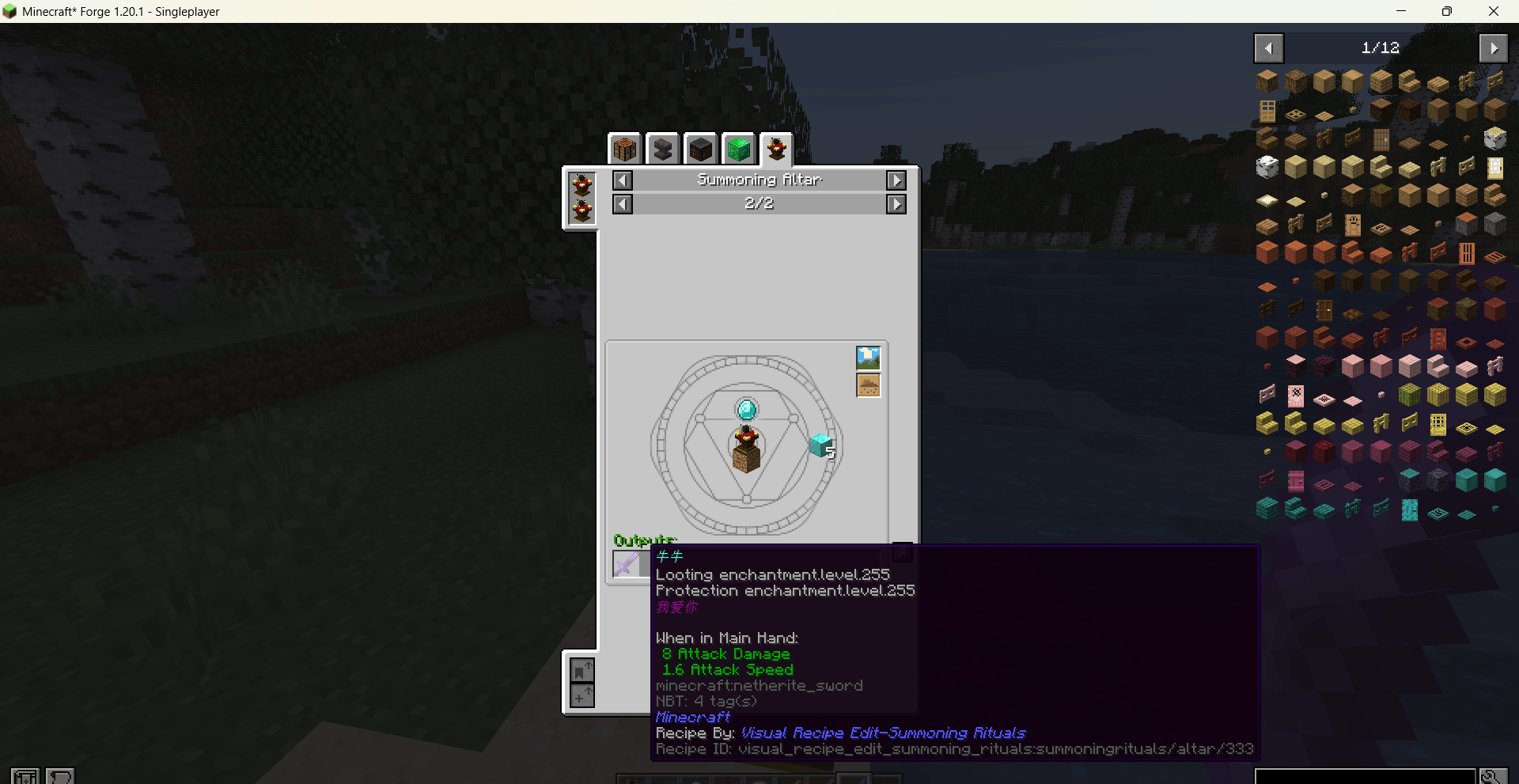
Add item outputs – click an output entry to open the Item Data Editor, where you can set a custom name, Lore text, enchantments, damage value, and unbreakable flag. Enchantments are selected via a visual picker with localised names.
-
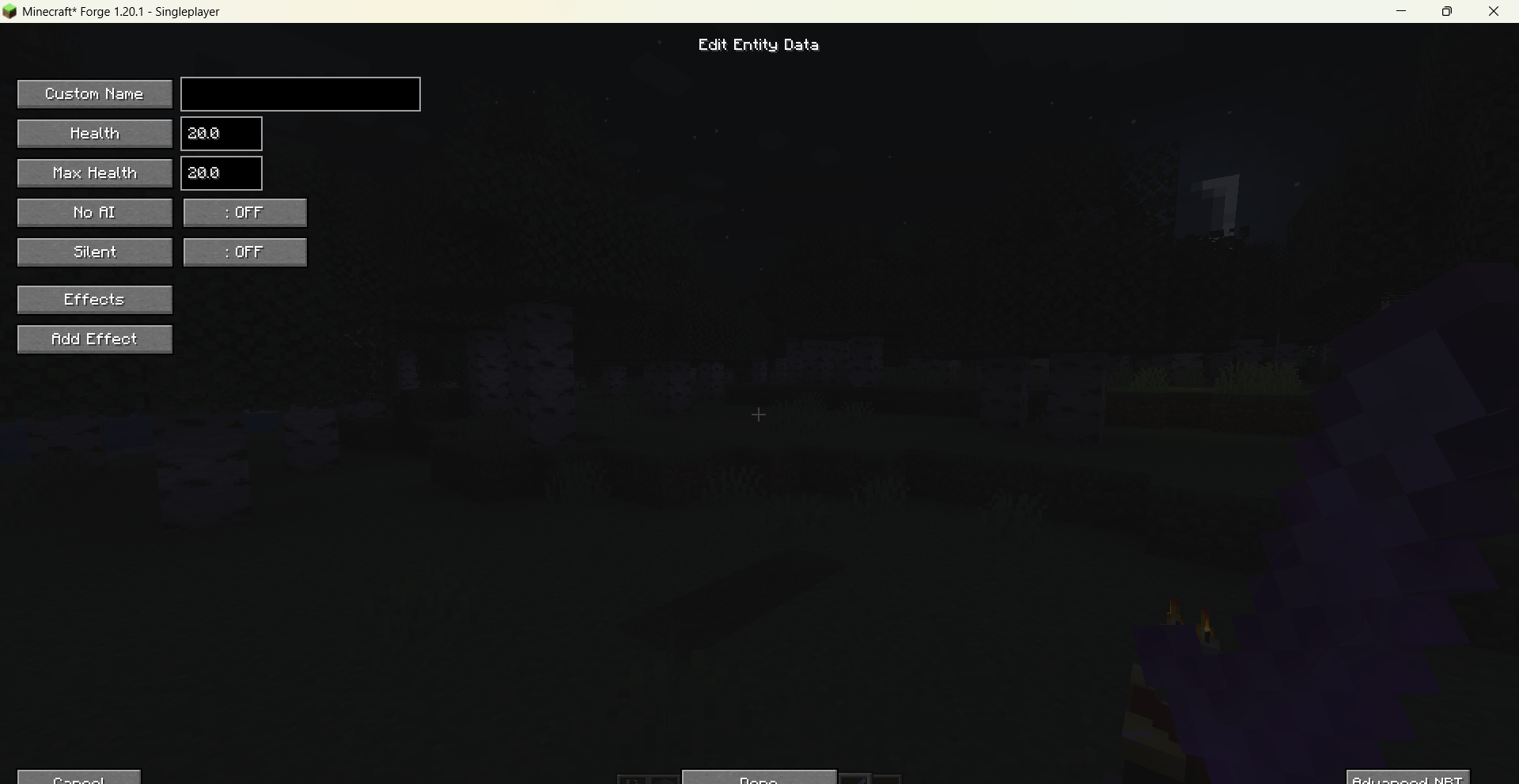
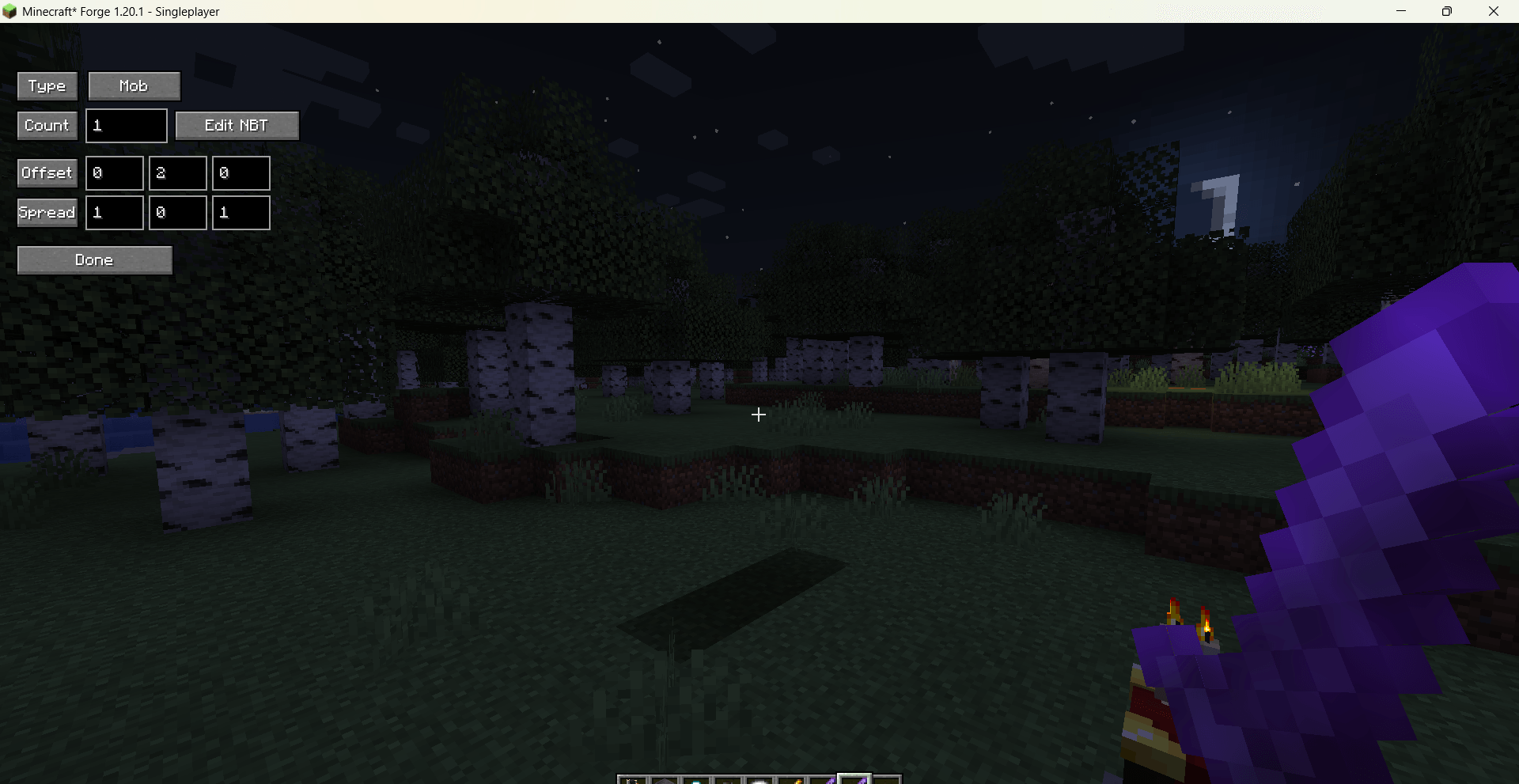
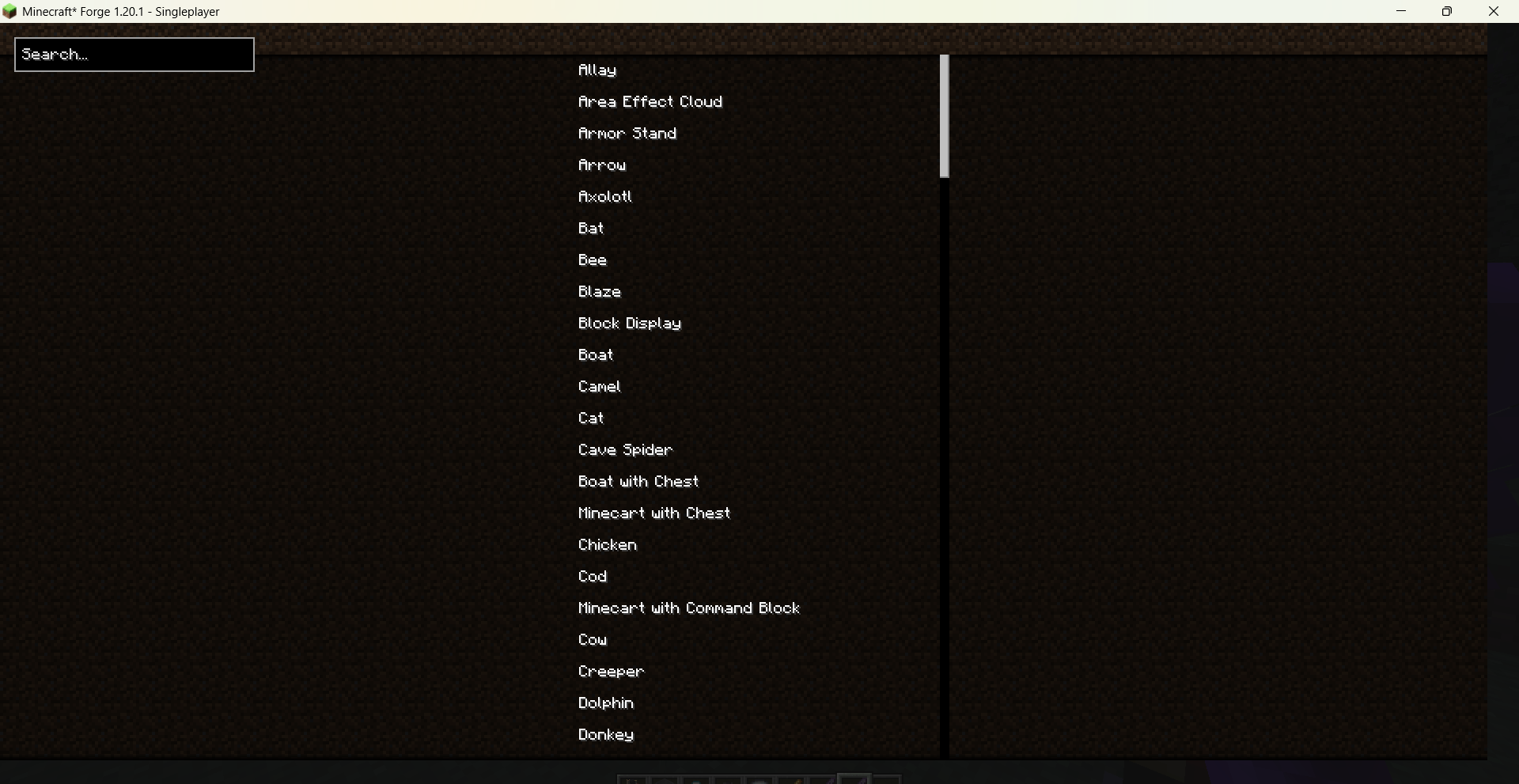
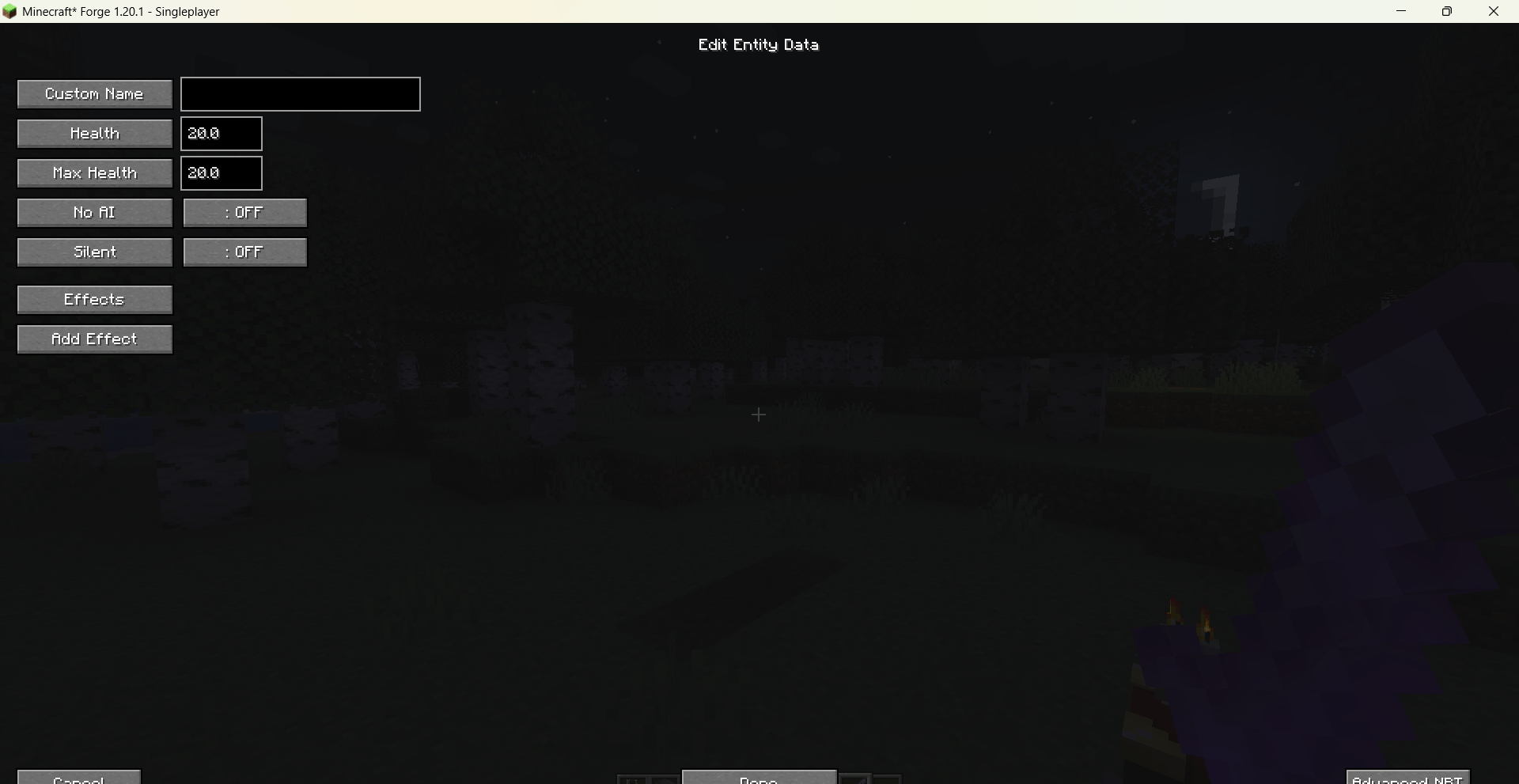
Add mob outputs – click a mob output entry to open the Entity Data Editor, where you can set a custom name, health, max health, NoAI, Silent flags, and apply potion effects with visual selection.
-
Both output types support offset and spread parameters for spawn positioning.
-
-
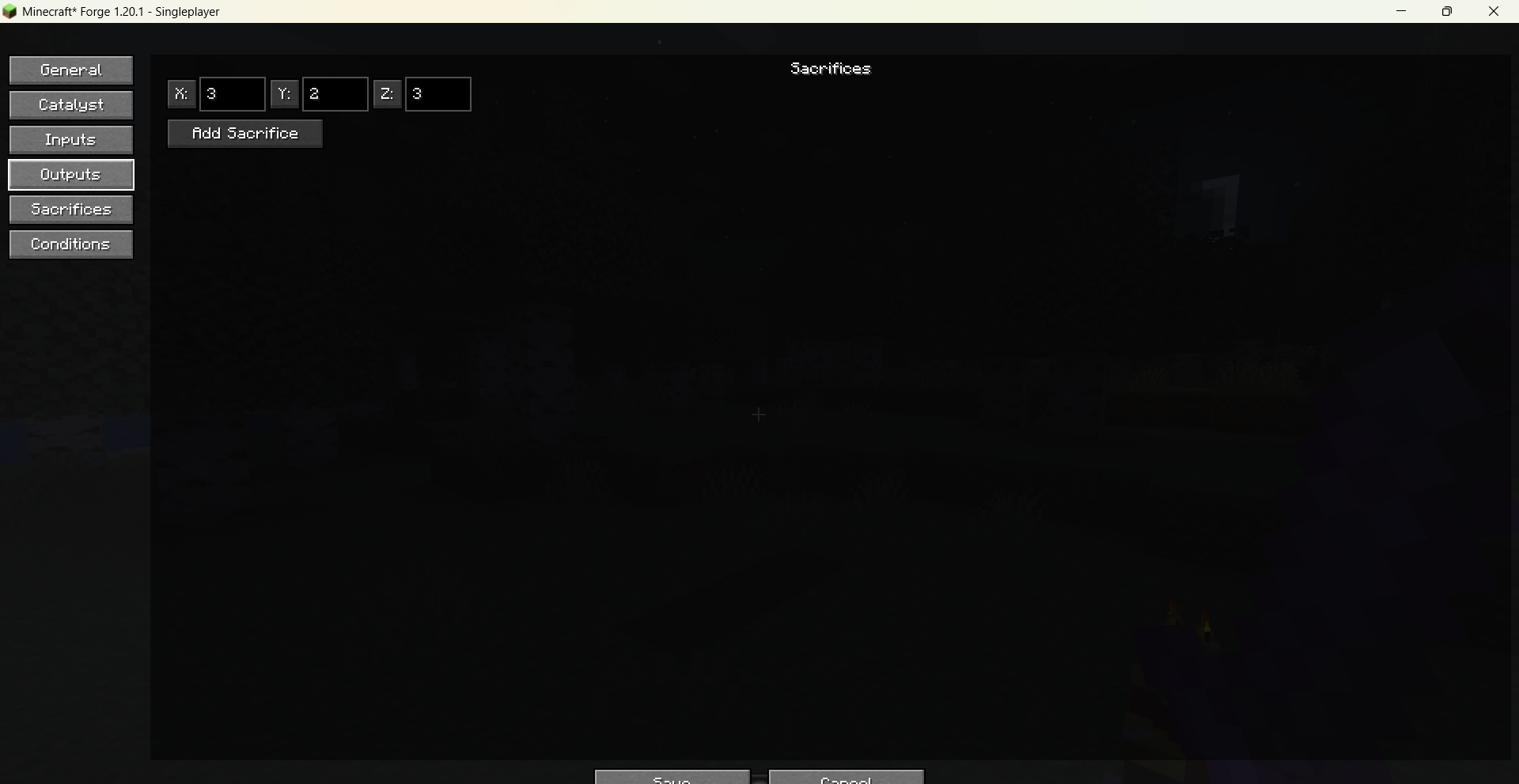
Sacrifices: define required mobs (type + count) and the checking region size.
-
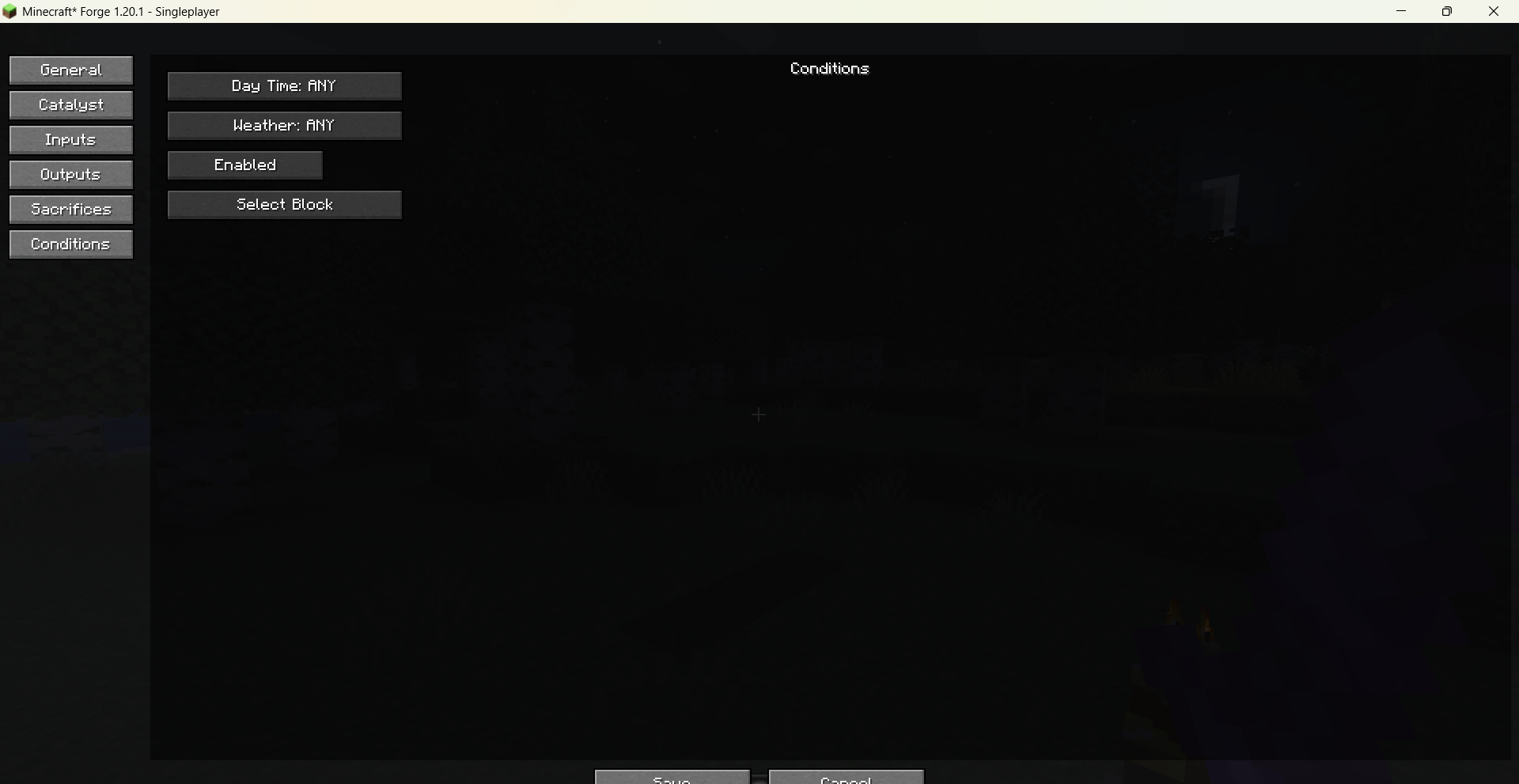
Conditions: configure allowed day time, weather, and an optional block below the altar.
All item, entity, mob effect, and enchantment pickers feature a search bar and display in-game translated names, making it easy to find what you need.
Recipes are saved as a data pack under config/visual_recipe_edit_summoning_rituals/data/<namespace>/recipes/summoningrituals/altar/ and are automatically loaded by the game.
The mod fully supports English and Chinese, with the interface language following the game settings.
Commands
/vre summoning rituals gui – Opens the recipe list screen to create or manage custom recipes.
Note
After adding, modifying, or deleting recipes, you must execute /reload or leave and re-enter the world for the changes to take effect.
Brief Introduction
Visual Recipe Edit-Summoning Rituals is an addon mod for Summoning Rituals. It provides a visual GUI that allows you to create, edit, and delete custom recipes. Modified recipes take effect after executing /reload or re-entering the world.
Details
Use the command /vre summoning rituals gui to open the main recipe list interface. From there you can create new recipes, or edit / delete existing custom recipes. The recipe editor is divided into several tab pages:
General: set the recipe name and processing time.
Catalyst: choose the catalyst item using a searchable item picker.
Inputs: add multiple input items with configurable counts; items can be re-selected or removed at any time.
Outputs:
Add item outputs – click an output entry to open the Item Data Editor, where you can set a custom name, Lore text, enchantments, damage value, and unbreakable flag. Enchantments are selected via a visual picker with localised names.
Add mob outputs – click a mob output entry to open the Entity Data Editor, where you can set a custom name, health, max health, NoAI, Silent flags, and apply potion effects with visual selection.
Both output types support offset and spread parameters for spawn positioning.
Sacrifices: define required mobs (type + count) and the checking region size.
Conditions: configure allowed day time, weather, and an optional block below the altar.
All item, entity, mob effect, and enchantment pickers feature a search bar and display in-game translated names, making it easy to find what you need. Recipes are saved as a data pack under config/visual_recipe_edit_summoning_rituals/data//recipes/summoningrituals/altar/ and are automatically loaded by the game. The mod fully supports English and Chinese, with the interface language following the game settings.
Commands
/vre summoning rituals gui – Opens the recipe list screen to create or manage custom recipes.
Note
After adding, modifying, or deleting recipes, you must execute /reload or leave and re-enter the world for the changes to take effect.
Screenshots
Gallery
-
 Minecraft_ Forge 1.20.1 - å人游æ 2026_6_15 8_08_49.png Minecraft_ Forge 1.20.1 - å人游æ 2026_6_15 8_08_49.png
 -
 Minecraft_ Forge 1.20.1 - å人游æ 2026_6_15 8_08_45.png Minecraft_ Forge 1.20.1 - å人游æ 2026_6_15 8_08_45.png
 -
 Minecraft_ Forge 1.20.1 - å人游æ 2026_6_15 8_08_42.png Minecraft_ Forge 1.20.1 - å人游æ 2026_6_15 8_08_42.png
 -
 Minecraft_ Forge 1.20.1 - å人游æ 2026_6_15 8_08_39.png Minecraft_ Forge 1.20.1 - å人游æ 2026_6_15 8_08_39.png
 -
 Minecraft_ Forge 1.20.1 - å人游æ 2026_6_15 8_08_34.png Minecraft_ Forge 1.20.1 - å人游æ 2026_6_15 8_08_34.png
 -
 Minecraft_ Forge 1.20.1 - å人游æ 2026_6_15 8_08_16.png Minecraft_ Forge 1.20.1 - å人游æ 2026_6_15 8_08_16.png
 -
 Minecraft_ Forge 1.20.1 - å人游æ 2026_6_15 8_06_14.png Minecraft_ Forge 1.20.1 - å人游æ 2026_6_15 8_06_14.png
 -
 Minecraft_ Forge 1.20.1 - Singleplayer 2026_6_15 8_11_50.png Minecraft_ Forge 1.20.1 - Singleplayer 2026_6_15 8_11_50.png
 -
 Minecraft_ Forge 1.20.1 - Singleplayer 2026_6_15 8_10_17.png Minecraft_ Forge 1.20.1 - Singleplayer 2026_6_15 8_10_17.png
 -
 Minecraft_ Forge 1.20.1 - Singleplayer 2026_6_15 8_10_04.png Minecraft_ Forge 1.20.1 - Singleplayer 2026_6_15 8_10_04.png
 -
 Minecraft_ Forge 1.20.1 - Singleplayer 2026_6_15 8_09_48.png Minecraft_ Forge 1.20.1 - Singleplayer 2026_6_15 8_09_48.png
 -
 Minecraft_ Forge 1.20.1 - Singleplayer 2026_6_15 8_09_30.png Minecraft_ Forge 1.20.1 - Singleplayer 2026_6_15 8_09_30.png
 -
 Minecraft_ Forge 1.20.1 - Singleplayer 2026_6_15 8_09_26.png Minecraft_ Forge 1.20.1 - Singleplayer 2026_6_15 8_09_26.png
 -
 Minecraft_ Forge 1.20.1 - Singleplayer 2026_6_15 8_09_18.png Minecraft_ Forge 1.20.1 - Singleplayer 2026_6_15 8_09_18.png
 -
 Minecraft_ Forge 1.20.1 - Singleplayer 2026_6_15 8_09_10.png Minecraft_ Forge 1.20.1 - Singleplayer 2026_6_15 8_09_10.png
 -
 Minecraft_ Forge 1.20.1 - Singleplayer 2026_6_15 8_08_58.png Minecraft_ Forge 1.20.1 - Singleplayer 2026_6_15 8_08_58.png
Versions
Files
Relations
Project Relations
More like this
Similar Mods
Suggestions use data such as tags, dependencies, dependents, descriptions, titles, and more to rank how much they overlap with this mod.
On ModDex
Community snapshot
By the numbers
Statistics
Want to reach Minecraft players?
We're looking for a server hosting partner to feature here and other parts of the site. Interested? Send us a message!
Get in touchGet it on
Available Platforms
On ModDex
Community snapshot
By the numbers
Statistics
Resources