
Community listing page, reviews here may not be monitored by the author.
VoxelFX


No reviews yet
Animate client-side block & item display entities with keyframes, easing functions, and much more!
Community voices
Reviews
No reviews yet. Be the first to review this project!
Get it on
Available Platforms
Compatibility
Supported Environments
Runs entirely on the client. Works on vanilla servers.
About
Project Details
For authors
Embed Badge
If you're the author of this project, you can embed a live badge anywhere that supports HTML or Markdown. It updates automatically whenever ratings change.
Use HTML for any page that supports it, or Markdown for README files and Markdown-based descriptions.
Identifiers
Platform IDs
About
Description
VoxelFX
Animate client-side block & item display entities with keyframes, easing functions, and much more!
Make cool VFX like this
Features
Animated Block & Item Displays
Animate block and item displays separately or together.
Keyframes & Easings
Use keyframes with easings to make super smooth animations for any movement you want. Reference easings.net to visualize easings, or test them out in game.
Overlays
Tint any block (including weird shapes like lecterns) any color. Intensity controls how opaque the tint is, and overlays support keyframes just like every other property.
Does not support items.
Animation Queueing & Inheritance
Queue animations to play one after another, or override the current animation immediately. Animations can inherit properties from whichever animation played before them to reduce boilerplate.
Looping & Callbacks
Loop animations a fixed number of times or infinitely. Hook into callbacks to trigger logic at any point in an animation's lifecycle.
Per-Frame Modifiers
Apply custom per-frame modifiers on top of the keyframed values, for effects like wobble, sway, or pulsing that aren't easily expressed as keyframes alone.
Note: These should be scaled by the context's interpolatedTicks so everything stays consistent with any framerate.
Entity Binding
Bind animations to follow entities with an optional offset. Can operate in either global or local space.
Showcased in the Nova Bomb video.
Builder API
A fluent builder that lets you construct animations declaratively, chaining translation, scale, rotation, overlay, and block/item channels with minimal boilerplate.
Limitations
NeoForge 26.1.2+
This mod is client-only, meaning all effects will have to be triggered with your own code. For instance, sending a packet from server -> client, telling the client to play that animation.
Animations are designed to be purely visual - do not try to alter the game state using them.
Also, due to the clent-only nature of the mod, display entities do not natively support being saved to the world/persisting animations. You'd have to write your own system for that.
General Use:
VoxelFX has some commands that can be run with /voxelfx. Most notably, the demo command can be used to run built-in demo animations. Also important - the clear command will clear out the entity cache, removing all VFX entities in case anything breaks.
You can also pause, resume, stop, or set the play speed of all VFX entities. This is not a global state - it applies only to the entities that exist when the command is run.
Documentation
See the GitHub wiki.
VoxelFX
Animate client-side block & item display entities with keyframes, easing functions, and much more!
Make cool VFX like this:
Features
Animated Block & Item Displays
Animate block and item displays separately or together.
View Demo
Keyframes & Easings
Use keyframes with easings to make super smooth animations for any movement you want. Reference easings.net to visualize easings, or test them out in game.
View Demo
Overlays
Tint any block (including weird shapes like lecterns) any color. Intensity controls how opaque the tint is, and overlays support keyframes just like every other property.
Does not support items.
View Demo
Animation Queueing & Inheritance
Queue animations to play one after another, or override the current animation immediately. Animations can inherit properties from whichever animation played before them to reduce boilerplate.
View Demo
Looping & Callbacks
Loop animations a fixed number of times or infinitely. Hook into callbacks to trigger logic at any point in an animation's lifecycle.
View Demo
Per-Frame Modifiers
Apply custom per-frame modifiers on top of the keyframed values, for effects like wobble, sway, or pulsing that aren't easily expressed as keyframes alone.
Note: These should be scaled by the context's interpolatedTicks so everything stays consistent with any framerate.
View Demo
Entity Binding
Bind animations to follow entities with an optional offset. Can operate in either global or local space.
Showcased in above Nova Bomb video.
Builder API
A fluent builder that lets you construct animations declaratively, chaining translation, scale, rotation, overlay, and block/item channels with minimal boilerplate.
Limitations
NeoForge 26.1.2+
This mod is client-only, meaning all effects will have to be triggered with your own code. For instance, sending a packet from server -> client, telling the client to play that animation.
Animations are designed to be purely visual - do not try to alter the game state using them.
Also, due to the clent-only nature of the mod, display entities do not natively support being saved to the world/persisting animations. You'd have to write your own system for that.
General Use:
VoxelFX has some commands that can be run with /voxelfx. Most notably, the demo command can be used to run built-in demo animations.
Also important - the clear command will clear out the entity cache, removing all VFX entities in case anything breaks.
You can also pause, resume, stop, or set the play speed of all VFX entities.
This is not a global state - it applies only to the entities that exist when the command is run.
Documentation
See the GitHub wiki.
Screenshots
Gallery
-
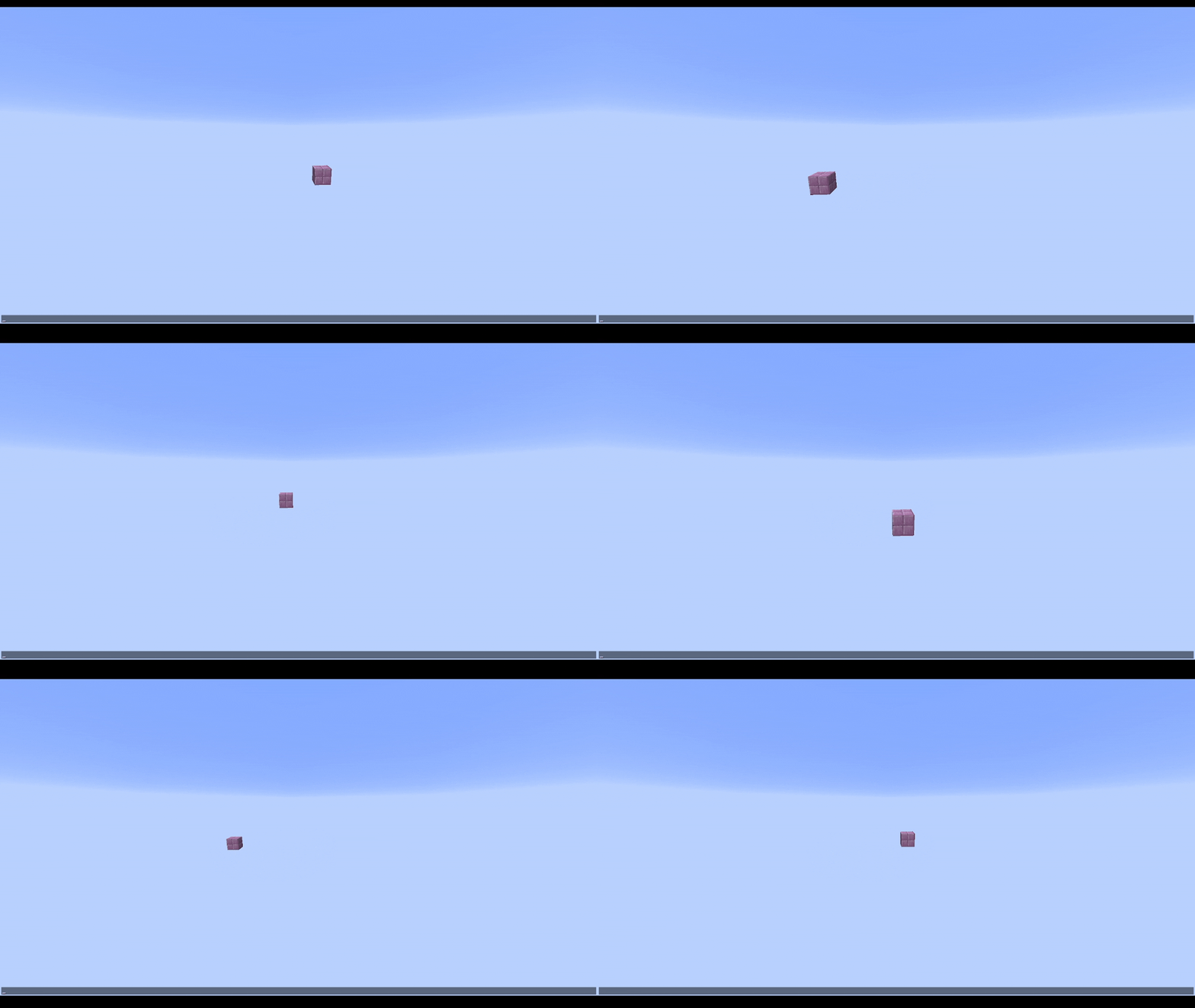 Per-Frame Modifiers
 -
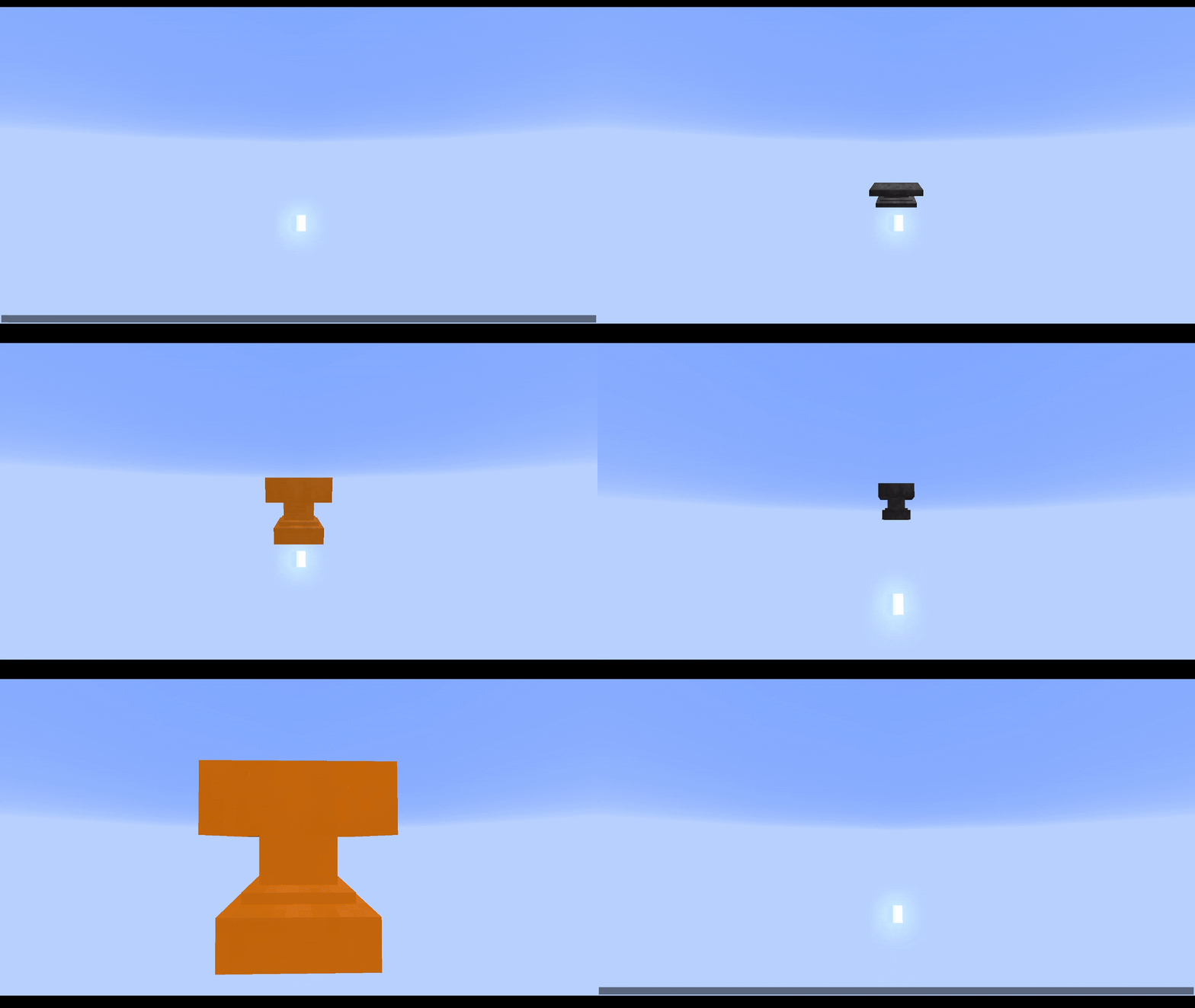 Queue & Inheritance
 -
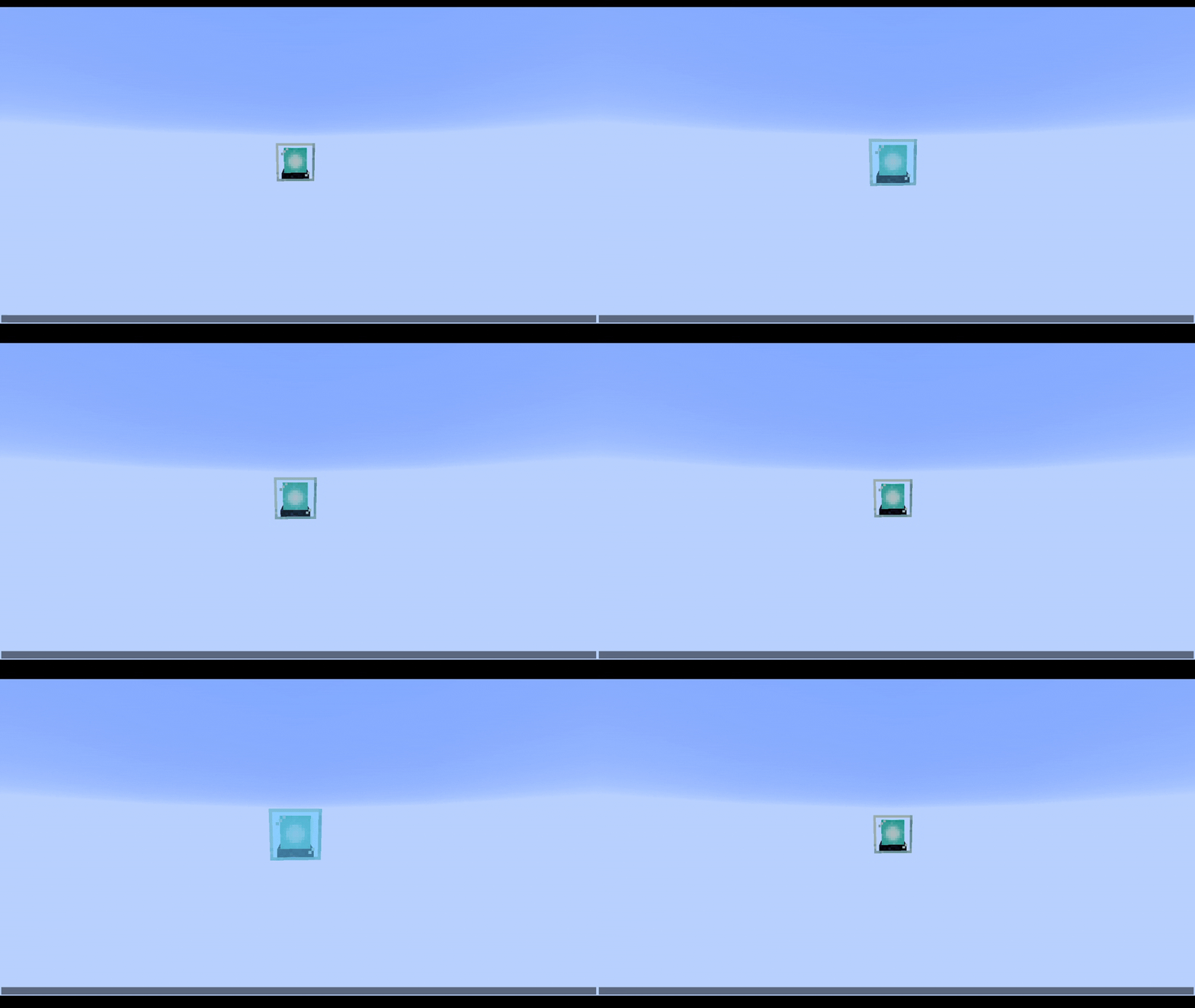 Loops & Callbacks
 -
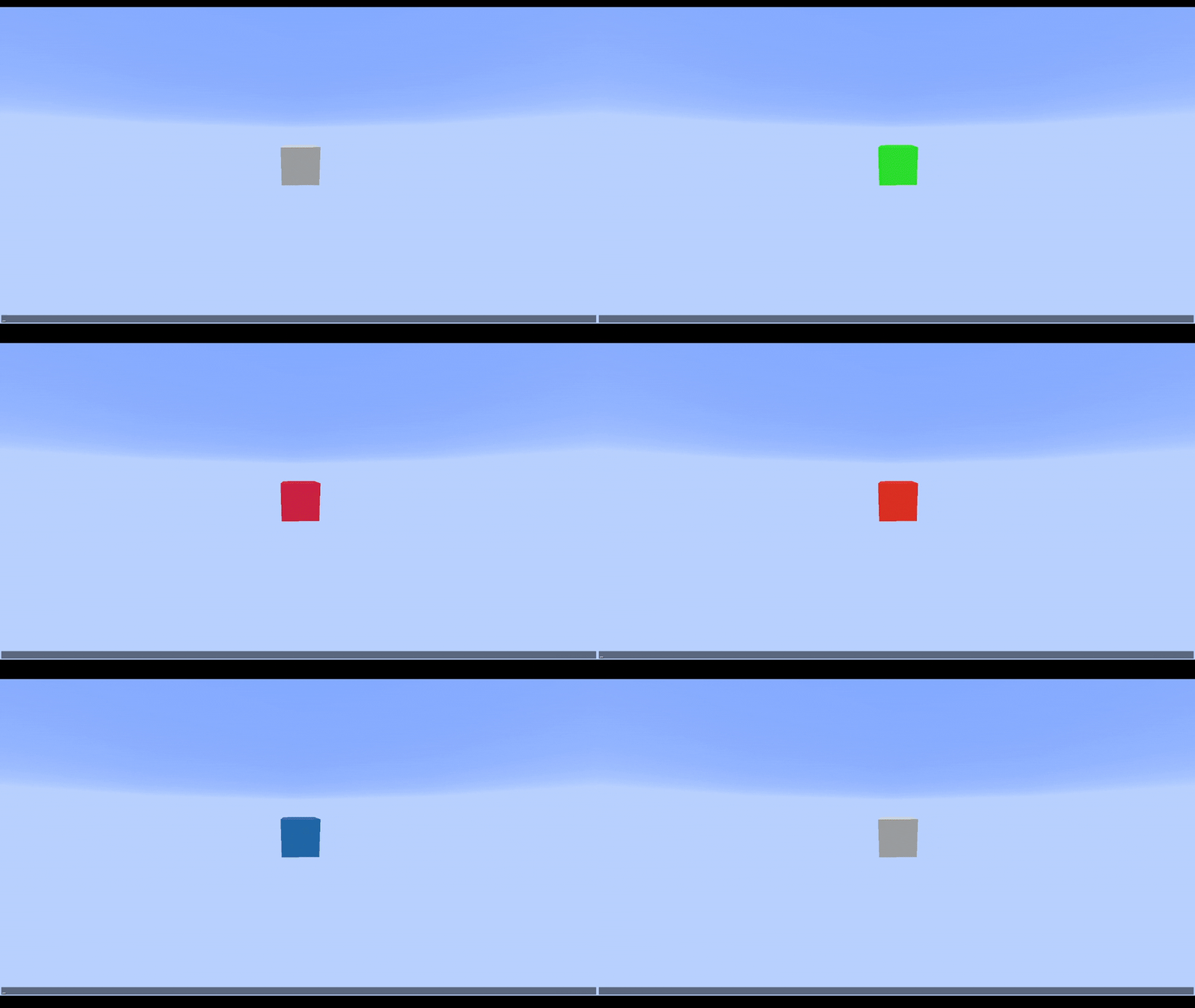 Overlay
 -
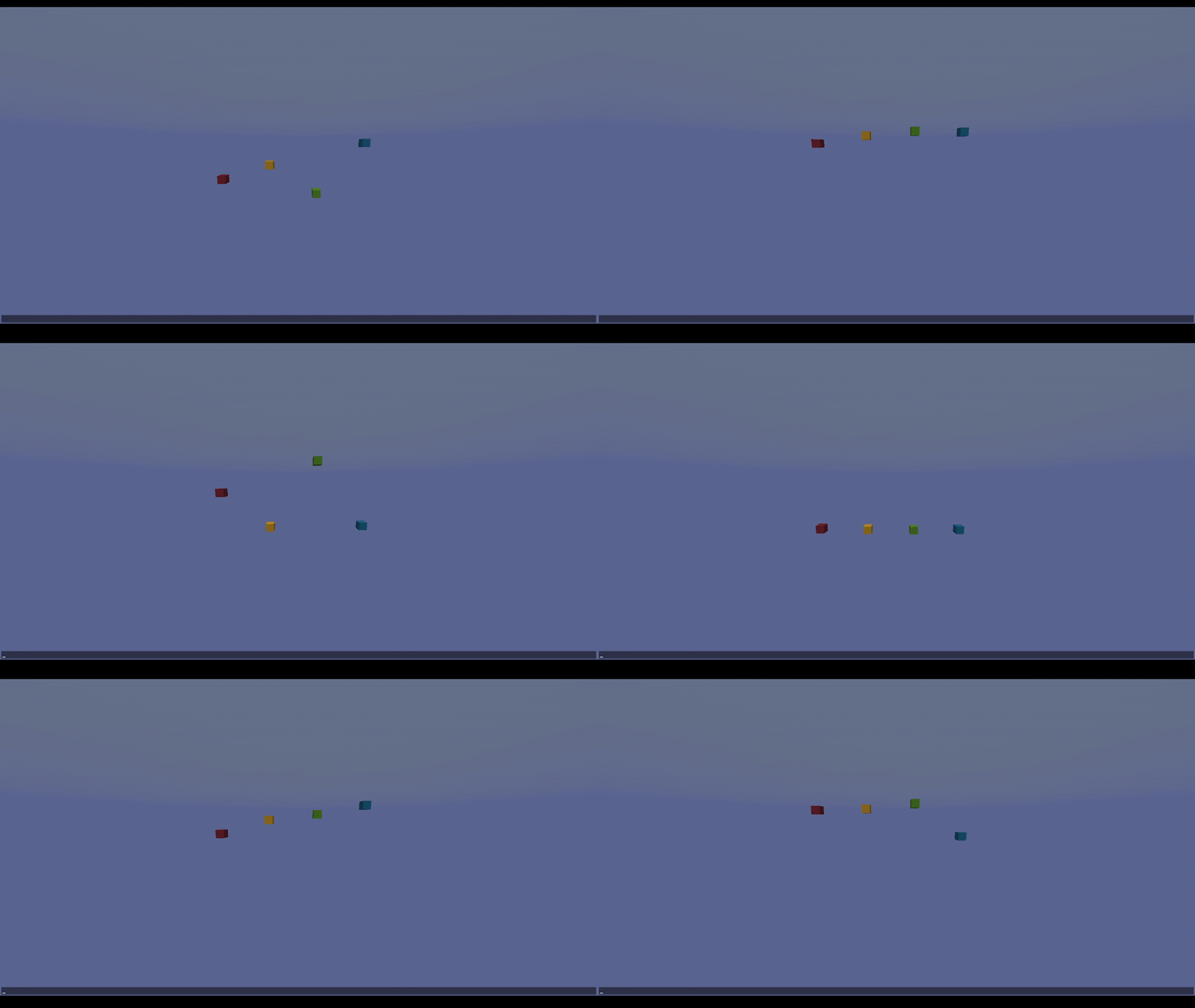 Keyframes & Easings
 -
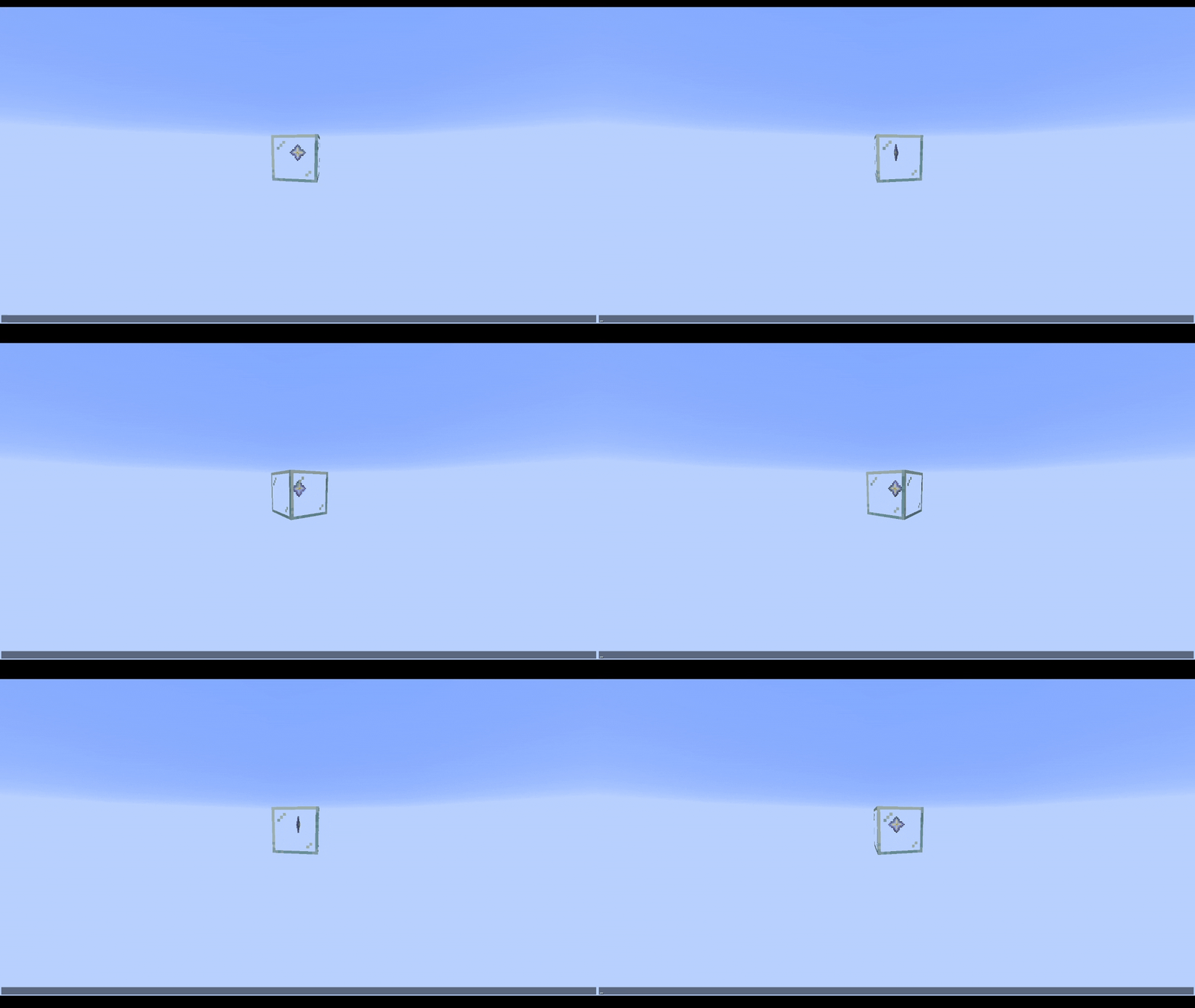 Blocks & Items
Versions
Files
Relations
Project Relations
More like this
Similar Mods
Suggestions use data such as tags, dependencies, dependents, descriptions, titles, and more to rank how much they overlap with this mod.
On ModDex
Community snapshot
By the numbers
Statistics
Want to reach Minecraft players?
We're looking for a server hosting partner to feature here and other parts of the site. Interested? Send us a message!
Get in touchGet it on
Available Platforms
On ModDex
Community snapshot
By the numbers