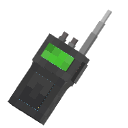
Community listing page, reviews here may not be monitored by the author.
Walkie Talkie

No reviews yet
The mod adds Walkie Talkies!
Community voices
Reviews
No reviews yet. Be the first to review this project!
Get it on
Available Platforms
Compatibility
Supported Environments
Must be installed on both the client and the server.
About
Project Details
For authors
Embed Badge
If you're the author of this project, you can embed a live badge anywhere that supports HTML or Markdown. It updates automatically whenever ratings change.
Use HTML for any page that supports it, or Markdown for README files and Markdown-based descriptions.
Identifiers
Platform IDs
Resources
External Links
About
Description
Walkie Talkie 
A Minecraft Fabric mod that adds functional walkie-talkies with real voice communication via Simple Voice Chat integration.
Features
- Real Voice Communication — talk to other players on the same frequency using Simple Voice Chat
- 16 Channels (1–16) — select any frequency through the in-game GUI
- ON/OFF Toggle — enable or disable your walkie-talkie at any time
- Radio Sound Effects — audio is processed with a radio effect (compression, noise); also supports distortion, echo, low-pass, and high-pass filters
- Fake Sound System — broadcast OGG audio files through a radio channel using commands
- Custom Sounds — power on/off clicks and ambient static noise play during transmissions
- Full Inventory Scanning — walkie-talkies in your inventory (not just hands) are detected and joined to channels
Items
| Item | Description |
|---|---|
| Walkie Talkie |
Standard working radio |
Beta Walkie Talkie  |
Alternative variant (functional) |
Broken Walkie Talkie  |
Non-functional decorative item |
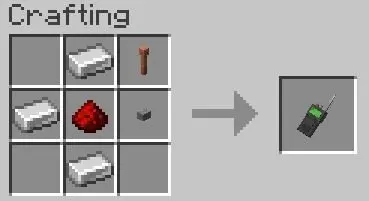
Crafting
Usage
Walkie Talkie
- Craft a Walkie Talkie
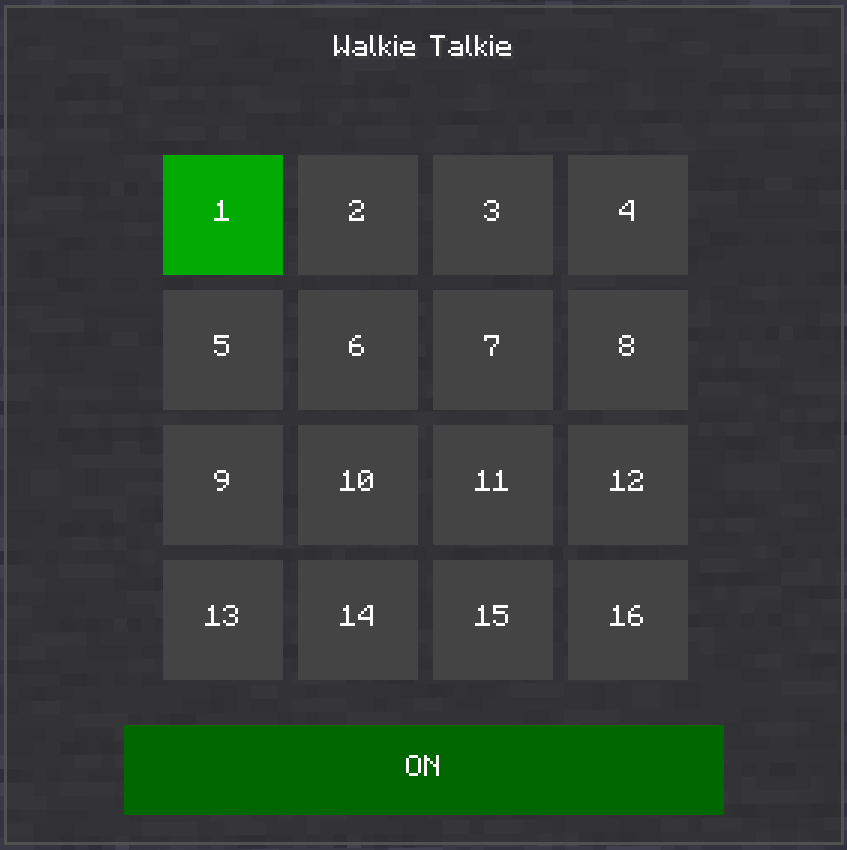
- Shift + right-click to open the frequency selector GUI
- Click a channel (1–16) to set your frequency
- Toggle ON/OFF with the button at the bottom of the GUI
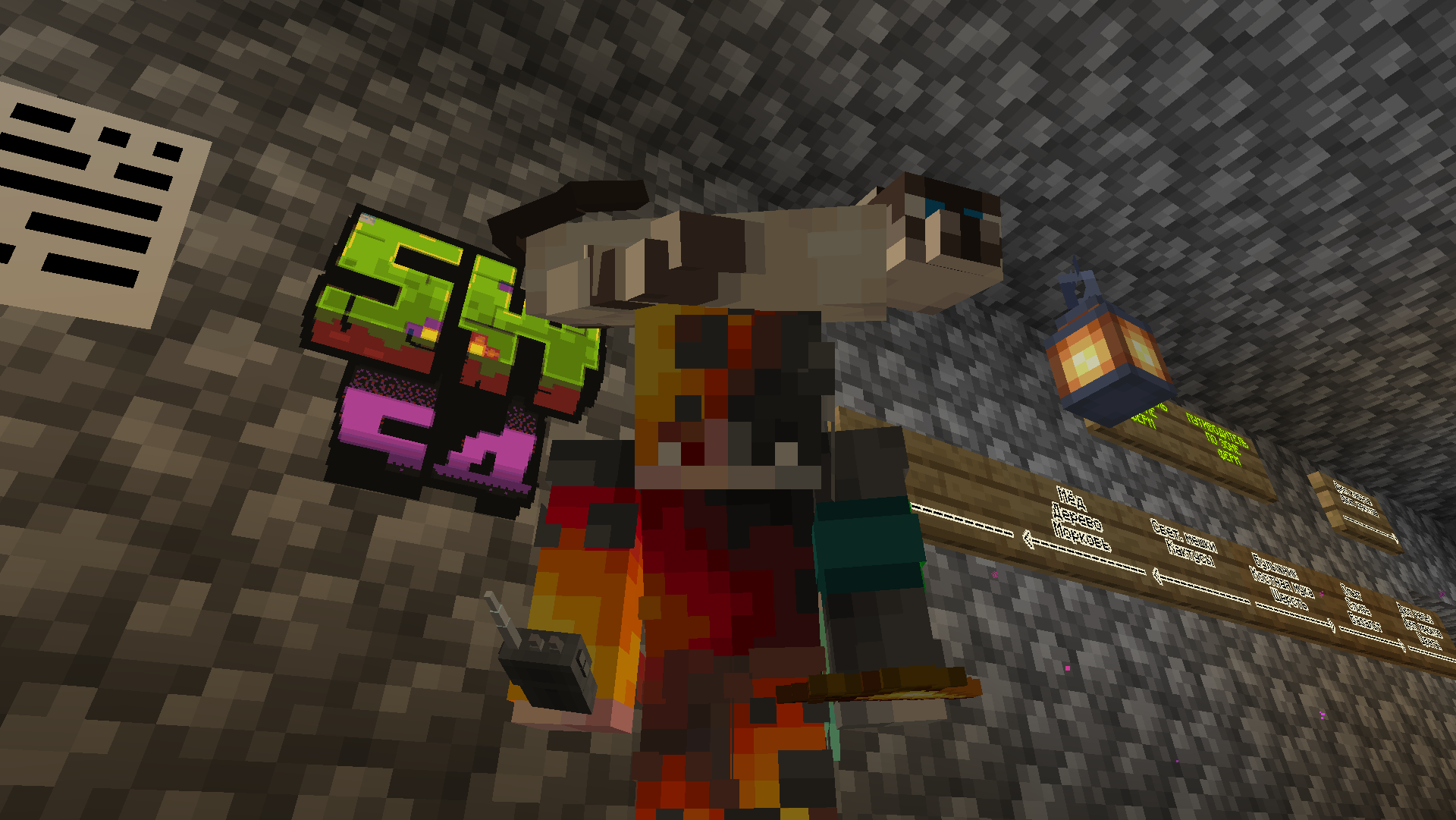
- Hold right-click (PCM) with the walkie-talkie in hand to start transmitting
- Release to stop transmitting — other players on the same channel will hear you
Commands
| Command | Description |
|---|---|
/sw4wt soundeffect |
List all available sound effects |
/sw4wt soundeffect <effect> |
Set a sound effect (radio, distortion, echo, lowpass, highpass, none) |
/sw4wt fakesound <file> <frequency> |
Play an audio file on a specific frequency |
/sw4wt stopfakesound <frequency> |
Stop a fake sound on a specific frequency |
/sw4wt listfakesounds |
List all configured fake sounds |
/sw4wt reloadfakesounds |
Reload fake sound configuration |
Place .ogg files in config/sw4wt/fakesounds/.
Configuration
Config file: config/sw4wt/sw4wt-config.json
| Option | Type | Description |
|---|---|---|
effect |
string | Current radio effect (radio, distortion, echo, lowpass, highpass, none) |
fakeSounds |
object | Map of frequency → audio file name |
Requirements
- Minecraft 1.21.11
- Fabric Loader ≥0.18.4
- Fabric API
- Super GUI Lib
- Simple Voice Chat
Screenshots
Gallery
-
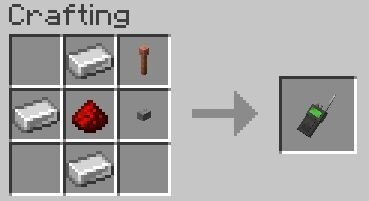 Craft
Craft -
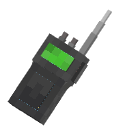 Icon
Icon
Versions
Files
Relations
Project Relations
More like this
Similar Mods
Suggestions use data such as tags, dependencies, dependents, descriptions, titles, and more to rank how much they overlap with this mod.
On ModDex
Community snapshot
By the numbers
Statistics

Want to reach Minecraft players?
We're looking for a server hosting partner to feature here and other parts of the site. Interested? Send us a message!
Get in touchGet it on
Available Platforms
On ModDex
Community snapshot
By the numbers
Statistics
Resources