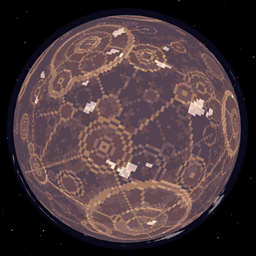
Community listing page, reviews here may not be monitored by the author.
WarpDrive Celestials


No reviews yet
Replaces flat WarpDrive Mod visuals with configurable 3D cube or sphere planets and more varied star colors.

Community voices
Reviews
No reviews yet. Be the first to review this project!
Get it on
Available Platforms
Compatibility
Supported Environments
Required on the client. Installing it on the server adds functionality.
About
Project Details
For authors
Embed Badge
If you're the author of this project, you can embed a live badge anywhere that supports HTML or Markdown. It updates automatically whenever ratings change.
Use HTML for any page that supports it, or Markdown for README files and Markdown-based descriptions.
Identifiers
Platform IDs
Resources
External Links
About
Description


WarpDrive Celestials
WarpDrive Celestials is a visual addon for WarpDrive that turns its flat planet renders into 3D celestial bodies. The mod can be used client-side only, so individual players can enable 3D planets even on servers that do not require it. For full server-wide support, including proper shared visuals for all players, custom rings, custom day/night textures, and additional render-layer behavior, the mod should also be installed on the server.
Planets render as Minecraft-style cubes by default, with an optional sphere render mode available in the config. Sphere rendering also includes LOD settings to reduce mesh complexity for smaller or distant objects, with Performance, Balanced, and Quality presets.
WarpDrive Celestials was originally made for The Empire Strikes Block server.
Features
- 3D celestial bodies for WarpDrive planets
- Cube planets by default
- Optional sphere rendering
- Sphere LOD presets for better performance
- Subtle randomized planet tilt and rotation
- Client-side-only visual support for individual players
- Server-side support for shared custom render layers
- Automatic cubemap texture detection
- Support for planet, cloud, and render-layer cubemaps
- Automatic night-side shading
- Optional custom night textures
- Horizontal and vertical planet rings
- Support for multiple ring layers
- Configurable star rendering presets
Planet Rendering
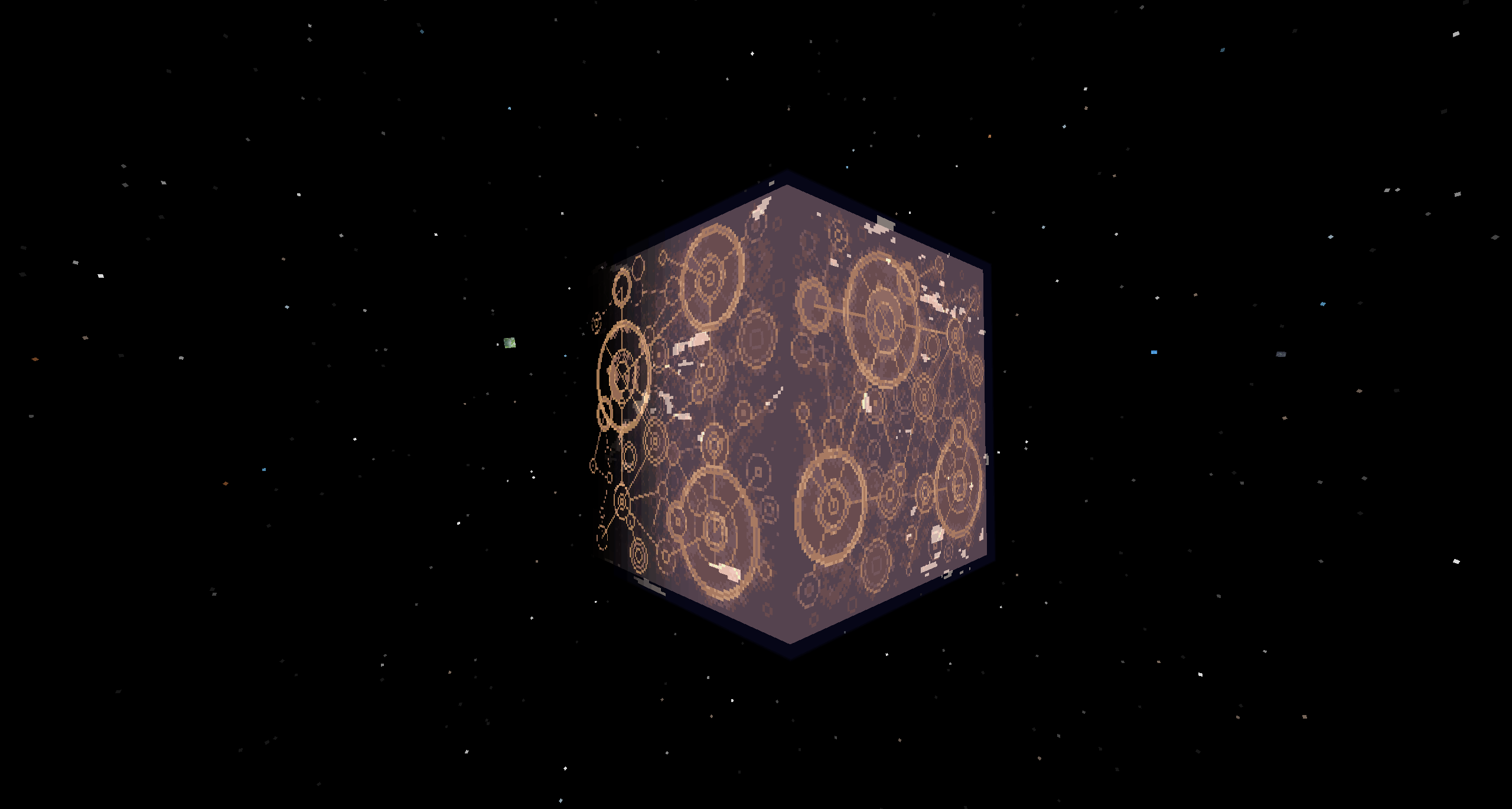
By default, planets render as cubes to better match Minecraft’s visual style while still making celestial bodies feel more dimensional than WarpDrive’s original flat renders.
Sphere rendering can also be enabled in the config for a smoother planet look. When spheres are used, the LOD preset controls how detailed the sphere mesh is, which can help reduce rendering cost for smaller or distant objects.
Client and Server Usage
WarpDrive Celestials can be installed client-side only if you just want the visual upgrade locally. This lets players see 3D planets even on servers that do not require the addon.
For servers and modpacks that want everyone to see the same custom visuals, the mod should also be installed on the server. Server installation is needed for proper shared support of custom ring layers, custom day/night textures, and additional celestial render-layer behavior.
Cubemap Texture Support
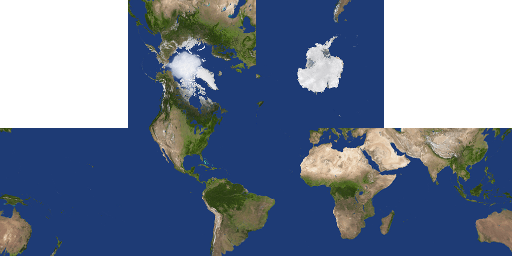
WarpDrive Celestials supports cubemap textures for planets, clouds, and similar render layers. A normal single-face texture uses a 1:1 aspect ratio, meaning the image is square, such as 512x512 or 1024x1024. A cubemap texture uses a 2:1 aspect ratio, meaning the image is twice as wide as it is tall, such as 1024x512.
When a compatible 2:1 texture is detected, the mod automatically maps it across the planet model’s faces. This allows planets to use proper multi-sided textures instead of repeating the same image on every side.
Day and Night Textures
Planets receive automatic night-side shading by default, giving them a more natural day-night appearance as the lighting changes.
Creators can also add dedicated night textures for more detailed effects, such as glowing city lights or illuminated regions. To add a custom night texture, place an additional render layer directly after the planet’s normal base texture and use the same texture file name with night_ added to the front.
Example:
<render texture="warpdriveaddon:textures/cosmos/celestial/coruscant.png" />
<render texture="warpdriveaddon:textures/cosmos/celestial/night_coruscant.png" />
WarpDrive Celestials detects the matching pair automatically and uses the night texture on the dark side of the planet.
Planet Rings
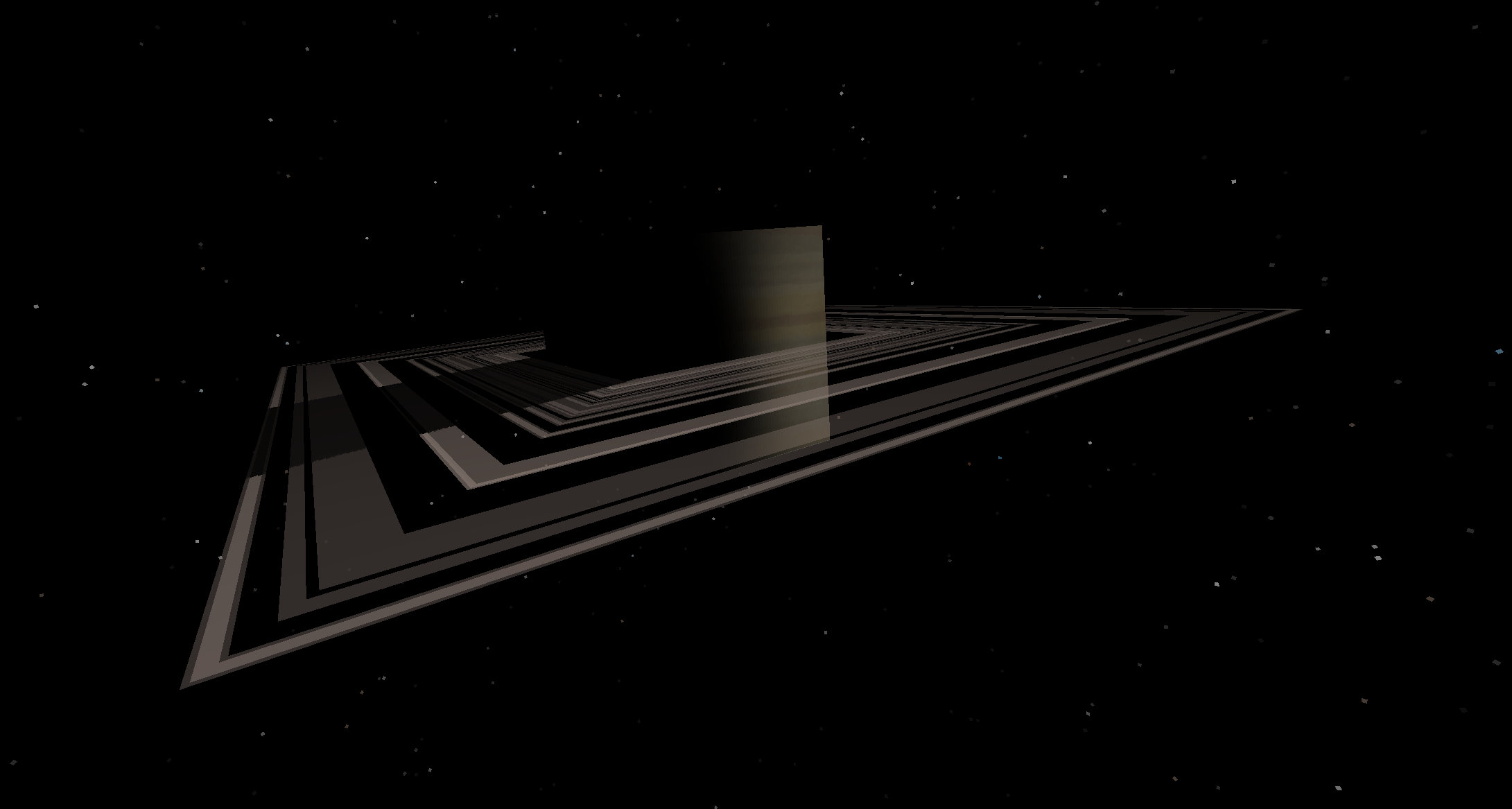
WarpDrive Celestials also supports custom planet rings through additional render layers. To add rings, place one or more ring render layers directly after the planet’s normal base texture and use ring_ at the front of the texture file name.
Example:
<render texture="warpdriveaddon:textures/cosmos/celestial/saturn.png" />
<render texture="warpdriveaddon:textures/cosmos/celestial/ring_saturn_1.png" />
<render texture="warpdriveaddon:textures/cosmos/celestial/ring_saturn_2.png" />
Additional ring layers can be used for wider or farther-out rings. The mod also supports vertical rings by using ring_vertical_ at the front of the texture file name.
Example:
<render texture="warpdriveaddon:textures/cosmos/celestial/uranus.png" />
<render texture="warpdriveaddon:textures/cosmos/celestial/ring_vertical_uranus.png" />
WarpDrive Celestials detects these ring layers automatically and renders them around the matching planet.
Star Rendering Presets
The mod includes several configurable star rendering presets:
- Custom WarpDrive Celestials star colors
- WarpDrive’s default star colors
- All-white stars
- No stars
This makes it easier to match the visual style of different modpacks, whether you want a more colorful space backdrop, a cleaner Minecraft-style sky, or no background stars at all.



WarpDrive Celestials
WarpDrive Celestials is a visual addon for WarpDrive that turns its flat planet renders into 3D celestial bodies. The mod can be used client-side only, so individual players can enable 3D planets even on servers that do not require it. For full server-wide support, including proper shared visuals for all players, custom rings, custom day/night textures, and additional render-layer behavior, the mod should also be installed on the server.
Planets render as Minecraft-style cubes by default, with an optional sphere render mode available in the config. Sphere rendering also includes LOD settings to reduce mesh complexity for smaller or distant objects, with Performance, Balanced, and Quality presets.
WarpDrive Celestials was originally made for The Empire Strikes Block server.
Features
- 3D celestial bodies for WarpDrive planets
- Cube planets by default
- Optional sphere rendering
- Sphere LOD presets for better performance
- Subtle randomized planet tilt and rotation
- Client-side-only visual support for individual players
- Server-side support for shared custom render layers
- Automatic cubemap texture detection
- Support for planet, cloud, and render-layer cubemaps
- Automatic night-side shading
- Optional custom night textures
- Horizontal and vertical planet rings
- Support for multiple ring layers
- Configurable star rendering presets
Planet Rendering
By default, planets render as cubes to better match Minecraft’s visual style while still making celestial bodies feel more dimensional than WarpDrive’s original flat renders.
Sphere rendering can also be enabled in the config for a smoother planet look. When spheres are used, the LOD preset controls how detailed the sphere mesh is, which can help reduce rendering cost for smaller or distant objects.
Client and Server Usage
WarpDrive Celestials can be installed client-side only if you just want the visual upgrade locally. This lets players see 3D planets even on servers that do not require the addon.
For servers and modpacks that want everyone to see the same custom visuals, the mod should also be installed on the server. Server installation is needed for proper shared support of custom ring layers, custom day/night textures, and additional celestial render-layer behavior.
Cubemap Texture Support
WarpDrive Celestials supports cubemap textures for planets, clouds, and similar render layers. A normal single-face texture uses a 1:1 aspect ratio, meaning the image is square, such as 512x512 or 1024x1024. A cubemap texture uses a 2:1 aspect ratio, meaning the image is twice as wide as it is tall, such as 1024x512.
When a compatible 2:1 texture is detected, the mod automatically maps it across the planet model’s faces. This allows planets to use proper multi-sided textures instead of repeating the same image on every side.
Day and Night Textures
Planets receive automatic night-side shading by default, giving them a more natural day-night appearance as the lighting changes.
Creators can also add dedicated night textures for more detailed effects, such as glowing city lights or illuminated regions. To add a custom night texture, place an additional render layer directly after the planet’s normal base texture and use the same texture file name with night_ added to the front.
Example:
<render texture="warpdriveaddon:textures/cosmos/celestial/coruscant.png" />
<render texture="warpdriveaddon:textures/cosmos/celestial/night_coruscant.png" />
WarpDrive Celestials detects the matching pair automatically and uses the night texture on the dark side of the planet.
Planet Rings
WarpDrive Celestials also supports custom planet rings through additional render layers. To add rings, place one or more ring render layers directly after the planet’s normal base texture and use ring_ at the front of the texture file name.
Example:
<render texture="warpdriveaddon:textures/cosmos/celestial/saturn.png" />
<render texture="warpdriveaddon:textures/cosmos/celestial/ring_saturn_1.png" />
<render texture="warpdriveaddon:textures/cosmos/celestial/ring_saturn_2.png" />
Additional ring layers can be used for wider or farther-out rings. The mod also supports vertical rings by using ring_vertical_ at the front of the texture file name.
Example:
<render texture="warpdriveaddon:textures/cosmos/celestial/uranus.png" />
<render texture="warpdriveaddon:textures/cosmos/celestial/ring_vertical_uranus.png" />
WarpDrive Celestials detects these ring layers automatically and renders them around the matching planet.
Star Rendering Presets
The mod includes several configurable star rendering presets:
- Custom WarpDrive Celestials star colors
- WarpDrive’s default star colors
- All-white stars
- No stars
This makes it easier to match the visual style of different modpacks, whether you want a more colorful space backdrop, a cleaner Minecraft-style sky, or no background stars at all.

Screenshots
Gallery
-
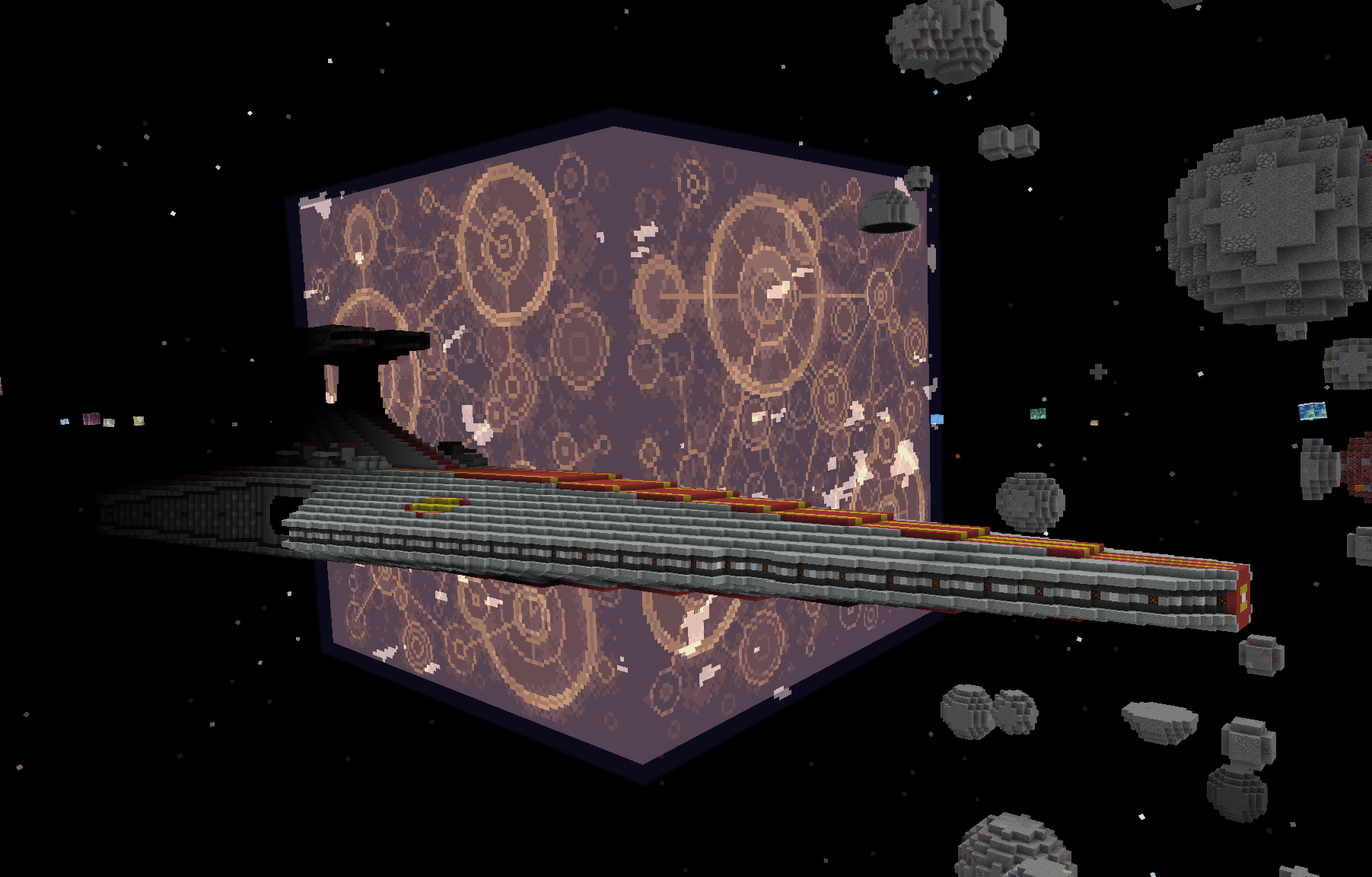
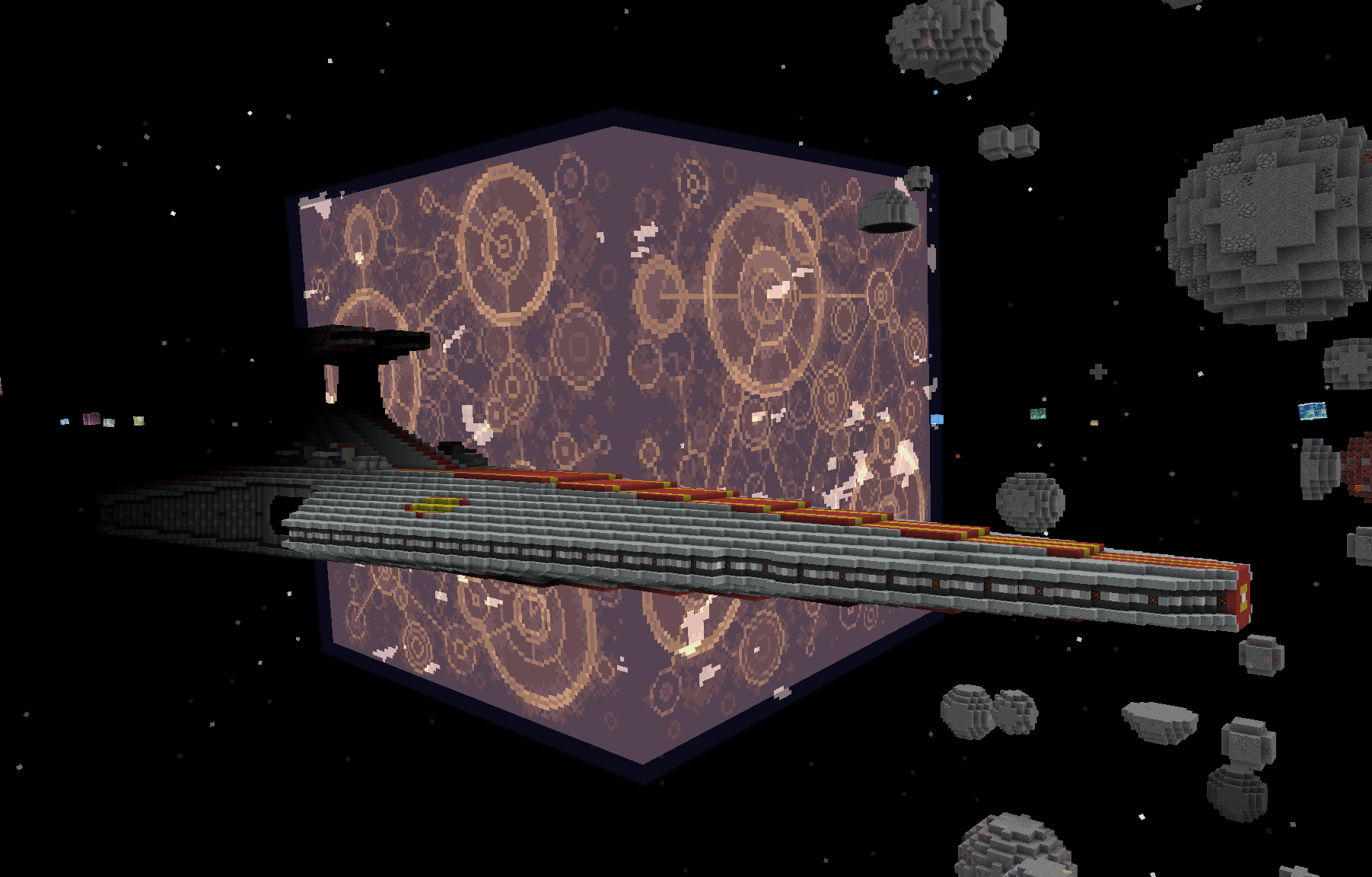 Venator Over Coruscant A Venator-class Star Destroyer passing before Coruscant, shown with WarpDrive Celestials’ cube-shaped planet rendering.
 -
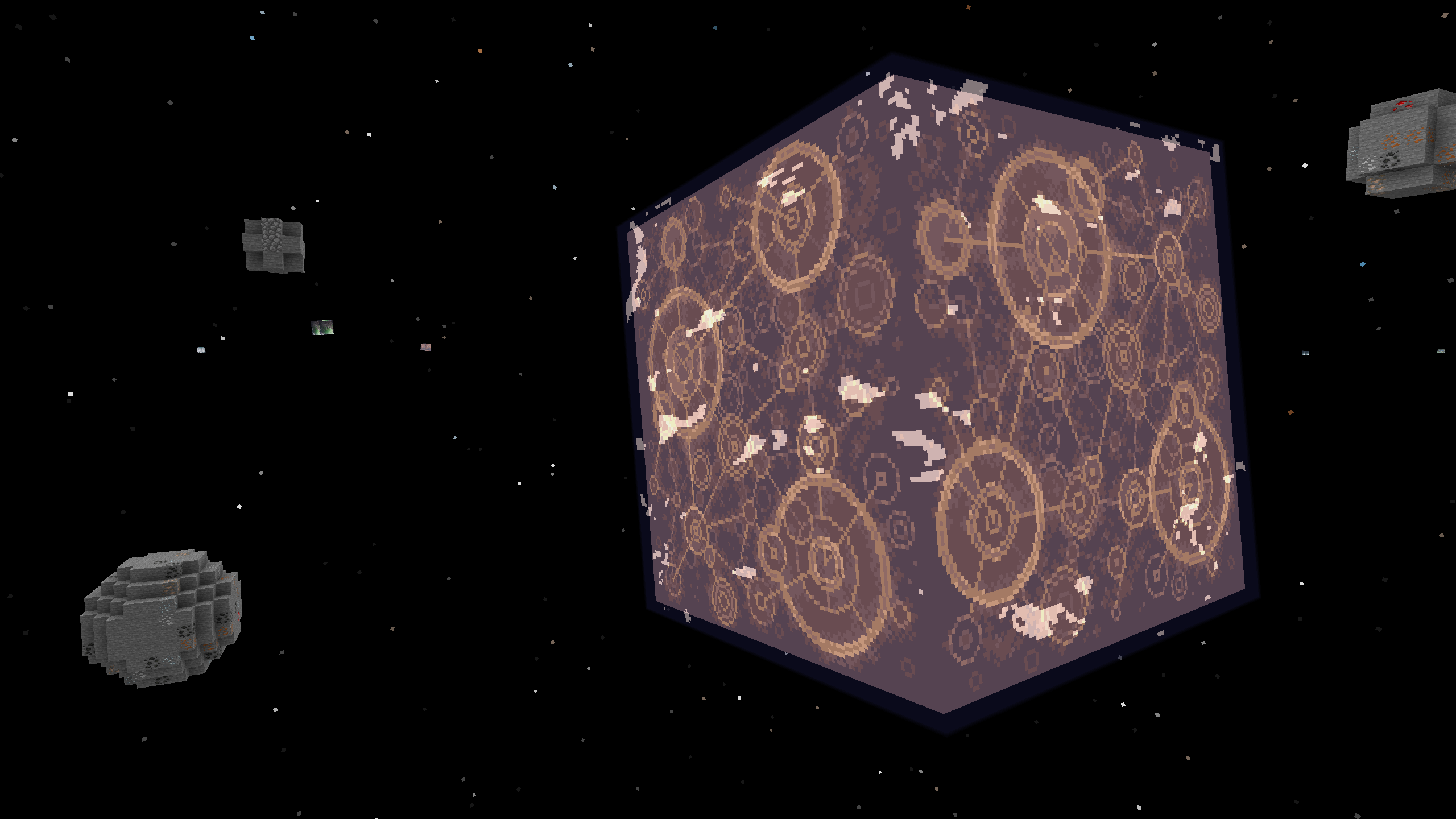 Coruscant Cube
 -
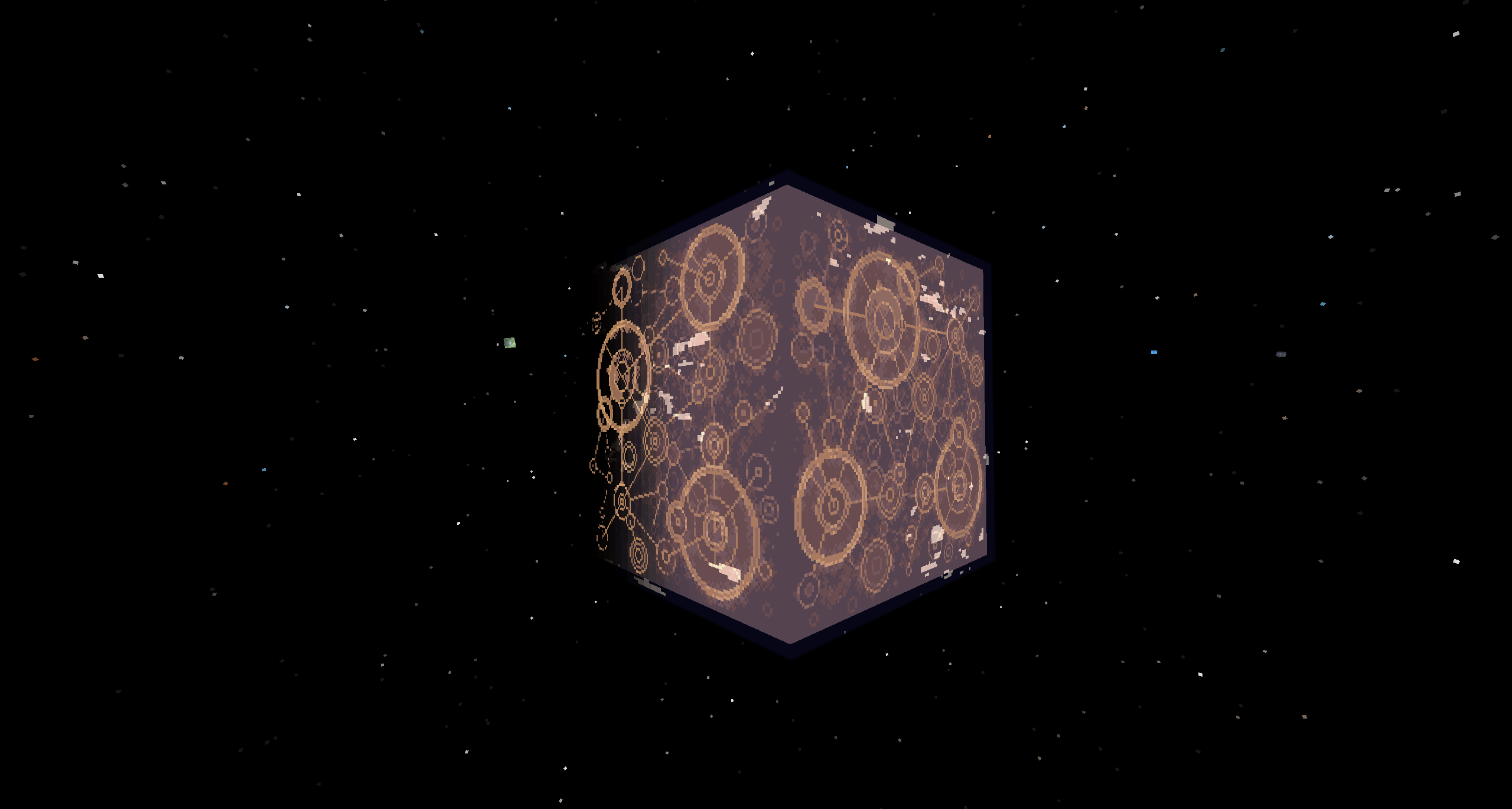 Coruscant Cube Day
 -
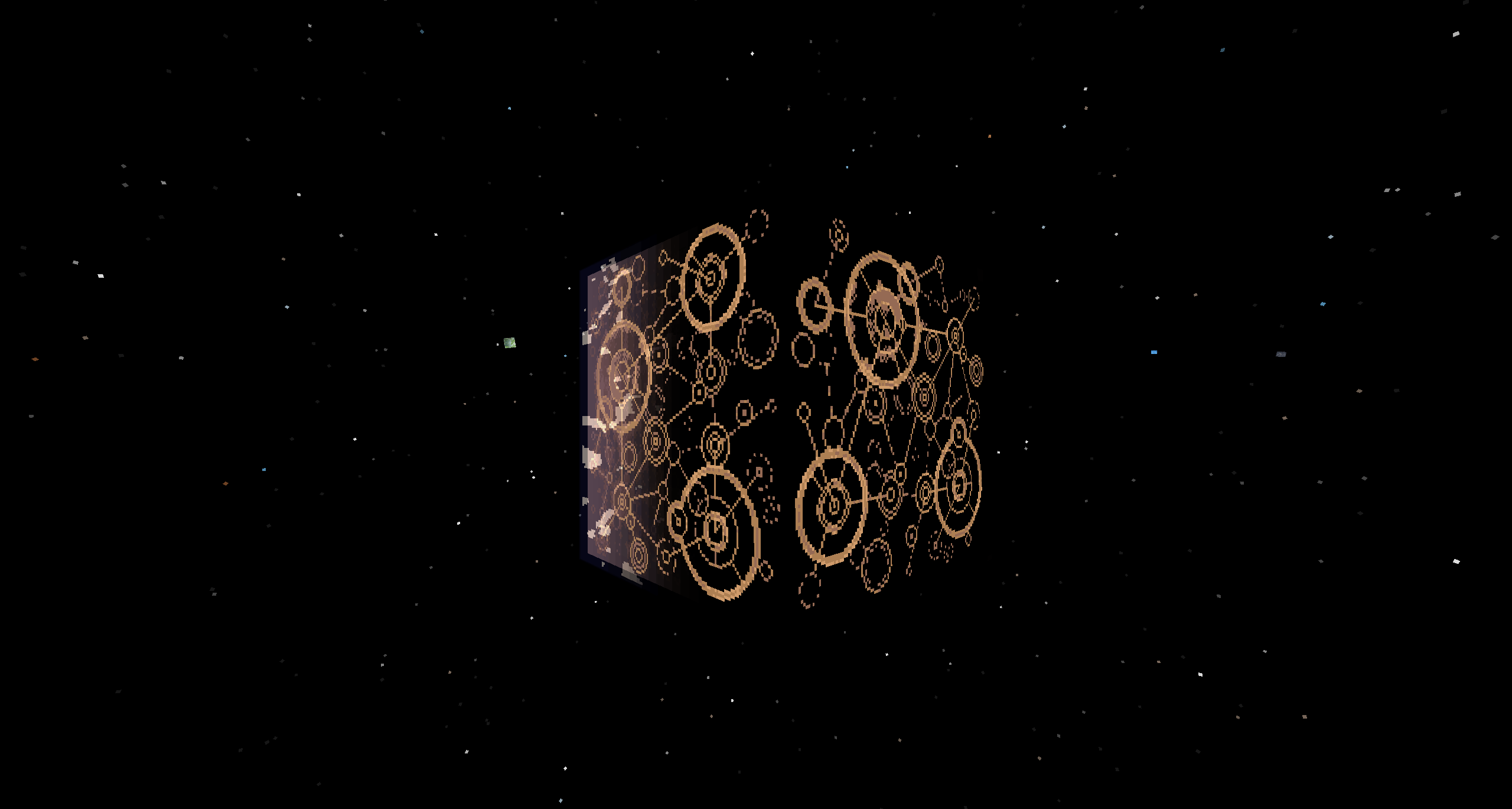 Coruscant Cube Night
 -
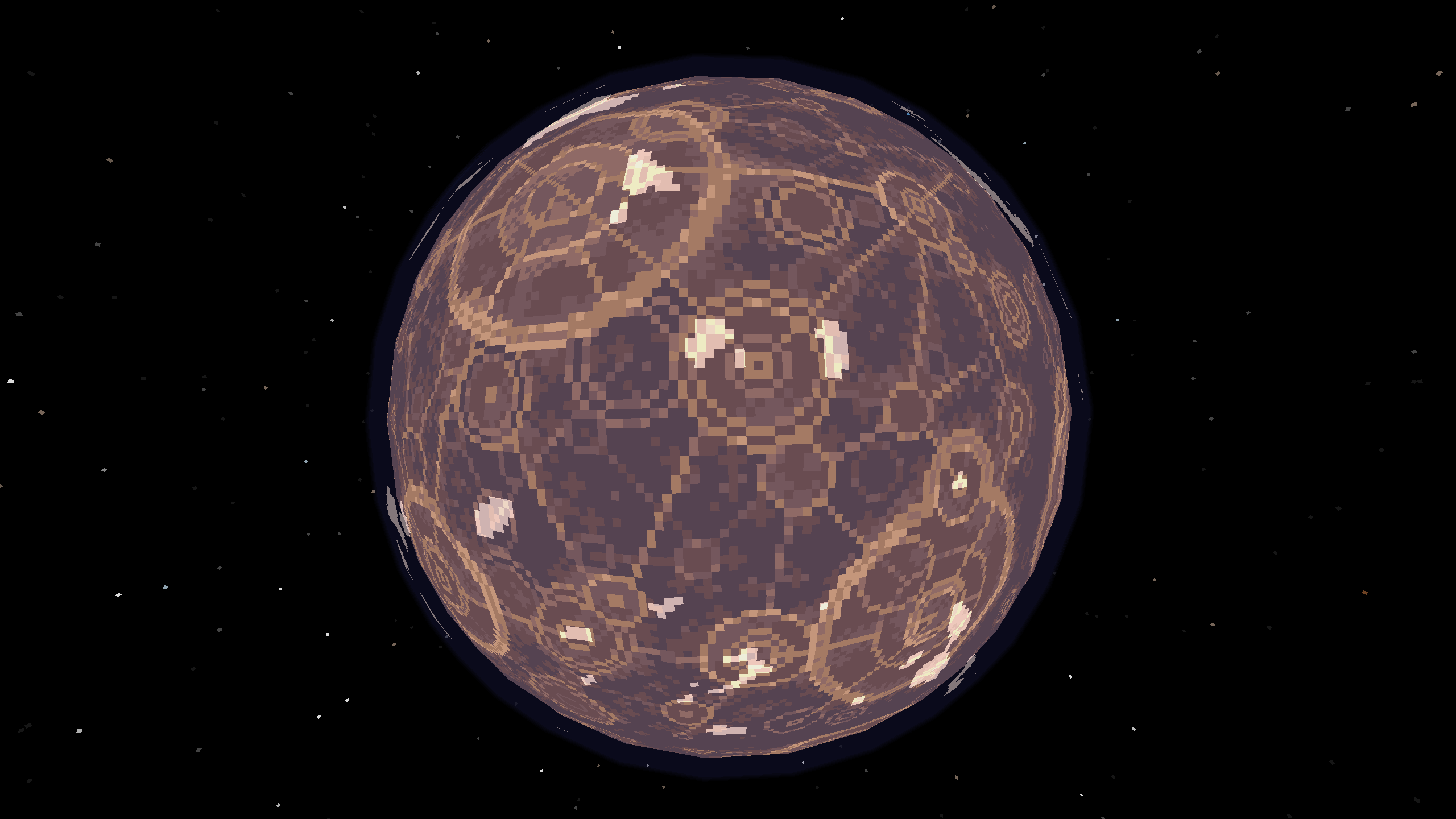 Coruscant Sphere
 -
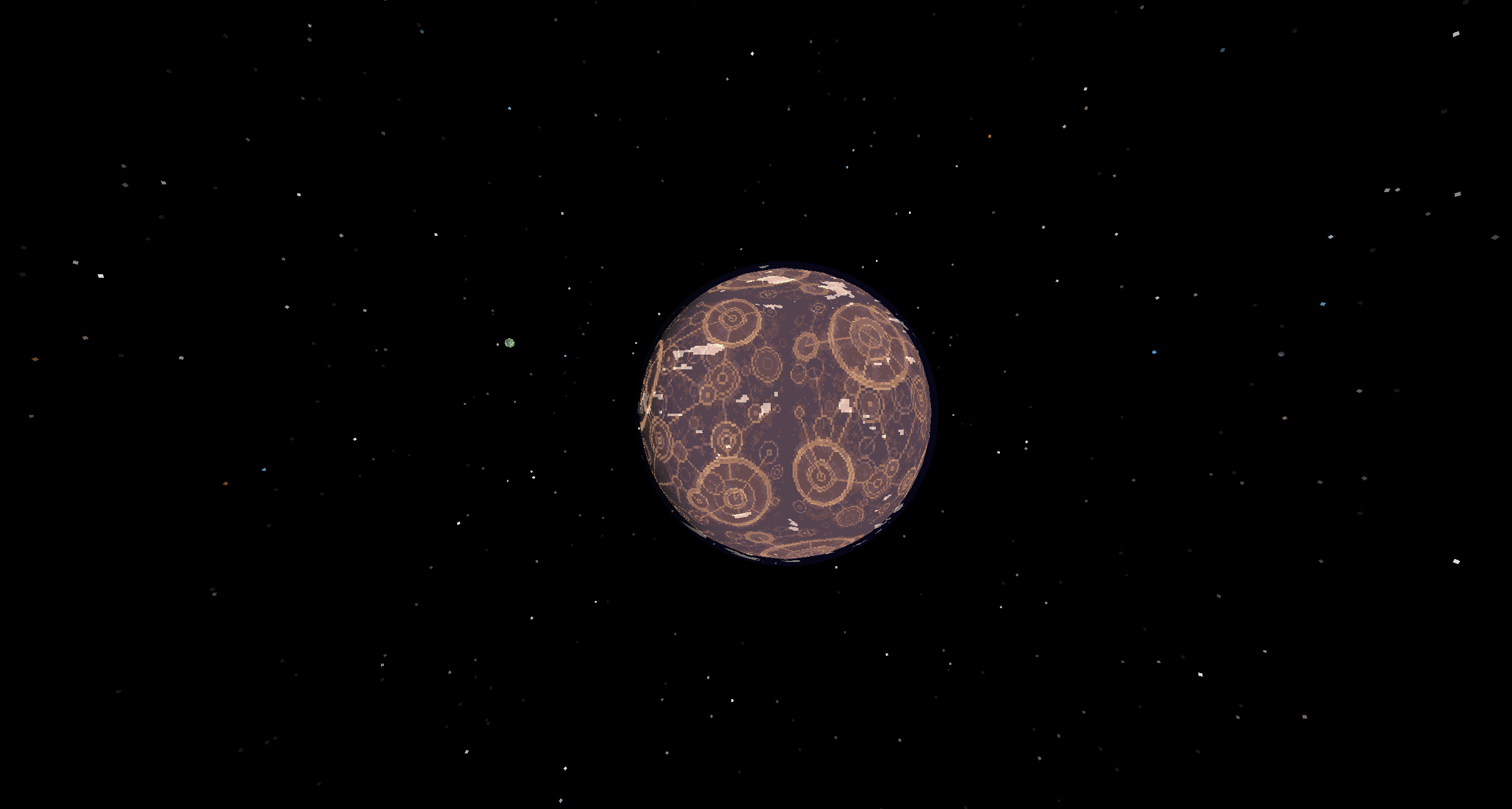 Coruscant Sphere Day
 -
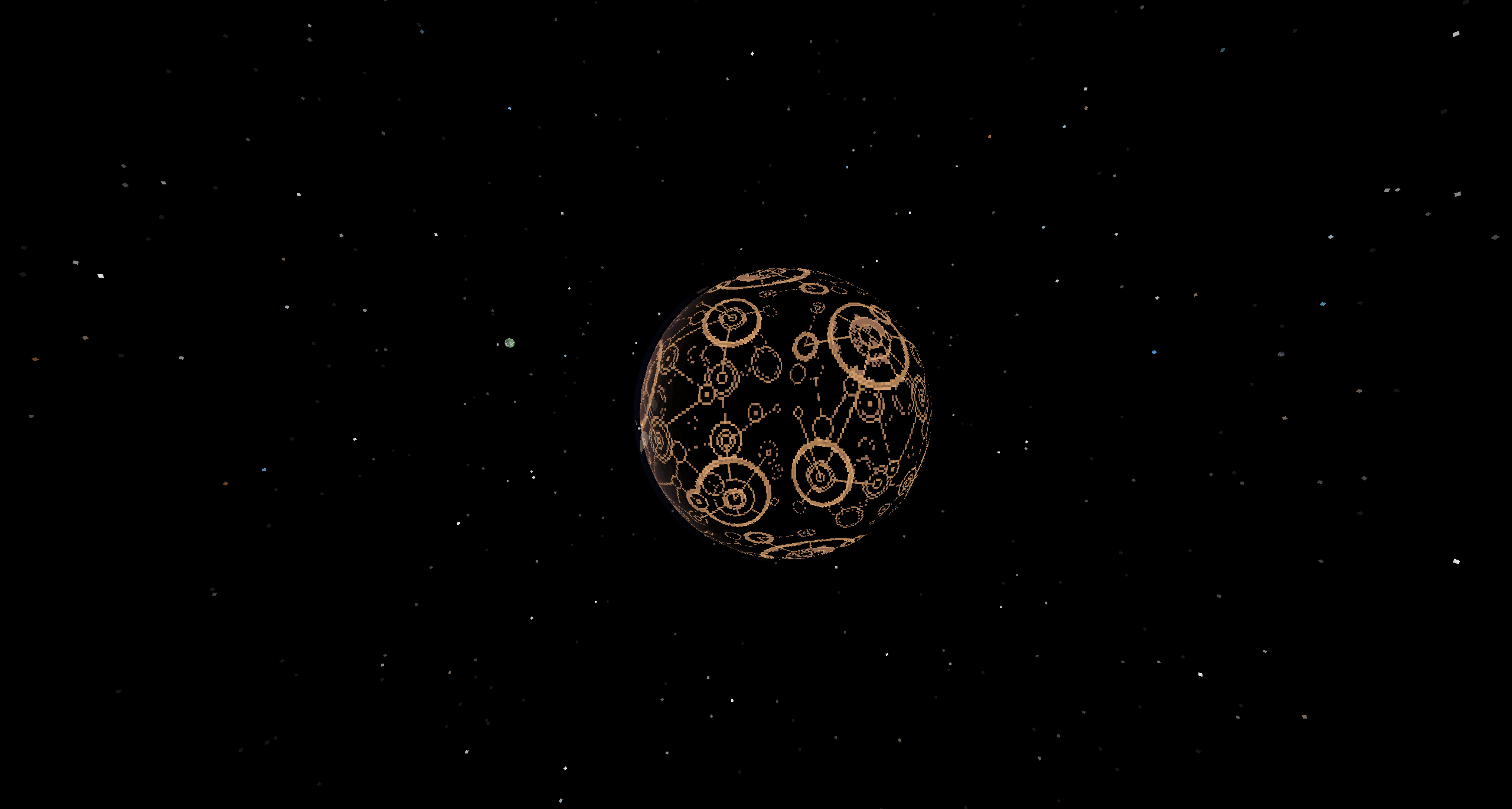 Coruscant Sphere Night
 -
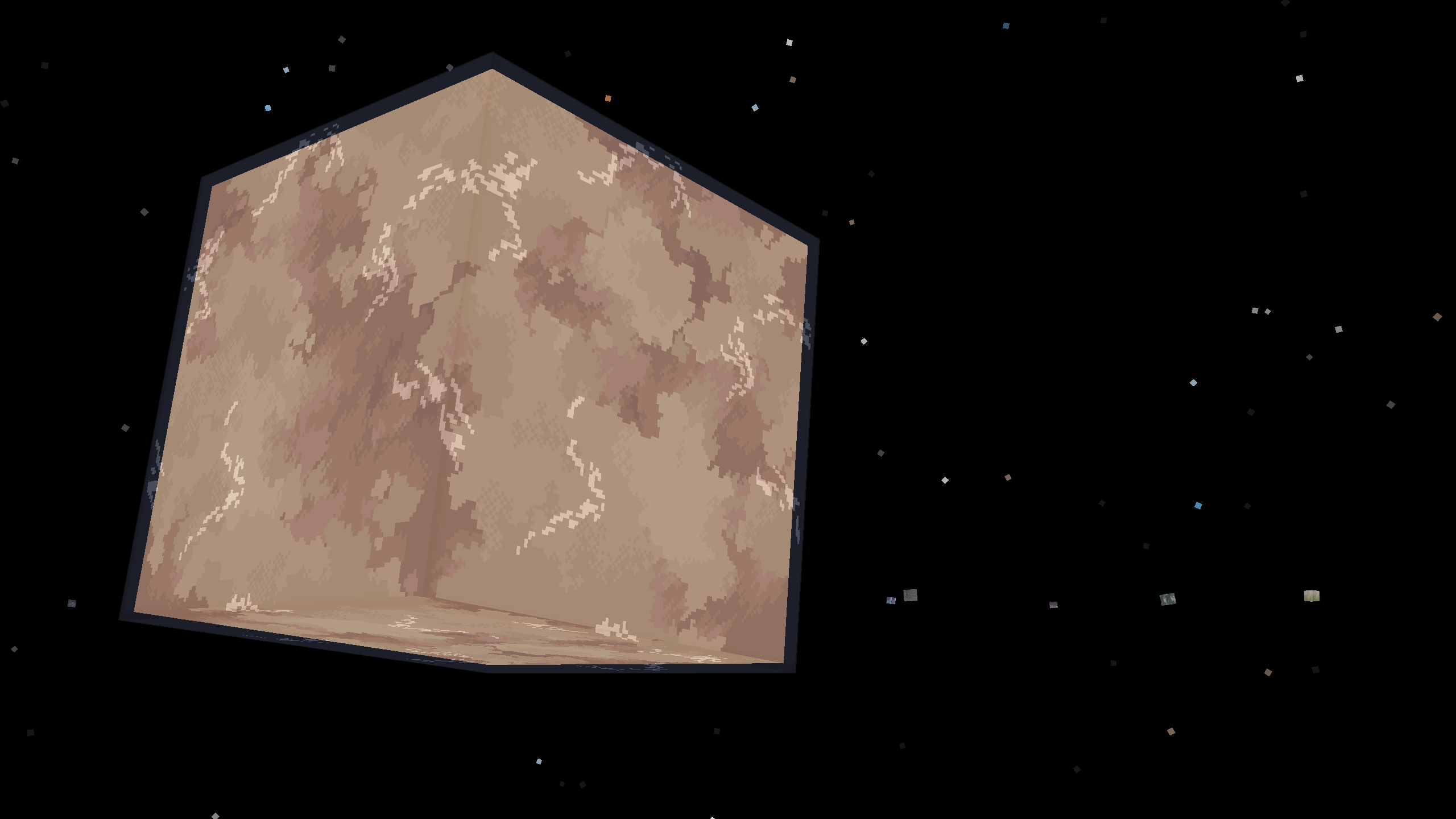 Tatooine
 -
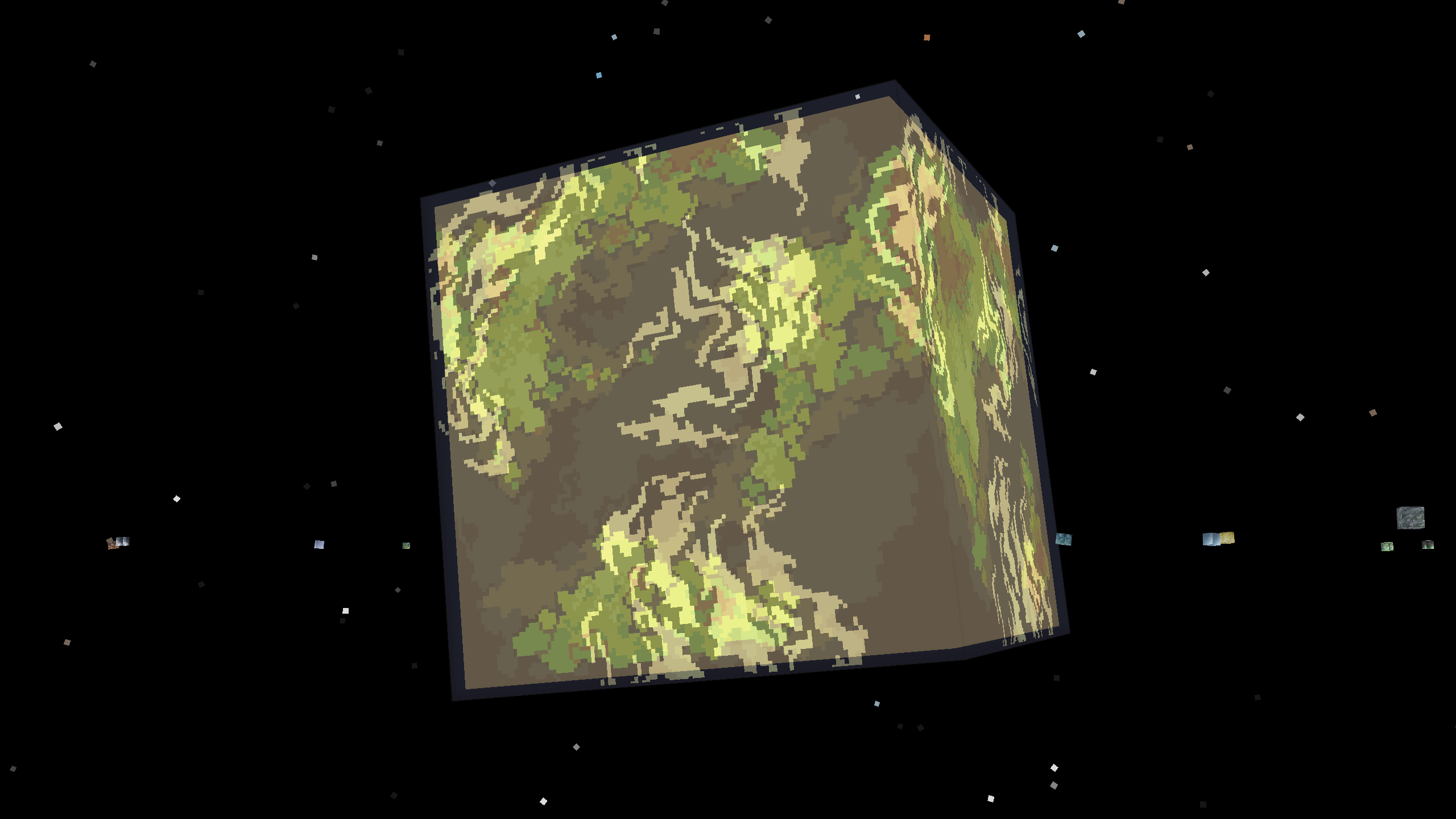 Felucia
 -
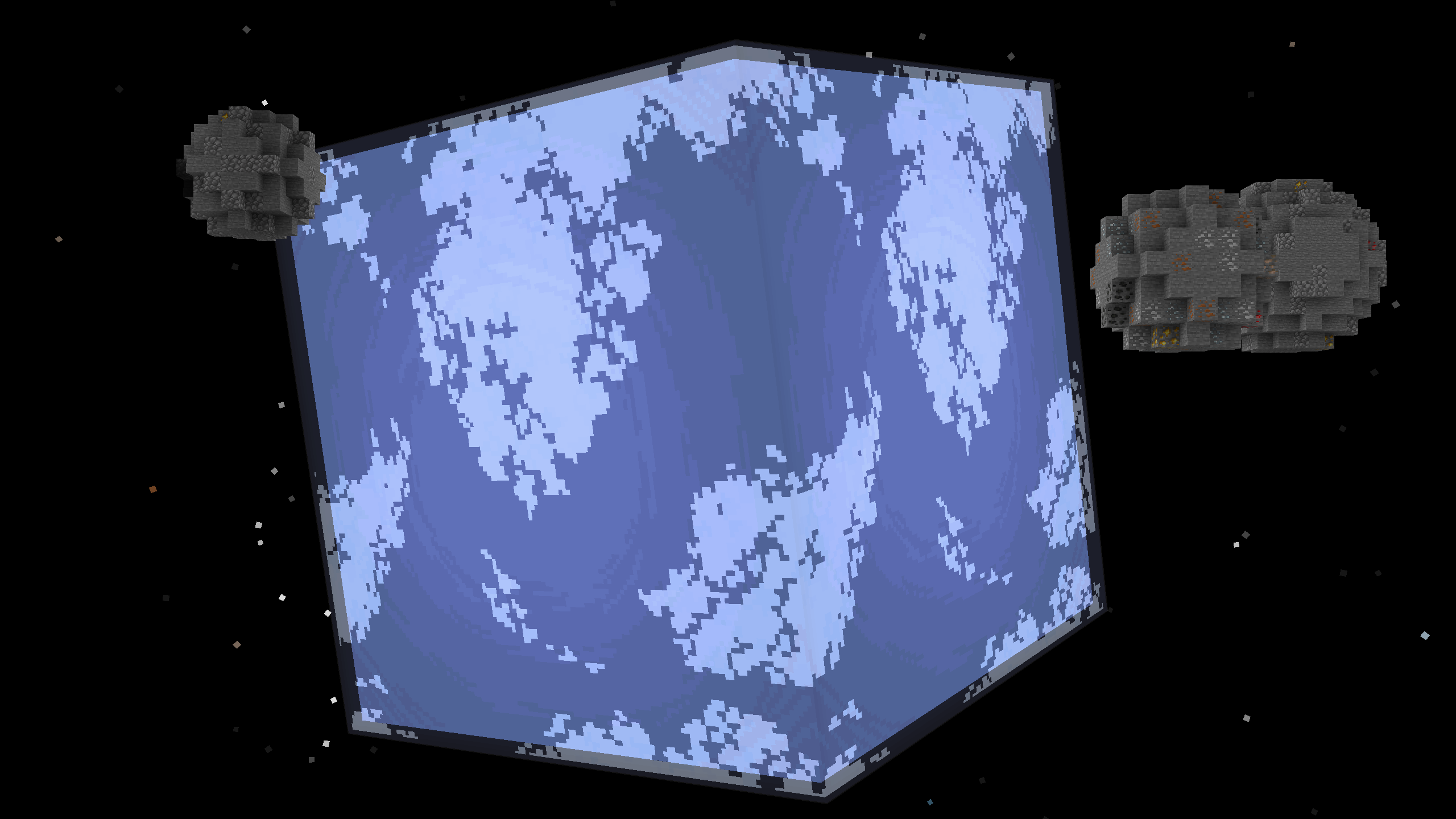 Kamino
 -
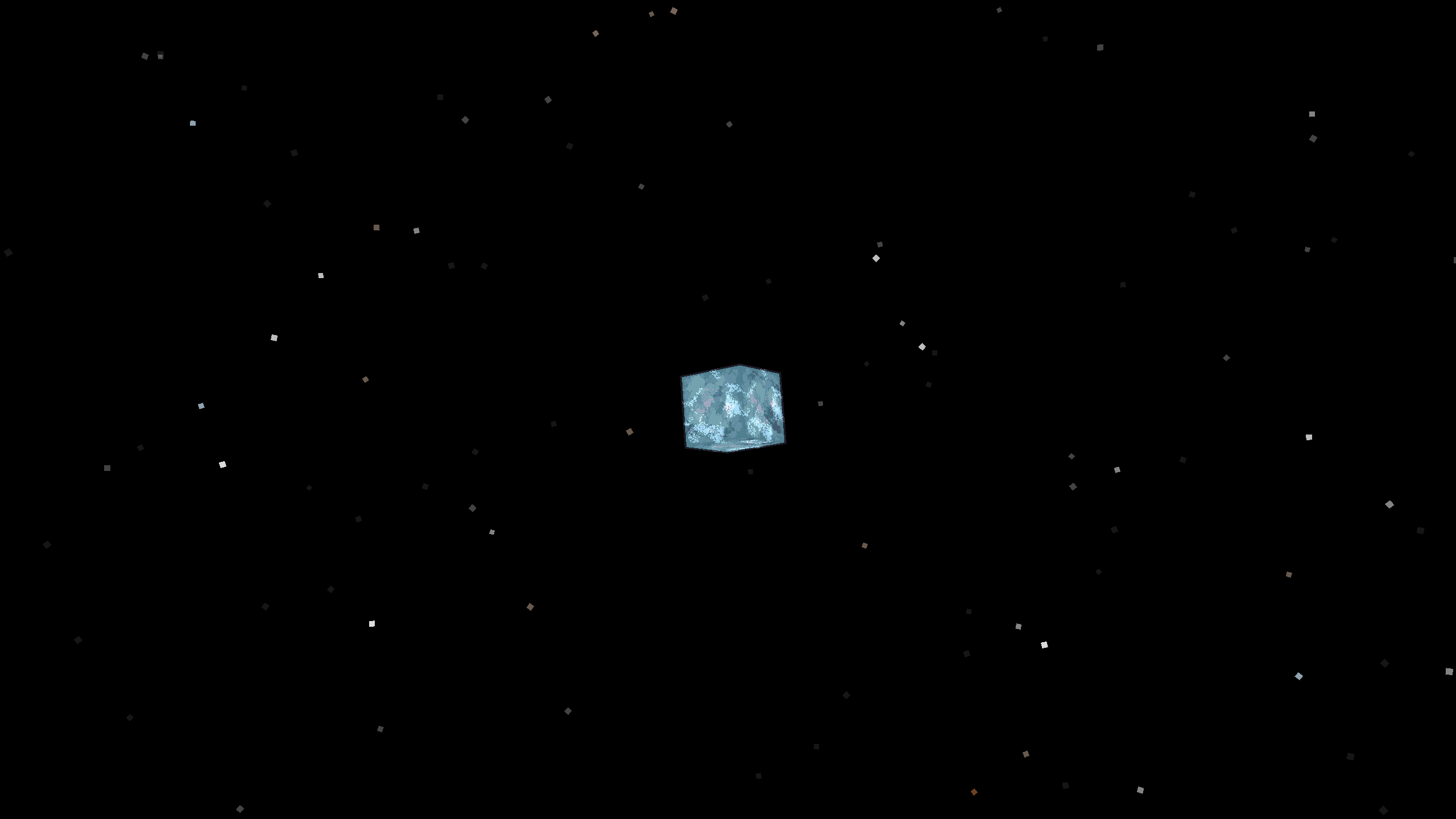 Ilum
Ilum -
 Example planet cubemap texture
 -
 Saturn
-
 A Venator-class Star Destroyer passing before Coruscant, shown with WarpDrive Celestials’ cube-shaped planet rendering.
 -
 Coruscant Cube - Day
 -
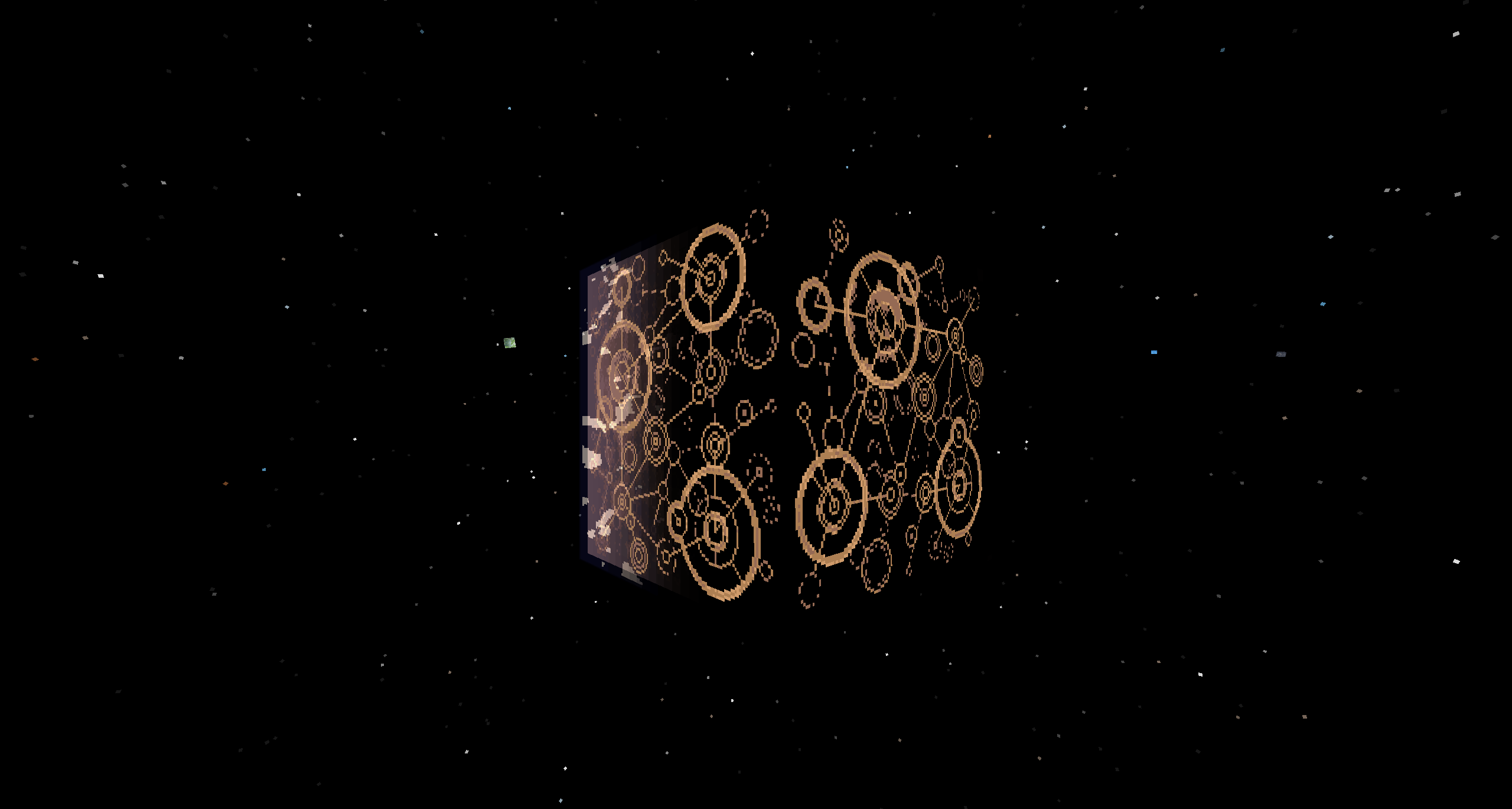 Coruscant Cube - Night
 -
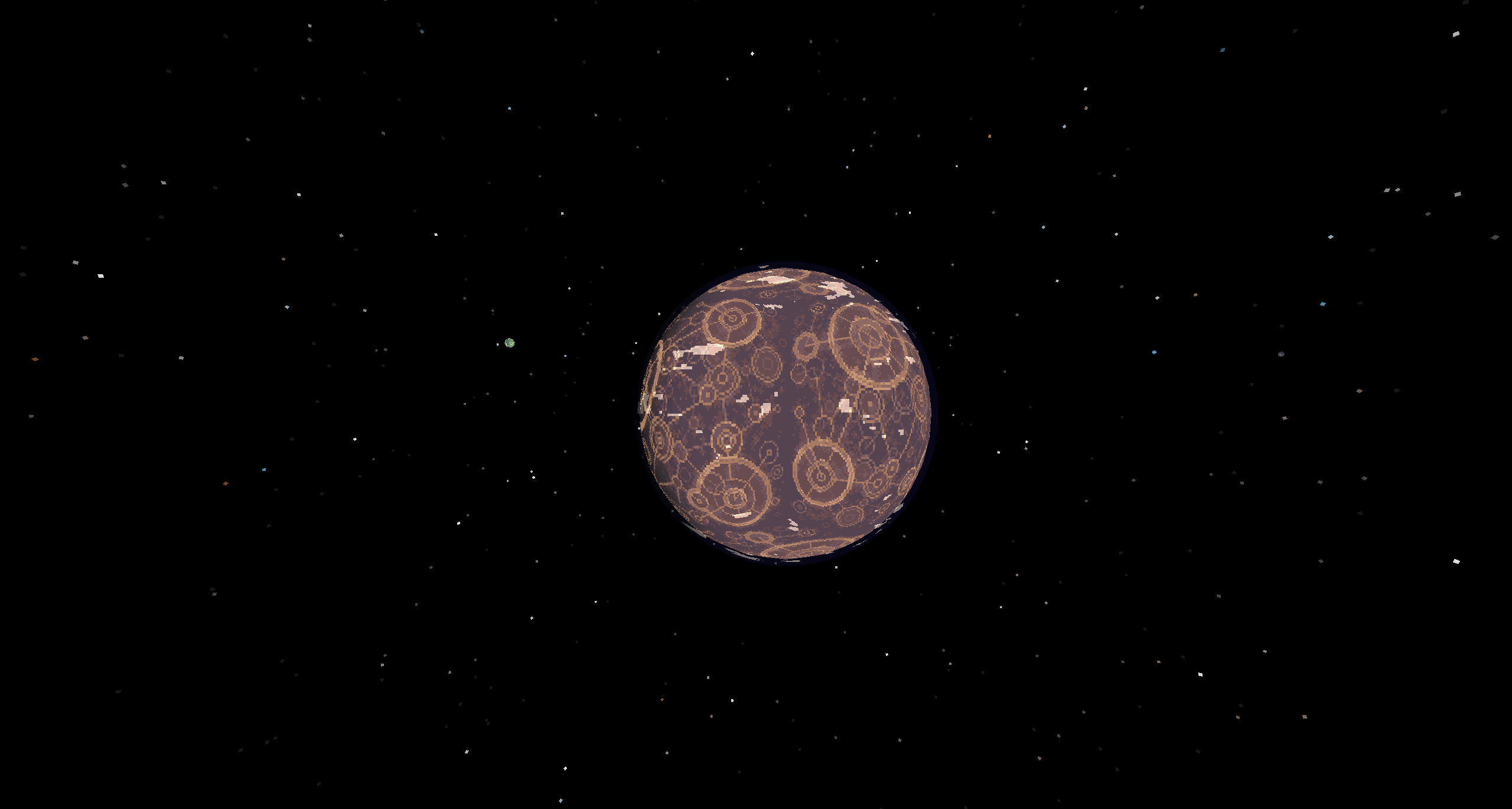 Coruscant Sphere - Day
 -
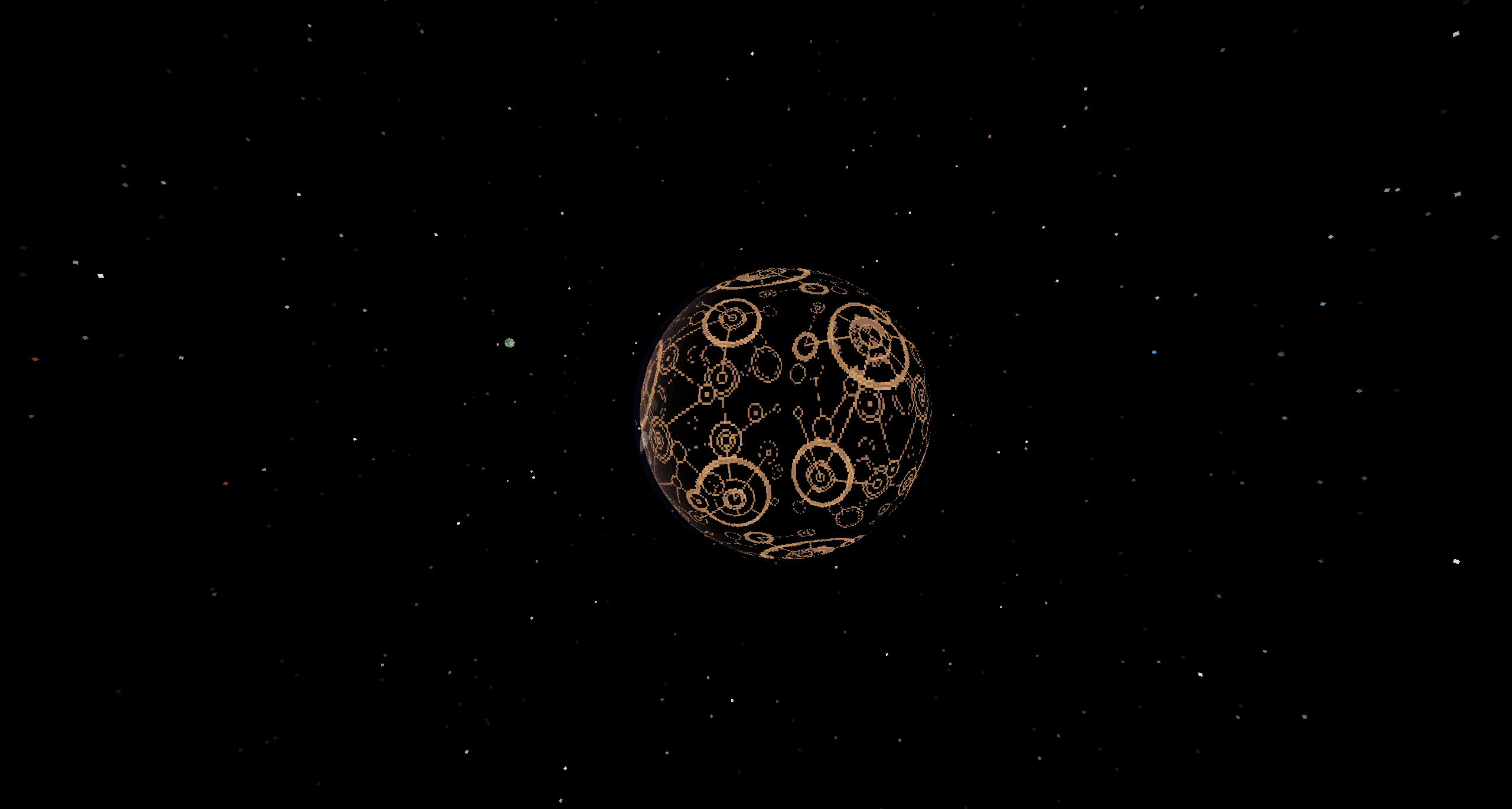 Coruscant Sphere - Night
 -
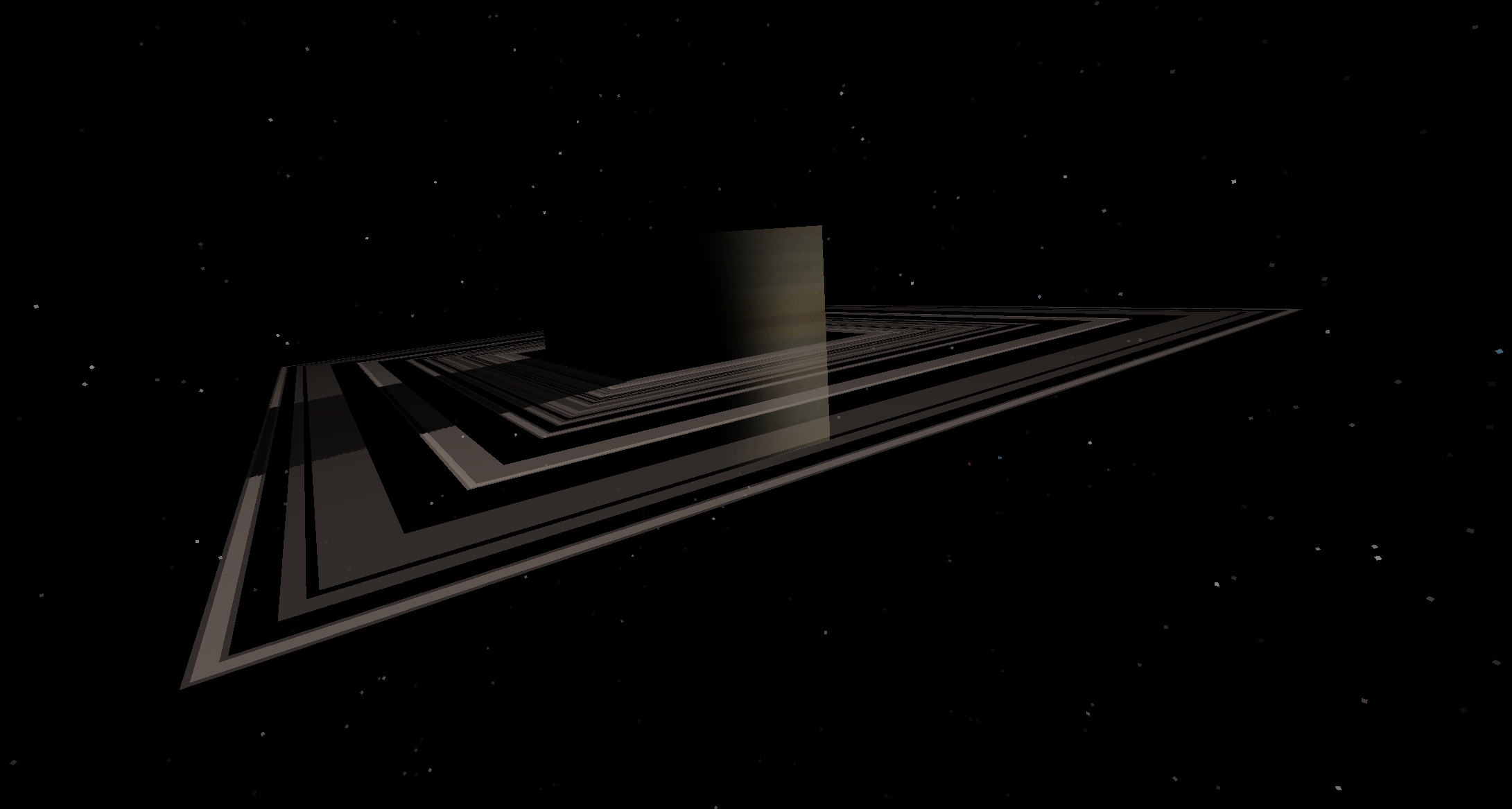 Saturn
Versions
Files
Relations
Project Relations
More like this
Similar Mods
Suggestions use data such as tags, dependencies, dependents, descriptions, titles, and more to rank how much they overlap with this mod.
On ModDex
Community snapshot
By the numbers
Statistics
 (opens in a new tab)
Get it on
Available Platforms
On ModDex
Community snapshot
By the numbers
Statistics
Resources