
Community listing page, reviews here may not be monitored by the author.
WebScreen

No reviews yet
Renders a real Chromium web browser on a screen block inside Minecraft — click links, type, scroll, build multi-block screens, and browse together in multiplayer.
Community voices
Reviews
No reviews yet. Be the first to review this project!
Get it on
Available Platforms
Compatibility
Supported Environments
Must be installed on both the client and the server.
About
Project Details
For authors
Embed Badge
If you're the author of this project, you can embed a live badge anywhere that supports HTML or Markdown. It updates automatically whenever ratings change.
Use HTML for any page that supports it, or Markdown for README files and Markdown-based descriptions.
Identifiers
Platform IDs
Resources
External Links
About
Description
WebScreen
A real web browser on a block, right inside Minecraft. WebScreen renders a full Chromium browser onto a screen block — you can click links, type, scroll, and browse actual websites in-game.
Features
- Real browser — powered by Chromium (JCEF), not a fake mockup.
- Full interaction — click links, type on the keyboard, scroll, zoom (Ctrl+scroll), and an address bar with search.
- Remote control — right-click the screen with the Remote item to open the browser menu.
- Multi-block screens — place screens in a grid to build one big seamless wall.
- Per-screen audio — volume and falloff radius sliders; sound fades with distance from the block.
- Multiplayer — browse together. Navigation and input sync between players, and audio settings are shared.
How to use
- Craft or
/give @s webscreen:web_screenand/give @s webscreen:web_remote. - Place the screen block facing you.
- Right-click it with the Remote to open the browser, type a URL, press Enter.
Requirements
- Minecraft 26.2, Fabric loader, Fabric API, Java 25.
- On first launch the mod downloads the Chromium engine (~200 MB) automatically — give it a minute the first time.
Notes
- Each player runs their own browser instance; pages sync by URL and input, not by pixels, so live/dynamic content may differ slightly between players.
Screenshots
Gallery
-
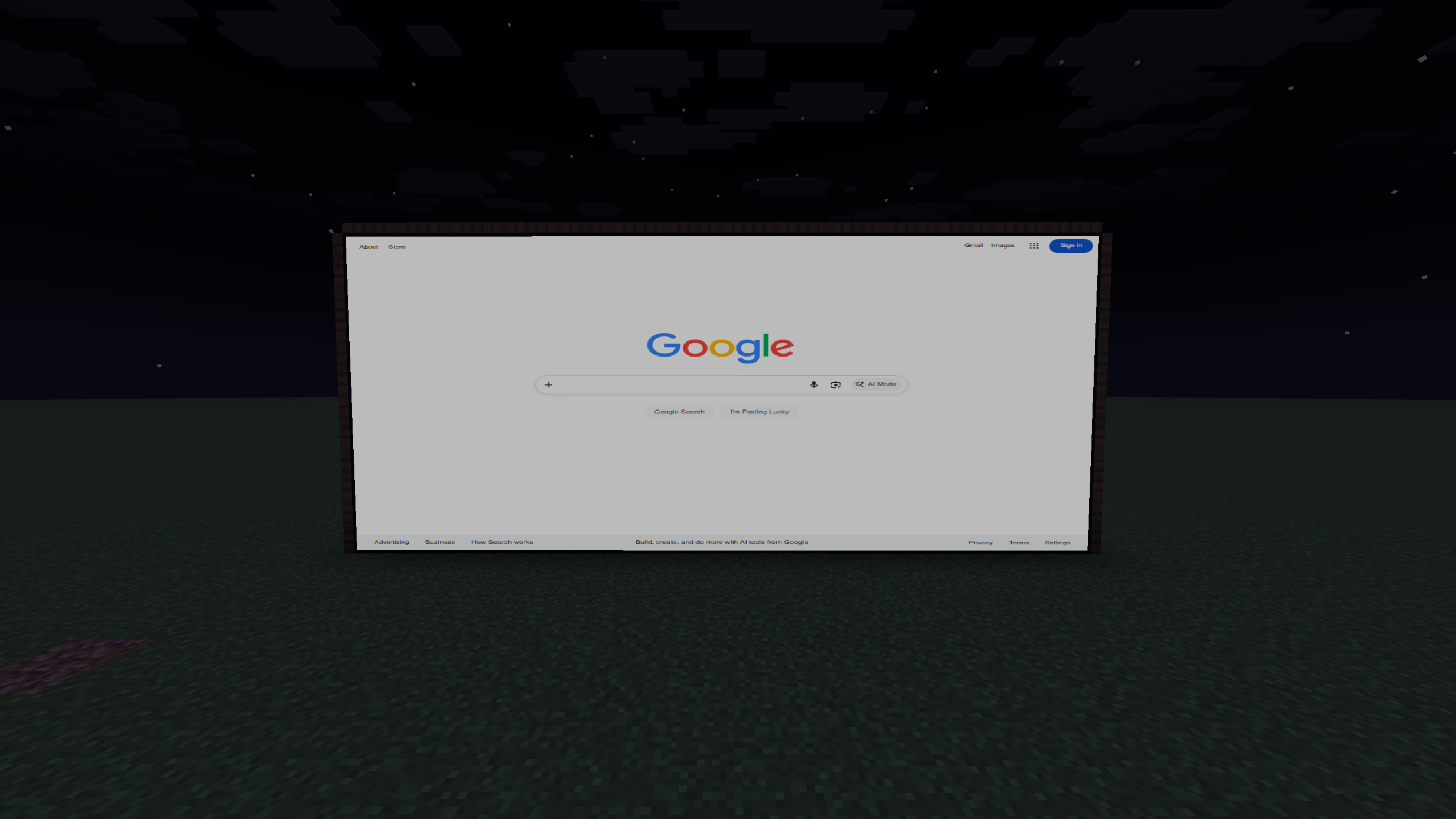 Browsing the web on a screen block
 -
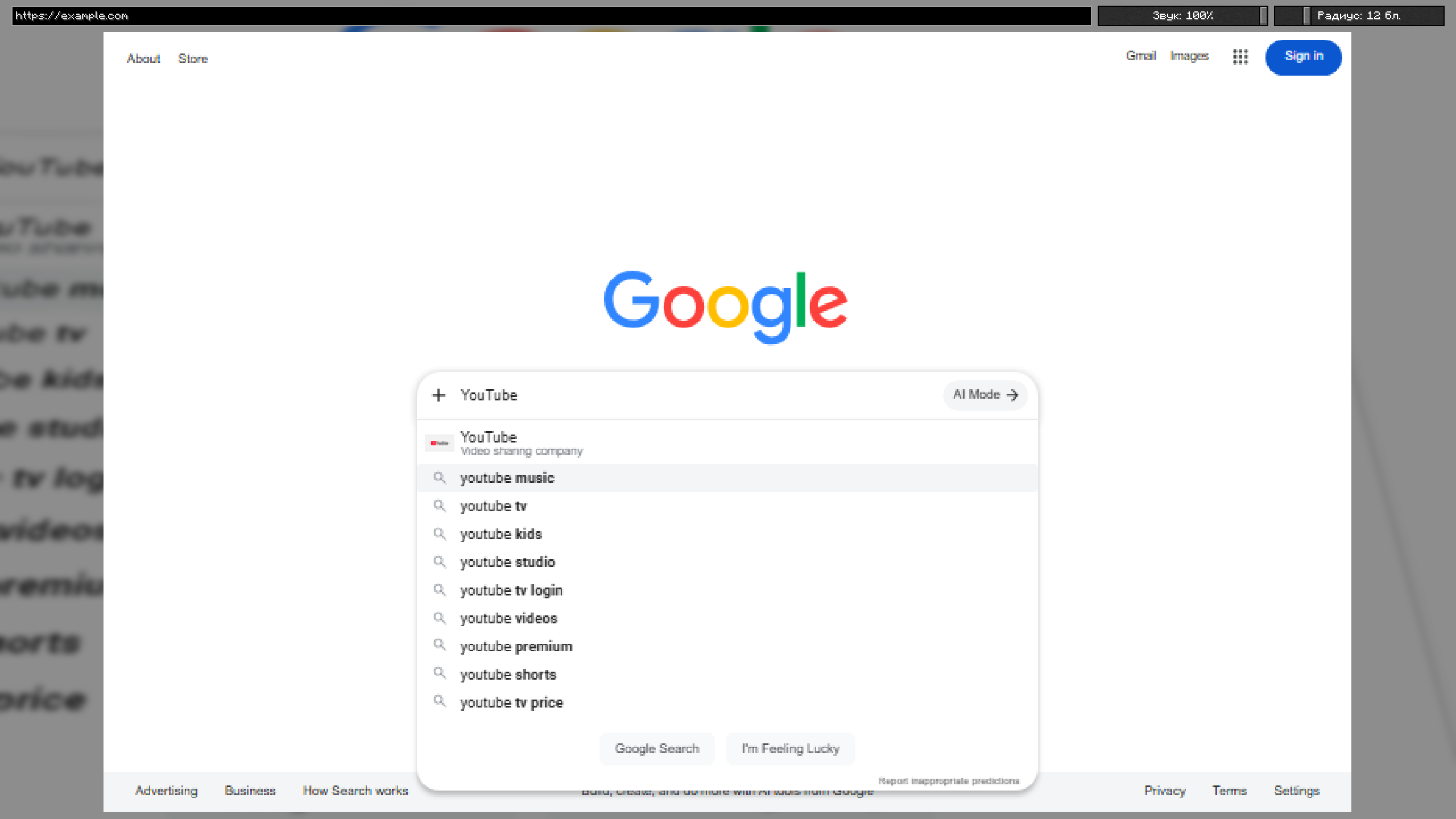 Built-in browser: address bar, search, volume & range
 -
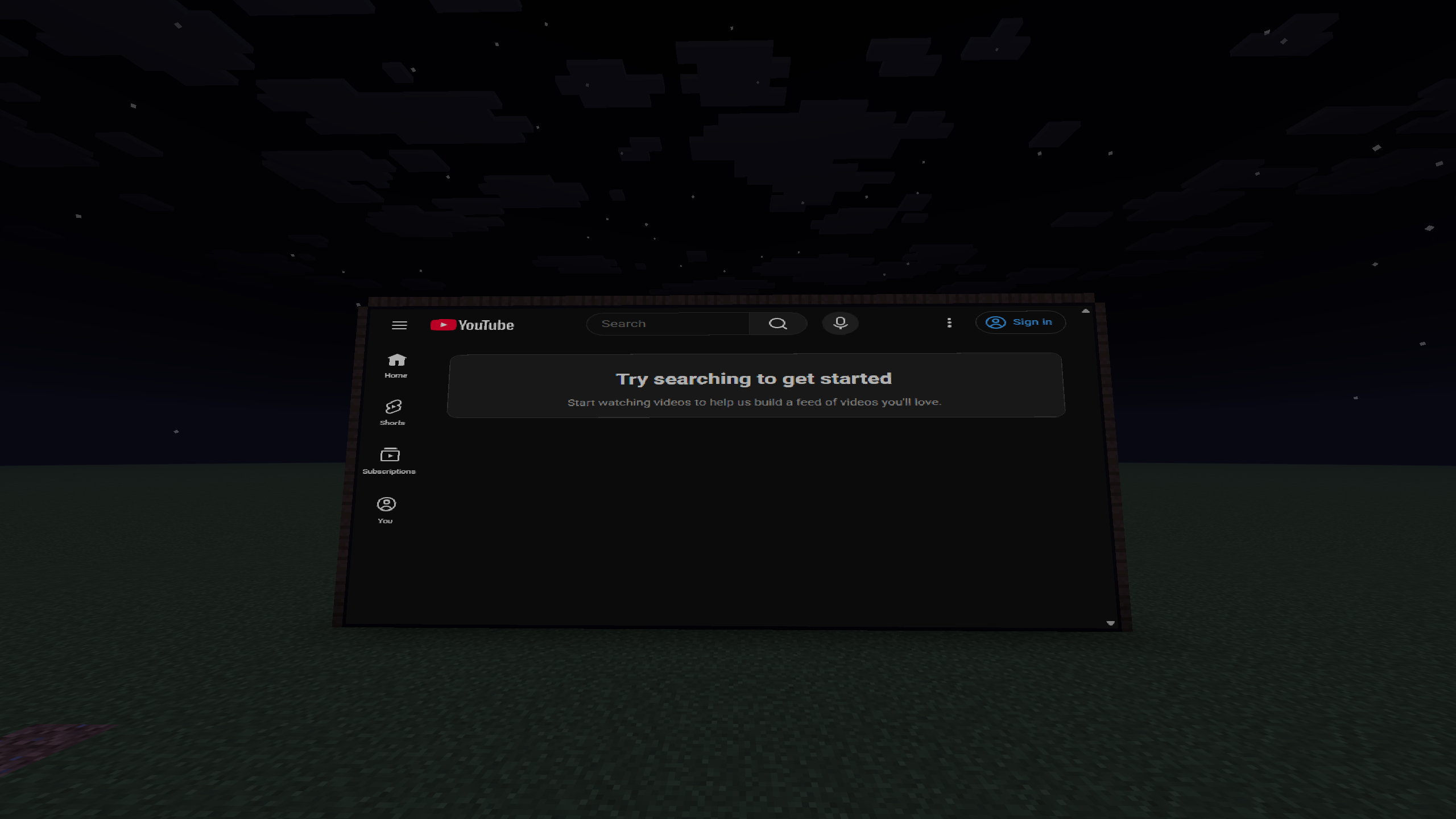 YouTube rendered in-game
Versions
Files
Relations
Project Relations
More like this
Similar Mods
Suggestions use data such as tags, dependencies, dependents, descriptions, titles, and more to rank how much they overlap with this mod.
On ModDex
Community snapshot
By the numbers
Statistics

Want to reach Minecraft players?
We're looking for a server hosting partner to feature here and other parts of the site. Interested? Send us a message!
Get in touchGet it on
Available Platforms
On ModDex
Community snapshot
By the numbers
Statistics
Resources