
Community listing page, reviews may not be monitored by the author.
Wind's Utilities

No reviews yet
Complete client-side QoL suite: Fullbright, fog & fire removal, armor durability HUD, shulker container previews, item scaling, TPS/ping commands, and a custom config GUI.

Community voices
Reviews
No reviews yet. Be the first to review this project!
Get it on
Available Platforms
About
Project Details
For authors
Embed Badge
If you're the author of this project, you can embed a live badge anywhere that supports HTML or Markdown. It updates automatically whenever ratings change.
Use HTML for any page that supports it, or Markdown for README files and Markdown-based descriptions.
Identifiers
Platform IDs
Resources
External Links
About
Description
🍃 Wind's Utilities
Wind's Utilities is a lightweight, modern, client-side Fabric mod designed to enhance your gameplay experience with visual quality-of-life improvements, customizable HUD elements, fog control, inventory previews, and diagnostic utilities.
Everything is completely client-side, fully configurable in-game, and works on both singleplayer and multiplayer servers without requiring the mod on the server!
✨ Features Overview
👁️ Visual & Camera Tweaks
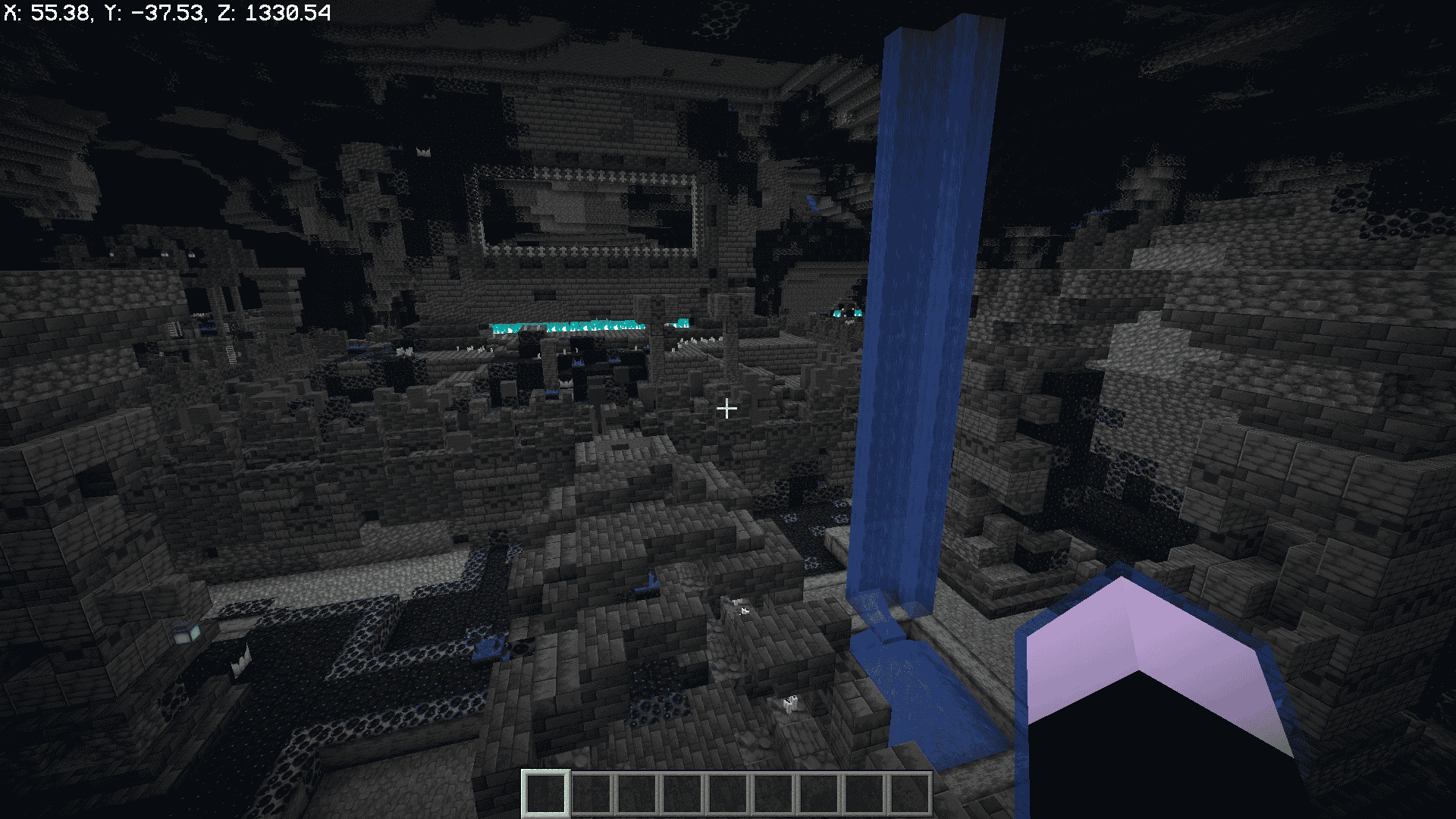
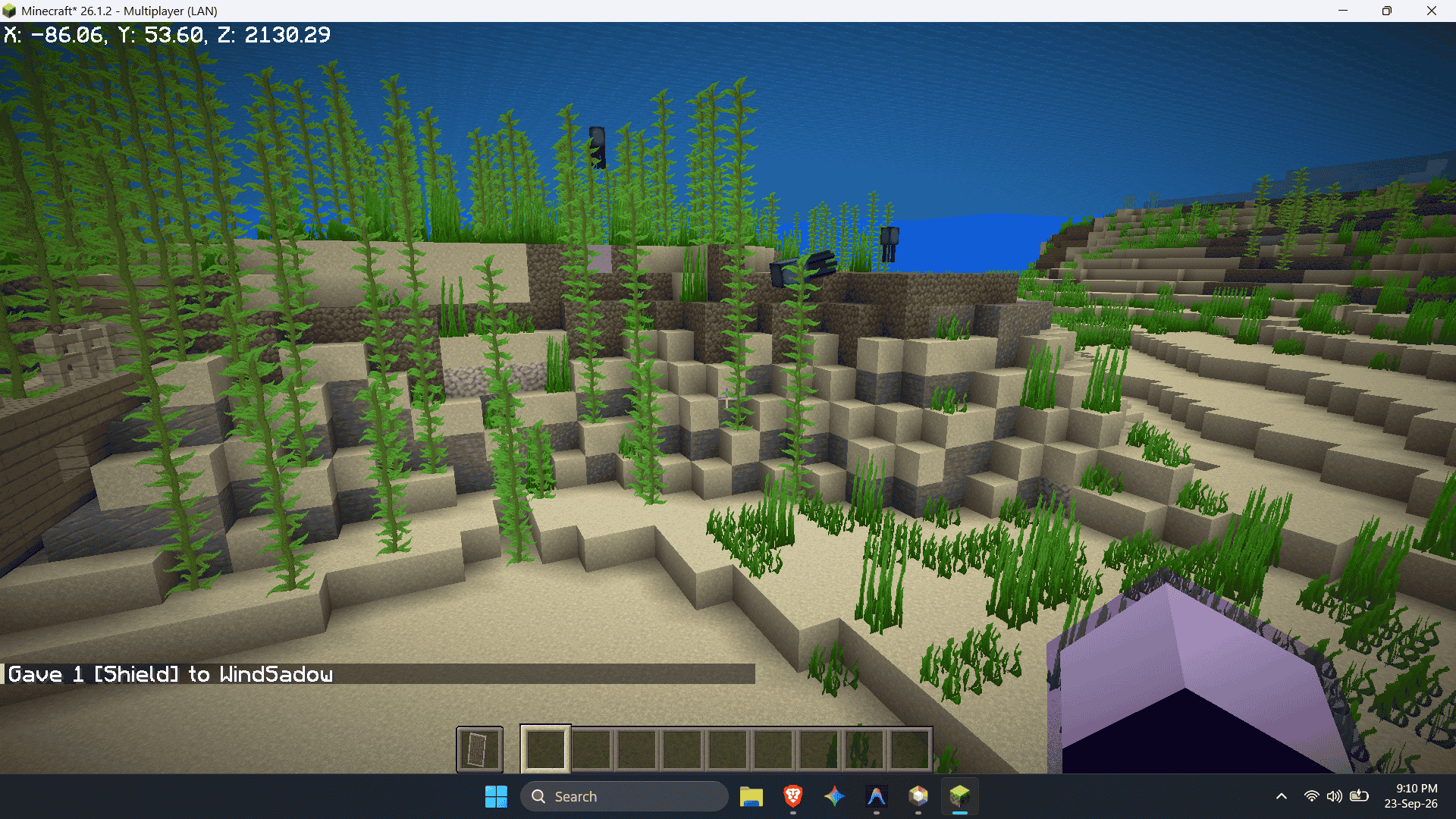
- Fullbright: Maximizes gamma brightness across dark caves, underwater areas, and nighttime.
- View Bobbing Control: Easily toggle vanilla view bobbing via menu or chat commands (
/bobbing,/viewbobbing,/wind bobbing). - No Fire Overlay: Removes the burning texture that covers your camera when on fire, keeping your screen clear in combat and lava.
- No Damage Tilt: Eliminates the disorienting screen shake and camera tilt when taking damage.
- No Pumpkin Blur: Disables the carved pumpkin overlay blocking your vision.
- Freecam: Detach your camera from your player character to freely fly around in spectator view with WASD, Space, Shift, and Sprint boost, while keeping your physical player character stationary, safe, and fully rendered in 3D. Includes auto-exit on damage protection and full keybind/command toggles.
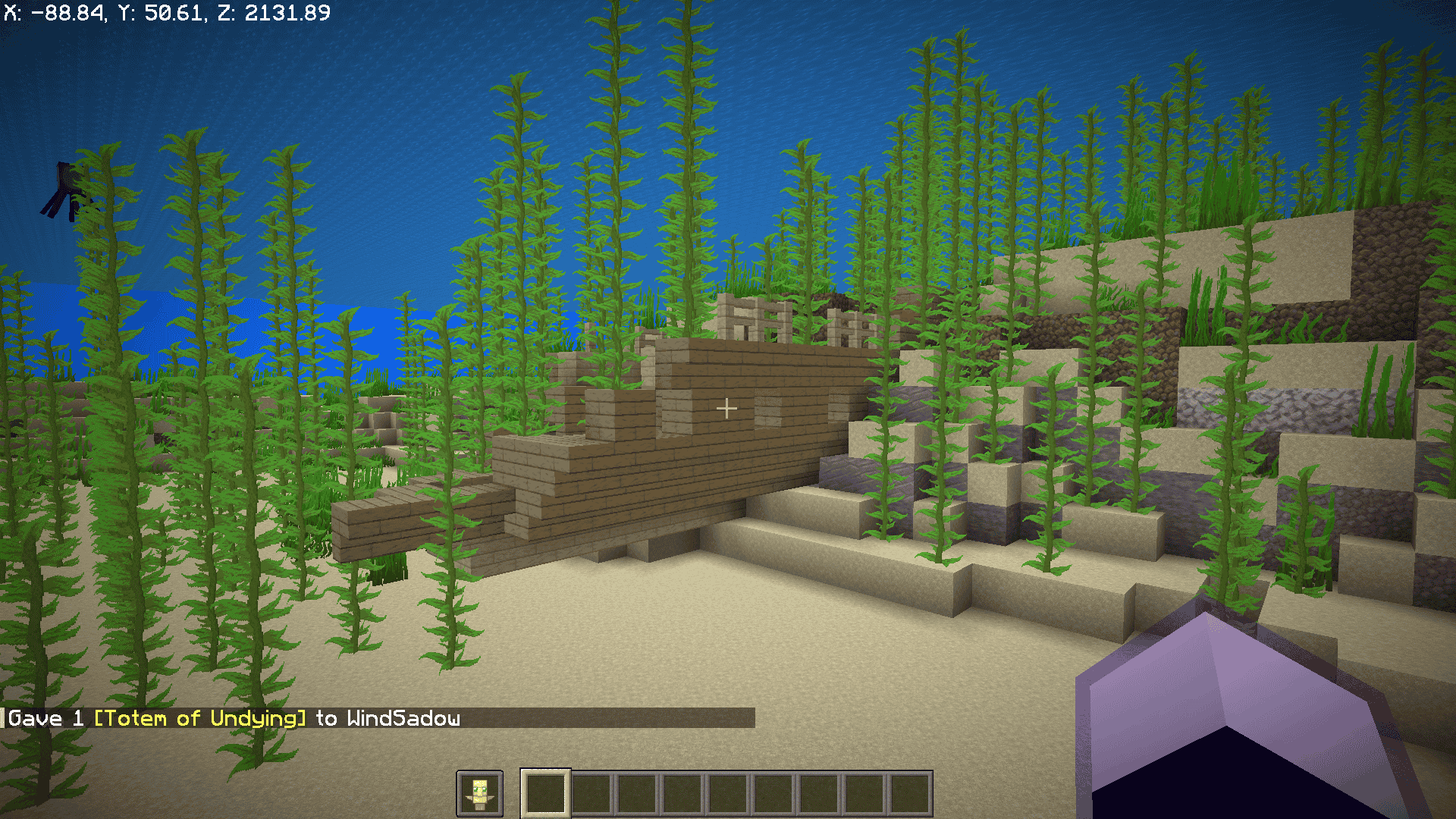
- Offhand Item Visibility: Choose whether shields or Totems of Undying block your first-person view when held in your offhand.
🌫️ Advanced Fog Controls
Fine-tune or remove fog effects individually, or turn them all off globally:
- Global Fog: Disable all terrain and distance fog everywhere.
- Lava Fog: Clear dense lava blindness for crystal-clear vision under lava.
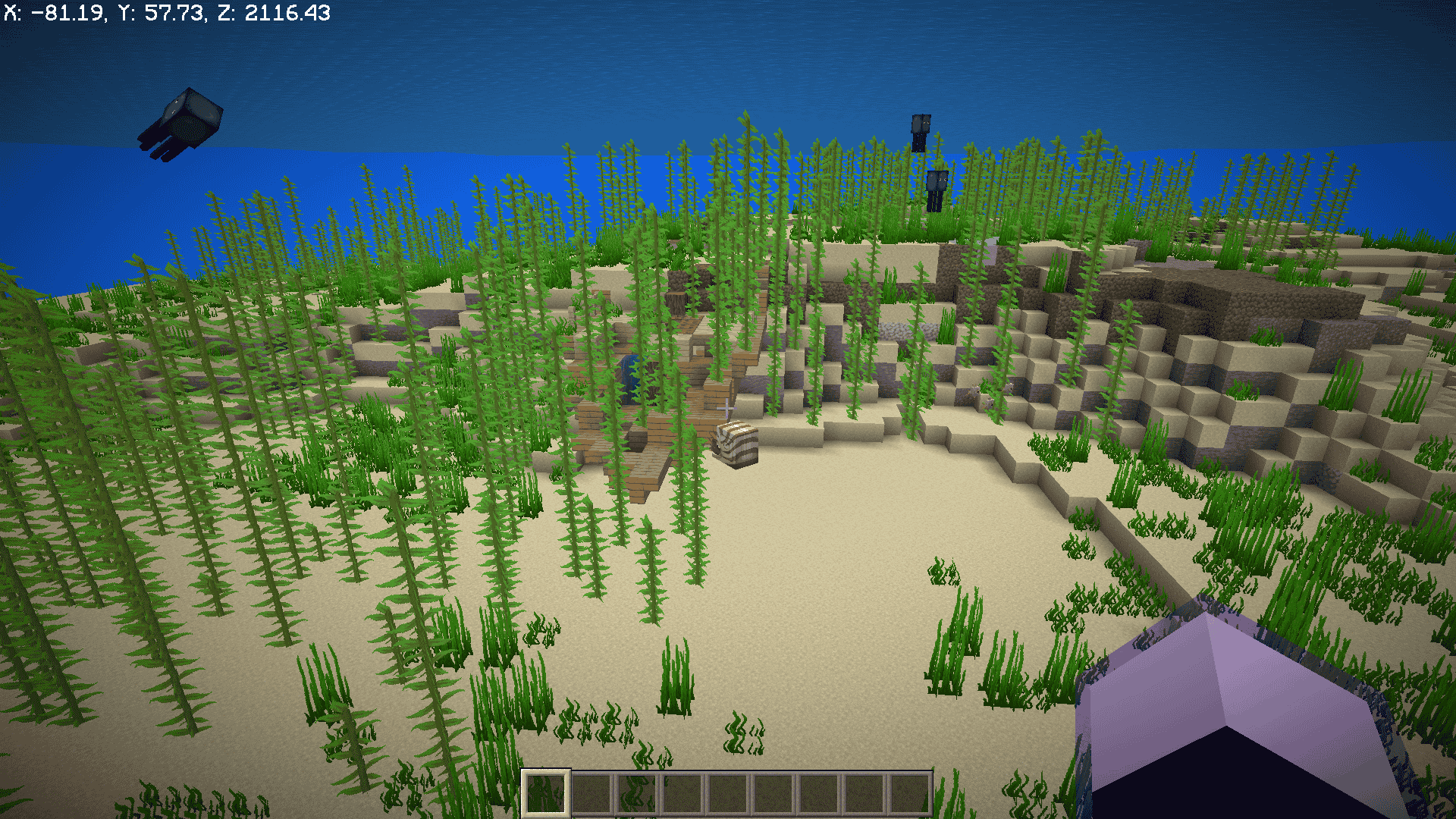
- Water Fog: Crystal-clear underwater vision.
- Powder Snow Fog: Removes freezing whiteout fog when stuck in powdered snow.
- Blindness Fog: Disables the blinding sphere caused by the Blindness effect.
- Darkness Fog: Removes the pulsating dark fog effect from the Warden/Darkness effect.
- Atmospheric Fog: Removes distant horizon fog for clean render distance viewing.
🛡️ Armor Durability HUD
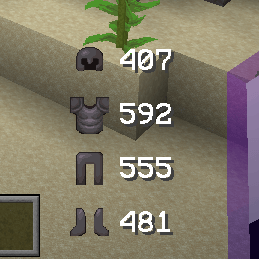
- Displays equipped helmet, chestplate, leggings, and boots icons alongside their remaining durability numbers vertically next to your hotbar.
- Configurable Durability Bars: Option to show or hide durability progress bars alongside numbers.
- Dynamic color-coding according to damage status.
📦 Shulker Box Tooltip Preview
- Hover over any shulker box in your inventory or containers to view a visual 27-slot container preview of its contents inside the tooltip.
- Completely vanilla-styled and instantly responsive.
🗡️ First-Person Item Scaling & Hand Offsets
Customize how held items appear on your screen in first-person view:
- Category Scales: Adjust scale multipliers for Totems, Potions & Bottles, Food, Shields, Weapons (swords, axes, maces, bows, tridents), Tools, and other items.
- Hand Multipliers: Independently scale mainhand and offhand items.
- Vertical Offsets: Raise or lower the vertical position (height) of items held in your main hand and offhand to maximize screen visibility.
⚡ Client Commands
| Command | Description |
|---|---|
/wind |
Opens the mod's configuration screen. |
/ping or /wind ping |
Checks real-time round-trip latency to the server in milliseconds. |
/tps or /wind tps |
Displays current server tickrate (Ticks Per Second). |
/bobbing [on|off|toggle] |
Quickly toggles or sets vanilla view bobbing. |
/viewbobbing [on|off|toggle] |
Alias for /bobbing. |
/wind fullbright |
Quickly toggles fullbright on and off. |
/wind items |
Directly opens the first-person item scaling settings menu. |
/freecam [on|off|toggle] or /wind freecam |
Toggles or controls detached client-side Freecam. |
/freecam speed [value] |
Gets or adjusts Freecam flight speed. |
⚙️ Configuration
Wind's Utilities features a built-in, native configuration screen with a sleek dark navy theme, green accents, and smooth category navigation.
You can configure all features:
- Pressing F7 (customizable in Options -> Controls -> Key Binds under the dedicated Wind's Utilities category).
- In-game via the
/windcommand. - Via the Mods menu using Mod Menu.
- Directly by editing
.minecraft/config/winds_utilities.json.
📋 Requirements & Compatibility
- Minecraft Version: Supported on 26.1.2 and 26.3 (download the matching jar file for your game version).
- Mod Loader: Fabric Loader.
- Dependencies:
- Fabric API
- (Optional) Mod Menu for graphical settings access.
- Sodium Compatibility: Fully compatible with Sodium and modern visual optimization mods.
📜 License
Wind's Utilities is licensed under the MIT License. Feel free to include it in modpacks!
Screenshots
Gallery
-
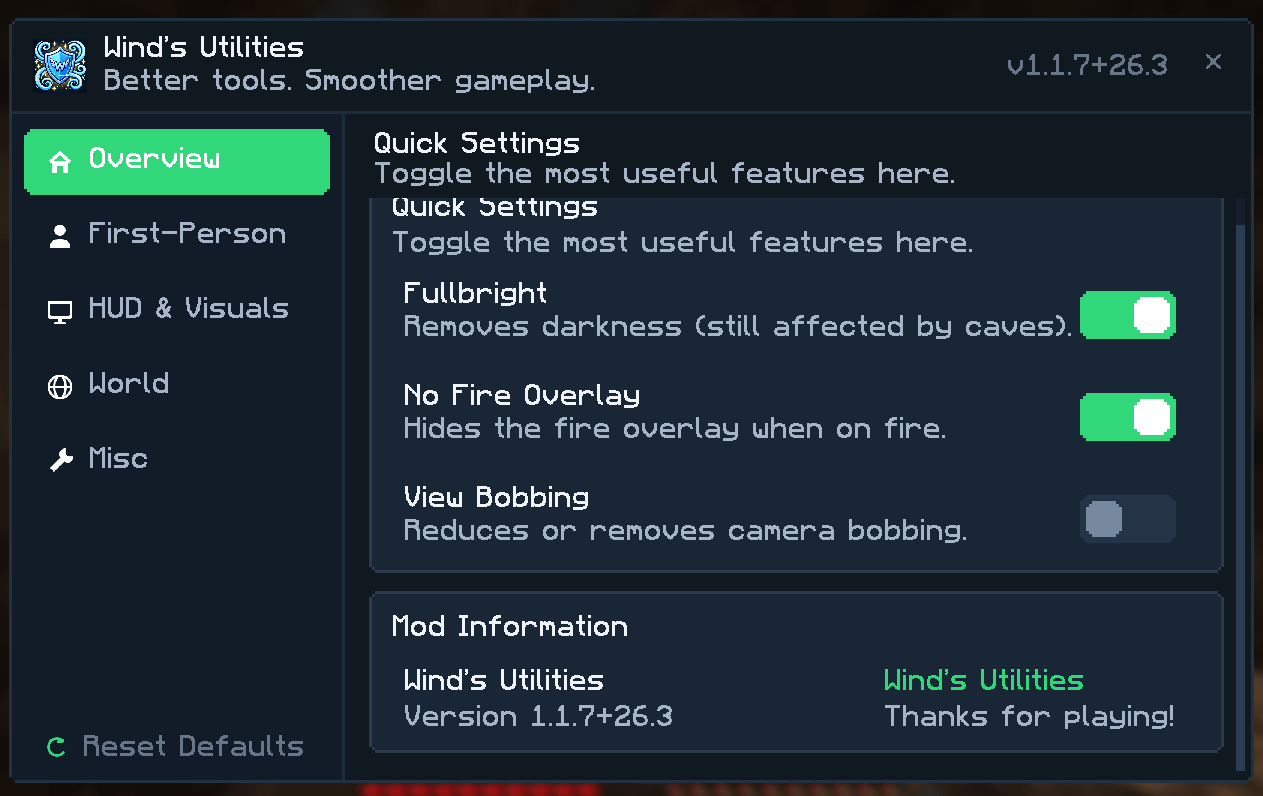 image-attachment_486c4b2c-65c4-4f0a-8c22-04f86197195f.png
 -
 a5b7f8db32d14744989906b153ca36c36940eddf.png a5b7f8db32d14744989906b153ca36c36940eddf.png
 -
 2611917b2b45796b96a0cb8cbc46a23386881283.png 2611917b2b45796b96a0cb8cbc46a23386881283.png
 -
 b71e69f70037cc0ccc6701ef0d0eadc5a39c84c2.png b71e69f70037cc0ccc6701ef0d0eadc5a39c84c2.png
 -
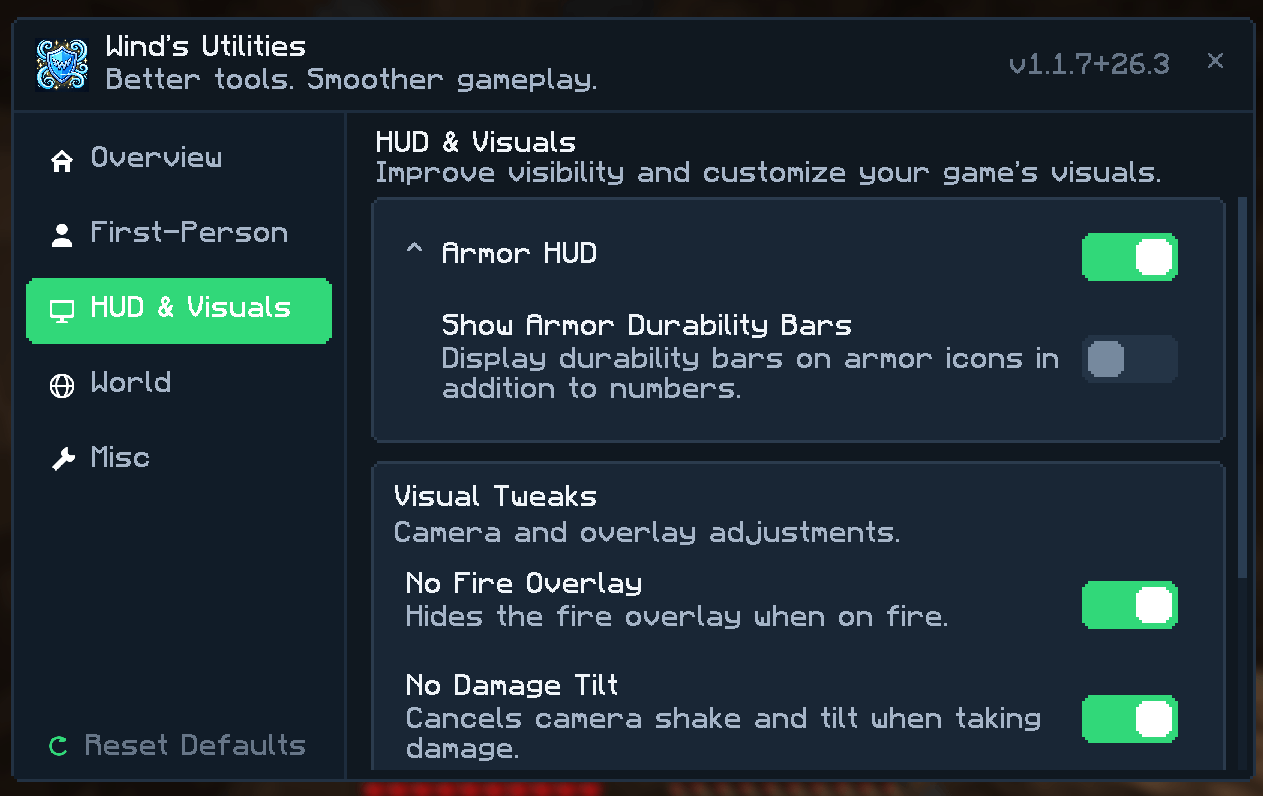 image-attachment_43fdc739-9308-4d42-97dd-a93afee64b7c.png
 -
 f44b945dc7b9105fd3b03d0d1d75fbbec885fa24.png f44b945dc7b9105fd3b03d0d1d75fbbec885fa24.png
 -
 0fc60a1b43e506ead60b2f2f962f08a84e705a4d.png 0fc60a1b43e506ead60b2f2f962f08a84e705a4d.png
Versions
Files
Relations
Project Relations
More like this
Similar Mods
Suggestions use data such as tags, dependencies, dependents, descriptions, titles, and more to rank how much they overlap with this mod.
On ModDex
Community snapshot
By the numbers
Statistics

Get it on
Available Platforms
On ModDex
Community snapshot
By the numbers
Statistics
Resources