
Community listing page, reviews may not be monitored by the author.
Windy Days

No reviews yet
This datapack adds the atmosphere of the real world to Minecraft, largely affecting how the Elytra is used.

Community voices
Reviews
No reviews yet. Be the first to review this project!
Get it on
Available Platforms
About
Project Details
For authors
Embed Badge
If you're the author of this project, you can embed a live badge anywhere that supports HTML or Markdown. It updates automatically whenever ratings change.
Use HTML for any page that supports it, or Markdown for README files and Markdown-based descriptions.
Identifiers
Platform IDs
Resources
External Links
About
Description

The Idea
Windy Days attempts to improve transportation, specifically regarding the Elytra while still not forcing the changes upon the player. What this means is that if you don't wish to take part in the systems of the datapack, you could just fly under the wind-affected atmosphere (y159 or below).
Wind
In real life, the direction of the wind changes constantly, however this system only has the wind change directions daily, choosing from 5 different wind-states (it can choose the same one multiple times in a row)
- North
- South
- East
- West
- Still (no wind movement)
Examples
The following are some examples in which Windy Days comes into play.
Example 1
You want to go North, towards your friend's base, luckily the wind is also going North! This means you should fly as high as safely possible to be boosted by the wind to get to your friend faster.
Example 2
You want to go East, away from your enemy, however, the wind is going West! This means you should fly as low as safely possible to be less affected by the wind, as trying to fly against the wind won't work at all.
Example 3
You want to South, towards your base, but the wind is going West. This means you will have to slightly East to balance yourself, otherwise, you'll be put off course.
DISCLAIMER: These systems are in no way 1:1 to real science. I traded the idea of realism for fun, and I think that was a good idea.
Layers
Troposphere
In the Troposphere you'll notice a slight pull depending on the wind, otherwise, there aren't many particles or other things to note.
Stratosphere
In the Stratosphere the wind-dependent pull will increase drastically and particles will start to pick up.
Mesosphere
In the Mesosphere, things will start to switch up. While the wind will of course drastically increase, you'll also start taking damage unless you have Water Breathing, this is due to the lack of oxygen. (This effect will also apply to any higher layers.)
Thermosphere
In the Thermosphere, combined with the lack of oxygen and drastic wind increase, you will also begin to burn due to the extreme temperatures. This is the fastest and most dangerous layer.
Exosphere
Unlike the previous layers, the Exosphere has no directional influence, it will still lack oxygen, but instead of burning, you'll begin to freeze.
Deadzone
You shouldn't really go up here but the Deadzone will disable your Elytra and going too far into it will instantly kill you. (1100+)
Y Values:
Troposphere = 160-327
Stratosphere = 328-495
Mesosphere = 496-663
Thermosphere = 664-899
Exosphere = 900-999
Deadzone = 1000+
Dependencies
This datapack requires Apoli or alternatively Origins to function.
Suggested Mods
I suggest you install Do a Barrel Roll for a more interesting flying experience. I also recommend that you install Celestial and use the "Overworld Orbit Demo" to make it look like you're actually leaving the atmosphere!
Credits
Banner Art - wool#3946
Screenshots
Gallery
-
Background
-
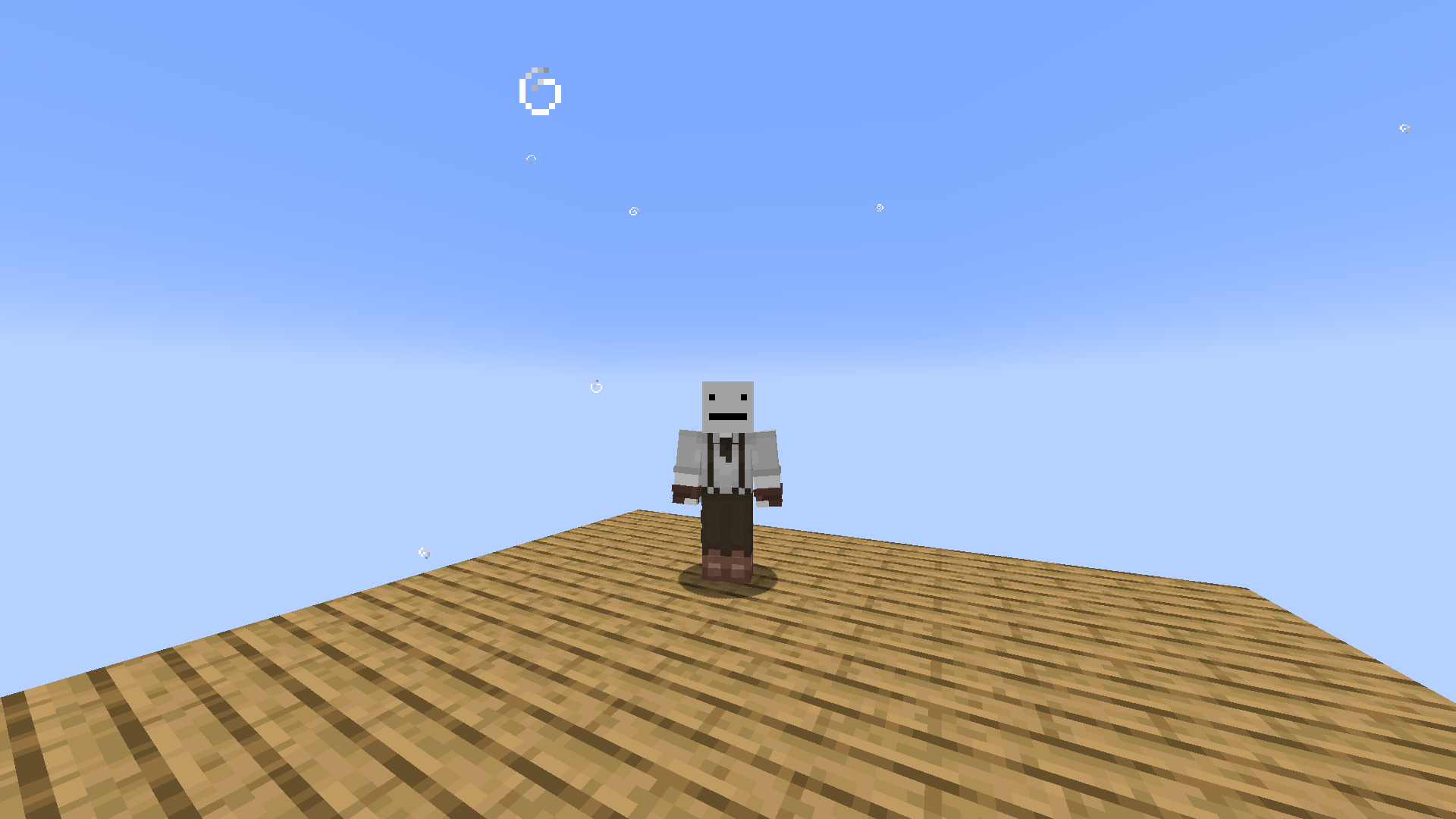 Troposphere This is what the Troposphere looks like. (160-327)
 -
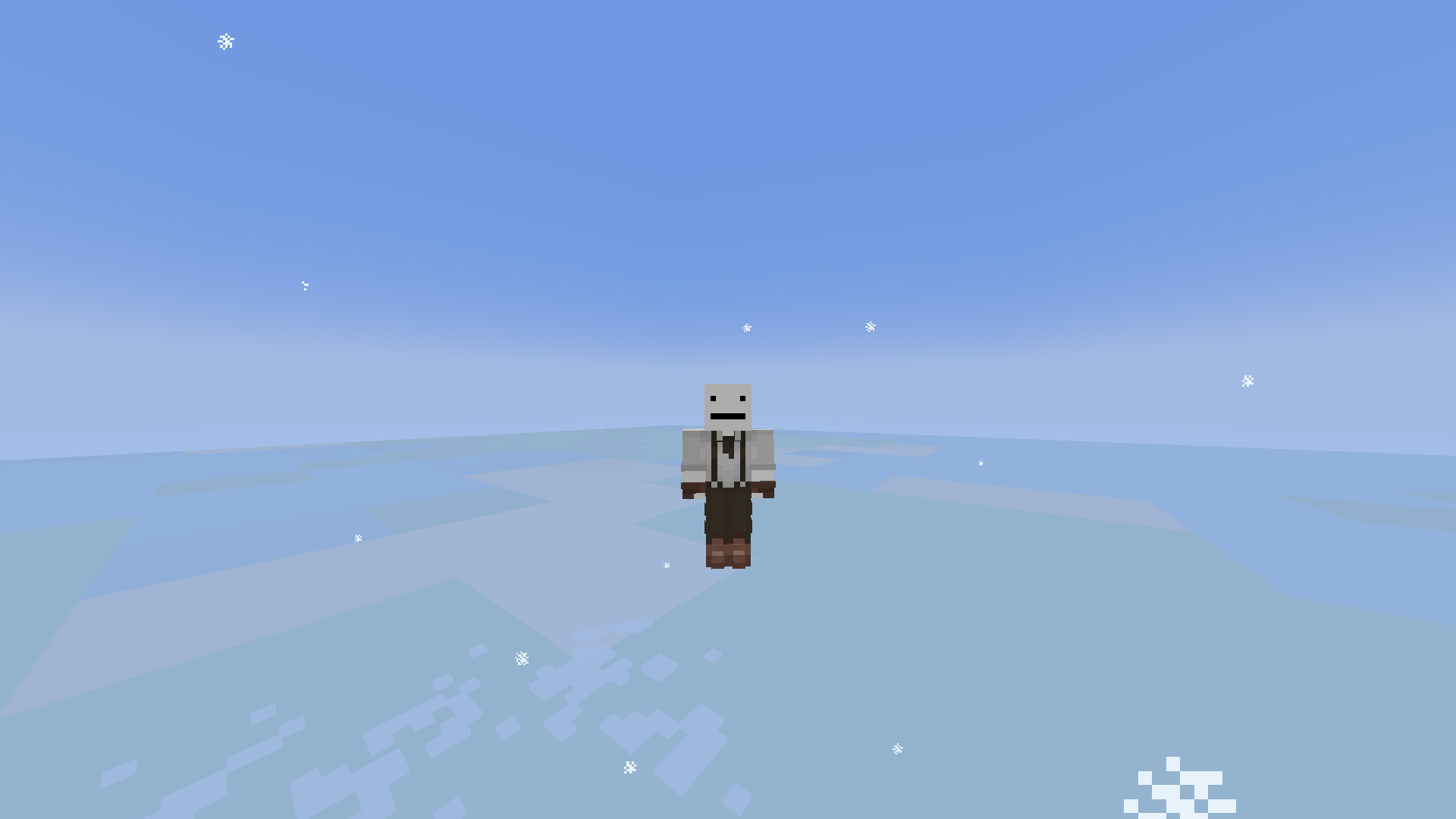 Stratosphere This is what the Stratosphere looks like. (328-495)
 -
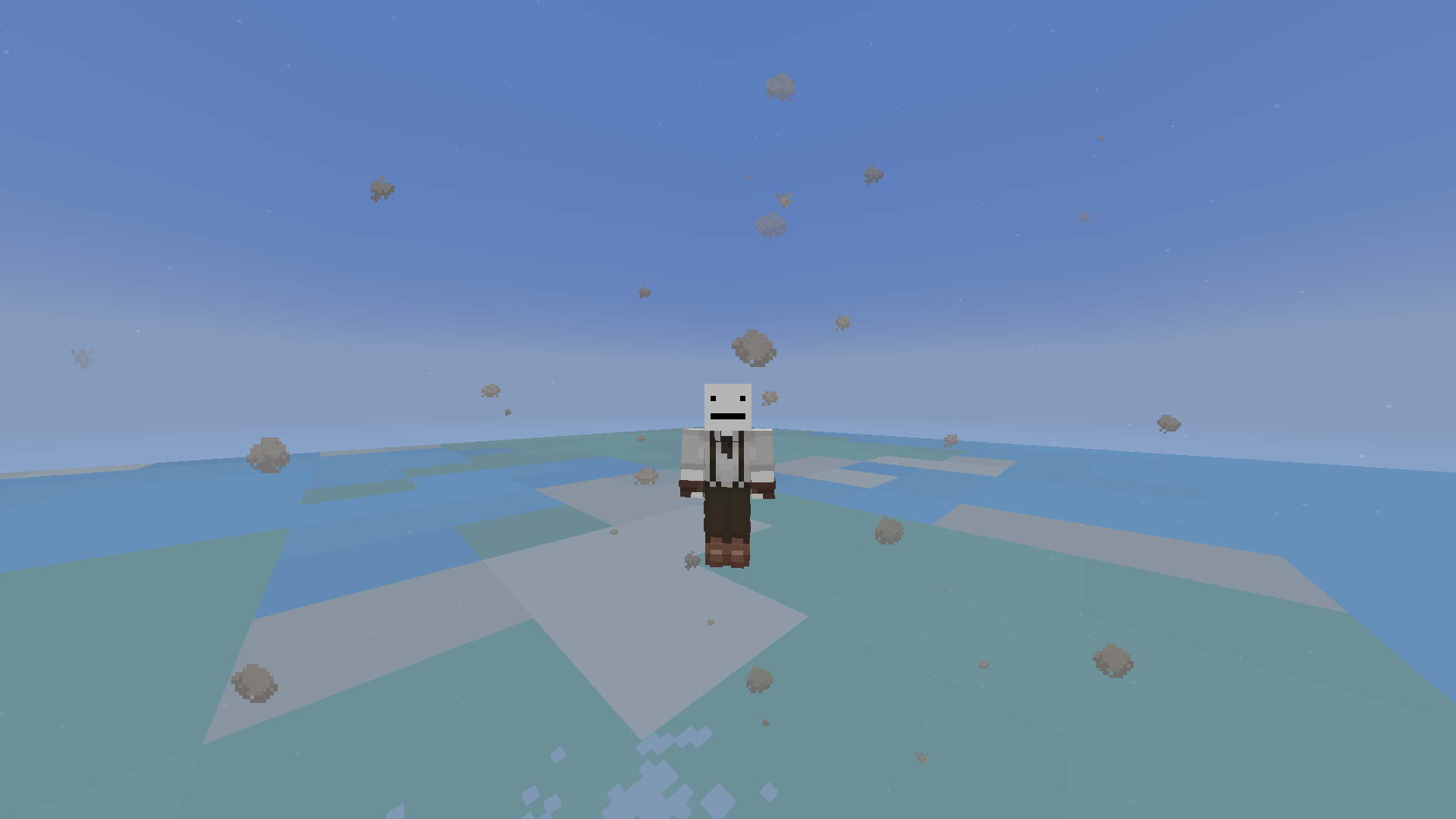 Mesosphere This is what the Mesosphere looks like. (496-663)
 -
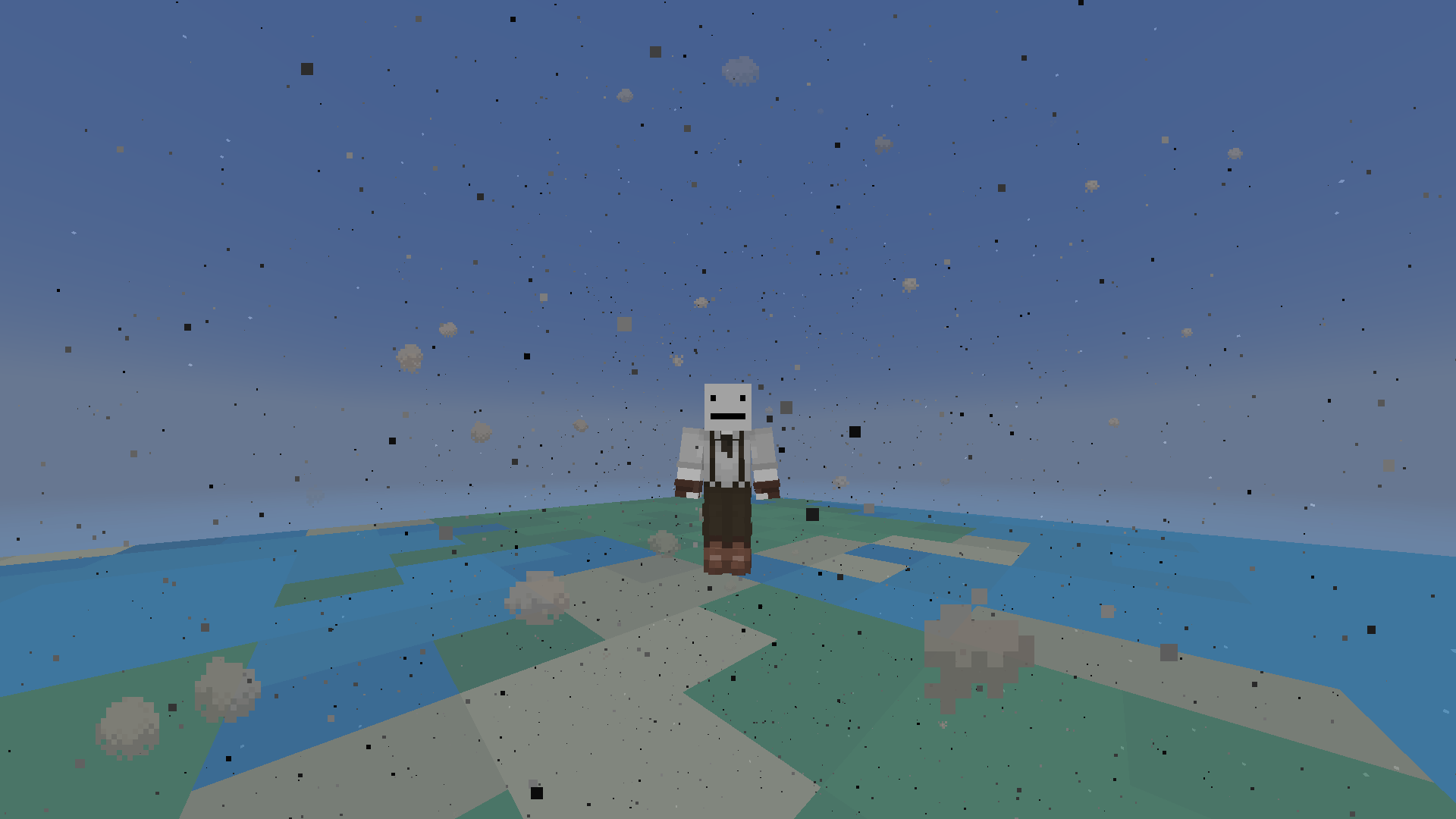 Thermosphere This is what the Thermosphere looks like. (664-899)
 -
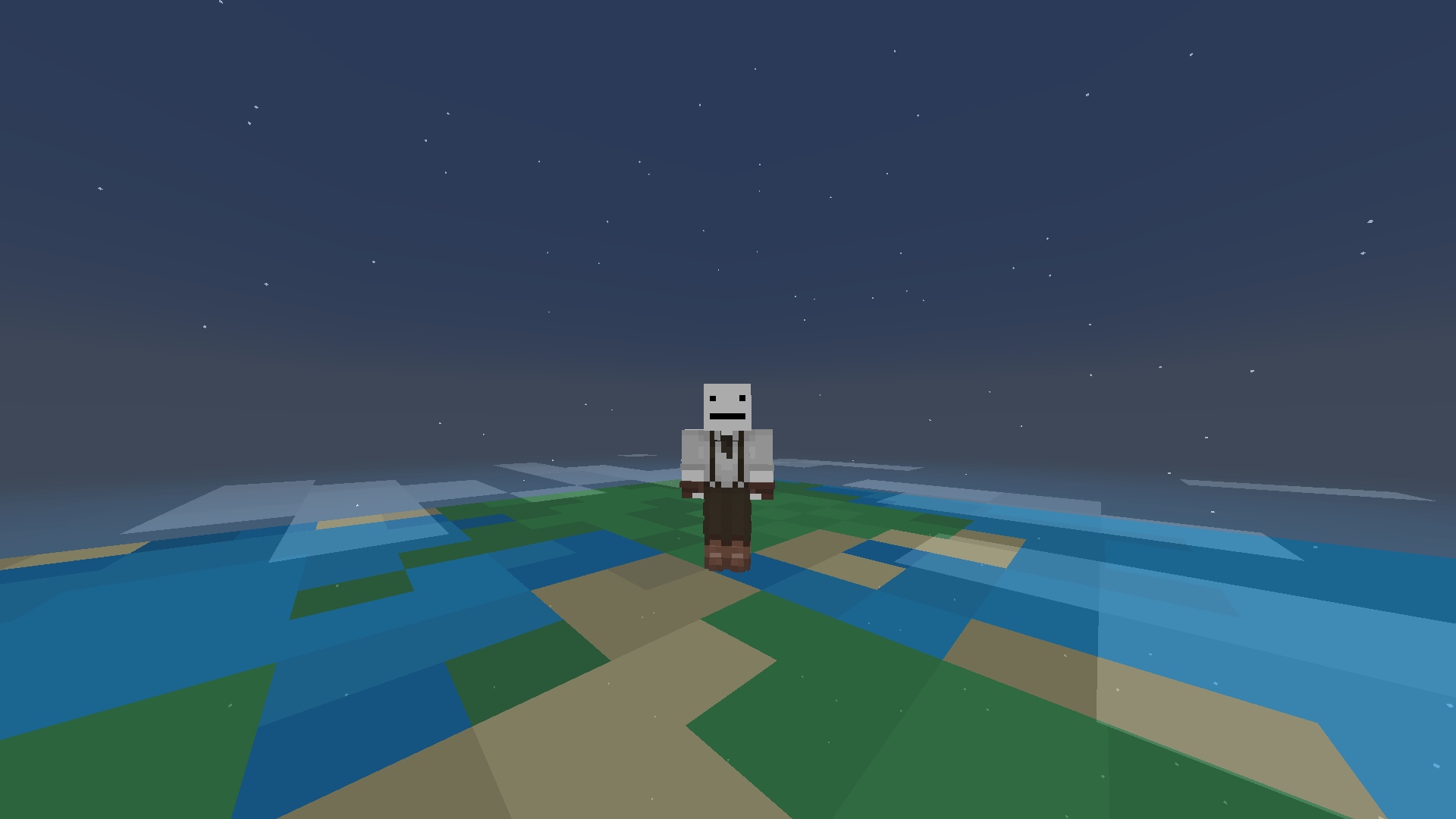 Exosphere This is what the Exosphere looks like. (900-999)
Versions
Files
Relations
Project Relations
More like this
Similar Mods
Suggestions use data such as tags, dependencies, dependents, descriptions, titles, and more to rank how much they overlap with this mod.
On ModDex
Community snapshot
By the numbers
Statistics


Get it on
Available Platforms
On ModDex
Community snapshot
By the numbers
Statistics
Resources