
Community listing page, reviews here may not be monitored by the author.
World-Preview for speedrun


No reviews yet
Pre view your minecraft world with a simple click
Community voices
Reviews
No reviews yet. Be the first to review this project!
Get it on
Available Platforms
Compatibility
Supported Environments
Runs entirely on the client. Works on vanilla servers.
About
Project Details
For authors
Embed Badge
If you're the author of this project, you can embed a live badge anywhere that supports HTML or Markdown. It updates automatically whenever ratings change.
Use HTML for any page that supports it, or Markdown for README files and Markdown-based descriptions.
Identifiers
Platform IDs
Resources
External Links
About
Description
See your world before it start the world at the home page when you click to create the world shows you hou the world is during the charging this can help you choose the world/seed
World Preview

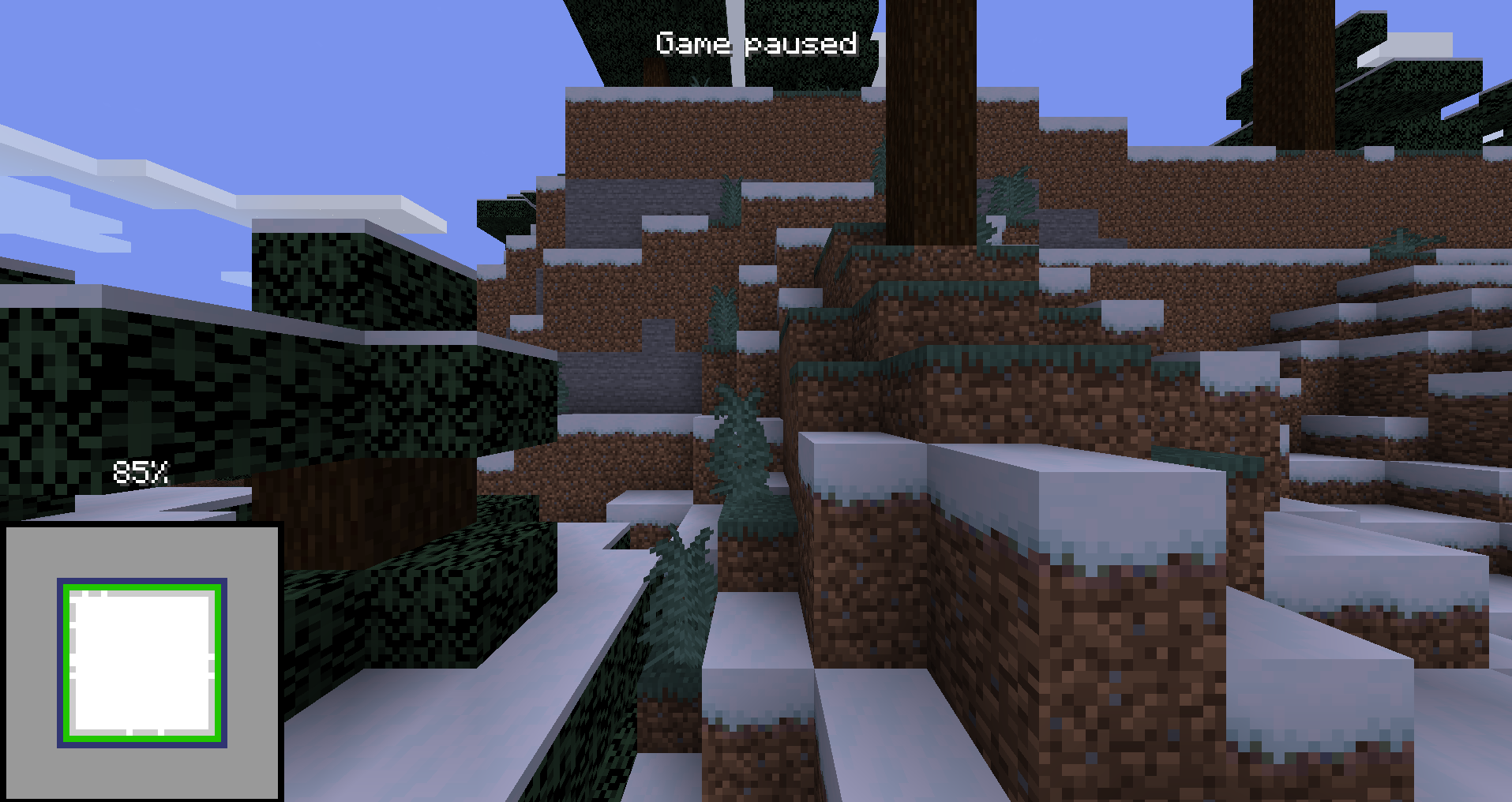
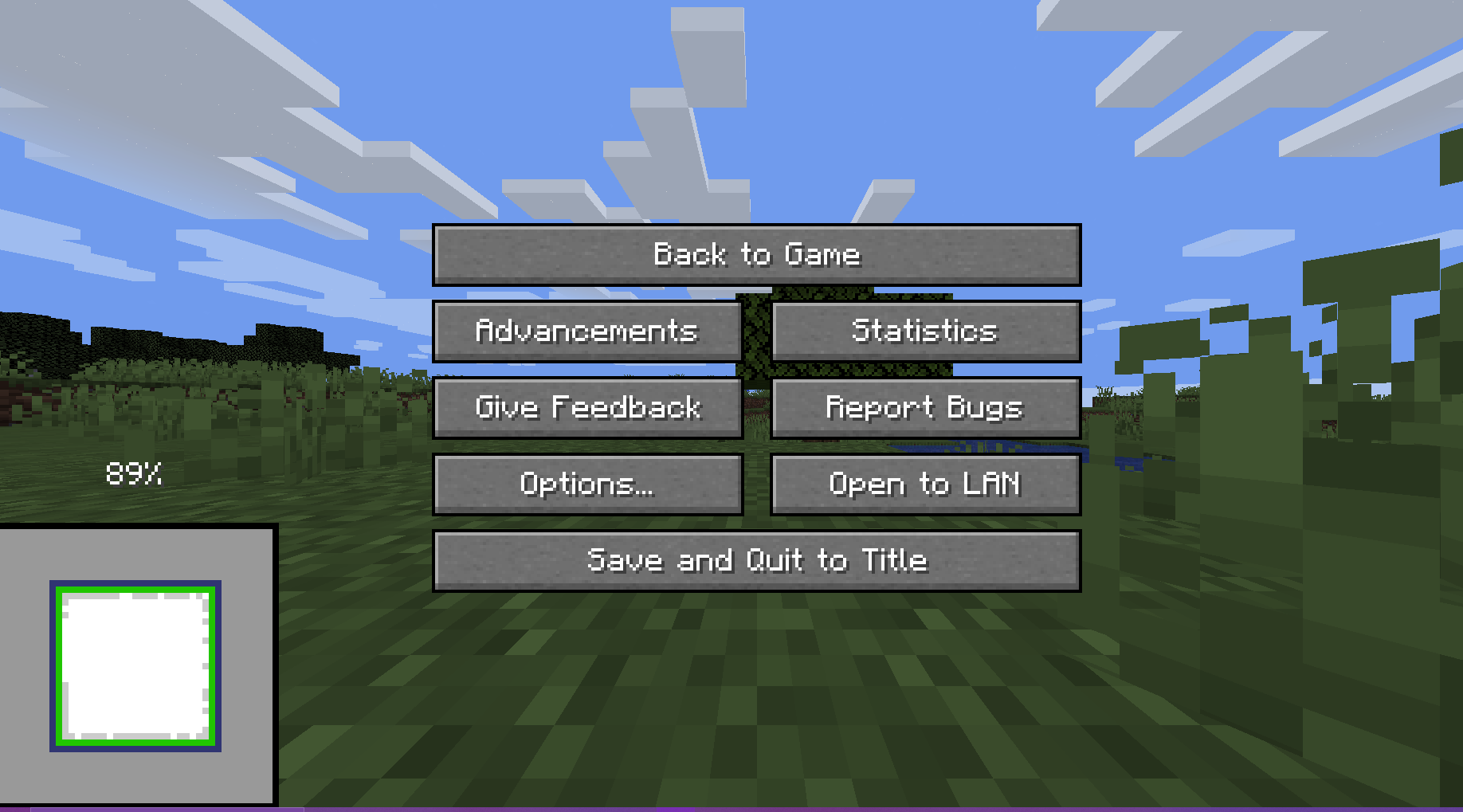
Minecraft mod that draws a preview of the world on the loading screen during chunk generation.
- Legal for the minecraft java edition leaderboards
- The full chunk map must be shown in the recording to get a run verified
- Switching to the F3 + Esc menu will make your run count as f3
- Compatible with all allowed mods
- Compatible with the newest releases of specnr's multi-instance macros and with FinestPigeon's spawn reset macro for ssg **For macro
- World preview doesn't modify world generation in any way. It simply takes already completed chunks, converts them to client chunks (Chunks minecraft can render) and then draws these chunks on the loading screen.
- There are no server side modifications besides minecraft getting the random value for the player spawn earlier (Random is Random so it doesn't change anything)
- You will not be able to reset after ~ when the chunk map reaches 100%. This is intentional
Usage
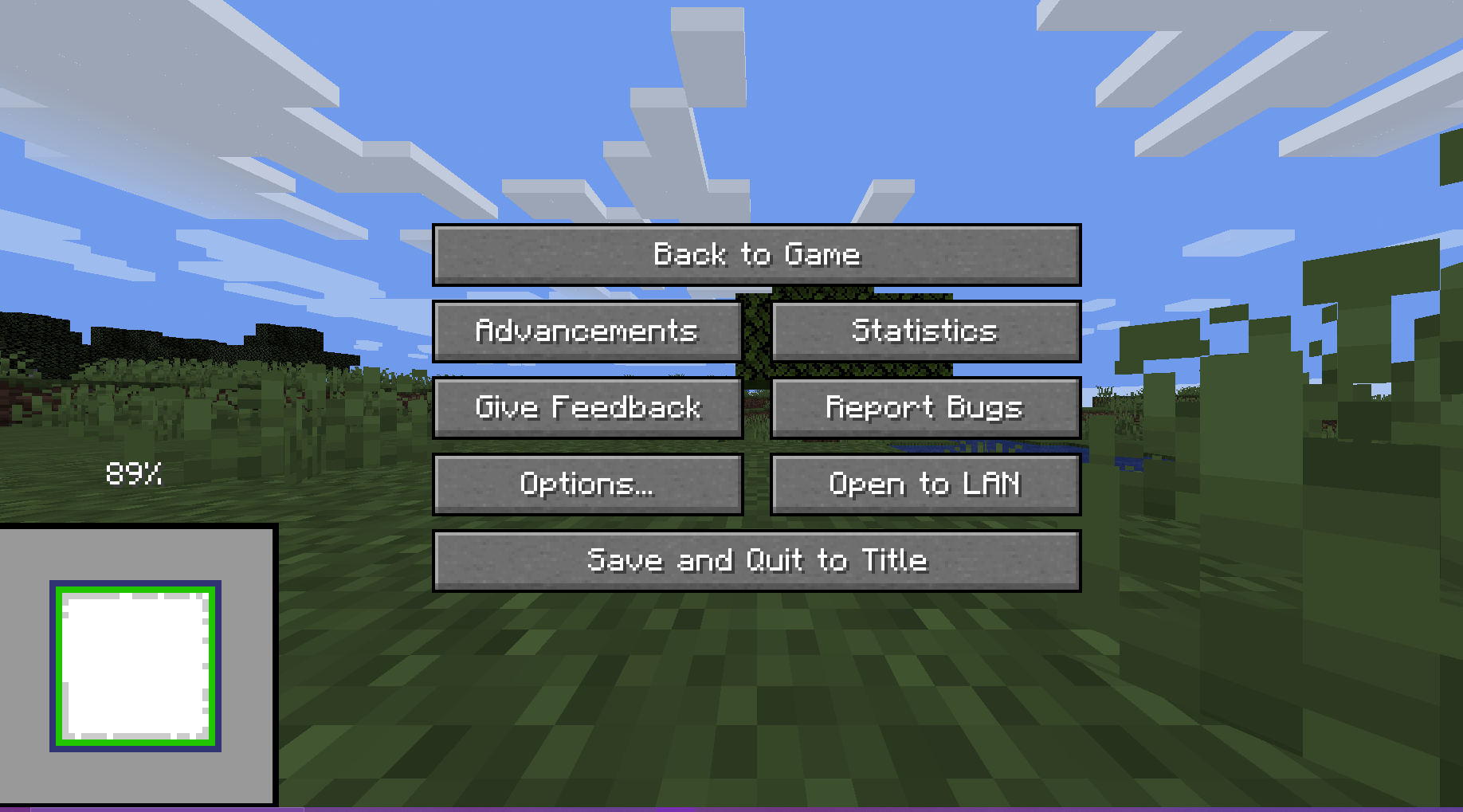
The preview will always render when you create a world.
There are 5 ways the player can interact with the preview:
Direct Inputs
- Leave World Generation and Reset: Press the "Save and Quit to Title" button to instantly leave the World Generation to the title screen
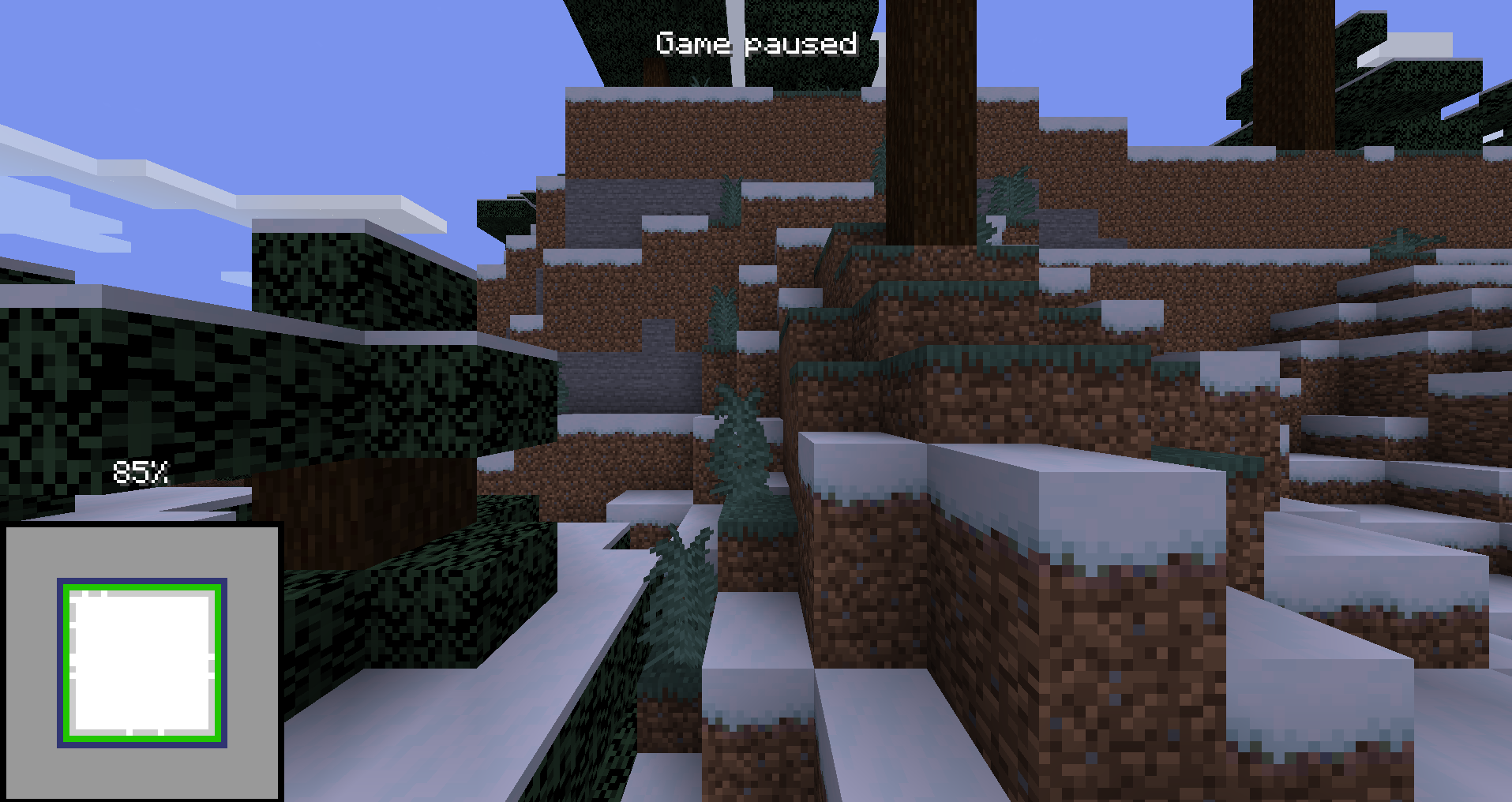
- F3 + Esc: Press F3 and Esc at the same time to switch the pause menu to the F3+Esc pause menu (shown below) and press Esc to switch back. This will make your run count as f3.
Hotkeys (These can be changed in the Controls Screen)
- Leave World Generation and Reset with Hotkey, default button "g" (English keyboard): Press the hotkey button to instantly leave the World Generation to the title screen
- Cycle Chunk Map, default button "h" (English keyboard): Cycle through the 4 positions of the chunk map
- Freeze Preview, default button "j" (English keyboard): Freezes the preview (helps with CPU performance)
For Macro Makers
The mod prints 3 different log lines:
- "Starting preview at (x, y, z)" at the start of the preview (Reset buttons unlocked)
- "Leaving world generation" when leaving world generation (Reset buttons locked)
- "Freezing Preview / Unfreezing Preview" when the freezing / unfreezing the preview You will not be able to reset after ~ when the chunk map reaches 100%. This is intentional.
Authors
Screenshots
Gallery
Versions
Files
Relations
Project Relations
More like this
Similar Mods
Suggestions use data such as tags, dependencies, dependents, descriptions, titles, and more to rank how much they overlap with this mod.
On ModDex
Community snapshot
By the numbers
Statistics
Want to reach Minecraft players?
We're looking for a server hosting partner to feature here and other parts of the site. Interested? Send us a message!
Get in touchGet it on
Available Platforms
On ModDex
Community snapshot
By the numbers
Statistics
Resources