
Community listing page, reviews here may not be monitored by the author.
XBB's hot air balloon fantasy


No reviews yet
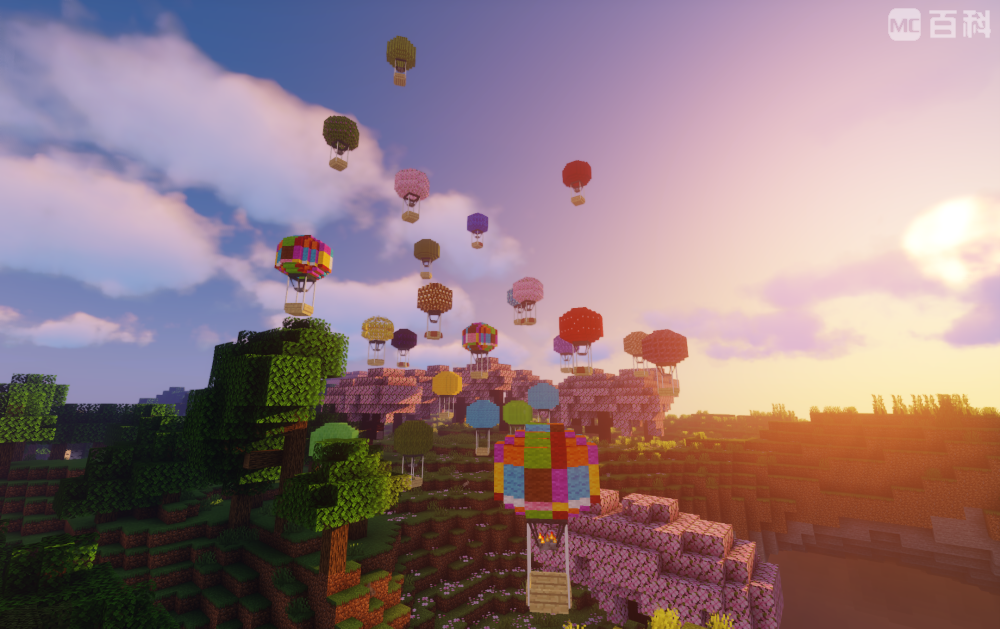
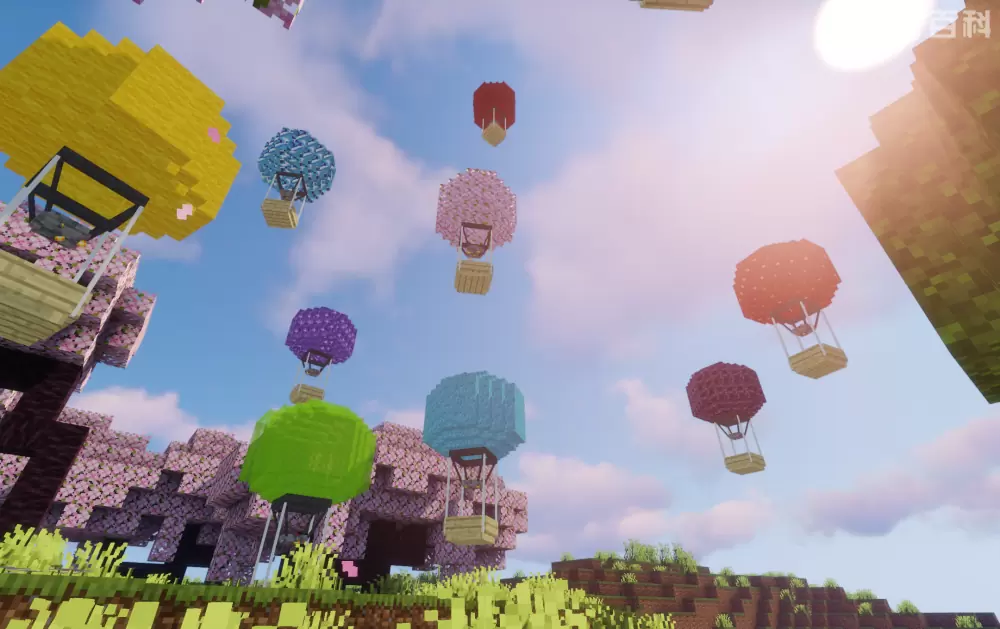
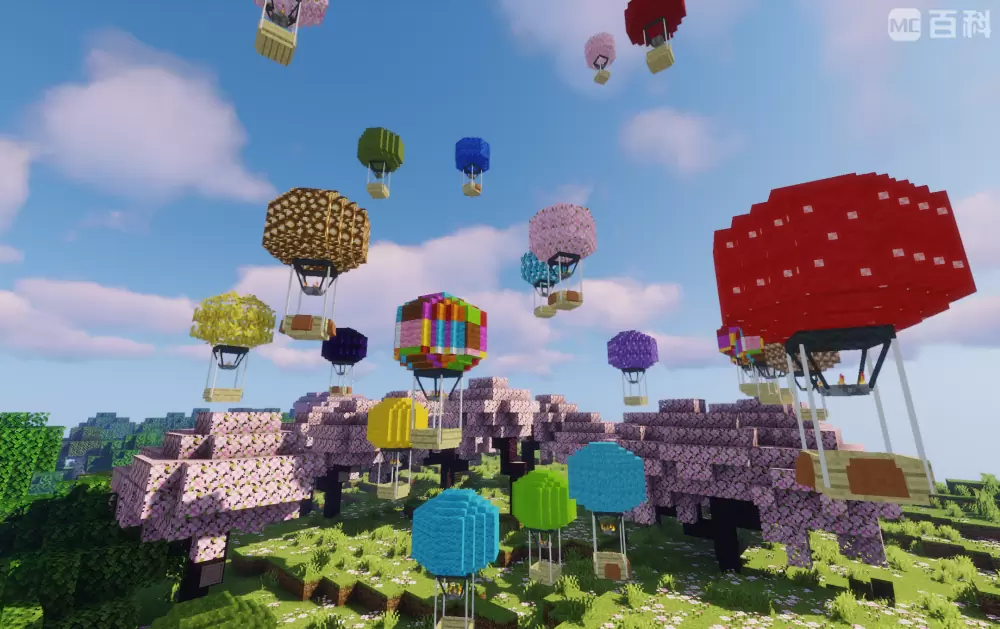
This mod adds a multifunctional hot air balloon entity.
Community voices
Reviews
No reviews yet. Be the first to review this project!
Get it on
Available Platforms
Compatibility
Supported Environments
Must be installed on both the client and the server.
About
Project Details
For authors
Embed Badge
If you're the author of this project, you can embed a live badge anywhere that supports HTML or Markdown. It updates automatically whenever ratings change.
Use HTML for any page that supports it, or Markdown for README files and Markdown-based descriptions.
Identifiers
Platform IDs
Resources
External Links
About
Description
Features:
● When sneaking, right-click on the hot air balloon with a chest to load it with a chest, giving it a UI slot with 27 slots for storing items;
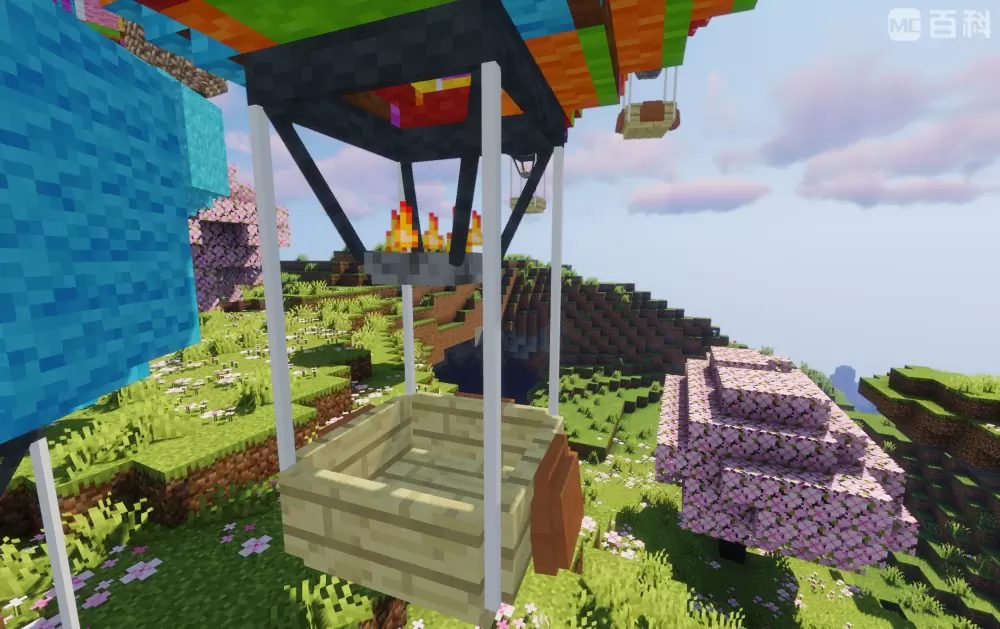
● When sneaking, right-click a hot air balloon with a certain block to customize its balloon texture (including some MOD blocks), but some blocks cannot be customized and will display black and purple lost texture styles;
● Hot air balloons cannot be removed by conventional methods. To remove it,you should sneakand right-click on the hot air balloon with scissors to turn it into an item, and the items in its item column will fall out. Using items on the top of the block will release it, including its previous texture and fuel;
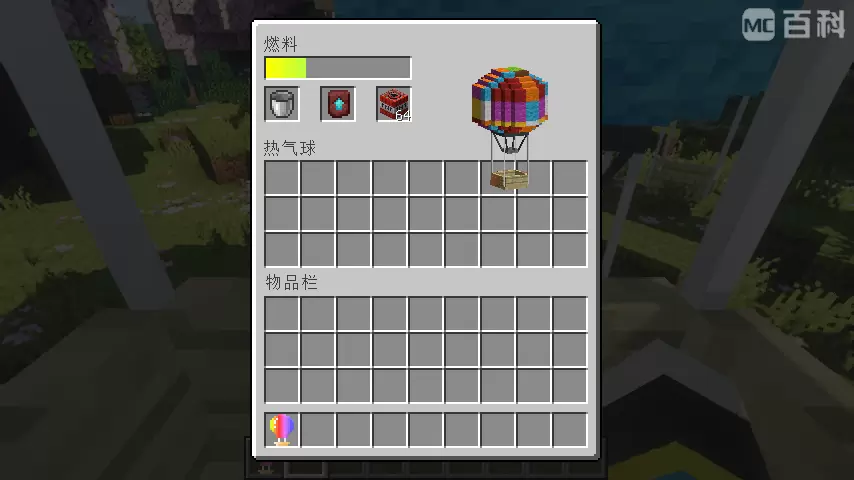
● The hot air balloon can only be controlled when there is fuel in it. The first slot of UI can be placed with coal, charcoal and lava bucket when you are riding it with E key pressed. Coal and charcoal can increase fuel by 2, lava bucket by 30, and the maximum fuel value is 500. Moving will consume its fuel value;
● w, a, s, d control horizontal movement; Y and U key controls up and down movement, and the up and down movement button can modify the key binding in the settings;
● The second slot in the UI can place a lower boundary alloy upgrade template to upgrade the hot air balloon, in order to slow down fuel consumption and increase movement speed;
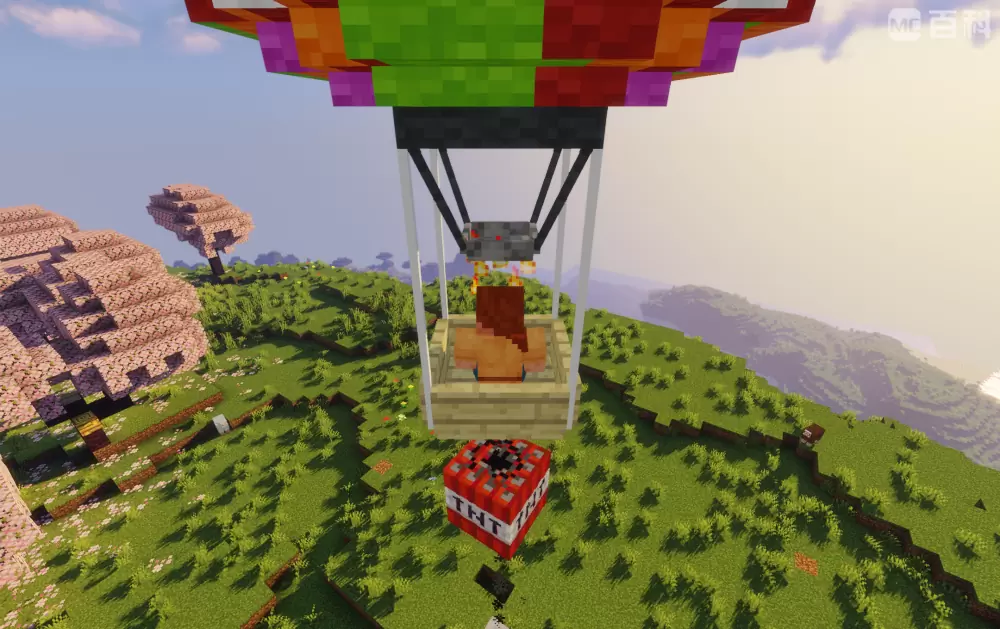
● The third slot in the UI can place TNT, press the I key to air drop TNT, and modify the key binding in the settings;
● Increase in fuel value of coal, charcoal, and lava bucket, maximum fuel value, basic horizontal and upward/downward movement rates, upgraded horizontal and upward/downward movement rates, and basic and upgraded fuel consumption rates (The larger the value, the slower it becomes) can be modified in the configuration file.
others:
●This mod requires geckolib-forge-1.20-4.2 as the front-end mod
● As long as the author information(me as XBB_FOREVER,can be abbreviated as XBB) and mod original source(like curseforge) are marked, the module can be added to the integration package or server;
● After testing, the animation of hot air balloons may be incorrect due to loading shaders.
●This mod is only published on Curseforge and Modrinth by me.
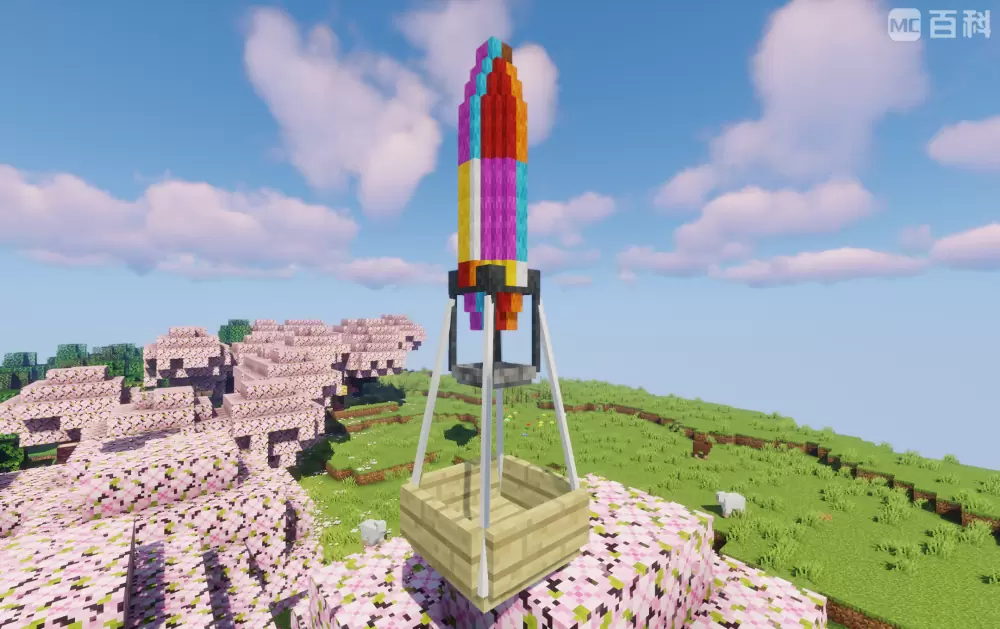
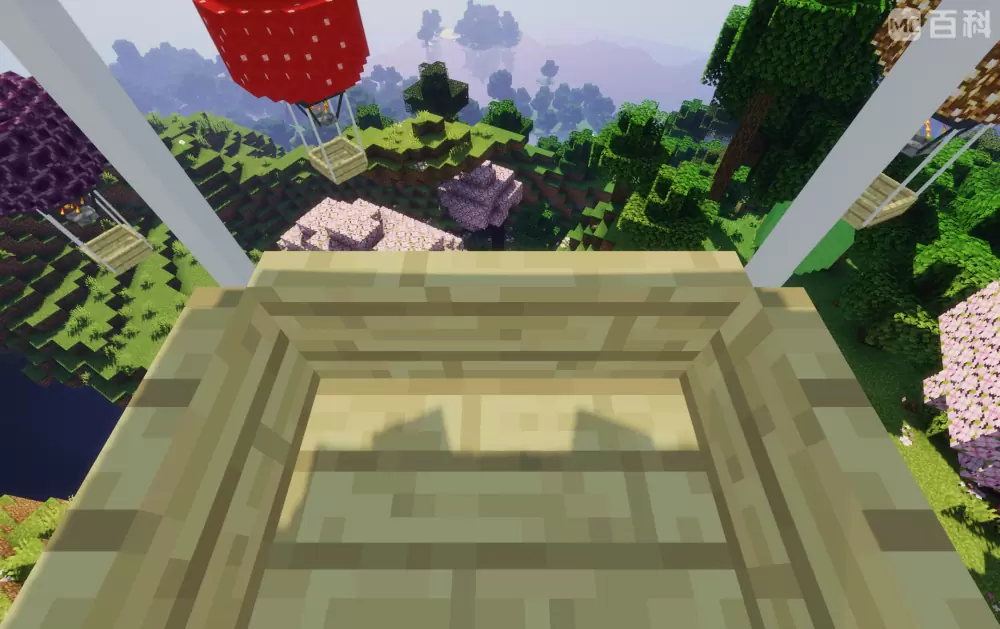
Features:
● When sneaking, right-click on the hot air balloon with a chest to load it with a chest, giving it a UI slot with 27 slots for storing items;
● When sneaking, right-click a hot air balloon with a certain block to customize its balloon texture (including some MOD blocks), but some blocks cannot be customized and will display black and purple lost texture styles;
● Hot air balloons cannot be removed by conventional methods. To remove it,you should sneakand right-click on the hot air balloon with scissors to turn it into an item, and the items in its item column will fall out. Using items on the top of the block will release it, including its previous texture and fuel;
● The hot air balloon can only be controlled when there is fuel in it. The first slot of UI can be placed with coal, charcoal and lava bucket when you are riding it with E key pressed. Coal and charcoal can increase fuel by 2, lava bucket by 30, and the maximum fuel value is 500. Moving will consume its fuel value;
● w, a, s, d control horizontal movement; Y and U key controls up and down movement, and the up and down movement button can modify the key binding in the settings;
● The second slot in the UI can place a lower boundary alloy upgrade template to upgrade the hot air balloon, in order to slow down fuel consumption and increase movement speed;
● The third slot in the UI can place TNT, press the I key to air drop TNT, and modify the key binding in the settings;
● Increase in fuel value of coal, charcoal, and lava bucket, maximum fuel value, basic horizontal and upward/downward movement rates, upgraded horizontal and upward/downward movement rates, and basic and upgraded fuel consumption rates (The larger the value, the slower it becomes) can be modified in the configuration file.
others:
● As long as the author information(me,can be abbreviated as XBB) and mod original source(like modrinth) are marked, the module can be added to the integration package or server;
● After testing, the animation of hot air balloons may be incorrect due to loading shaders;
Screenshots
Gallery
-
General View
-
General View
-
General View
-
Zoom In! A hot air balloon with fuel filled and chest added.
-
Zoom In! An animation that plays when hot air balloon is not filled with fuel.
-
Ride!
-
UI! Shows how the slots work.
-
TNT Throwing!
-
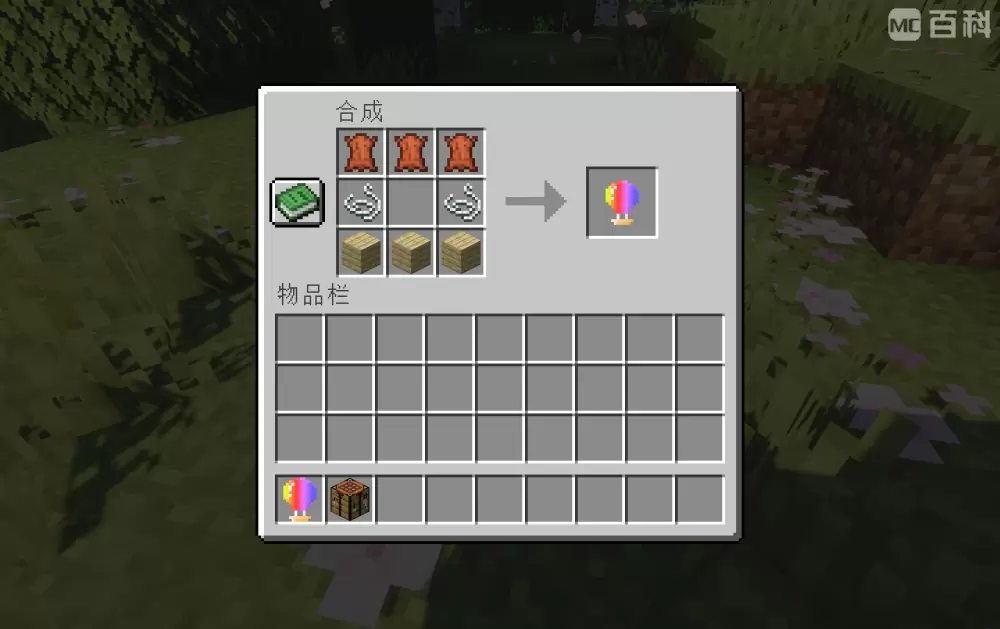
How to make one! In crafting table.
Versions
Files
Relations
Project Relations
More like this
Similar Mods
Suggestions use data such as tags, dependencies, dependents, descriptions, titles, and more to rank how much they overlap with this mod.
On ModDex
Community snapshot
By the numbers
Statistics
Want to reach Minecraft players?
We're looking for a server hosting partner to feature here and other parts of the site. Interested? Send us a message!
Get in touchGet it on
Available Platforms
On ModDex
Community snapshot
By the numbers
Statistics
Resources