Community listing page, reviews may not be monitored by the author.
Xenara: Nexus UI

No reviews yet
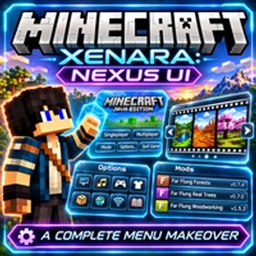
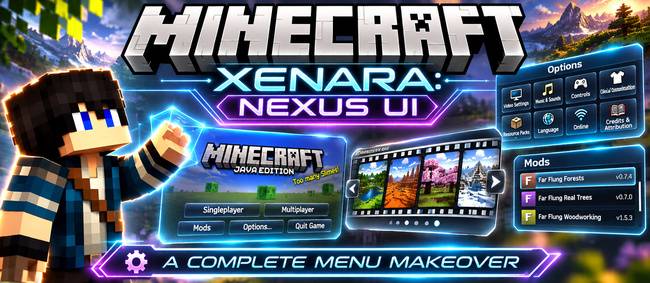
A complete menu makeover: a huge MINECRAFT logo over a fading slideshow of your own worlds, a film-reel world picker, and sleek glass-style Options, Mods and settings pages.

Community voices
Reviews
No reviews yet. Be the first to review this project!
Get it on
Available Platforms
About
Project Details
For authors
Embed Badge
If you're the author of this project, you can embed a live badge anywhere that supports HTML or Markdown. It updates automatically whenever ratings change.
Use HTML for any page that supports it, or Markdown for README files and Markdown-based descriptions.
Identifiers
Platform IDs
Resources
External Links
About
Description
Xenara: Nexus UI
Give Minecraft's menus the makeover they deserve.
Xenara: Nexus UI restyles the whole menu side of Minecraft: the title screen, world selection, Options, the Mods list and the settings pages. It's all done in one clean see-through glass style. Every button still does exactly what it did before; it just looks a lot better doing it.
✨ The Title Screen
- A huge MINECRAFT logo across the middle of the screen
- A living slideshow background: beautiful pictures that slowly zoom and cross-fade into each other
- Your own worlds as the backdrop: while you play, the mod quietly takes scenic shots (no hand, no HUD) and adds them to the slideshow
- Click to jump straight in: the world name shown on each picture is clickable and loads that world (or joins that server) instantly
- Sleek glass buttons with a soft gold glow when you hover
- Version info tidied away, small and centred above the menu
- Add your own backgrounds by dropping pictures into the
backgroundsfolder
🎞️ World Reel: a Better Select World Screen
The plain world list becomes a film reel of full-size world pictures. Roll left and right with the arrows, mouse wheel or arrow keys, and see each world's name, last-played date and game mode in big bold text. Pictures update automatically as you play.
⚙️ Options, Reimagined
- The Options screen becomes a set of picture tiles: Video Settings, Music & Sounds, Controls, Skin Customisation, Resource Packs, Language and more
- Quick settings (FOV, difficulty) sit in their own strip at the top
- Every settings page restyled to match: Video, Sound, Controls, Key Binds, Chat, Accessibility, Resource Packs, Language, Telemetry, Credits & Attribution and more
🧩 A Nicer Mods Screen
- Mod cards with logos, a search box and filters
- A detailed info panel for each mod, with description, authors, licence and links
- Configure button still works, so each mod's own settings open as normal
🌍 Everything Else Matches Too
- Create New World (all its tabs), Game Rules and Experiments
- Multiplayer, Add/Edit Server, Direct Connect and the multiplayer warning screen
- Loading, saving and confirmation screens
- Embeddium / Sodium and Oculus / Iris settings pages
📦 Versions
| Minecraft | Loader |
|---|---|
| 1.20.1 | Forge, Fabric |
| 1.21.1 | NeoForge, Fabric |
| 26.3 | NeoForge, Fabric |
- Mod Menu is optional: with it, the restyled Mods screen replaces Mod Menu's list, and Configure opens each mod's settings.
- Realms: the Realms button is hidden on 1.20.1 and 1.21.1, and shown on 26.3.
- Client-side only. Install it on your own game; servers don't need it.
🔧 Settings
Everything can be switched on or off in config/xenaranexusui/settings.properties:
- the slideshow and its timings
- scenic shots
- World Reel
- the Mods, Options and settings-page restyles
- picture names
- the Realms button
Made by AndyMFA. Check out my other mods on my CurseForge profile.
(C) Many Fun Adventures
Screenshots
Gallery
-
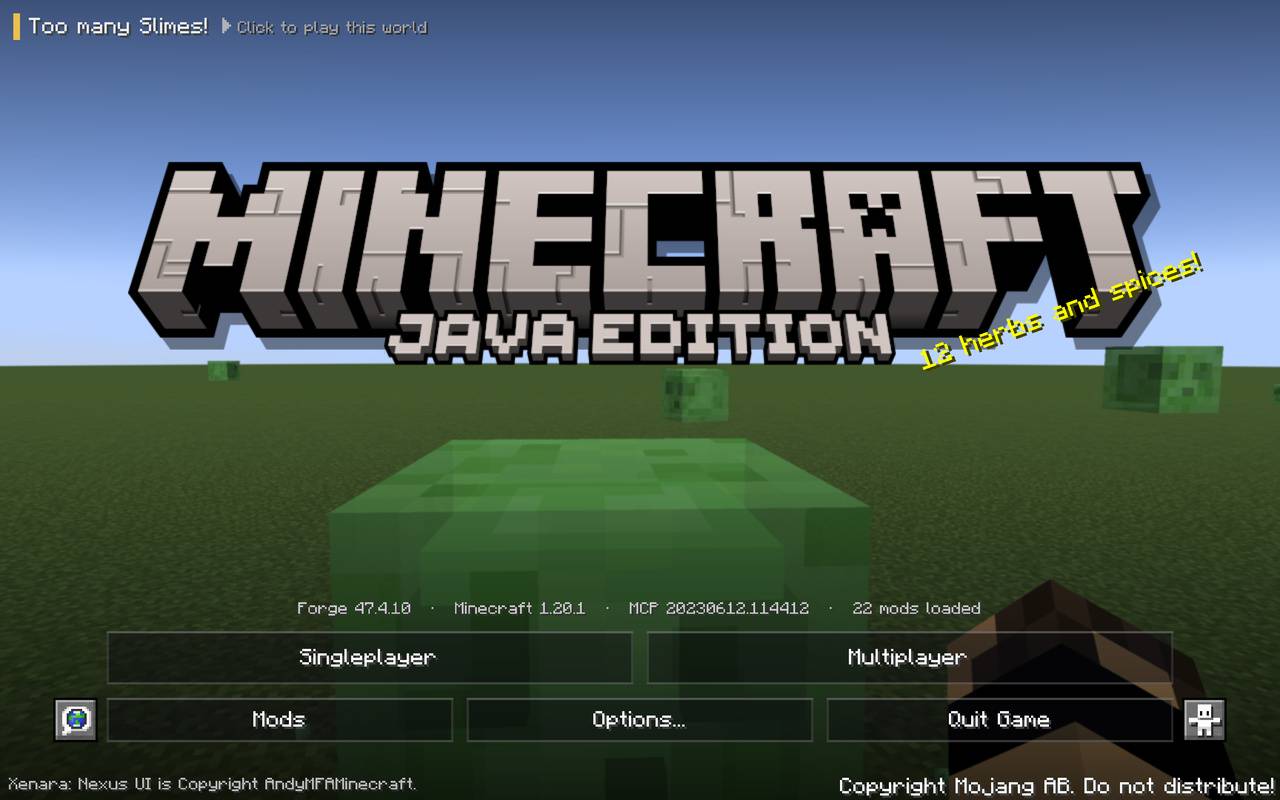 Bring the Minecraft Start Screen into the 21st century.
-
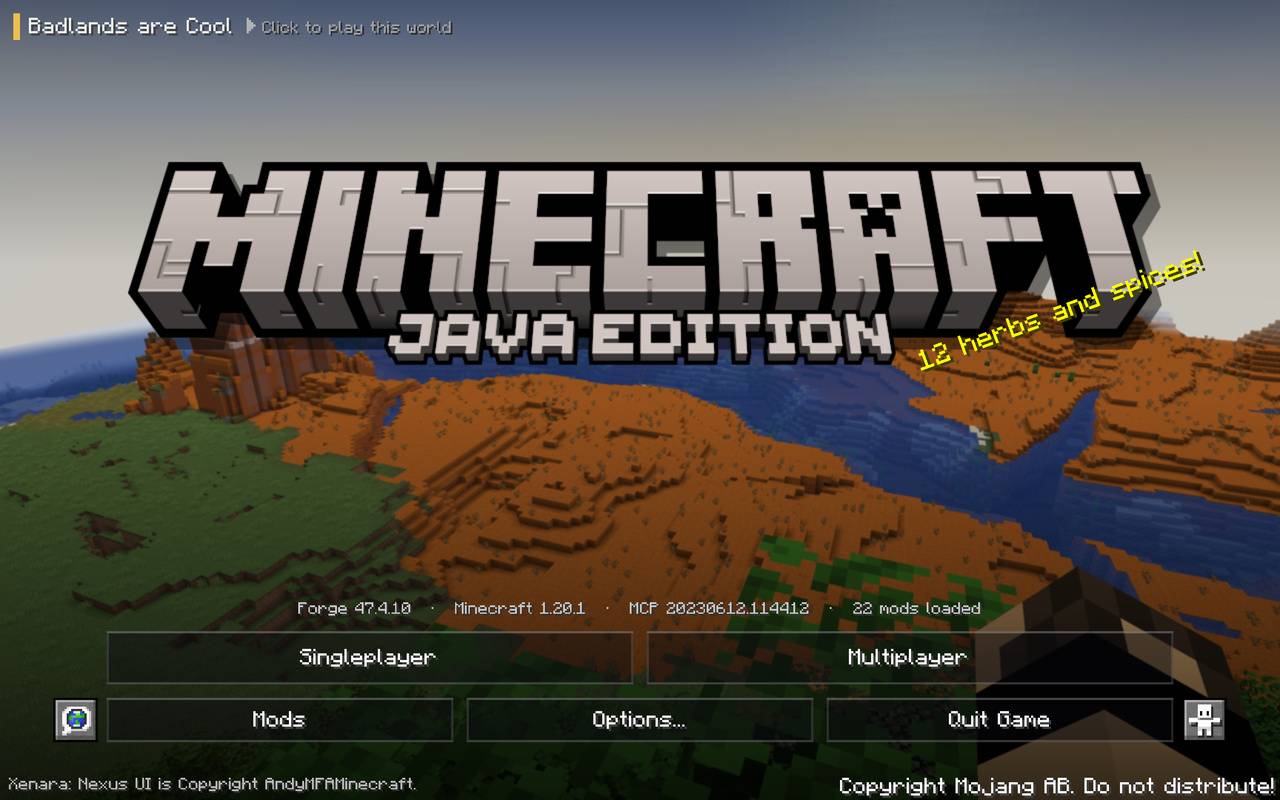 Click on your Saved World to jump straight in!
-
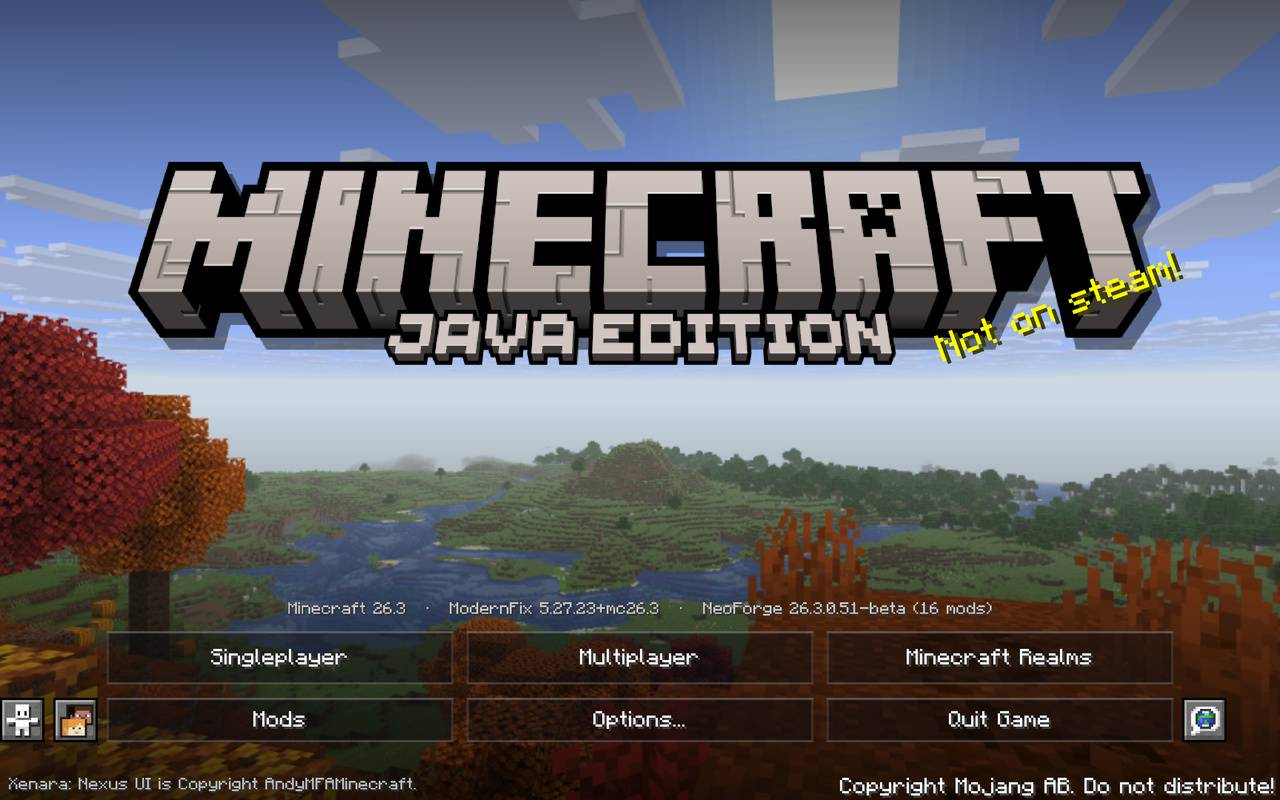 Minecraft Realms is on the Start Screen for those running v26.3
-
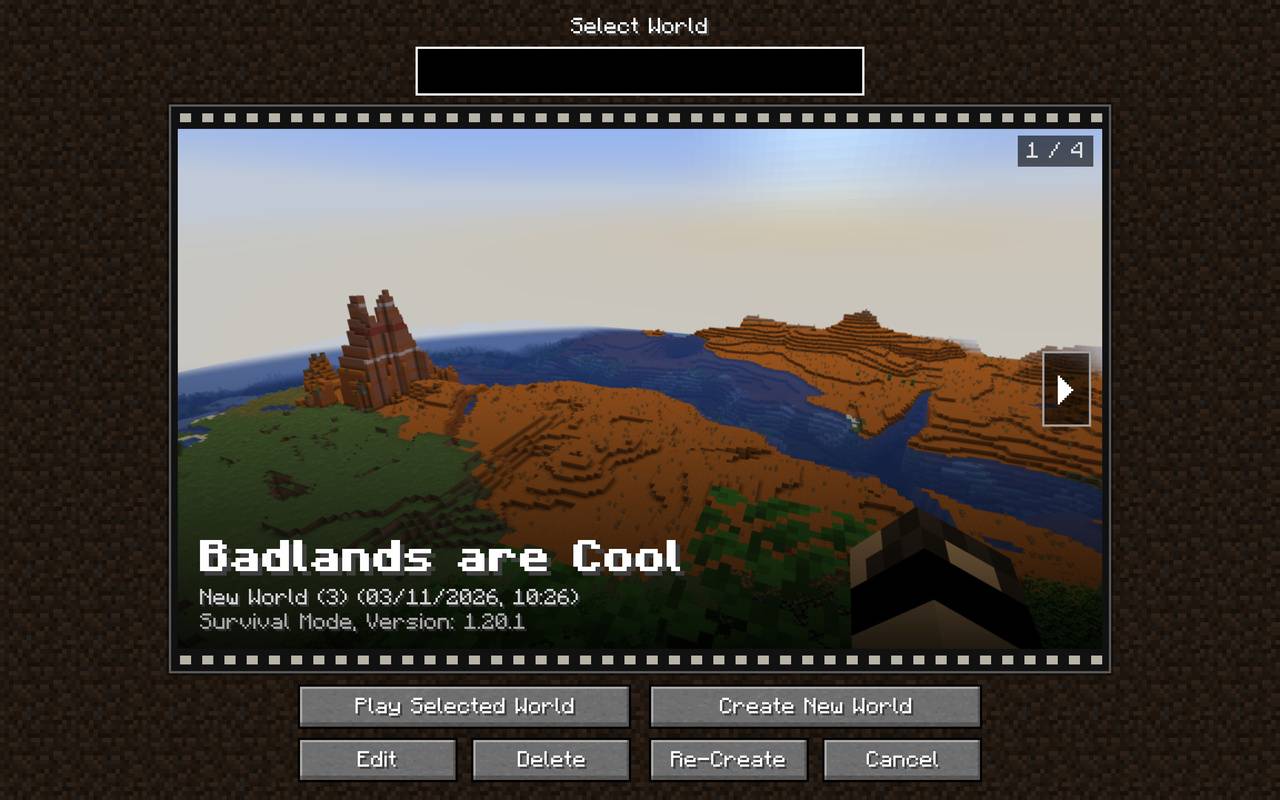 Select your Single Player World in style!
-
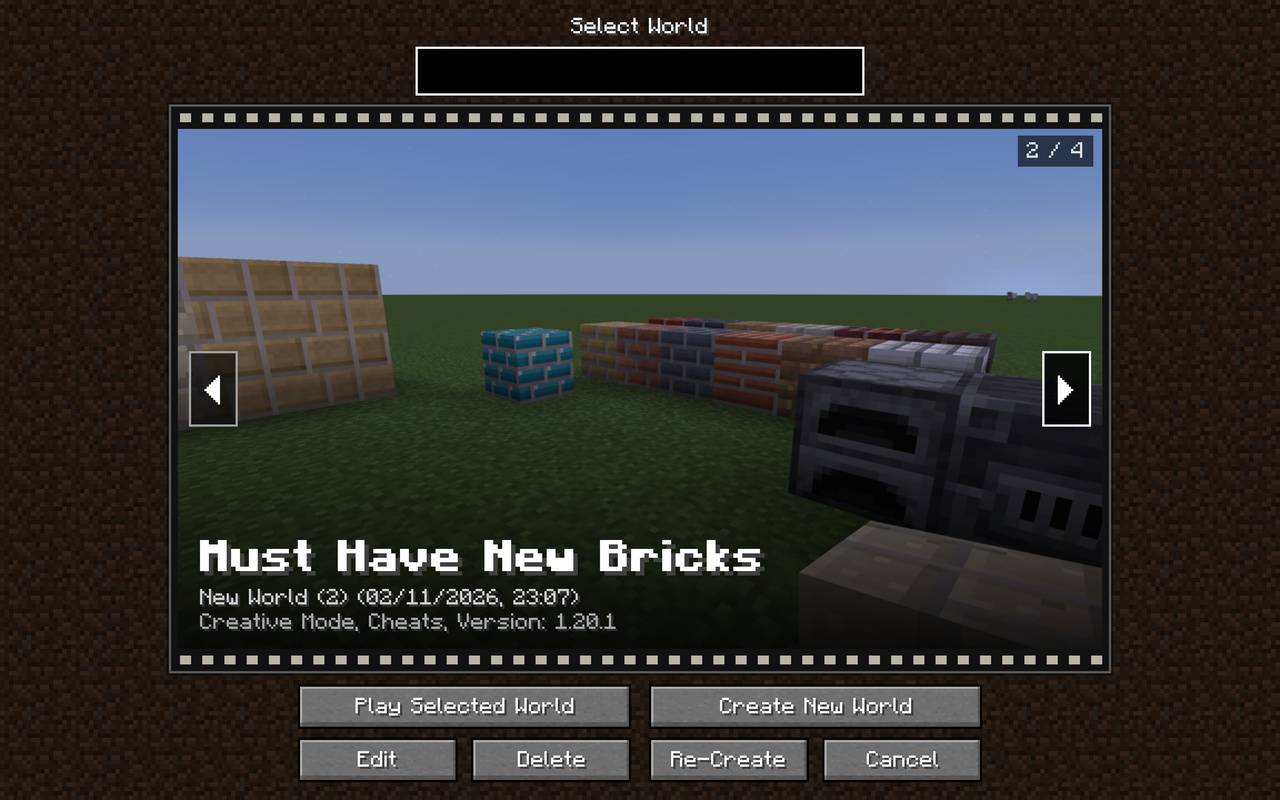 Click on the arrows to select which world you want to load.
-
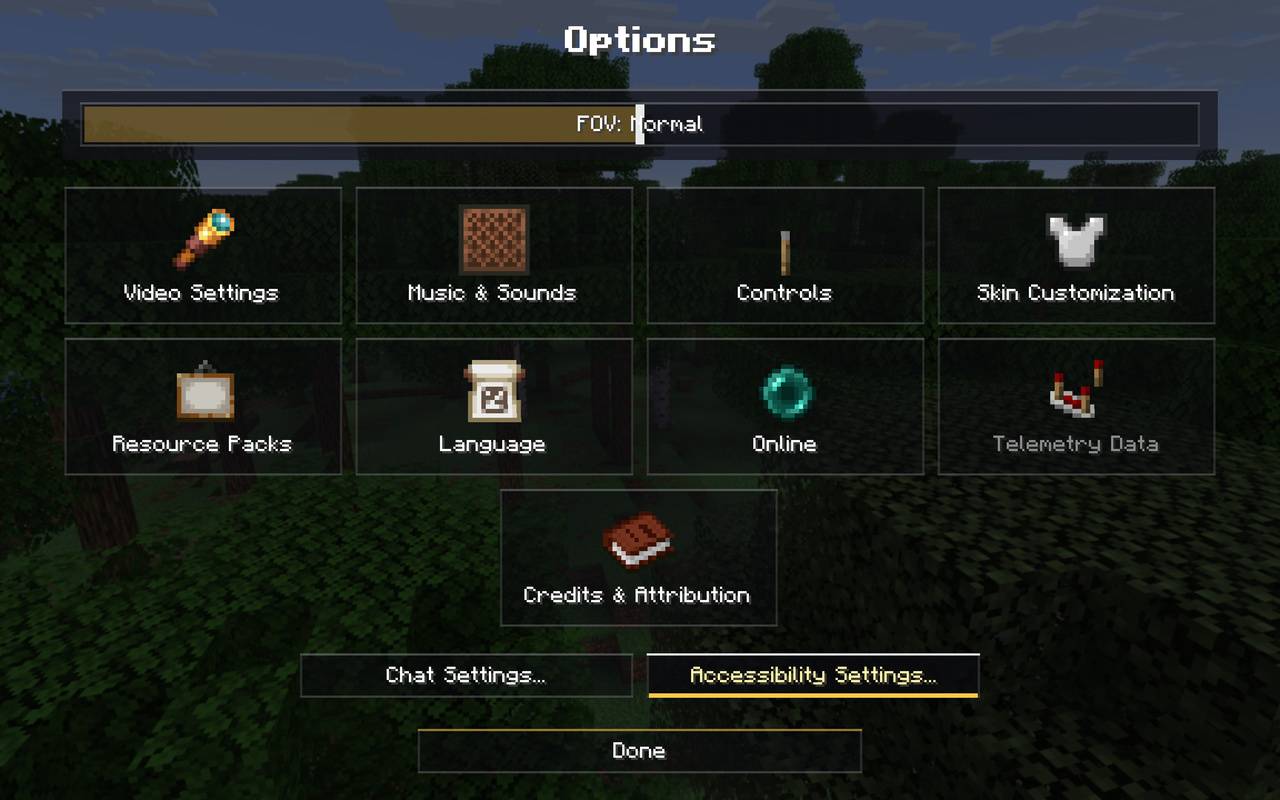 Redesigned Options.
-
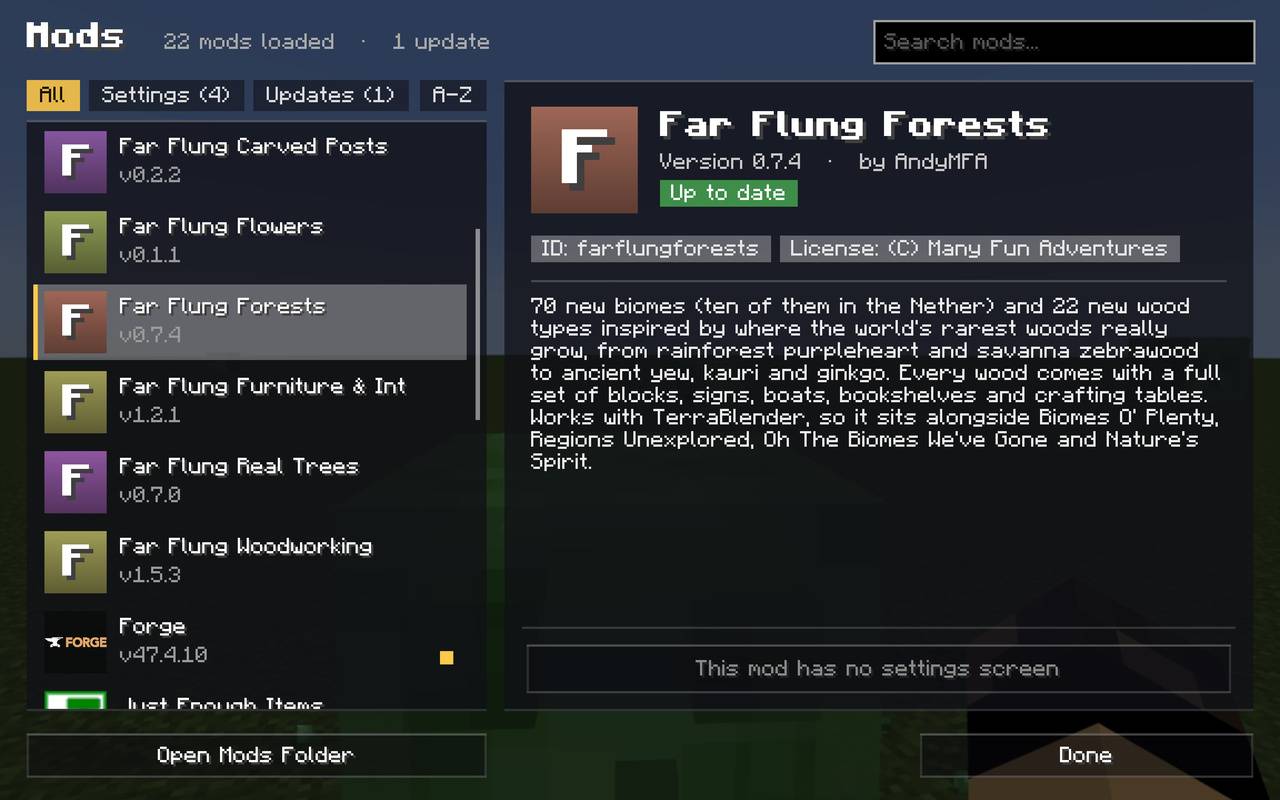 A nicer looking Mods Menu.
-
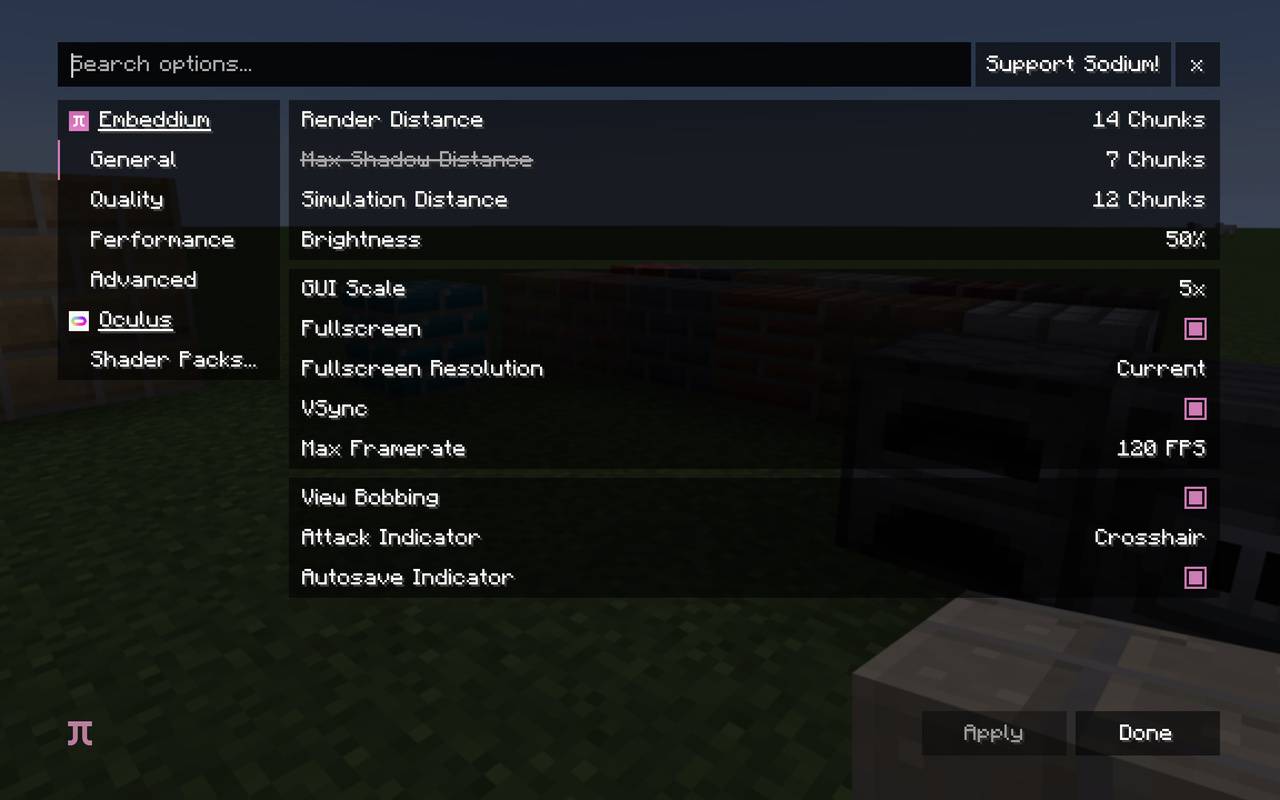 The Video Options screen is compatible with Embeddium and Oculus!
-
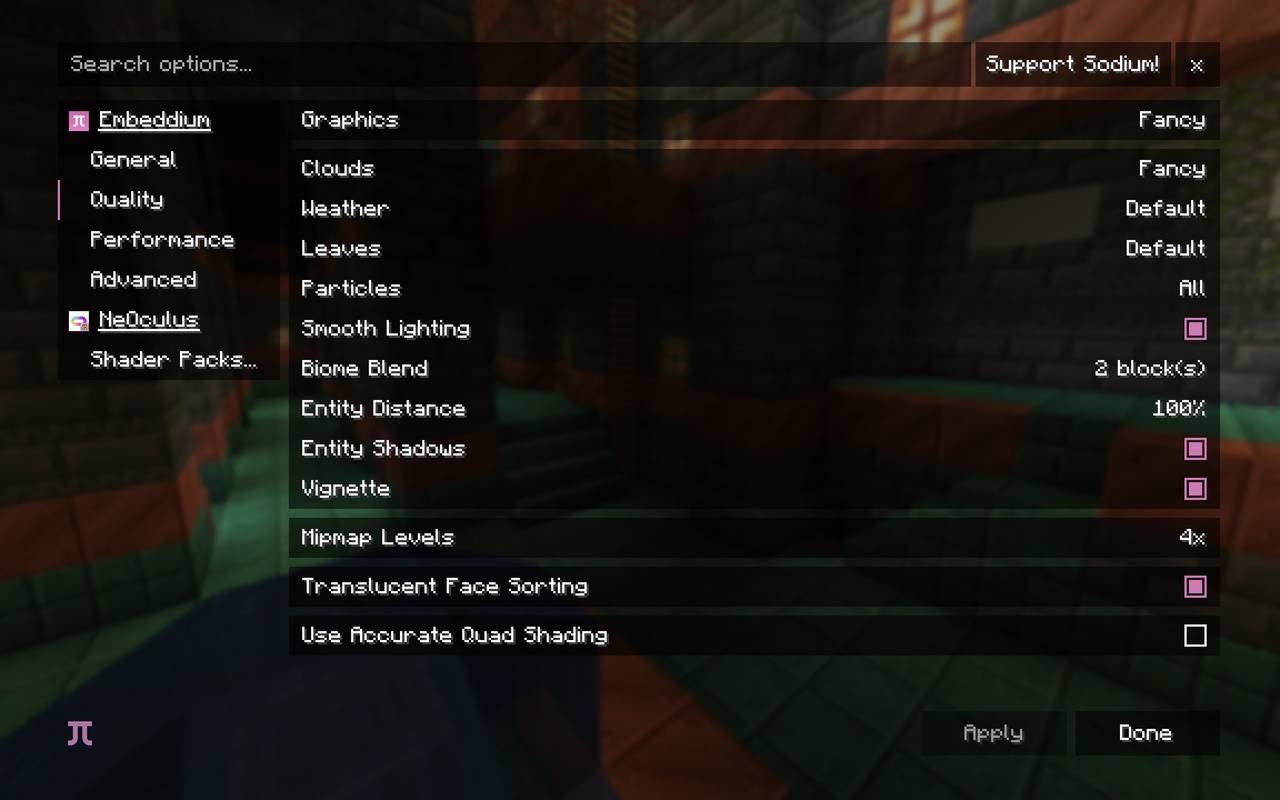 Also compatible with NeOculus!
-
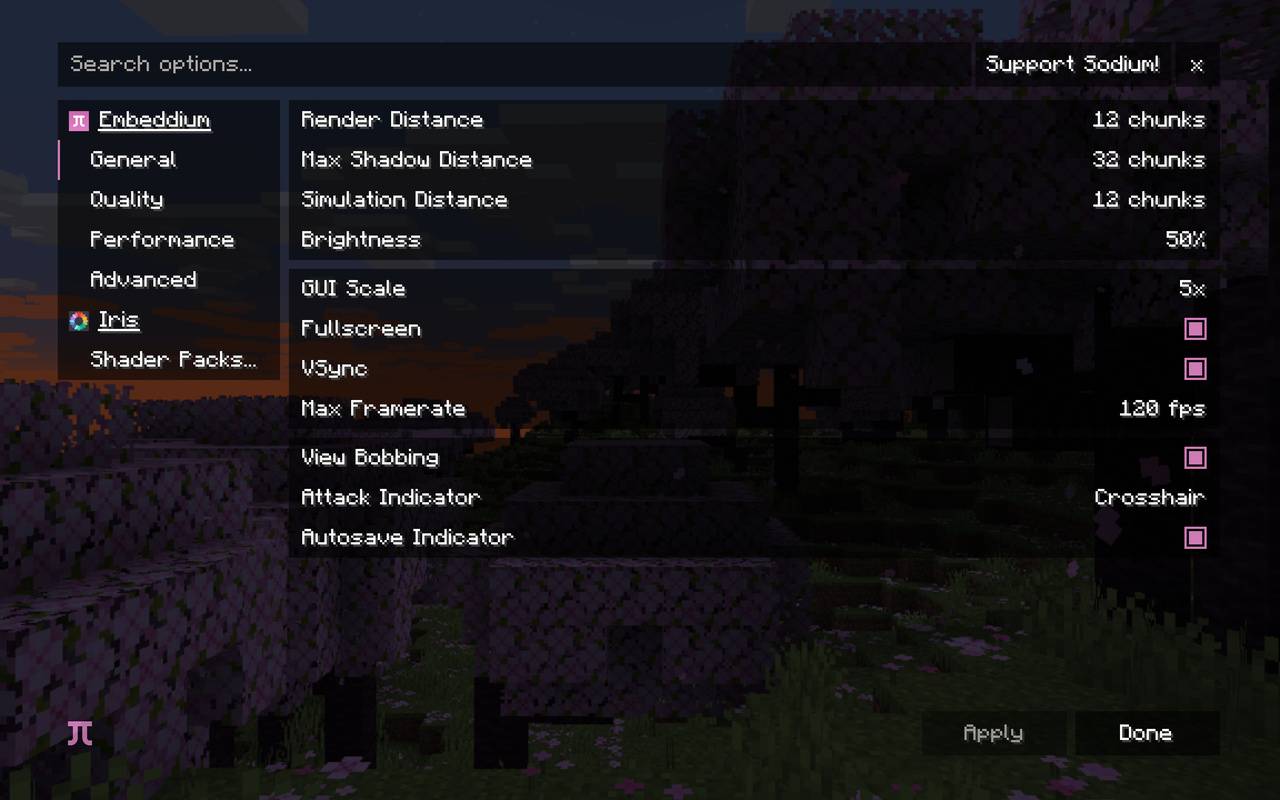 Not forgetting Iris!
Versions
Files
Relations
Project Relations
More like this
Similar Mods
Suggestions use data such as tags, dependencies, dependents, descriptions, titles, and more to rank how much they overlap with this mod.
On ModDex
Community snapshot
By the numbers
Statistics

Get it on
Available Platforms
On ModDex
Community snapshot
By the numbers
Statistics
Resources