
Community listing page, reviews may not be monitored by the author.
Xxsx Smart Core

No reviews yet
An AI-powered mod that integrates large language models into Minecraft, enabling natural language game control, state queries, PMX voxel construction, and intelligent task automation.

Community voices
Reviews
No reviews yet. Be the first to review this project!
Get it on
Available Platforms
About
Project Details
For authors
Embed Badge
If you're the author of this project, you can embed a live badge anywhere that supports HTML or Markdown. It updates automatically whenever ratings change.
Use HTML for any page that supports it, or Markdown for README files and Markdown-based descriptions.
Identifiers
Platform IDs
Resources
External Links
About
Description
Xxsx Smart Core
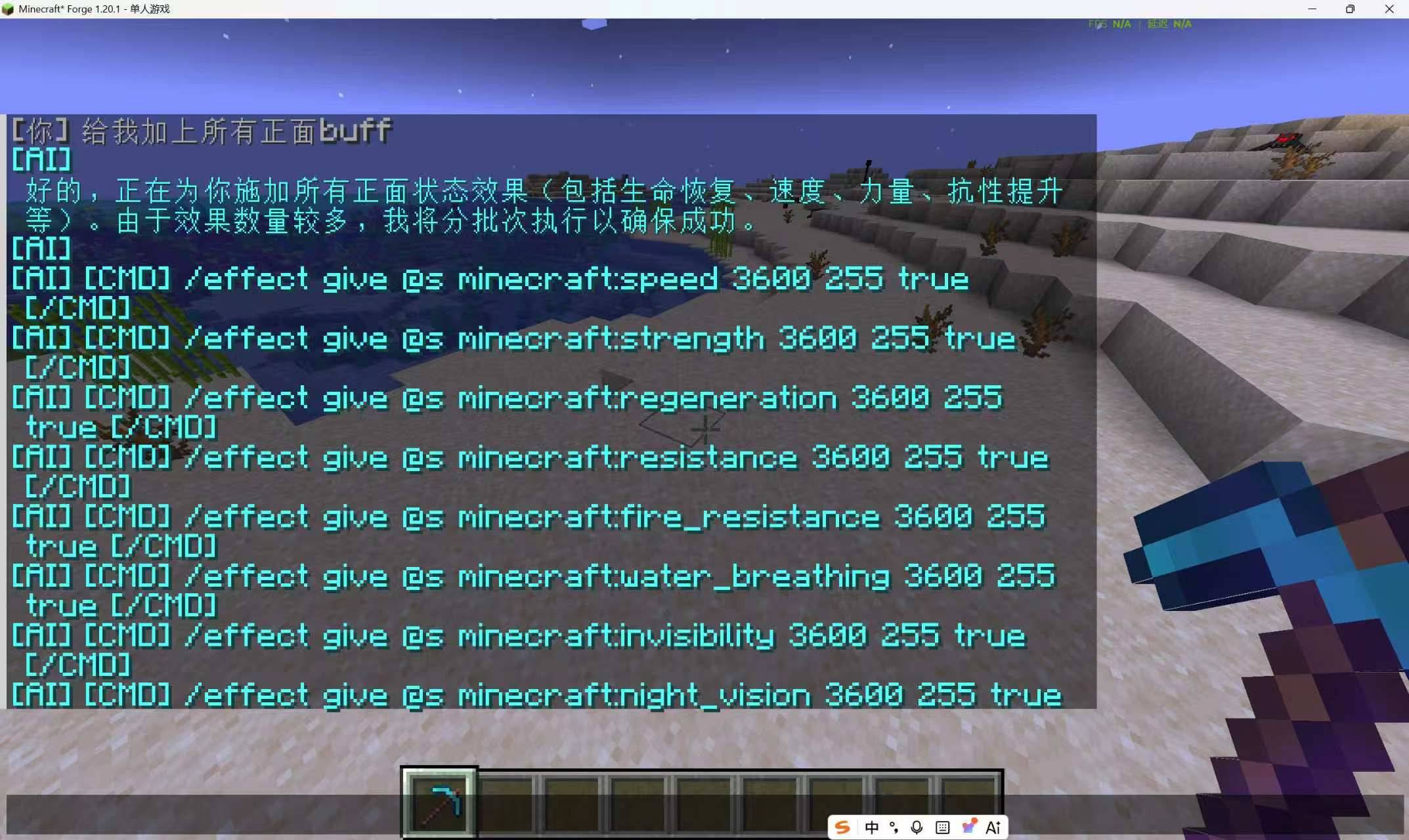
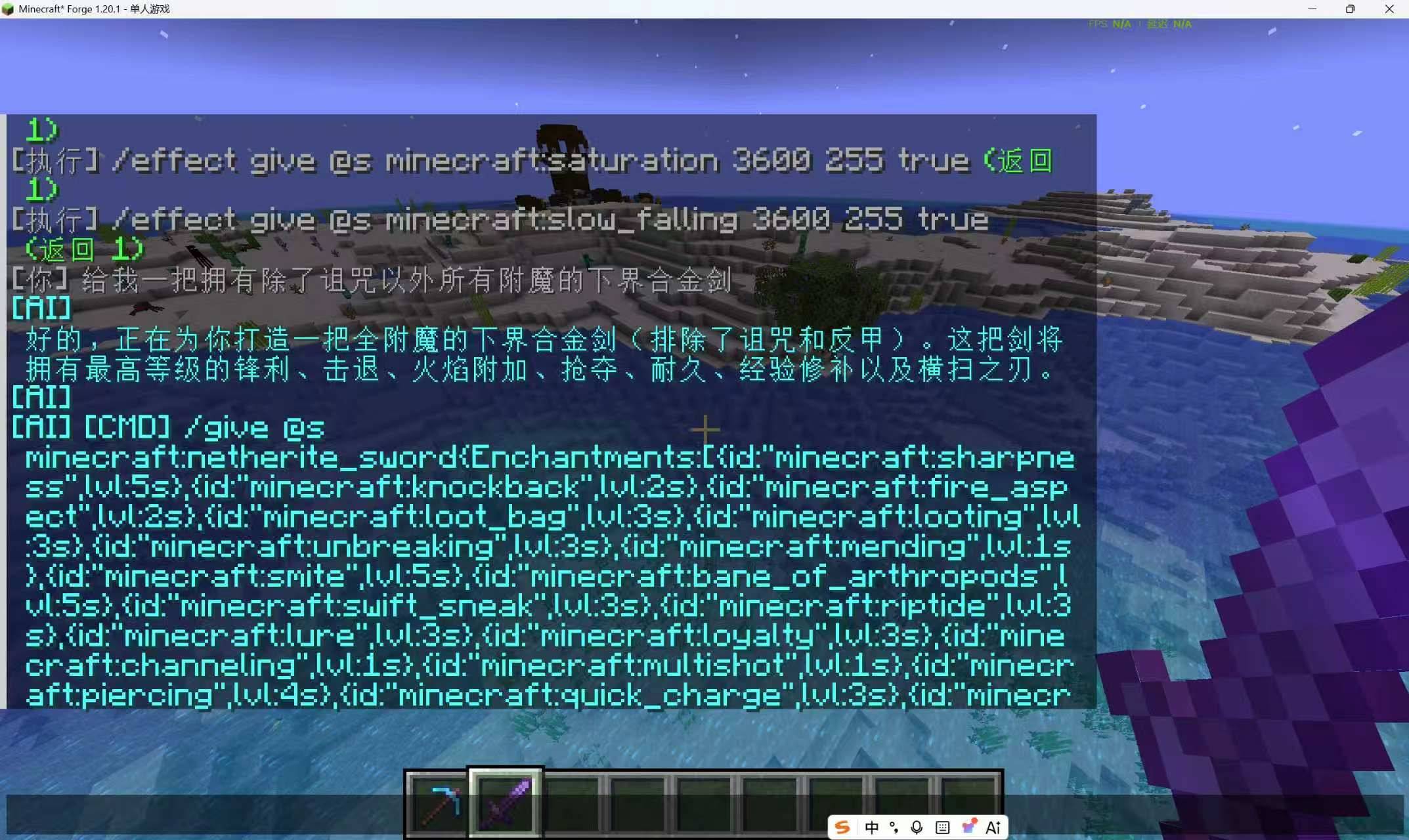
Xxsx Smart Core is a portable, client-side AI assistant for Minecraft. It helps players inspect the current game, find exact vanilla and mod IDs, use compatible command workflows, and optionally build PMX models as voxel structures through natural-language /ai conversations.
It is a client helper for a local client or a singleplayer integrated server. Installing it on a dedicated server has no effect.
Built-in AI, no key required
The default provider is a built-in keyless free lane, so the mod works out of the box without any API key. Requests try three models in order and fall back automatically if one is rate-limited or unavailable:
reflection/beam-freekilo-auto/freerecursive/flint-v1.0:free
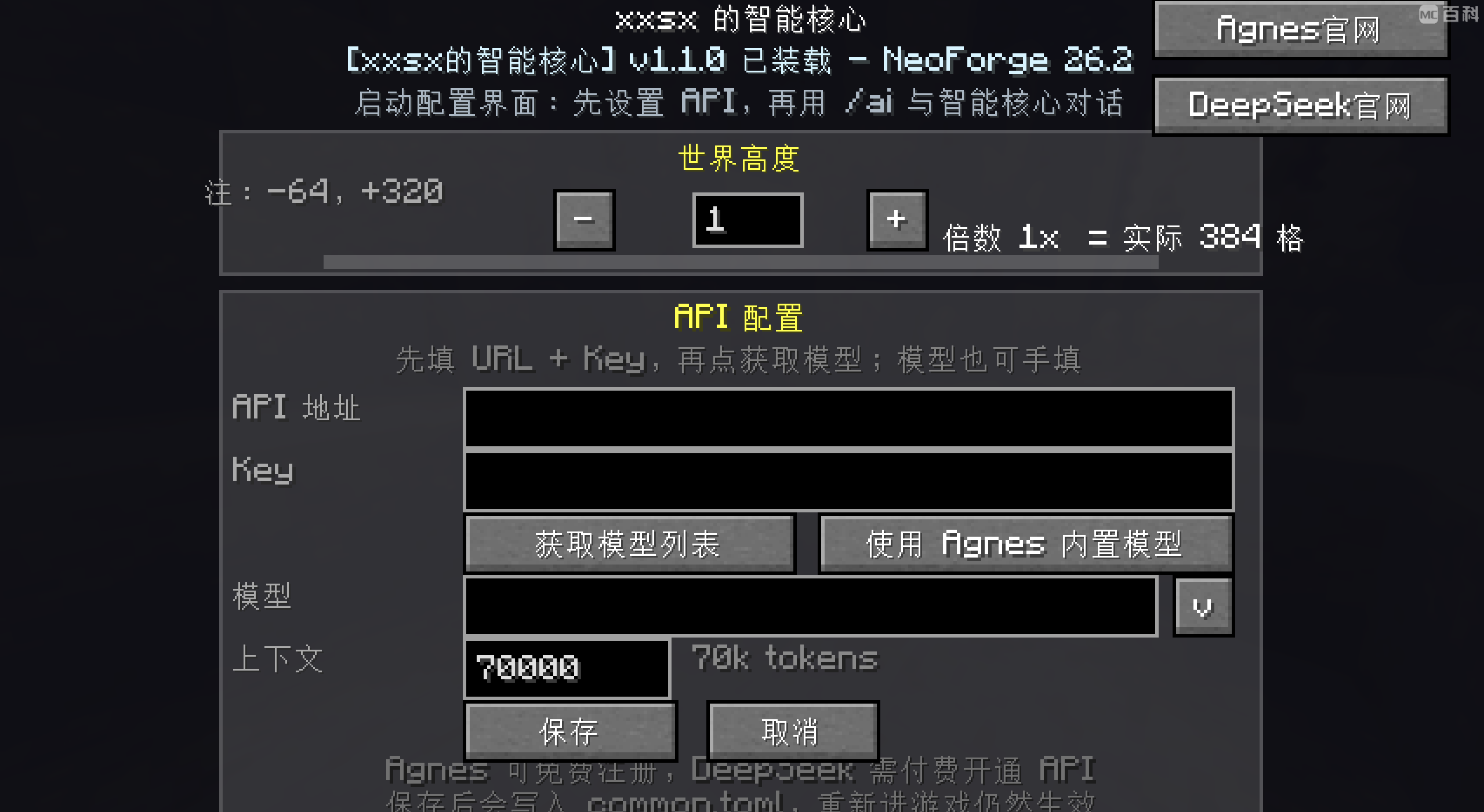
If you prefer your own provider, configure any OpenAI-compatible endpoint in game with /ai addmodel <url> <key> <model> [context length].
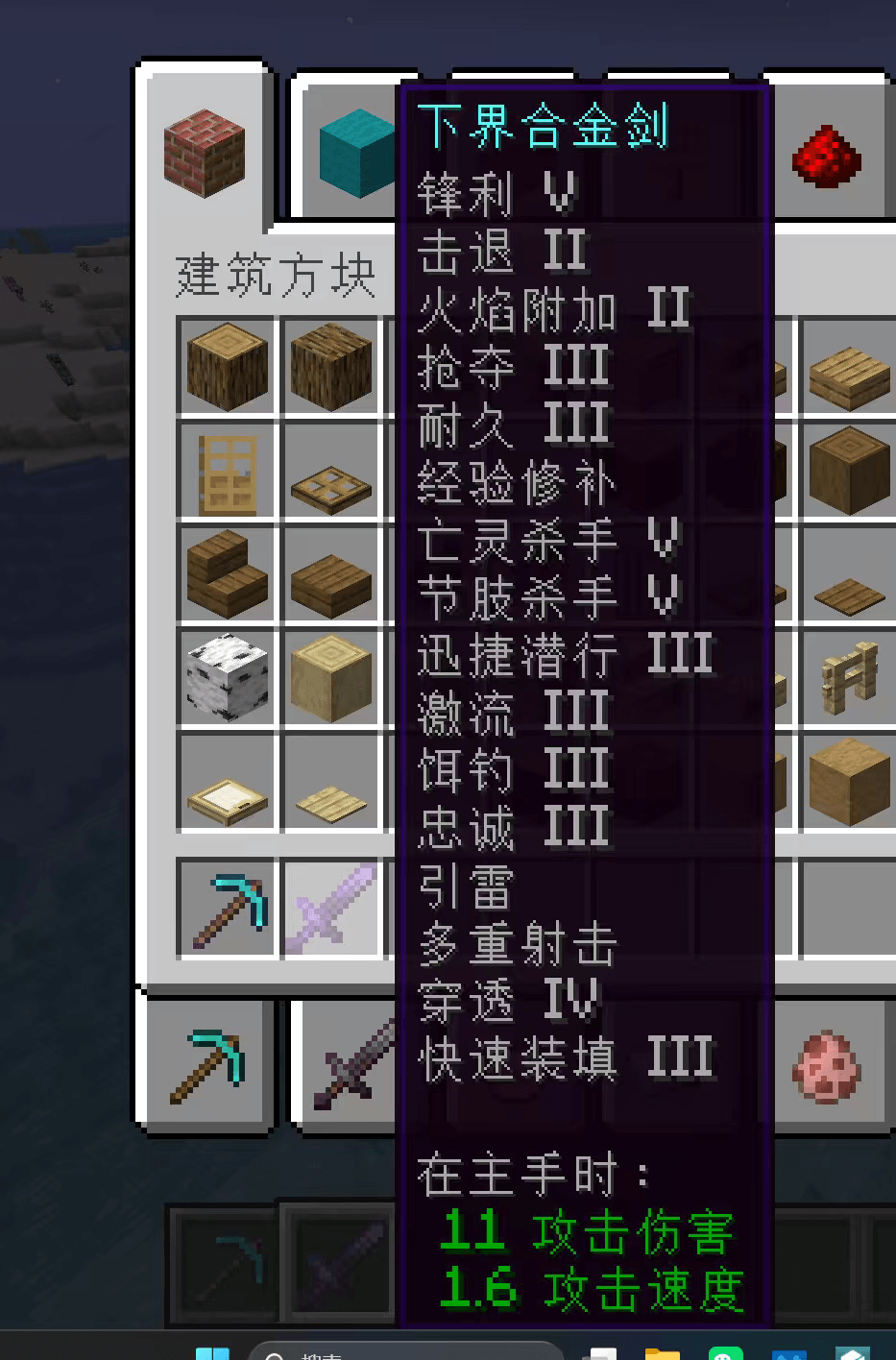
Note: the screenshots in the Gallery tab are from older builds and still show the previous Agnes-based UI. They are kept for reference only. The in-game UI and the built-in provider list described on this page are authoritative.
Supported versions
Each Minecraft version has its own jar. Install only the file that matches both your Minecraft version and your mod loader.
- Minecraft 1.20.1 / Forge 47.2.0+ — Smart Core
1.1.1 - Minecraft 1.21.1 / NeoForge 21.1.138 — Smart Core
1.1.1 - Minecraft 1.21.11 / NeoForge 21.11.42 — Smart Core
1.1.2 - Minecraft 26.2 / NeoForge 26.2.0.7-beta — Smart Core
1.1.12
Optional model import extension
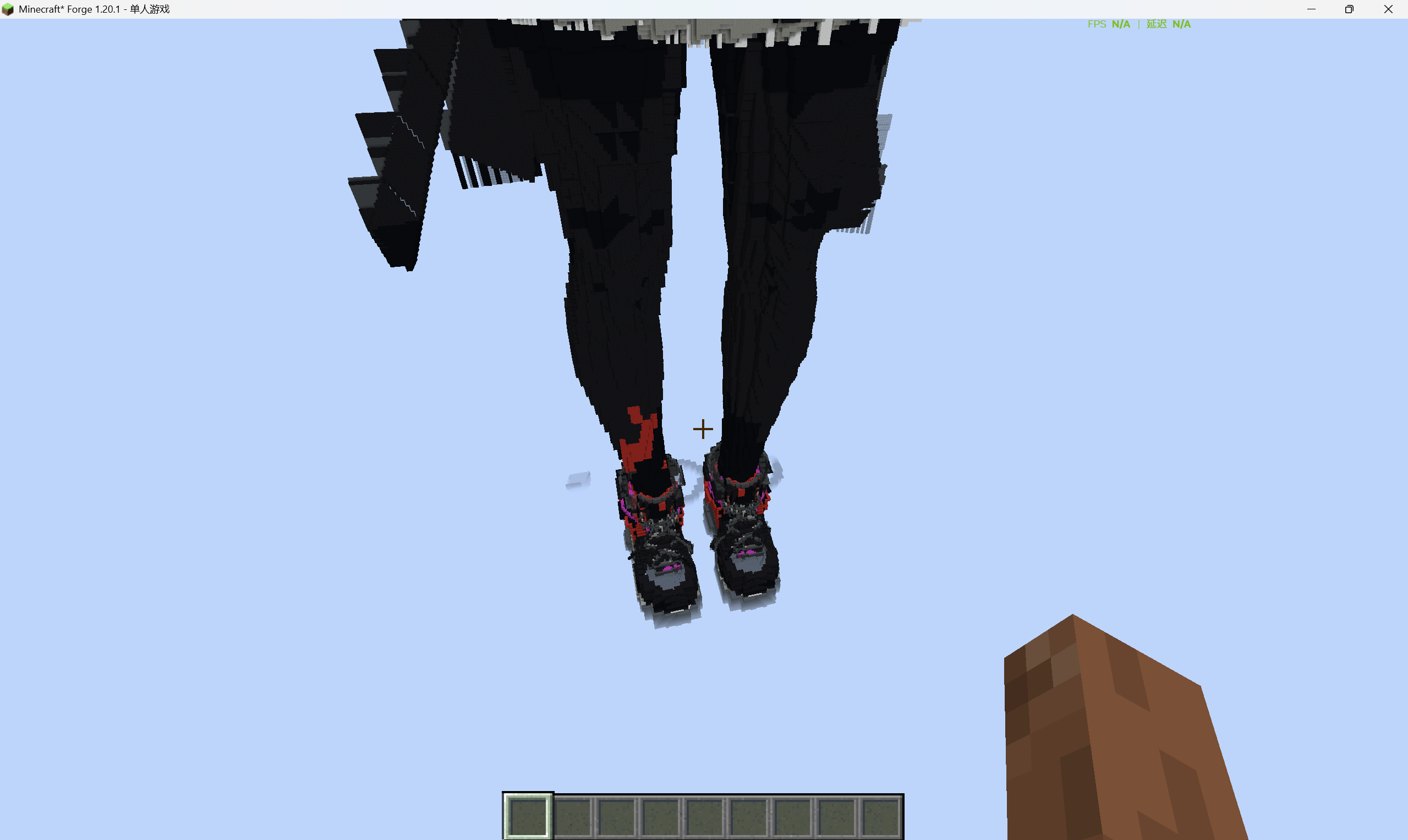
PMX/OBJ voxel construction lives in a separate optional jar, Xxsx Model Import (xxsx-mc-model-import-*). It must match the same Minecraft version and loader as Smart Core, and it requires the matching Smart Core version or newer. Without it, every other feature still works; /ai build and /ai pmx are simply unavailable.
Core Features
- Natural-language AI assistance: talk through
/ai <message>and let the assistant plan a response or command workflow. - Safe command execution: commands that change a player, world, or server wait for explicit confirmation; read-only queries remain direct.
- Runtime registry discovery: the assistant reads the live instance registry before guessing IDs. It can discover exact IDs for items, blocks, entities, status effects, potions, enchantments, structures, and biomes, then use them in
/give,/setblock,/fill,/summon,/effect, item components,/locate, or/placeas appropriate. - Bilingual AI behavior: Chinese and English system prompts, fixed feedback, and generated knowledge summaries follow the Minecraft game language.
- Integration command catalog: focused query routes for compatible installed mods and command templates, including Curios, JEI navigation, and supported local integrations.
- PMX voxel construction: optional PMX/OBJ model parsing and voxel construction with texture sampling and color matching, provided by the model import extension.
- Personal provider configuration: configure an OpenAI-compatible AI provider and model in game. Provider availability and mod integrations depend on the local instance configuration.
- Conversation continuity: persisted sessions and context compression for longer tasks.
Quick Start
- Put the Smart Core jar that matches your Minecraft version and loader in the
modsfolder. - Optionally add the matching Model Import jar if you want PMX/OBJ voxel building.
- Start Minecraft and enter a local world or singleplayer integrated server.
- Use
/ai <message>to ask for help. No API key is needed for the built-in free models. - To use your own provider instead, run
/ai addmodel <url> <key> <model> [context length].
For a basic ID lookup, ask the assistant for the desired object or mod namespace. The assistant should use its live registry query first, then generate commands from returned IDs rather than relying on stale documentation or guessed registrations.
Compatibility Notes
Smart Core does not promise universal control over every installed mod. Available actions depend on the current instance, the installed mod, permissions, and whether a safe command or documented integration exists. Check the returned registry IDs and command feedback before confirming state-changing actions.
For source code, detailed release notes, and version-specific artifacts, visit GitHub.
Gallery notice
The screenshots in the Gallery tab are from older builds and still show the previous Agnes-based UI. They are kept for reference only. The in-game UI and the built-in provider list described on this page are authoritative.
Screenshots
Gallery
-
 1783249733_1433464_yxkb.png 1783249733_1433464_yxkb.png
-
 微信å¾ç_20260625232122_65665_55.png 微信å¾ç_20260625232122_65665_55.png
-
 微信å¾ç_20260701115534.jpg 微信å¾ç_20260701115534.jpg
-
 微信å¾ç_20260701115537.jpg 微信å¾ç_20260701115537.jpg
-
 微信å¾ç_20260701115539.png 微信å¾ç_20260701115539.png
-
 微信å¾ç_20260701115542.jpg 微信å¾ç_20260701115542.jpg
-
 微信å¾ç_20260701115551.jpg 微信å¾ç_20260701115551.jpg
Versions
Files
Relations
Project Relations
More like this
Similar Mods
Suggestions use data such as tags, dependencies, dependents, descriptions, titles, and more to rank how much they overlap with this mod.
On ModDex
Community snapshot
By the numbers
Statistics

Get it on
Available Platforms
On ModDex
Community snapshot
By the numbers
Statistics
Resources