
Community listing page, reviews here may not be monitored by the author.
ZoomZam


No reviews yet
A simple client-side Fabric mod that lets you zoom in smoothly in Minecraft using a configurable keybind.
Community voices
Reviews
No reviews yet. Be the first to review this project!
Get it on
Available Platforms
Compatibility
Supported Environments
Runs entirely on the client. Works on vanilla servers.
About
Project Details
For authors
Embed Badge
If you're the author of this project, you can embed a live badge anywhere that supports HTML or Markdown. It updates automatically whenever ratings change.
Use HTML for any page that supports it, or Markdown for README files and Markdown-based descriptions.
Identifiers
Platform IDs
Resources
External Links
About
Description
ZoomZam – Smooth Zoom Camera Control for Minecraft
Zoom in, explore smarter. ZoomZam gives you instant, adjustable zoom functionality to survey the world around you with precision and ease. Whether you're scouting distant horizons, lining up tricky builds, or just enjoying scenic views—ZoomZam puts optical control right at your fingertips.
✨ Features
🔍 Instant Zoom Toggle
- Press C (default) to activate zoom mode
- Smooth magnification effect for clearer long-distance vision
- Instant on/off toggle—no menus required during gameplay
⚙️ Quick Settings Access
- Press Z (default) to open the zoom configuration panel
- Fine-tune zoom strength, smoothing, and transition speed
- Save your preferred settings for consistent gameplay
🎮 Fully Customizable
- Remap both keybinds (C & Z) to keys of your choice
- Adjust zoom levels to match your playstyle
- No conflicts with vanilla gameplay or most other mods
🏃 Lightweight & Performant
- Minimal system impact—optimized for smooth FPS
- Client-side only—works on vanilla servers without server setup
- Simple installation: drop into your mods/ folder
📦 Installation
1. Ensure you have Minecraft Forge or Fabric installed (version compatible with your Minecraft version)
2. Download ZoomZam-1.0.0.jar
3. Place the file in your %appdata%/.minecraft/mods/ folder
4. Launch Minecraft and enjoy!
Note: This is a client-side mod. Server installation is not required. Some servers with anti-cheat plugins may detect zoom functionality—use responsibly.
💡 Why Choose ZoomZam?
Unlike other zoom mods, ZoomZam focuses on simplicity, smoothness, and customization. No bloated features—just clean, responsive zoom control that feels native to your game.
Install ZoomZam today and see the world differently.
ZoomZam – Smooth Zoom Camera Control for Minecraft
Zoom in, explore smarter. ZoomZam gives you instant, adjustable zoom functionality to survey the world around you with precision and ease. Whether you're scouting distant horizons, lining up tricky builds, or just enjoying scenic views—ZoomZam puts optical control right at your fingertips.
✨ Features
🔍 Instant Zoom Toggle
- Press C (default) to activate zoom mode
- Smooth magnification effect for clearer long-distance vision
- Instant on/off toggle—no menus required during gameplay
⚙️ Quick Settings Access
- Press Z (default) to open the zoom configuration panel
- Fine-tune zoom strength, smoothing, and transition speed
- Save your preferred settings for consistent gameplay
🎮 Fully Customizable
- Remap both keybinds (C & Z) to keys of your choice
- Adjust zoom levels to match your playstyle
- No conflicts with vanilla gameplay or most other mods
🏃 Lightweight & Performant
- Minimal system impact—optimized for smooth FPS
- Client-side only—works on vanilla servers without server setup
- Simple installation: drop into your mods/ folder
📦 Installation
- Ensure you have Minecraft Forge or Fabric installed (version compatible with your Minecraft version)
- Download ZoomZam-1.0.0.jar
- Place the file in your %appdata%/.minecraft/mods/ folder
- Launch Minecraft and enjoy!
Note: This is a client-side mod. Server installation is not required. Some servers with anti-cheat plugins may detect zoom functionality—use responsibly.
💡 Why Choose ZoomZam?
Unlike other zoom mods, ZoomZam focuses on simplicity, smoothness, and customization. No bloated features—just clean, responsive zoom control that feels native to your game.
Install ZoomZam today and see the world differently.
Screenshots
Gallery
-
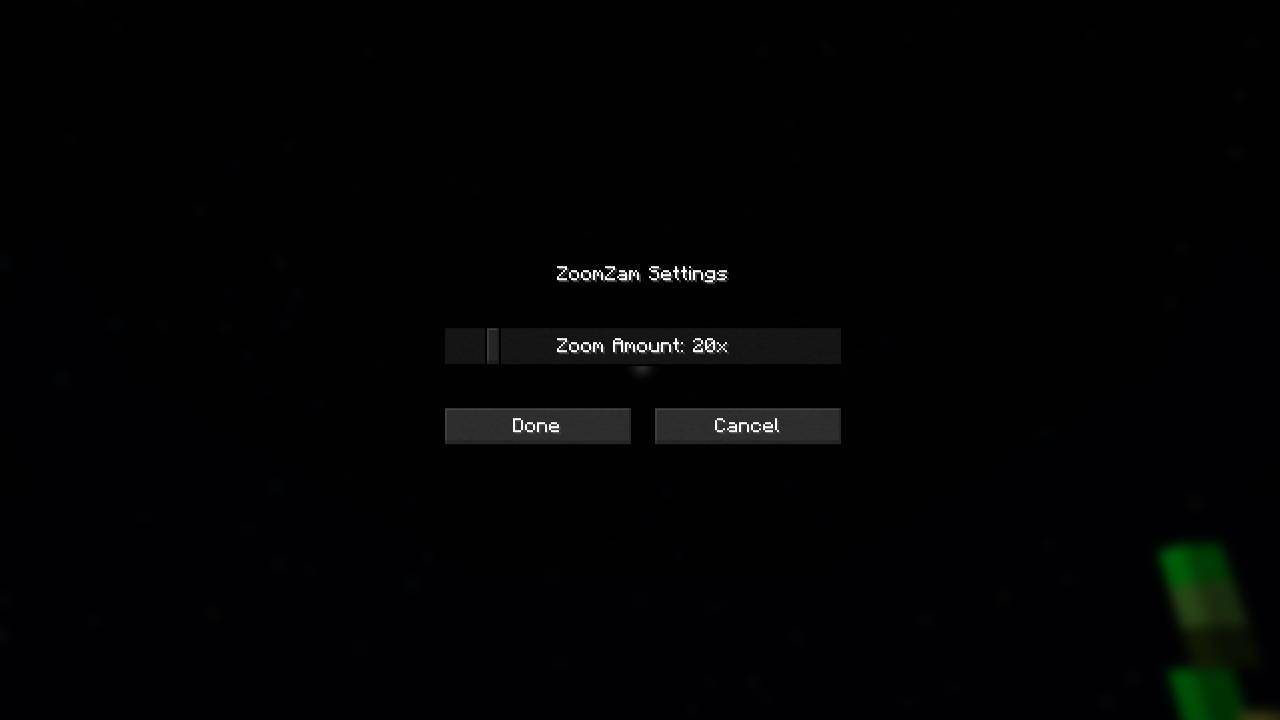 Adjustment Slider aaf1f1e01a5f6e42ff0b5c1e87ca240d7eaae2bf-jpg.jpg
 -
![Zoom (Press C to Zoom. It works in all Camera Perspectives [F5] )](https://media.forgecdn.net/attachments/1835/836/200512583e4a551244a909aaf7dde67567298288-jpg-jpg.jpg) Zoom (Press C to Zoom. It works in all Camera Perspectives [F5] ) 200512583e4a551244a909aaf7dde67567298288-jpg.jpg
Zoom (Press C to Zoom. It works in all Camera Perspectives [F5] ) 200512583e4a551244a909aaf7dde67567298288-jpg.jpg
-
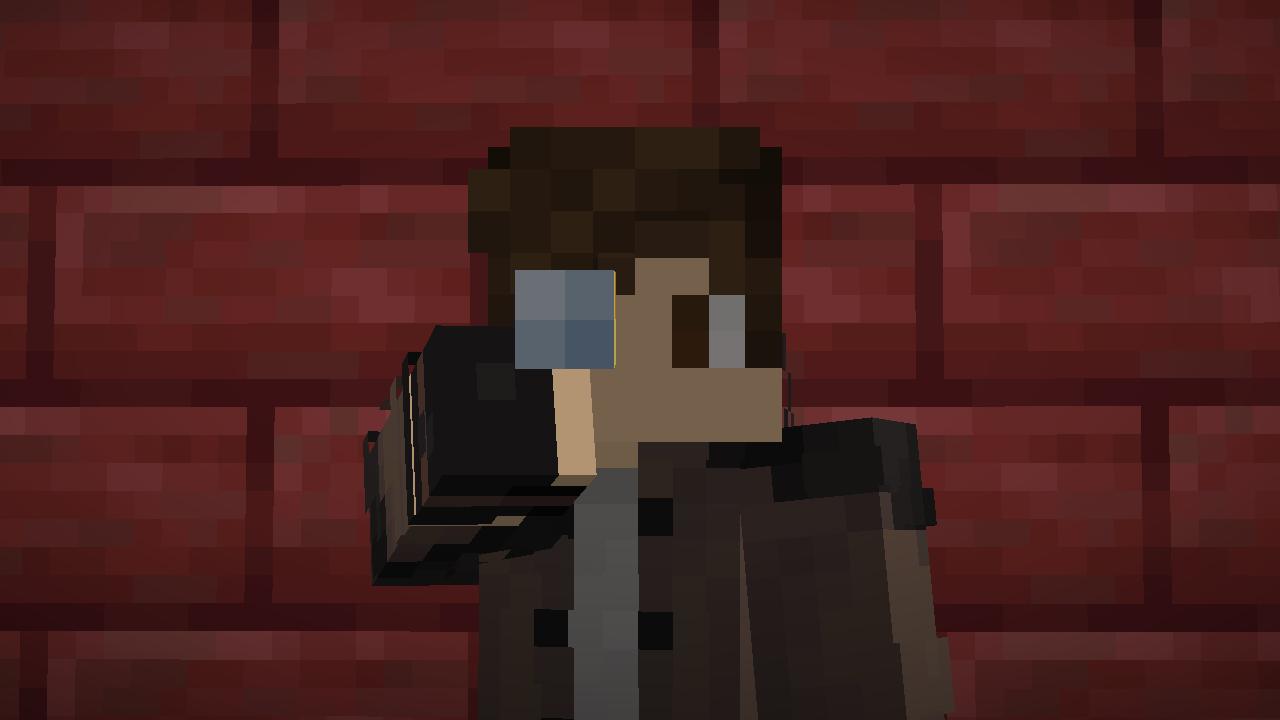 Zoom Press C to Zoom. It works in all Camera Perspectives (F5)
 -
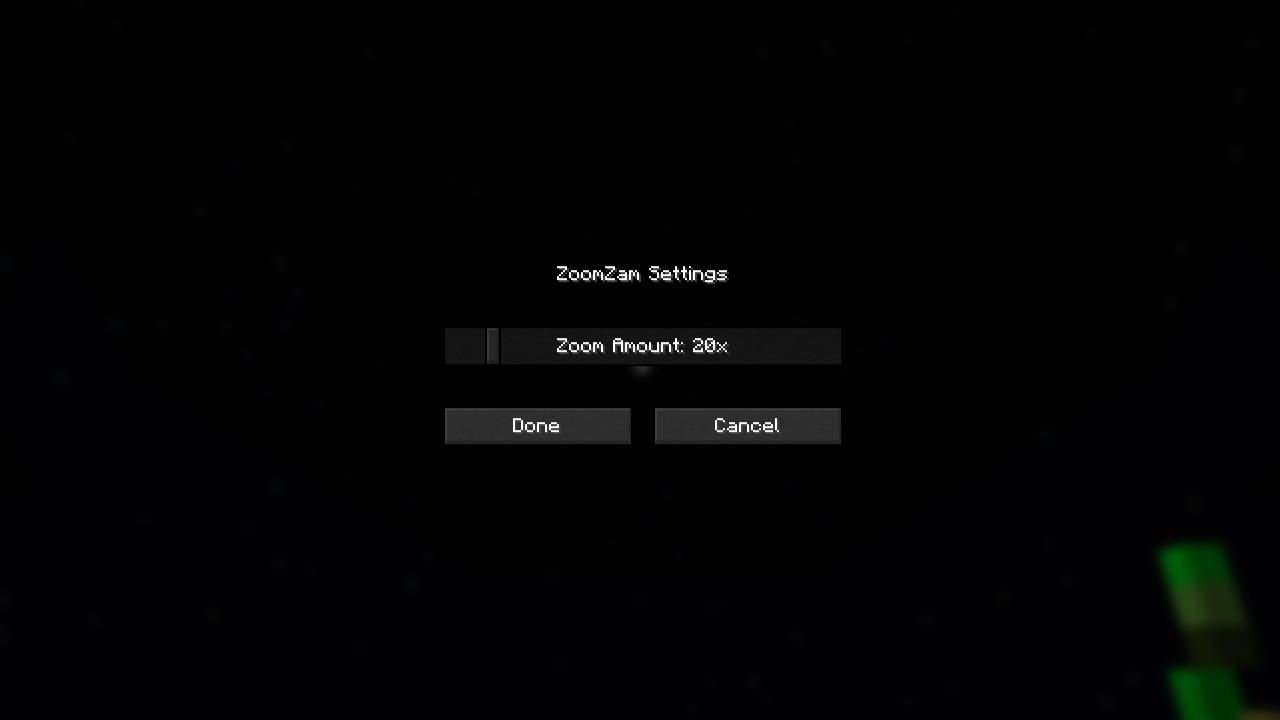 Adjustment Slider Press Z to open Adjustment Slider
Versions
Files
Relations
Project Relations
More like this
Similar Mods
Suggestions use data such as tags, dependencies, dependents, descriptions, titles, and more to rank how much they overlap with this mod.
On ModDex
Community snapshot
By the numbers
Statistics
Want to reach Minecraft players?
We're looking for a server hosting partner to feature here and other parts of the site. Interested? Send us a message!
Get in touchGet it on
Available Platforms
On ModDex
Community snapshot
By the numbers
Statistics
Resources