Community listing page, reviews here may not be monitored by the author.
Absolute Realism

No reviews yet
Completely redesigned gameplay, vast beautiful world, cinematic graphics, lots of new content, and enhancements to every game's aspect
Community voices
Reviews
No reviews yet. Be the first to review this project!
Get it on
Available Platforms
About
Project Details
For authors
Embed Badge
If you're the author of this project, you can embed a live badge anywhere that supports HTML or Markdown. It updates automatically whenever ratings change.
Use HTML for any page that supports it, or Markdown for README files and Markdown-based descriptions.
Identifiers
Platform IDs
Resources
External Links
About
Description
Absolute Realism
Transforms Minecraft into a realistic game, with vast and beautiful world,
cinematic graphics, lots of new content, and completely overhauled gameplay.
Important
Allocate 4-8GB RAM to play!
-
Turn off VSync for better performance in Options -> Video Settings -> General.
- By default LOD Dropoff Distance is set to extreme, which noticebly impacts performance but gives the best graphics possible. This can also cause severe lags in specific conditions on weaker hardware. You can fix that by setting LOD Dropoff Distance to High in Options -> Distant Horizons (the cube on the top left in options) -> Advanced options -> Graphics -> Quality.
-
If you want to play with guns you have to turn on FAR_BLUR_ONLY in Video Settings -> Shader Packs -> Shader Pack Settings -> Post Processing -> Depth Of Field settings.
-
If you experience a visual bug "melting GPU" fix that by re-enabling Rendering in Distant Horizons options.
- If you want to generate chunks faster (real chunks, not DH) consider increasing Chunk Update Threads in Options -> Video Settings -> Performance.
- To see info about new items - use REI mod, the search bar to the right of your inventory. You can use @ to see items from a specific mod.
Useful keybinds
- Left Alt - change walk speed
- C - crawl
- X - sit anywhere
- ' - toggle suit flight (ad astra armor set)
- , - fire select (Timeless & Classic zero guns)
Original source of bliss shader - https://github.com/X0nk/Bliss-Shader
Made with optimization in mind, by Das_cas.
Screenshots
Gallery
-
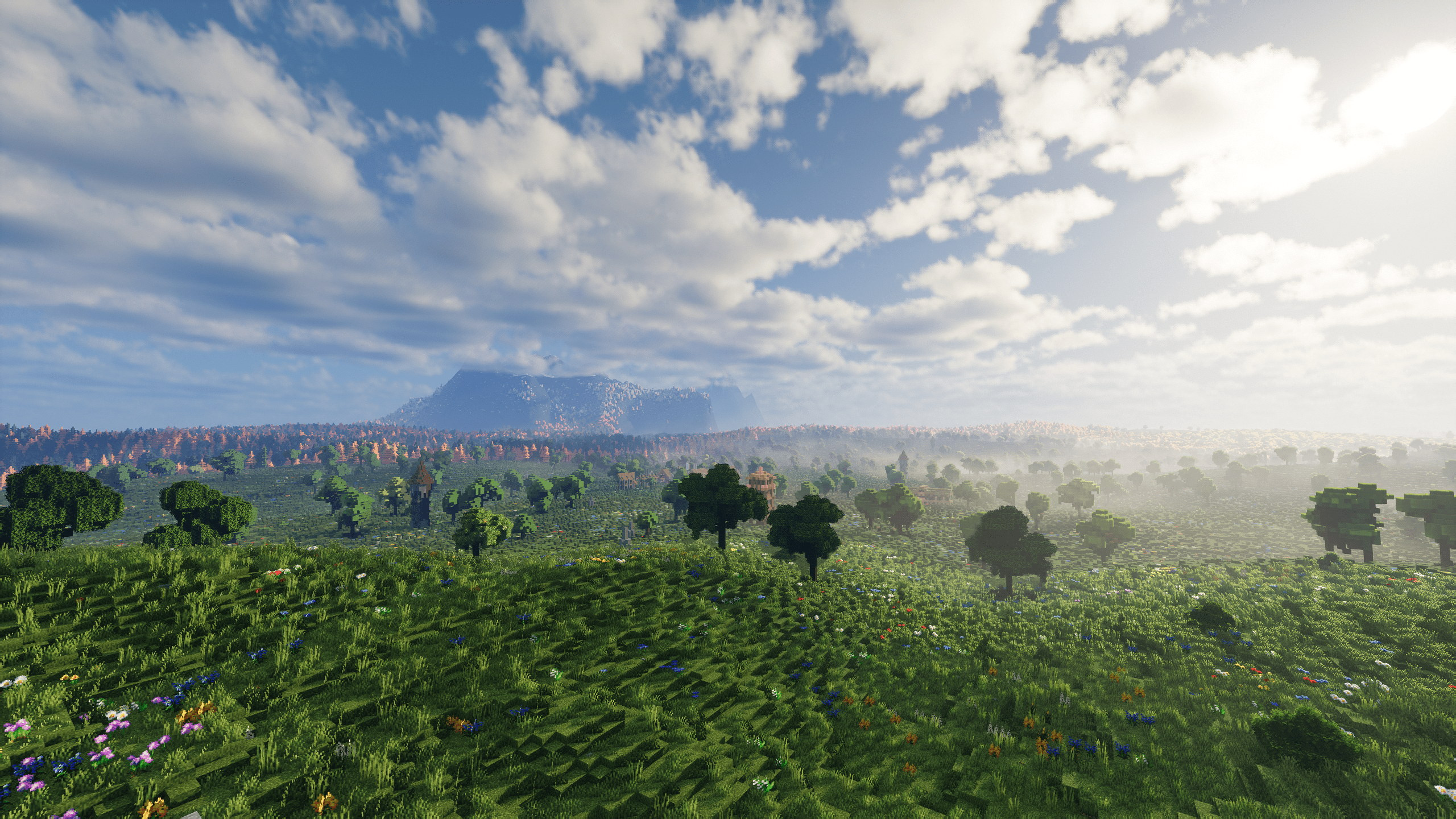 Great view Great view
 -
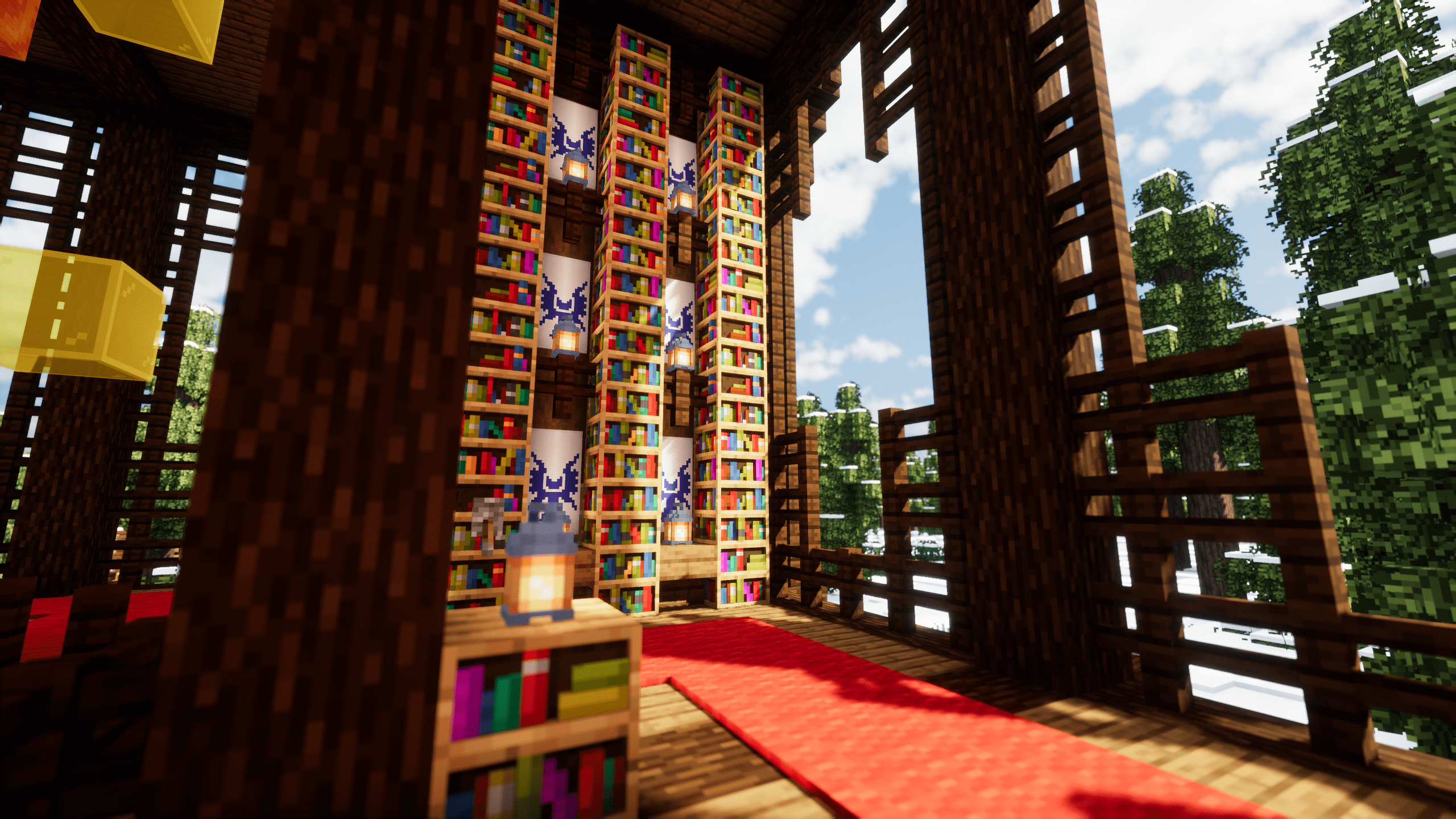 Lighting Beautiful lighting
 -
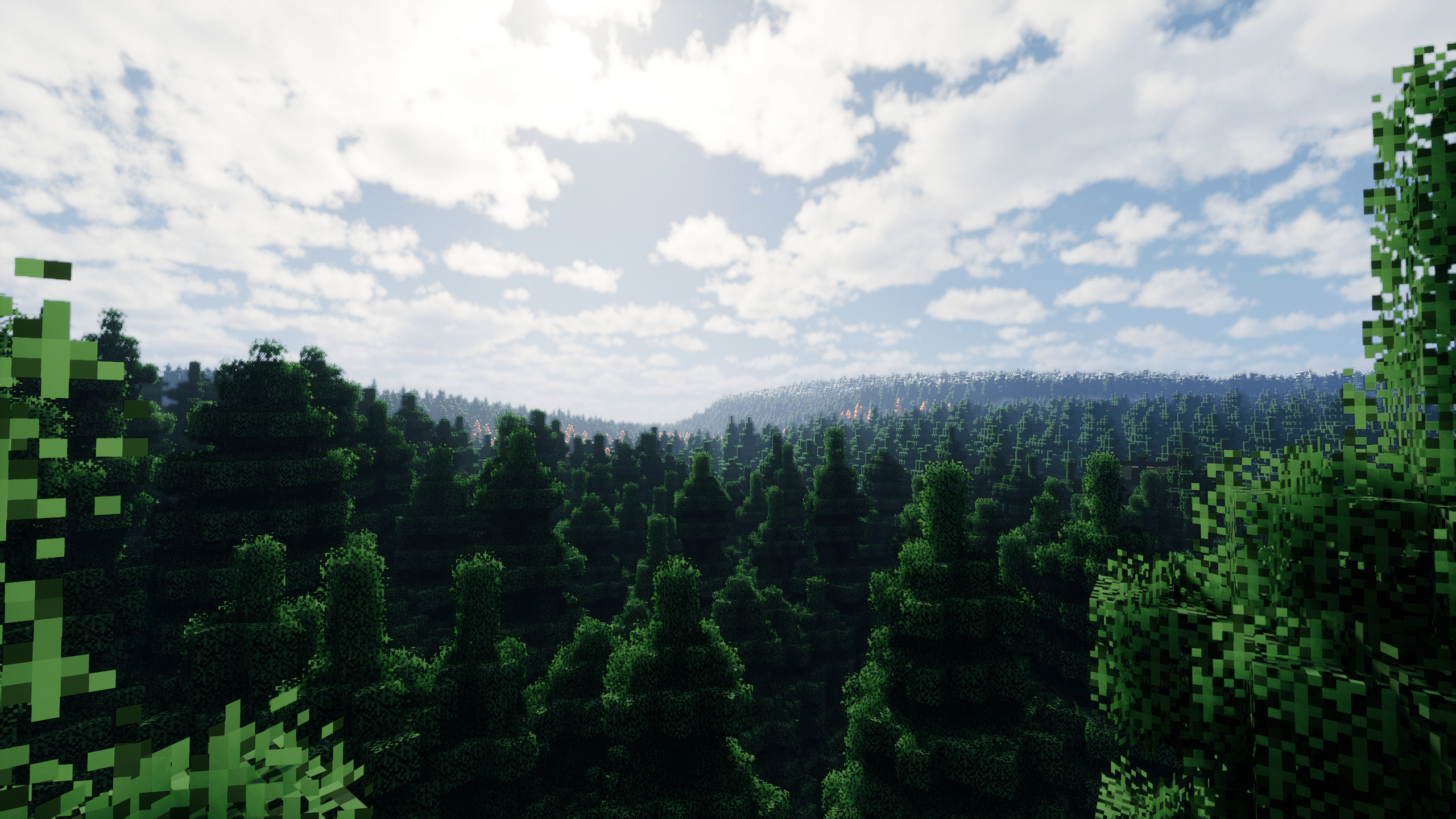 Spruce forest Spruce forest
 -
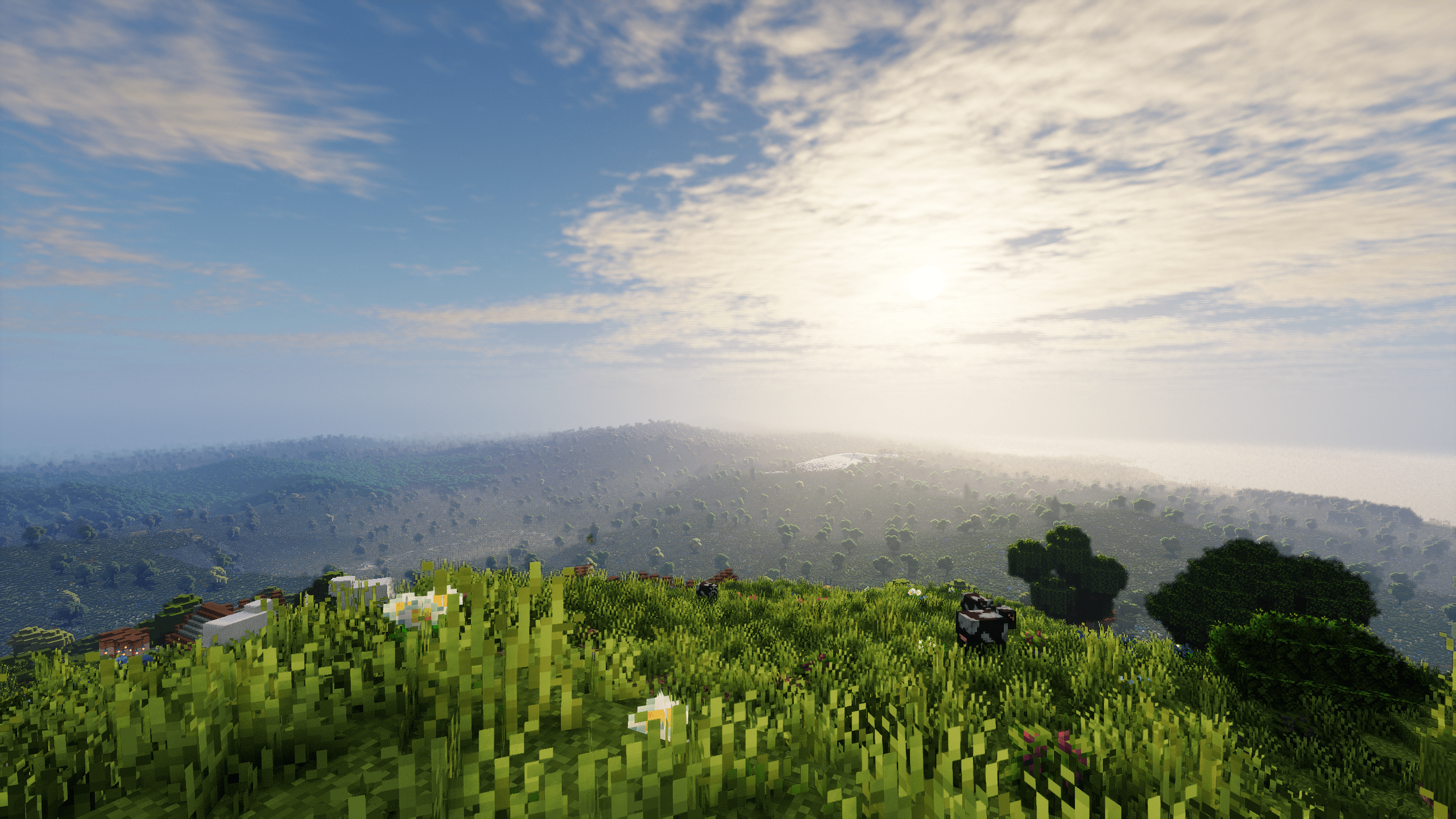 Vast plains.png Vast plains
 -
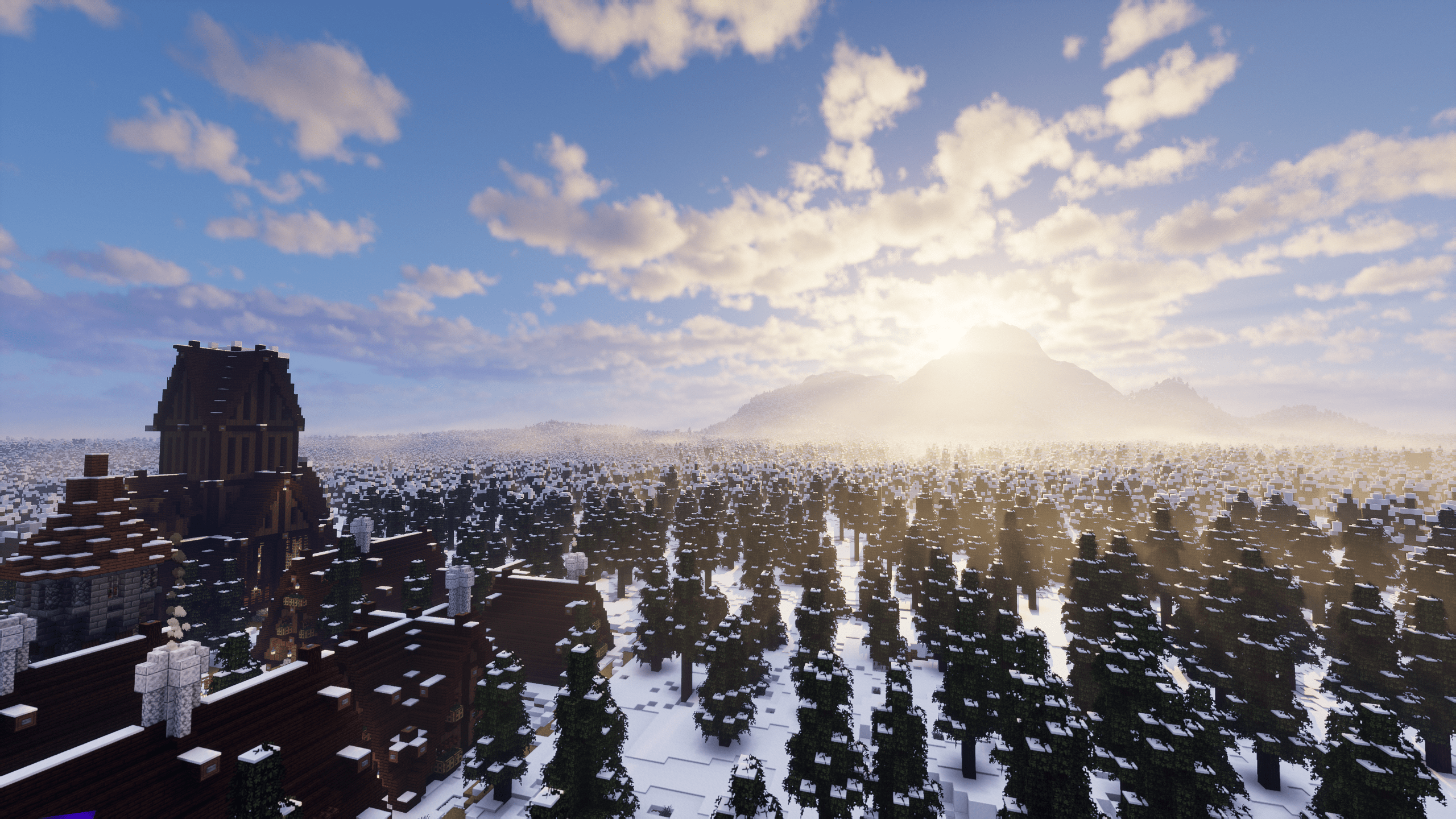 Snowy biome Snowy biome
 -
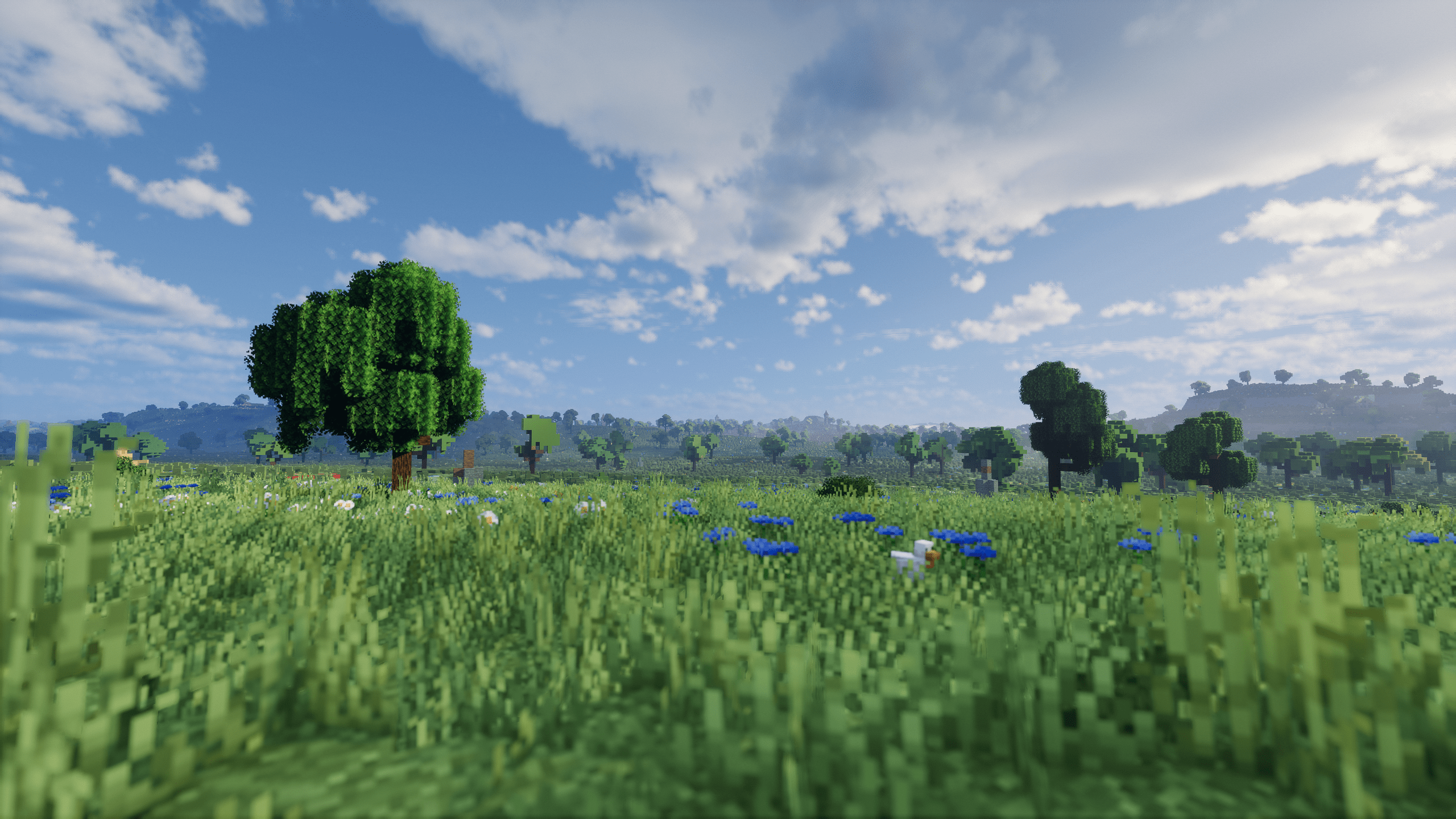 Plains Fields
 -
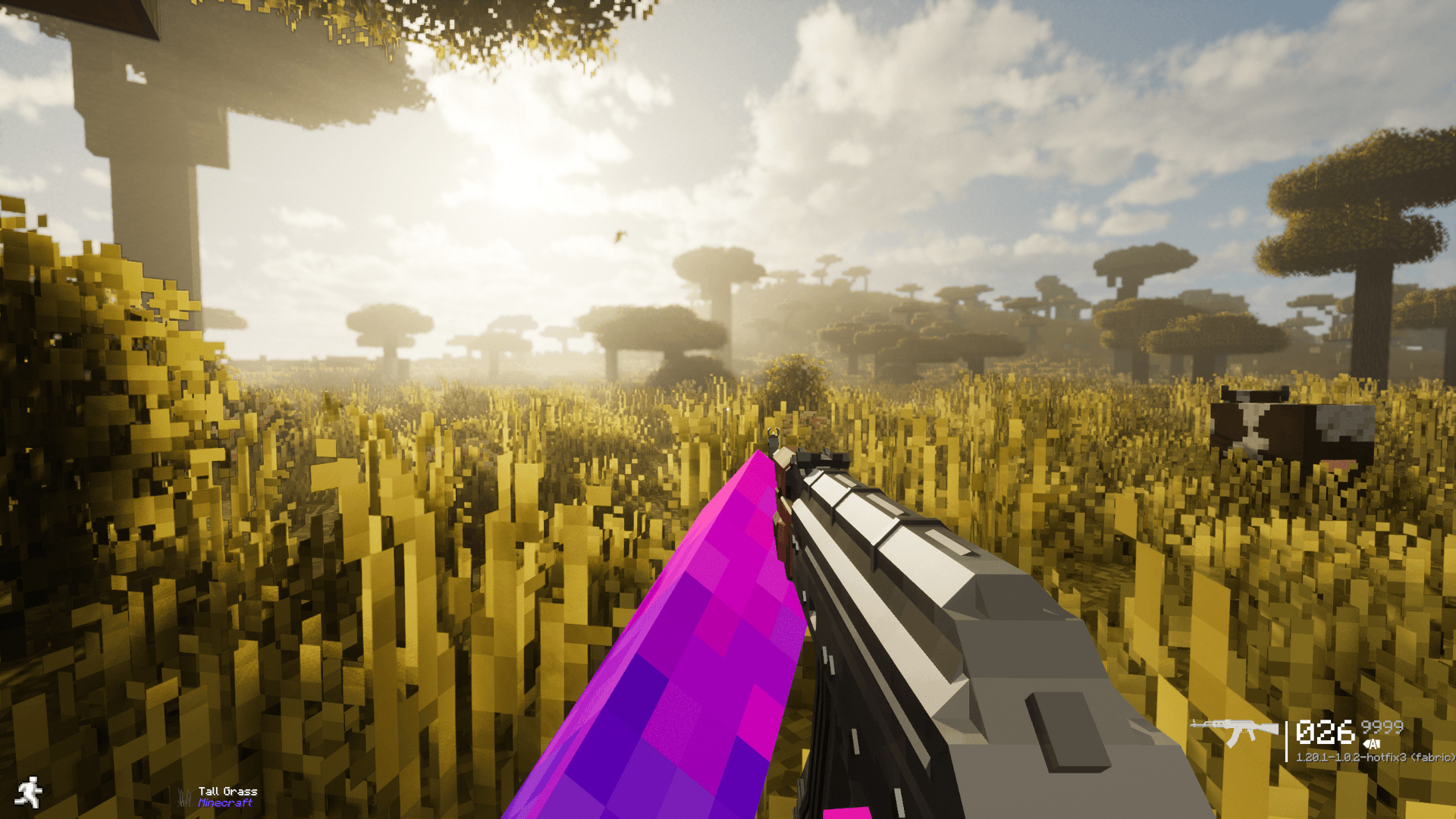 Holding a gun Guns
Versions
Files
Relations
Project Relations
More like this
Similar Modpacks
Suggestions use data such as tags, dependencies, dependents, descriptions, titles, and more to rank how much they overlap with this modpack.
On ModDex
Community snapshot
By the numbers
Statistics
Want to reach Minecraft players?
We're looking for a server hosting partner to feature here and other parts of the site. Interested? Send us a message!
Get in touchGet it on
Available Platforms
On ModDex
Community snapshot
By the numbers
Statistics
Resources