
Community listing page, reviews here may not be monitored by the author.

Community voices
Reviews
No reviews yet. Be the first to review this project!
Get it on
Available Platforms
About
Project Details
For authors
Embed Badge
If you're the author of this project, you can embed a live badge anywhere that supports HTML or Markdown. It updates automatically whenever ratings change.
Use HTML for any page that supports it, or Markdown for README files and Markdown-based descriptions.
Identifiers
Platform IDs
Resources
External Links
About
Description

Kinography
/ˈkɪnəɡrəfi/
noun
a cinematic work or visual sequence considered to be exceptionally crafted, often evoking admiration for its artistic execution.
Kinography is the modpack I curated for myself to make YouTube videos about Minecraft!
Since I find it very useful, and for both archival and sharing sake, I thought I'd polish it up and publish it!
It's got...
- CMDCam, for setting up panning shots
- Freecam, for quickly capturing cool angles
- Figura, for custom player models
- Distant Horizons, for a wider view of the world without melting your GPU on chunk loading
- A highly configured Complementary Reimagined shader setup, enabled by default
- Essential, for easy screenshots and quickly nabbing friends to help record gameplay
- Wall-Jump, Combat Roll and Personality for greater in-world player expression
- And a ton of QoL and optimization mods to make the game load and save surprisingly quickly!
Along with a load of bells and whistles like custom main menu layout and resource pack thrown on top to make it presentable as a modpack :)
Default Keybinds
---
NUMPAD
numlock Captures a CMDCam position
/ moves the camera to that position
* resets all points
NUM 8 ⬆️ Zooms in
NUM 2 ⬇️ Zooms Out
NUM 4 ⬅️ Tilts Left
NUM 6 ➡️Tilts Right
NUM 5 ⏹️Resets Everything
---
ARROW KEYS
In third person:
Left, Right, Up and Down move the camera in those corresponding directions
NUM 5 Will reset the position back to normal
---
SHADERS
K to toggle shaders off/on
L to open the shader settings screen
---
OTHER KEYS
F3 Toggles Third Person, which is now no longer bound to the player's look-angle
F6 takes a Panoramic screenshot
TAB Toggles Free Roam for quick shot setups
Left Alt lets you move whilst in Free Roam
ENTER enables/disables Jade
V Zooms in temporarily whilst held - Can be furthered or lessened with the scroll wheel
Other Notes
Modernfix has a toggle to disable spawn chunks, which makes creating new worlds WAY faster.
fml.toml's earlyWindowControl boolean being set to false disables the Forge loading screen.
The default window size is changed in option.txt, used here to make the default window size 1280x720.
I do not know how to use BBS to the fullest, but it seems really valuable, so I threw it in here anyways :)
If you want to make this pack even more vanilla than it already is to make use of as an optimization/multiplayer modpack, feel free to remove Global Packs, FancyMenu and their associated folders, and the game will look totally normal when you launch and play it. I highly encourage using this pack as a basis to warp and meld for your own purposes.
Let me know if there are any other mods you think I should add to this that you think would be useful for making videos!
Hope you find this useful! :D
Screenshots
Gallery
-
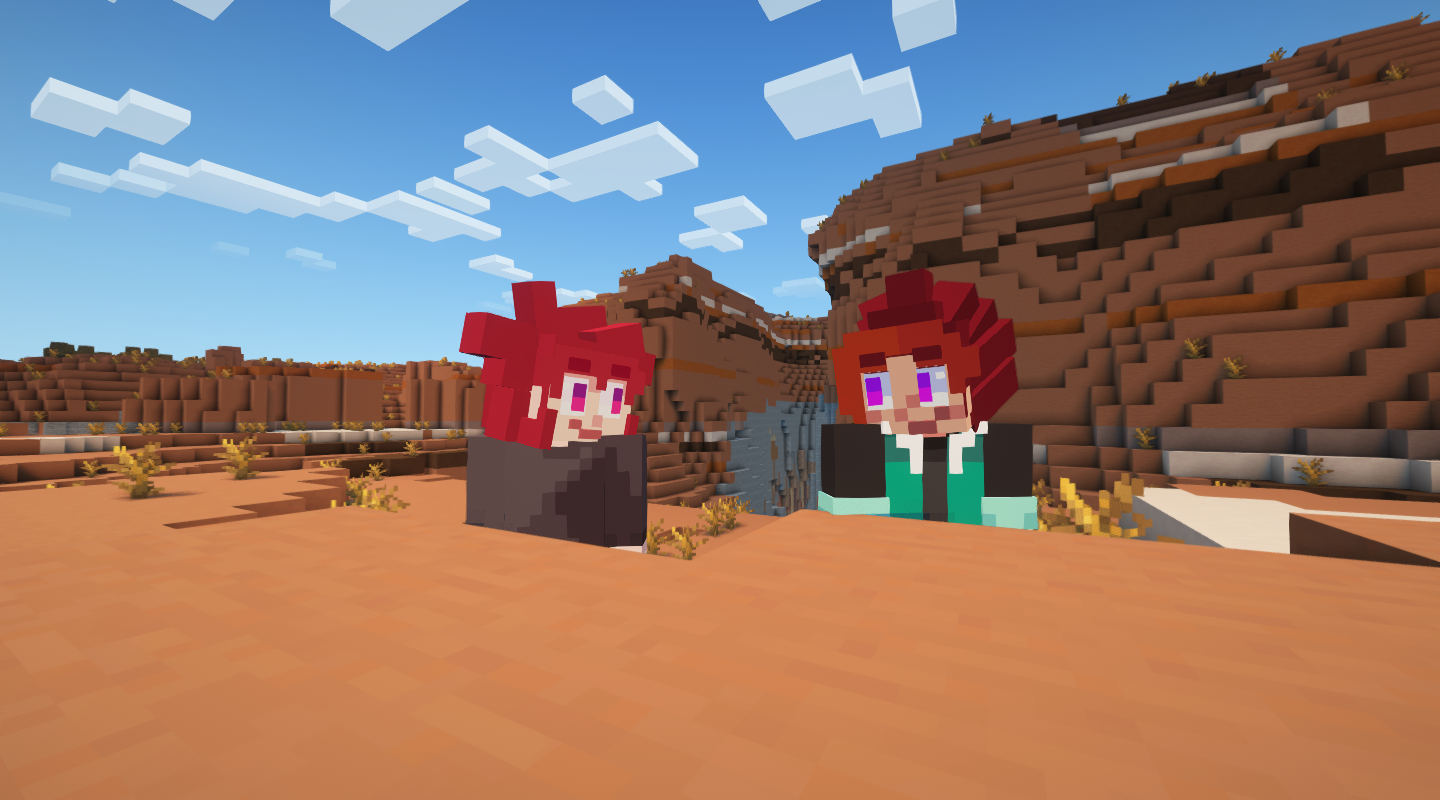 Fun with friends via Essential!
 -
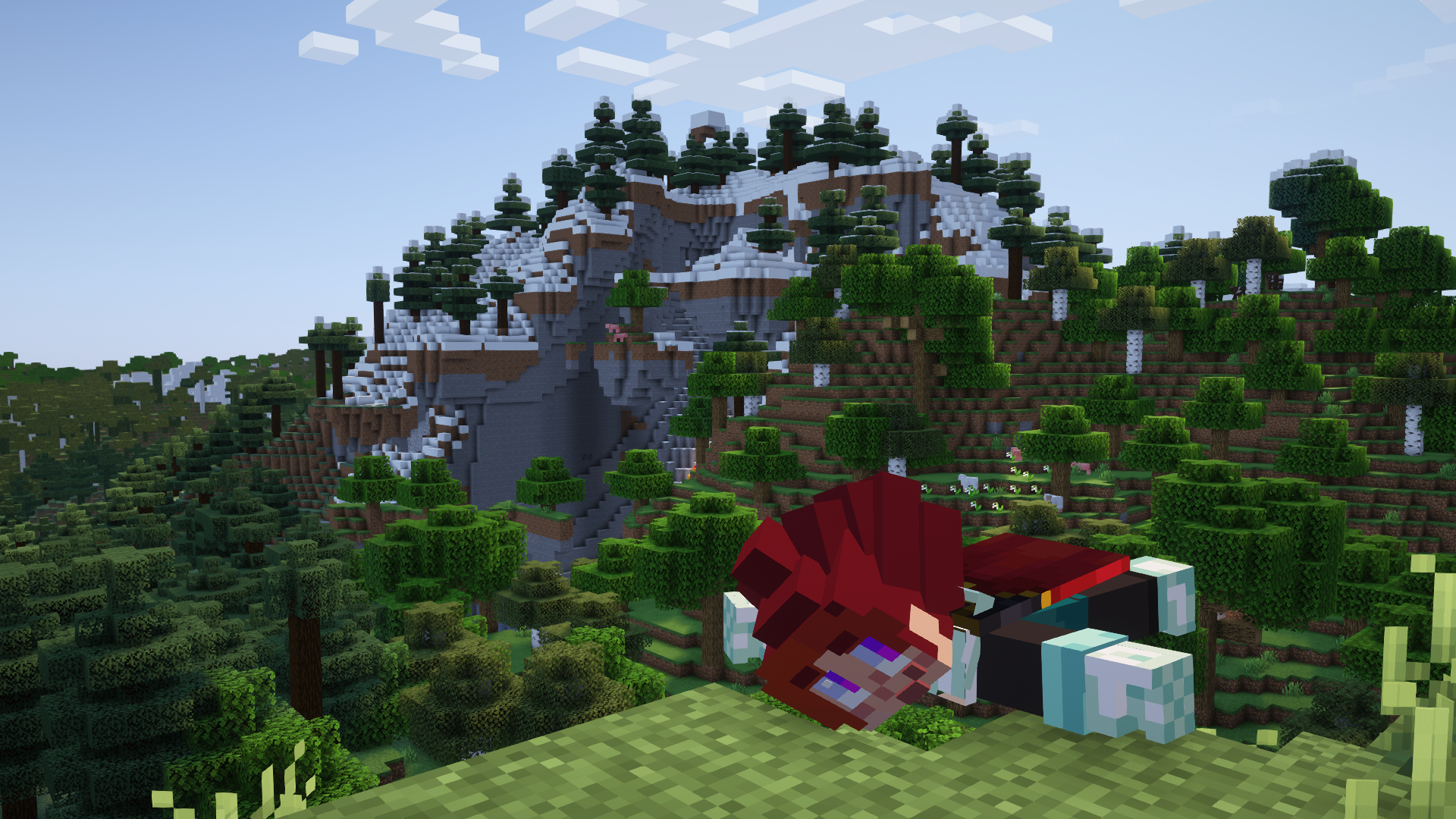 Personality lets you crawl, it's cute :)
 -
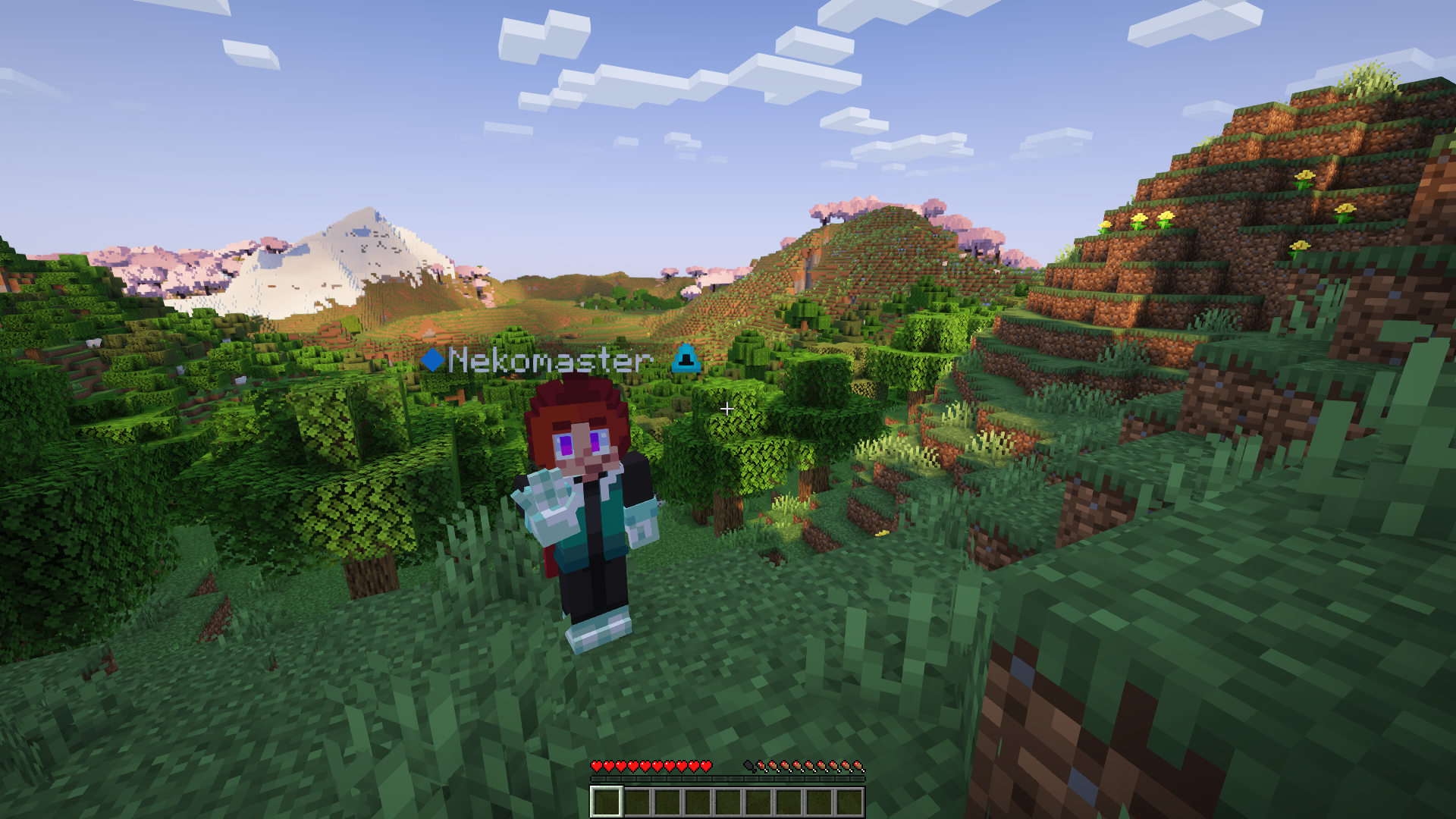 Freecam! Figura! Distant Horizons, oh my!
Versions
Files
Relations
Project Relations
More like this
Similar Modpacks
Suggestions use data such as tags, dependencies, dependents, descriptions, titles, and more to rank how much they overlap with this modpack.
On ModDex
Community snapshot
By the numbers
Statistics
Want to reach Minecraft players?
We're looking for a server hosting partner to feature here and other parts of the site. Interested? Send us a message!
Get in touchGet it on
Available Platforms
On ModDex
Community snapshot
By the numbers
Statistics
Resources