
Community listing page, reviews here may not be monitored by the author.
Lachs Attack+

No reviews yet
An extension of the Lachs Attack Modpack that prioritizes visuals and sounds over performance

Community voices
Reviews
No reviews yet. Be the first to review this project!
Get it on
Available Platforms
About
Project Details
For authors
Embed Badge
If you're the author of this project, you can embed a live badge anywhere that supports HTML or Markdown. It updates automatically whenever ratings change.
Use HTML for any page that supports it, or Markdown for README files and Markdown-based descriptions.
Identifiers
Platform IDs
Resources
External Links
About
Description

Original modpack: Lachs Attack Modpack
🇩🇪 Das Lachs Attack-Modpack enthält Mods wie Simple Voice Chat, Elytra Armor Trims und Text Utilities die für den Lachs Attack-Server empfohlen sind, zusammen mit einigen Performance und Utility-Mods die in jedem Modpack sein sollten. Lachs Attack+ fügt diesem Modpack zusätzliche Funktionen wie Shader hinzu und ermöglicht eine Renderdistanz von über 100 Chunks!
Guide (Deutsch)
Nützliche Keybinds:
- V -> Sprachchat einrichten
- G -> Fullbright
- H -> Nachtsicht (funktioniert mit Shadern)
- N -> Sprachchat-Icons verstecken
- M -> Weltkarte öffnen
- C -> Zoom
- K -> Shader ein/aus
Fehlerbehebung:
- Mein Shader lädt nicht!
- Gehe zu Optionen -> Klicke auf das Icon oben links -> Setze Enable Rendering auf false.
- Lade den Shader und aktiviere Rendering wieder.
- Mein Spiel laggt!
- Deaktiviere Shader (Keybind: K)
- Deaktiviere Distant Horizons: Gehe zu Optionen -> Klicke auf das Icon oben links -> Setze Enable Rendering auf false.
- Überprüfe deine Grafikeinstellungen
- Deaktiviere Ressourcenpakete wenn nötig
- Wenn dies alles nicht hilft, weise Minecraft mehr RAM zu
- Ich höre mich selbst mit Simple Voice Chat!
Gehe zu Mods -> Sound Physics Remastered -> Setze Hear yourself auf false.
🇺🇸 The Lachs Attack modpack contains mods such as Simple Voice Chat, Elytra Armor Trims and Text Utilities that are recommended for the use on the Lachs Attack server, along with some performance and utility mods that should be in every modpack. Lachs Attack+ adds additional features like shaders to this modpack and enables a render distance of more than 100 chunks!
Guide (English)
Useful keybinds:
- V -> Set up voice chat
- G -> Fullbright
- H -> Night Vision (works with shaders)
- N -> Hide voice chat icons
- M -> Open world map
- C -> Zoom
- K -> Toggle shader
Troubleshooting:
- My shader doesn't load!
- Go to Options -> Click on the icon in the top left -> Set Enable Rendering to false.
- Load the shader and enable rendering again.
- My game is lagging!
- Disable shaders (Keybind: K)
- Disable Distant Horizons: Go to Options -> Click on the icon in the top left -> Set Enable Rendering to false.
- Check your graphics settings
- Disable resource packs if necessary
- If none of this helps, allocate more RAM to Minecraft
- I can hear myself with Simple Voice Chat!
Go to Mods -> Sound Physics Remastered -> Set Hear yourself to false.


Screenshots
Gallery
-
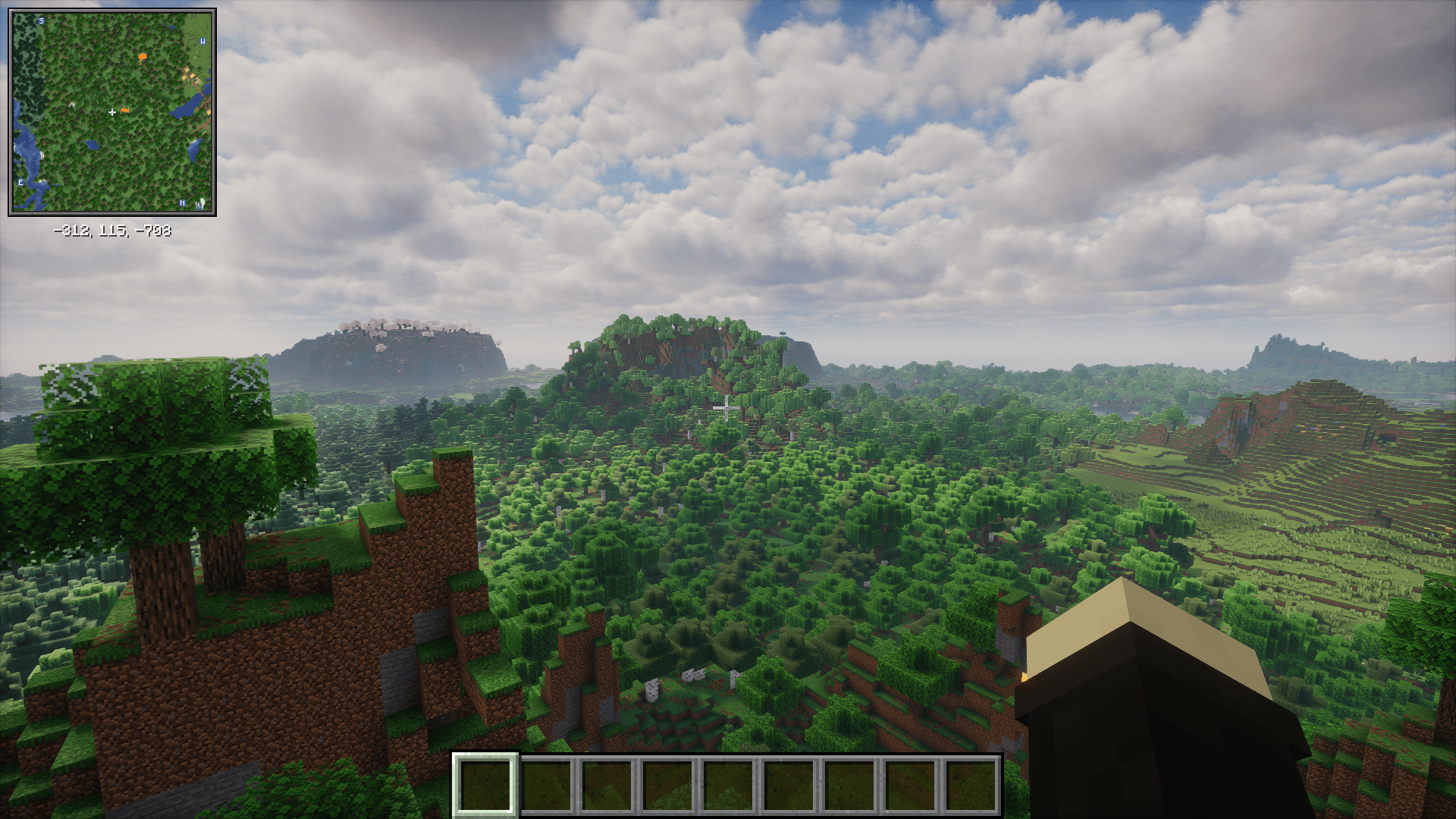 Ingame Screenshot
 -
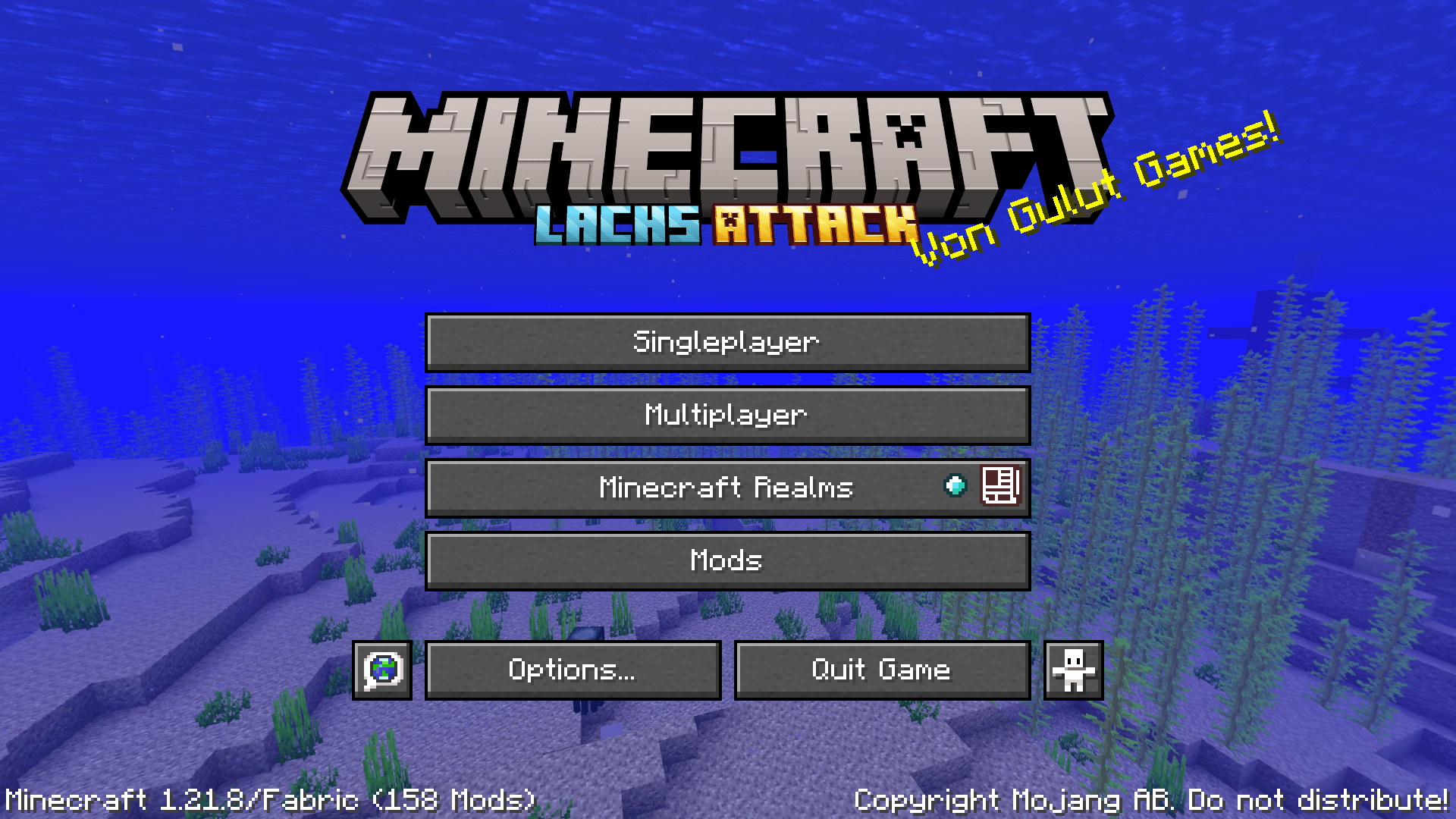 Title Screen
Versions
Files
Relations
Project Relations
More like this
Similar Modpacks
Suggestions use data such as tags, dependencies, dependents, descriptions, titles, and more to rank how much they overlap with this modpack.
On ModDex
Community snapshot
By the numbers
Statistics
 (opens in a new tab)
Get it on
Available Platforms
On ModDex
Community snapshot
By the numbers
Statistics
Resources